What are good AI headshot prompts in 2026?
Good AI headshot prompts in 2026 follow a six-part formula: the subject, the framing, the wardrobe, the background, the lighting and the camera. Miss one and the model fills the gap with a guess, and the guess is usually a cheap studio flash and a smile that is a little too wide.
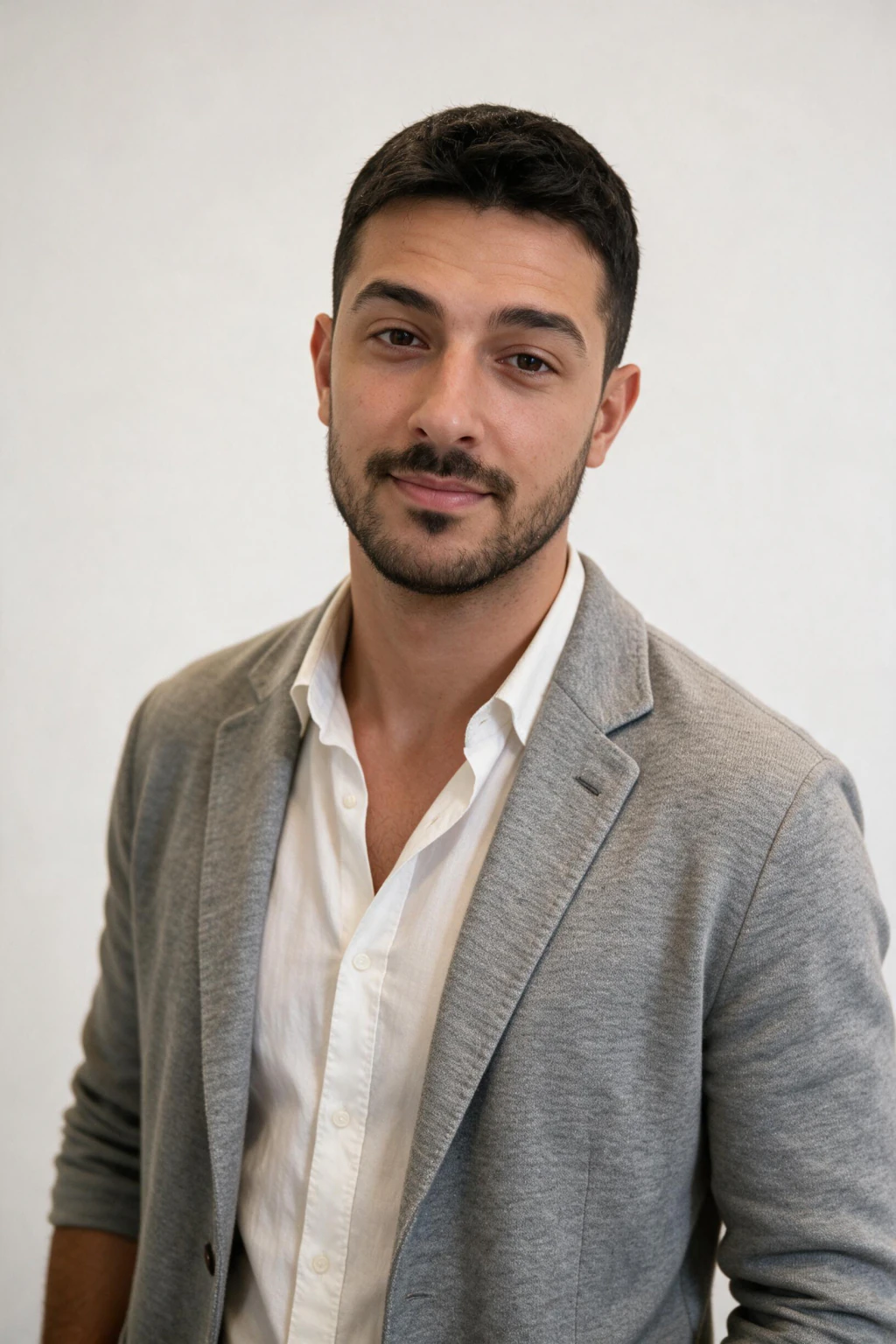
The 30 prompts below are written so each part is a physical fact rather than an adjective: a navy wool suit, a charcoal paper backdrop, one softbox from camera left, an 85mm lens at f/2.8. The example photos on this page are the looks the cards map to, each generated from one selfie, not stock.
Each card ends with a why note on what that light or crop does for a recruiter's eye and the MakeAiPhotos look that produces the same headshot. Same card format as our best AI prompt for realistic photos page.
If you want the tool page instead of the prompt bank, the AI LinkedIn headshot generator page covers the product. For what to do with the photo once you have it, read the LinkedIn profile picture tips guide.
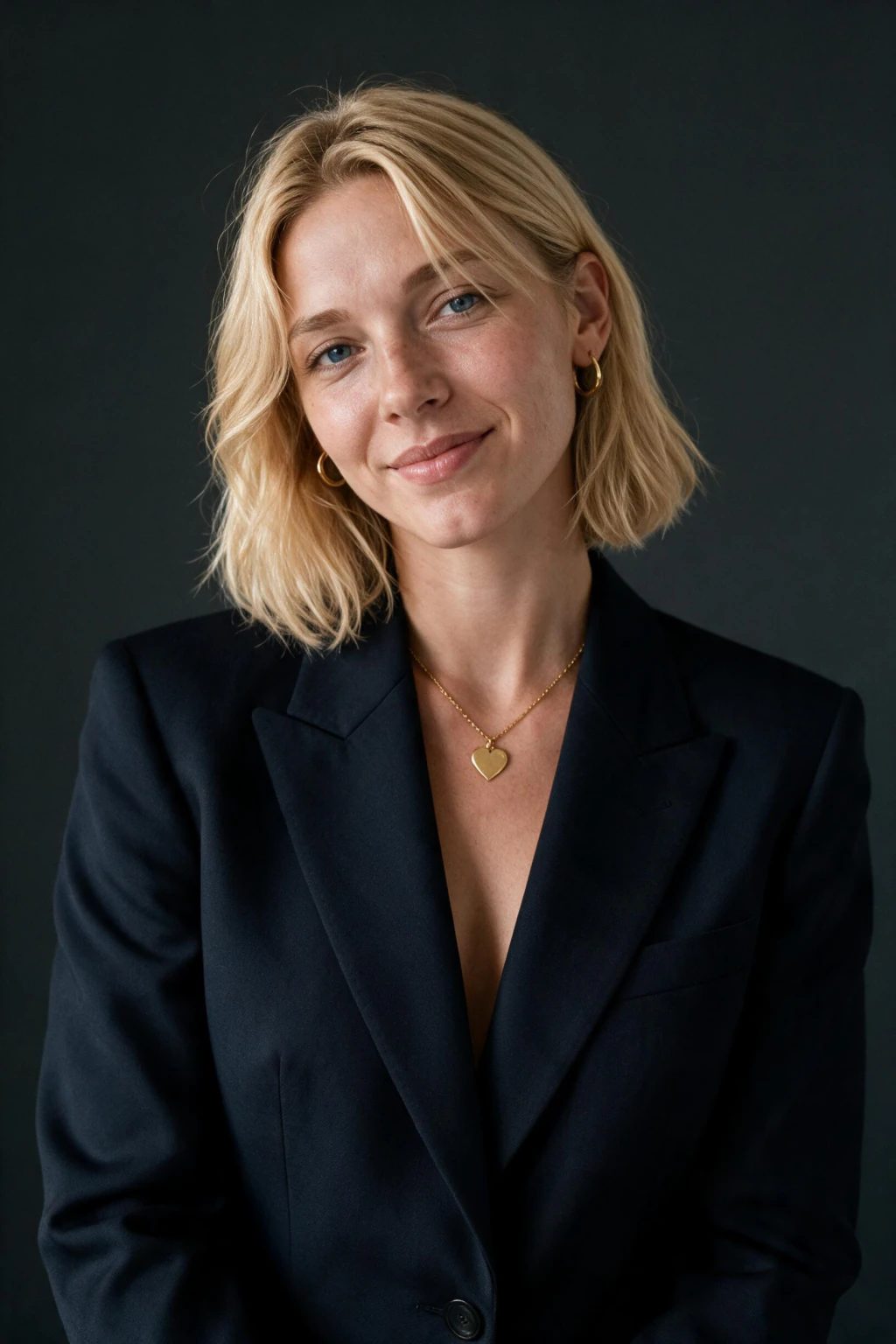
One phone selfie to 5 AI photos of the same person

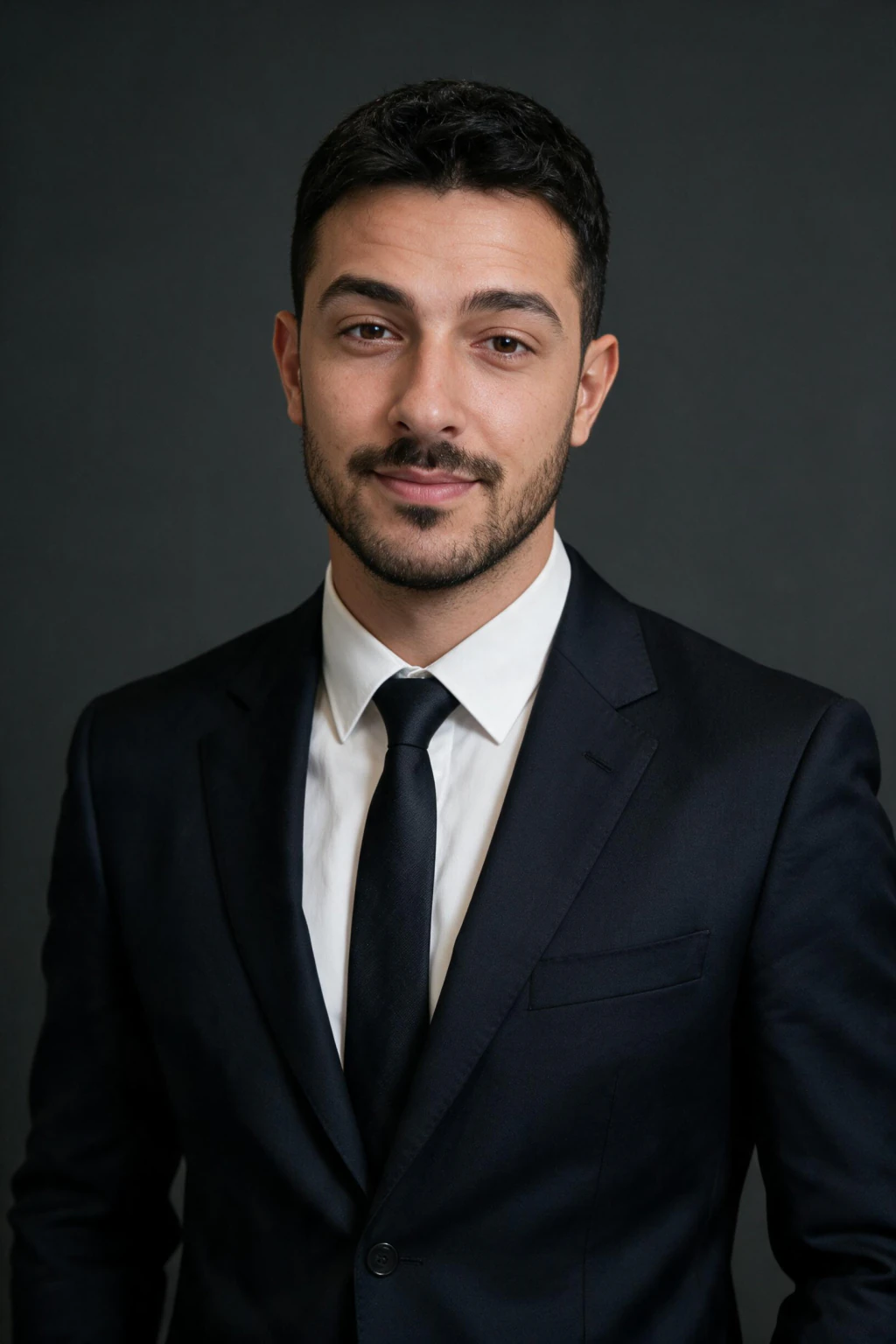
Studio and neutral backdrop prompts for work (6)
The studio group is where AI headshot prompts for work usually land, because a plain paper backdrop removes every clue about where and when the photo was taken. The trick in each card is the light ratio: one large soft key from one side, a weaker fill on the other, and a rim or hair light so the shoulders separate from the backdrop.
On MakeAiPhotos these map to the Executive studio look on the AI LinkedIn headshots pack. It is the art at the top of this page.
Office and boardroom prompts (6)
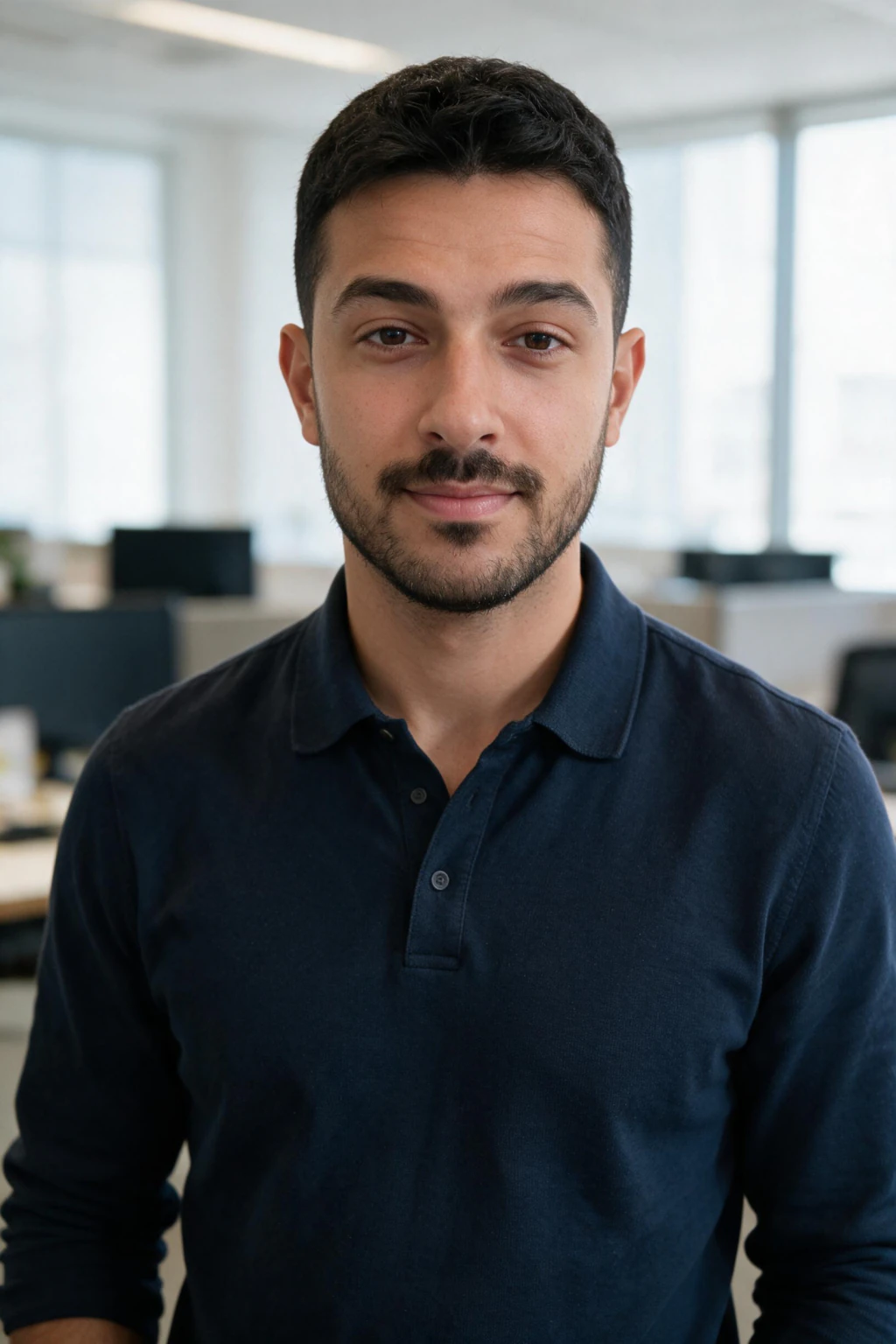
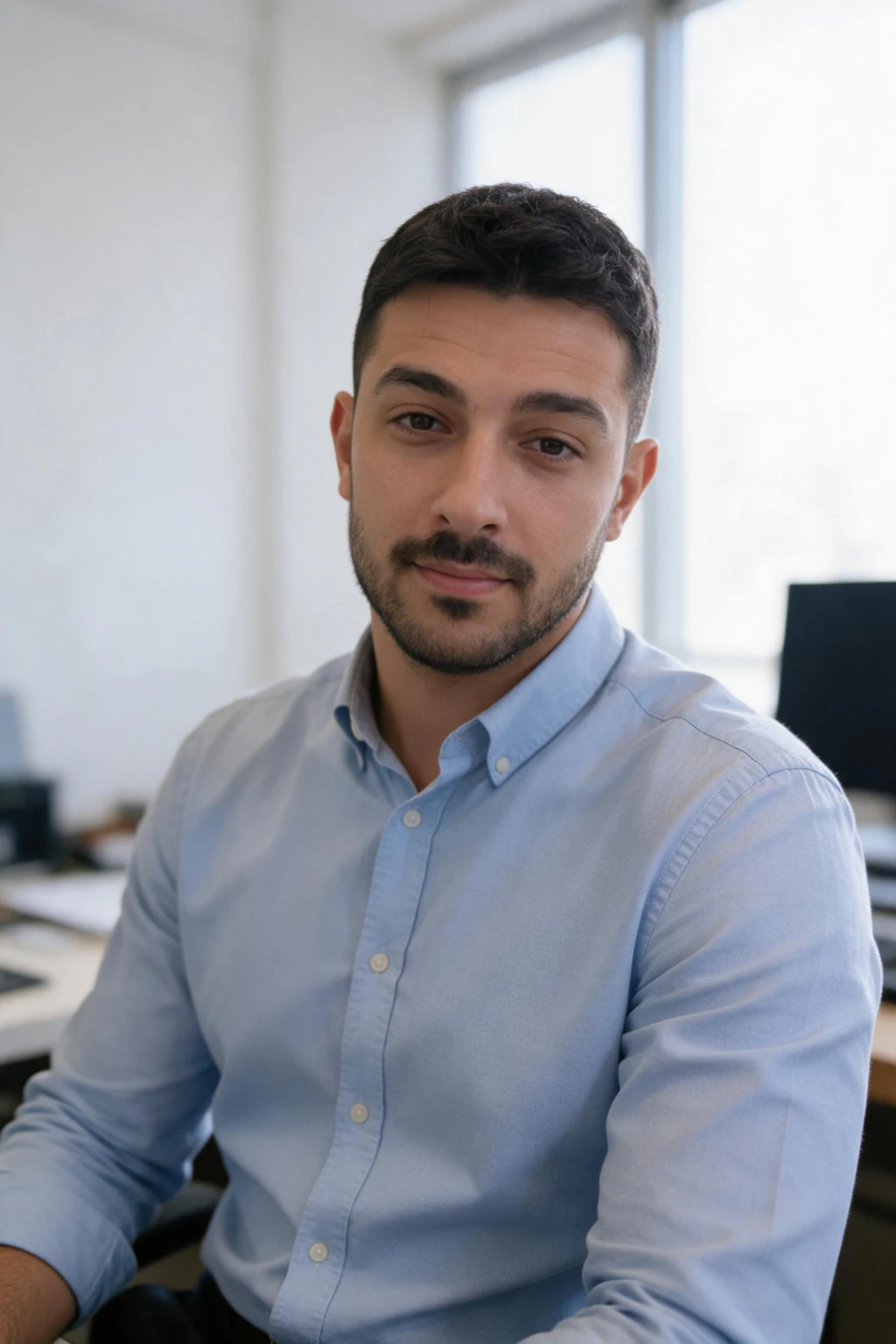
Office prompts answer the question a studio cannot: what does this person look like at work. Ask for the office blurred well behind you and one window as the light, and never name a company, a logo or a city. The model draws logos badly.
These six map to the Modern office look and the CEO boardroom look on the same pack.
Outdoor and natural light prompts (6)
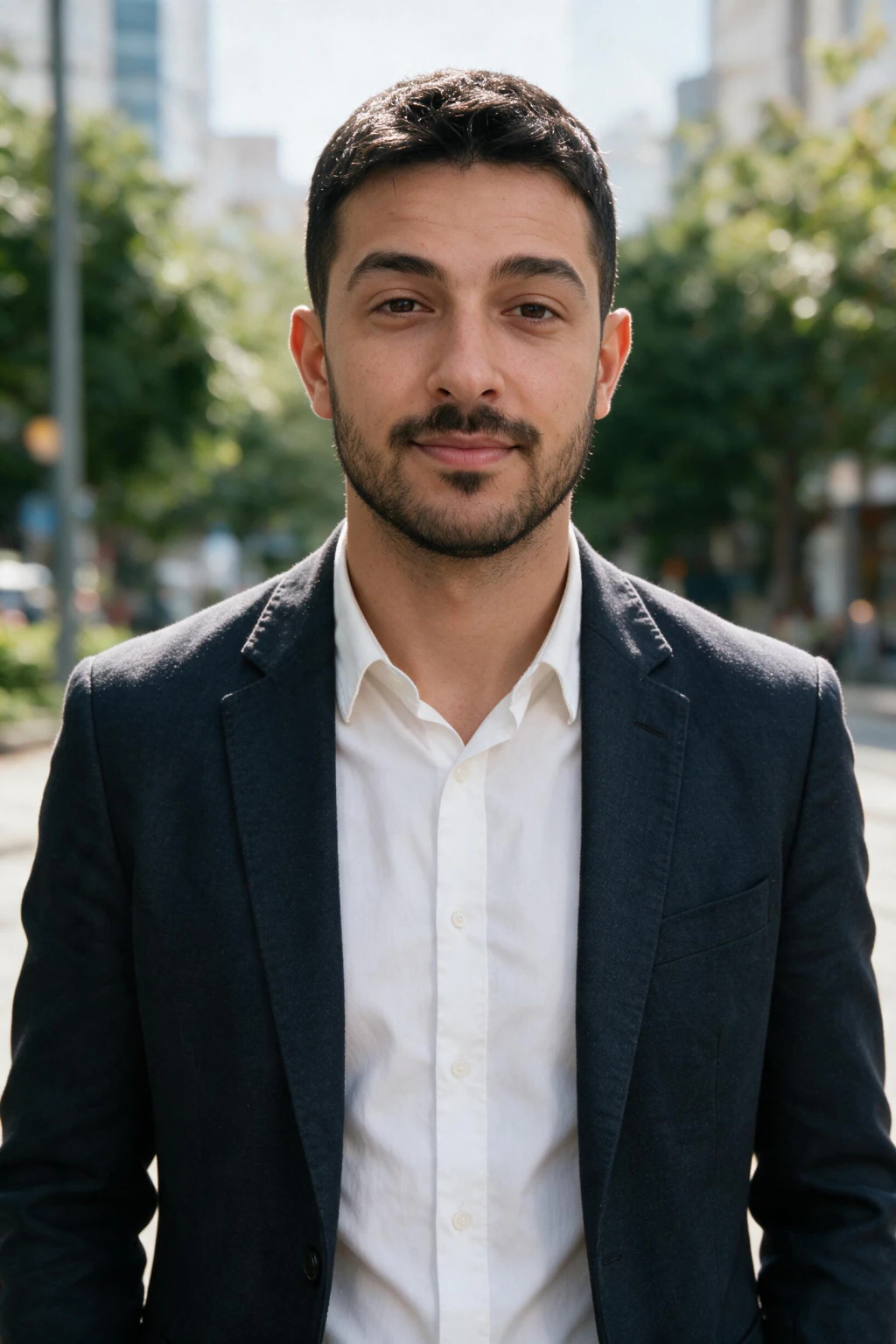
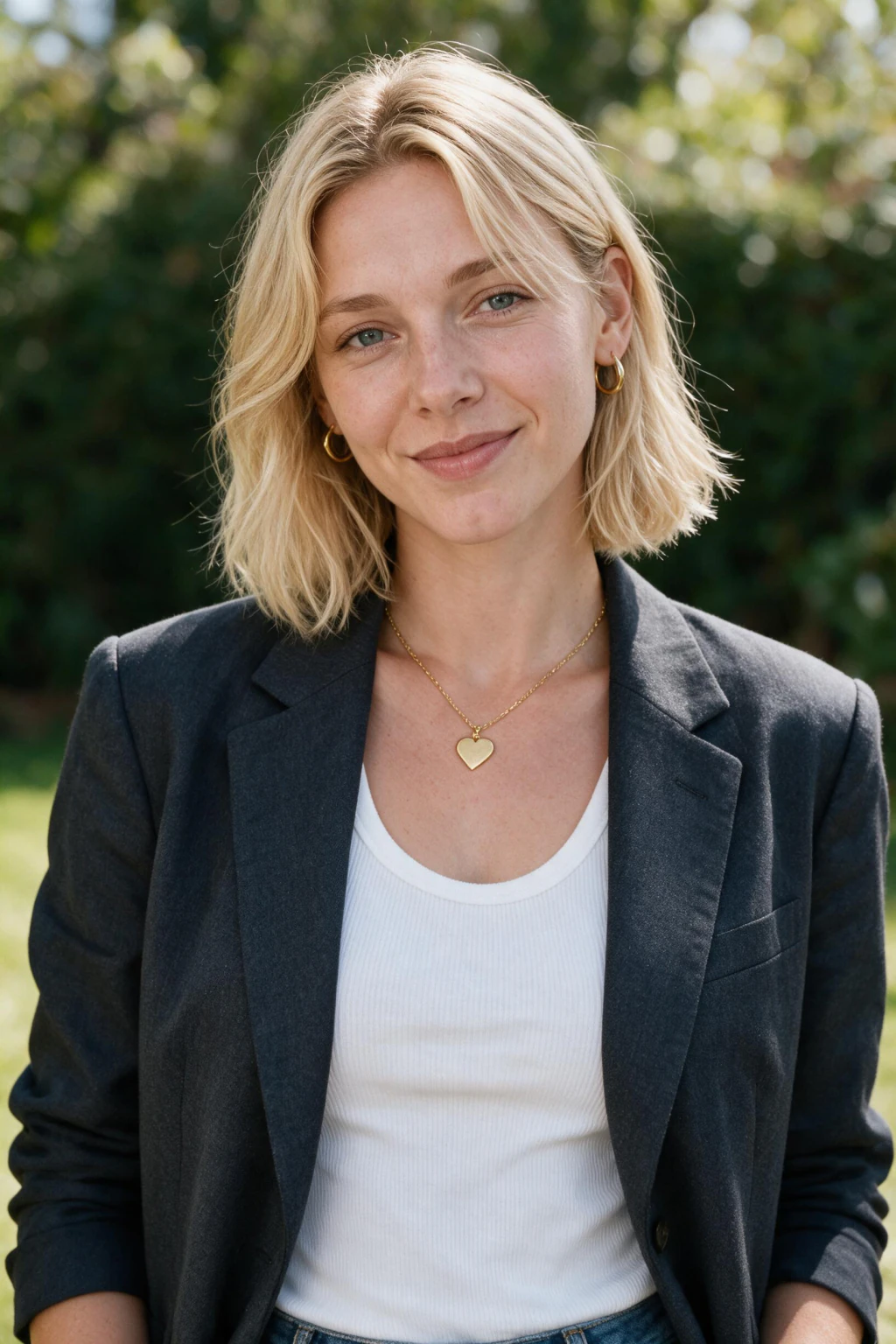
Outdoor headshots run on one rule: keep the sun off the face. Open shade, an overcast sky, or the sun behind you as a rim with a soft fill from the front. Direct midday sun gives hard nose shadows and squinting, and no prompt wording rescues it.
All six map to the Outdoor natural light look on the pack, which is the art beside this group. Describe the place in surfaces (brick, leaves, water, stone steps), never by name.
Business casual, creative and founder prompts (6)
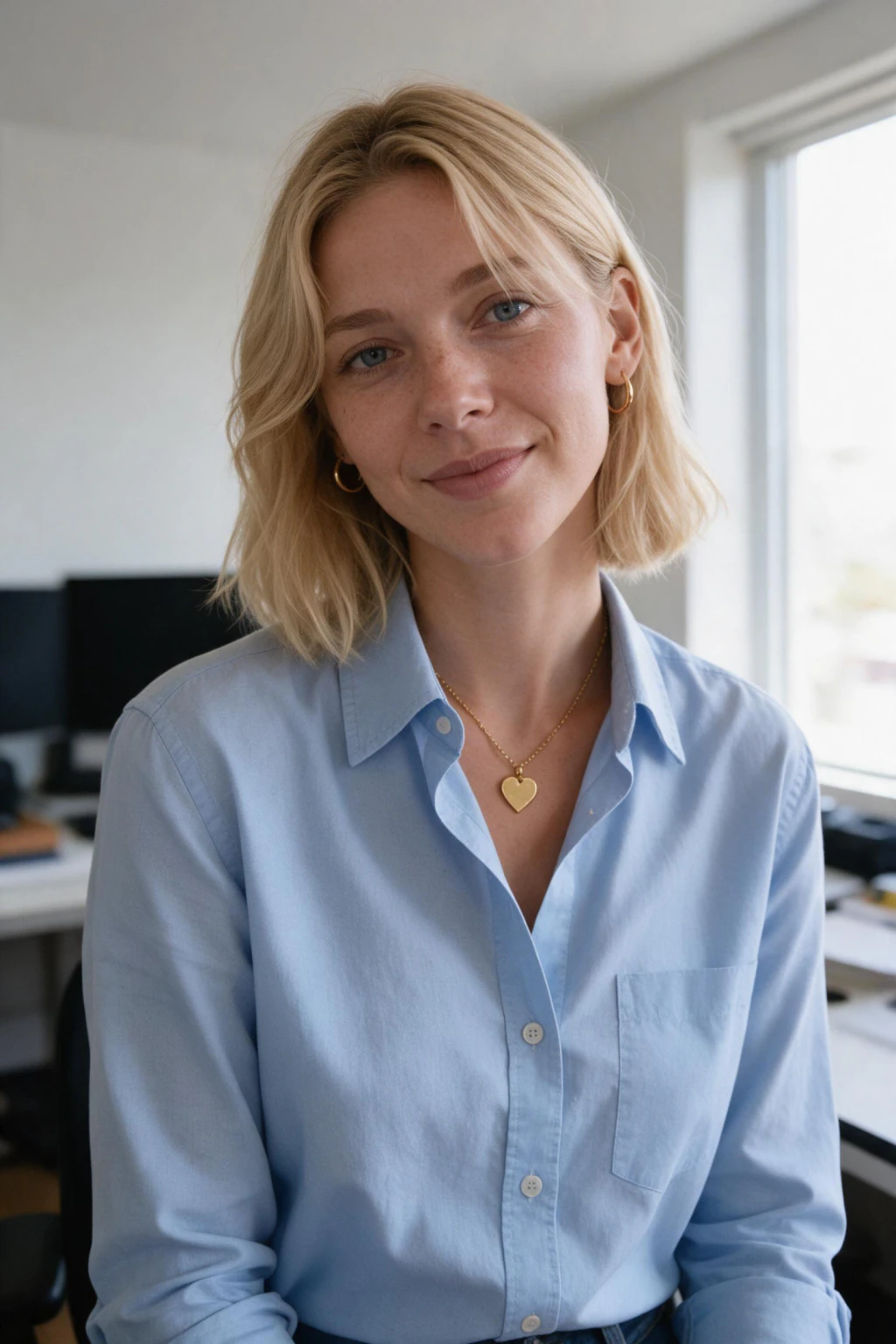
This group is for people whose work does not wear a suit: founders, designers, developers, consultants. The wardrobe drops a level, the light stays as controlled as the studio group. A crewneck in bad light is a snapshot; a crewneck in one clean window is a portrait.
These map to the Business casual look on the pack and, for the desk scenes, the Home office, window light look shown beside this group. If your job has its own uniform (scrubs, chef whites, a hard hat), the profession headshots pack covers those.
Workshop Bench, Skylight
Waist-up portrait of a person in a chambray work shirt standing at a wooden workbench, hand tools blurred on the wall behind, a skylight above and slightly in front as the main light with a soft fill from a white wall on the right. 35mm lens at f/2.8, ISO 800, calm proud expression, one hand flat on the bench.
Closest look: Business casual. Top-front light from a skylight is unusual and it reads as real because the skylight is implied by the space. Good for makers, architects and trades.
Speaker, resume and profile-picture crop prompts (6)
These six are written around the destination rather than the scene. A speaker bio wants a stage and a wide frame, a resume portal wants a plain wall and a square, a profile circle wants the face filling most of the frame, and a company site wants copy space beside you.
They map to the Conference speaker look for the stage frames and to Executive studio, Modern office and Outdoor natural light for the crops.
Which AI headshot prompt goes where: LinkedIn, resume, company site, speaker bio?
Pick the destination first, then the prompt. The most common mismatch is a moody single-key studio frame on a resume portal, or a keynote frame squeezed into a profile circle.
| Headshot use | Crop | Background | Prompts above |
|---|---|---|---|
| LinkedIn profile | Square, face fills 60 to 70 percent | Plain studio, blurred office or open shade | Charcoal Studio Navy Suit, Glass-Wall Modern Office, Open Shade Brick Wall, Profile Circle Face Forward |
| Resume or job portal | Square, head and shoulders, room above the head | White or light grey wall, even front light | White Paper Black Blazer, Resume Square White Wall, Mid-Grey Backdrop Navy Knit |
| Company site or team page | Landscape 3:2 with copy space | Office or plain wall, matched light across the team | Company Site Copy Space Left, Reception Wall No Logo, Founder Against a Coloured Wall |
| Speaker bio or event page | Waist-up, portrait or landscape | Dark stage, blue wash, warm key | Keynote Stage Lavalier Mic, Panel Table Handheld Mic, Standing at the Window Skyline |
| Dating-adjacent profile | Square, chest-up | Park, street or cafe, warm daylight | Dating-Adjacent Profile Outdoor Square, Golden Hour Park Backlit, Cafe Table Cup in Hand |
What is the best LinkedIn headshot AI prompt?
Charcoal Studio, Navy Suit is the best LinkedIn headshot AI prompt for most people: a plain backdrop, one soft key, a rim light so the silhouette survives the profile circle, and nothing a recruiter has to decode.
Pick Glass-Wall Modern Office instead if your role is client-facing and you want a workplace behind you, or Open Shade, Brick Wall for a warmer read in sales, coaching or nonprofit work. All three keep the face open and front-lit, which is the part that matters at thumbnail size.
On MakeAiPhotos those are the Executive studio, Modern office and Outdoor natural light looks on the AI LinkedIn headshots pack, and you see your own result before anything is charged.
How to make a good headshot with AI?
Start with the selfie, not the prompt. Take one photo in soft daylight facing a window, rear camera, beauty mode off, no sunglasses, hair the way you wear it to work, and a plain expression. That single upload does more for the result than any wording.
Then pick the group above that fits the destination: studio for a resume, office for LinkedIn, outdoor for a warmer profile, business casual for a company site, speaker for an event page.
On MakeAiPhotos there is nothing to type. You upload the one selfie, open the AI LinkedIn headshots pack, pick the look the card names, and the headshot comes back in about 2 minutes.
Your face is read from the upload and the suit, the wall and the light are drawn new around it. There is no model training and no batch of selfies to collect first.
Last, judge the result at the size it will be seen. Shrink it to a profile circle.
If the eyes, the jawline and the collar still read, it is a headshot. If only the background reads, it belongs on the team page rather than the profile.
Can ChatGPT do AI headshots?
Yes, with one caveat that matters more for a headshot than for any other kind of photo. Paste any of the 30 prompts above into ChatGPT or Gemini with your photo attached and you get a well-lit, well-dressed professional in the scene you described. The suit, the backdrop and the light direction carry over faithfully.
The caveat is the face. Chat image tools treat your photo as a reference, not an identity, so the result resembles you the way a sibling might. For a headshot a recruiter will compare with your video call, that is a problem, because the whole point of the photo is that it is you.
What to ask ChatGPT for a professional headshot, if you go that route: attach the photo, paste the full card, and add a plain instruction to keep the face structure, skin tone and hairline from the attached photo unchanged, with natural skin texture and no beautification. It helps. It does not fully fix it.
A selfie-based generator works the other way round. On MakeAiPhotos the face comes from your selfie and the scene is generated new around it, which is why the AI LinkedIn headshots from selfies guide recommends exploring in a chat tool if you like and generating the keeper from the selfie.
Do people use AI for LinkedIn headshots?
Yes, and openly. A LinkedIn headshot AI prompt, a ChatGPT prompt for a professional headshot and an AI prompt for a professional LinkedIn photo all describe the same job: a recruiter-ready photo without booking a studio.
Whether a recruiter can tell depends on which kind of AI headshot it is. A chat-tool result with a face that is almost yours gets noticed on the first video call. A selfie-based result with your real face and a plausible office does not, because there is nothing to notice. Our can recruiters tell an AI LinkedIn headshot post walks the tells in detail.
Two limits worth stating plainly. If an employer, a platform or a licensing body says photos must be unedited or camera-taken, use a camera; an AI headshot is not for those. And an ID, passport or visa photo is out of scope for every prompt on this page, because those have their own legal rules.
Cost is the other reason. A studio headshot session runs $200 to $500 and takes one to two weeks.
On MakeAiPhotos, $14.99 one time buys about 30 finished photos from one selfie at about 2 minutes each, with a 14-day money-back guarantee (terms apply). You see your own result before you pay.
Is there a prompt for a professional photo, female or male?
The same 30 prompts work for women and for men. A prompt for a professional photo, female or male, keeps the light, framing, lens and background word for word; only the wardrobe line changes.
For the women's version of any card, swap the suit for a structured blazer over a plain shell top, a fine-knit crewneck, or a collared blouse in one colour, and keep jewellery to a single small piece so the model does not invent a second one. Hair off the face on the key-light side so the near eye stays lit.
For the men's version, a navy or charcoal suit with an open collar, a merino crewneck, or an oxford shirt. Tie only if the role wears one. Ask for hair tidy and still in every outdoor frame, or the model adds movement that reads as a fashion shot.
Everything else stays word for word. On MakeAiPhotos the looks are the same for everyone, and the example photos on this page show the same looks on both.
Why does the AI change my face?
Three causes, in the order they usually turn out to be the problem. First, the upload: a soft, filtered or angled selfie gives the model a face it has to guess at, and a guess drifts toward a generic average.
One sharp, front-facing, current selfie fixes more headshots than any prompt line.
Second, the prompt covers or darkens the face. Dramatic single-key light with the near side in shadow, a hand on the chin, a mic across the mouth, glasses with reflections. Every card above keeps the face open and puts the key light on it for this reason.
Third, the tool. Chat image tools average your photo with everything they know about headshots, which is why the result looks like a well-dressed cousin. A selfie-based generator reads the identity from the upload and only generates the scene.
If you are pasting into a chat tool anyway, this face-lock line helps: keep the face structure, eye shape, skin tone and hairline from the attached photo unchanged, natural skin texture, no beautification, no reshaping. It is a plain instruction, not a feature.
When the result still drifts, the AI headshot does not look like me fixes post lists the remaining levers.
What are the most common AI headshot prompt mistakes?
Mistake 1: adjectives instead of physical facts. Professional, high quality, ultra realistic, 8K. Fix: name the fabric, the backdrop colour, the light source and the side it comes from, and the lens.
Mistake 2: no light direction. A suit in an office with no light line comes back lit from everywhere, which is a badge photo. Fix: one sentence naming the source and the side.
Mistake 3: a named company, city or brand. The model draws a logo it half remembers. Fix: describe surfaces, glass, wood, brick, and say no logo.
Mistake 4: a stage full of faces. Ask for a speaker frame without saying the audience is dark and you get a crowd of near-duplicates behind you. Fix: audience dark and out of focus.
Mistake 5: the big smile. A stretched mouth and squeezed eyes are where likeness breaks first. Fix: a closed smile or a natural half-smile, and let the wardrobe and the light do the talking.
Mistake 6: judging at full screen. Fix: shrink every result to a profile circle. If the eyes and the collar still read, it works on LinkedIn.
Frequently Asked Questions
- What are some good AI picture prompts?
- Good AI picture prompts follow a six-part formula: subject, framing, wardrobe, background, lighting and camera. Each part should be a physical fact rather than an adjective, so a navy wool suit and one softbox from camera left instead of the word professional. The 30 headshot prompts on this page follow that structure, and each one maps to a MakeAiPhotos look you generate from one selfie.
- How to make a good headshot with AI?
- Take one sharp selfie in soft daylight with beauty mode off, then pick the setting the headshot is for: studio for a resume, office for LinkedIn, outdoor for a warmer profile. On MakeAiPhotos you upload that selfie, choose the look named under the prompt you like, and the headshot comes back in about 2 minutes with your face read from the upload. Check it at profile-circle size before you post.
- Can ChatGPT do AI headshots?
- Yes. Paste any prompt on this page into ChatGPT with your photo attached and you get a well-lit professional in the scene you described. The limit is the face: a chat image tool treats your photo as a reference, so the result resembles you rather than being you. For the headshot that goes on your own profile, generate it from your selfie so the face is yours.
- What to ask ChatGPT for a professional headshot?
- Attach your photo, paste one full card from this page (wardrobe, background, light direction, framing, lens, expression), and add a line asking it to keep the face structure, skin tone and hairline from the attached photo unchanged with natural skin texture and no beautification. The Charcoal Studio Navy Suit and Glass-Wall Modern Office cards are the safest starting points for a LinkedIn profile.
- How to use AI for a LinkedIn headshot?
- Upload one clear selfie to MakeAiPhotos, open the AI LinkedIn headshots pack and pick Executive studio, Modern office or Outdoor natural light. About 2 minutes later you have a headshot with your face from the selfie and the scene generated around it. Crop it square with the face filling 60 to 70 percent of the frame, check it at profile-circle size, then upload it to LinkedIn.
- Can I create a professional headshot for LinkedIn using AI?
- Yes, from one selfie, in about 2 minutes, with no model training. The result is a new photo of you in a studio, an office or outdoor light, not an edit of the selfie. Use the Charcoal Studio Navy Suit or Glass-Wall Modern Office prompts above, or pick the matching look on the AI LinkedIn headshots pack. Keep the face open and lit so it reads at thumbnail size.
- Do people use AI for LinkedIn headshots?
- Yes, widely and openly. Whether anyone notices depends on the method: a chat-tool result with an almost-right face gets spotted on the first video call, while a selfie-based headshot with your real face and a plausible office does not. If an employer or platform requires unedited camera photos, use a camera instead.
- Is there a prompt for a professional photo for a woman, and one for a man?
- They are the same prompts with the wardrobe line swapped. For a woman, a structured blazer over a plain shell top, a fine-knit crewneck or a one-colour blouse, one small piece of jewellery, hair off the face on the lit side. For a man, a navy or charcoal suit with an open collar, a merino crewneck or an oxford shirt, hair tidy and still. Light, framing, lens and background stay word for word.
- Do I need to type these prompts into MakeAiPhotos?
- No. The prompt text is for ChatGPT, Gemini or any text-to-image tool. On MakeAiPhotos you pick the look each card names on the AI LinkedIn headshots pack: Executive studio, Modern office, CEO boardroom, Outdoor natural light, Business casual and Conference speaker. The Home office, window light look opens when you tap its example photo beside the founder group. One selfie, about 2 minutes each.
- Which AI headshot prompts work for a resume photo?
- Resume Square White Wall, White Paper Black Blazer and Mid-Grey Backdrop Navy Knit. All three use a plain light wall, even front light, and a square head-and-shoulders crop with room above the head, which is what a job portal or an internal directory expects. On MakeAiPhotos they map to the Executive studio look. Passport and ID photos are out of scope.
- How much does an AI headshot cost?
- On MakeAiPhotos, $14.99 one time buys about 30 finished photos from one selfie, about 2 minutes each, with a 14-day money-back guarantee (terms apply). A studio headshot session runs $200 to $500 and takes one to two weeks for the edited files. You see your own result before you pay, so the decision comes after you have seen the likeness.
- Why does my AI headshot not look like me?
- Usually one of three things: the selfie was soft, filtered or angled; the prompt darkened or covered the face with hard side light, a hand or a mic; or a chat image tool was used, which averages your face with a generic professional. Fix the selfie first, keep the face open and lit, and generate the keeper from your selfie so the identity comes from the upload rather than the prompt.