AI Instagram Photos From One Selfie, Sized For Your Feed
MakeAiPhotos is an AI Instagram photo generator that turns one selfie into about 10 new photos of you, returned at 2:3 portrait so they crop clean to 4:5 for feed posts and 1:1 for your profile picture.
Posting three times a week means a new location, a new outfit, and someone to hold the camera. Your camera roll runs dry by Wednesday. Upload one clear selfie instead, and each photo of you lands in about 2 minutes, ready to crop for the feed, your profile picture, and stories.
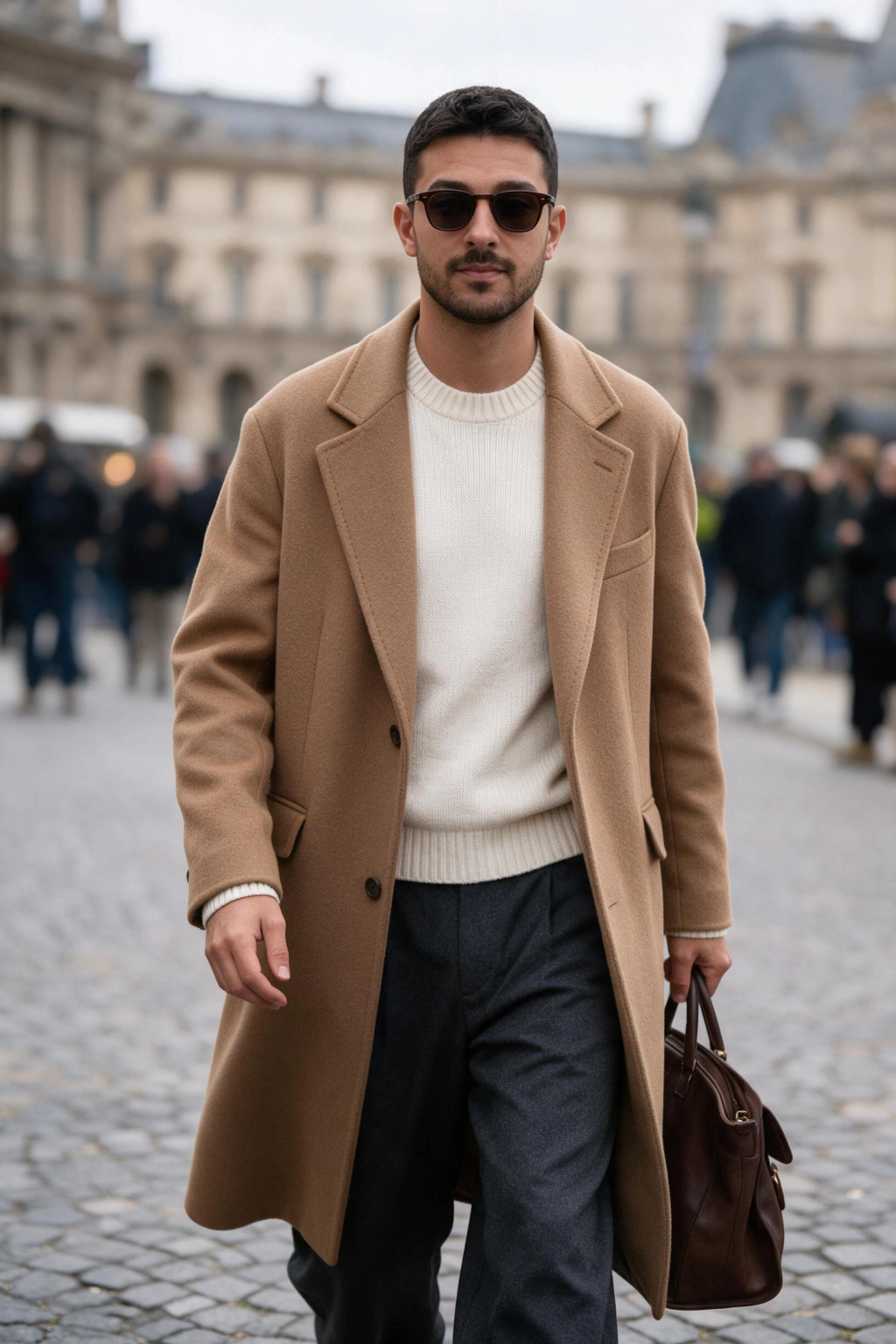
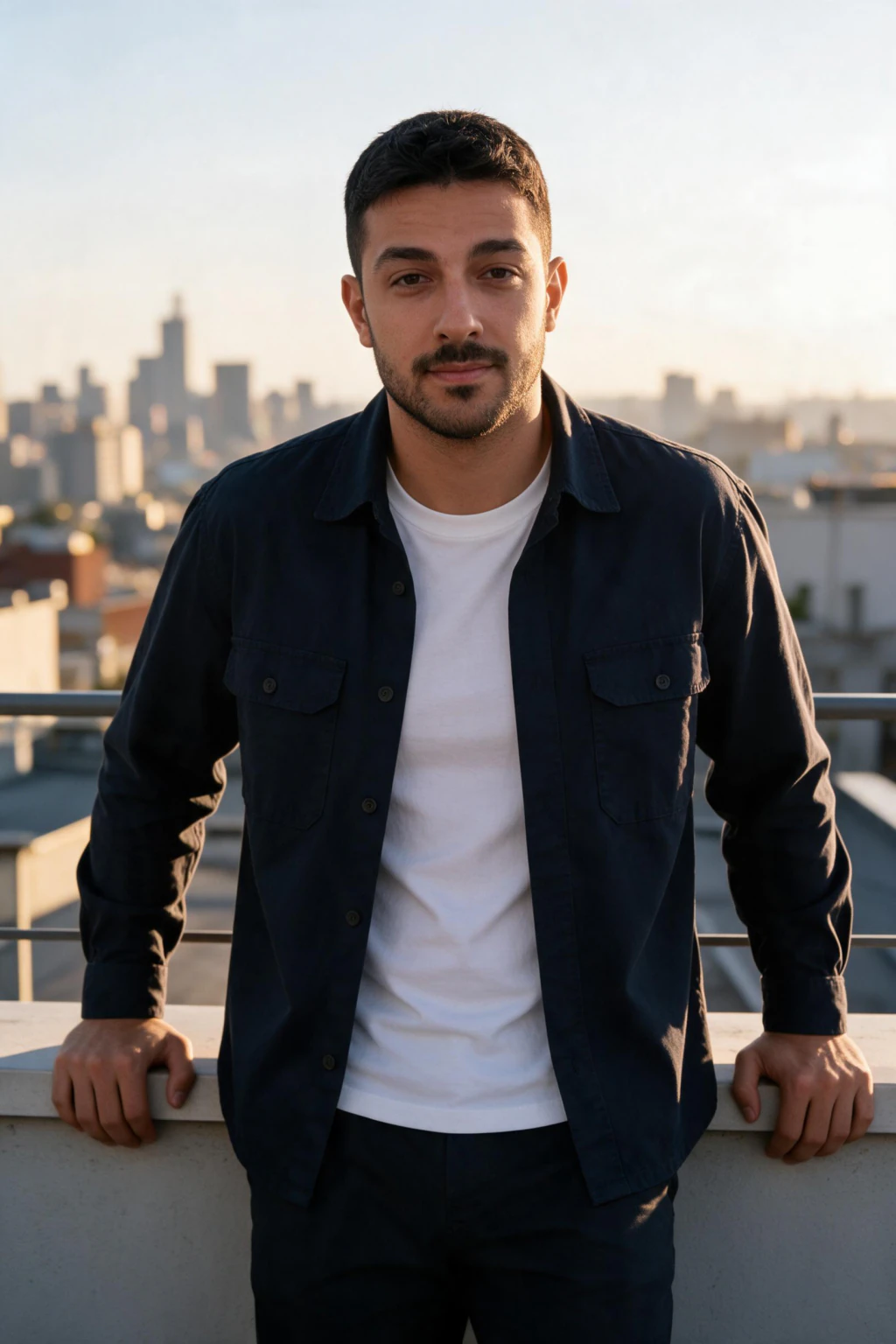
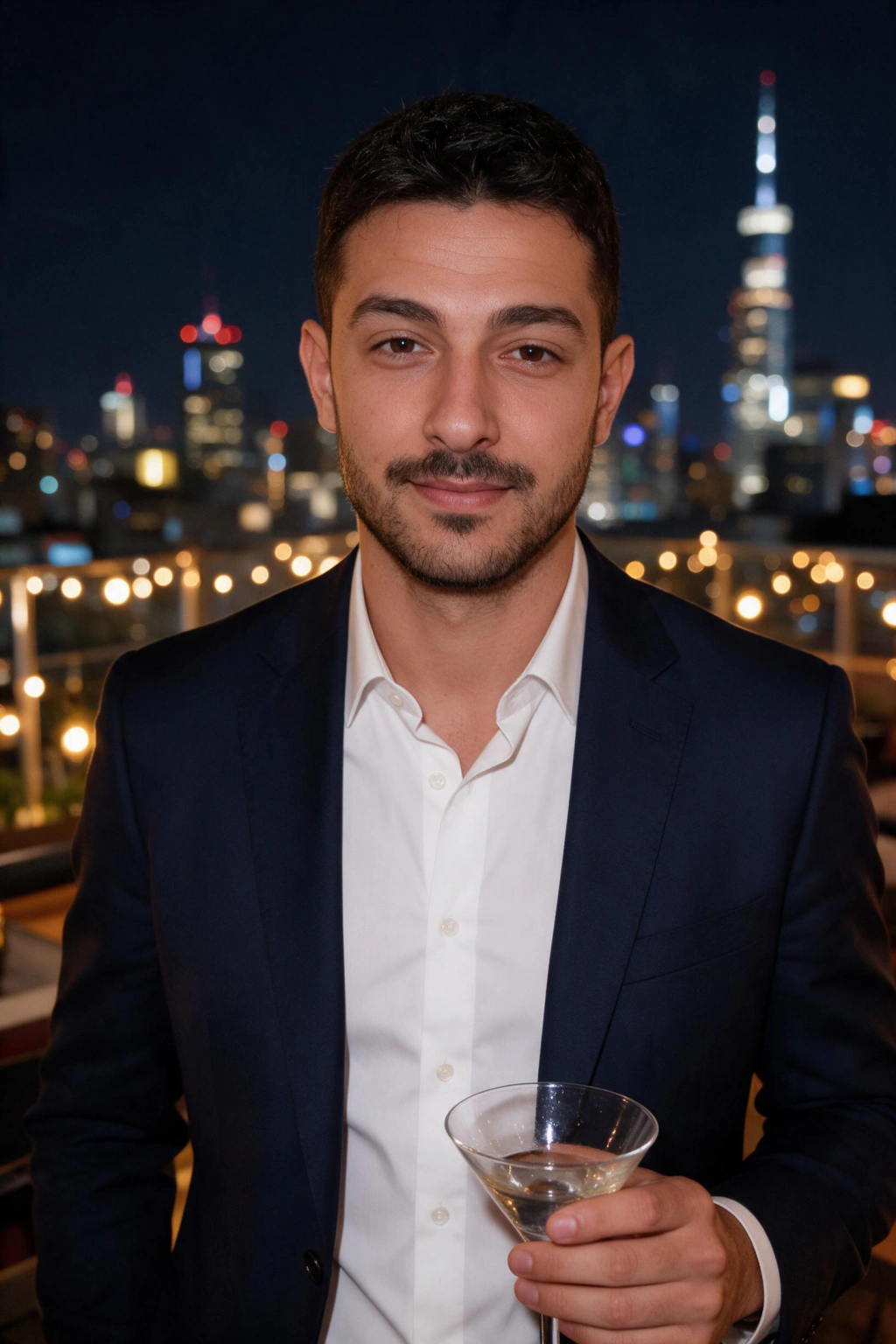
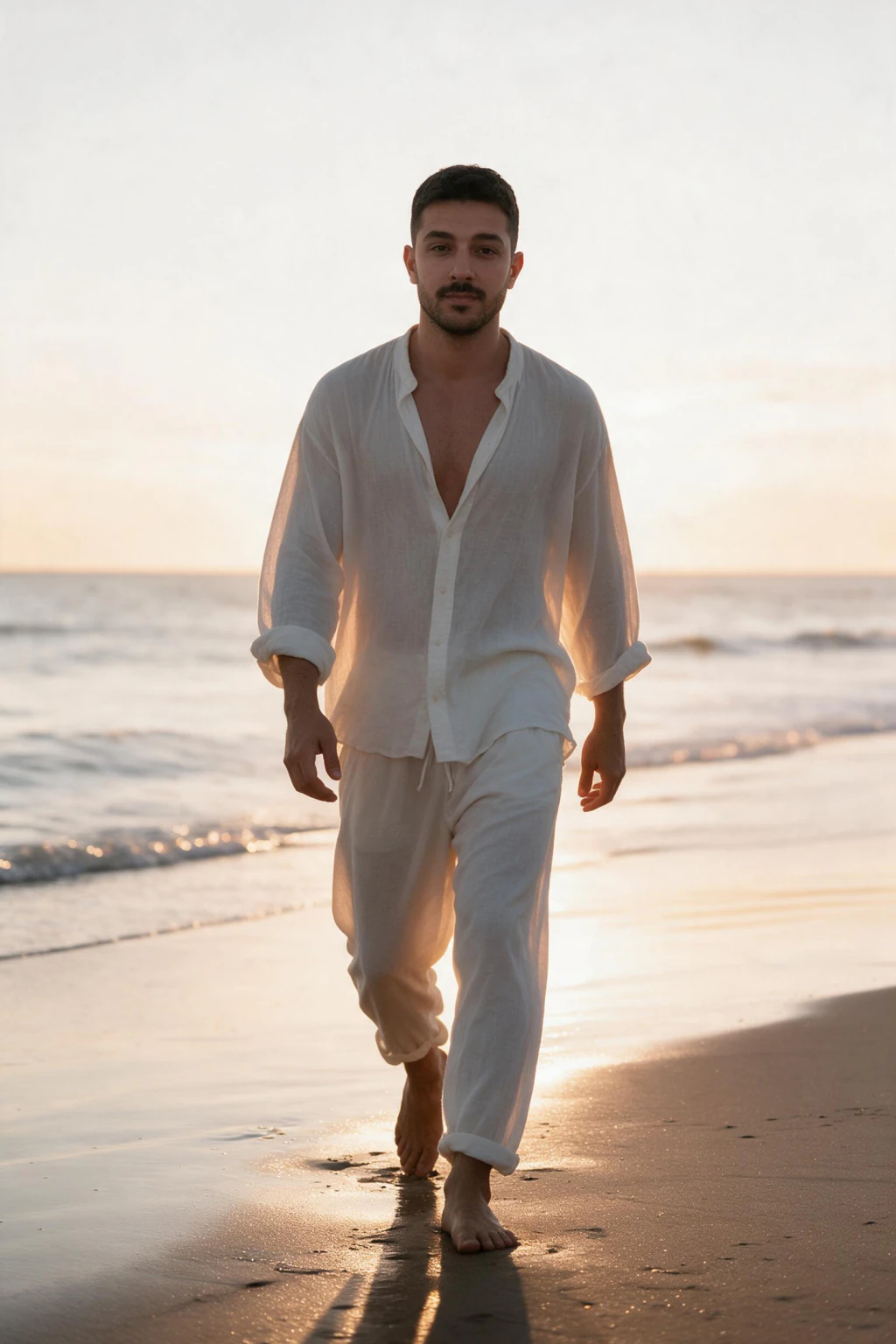
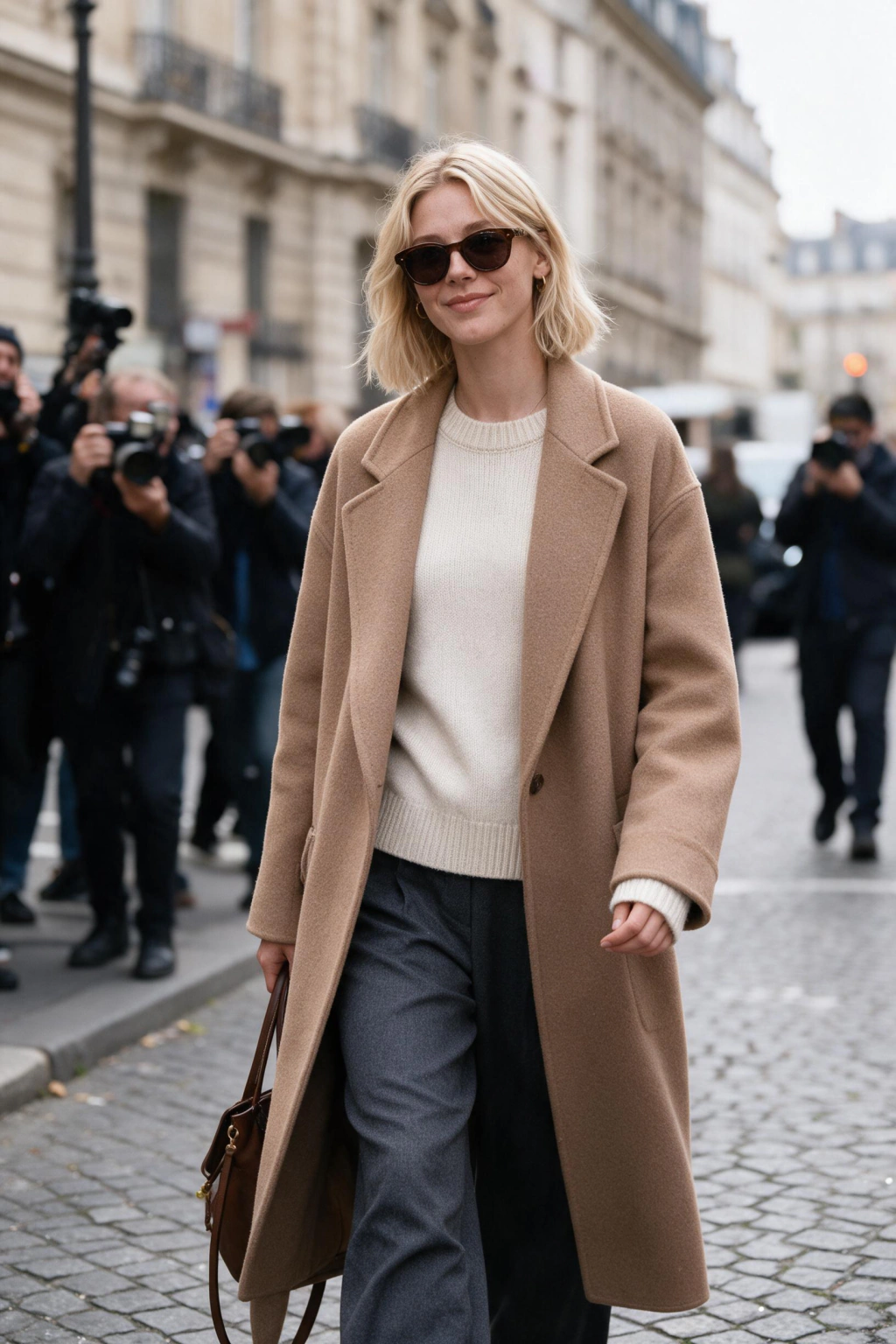
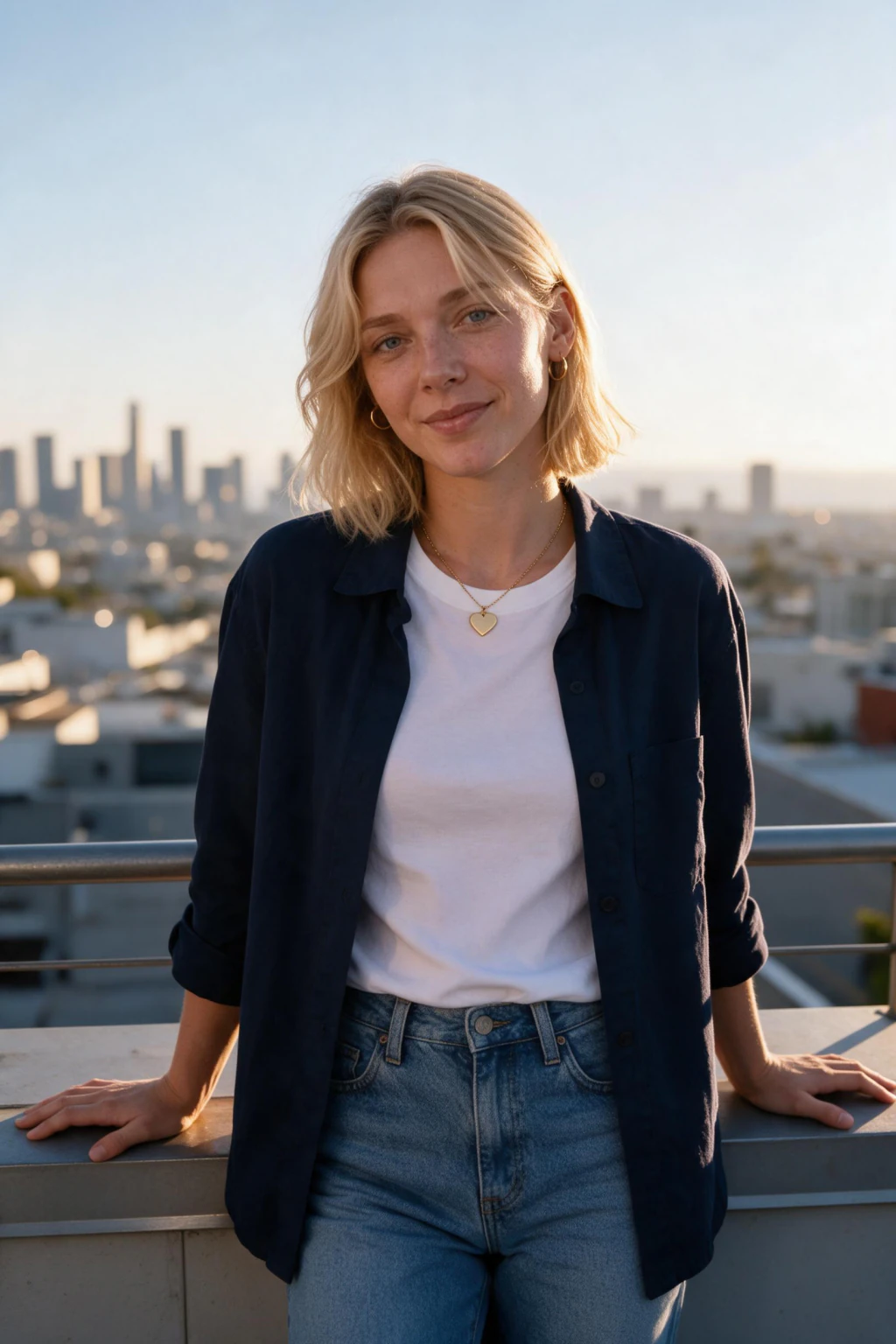
- One clear selfie in, about 10 new photos of you out, each back in about 2 minutes
- Your own face in every frame, not a stock model and not a filter over an old post
- Returned at 2:3 portrait, which crops clean to 4:5 for the feed and 1:1 for your avatar
Will an AI Instagram photo still look like me?
It is your face, read from your selfie
The row above is built from one selfie, the same way yours will be. Your bone structure, skin tone, and hairline carry into every frame, so the grid reads as one person's account. Upload yours and judge your own result before anything is charged.
It builds a photo, it does not filter one
No preset is laid over your upload. A new image is rendered around your face, with lighting, wardrobe, and background generated together, which is why the result reads as a photo instead of an edit.
One location gives you one week of posts
A single shoot hands you photos that share the same wall, the same light, and the same jacket. Your audience notices by the third post. Here the setting and the wardrobe change per photo without you moving.
What mix of photos keeps an Instagram grid from looking repetitive?
A grid gets read nine squares at a time. If every photo is a close portrait against a plain wall, it looks like a contact sheet. Vary three things: distance, setting, and light.
Vary distance first. Alternate a close portrait, a waist-up frame, and a wider shot where the setting carries as much of the image as you do. Three distances across nine squares breaks the pattern.
Vary the setting next. Editorial modeling covers street style and studio, travel puts architecture behind you, beach and luxury change the palette outright. Two or three looks a month is enough.
Vary the light last. A golden hour frame next to a hard studio frame creates contrast even when the subject is identical. Nightlife and cinematic sit at the dark end, gym and beach at the bright end.
Then hold one thing constant, and let it be you. Every photo comes from the same selfie, so the face does not drift.
Do I have to disclose AI photos on Instagram?
Check the current rules for the platform you post to and disclose where they require it. Policies for AI imagery keep changing, so treat the platform's own help pages as the authority, not anything written here.
What holds regardless of policy: these are new photos of your own face, built from a selfie you uploaded. Not someone else's likeness, not a stock model, not a face the AI invented. Some platforms label AI imagery automatically when they detect generation metadata.
So plan for the label rather than against it. We make no claim that these photos are undetectable. A line in the caption costs you nothing.
What size should an Instagram photo be? Crop guide
Every photo comes back at 2:3 portrait. Here is where each crop goes.
Feed post
Crop: 1080x1350, 4:5 portrait, the tallest crop the feed displays
Pick the shot where: your head sits high enough that trimming the bottom of a 2:3 frame loses nothing
Watch for: cropping to 1:1 out of habit. A 4:5 post takes more vertical space in the scroll.
Profile picture
Crop: 320x320, 1:1 square, displayed as a circle
Pick the shot where: your face fills a good share of the frame and reads at avatar size
Watch for: wide shots. The circle mask cuts the corners, so anything at the edges disappears.
Stories and reel covers
Crop: 1080x1920, 9:16, taller than the photo comes back as
Pick the shot where: there is background above and below you to carry the extra height
Watch for: expecting a clean crop out of 2:3. Accept a tighter crop or set the photo on a background.
Carousel
Crop: One ratio for every slide, usually 4:5
Pick the shot where: all slides share a crop, so the carousel does not jump as people swipe
Watch for: mixing 1:1 and 4:5. Instagram pads or trims later slides to match the first.
How do I make AI Instagram photos? 3 steps
- Pick your look on the grid: editorial modeling, travel, luxury lifestyle or gym fitness
- Upload one clear selfie, facing a window in daylight, nothing over your face, no beauty filter
- Each photo lands in about 2 minutes, so you download as they finish. No model to train first
Who buys AI Instagram photos
- Creators posting three or more times a week who have used every decent frame on their phone
- Small business owners who need photos of themselves but will not keep a photographer on retainer
- Anyone whose profile picture is four years old and wants a 1:1 crop that looks current
What do AI Instagram photos cost here?
$9.99 buys 100 credits, and every photo costs 10 credits, so one purchase is about 10 finished photos. Split it as 5 photos plus 5 short videos if you want a reel cover that moves. A studio session runs $200 to $500, takes one to two weeks, and still gives you one location and one outfit. Nothing renews, credits you leave do not expire, and every purchase carries a 14-day money-back guarantee (terms apply). Secure checkout, card or PayPal.
Frequently asked questions
How do I make AI Instagram photos of myself?
Upload one clear selfie, pick a look, and each photo comes back in about 2 minutes. $9.99 buys about 10 finished photos across different settings, all returned at 2:3 portrait so they crop clean to 4:5 for the feed and 1:1 for your profile picture. There is no model to train and no second upload.
Will the AI Instagram photos look like me?
Yes, when the selfie is sharp and evenly lit. Your face is read straight from that one upload, so your bone structure and skin tone carry into every frame instead of an AI approximation. Upload your selfie and look at your own first result before you decide anything.
What size should an Instagram photo be in 2026?
Feed posts are 1080x1350 at 4:5 portrait, the ratio that takes the most vertical space in the feed. Square is 1080x1080, landscape 1080x566, stories and reels 1080x1920 at 9:16. Your profile picture is 320x320 and Instagram renders it as a circle, so keep your face centred and away from the corners.
Why does Instagram crop my photo?
Because the file is not one of the ratios Instagram supports, so it picks the nearest one and trims the rest. Anything taller than 4:5 loses the top and bottom, anything wider than 1.91:1 loses the sides. Export at 1080 pixels wide in the ratio you want and the crop never happens.
Do I have to disclose AI photos on Instagram?
Check the current rules on the platform you post to and disclose where they require it. AI content policies change often, so the platform's own help pages are the authority. Either way these are new photos of your own face from your own selfie, not another person's likeness, and we make no claim that they are undetectable.
How many photos do I get for $9.99?
100 credits, and each photo costs 10 credits, so about 10 finished photos. Spend it as 5 photos plus 5 short videos instead if you want a reel cover that moves. Credits you do not spend stay on your account and do not expire, and the purchase carries a 14-day money-back guarantee (terms apply).
How many selfies do I need to upload?
One clear selfie. Face the camera in daylight, ideally near a window, with nothing covering your face. Skip heavy beauty filters, because the AI reproduces the filtered version of you instead of you.
How is this different from hiring a photographer for Instagram content?
A photographer gives you one location, one outfit, and one set of light for $200 to $500, usually one to two weeks between booking and delivery. This gives you about 10 photos across different settings for $9.99, each in about 2 minutes. A photographer wins on a single hero image, this wins on variety across a grid.