AI Travel Photos of Yourself, No Plane Ticket Needed
MakeAiPhotos is an AI travel photo generator that places your real face at six destinations, Santorini, Dubai, Paris, the northern lights, Tokyo, and a mountain summit, from a single selfie, with photorealistic lighting and a 14-day money-back guarantee (terms apply).
Upload one selfie and get AI travel photos of yourself standing at the Santorini caldera, the Dubai skyline, the Eiffel Tower, the northern lights, a Tokyo neon street, or a mountain summit. Your face, your hair, your body, real-looking destinations. This pack is built for content creators, Instagram feeds, and anyone who wants striking travel shots without booking a flight. You pick the look, the AI handles the lighting, perspective, and background. Each photo keeps your actual features instead of swapping in a generic AI face. The output looks like a frame from a real trip, not a digital painting. You buy credits once and keep every image you generate. If the likeness misses, you have 14 days to ask for your money back (terms apply). Want more than six destinations? The full AI travel photo pack covers 30+ scenes across six continents.
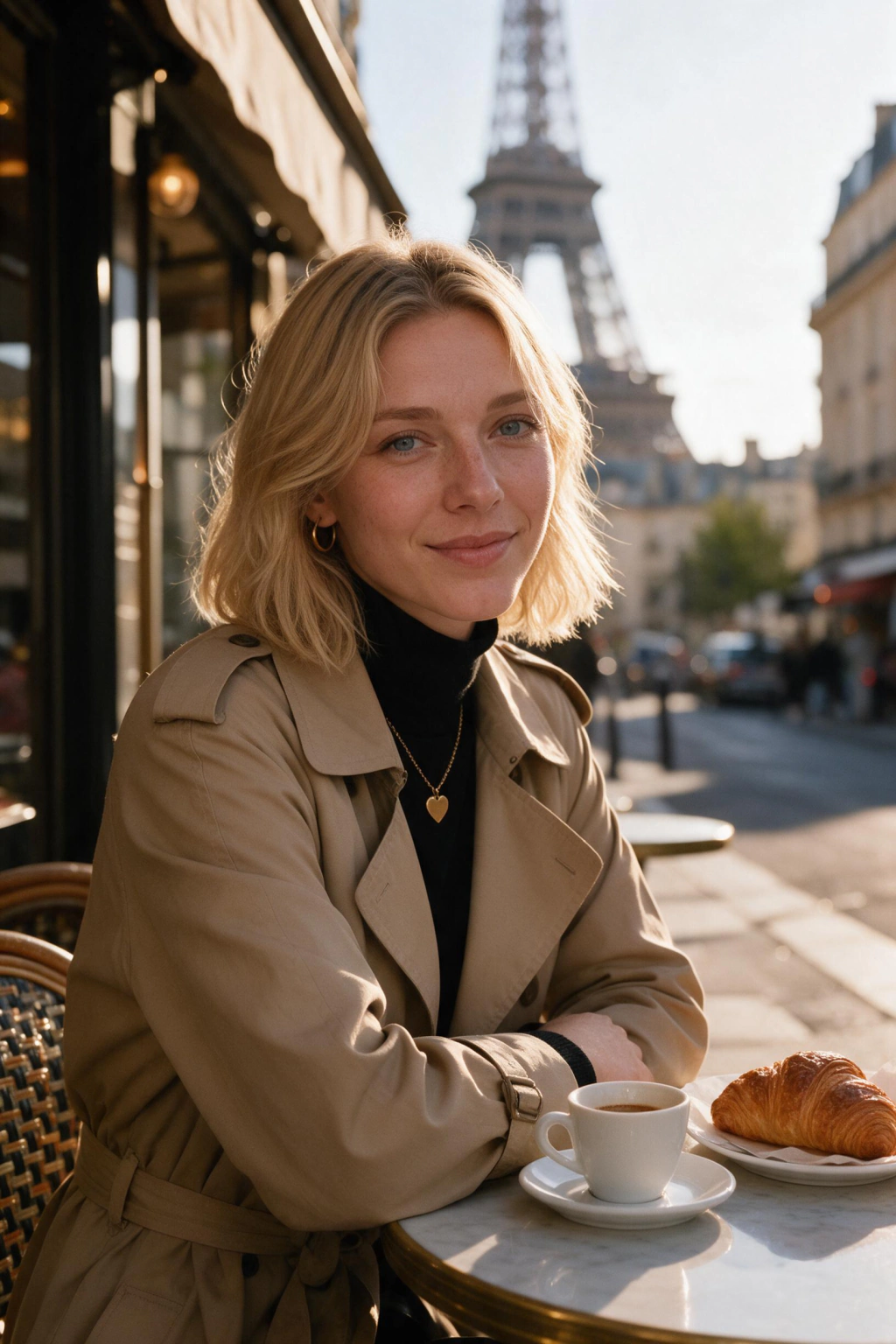
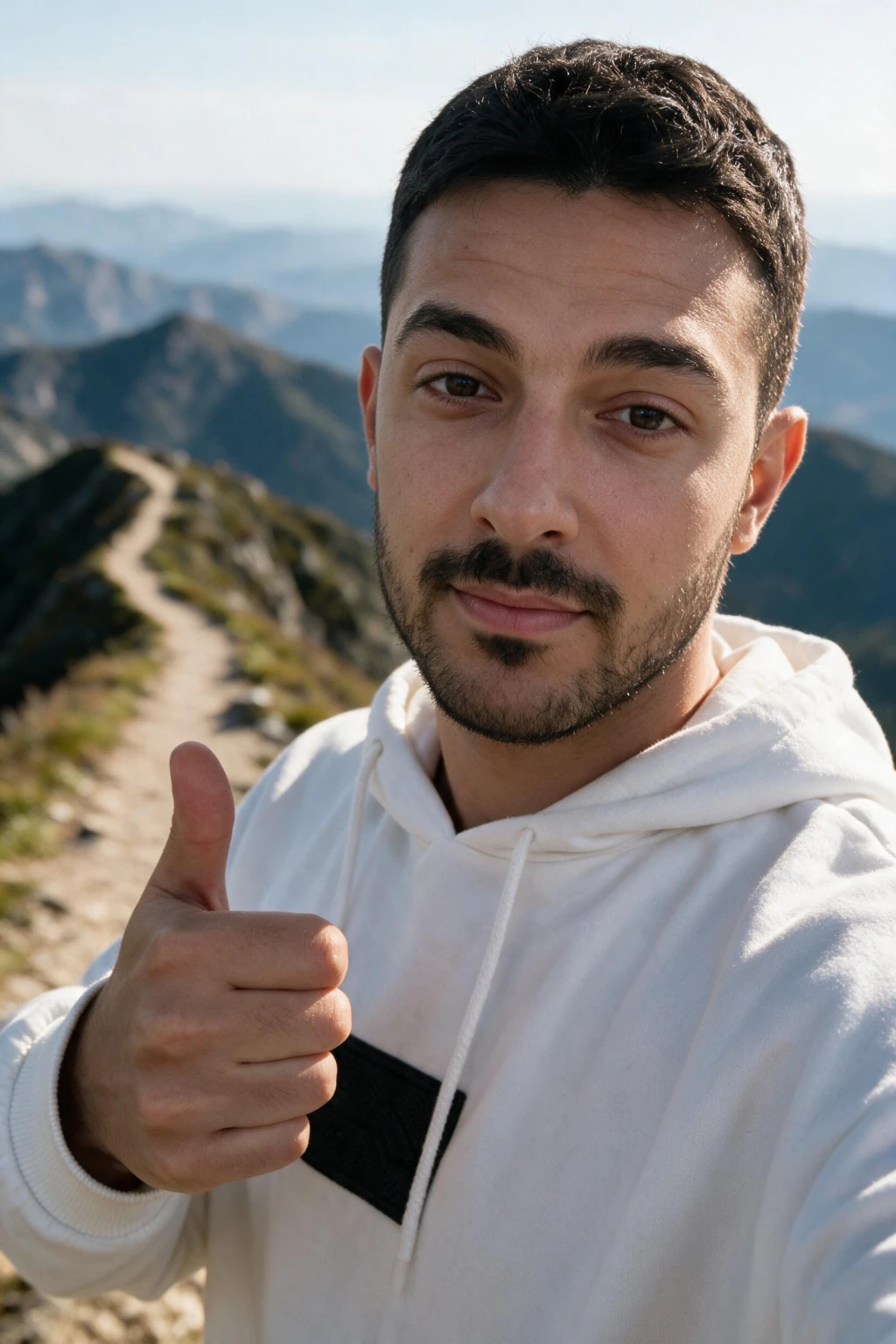
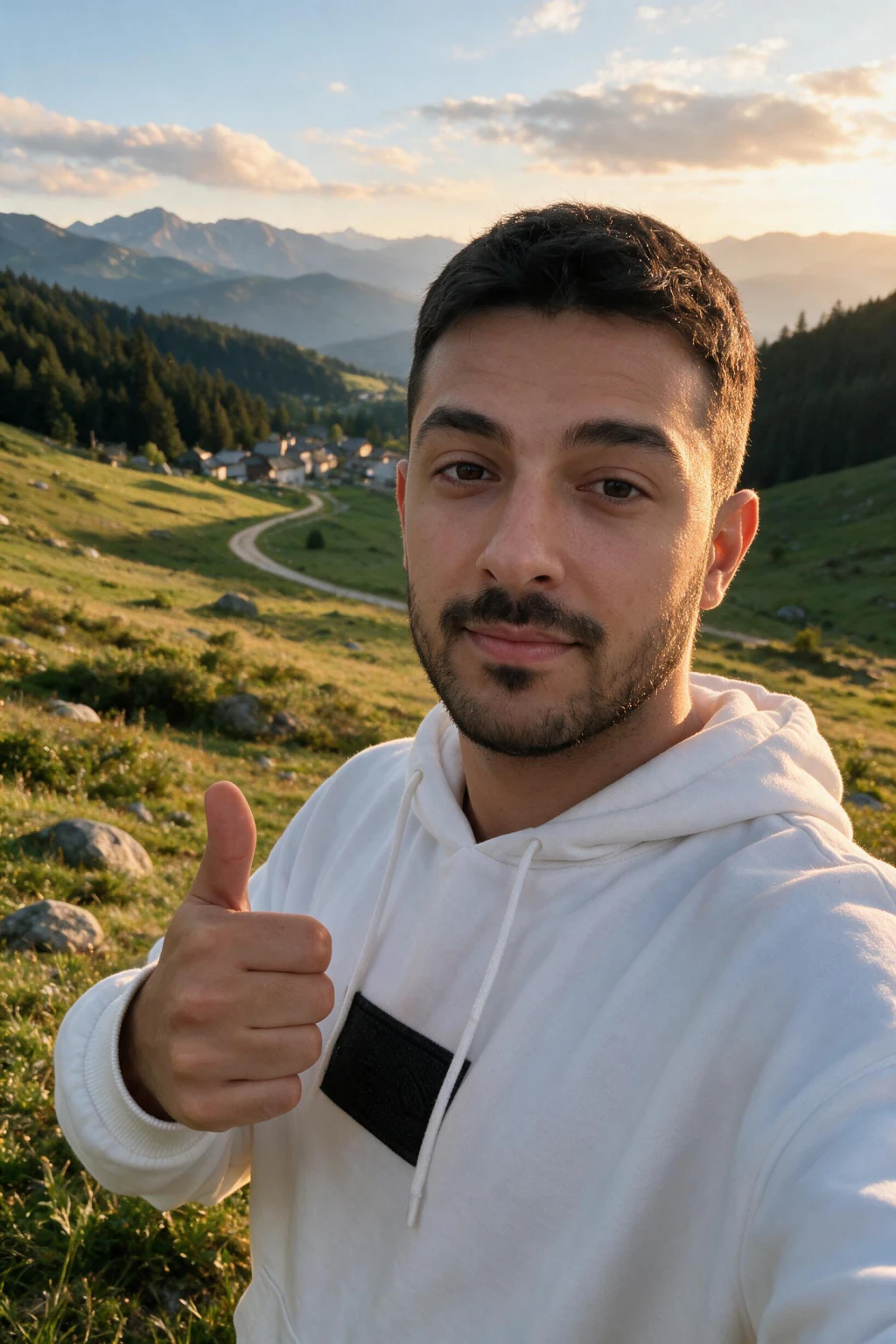
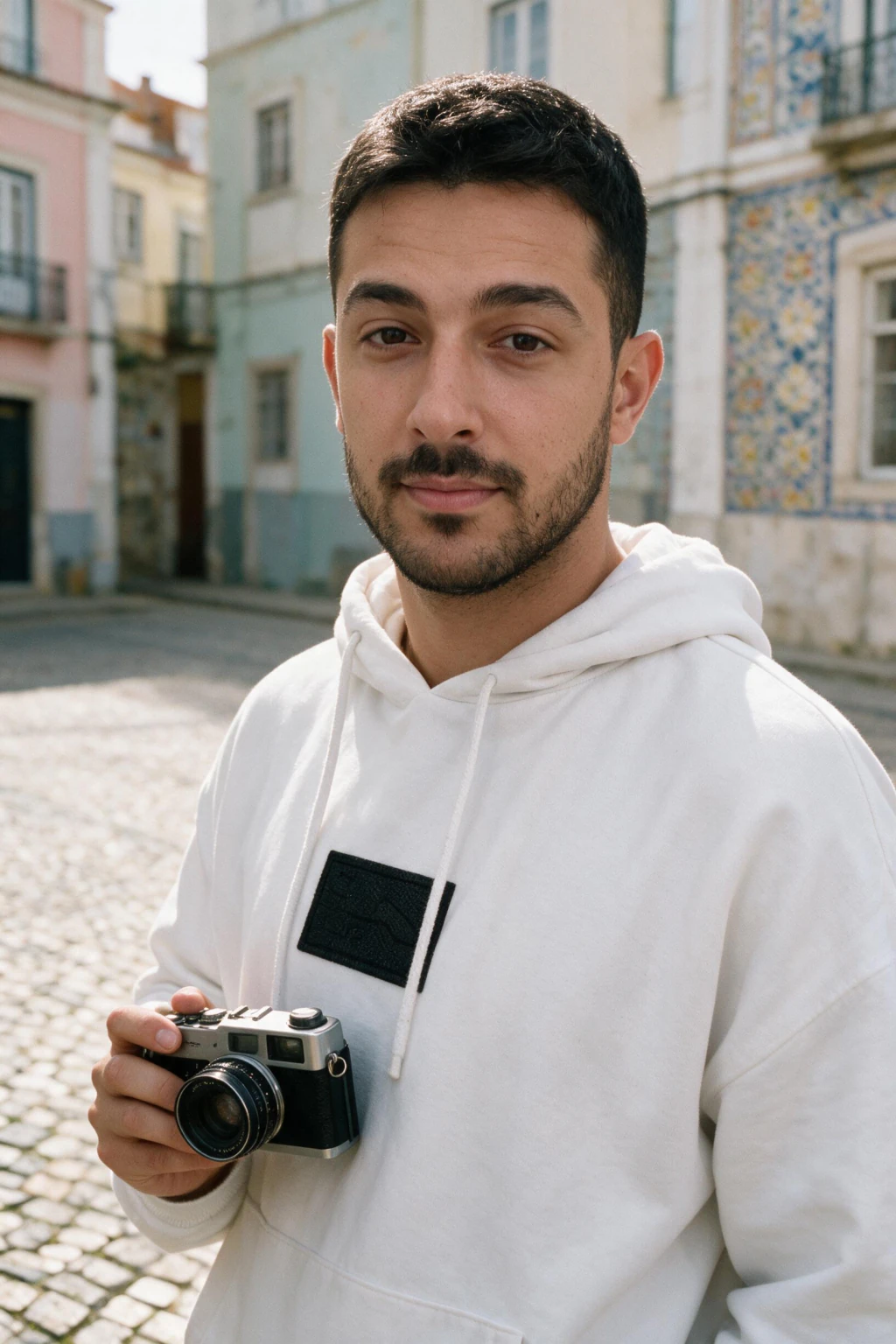
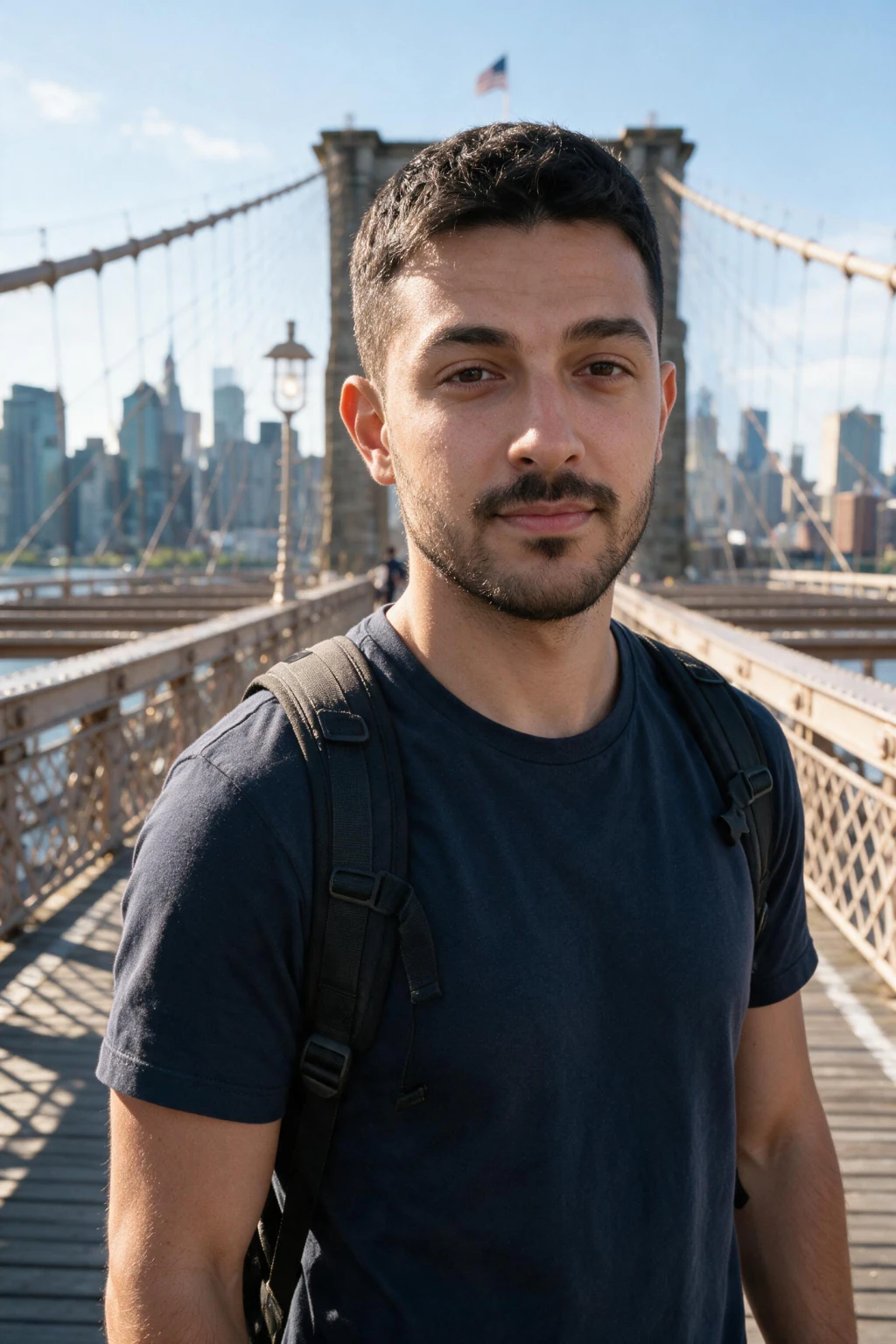
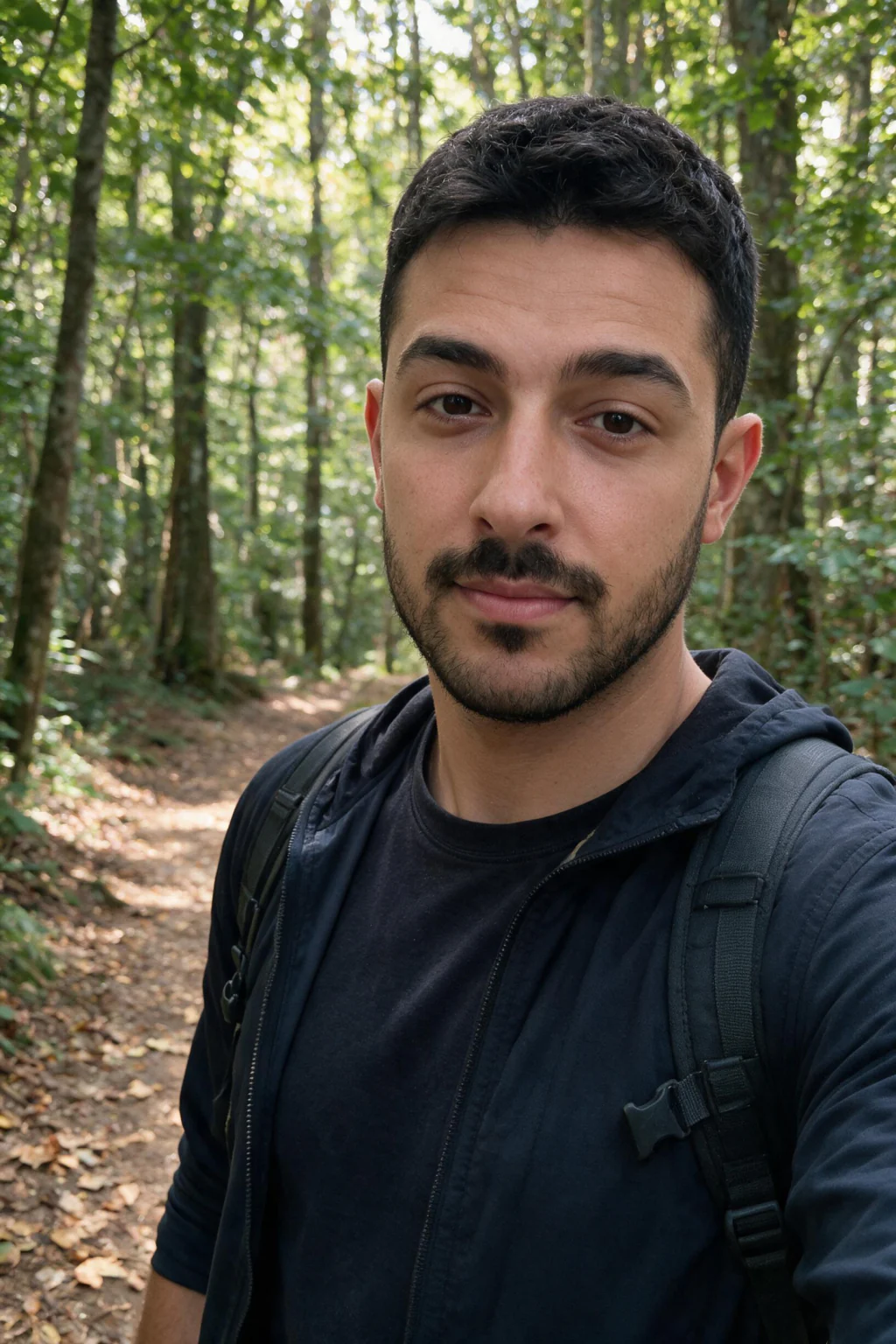
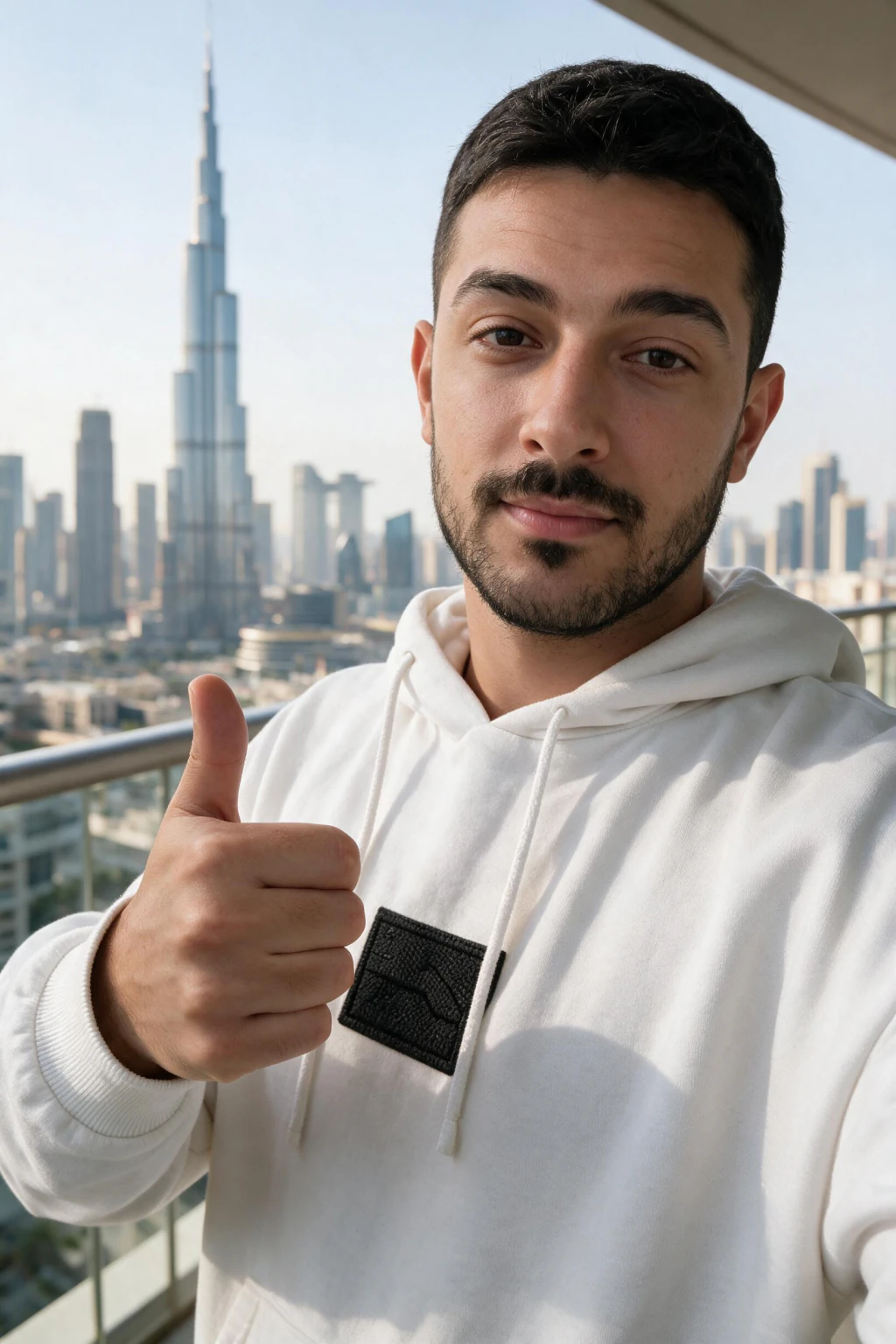
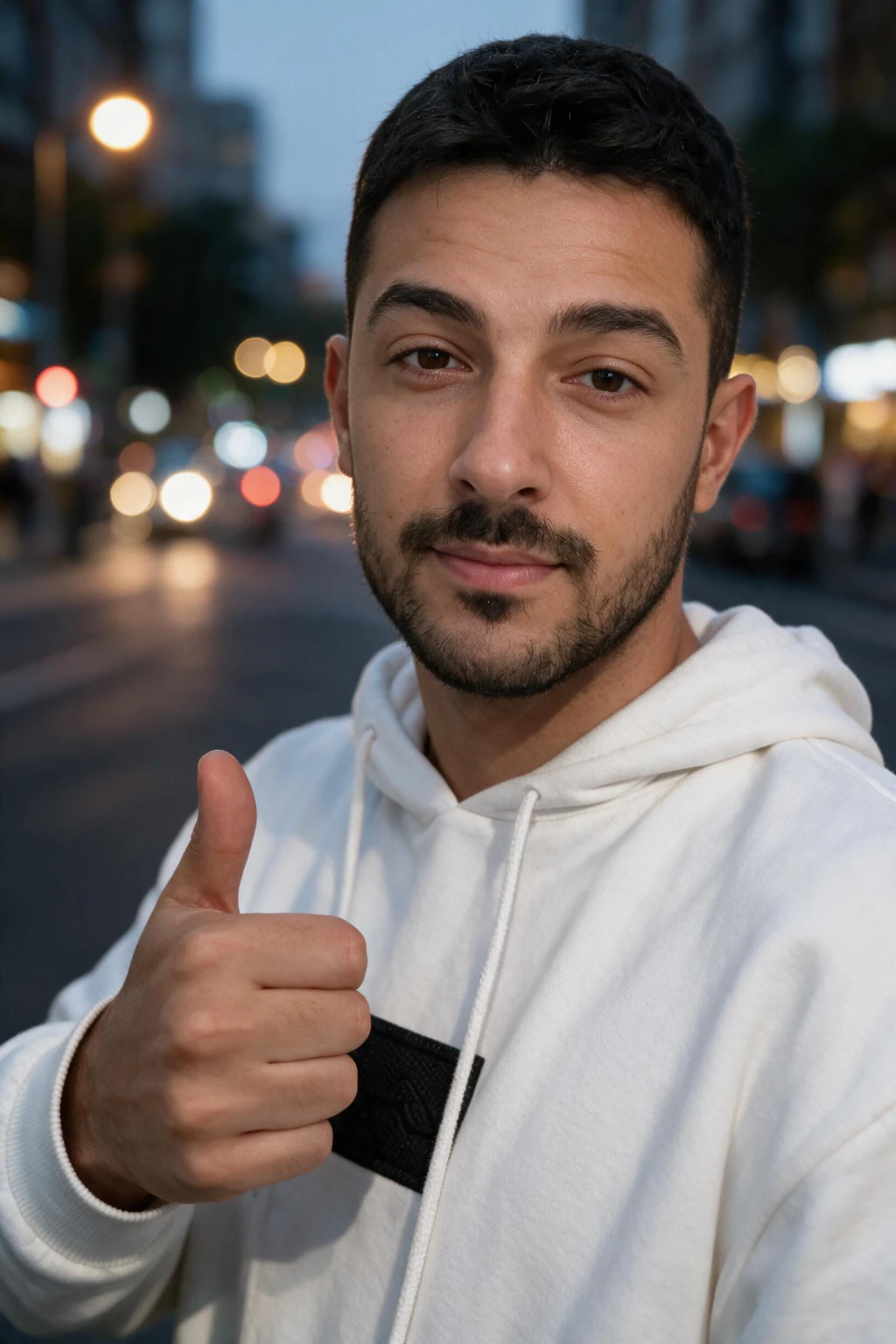
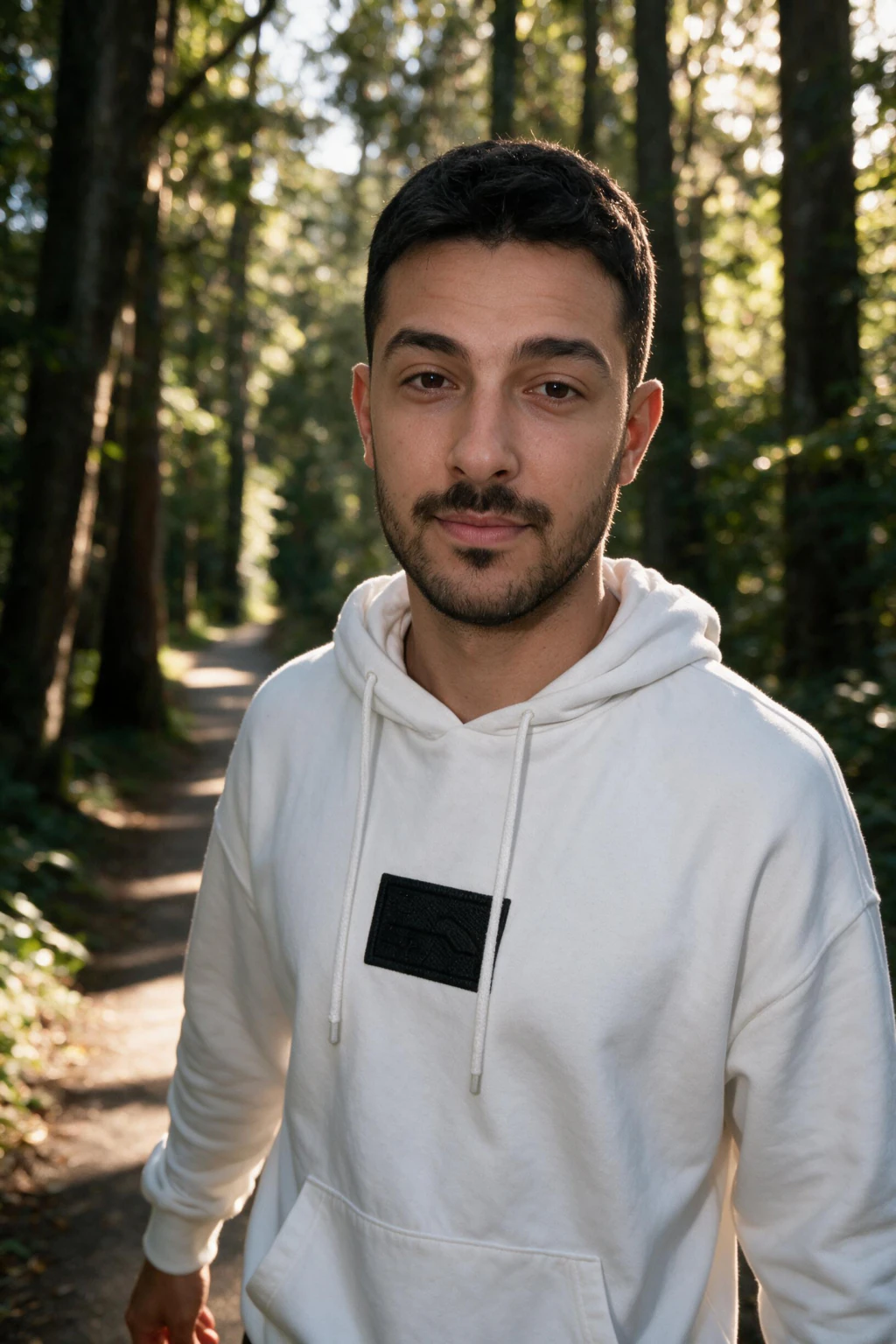


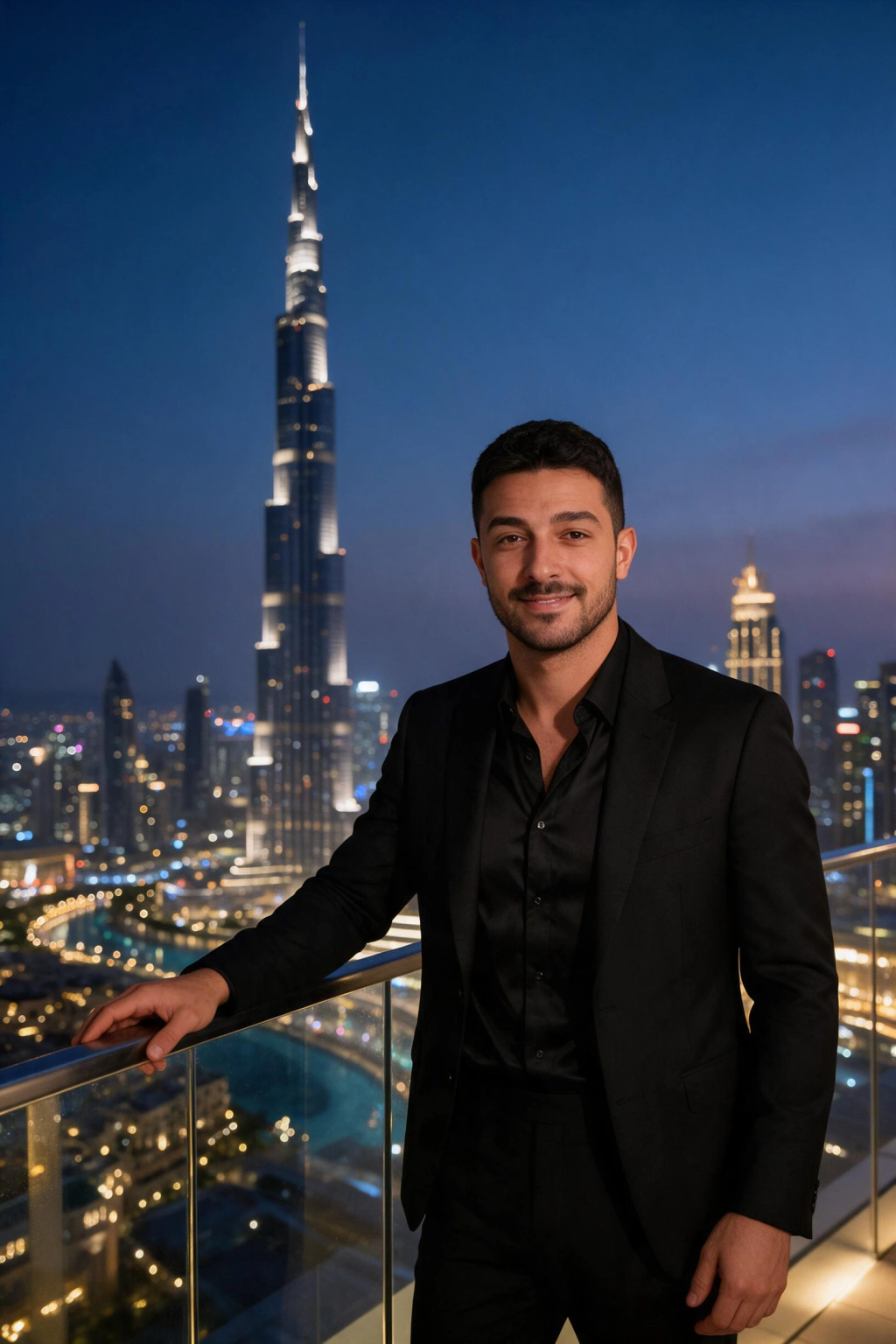

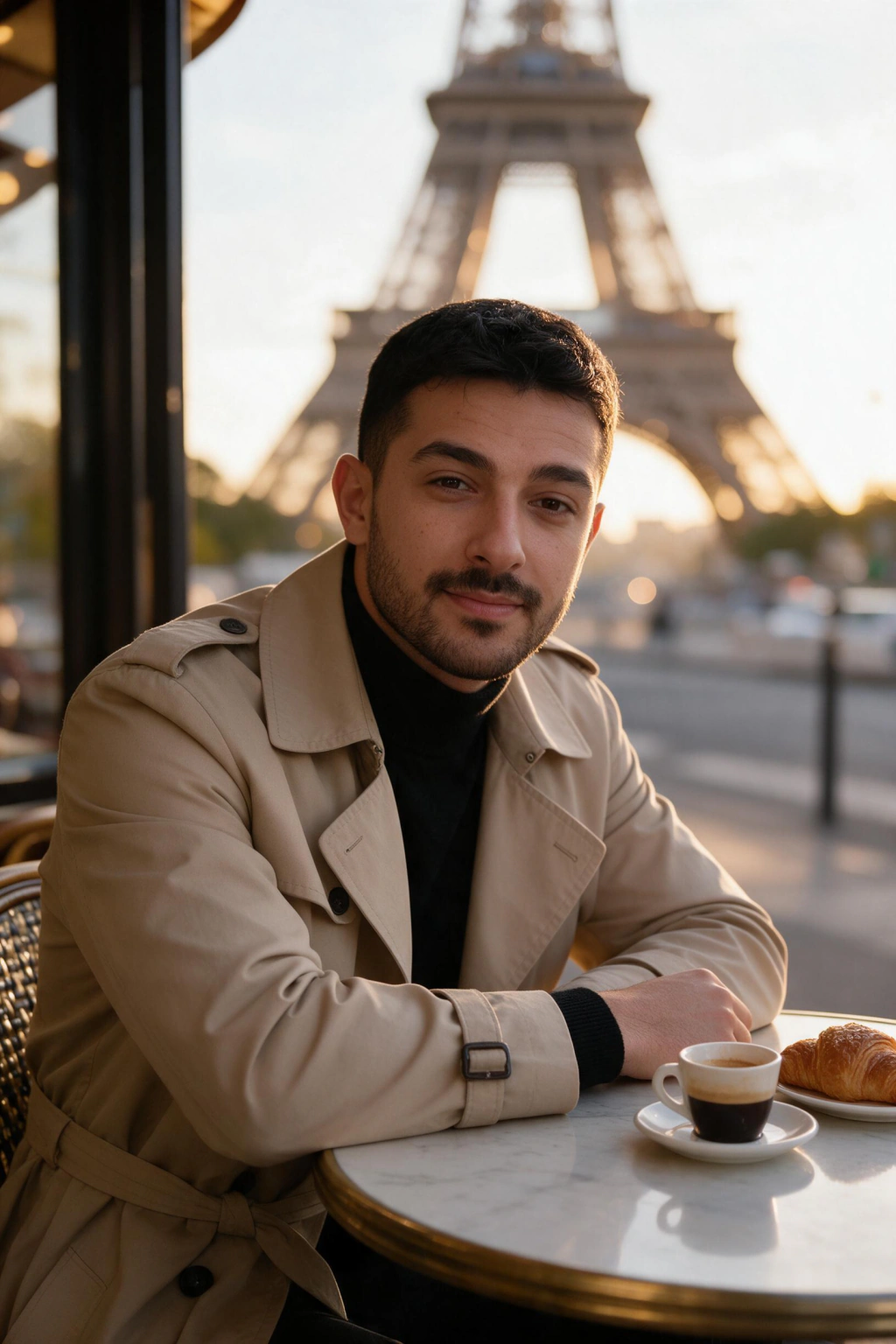
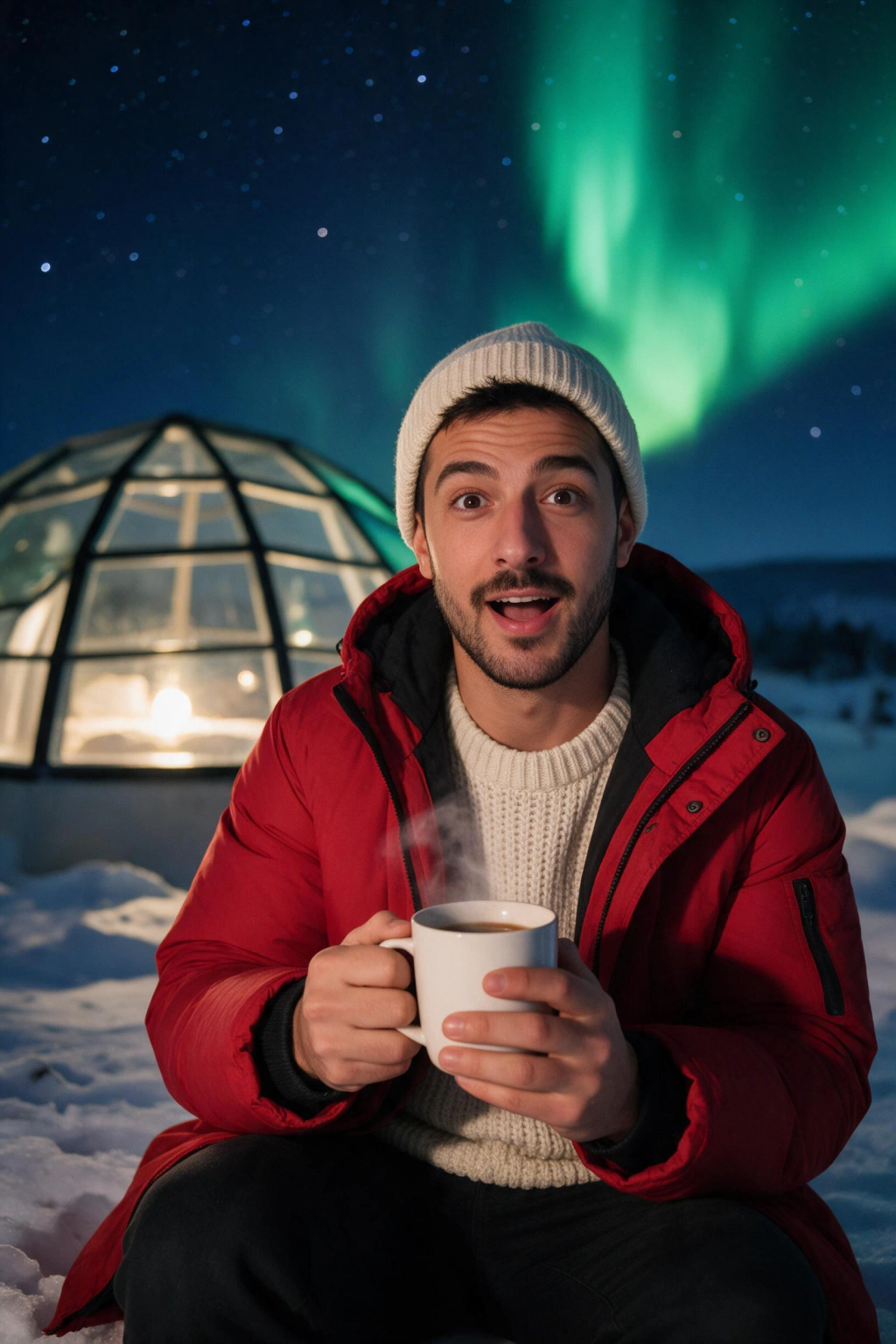
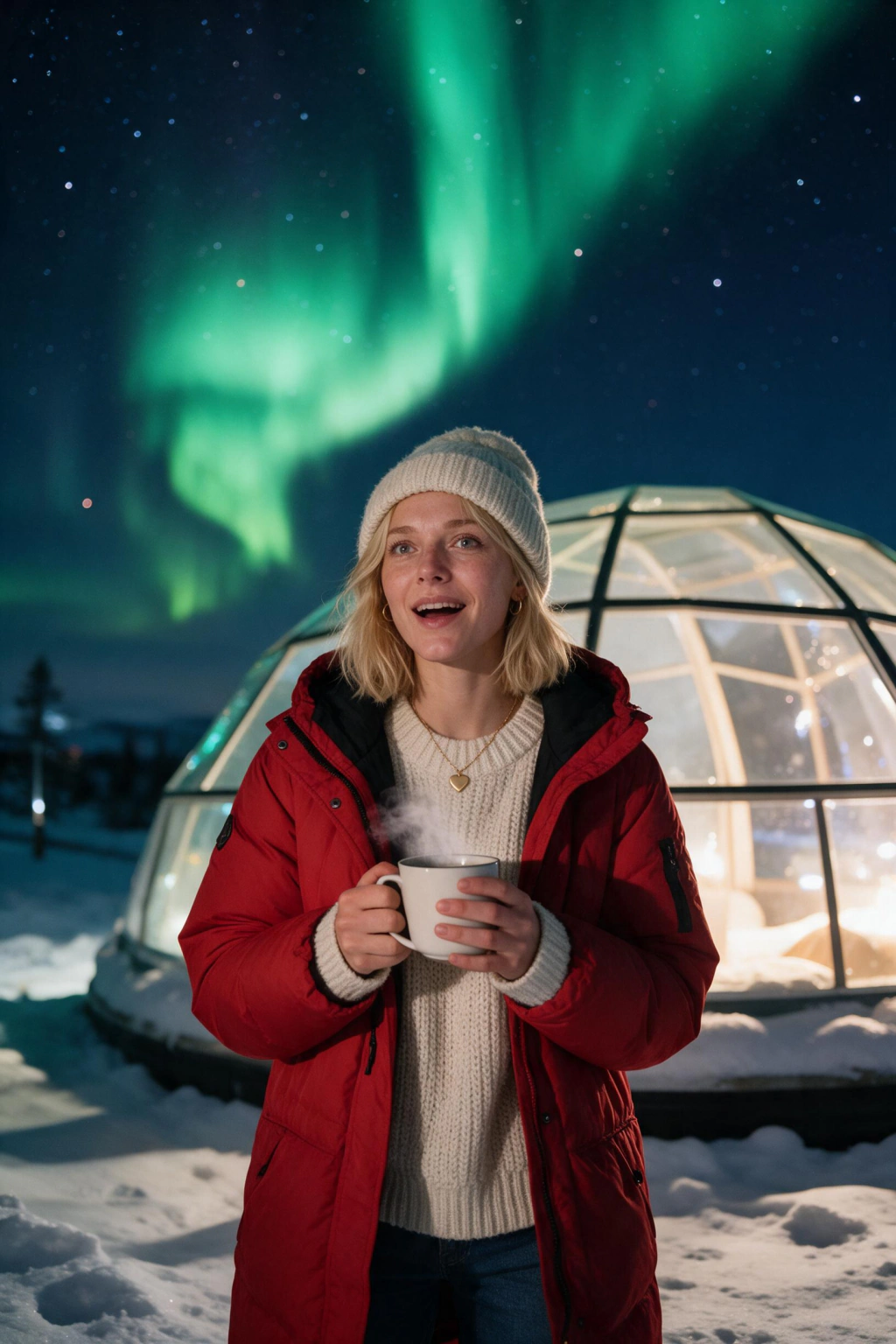
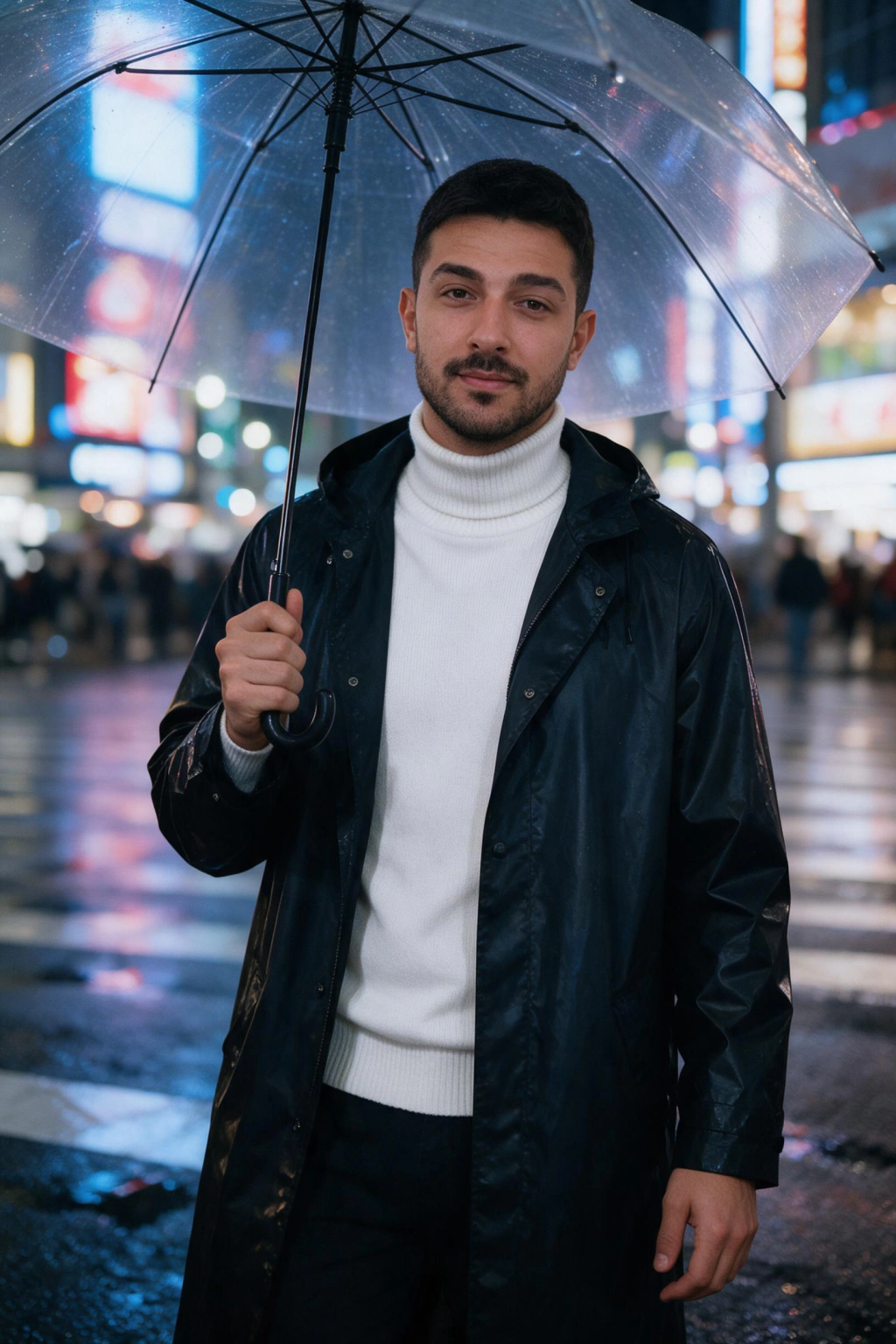
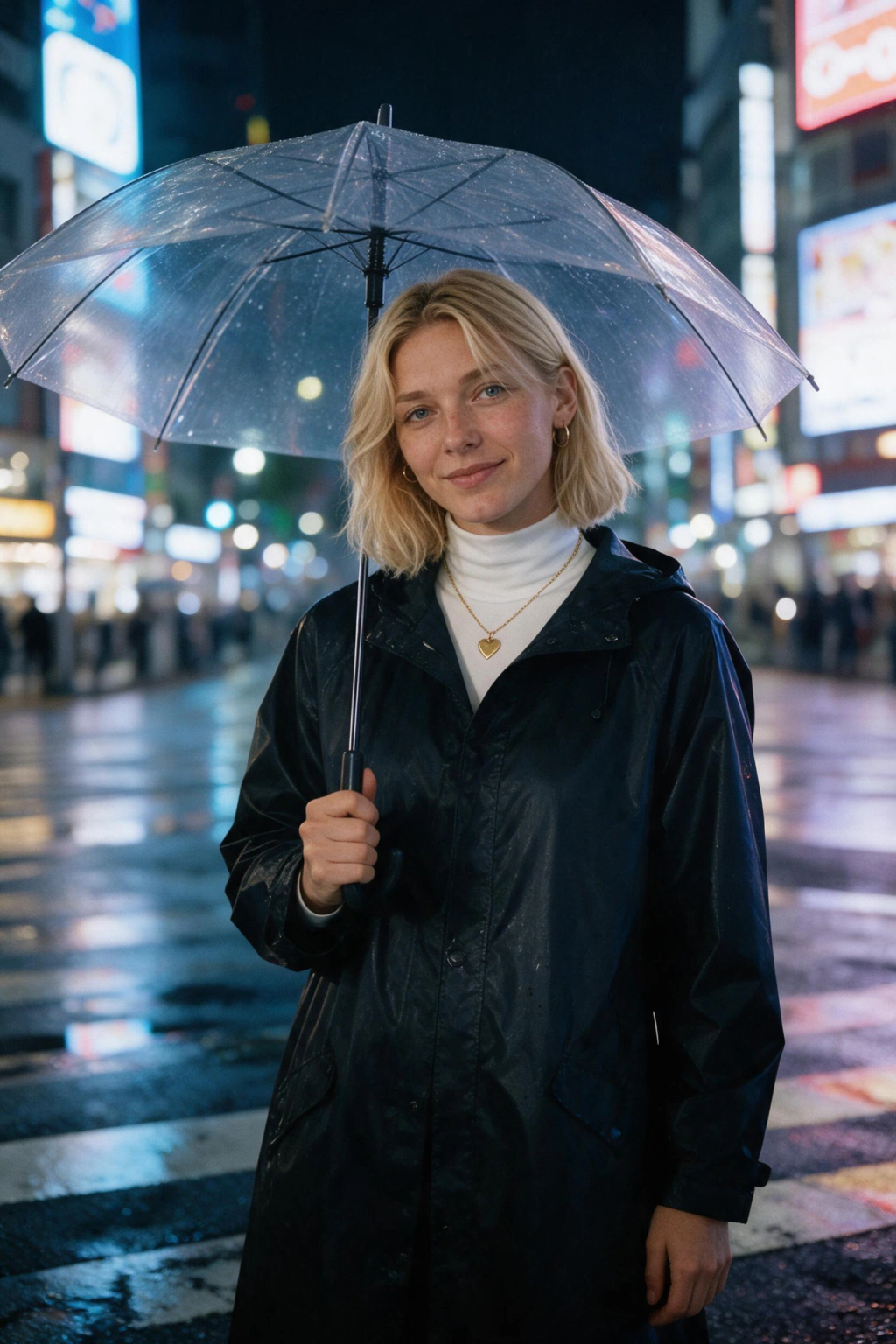
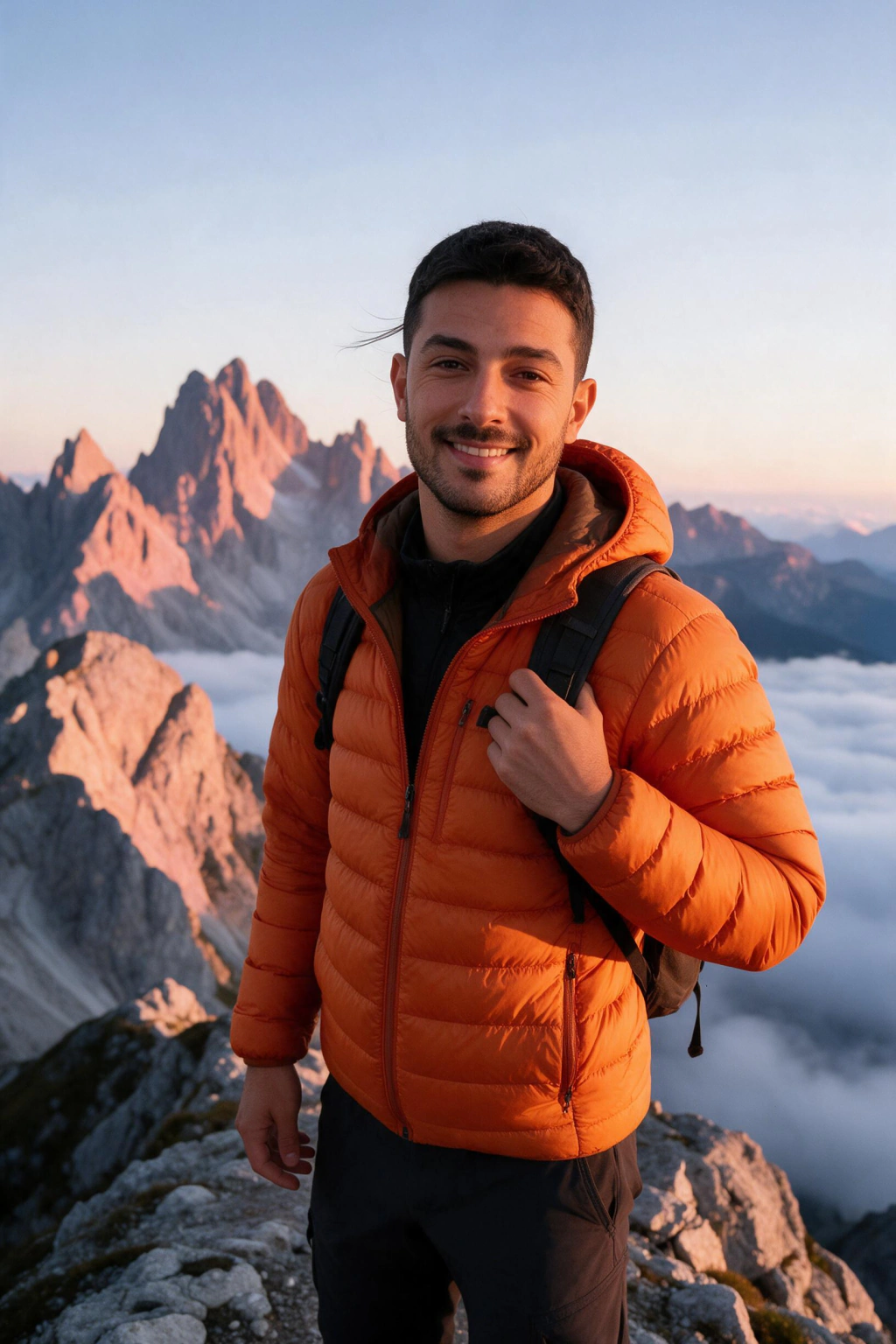
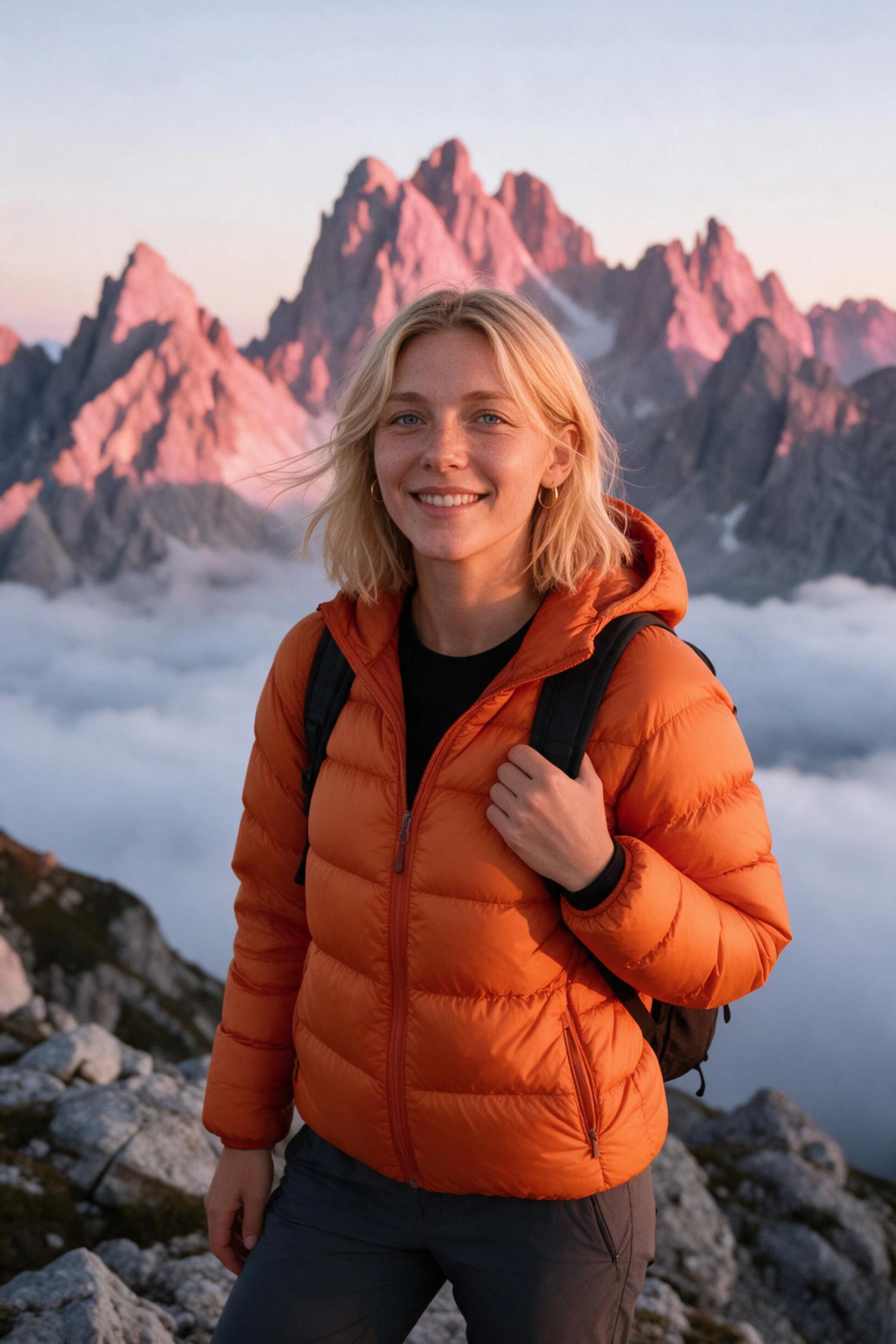
Can you really put yourself anywhere in the world with AI?
Yes. An AI travel photo generator reads your face from your uploaded selfie, then renders you into a chosen destination scene with matching light and shadow. You can place yourself on a Santorini rooftop at sunset, beside the Burj Khalifa, or at a Paris cafe in a few minutes.
The trick to believable AI photos of yourself traveling is a clear upload. Use one bright, well-lit selfie where your face is fully visible so the model can match whatever the destination calls for. The sharper your selfie, the more your travel photos look like you were actually there.
Frequently asked questions
How many selfies do I need for realistic AI travel photos?
Upload one clear selfie for the best likeness. A sharp, well-lit photo where your face is fully visible helps the AI render you accurately at any destination.
Can people tell my travel photos are AI generated?
Well-made AI travel photos are hard to spot at a glance, since the biggest giveaway, mismatched lighting between your face and the background, is handled automatically. Up close, look for overly identical textures or super-saturated colors, which is why a clear source selfie matters.
Is it okay to post AI travel photos on Instagram or dating apps?
Yes, when you frame them honestly. Caption a shot as what you would look like in Santorini rather than claiming a trip you did not take, and use Instagram's AI-generated label when the platform offers one. The same honesty rule applies if you add a travel shot to a Tinder, Bumble, or Hinge profile.
Will the AI keep my real face?
Yes. The generator locks to your uploaded selfie and preserves your eye color, jawline, hair, and expression while adapting the background and outfit to the destination. The goal is your face in a new place, not a different person.
Which destinations can I choose?
This pack gives you six looks: Santorini, the Dubai skyline, Paris with the Eiffel Tower, the northern lights, Tokyo at night, and a mountain summit. Each look comes with destination-matched lighting and outfits so the scene reads as a genuine travel moment.
How much do AI travel photos cost and how long do they take?
$14.99 buys 150 credits, about 15 finished photos, with no subscription required. Most batches finish in a few minutes, and a 14-day money-back guarantee (terms apply) covers you.
Do I keep every destination photo I generate?
Yes. Each Santorini, Dubai, Paris, Tokyo, northern lights, or summit shot downloads in high resolution and is yours for feeds, prints, or profiles. The full set stays in your gallery for later.
Is my face data private when I generate travel photos?
Yes. Your selfie is used solely to render you at the destinations you pick, never enters a shared training pool, and can be wiped together with your generated photos on request.
Do I need to train an AI model on 10 or more selfies?
No. Most AI travel photo generators ask for 10 to 30 selfies and up to an hour of model training. Here you upload one clear selfie and get your destination looks back in minutes.