AI Photos of Celebrities Style, Starring You
MakeAiPhotos is an AI photo generator that turns your selfie into celebrity-style photos of yourself: red carpet, flash editorial, and black-tie ballroom looks with your own face, not photos of real named celebrities.
You searched for AI photos of celebrities, and here is the honest version: this tool does not put you next to a real star or recreate a famous face. It makes YOU the celebrity. You upload one clear selfie, the AI reads your face, and it renders brand new photos of you in A-list settings, red-carpet arrivals, flash editorial portraits, and black-tie ballroom looks. Same glamour, your face, zero deepfakes of real people.
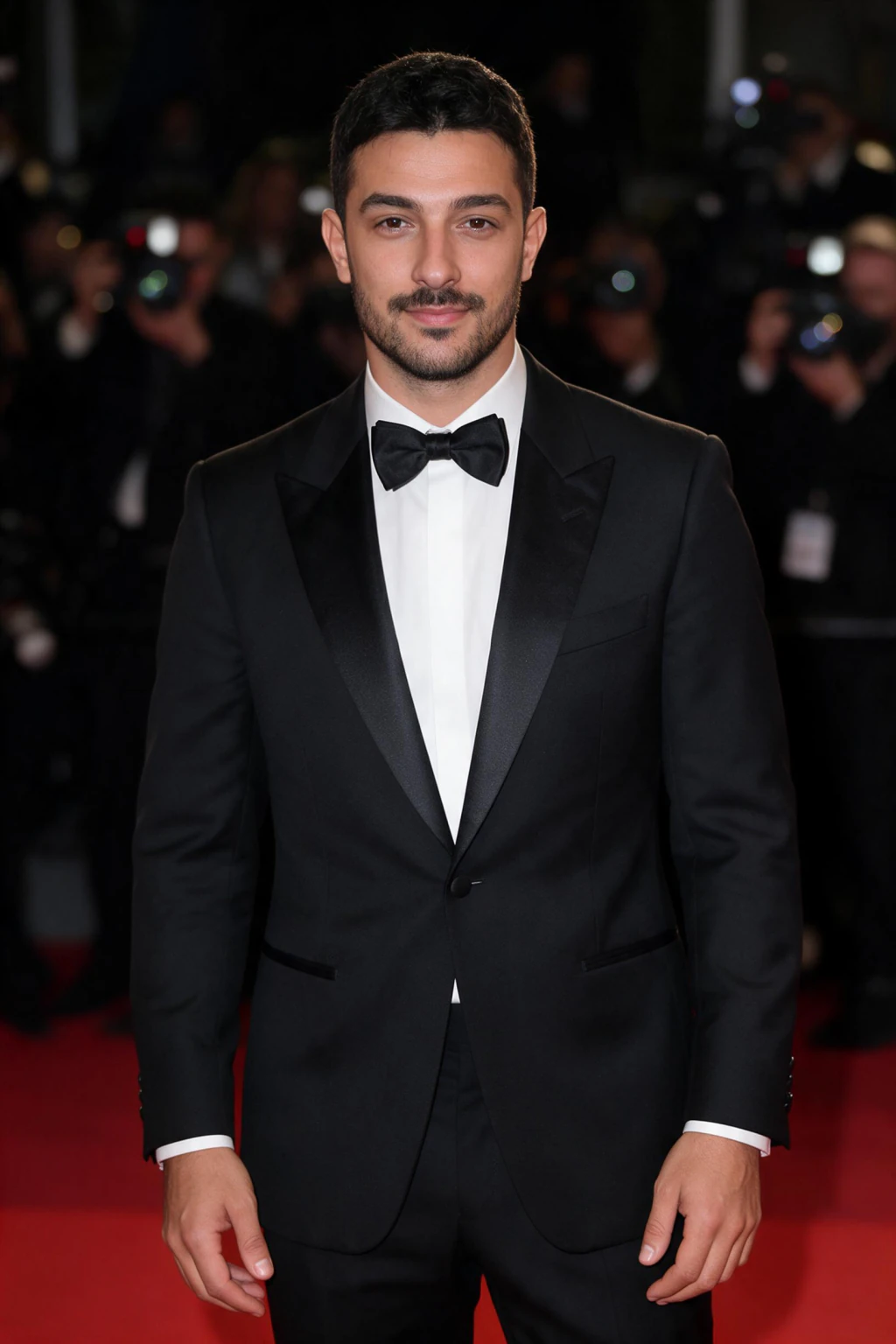
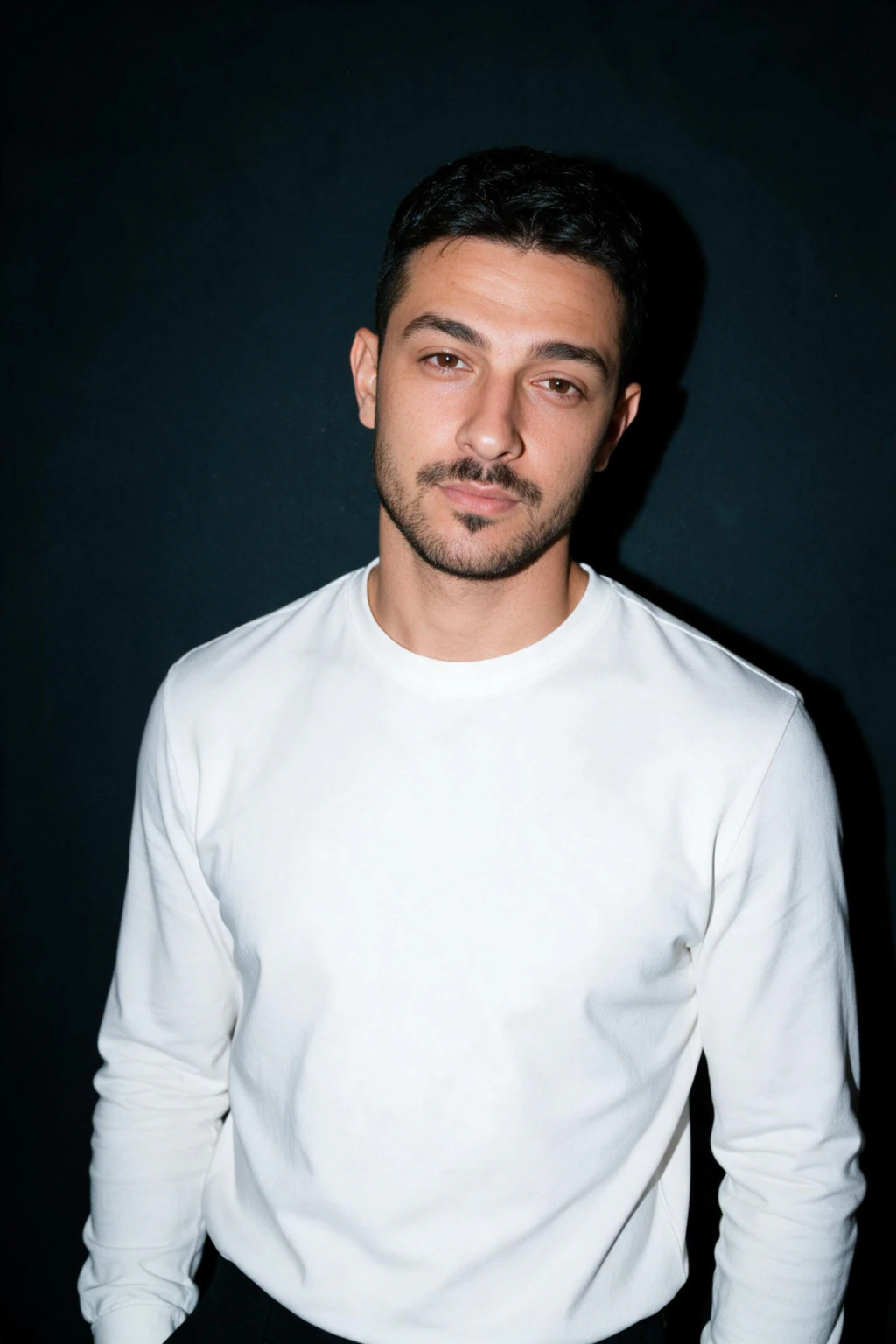
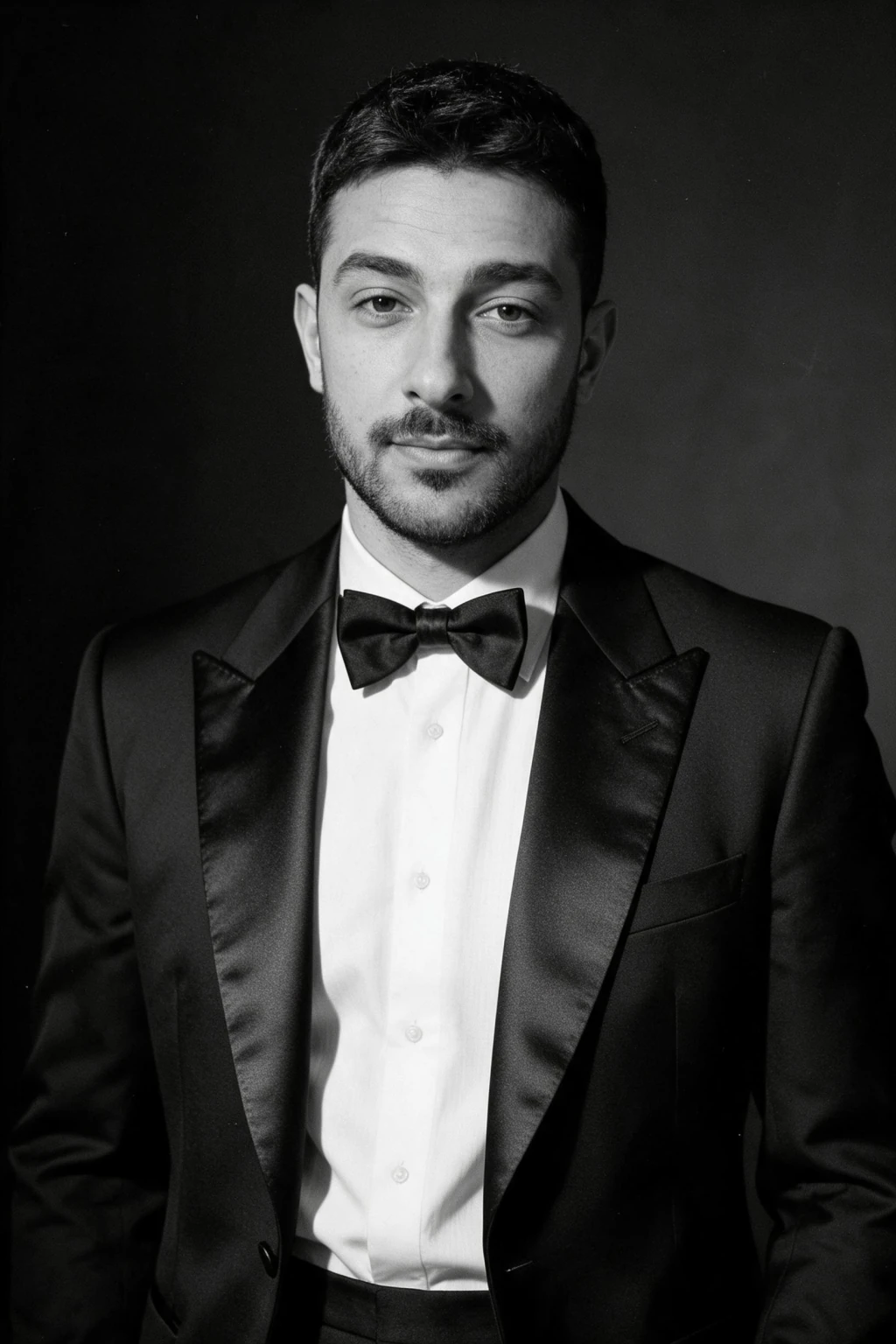
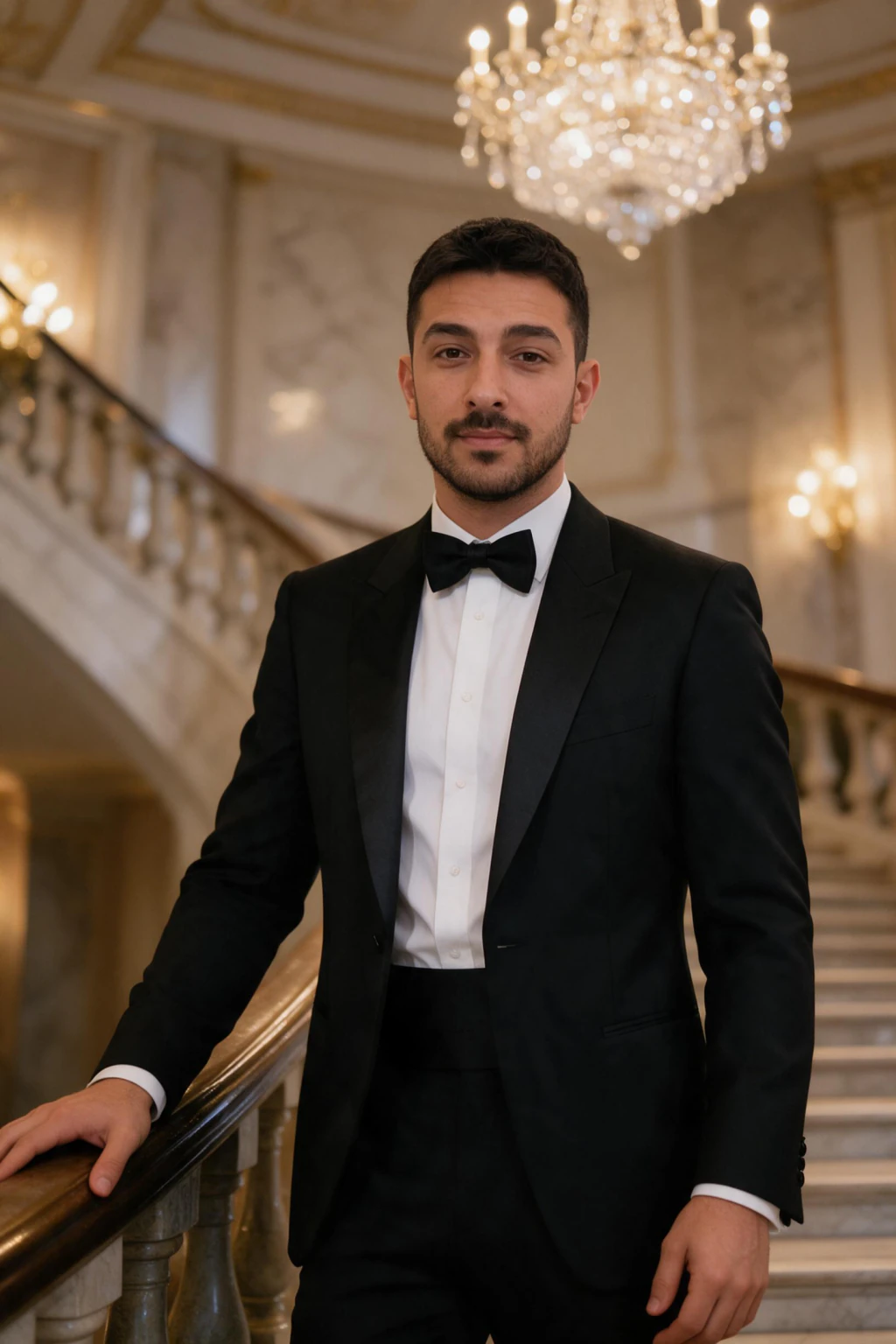
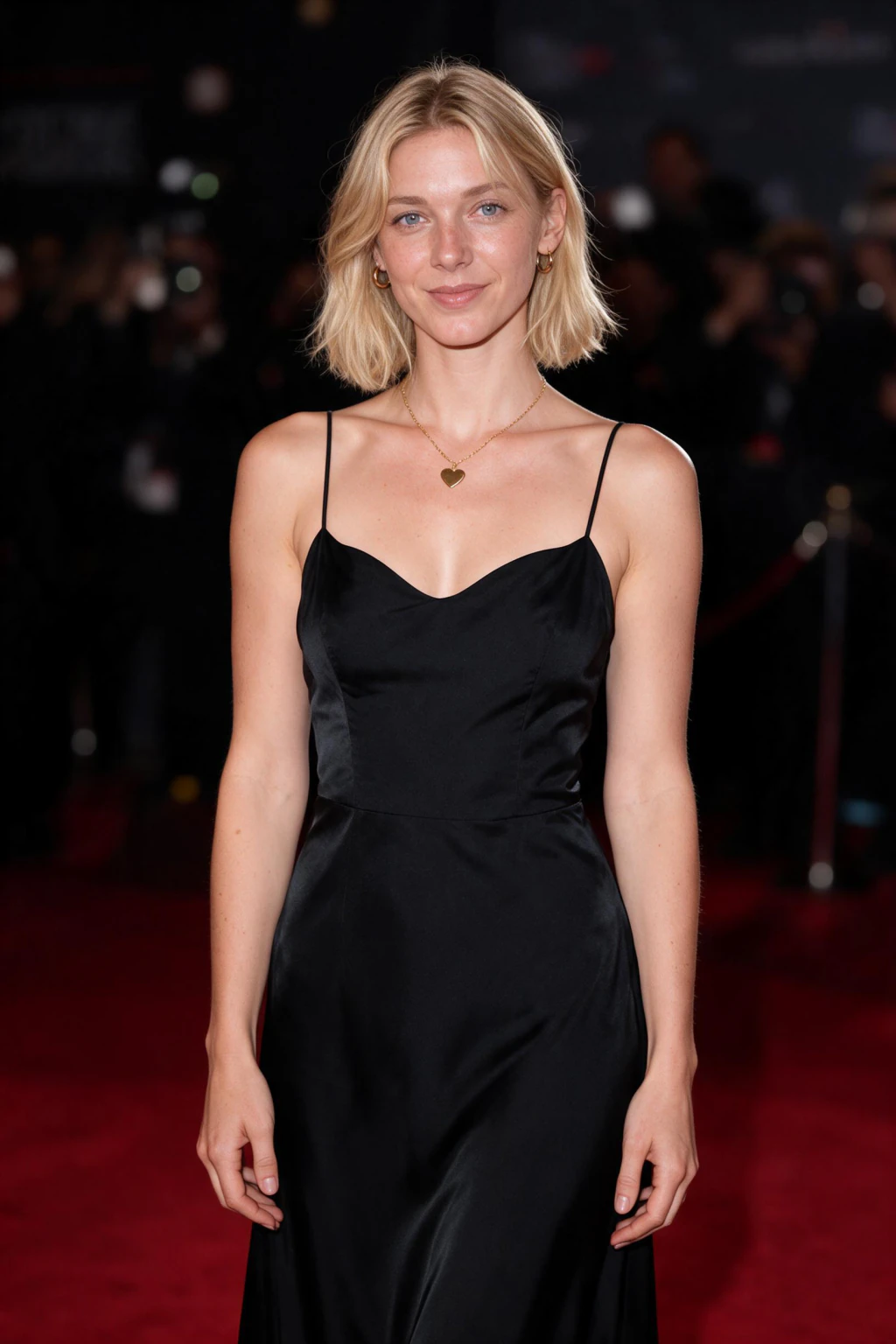
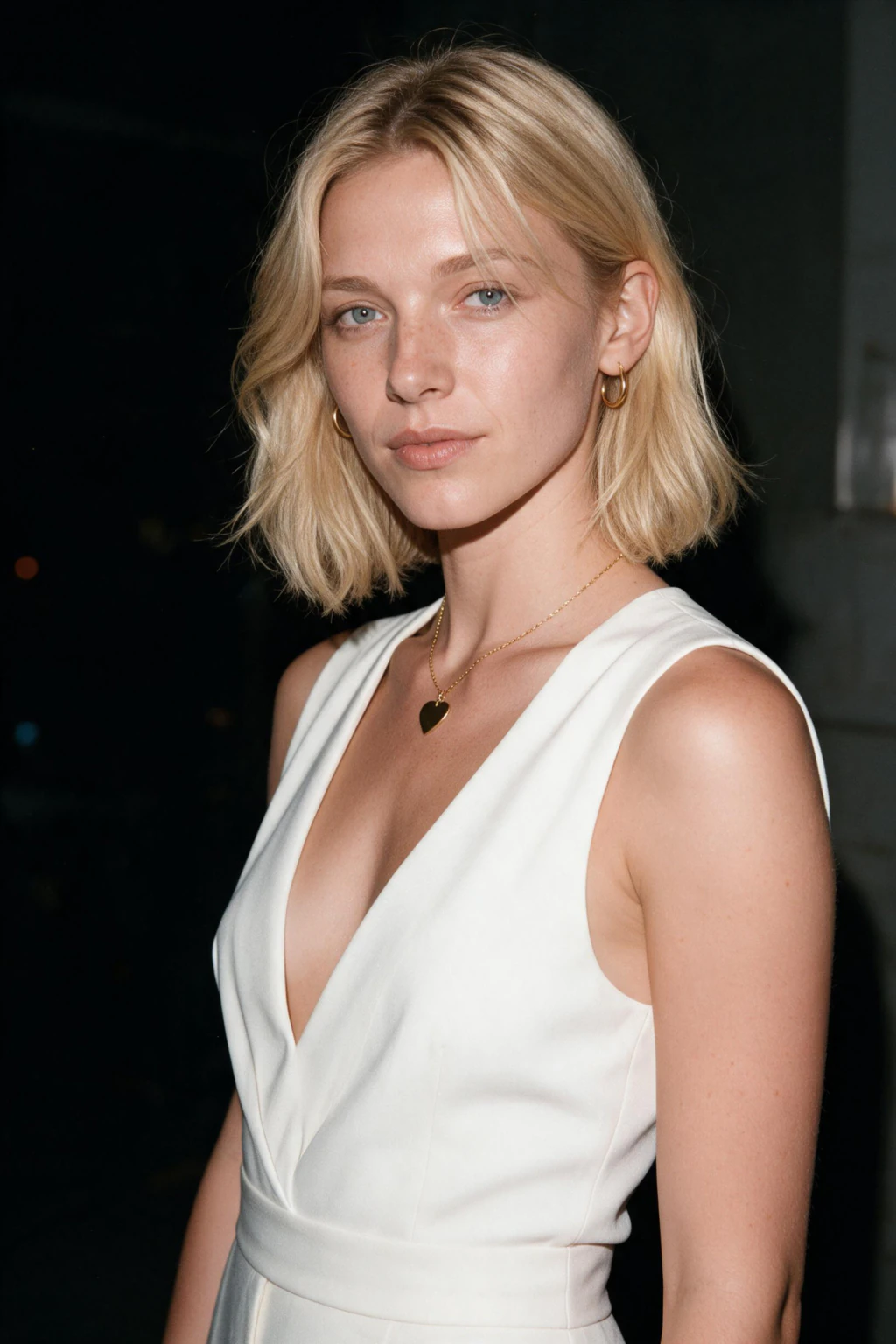
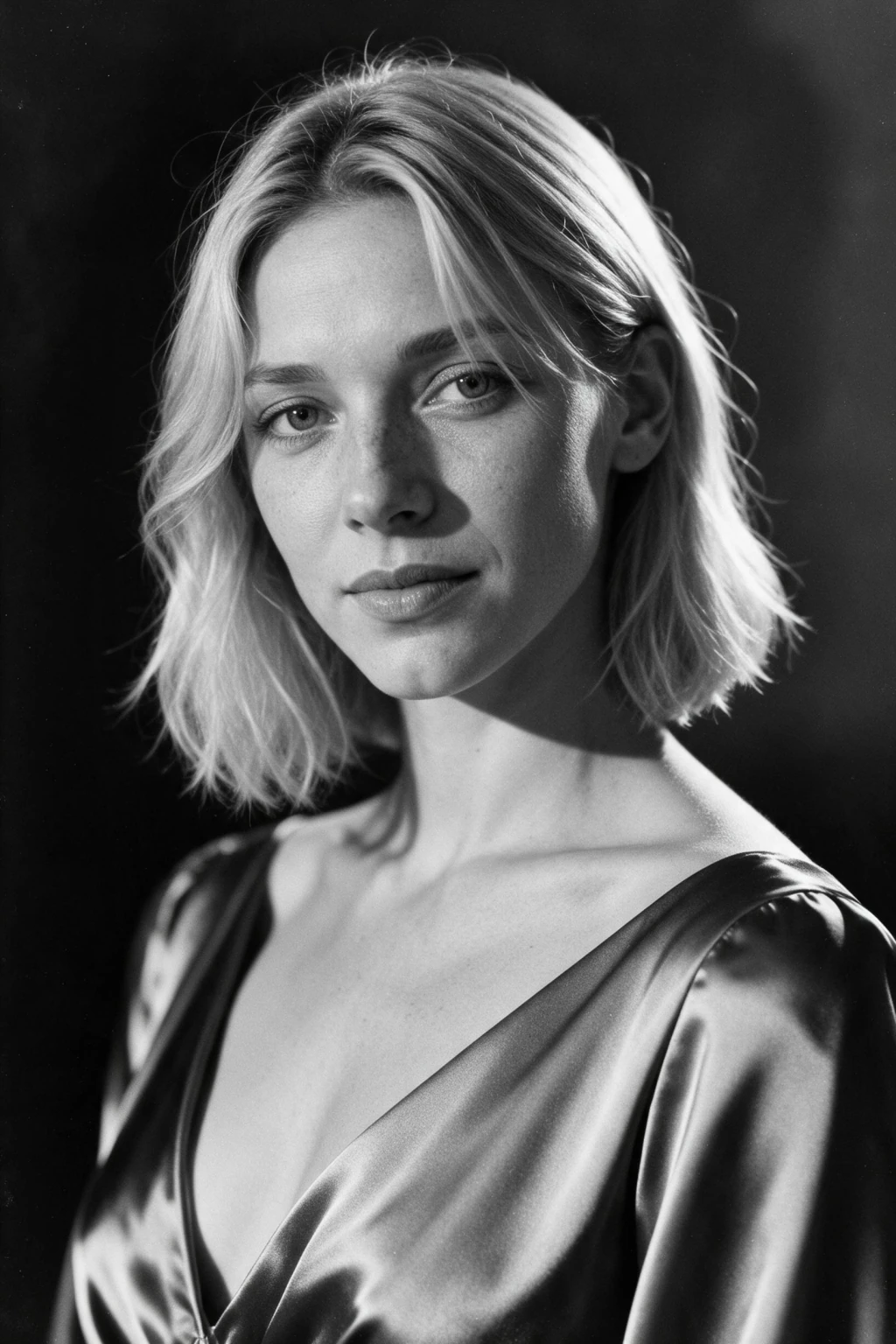
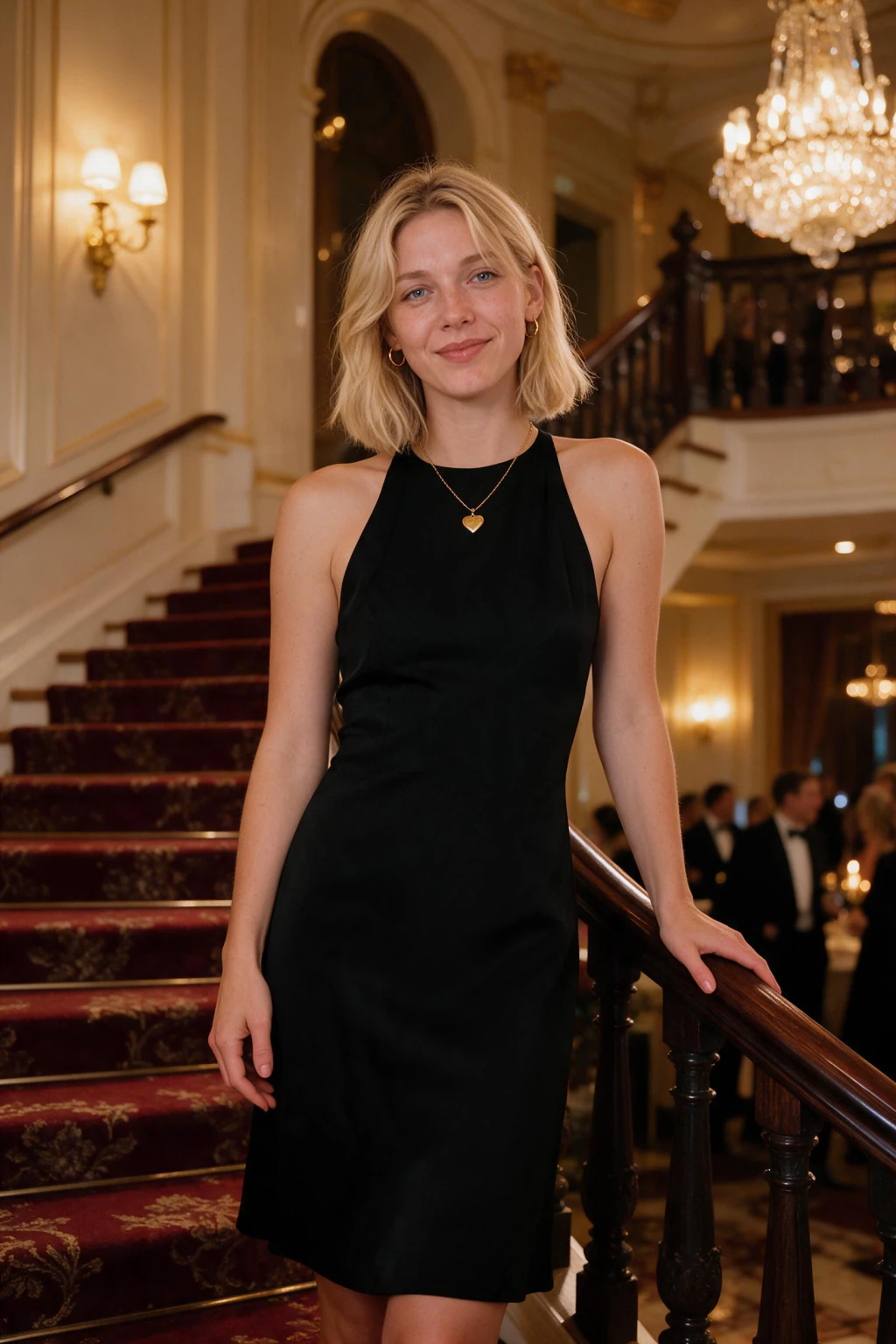
- Upload one selfie, get about 10 finished celebrity-style photos of you, each one back in about 2 minutes
- The AI keeps your real features, so the person on the red carpet is unmistakably you
- Photorealistic celebrity vibes only: red carpet, flash editorial, black-tie ballroom, old Hollywood black and white. No real named stars, no deepfakes
How does the AI make a celebrity-style photo of me?
It studies your selfie first
Before generating anything, the AI maps your face from the selfie you upload: eye spacing, jawline, nose, skin tone. That map is what every shot is built on, which is why the star on the red carpet is you and not a lookalike.
Then it builds the A-list scene around you
The step-and-repeat wall, the flashbulbs, the wardrobe, the lighting: all generated fresh for each frame. Your face is not pasted onto a body. The whole image renders together, so the light and shadow fall on your face the way real red-carpet lighting would.
Your face, never a real celebrity
The AI applies the celebrity aesthetic, the styling, framing, and glamour, to your own identity. It does not reproduce any real named person. You get the star treatment on your face, which keeps the result yours and keeps it clear of likeness and publicity rules.
Become the celebrity, do not fake a photo with one
Most "AI selfie with a celebrity" tools paste you next to a real famous face, which looks off and walks straight into likeness and publicity problems. MakeAiPhotos flips it: you are the star of the shot, and the frame is built from your own selfie.
When the AI generates from your photo instead of stitching you onto a real celebrity, there is no fake handshake, no mismatched lighting between two pasted people, and no legal gray area. It is one photo, of you, in A-list surroundings.
This also fixes the consistency problem. Composite tools give you a slightly different face in every attempt. Working from your one selfie keeps the same face across all 10 red-carpet and ballroom frames, so the whole set reads as one person: you.
The practical payoff: you skip the stylist, the photographer, and the venue. You upload a selfie you took this morning, pay once, $9.99, and have about 10 celebrity-style photos of you before the night is over.
Which celebrity-style photo should I use where?
Not every glam shot fits every post. Here is a quick guide to which frame from your set goes where.
Profile photo upgrade
First photo: The clean red-carpet portrait where your face is sharp and centered.
Must have: Direct eye contact, flattering light, a background that frames you without noise.
Avoid: Busy paparazzi crowds or motion blur that hides your face on a small avatar.
Feed and stories
First photo: A hard-flash editorial shot, direct flash against a dark wall, an unbothered cool look at the lens.
Must have: Sharp flash contrast, a confident expression, and variety across posts.
Avoid: Dropping every photo in the set at once, which makes it easy to clock as AI.
Birthday or milestone post
First photo: An old Hollywood black-and-white portrait with sculpted lighting and a strong pose.
Must have: Editorial lighting, confident expression, a caption that owns the moment.
Avoid: Over-retouched frames where your face stops looking like you.
Creator branding
First photo: A black-tie ballroom shot with chandelier light that matches your niche and palette.
Must have: Consistent styling across the set so your grid reads as one story.
Avoid: Mixing five different eras and looks that break your visual brand.
How do I make an AI celebrity-style photo? 3 steps
- Pick a celebrity-style pack first, so the AI knows the look: red carpet, flash editorial, old Hollywood black and white, or black-tie ballroom
- Upload one recent selfie with your whole face visible, shot in daylight, no sunglasses or heavy filters
- Wait for the set to render, keep the frames where your face reads as unmistakably you, download the rest of the batch too
Who searches for AI photos of celebrities
- People who want the A-list look for a profile pic, a birthday post, or a bio without the red-carpet invite
- Creators building a glossy feed who want editorial and black-tie ballroom shots of themselves on demand
- Anyone who typed "photo with a celebrity" but really wants to BE the star in the frame, not stand beside one
What do AI celebrity-style photos cost?
Packs are a one-time payment at $9.99, which buys about 10 finished celebrity-style photos in one session. There is no subscription, so you pay for a look only when you want it. New accounts receive welcome credits at signup that you can put toward your first red-carpet set.
Frequently asked questions
Can I make an AI photo with a real celebrity?
No. MakeAiPhotos does not put you next to a real named celebrity and does not recreate any real person's face. It makes celebrity-STYLE photos of you: red-carpet, flash editorial, and black-tie ballroom looks built from your own selfie, so you become the star. This keeps the results yours and clear of likeness and publicity rules.
How do I make an AI photo where I look like a celebrity?
Pick a celebrity-style pack, upload one clear selfie, and the AI generates new photos of you in A-list settings. You keep your own face and get the glamour: red-carpet lighting, flash editorial styling, and black-tie ballroom framing. The look is celebrity, the face is yours.
Are AI photos of celebrities free?
The celebrity-style packs are paid: a one-time $9.99 pack with no subscription. New accounts may get one free try at signup: a watermarked preview of your first photo, so you can check the likeness before you pay. The full-resolution, watermark-free photo comes with the paid pack. There is no charge just for creating an account and browsing the styles.
Will the celebrity-style photo still look like me?
Yes. The AI maps your face from your selfie first, then builds the scene around it, so every red-carpet or ballroom frame keeps your real features. If a specific result drifts from how you look, discard it and use the others in the batch.
What celebrity-style looks can I generate?
Red-carpet gala arrivals, hard-flash editorial portraits, black-and-white old Hollywood glamour, and black-tie ballroom scenes. Each pack contains multiple specific scenarios, so you can browse the looks first, then generate the ones that fit your post.
What selfie gets the best celebrity-style results?
A recent, sharp photo taken in daylight, facing the camera, with nothing covering your face. Skip beauty filters, since the AI will faithfully reproduce the filtered version instead of you. One honest selfie beats five edited ones.
Is it legal to make AI celebrity-style photos?
Making stylized photos of your own face is fine, and that is all this tool does. The risk comes from recreating a real, identifiable celebrity or faking a photo with one, which can infringe publicity and likeness rights. MakeAiPhotos avoids that by generating only from your selfie, never a real named person.