Can recruiters tell if your headshot is AI?
Usually not. In a Ringover survey of over 1,000 recruiters, hiring professionals correctly identified AI headshots only 40% of the time, worse than a coin flip, and 76.5% said they actually preferred the AI versions. Recruiters only notice an AI headshot when it has an obvious tell, like waxy skin or a warped detail.
Most recruiters are not trying to detect AI at all. They are trying to recognize you fast, then move on to your headline, roles, and dates. A crisp photo that matches how you look on a video call reads as a normal professional portrait, whether it came from a studio, a phone, or a likeness-trained generator.
What actually creates problems is not the word AI. It is mismatch: an overly glam face, outdated hair or glasses, obvious artifacts, or a photo that does not line up with the person who shows up for the interview. See why AI photos look fake and how to fix them for the visual giveaways behind that mismatch.

One phone selfie to 5 AI photos of the same person
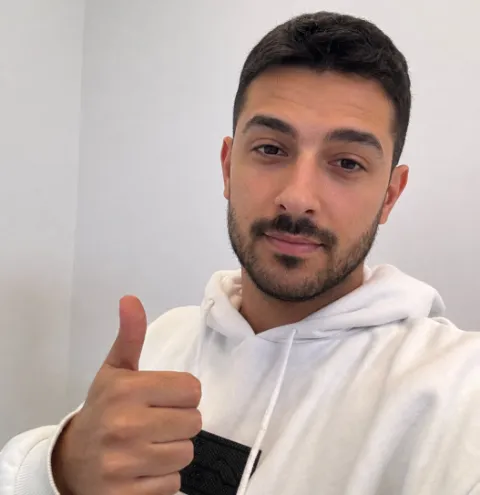
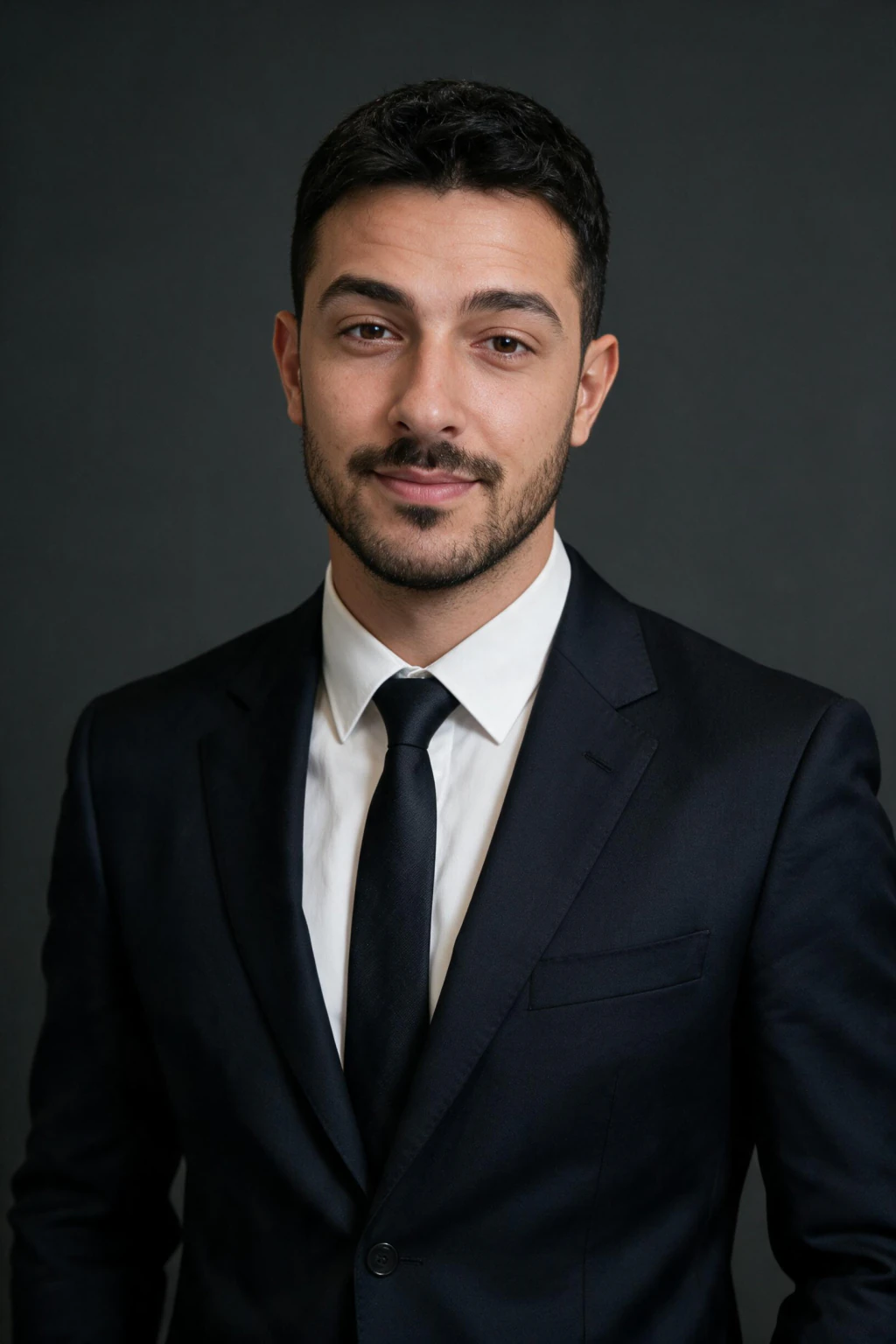

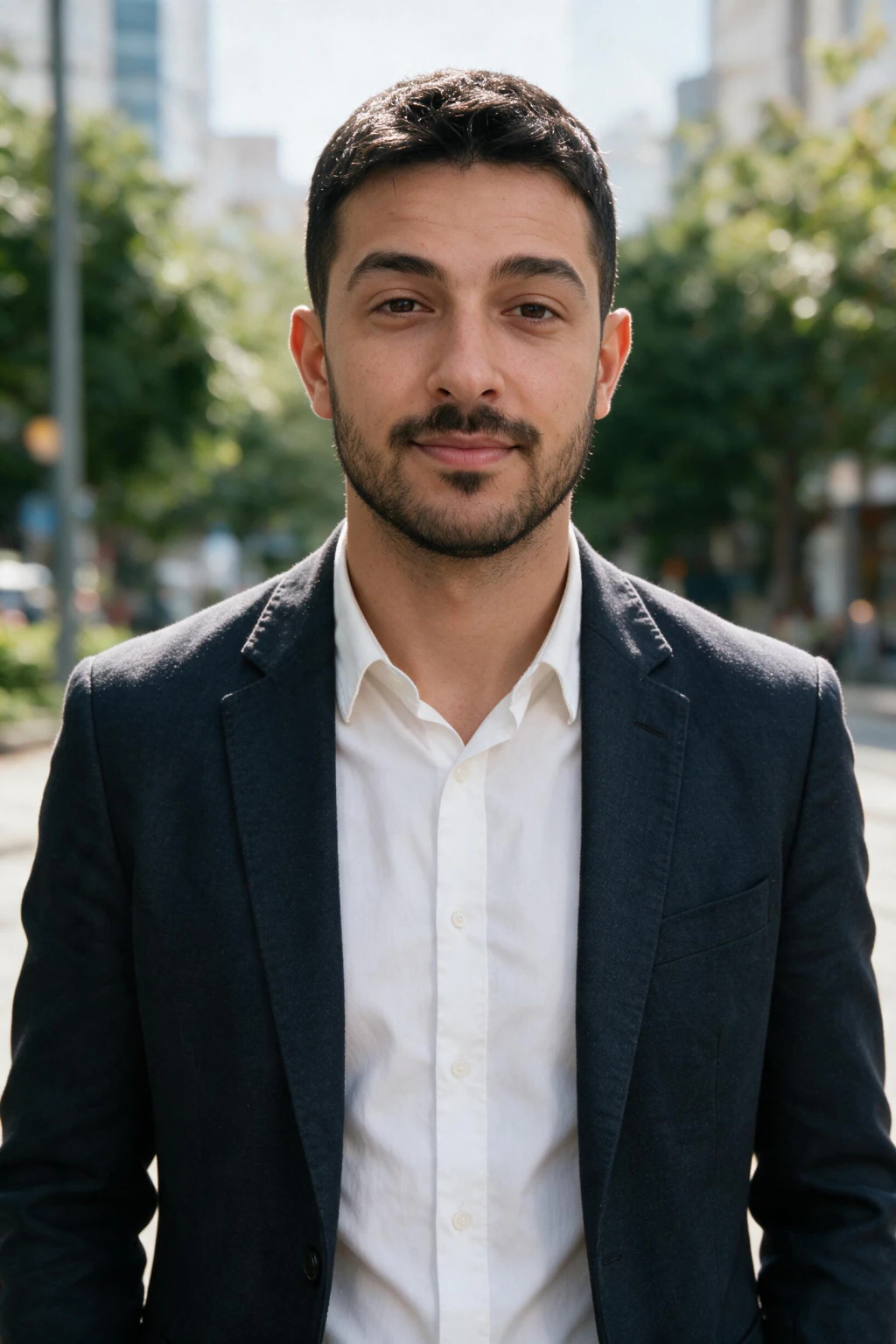
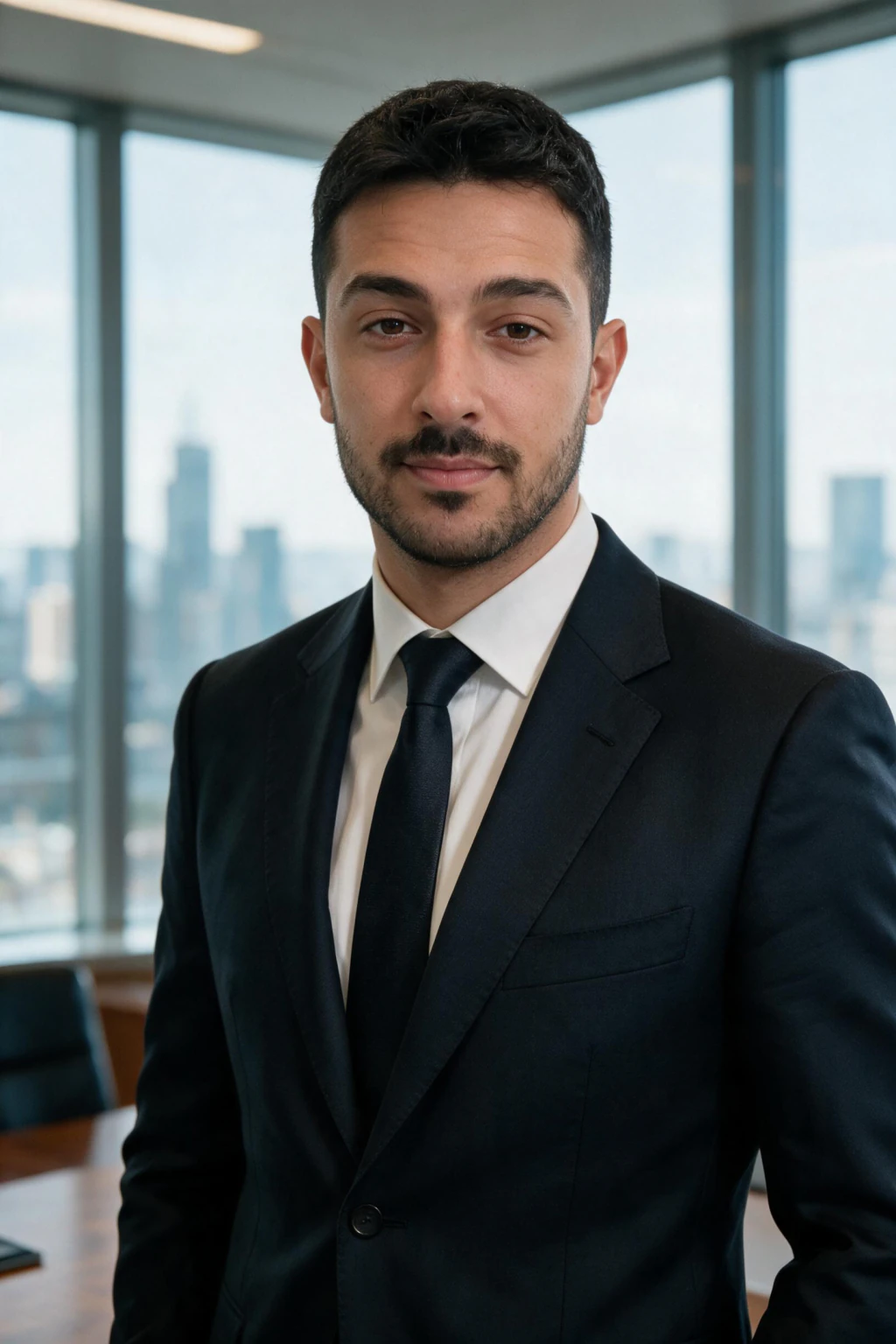
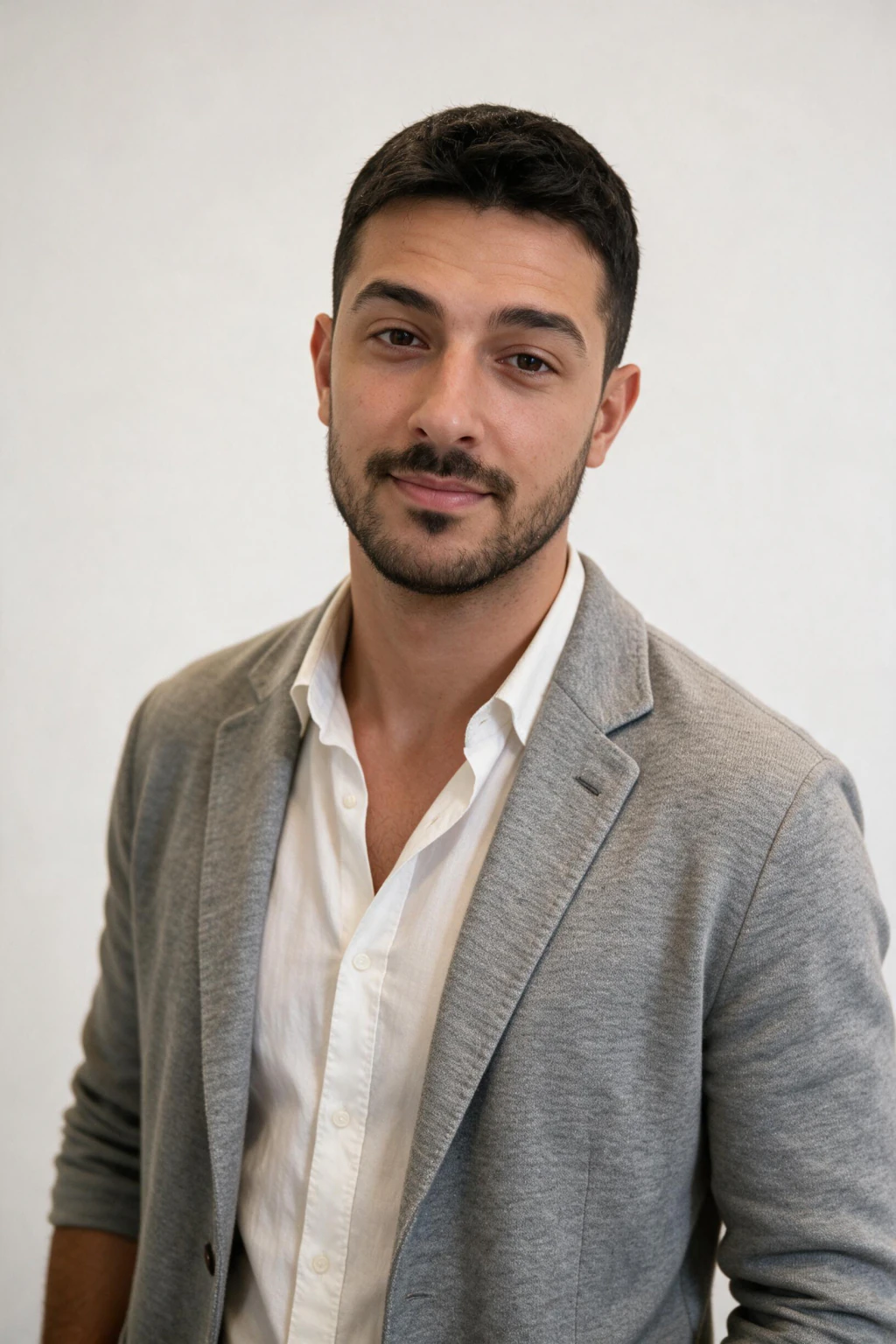
What the data says about AI headshot detection
Four separate studies point the same direction: recruiters are worse at spotting AI headshots than most candidates assume, and a lot of them prefer the results.

40% detection rate
Ringover surveyed over 1,000 recruiters and found they correctly identified an AI headshot only 40% of the time, worse than random guessing.
76.5% preferred the AI photo
In the same Ringover survey, most recruiters rated the AI headshot as more professional or approachable than the candidate's real photo.
38% detection, 82% say skip disclosure
A separate survey of 500 hiring professionals found 38% detection accuracy, and 82% said candidates do not need to disclose an AI-generated headshot.
About 50% detection in lab tests
Face-perception research out of Lancaster University put human detection of AI-generated faces at roughly a coin flip under controlled conditions.
21x more profile views
LinkedIn's own data shows profiles with a photo get up to 21 times more views than profiles without one, method aside.
When can recruiters tell? The 6 giveaways
Bad AI gets caught. Good AI doesn't. AI headshot detection on LinkedIn is almost never a tool, it is the human eye catching one of these tells at a glance.

Waxy, over-smoothed skin
No visible pores or texture, the classic filtered-selfie look pushed too far.
Mismatched earrings or glasses
Jewelry or frames that shift shape or vanish between the two ears, or don't sit naturally on the face.
Inconsistent eye catchlights
The small reflection in each eye should match in position and color. When it doesn't, the photo reads as generated.
Warped ears, teeth, or hands
Fine, high-detail structures are still where generators slip most often, especially in a corner crop.
Background edges that smear
Look at where your hair or shoulder meets the background. Soft, melted edges are a tell.
Lighting that doesn't wrap the face
Light should fall on your face the same direction it falls on the background. Flat or mismatched light looks synthetic.
Are AI headshots allowed on LinkedIn?
Yes. LinkedIn's profile photo guidelines center on authenticity: your photo should represent you as a real person, no logos, stock scenes, or impersonation. The platform does not ask you to disclose whether a portrait was retouched, studio-shot, or produced with an AI tool.
That makes the compliance question for AI headshots the same one that applies to heavy retouching: does this still look like you this year, in normal lighting, to someone who will meet you? Clarity and recency beat the question of whether a camera was in the room.

Do you have to disclose an AI headshot?
No. In the survey of 500 hiring professionals cited above, 82% said candidates do not need to disclose an AI-generated headshot. Treat it like retouching from a studio session.
The one honest caveat: the photo still has to look like you at the interview or on the video call. If a recruiter asks directly, say you generated a professional portrait from your own photos.
The real risk assessment
The mismatch is the risk, not the method. Ranked by how often each one actually causes a problem:
1. A photo that doesn't match who shows up
The biggest real risk. If your headshot looks dramatically younger, thinner, or different from your video interview, that gap is the actual problem.
2. Obvious artifacts
Waxy skin, warped details, or mismatched lighting can make a photo look unprofessional on its own, independent of whether it was AI-made.
3. The "AI" label itself
The risk almost nobody checks for in practice. Recruiters detect it under half the time and rarely ask.
How to make AI headshots that pass a recruiter skim
Start with a LinkedIn-focused pack and conservative styling before you experiment with dramatic creative looks. Compare candidates at the same size LinkedIn uses on mobile, not only full screen.
Aim for natural skin texture, current hairstyle, and clothing that matches your industry. When you are ready to generate, use the LinkedIn Authority workflow at /ai-linkedin-headshots so prompts, wardrobe, and backgrounds stay in the professional lane first.
If a render fails the skim, the fix is usually in your input selfie, not the model. See /blog/ai-headshot-does-not-look-like-me-fixes for the fastest fixes.
Frequently Asked Questions
- Can recruiters tell if I used an AI headshot?
- Usually not. Studies put recruiter detection at 38 to 40%, worse than random guessing. They only notice low-quality outputs with waxy skin or warped details. A likeness-accurate headshot from your own selfies passes without a second look.
- Is it unprofessional to use an AI headshot on LinkedIn?
- No. In blind tests, 76.5% of recruiters rated AI headshots as more professional and approachable than the candidate's real photo. What reads as unprofessional is a blurry selfie, an empty photo circle, or a photo that no longer looks like you.
- Are AI headshots allowed on LinkedIn?
- Yes. LinkedIn's profile photo rules require the photo to represent your real likeness, no logos, stock images, or impersonation. They do not regulate how the photo was produced. If it looks like you today, it complies.
- Do I have to tell an employer my headshot is AI-generated?
- No. 82% of surveyed hiring professionals said disclosure is not needed. Treat it like retouching from a studio session. If asked directly, say you generated a professional portrait from your own photos.
- Will an AI headshot hurt my job search?
- Only a bad one. Profiles with a clear professional photo get up to 21 times more views than profiles without one. A believable AI headshot that matches your video-call appearance helps far more than an old selfie or an empty circle.
- What makes an AI headshot fail a recruiter skim?
- Waxy, over-smoothed skin, a face that doesn't match your other public photos, outdated hair or glasses, and warped details like earrings or teeth. Fix the input selfies, keep styling conservative, and judge results at thumbnail size.