AI Photoshoot From One Selfie: A Full Session Run From Your Phone
MakeAiPhotos is an AI photoshoot tool that turns one selfie into new photos of you in the setting you choose, with each finished photo coming back in about 2 minutes for a one-time $9.99 session.
The word photoshoot usually means $200 to $500, a calendar slot one to two weeks out, and a stranger with a light stand. This is the same idea with none of that. You upload one clear selfie, choose where the shoot happens, and each finished photo comes back in about 2 minutes.
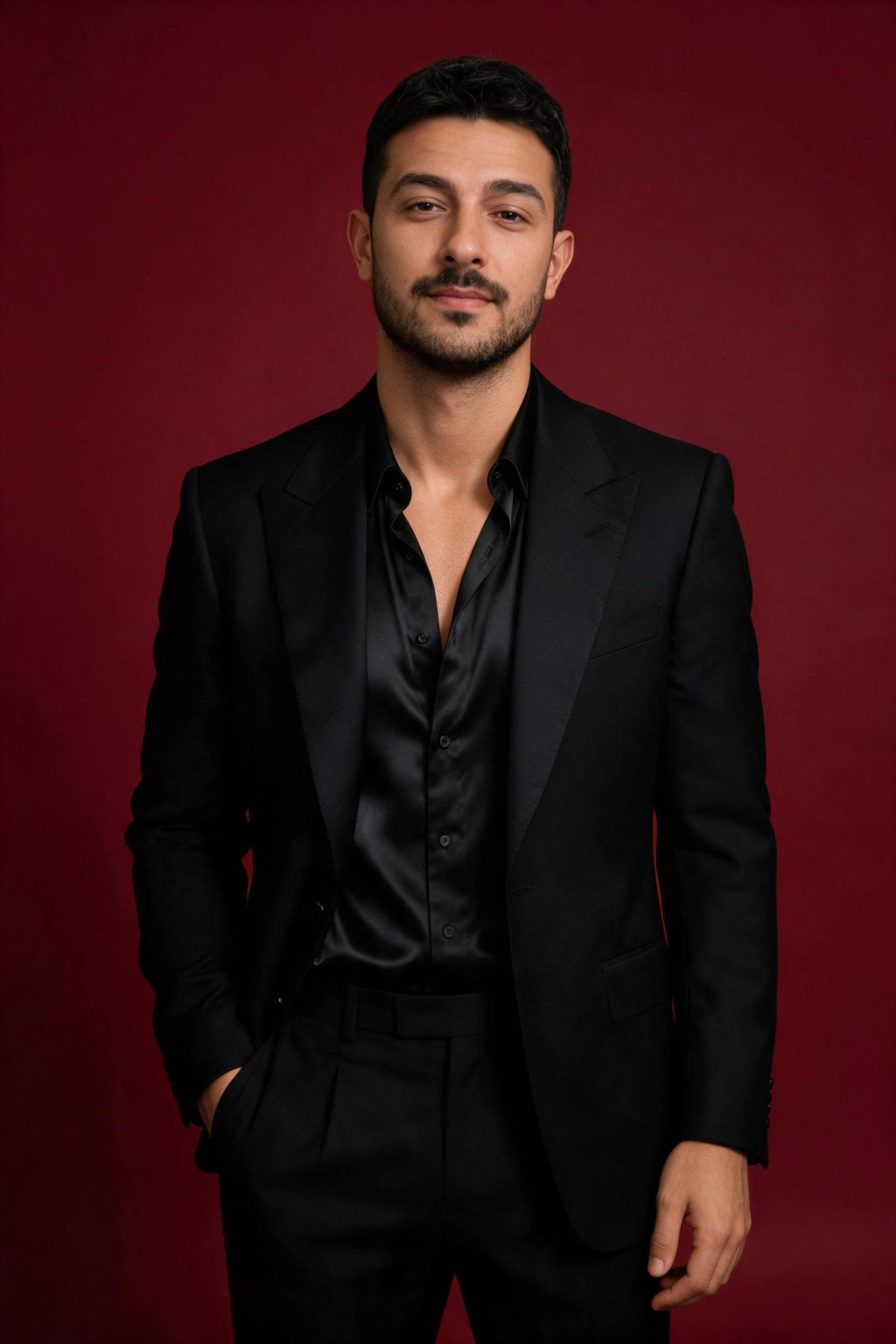
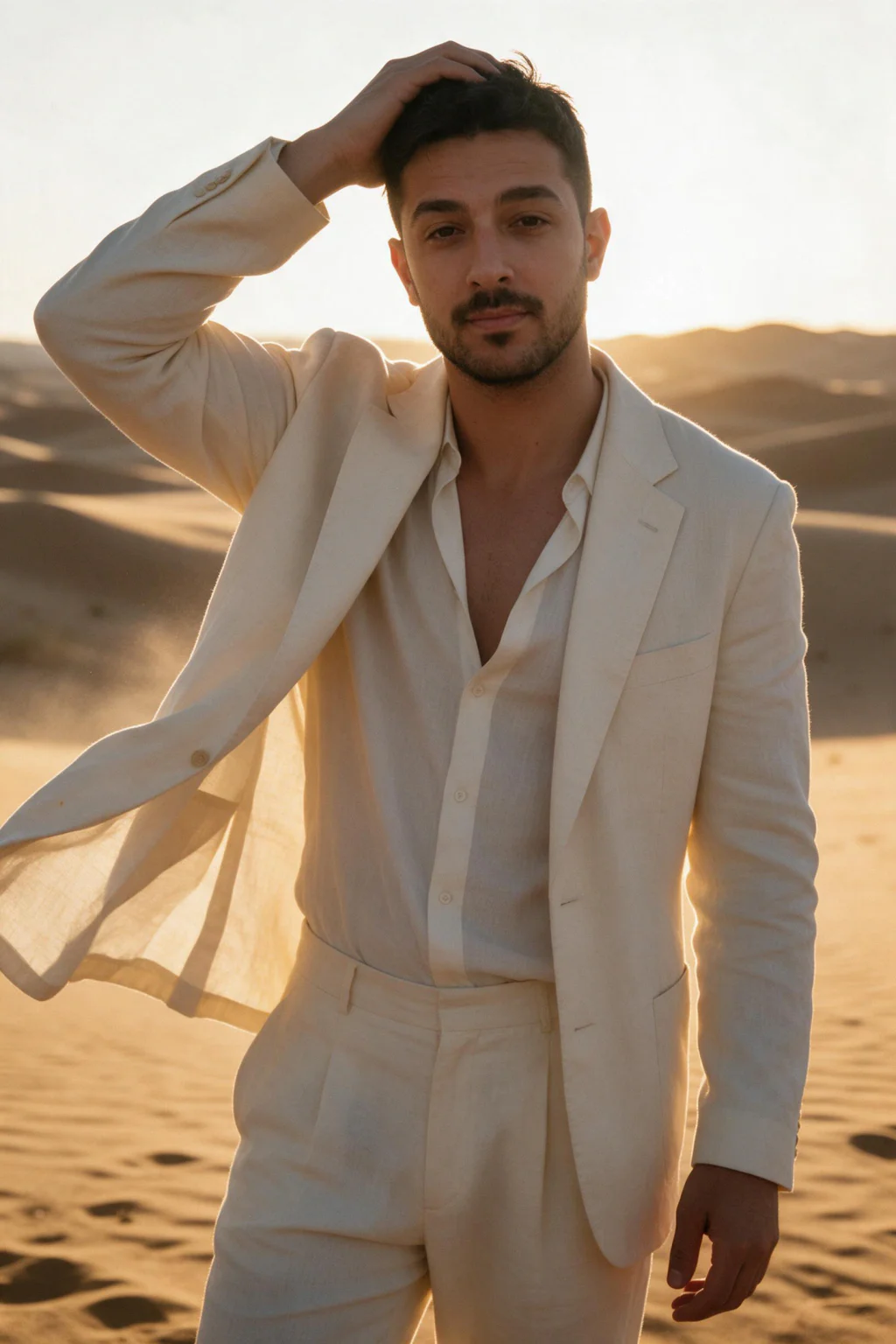
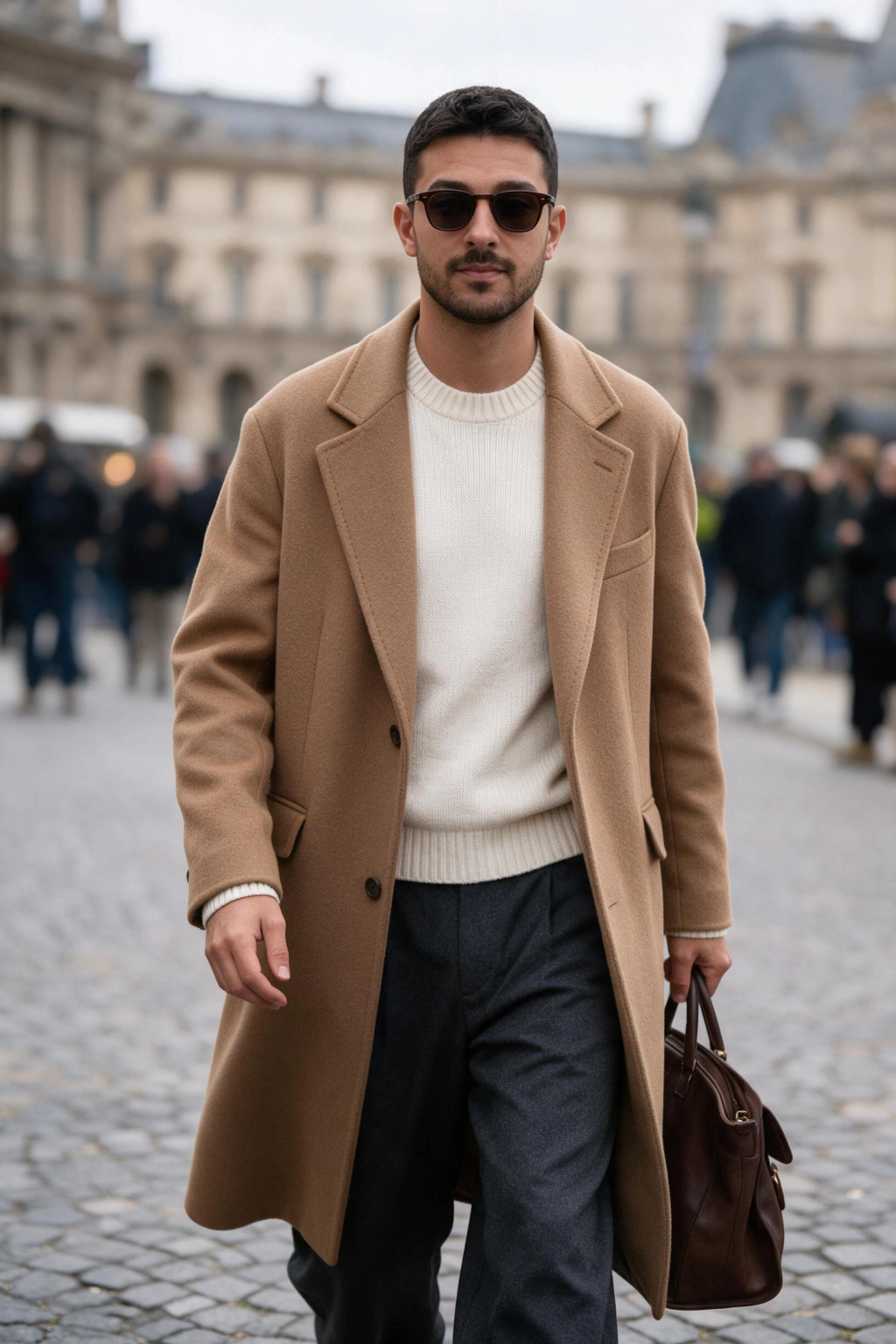
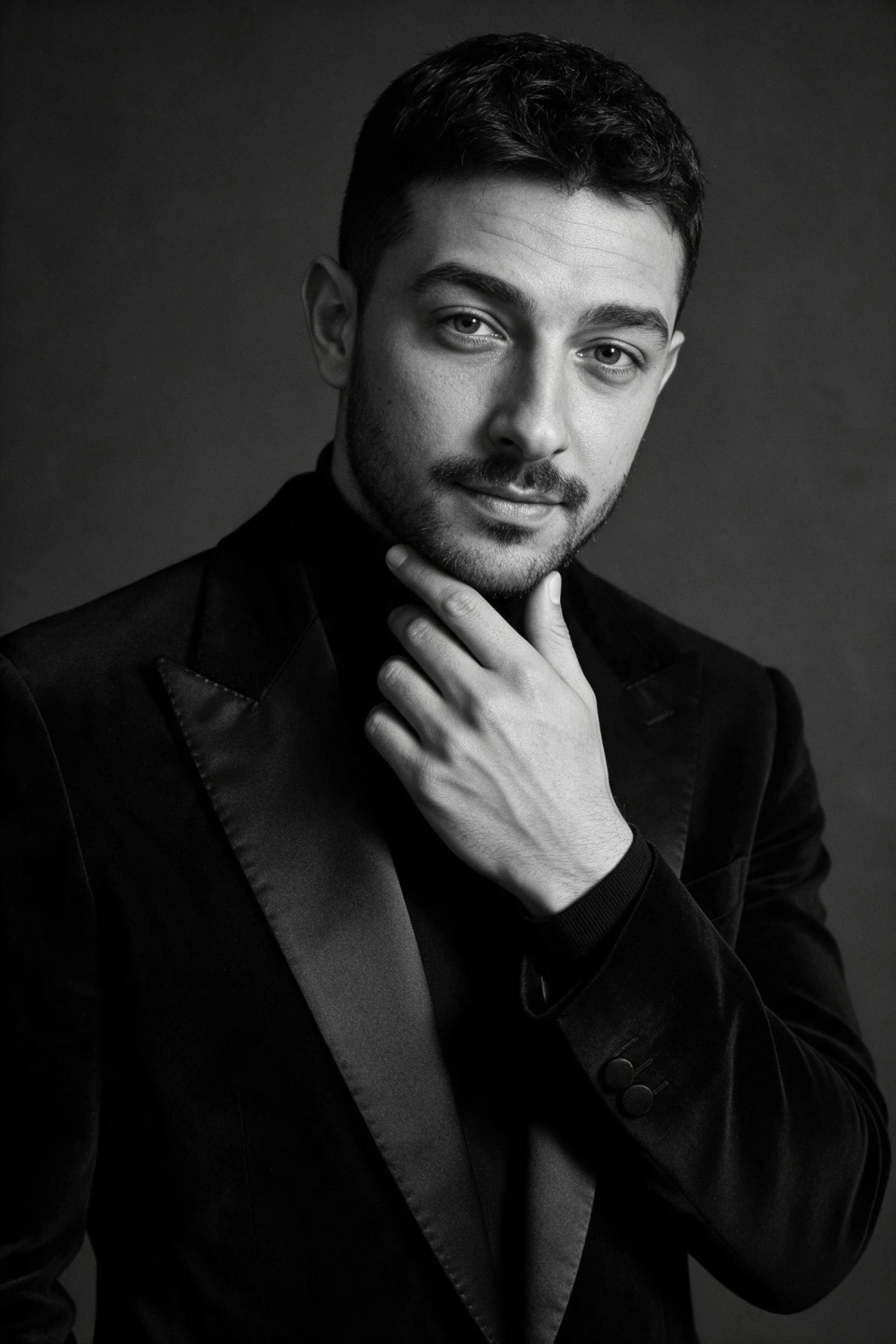
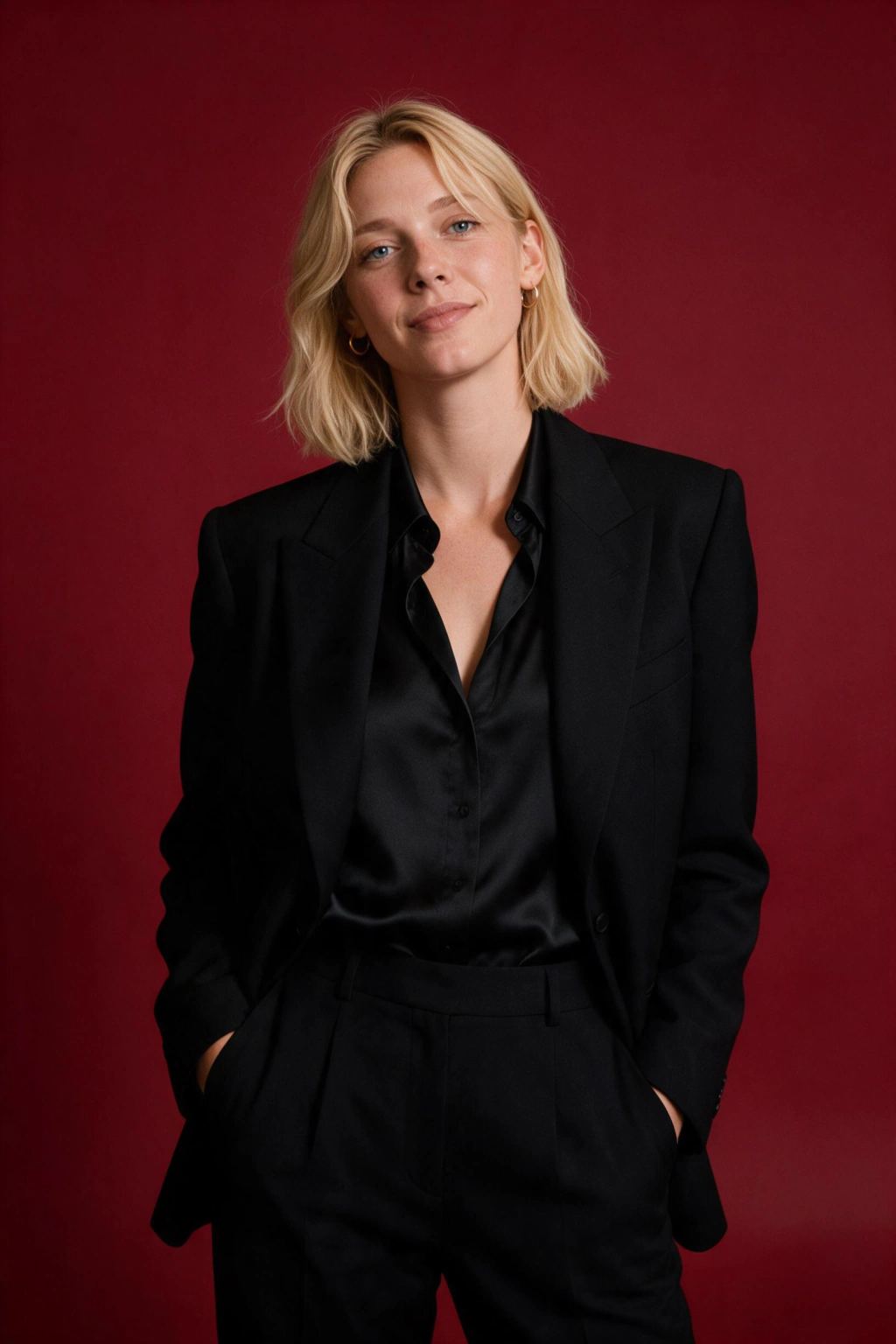
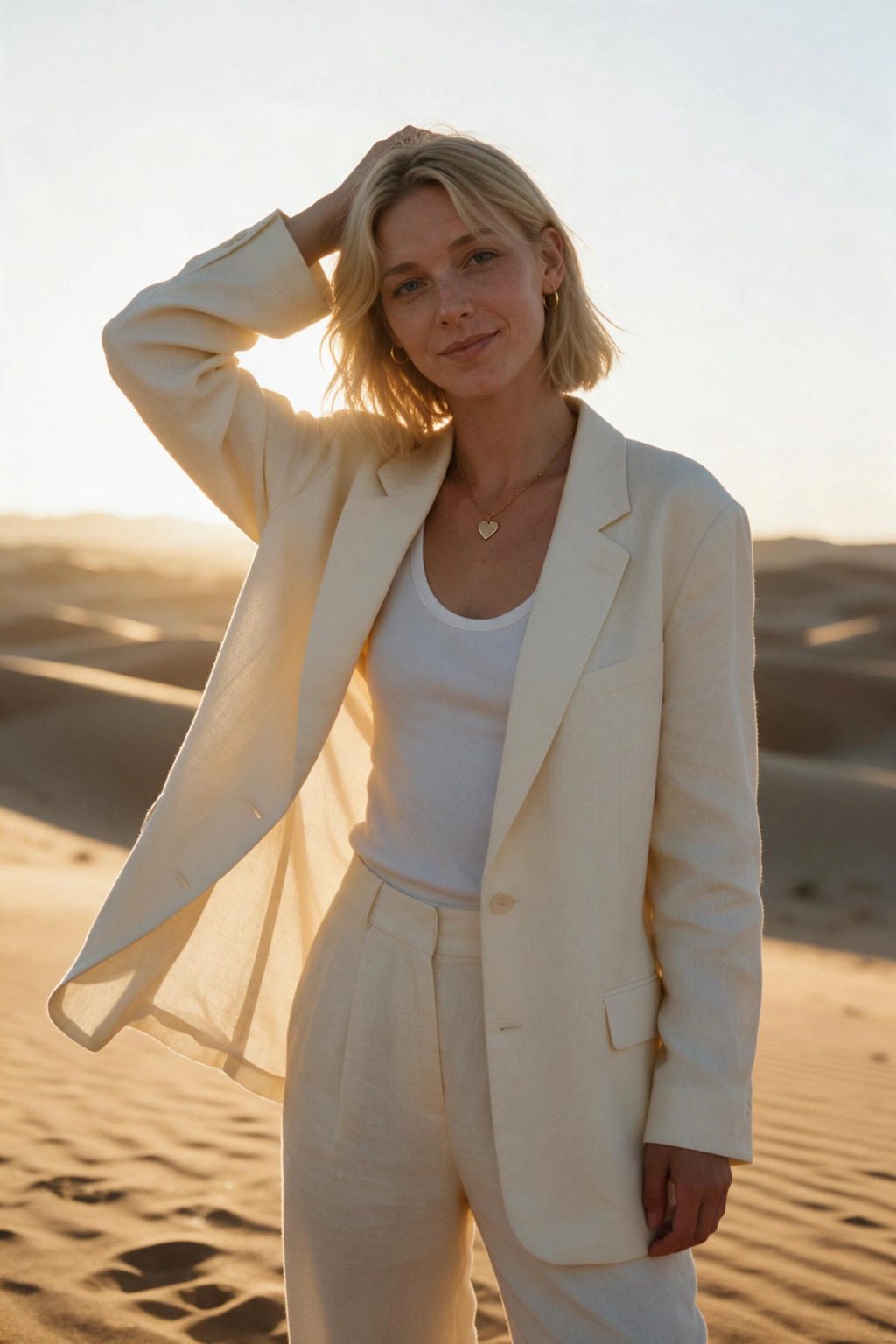
- One clear selfie is the whole upload, no session to book and no photographer to schedule
- $9.99 paid once, no subscription, for about 10 finished photos
- You direct the shoot: professional headshot, beach, travel, gym, luxury, nightlife, editorial, or festival
What makes this a session and not a filter?
Your selfie is the brief, not the base layer
The AI reads your face from the one selfie you upload, then builds a new image around it: fresh light, wardrobe, and background rendered together. Your original photo is not cropped, retouched, or given a new backdrop. It is the reference the new photo is built from.
You are the art director
In a studio the photographer picks the setup and you find out at the shoot whether you liked it. Here you choose the setting before anything renders, see the result almost immediately, and choose again if it is not the shot you wanted.
No waiting on a model to build
There is no training step and no queue to sit through. Each photo generates on its own, so a whole session fits into a coffee break.
An at home AI photoshoot from one photo, start to finish
Here is the whole session in order, so you know what you are buying before you pay. Nothing about it needs a studio, a camera, or a second person.
What you upload: one clear selfie. Daylight near a window beats overhead light, and a sharp phone photo beats a filtered one, because the AI reproduces whatever it is given. Upload a heavily smoothed selfie and the finished photos inherit that smoothing.
What you get back: a new photo of you, built around your face, in the setting you chose. A $9.99 session is about 10 finished photos, so picking your settings before you start matters more here than in a studio, where the photographer shoots hundreds and culls later.
What it replaces: the studio booking and the wait. You are trading volume for speed and control. A photographer hands you more raw frames. This hands you the specific shots you asked for, today, from a selfie you took this morning.
Where to go next: put the professional headshot frames on work profiles and the beach, travel, or editorial frames on social. The summer pack covers shoreline looks, the traveler pack covers landmark backdrops, the luxury photos pack covers tailored interiors, and AI LinkedIn headshots covers the work side. See AI photos of yourself for more example output, the realistic AI photo generator page for how the photorealism holds up, and AI photo ideas for every setting.
Which AI photoshoot setting should you pick?
A session is about 10 photos, so spend them on purpose. Eight settings, grouped into the four cards below, with what each one is good for.
Professional headshot
What the shoot looks like: Clean studio light, plain background, business wardrobe, head and shoulders framing
Pick it when: You need a photo for LinkedIn, a resume, or a company directory
Spend about: 3 of your 10 photos, so you keep a spare expression
Beach and travel
What the shoot looks like: Golden-hour shoreline and palms, or a landmark backdrop like Santorini, Dubai, or Tokyo at night
Pick it when: Your camera roll has no recent photos of you anywhere interesting
Spend about: 2 to 3 photos, one beach and one travel
Gym and luxury
What the shoot looks like: Training-floor light and athletic wear, or a marble-and-glass interior with tailored styling
Pick it when: You want a photo that signals discipline or polish, not a plain portrait
Spend about: 2 photos, one from each, since they read very differently
Editorial, nightlife, and festival
What the shoot looks like: Magazine-cover and agency-digitals framing, a dark room with colour, or open-air festival light
Pick it when: You want the shots with personality, for social rather than a work directory
Spend about: 2 to 3 photos, whichever frames keep your eyes sharp
How does an AI photoshoot work in 3 steps?
- Pick the setting first, so the shoot has a direction: a professional headshot, a beach, a travel backdrop, a gym, a luxury interior, a nightlife room, an editorial studio, or a festival crowd
- Upload one clear selfie taken in daylight, facing the camera, nothing covering your face. That single photo is the entire brief
- Each photo renders on its own with no model to wait on, so you keep picking looks until the session credits are spent
Who books an AI photoshoot instead of a studio
- People who need current photos this week and cannot wait on a photographer's calendar
- Anyone who wants range from one session: a work headshot and a beach shot from the same upload
- People who tense up in front of a camera and would rather direct the shoot from their phone
What does an AI photoshoot cost against a studio booking?
A studio session runs $200 to $500 and takes one to two weeks. An AI photoshoot here is $9.99, paid once. That $9.99 buys 100 credits, and every look costs 10 credits per image, so plan on about 10 finished photos per session, or 5 photos plus 5 short videos if you want motion. Nothing renews, and every purchase carries a 14-day money-back guarantee (terms apply).
Frequently asked questions
How long does an AI photoshoot take?
Each finished photo comes back in about 2 minutes. There is no model training step and no queue to sit through, so a session of several looks fits into a short break.
How many photos do I get in an AI photoshoot?
You get about 10 finished photos. The $9.99 session buys 100 credits, and every look costs 10 credits per image, so 100 credits works out to roughly 10 photos. If you want motion, the same 100 credits covers 5 photos plus 5 short videos instead.
How many selfies do I need to upload?
One clear selfie. Take it in daylight, facing the camera, with nothing covering your face and no heavy smoothing filter. A sharp upload matters more than a flattering one.
How much does an AI photoshoot cost compared to a photographer?
A studio session runs $200 to $500 and takes one to two weeks. An AI photoshoot here is $9.99, paid once, with no subscription and nothing renewing. Every purchase carries a 14-day money-back guarantee (terms apply), and checkout takes card or PayPal.
What settings can I shoot in?
Eight: a professional headshot, a beach, a travel backdrop, a gym, a luxury interior, a nightlife room, an editorial studio, and a festival. You pick before anything renders, so the session goes where you want it.
Do the photos actually look like me?
They are built around the face in your selfie, so yes, the likeness is the point. The AI does not invent a lookalike from a text prompt and it does not swap your head onto a stock body. Your face is the reference, which keeps the same person across every shot.
Can I do a virtual photoshoot without a camera or studio?
That is the whole idea. A phone selfie is the only equipment involved. No lights, no backdrop, no second person, and no travel, since the setting is generated around you.
What happens to my selfie after the session?
It is used to generate your own photos and nothing else. It is not published, not added to a public dataset, and not used to build output for anyone else.