AI Executive Headshot Generator
MakeAiPhotos is an AI executive headshot generator that turns a single selfie into CEO, boardroom, and business-casual headshots in about 2 minutes, with a 14-day money-back guarantee (terms apply) and no multi-photo training step.
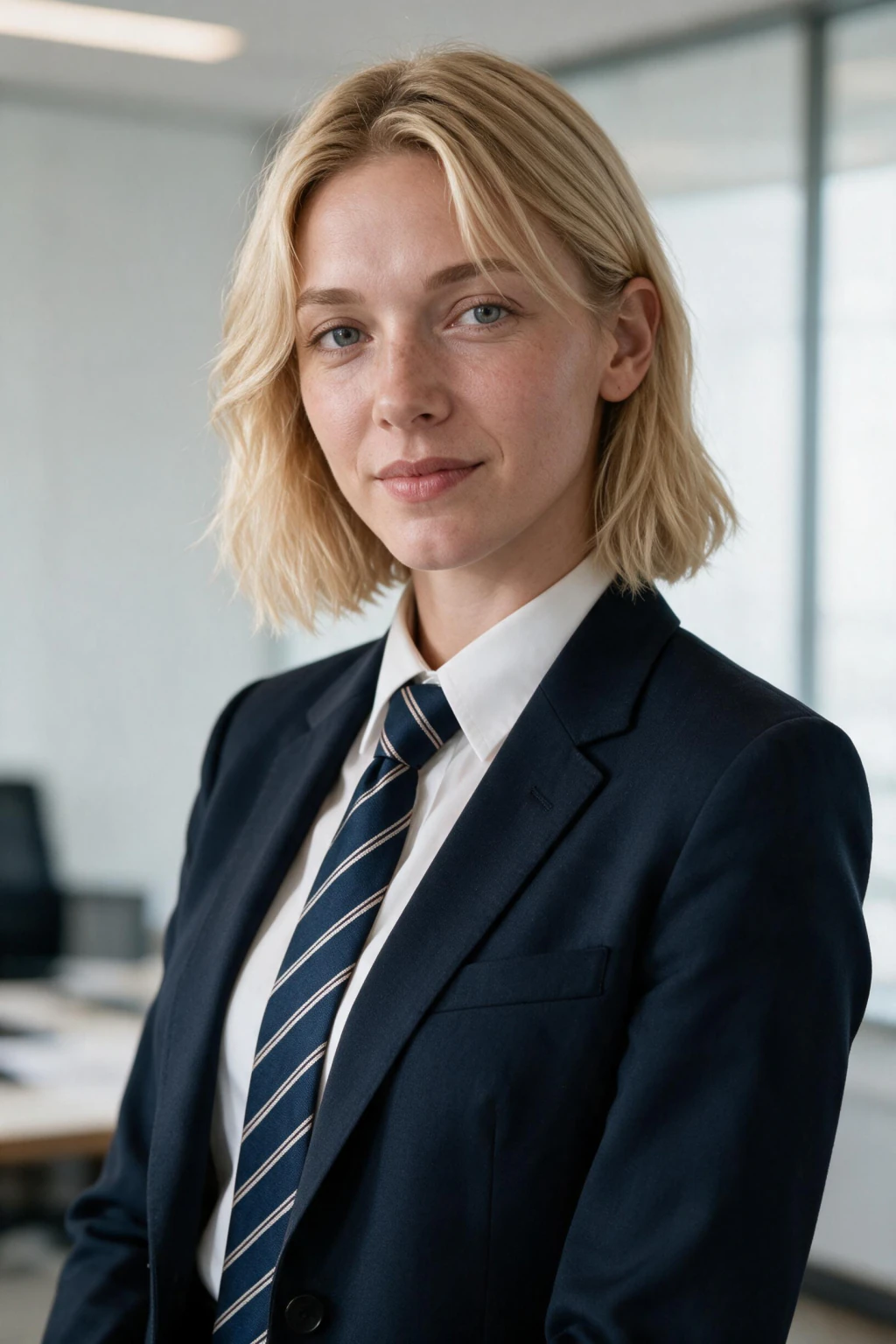
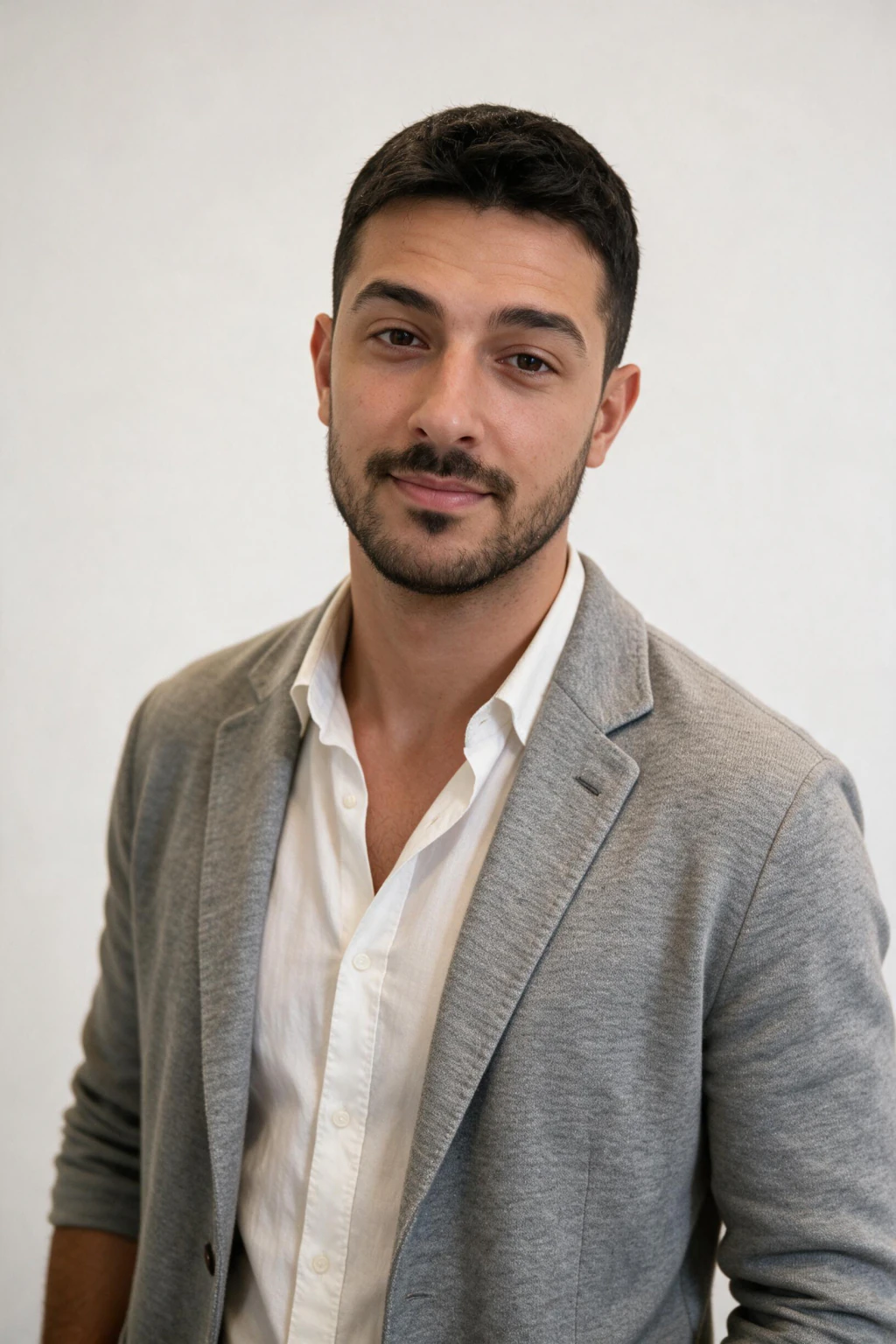
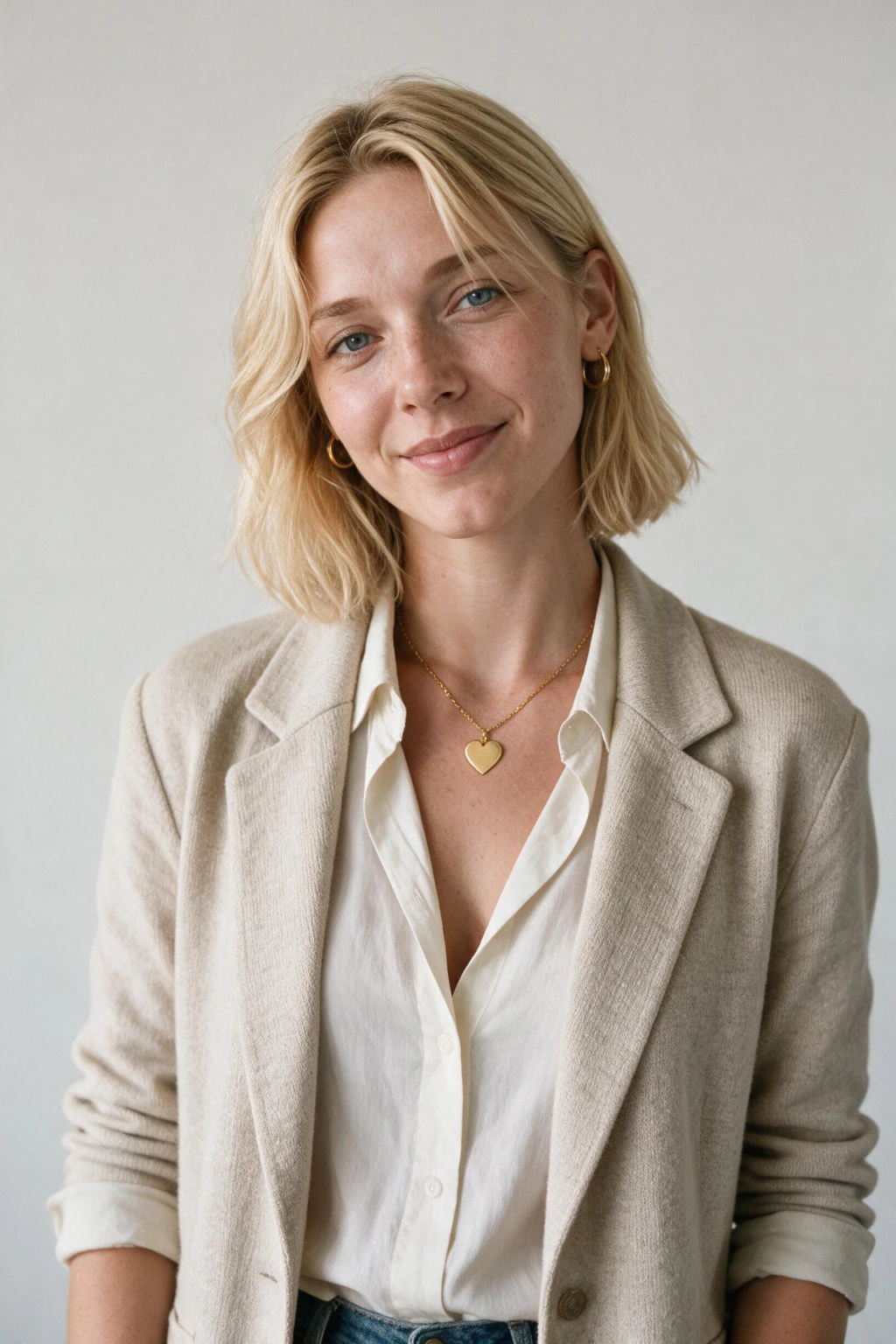
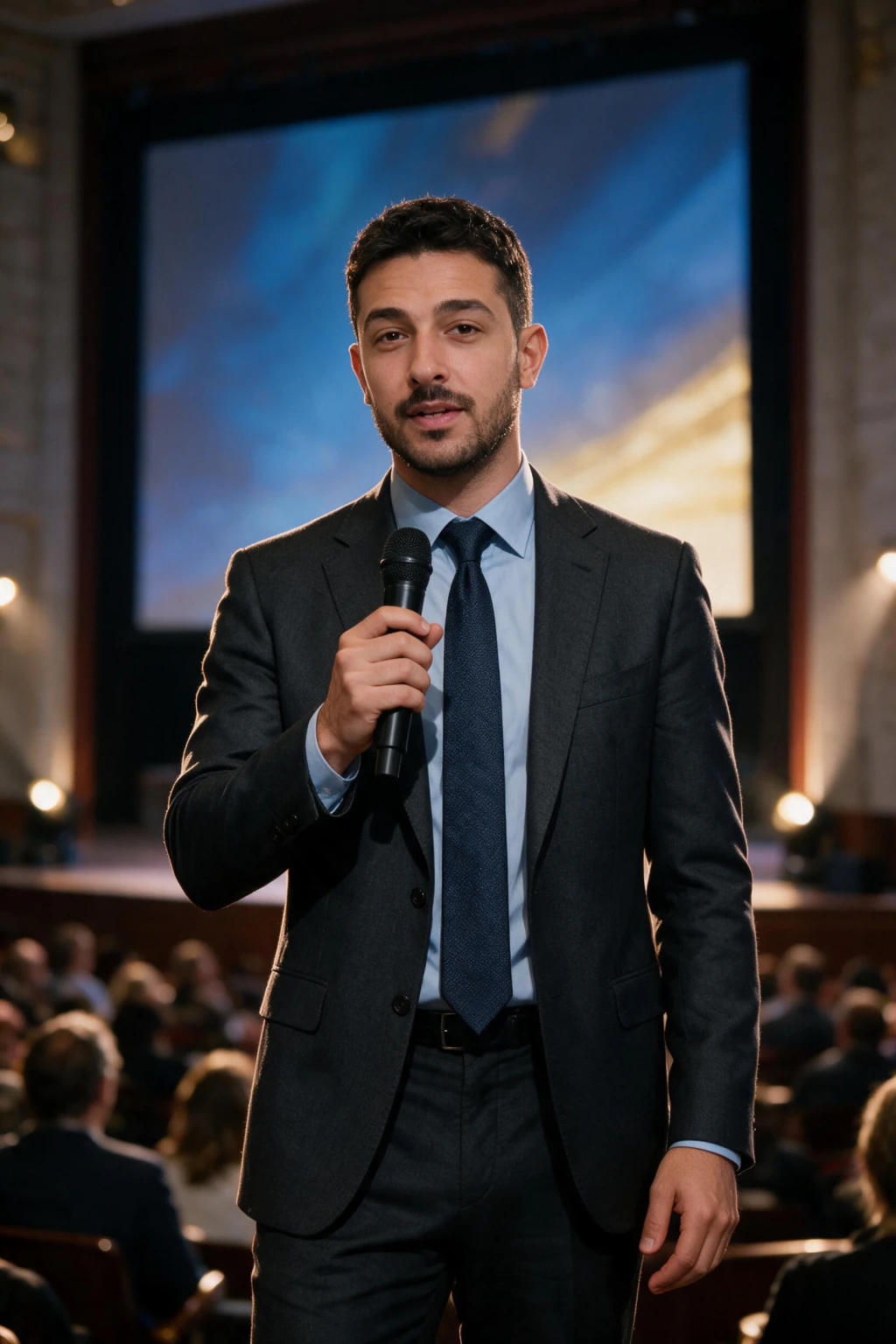
MakeAiPhotos turns one selfie into an executive-grade headshot, built for a LinkedIn profile, a company leadership page, or a board deck. Upload a single clear selfie, pick a look, and get studio-quality photos back in under 2 minutes. You choose from six looks built for executives and job seekers: executive studio, CEO boardroom, modern office, business casual, outdoor natural light, and conference speaker. Each one gives you the framing, lighting, and background a leadership photo needs. This page is for founders, executives, and anyone who needs a headshot that reads as senior, whether that's a LinkedIn profile, a company bio, or an investor deck. If your current photo is a cropped group shot or an old conference badge photo, this replaces it in one session. Pricing is one-time credits, not a subscription, and every order is backed by a 14-day money-back guarantee (terms apply). A traditional executive headshot session runs $200 to $500, so generating yours from one selfie saves both time and money.
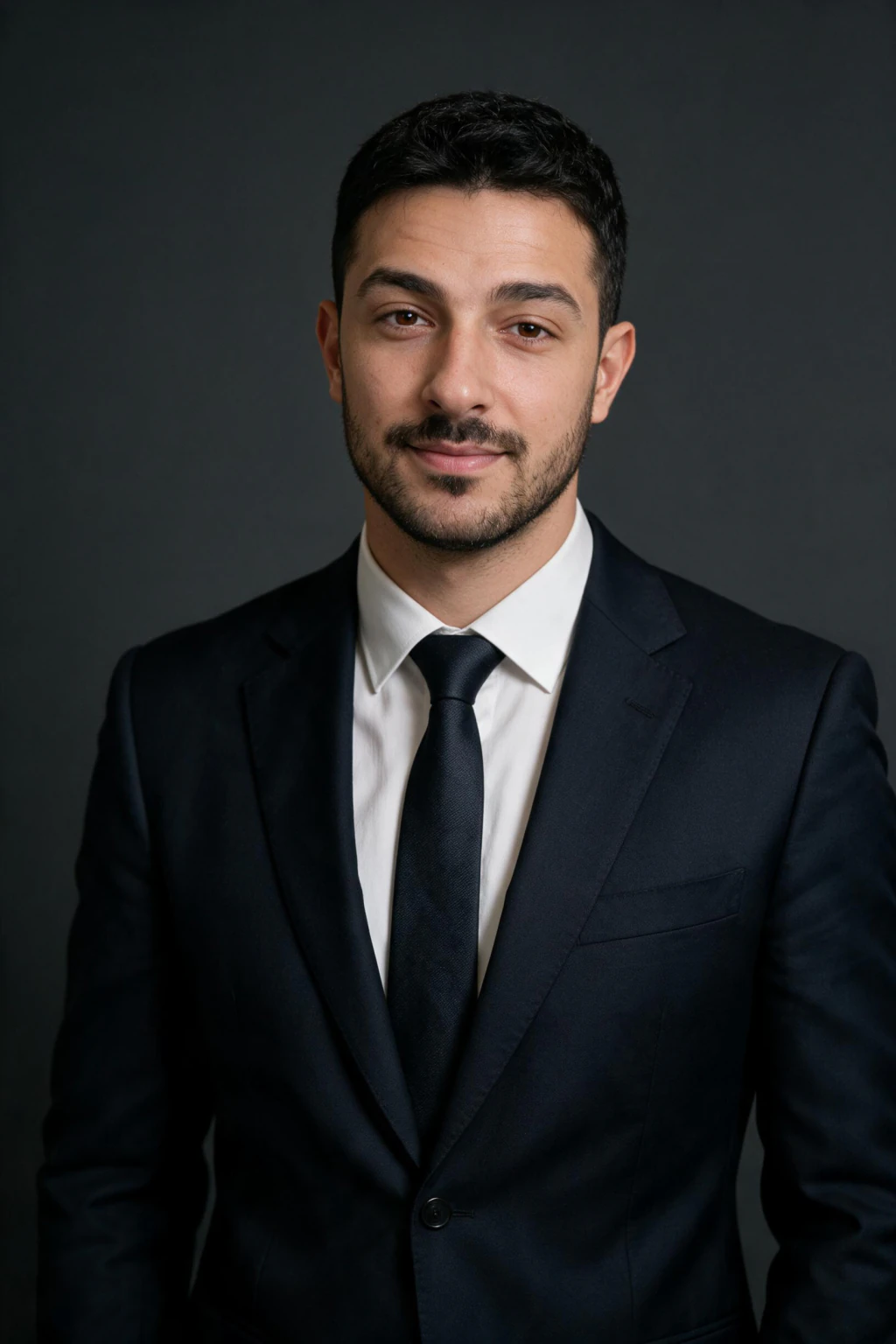
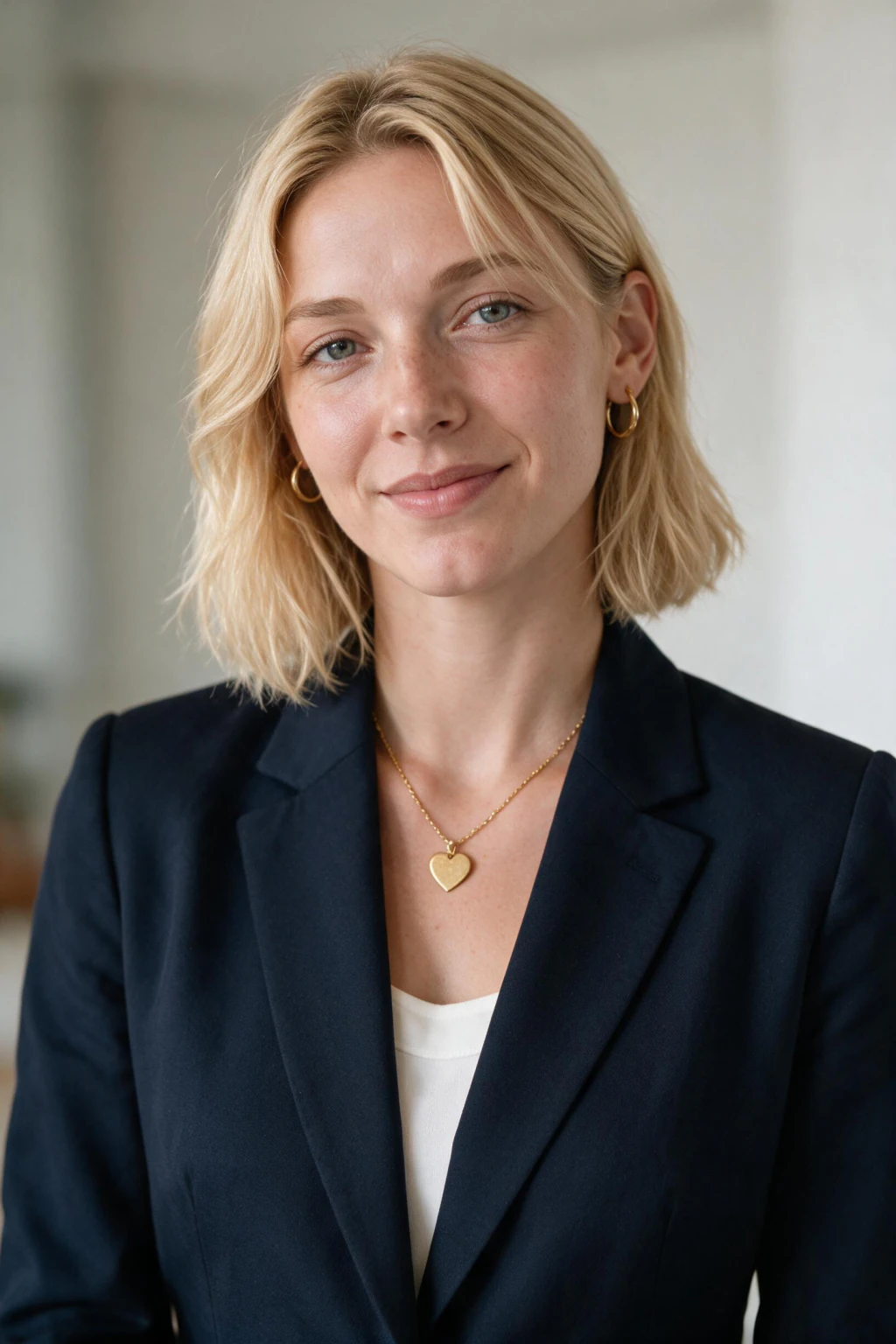
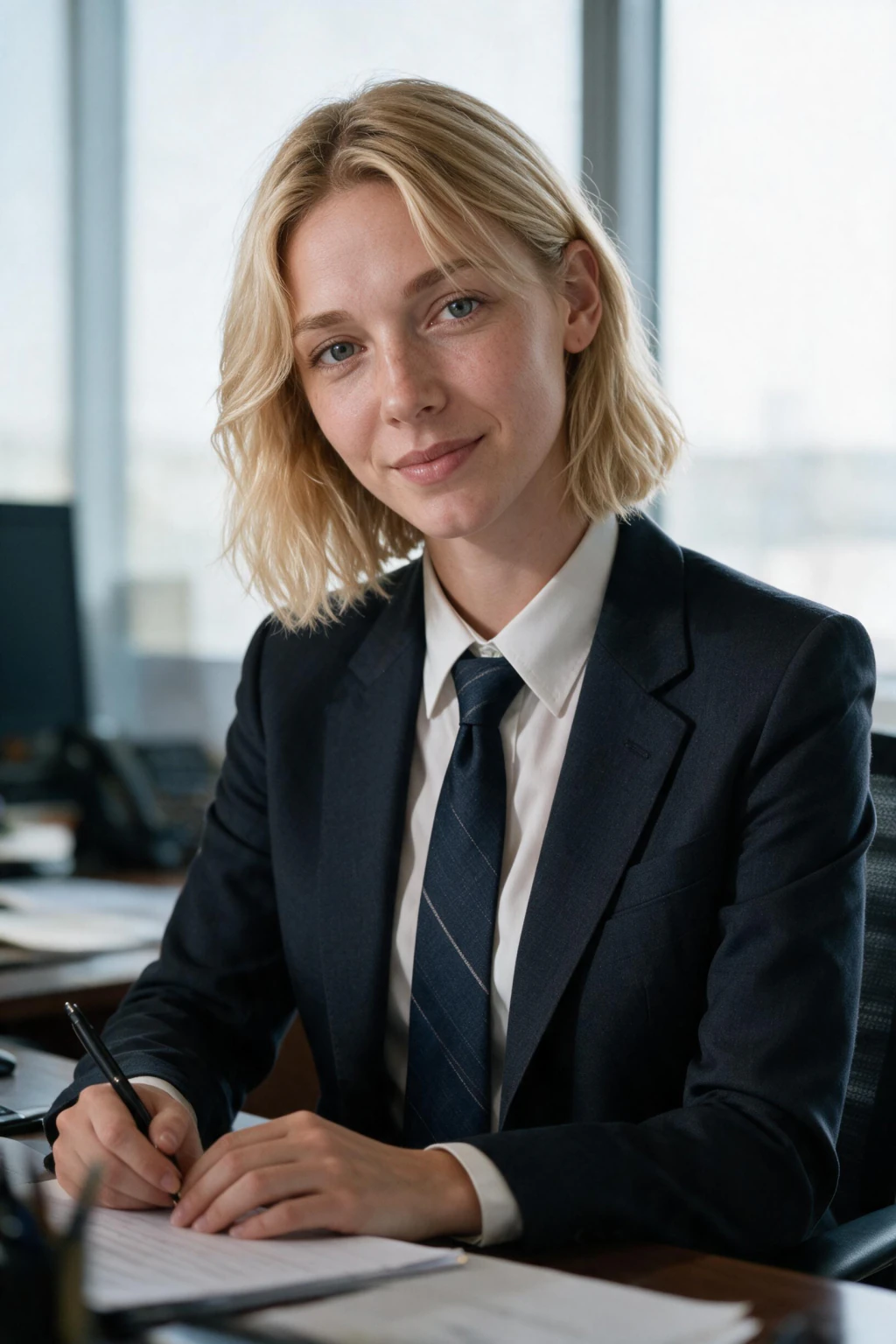
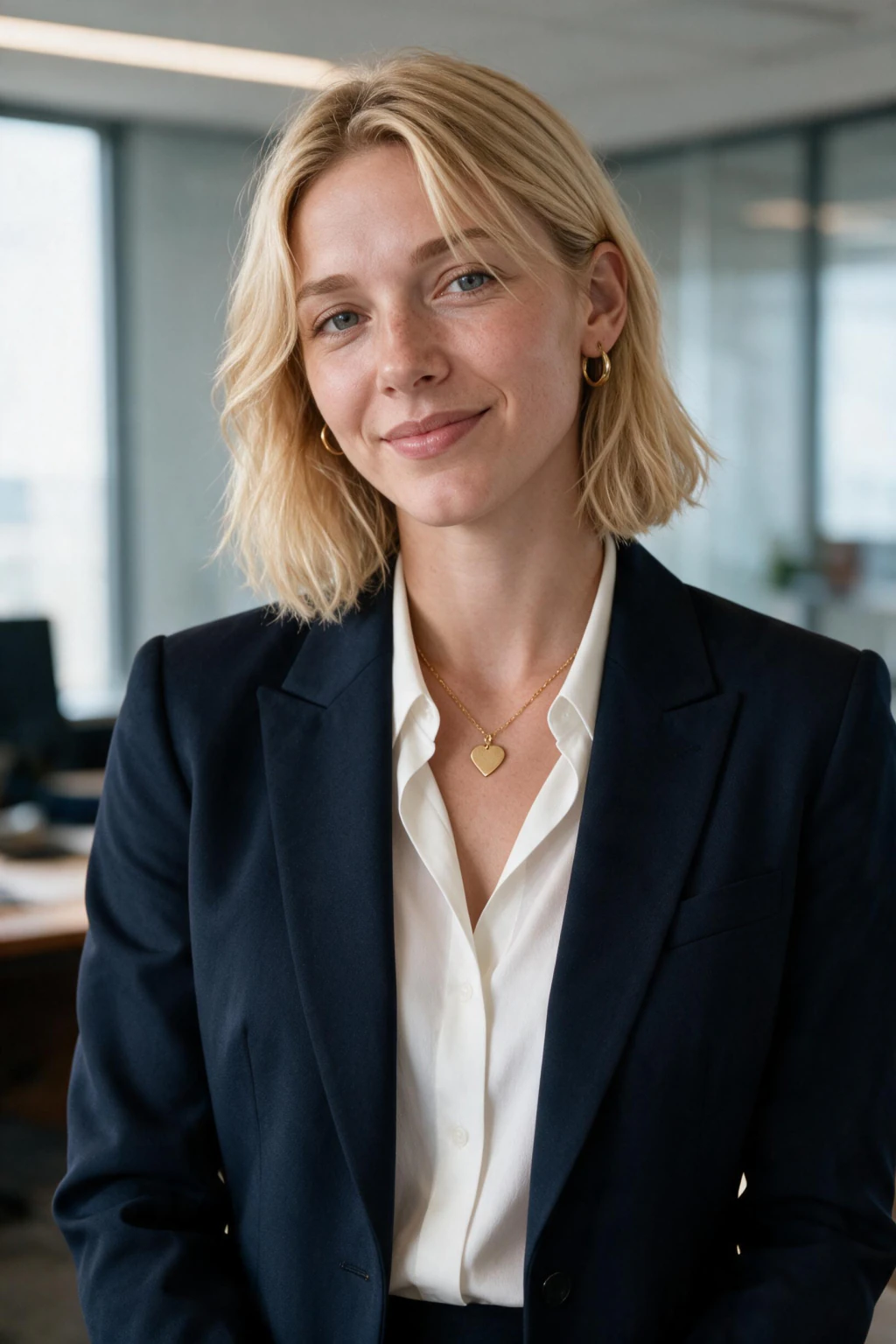
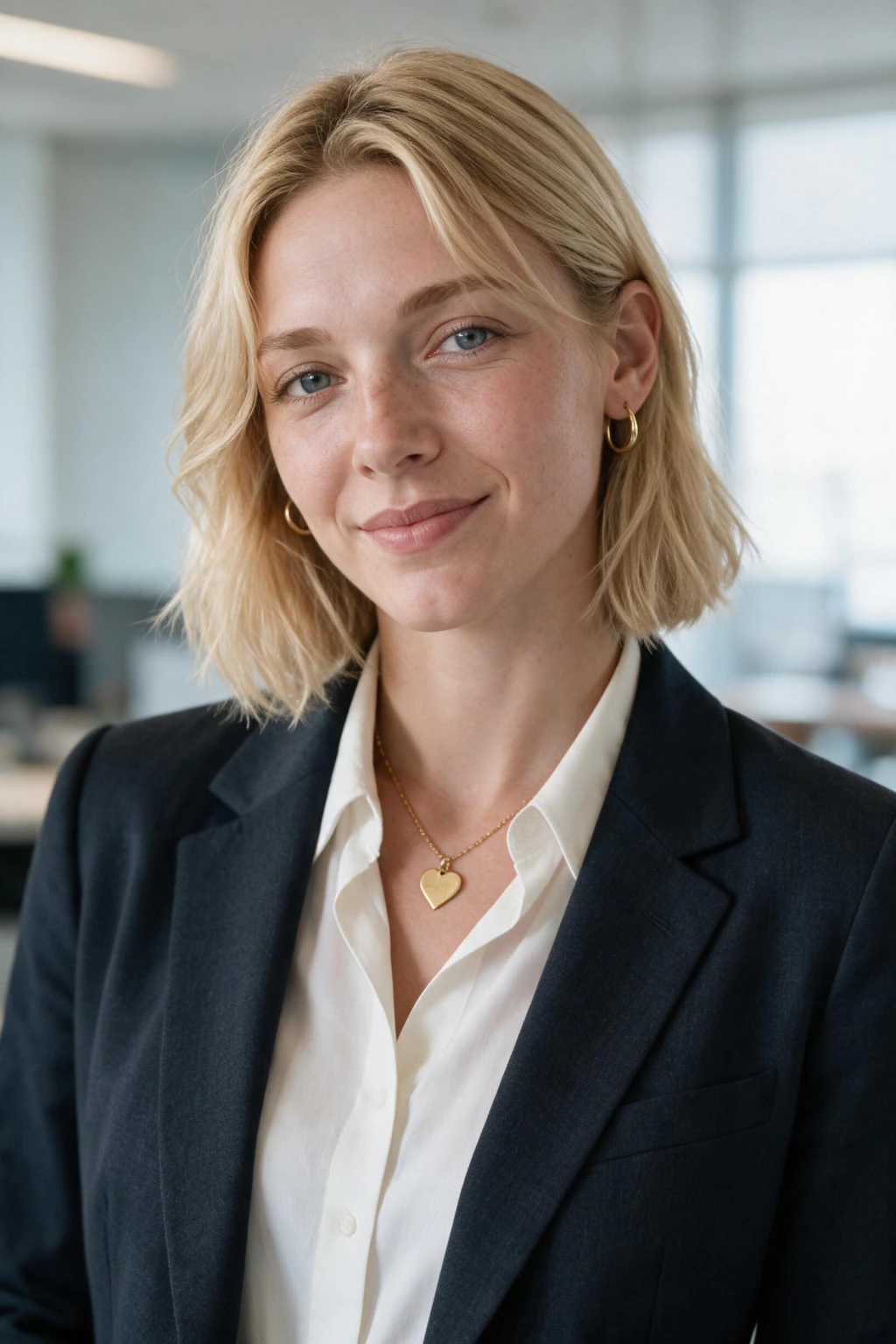
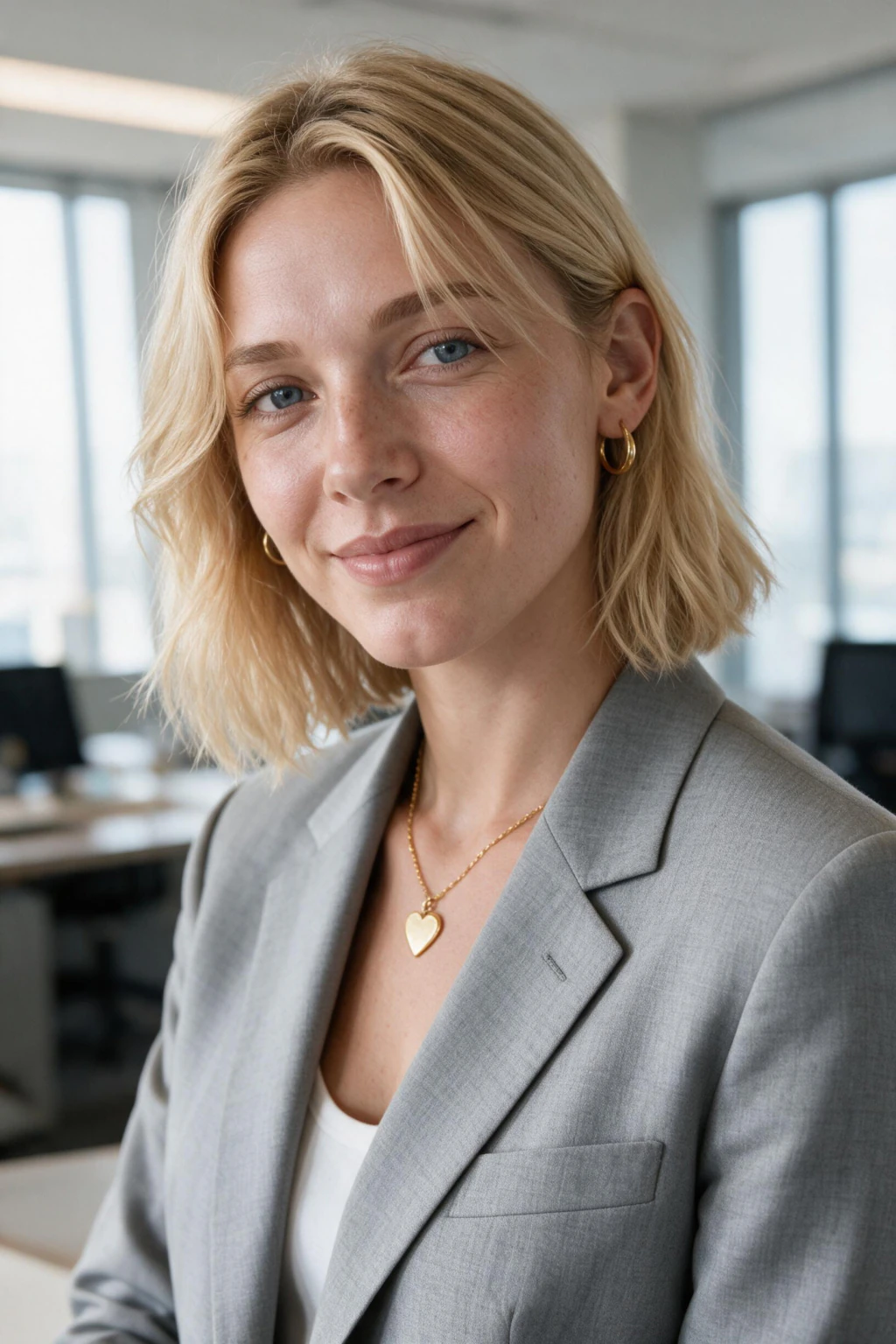
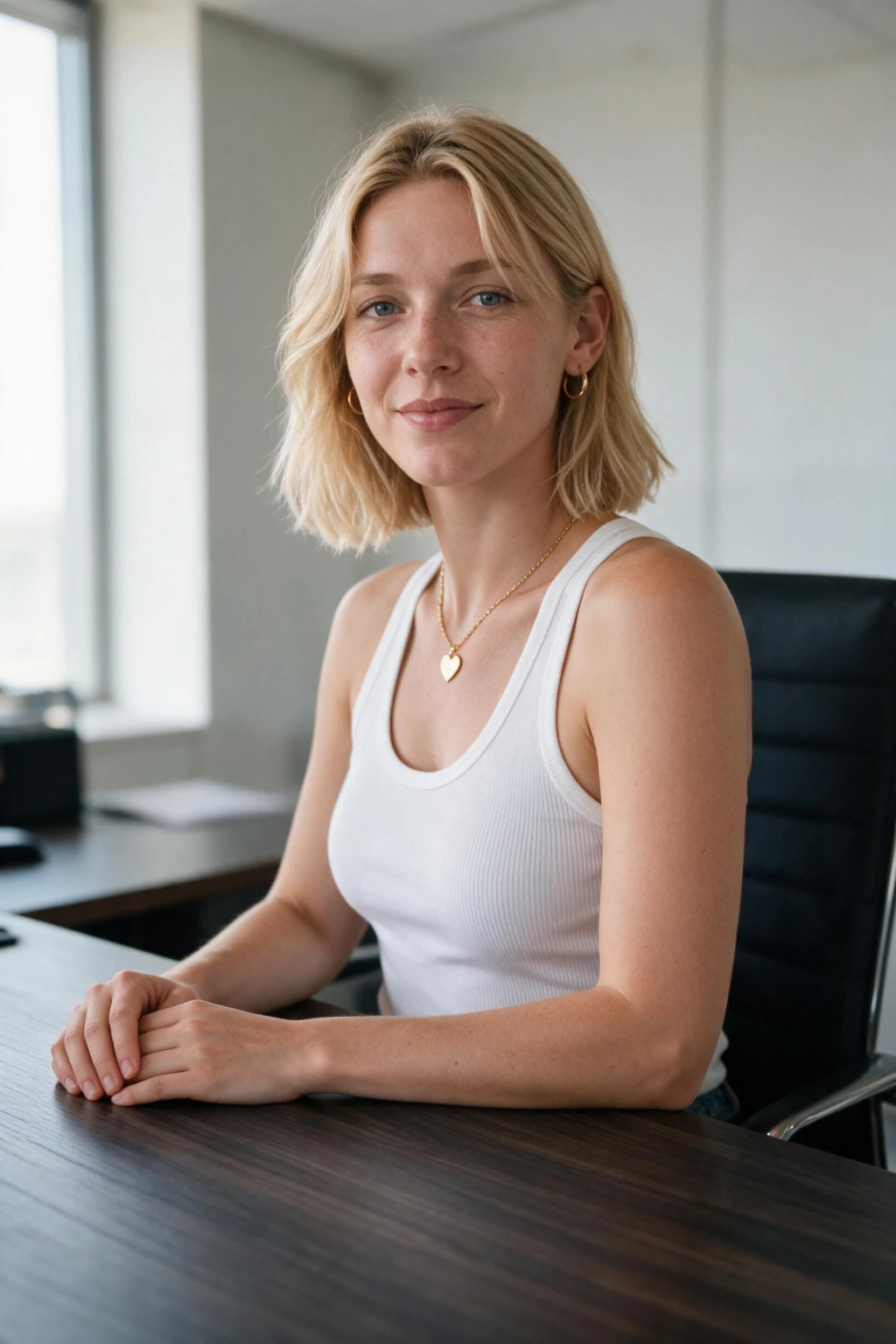
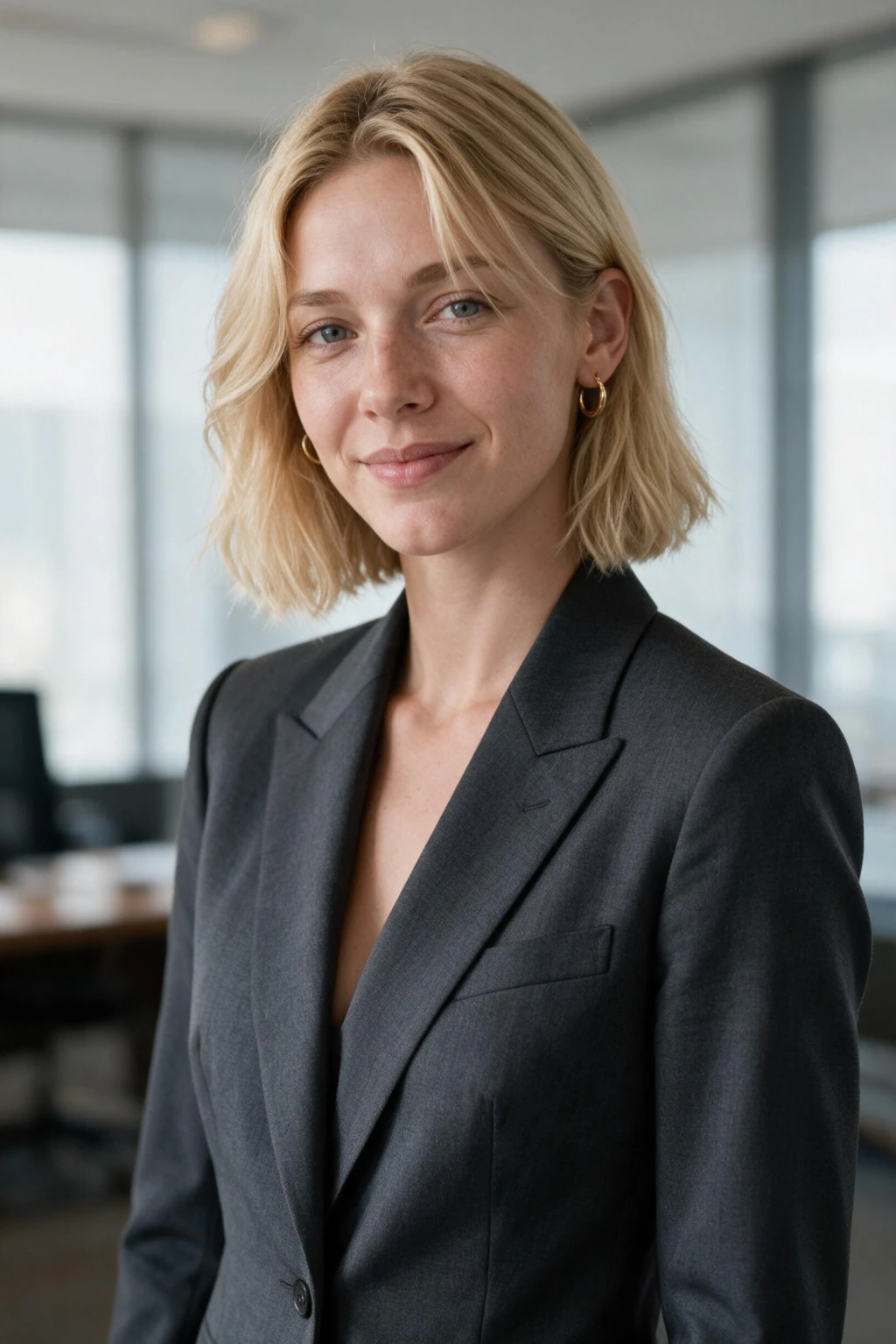
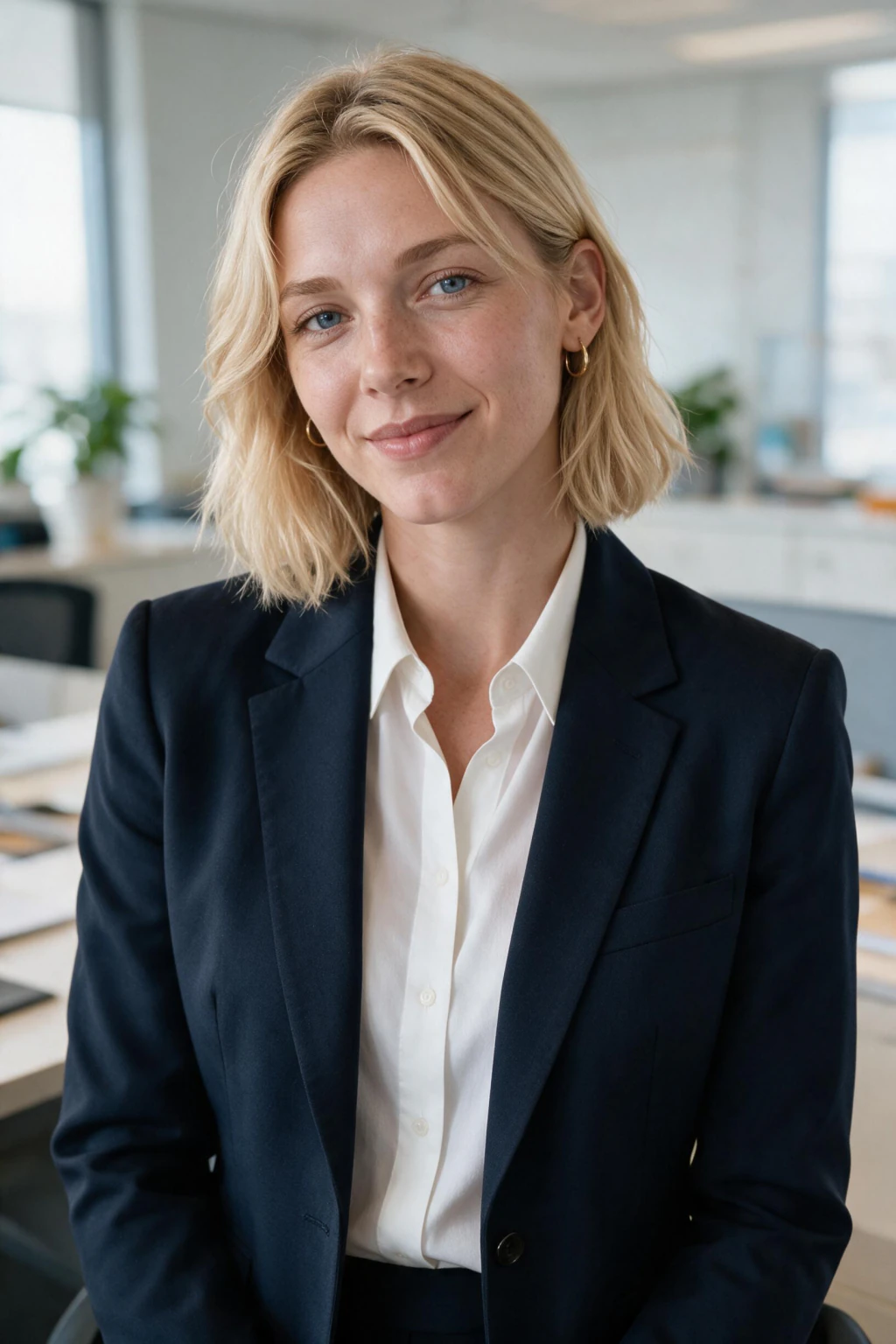
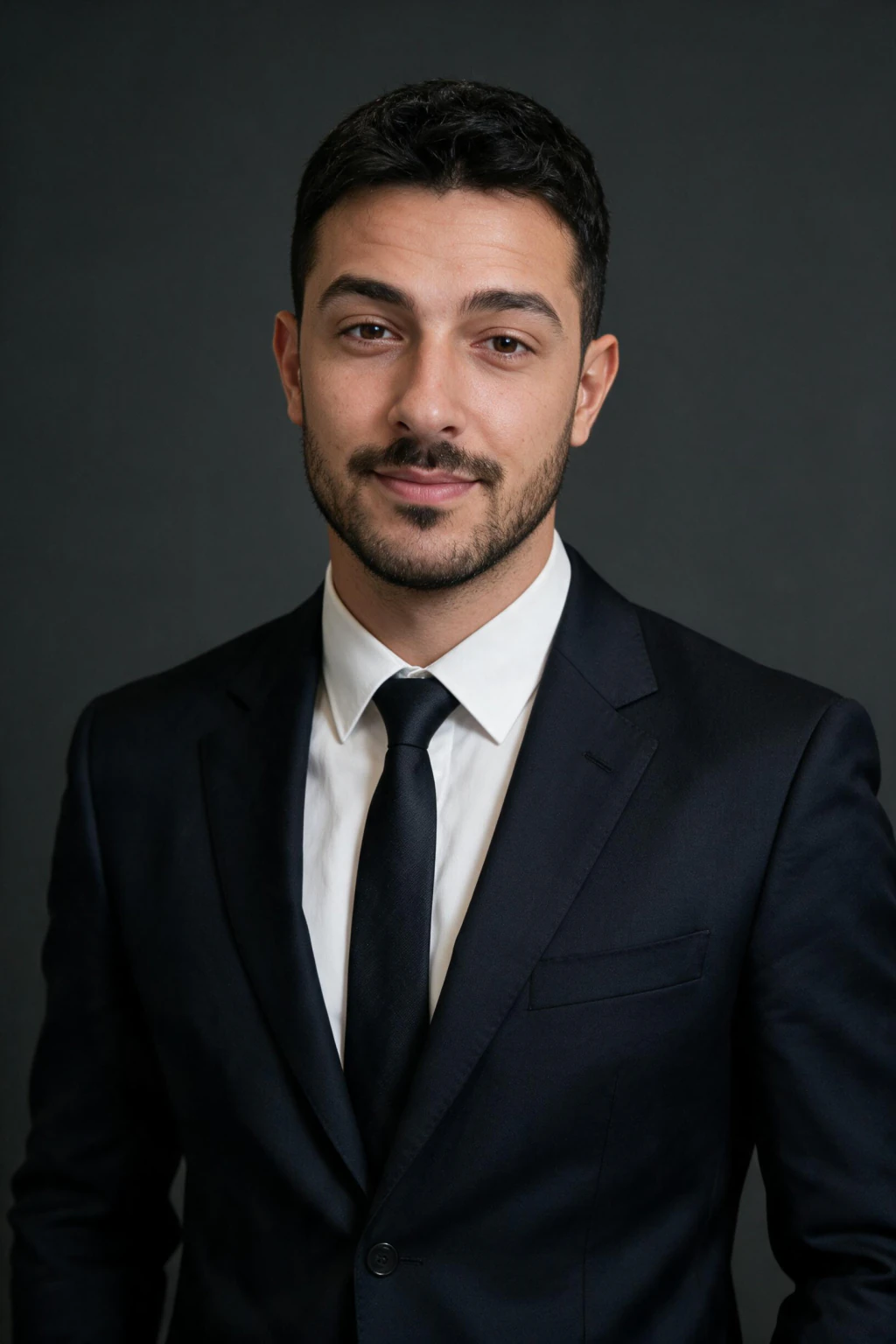
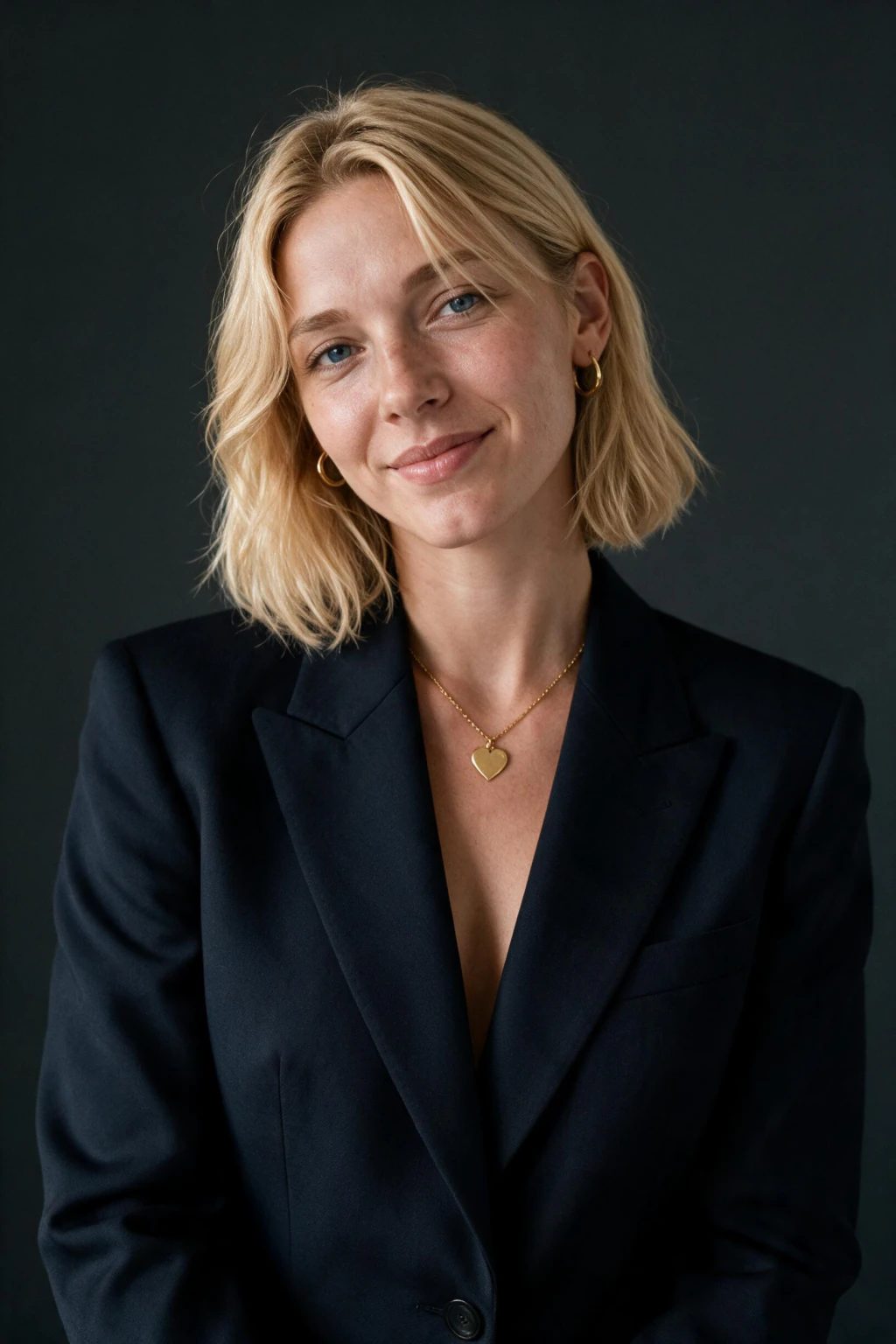
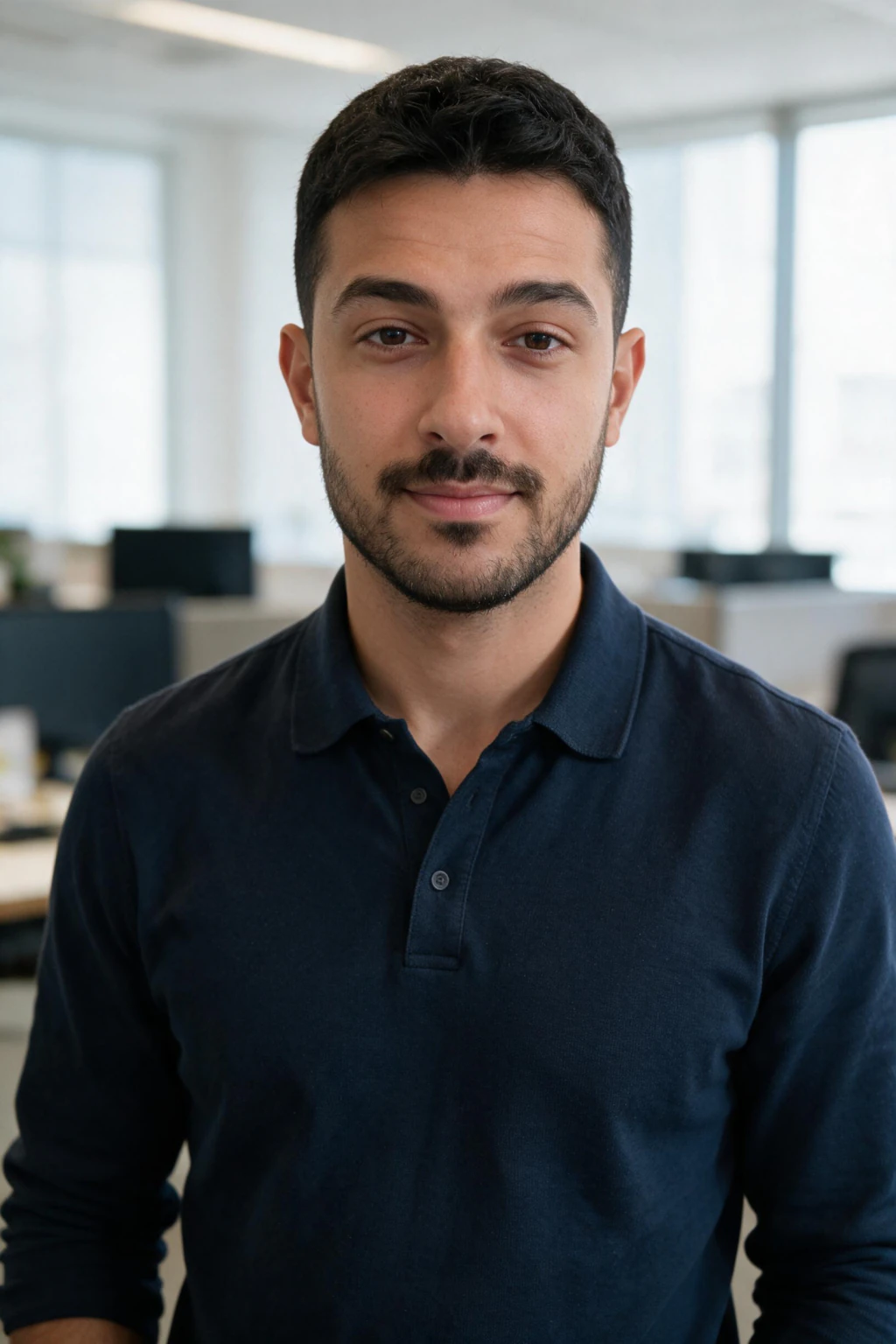
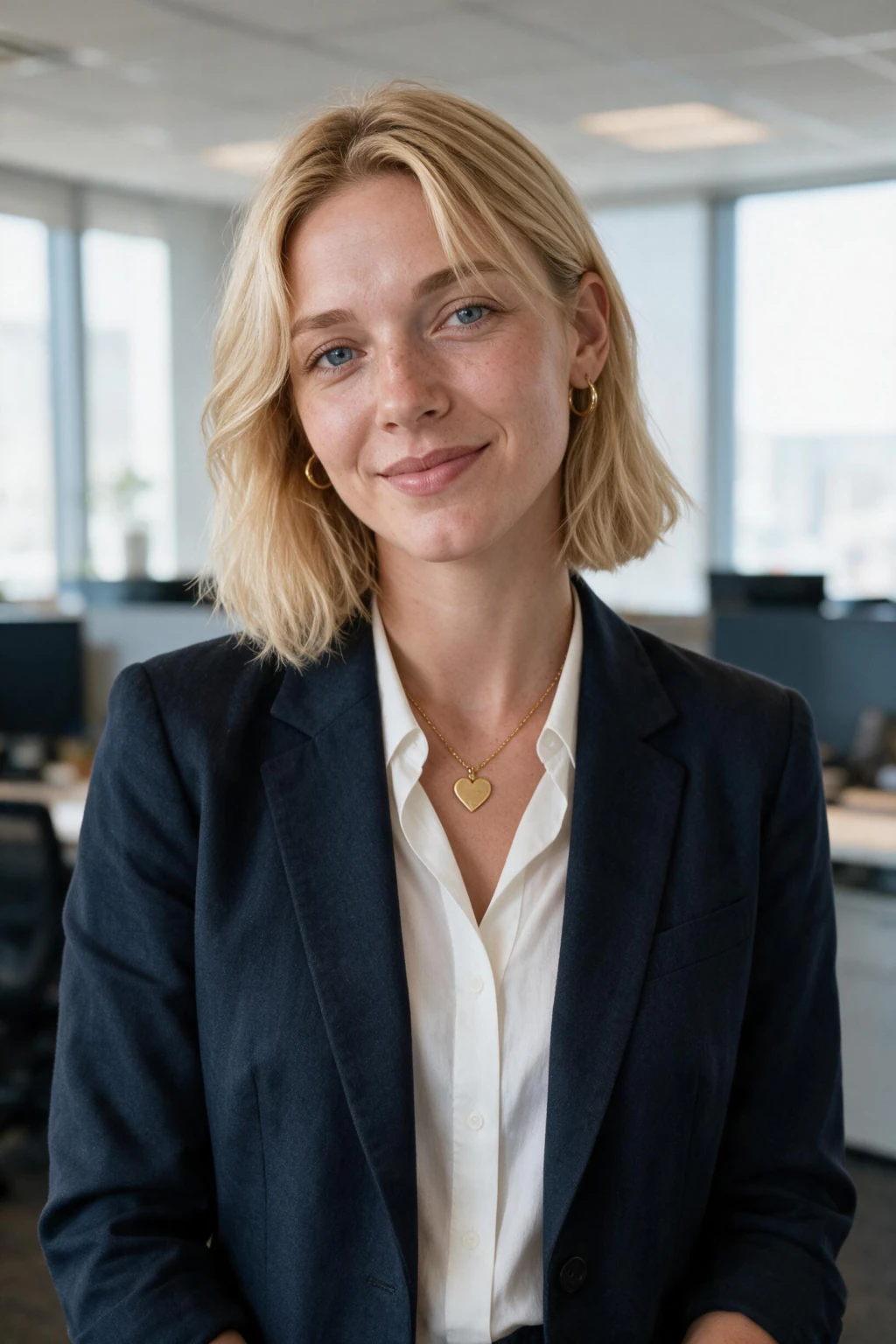
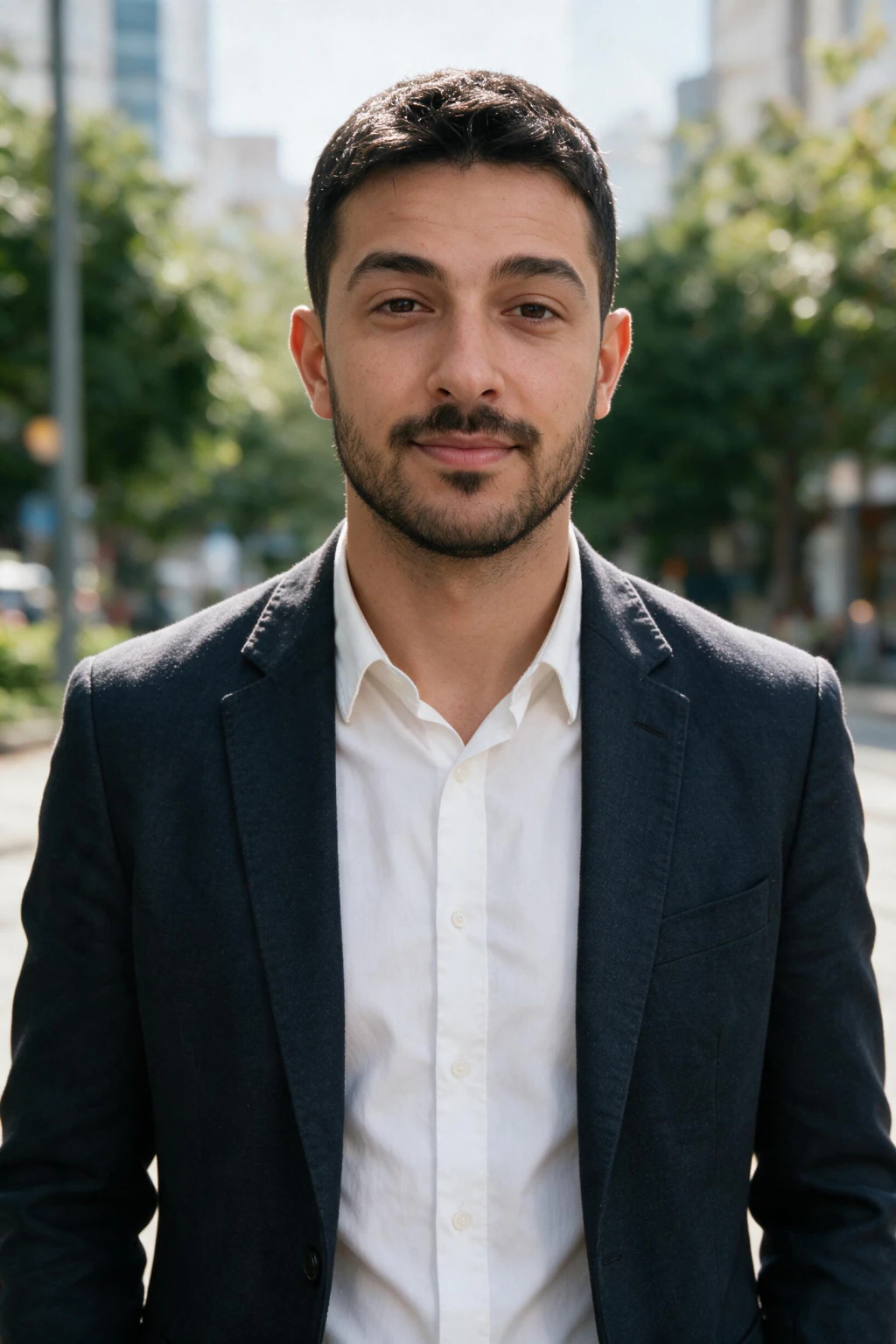
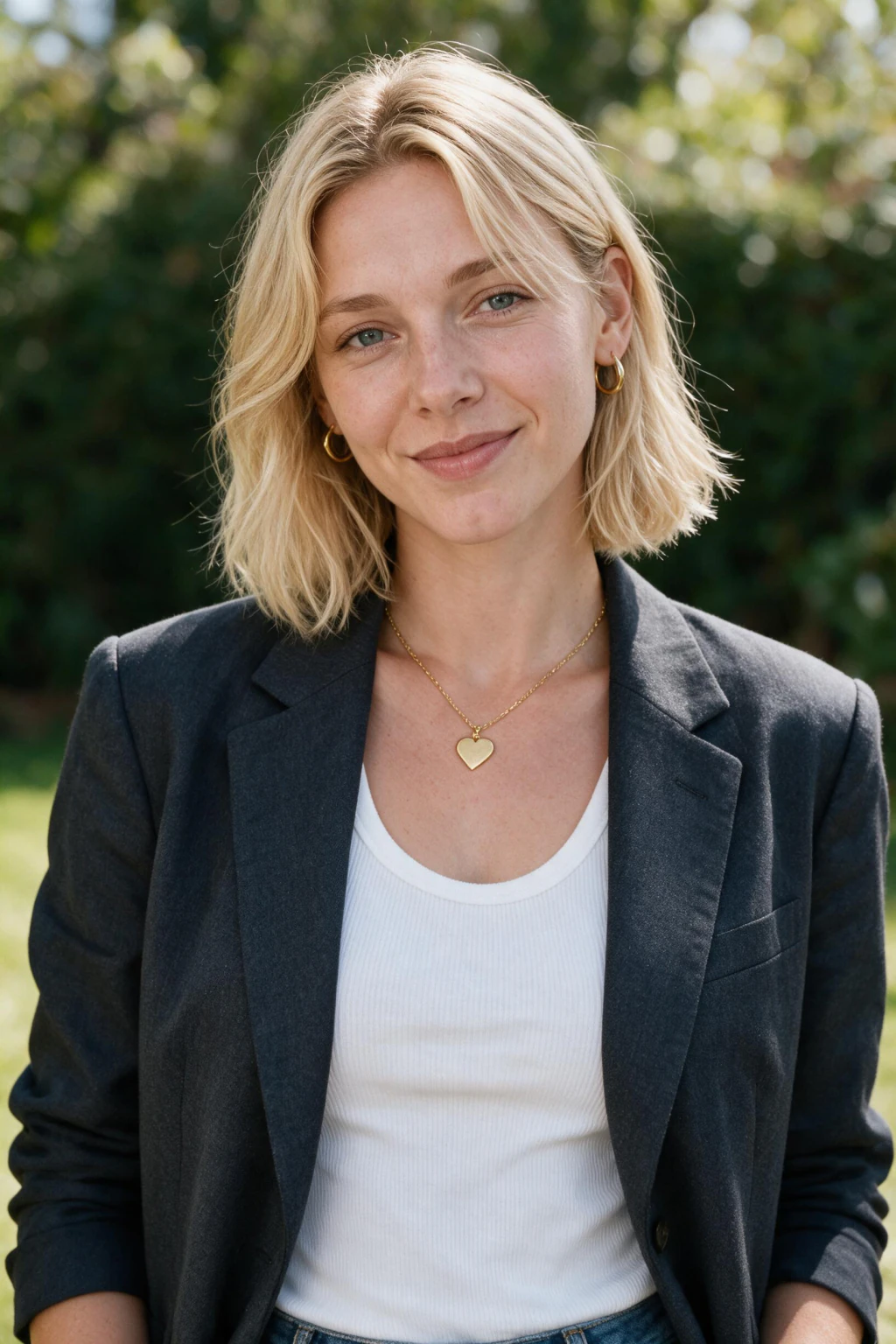
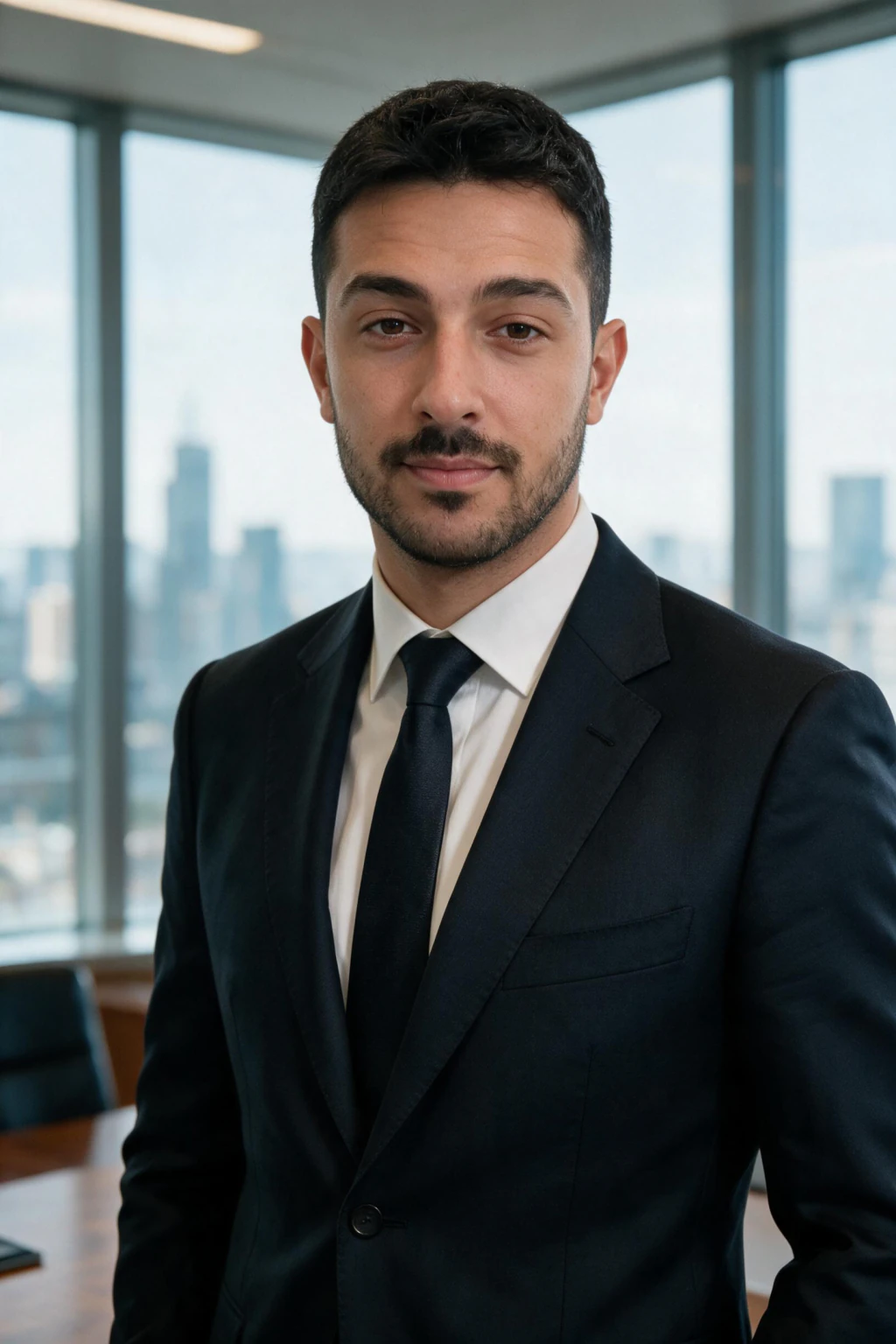
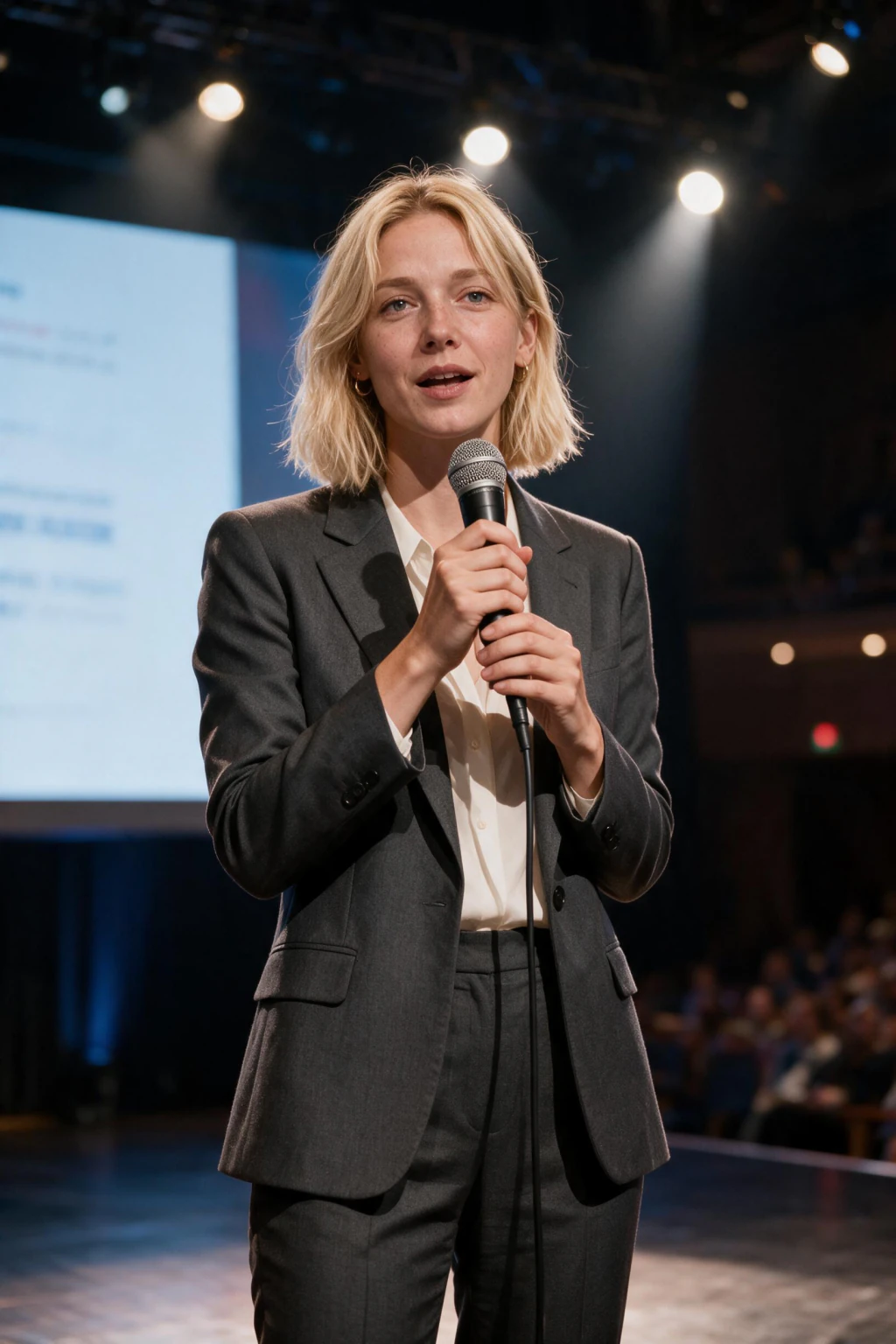
What makes a headshot look 'executive' instead of just professional?
Three things: framing, background, and expression. Executive headshots use a tighter crop with more headroom, a plain or softly blurred background (a boardroom or office blur, never a busy scene), and a still, direct expression rather than a wide smile.
That's exactly what the CEO boardroom, executive studio, and business casual looks here are built for. Each one keeps your real face and changes only the outfit, lighting, and background, so the result still looks like you, just framed the way a leadership photo needs to be.
Frequently asked questions
How many photos do I need for an executive headshot?
Just one clear selfie. Unlike tools that need 6 to 10 photos and a training step before they generate anything, this generator works from a single photo and returns results in about 2 minutes.
How much does an AI executive headshot cost?
$14.99 one time gets you 150 credits, which is about 15 finished photos at the current per-image cost. There's no subscription, and every order has a 14-day money-back guarantee (terms apply).
Will the headshot still look like me?
Yes, when you upload a clear, well-lit selfie. The generator keeps your real face, hair, and skin tone, then changes only the outfit, lighting, and background. Pick the variations that match how people recognize you in person.
Can recruiters or colleagues tell if your headshot is AI-generated?
Usually not when the photo is high quality. A well-made AI headshot keeps natural skin texture and realistic lighting, while cheap tools get caught fast because of plastic skin and a fake-looking background.
Can I use this headshot on a company website or in an investor deck?
Yes. Every headshot you generate is yours to download in full resolution and use commercially, including on a company site, in a deck, on LinkedIn, or on a resume.
What should I wear and use as a background for my selfie?
Wear solid colors and skip busy patterns or logos, and stand near a window for soft, even light. A plain wall behind you helps the AI separate you from the room, even though it replaces the background in the final photo.
Is my selfie private when I make an executive headshot?
Yes. Your selfie is used only to generate your own headshots, is never sold or pooled into a shared model, and you can request full deletion of your uploads and results at any time.
Do I keep the headshots I generate?
Yes. Every headshot you generate is yours to download in full resolution and use on LinkedIn, a company bio, or a resume, including commercially. They also stay in your gallery so you can re-download them later.
Is this available for a whole leadership team, not just one person?
Each order is built for one person. If you need headshots for a full leadership team, run one order per person so every photo starts from that person's own selfie.