New Year Profile Photos: Refresh Every Account from One Selfie
MakeAiPhotos turns one selfie into about 10 matching new year profile photos for LinkedIn, Instagram, Slack, Zoom, and email, each one back in about 2 minutes, one-time $9.99, no subscription. One upload refreshes every account you own before the January hiring spike.
An AI profile picture generator gives you a fresh PFP for every account from one selfie upload, and January is when an outdated photo starts to cost you. Applications spike in the first weeks of the year, and the person recruiters meet on the video call should match the person in the thumbnail. Upload one selfie once and the pack returns a consistent set of new profile pictures, the fast, no-studio version of the new-year refresh.
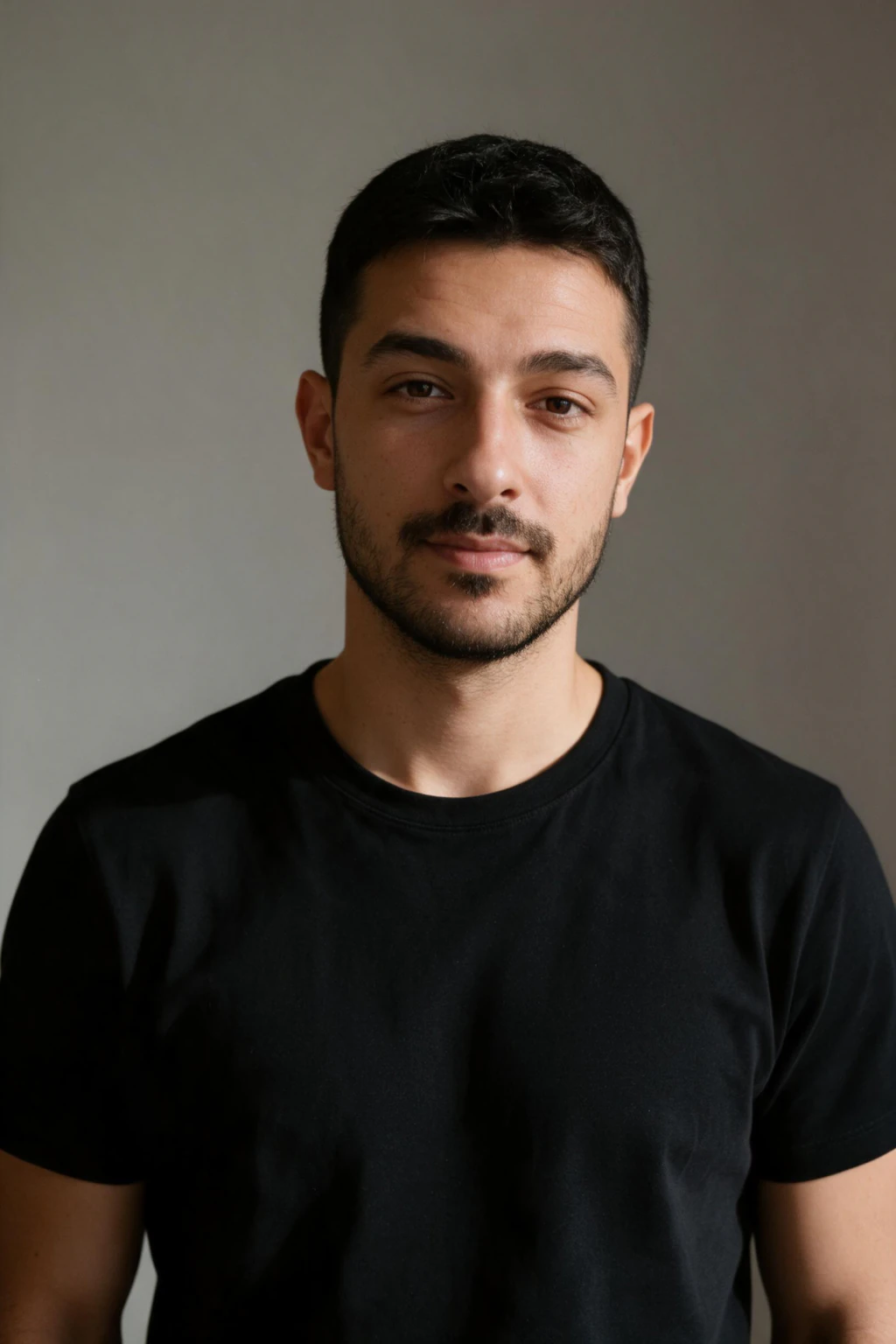
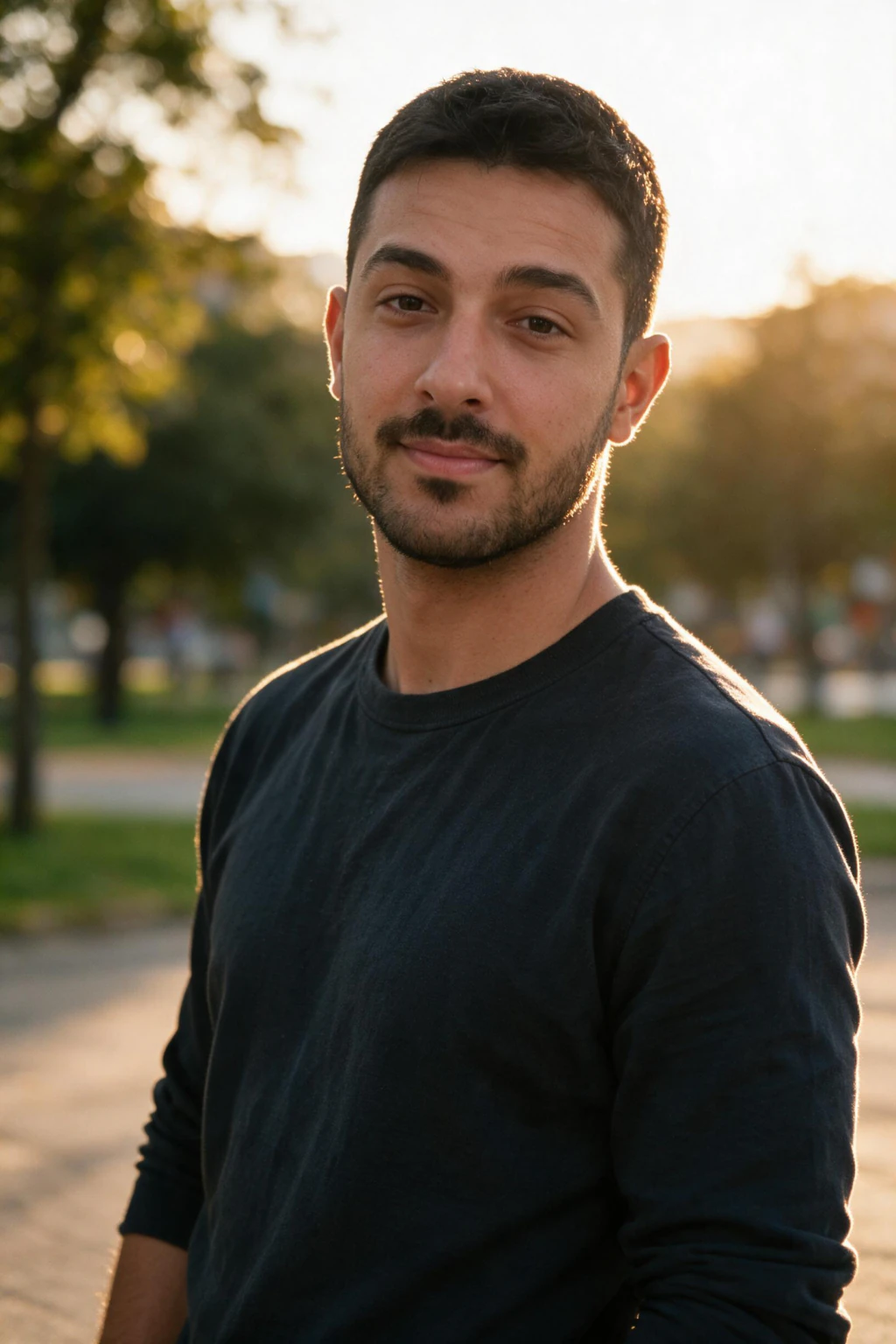
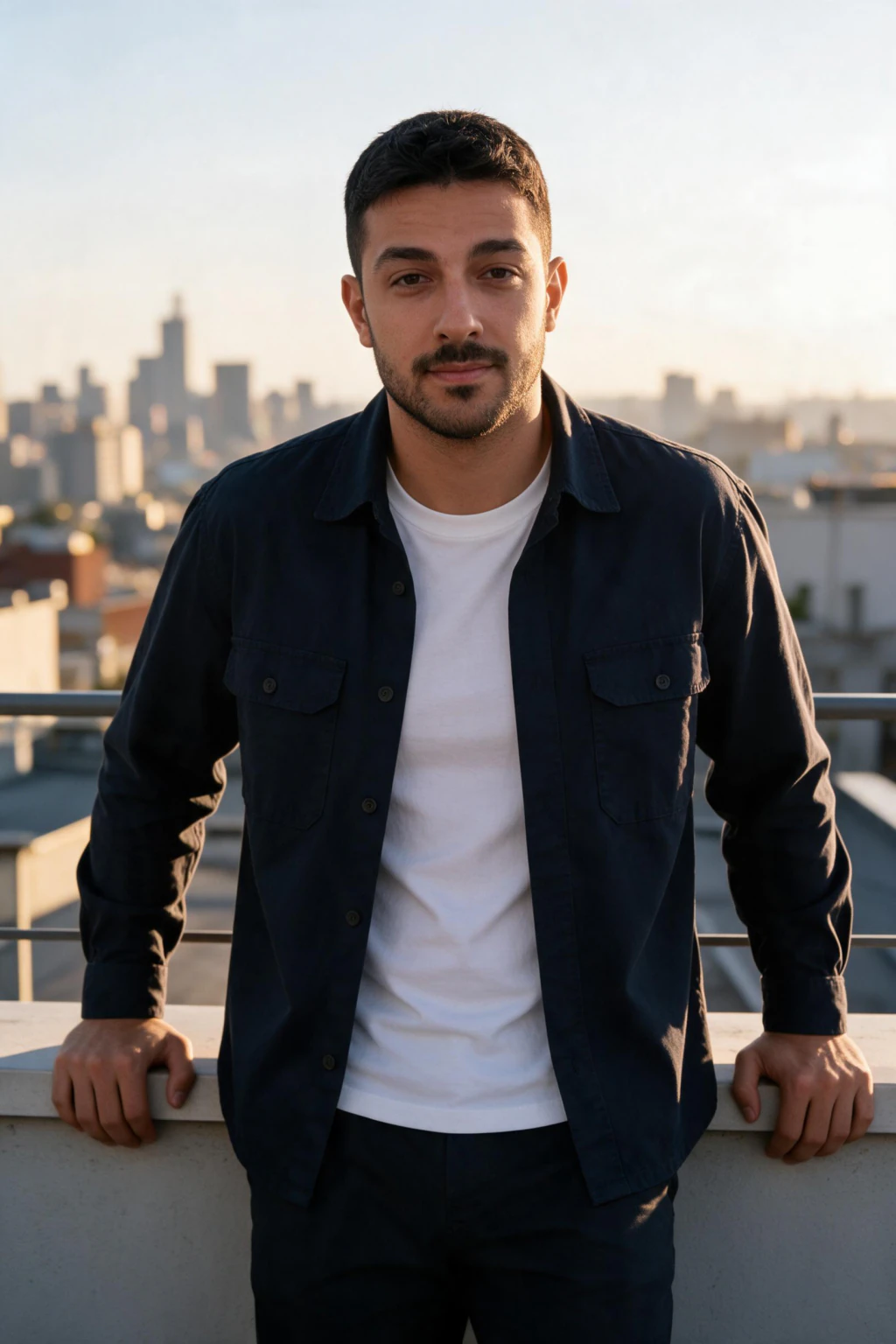

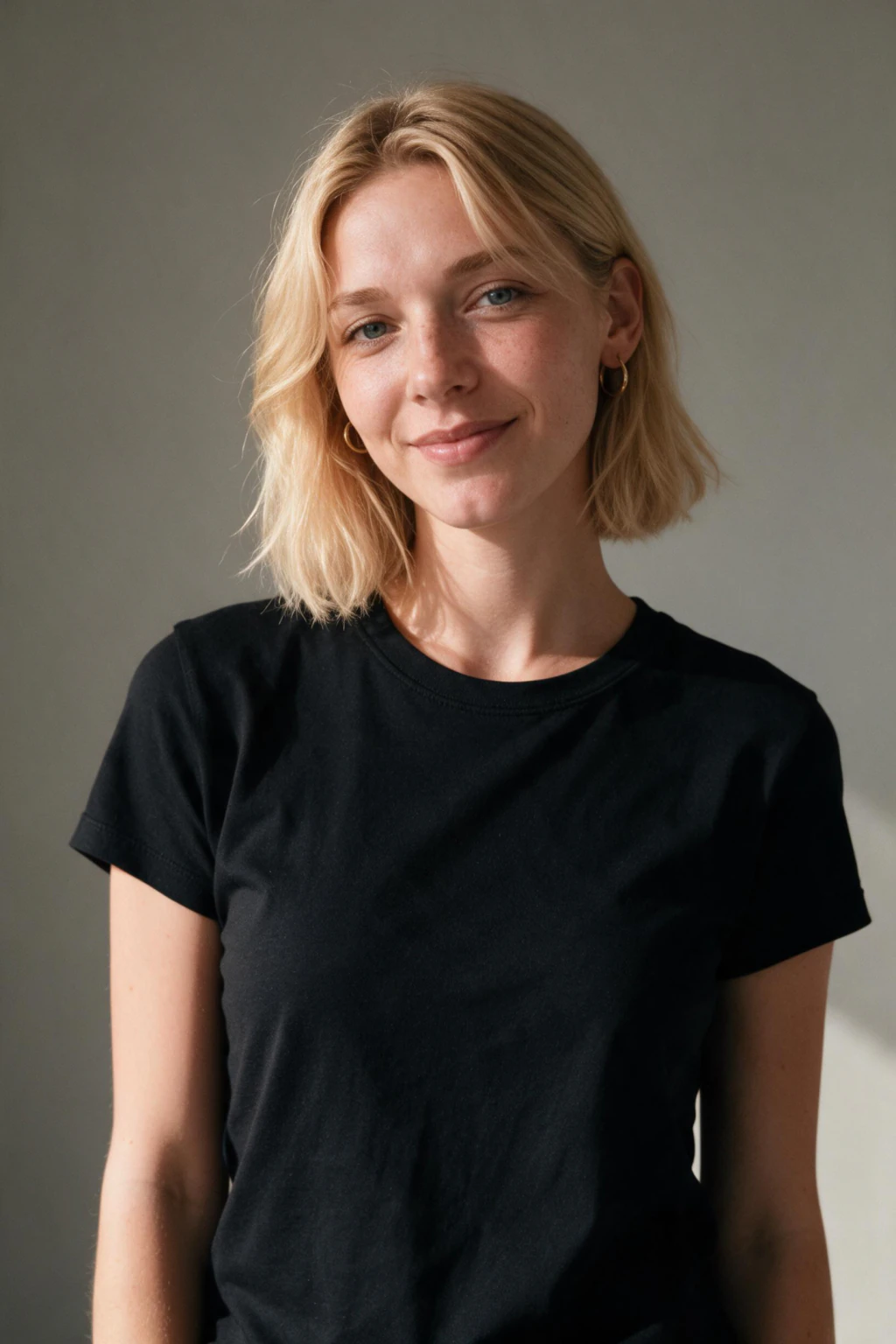
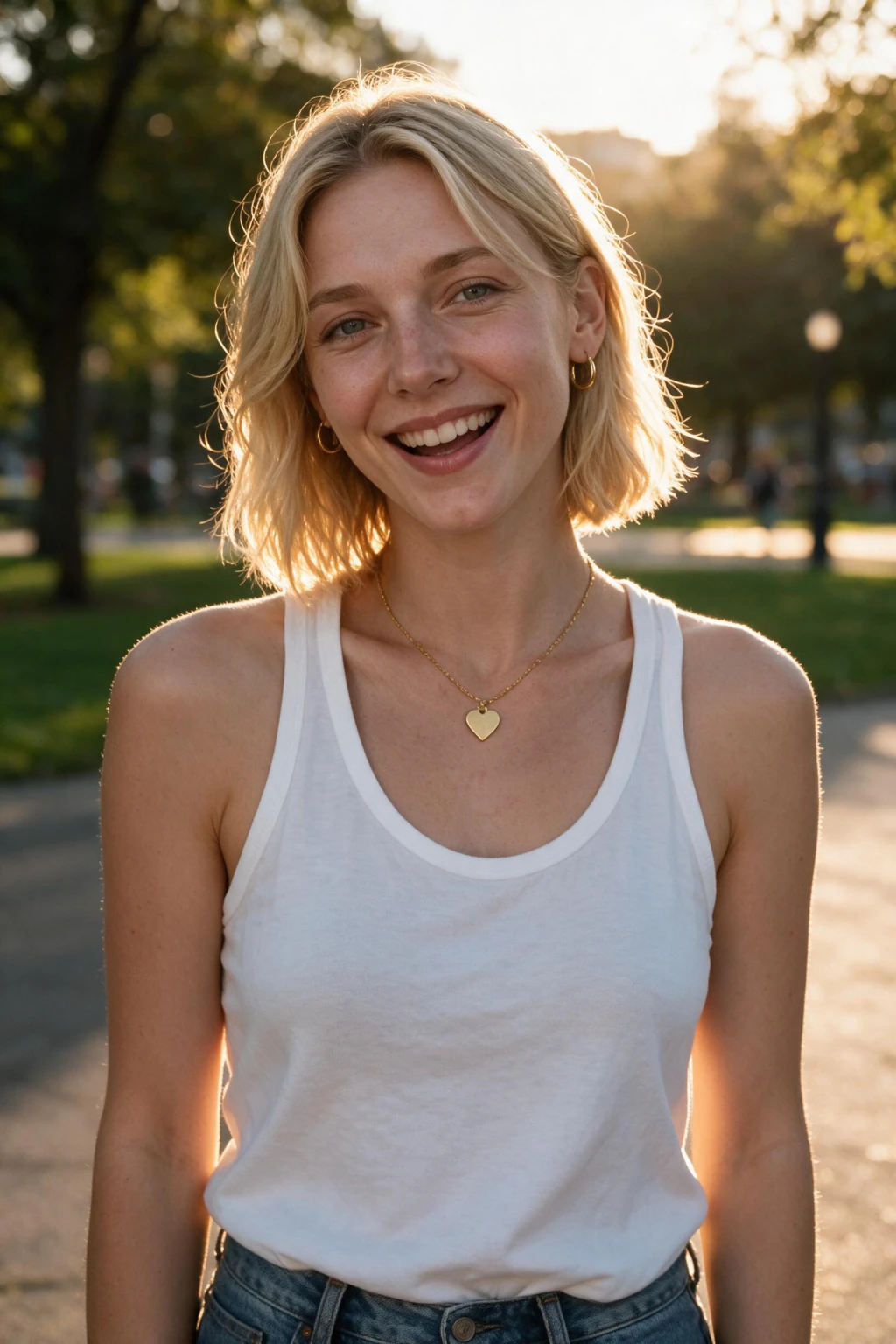
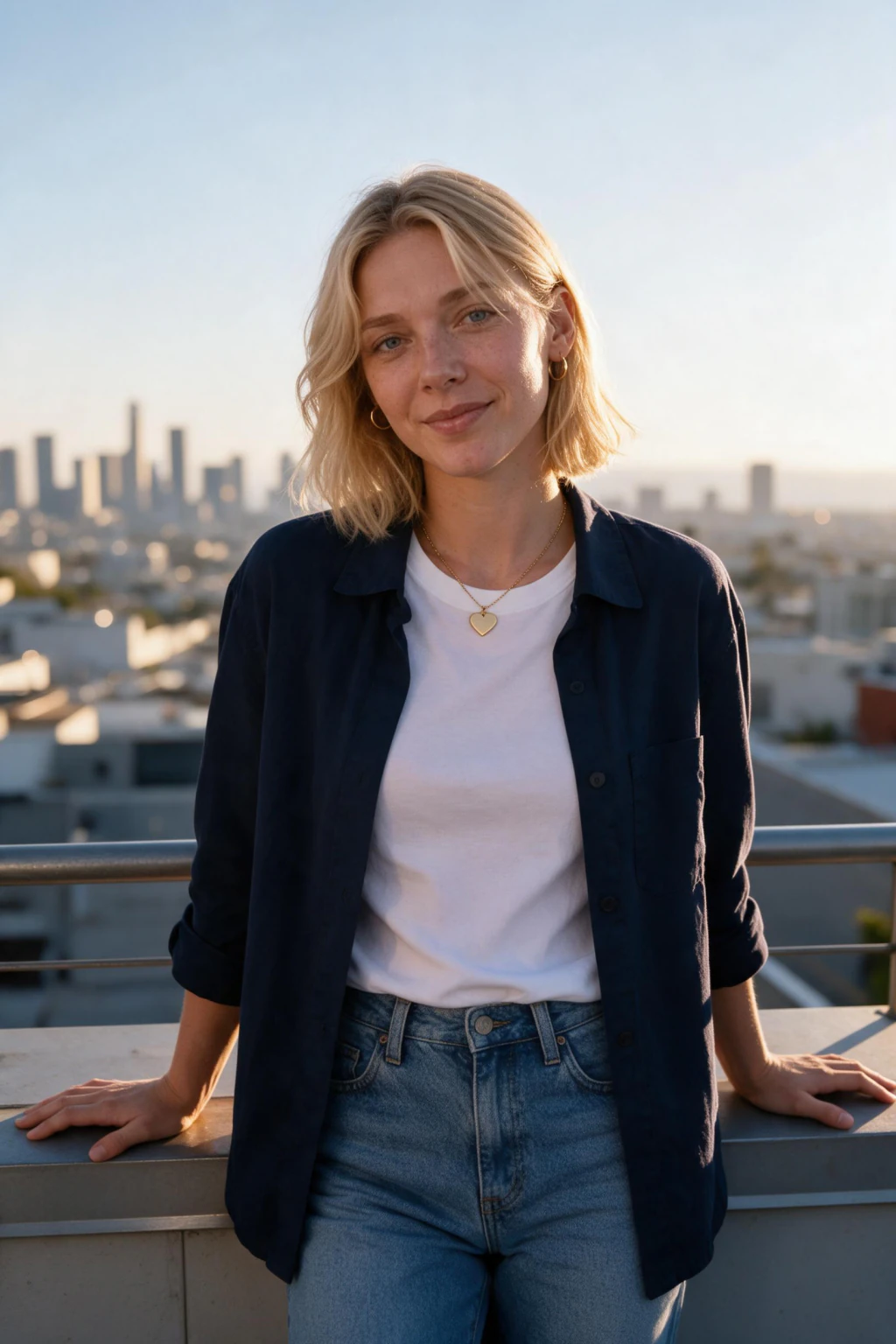
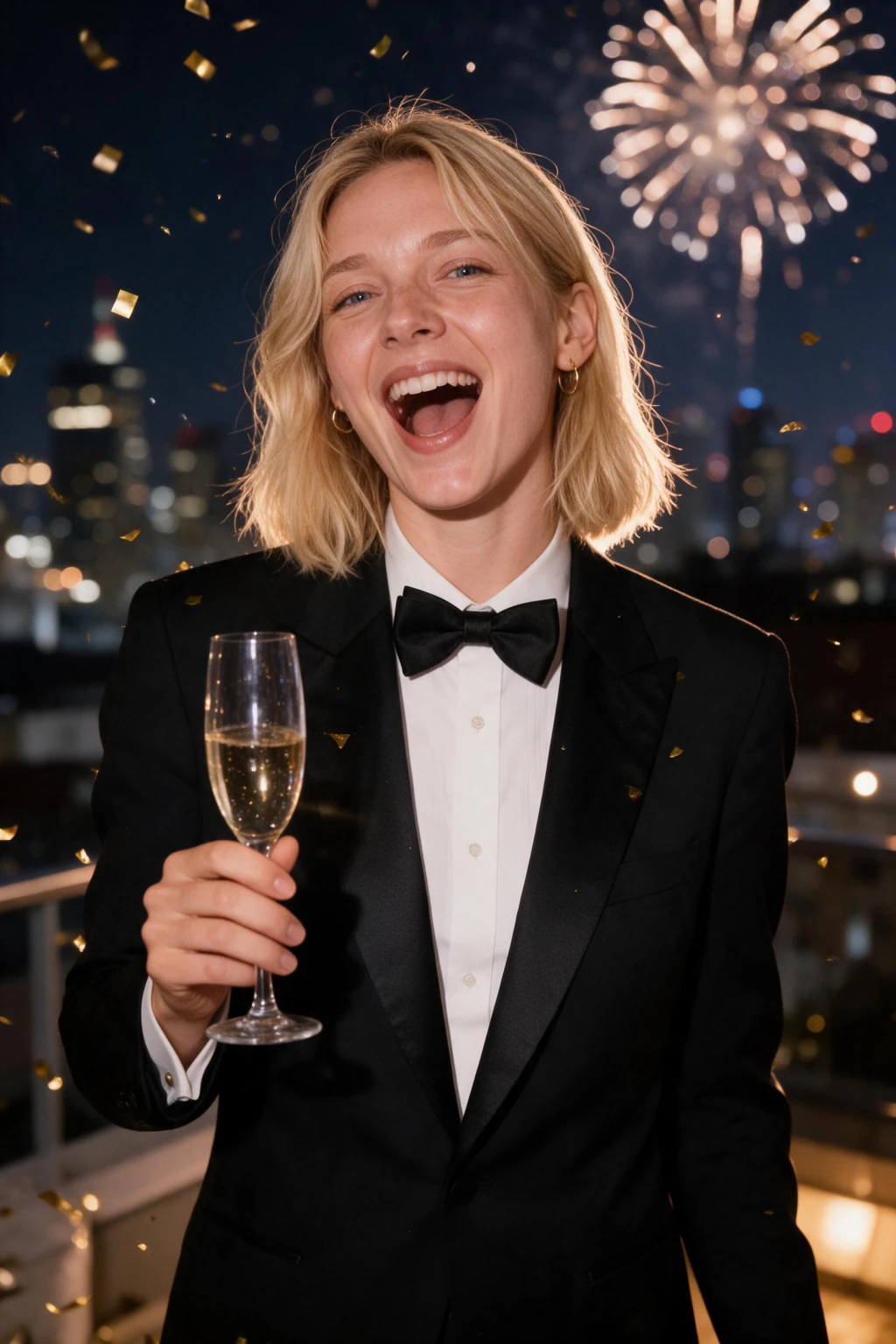
- One selfie upload gives you a new AI profile picture for every account: LinkedIn, Instagram, dating apps, Slack, Zoom, email avatar, and your resume, all from one matching set
- a single selfie in, about 10 profile pictures out, each one back in about 2 minutes, ready before January application season peaks
- One-time pack $9.99, no subscription, versus $200 to $500 for a studio session that gives you one look instead of about 10 photos to crop per platform
Why is January the right time for a profile photo refresh?
Applications peak in January
The first weeks of the year carry the heaviest application volume, which means the most recruiter eyes on your thumbnail. A photo that reads as current and professional at avatar size does quiet work on every one of those screens.
The interview face should match the profile face
When your photo shows three jobs and one haircut ago, every first call starts with a small credibility gap. A set generated from this month's selfie closes it: the person who joins the meeting is the person on the profile.
One studio shot does not cover five platforms
A photographer hands you one look to stretch across LinkedIn, Slack, Zoom, email, and your resume. The pack returns about 10 consistent photos, so each platform gets its own crop and framing while you stay the same recognizable person everywhere.
Does an AI profile picture actually look like me?
Yes, when the selfie you upload is recent and clear. An AI profile picture generator does not paint a stranger; it reads your real face from your selfie and reproduces it in new settings.
MakeAiPhotos reads the single selfie you upload, then generates about 10 original portraits of that same face. Nothing is filtered or pasted onto a background. The closer your selfie matches how you look today, the more the results look like the person who joins the video call.
That is the difference between a generated profile picture and a heavy filter. A filter distorts your existing photo; a generator builds new photos from your features. People who know you should recognize you instantly, which is the whole point of a profile picture across every account.
For the most accurate set, upload one clear selfie with your current hair and glasses and a neutral expression. Avoid sunglasses, hats, and group photos so the AI reads your face cleanly.
Should I update my profile picture for the new year?
Yes, if your current photo no longer matches the person who joins the video call. January carries the heaviest application volume of the year, so an outdated thumbnail sits in front of more recruiters in these weeks than at any other time.
The check is simple: if your photo shows an old haircut, old glasses, or a job you left two roles ago, it is working against you. A refresh from a recent selfie closes that gap before your busiest application weeks.
The refresh itself is fast: each photo comes back in about 2 minutes. Upload one current selfie, and the generator returns about 10 matching photos so LinkedIn, Instagram, Slack, Zoom, and email all show the same recognizable, current you.
AI profile picture sizing by platform
The same AI profile picture reads differently depending on where you set it. Each platform crops to a circle or square at small sizes, so the face has to fill the frame. Here is how to place your generated set on the accounts that matter most in January.
Photo size: 400x400, circle crop
First photo: Head-and-shoulders, clean office or studio background, current-day business attire
Must have: Face fills most of the frame so you read clearly at avatar size on recruiter screens
Avoid: Group shots, sunglasses, busy backgrounds, photos older than your current role
Photo size: 320x320, circle crop
First photo: Warmer, approachable shot with a bit more personality than your LinkedIn pick
Must have: Same recognizable face as your other accounts so people know it is you
Avoid: Heavy filters that change your face, which break the match with your real profiles
Slack and Zoom
Photo size: Square, displayed small in lists and call tiles
First photo: A neutral, friendly headshot that matches the photo your coworkers already know
Must have: Good lighting so your face is visible in a small tile and a dark interface
Avoid: Tiny faces and low contrast that disappear in a crowded channel sidebar
Email and resume
Photo size: Square or small inline avatar
First photo: The most formal shot in your set, consistent with the one on LinkedIn
Must have: The same anchor photo across email and resume so a recruiter sees one person
Avoid: A different look on every document, which reads as inconsistent at a glance
How to make an AI profile picture for the new year: checklist
- Upload a single selfie taken in the last 6 months, with your current hair, current glasses, and current beard status
- Pick one anchor photo from the results and set it on LinkedIn, Instagram, Slack, Zoom, and email so every platform shows the same face
- Save 2 or 3 backups from the set so your next profile picture is a download, not another shoot
Who uses an AI profile picture generator in January
- Job hunters timing applications to the January hiring spike, whose thumbnail will sit on hundreds of recruiter screens
- People whose LinkedIn or Instagram profile picture predates their current role, city, or haircut
- Anyone showing a different face on Slack, Zoom, LinkedIn, Instagram, dating apps, and email, none of them recent
AI profile picture generator pricing: one-time $9.99, no subscription
The pack is a single purchase at $9.99. Nothing renews in February, there is no plan to cancel, and the profile pictures stay yours for every platform you set them on. A studio session for the same result runs $200 to $500 and gives you one look instead of about 10 AI profile pictures to crop per platform.
Frequently asked questions
How does an AI profile picture generator work?
An AI profile picture generator reads the single selfie you upload and generates about 10 new portraits of you in professional settings. MakeAiPhotos delivers each photo in about 2 minutes for a one-time price $9.99, with no subscription.
Should I update my profile picture for the new year?
Yes, if your current photo no longer matches how you look in a meeting. January is the heaviest month for job applications, so an outdated thumbnail gets seen by more recruiters than at any other time. A fresh AI profile picture from a recent selfie removes the mismatch before your busiest application weeks.
How do I get the same profile picture across LinkedIn, Instagram, Slack, and email?
Set one anchor photo from your generated set on every platform, then swap to sibling shots from the same batch where a different crop fits better. Because all of the photos come from the same selfie, each account shows the same recognizable face even when the framing changes.
How recent does my selfie need to be?
Use a selfie from the last 6 months, ideally the last few weeks. The AI generates new photos of the person in your upload, so a selfie with an old haircut or old glasses reproduces the old you. For a true new-year refresh, take a fresh one the same week you order.
Does the AI edit my old photos or create new ones?
It creates entirely new photos. The AI reads the single selfie you upload and generates about 10 original portraits in professional settings. Nothing is filtered, retouched, or pasted onto a background, and each photo is delivered in about 2 minutes.
What makes a good AI profile picture?
A head-and-shoulders shot where your face fills most of the frame, in current-day clothing against a clean background. Platforms display profile pictures at avatar size, so small faces and busy scenes disappear. The pack frames every shot for that thumbnail crop on LinkedIn, Instagram, and beyond.
Is an AI profile picture the same as an AI LinkedIn headshot?
It uses the same professional pack, but this page is about a new AI profile picture for every account you own, not just LinkedIn. If LinkedIn is the only profile you care about, the dedicated AI LinkedIn headshots page covers that single use case in more depth.
How long does a full profile photo refresh take?
About 2 minutes per photo for generation. Upload a single selfie, wait for the set to render, then spend a few minutes placing your anchor photo on LinkedIn, Slack, Zoom, and email. The whole ritual fits inside a lunch break.
How often should you change your profile picture?
Whenever your appearance meaningfully changes: a new haircut, glasses, facial hair, or simply a few years of distance from the last shot. A once-a-year January check is an easy rule, and keeping 2 or 3 backups from your set makes the next swap a download instead of a project.