Realistic AI Photo Generator: AI Images That Look Real
MakeAiPhotos is a realistic AI photo generator that builds AI images of yourself from one selfie, keeping natural skin texture, real hair edges, and your actual facial structure instead of the waxy look that gives cheap generators away.
Most AI photos look almost-but-not-quite real: plastic skin, smeared hair, a face that is close but off. Reading your real selfie directly is what fixes it. Upload one selfie, your actual face renders into the new scene, and the first result is back in about 2 minutes for you to judge before anything is charged.
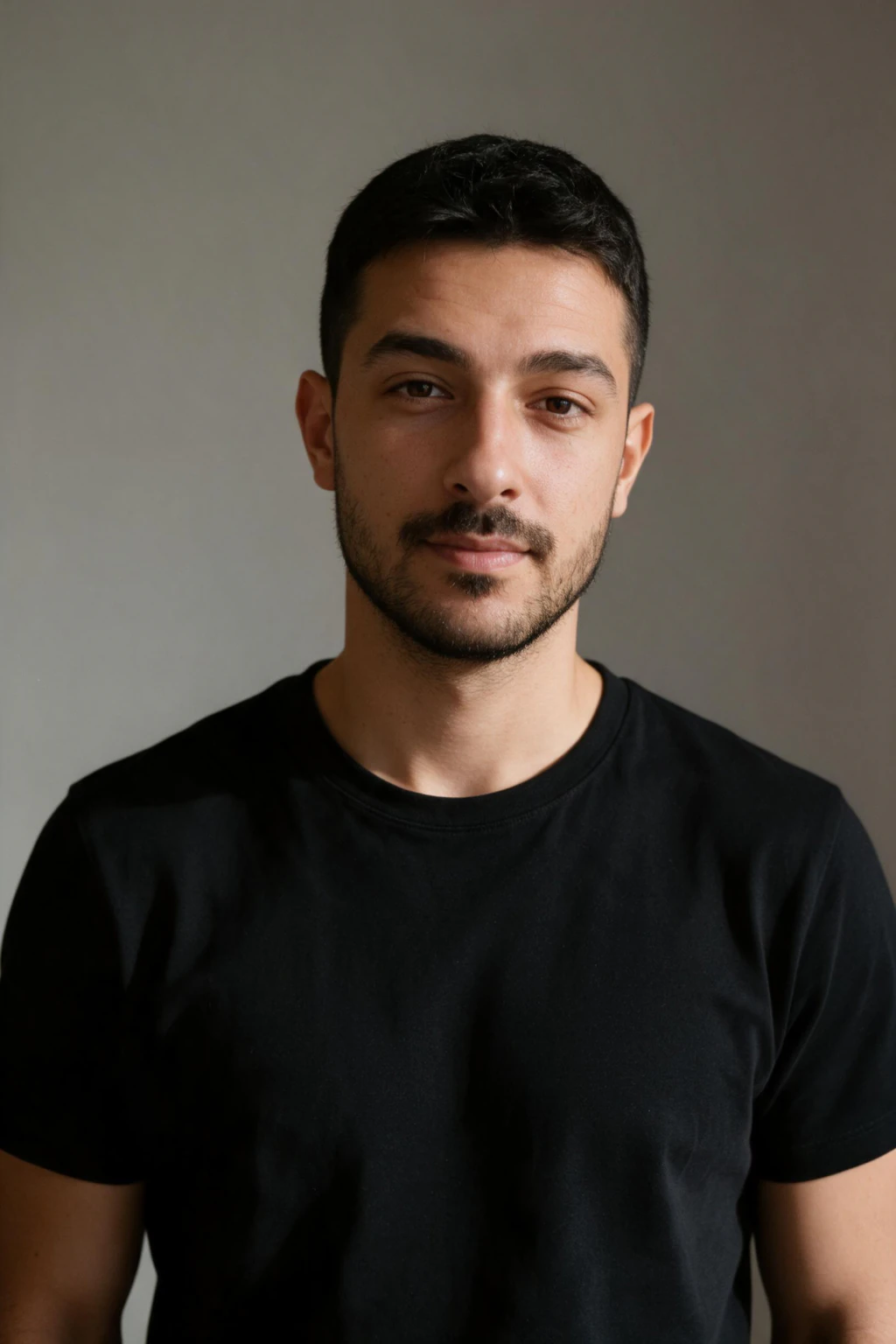
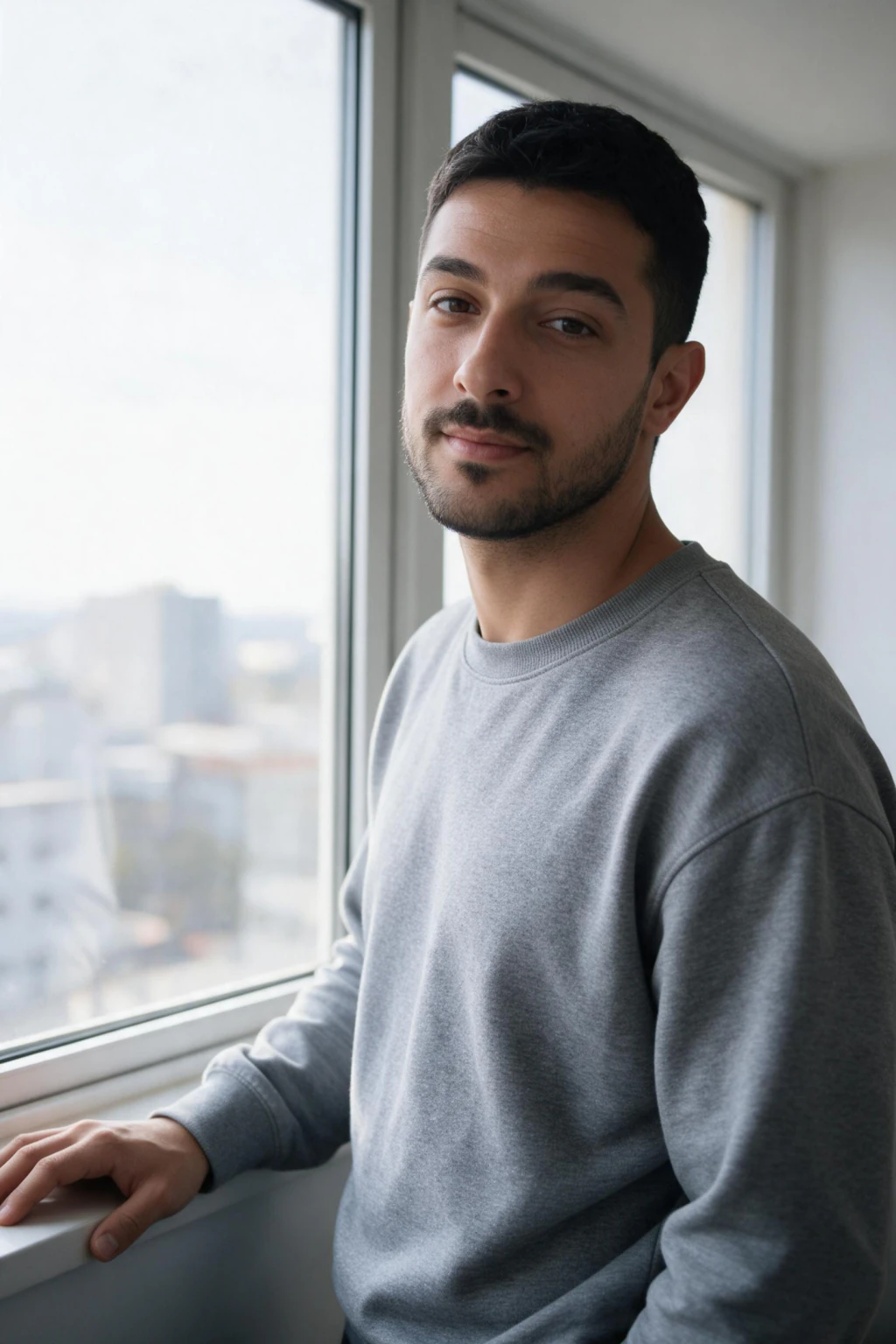
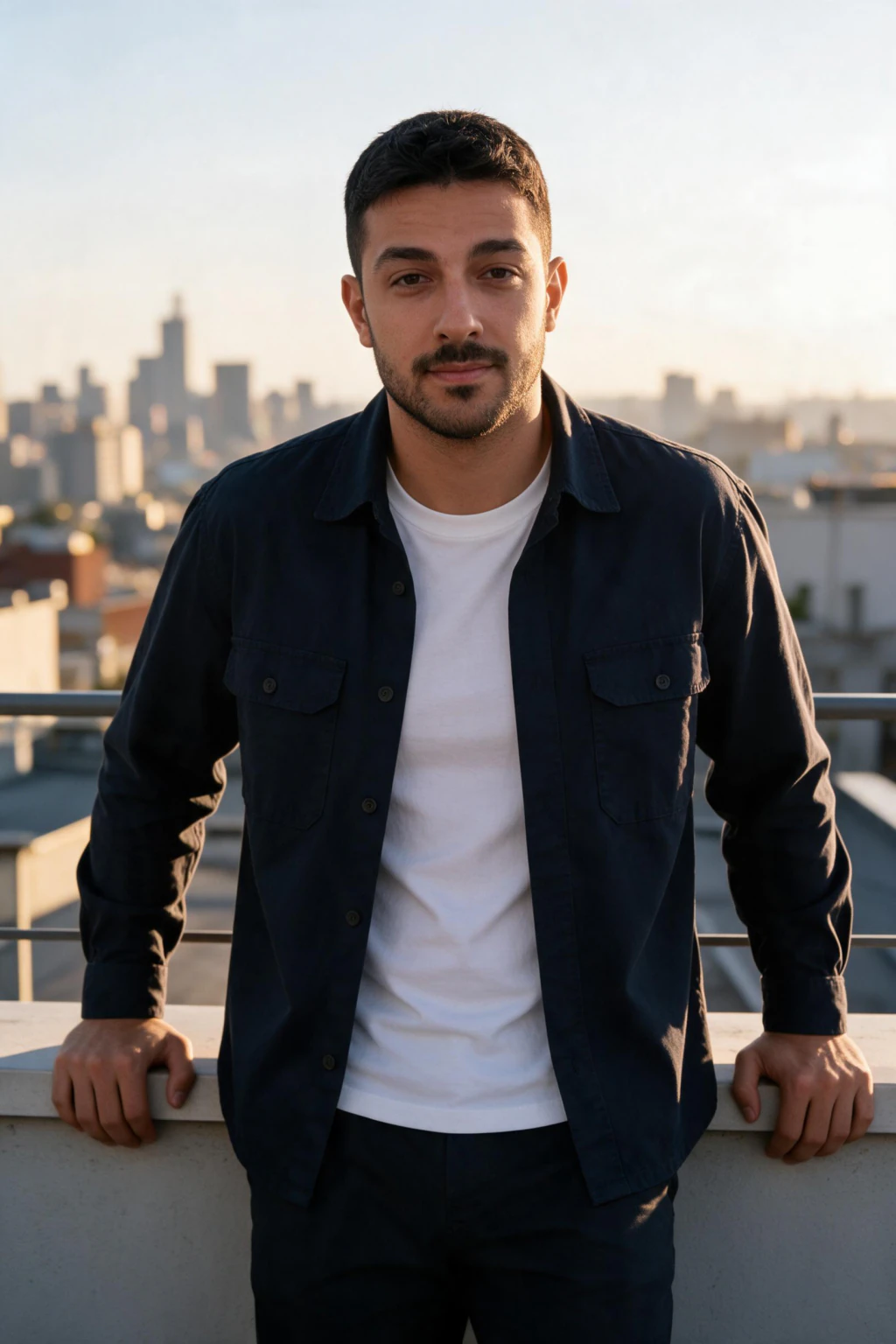
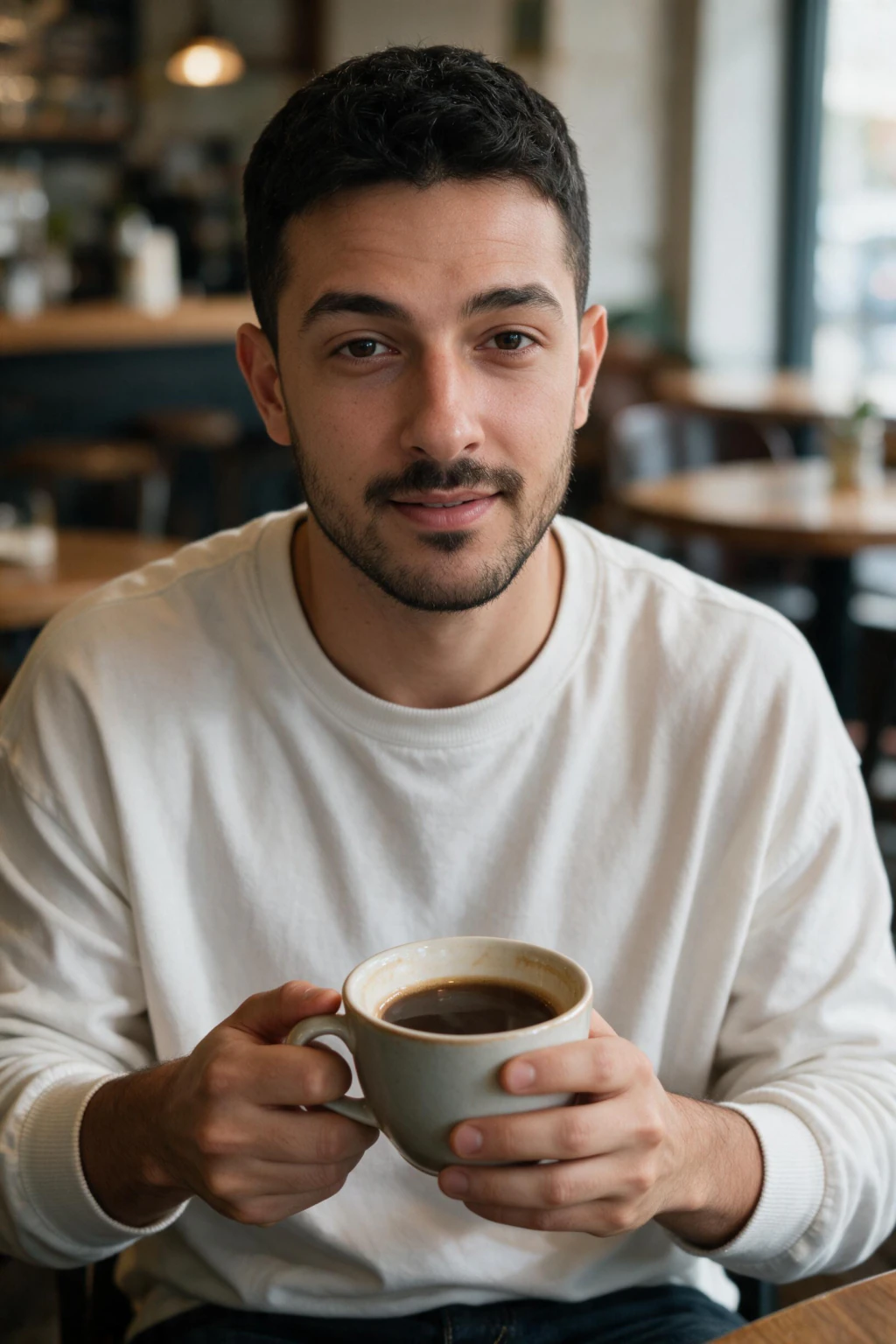
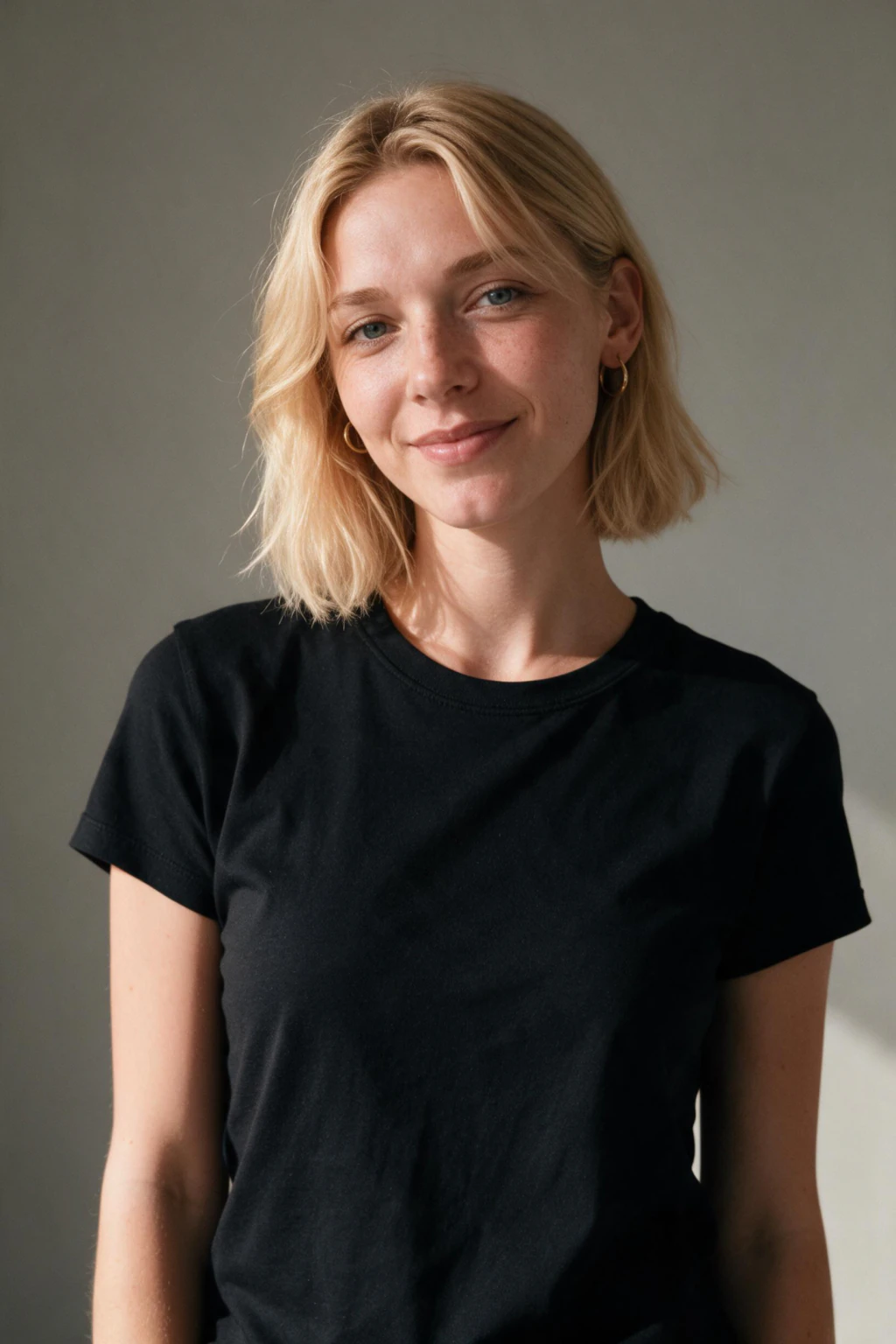
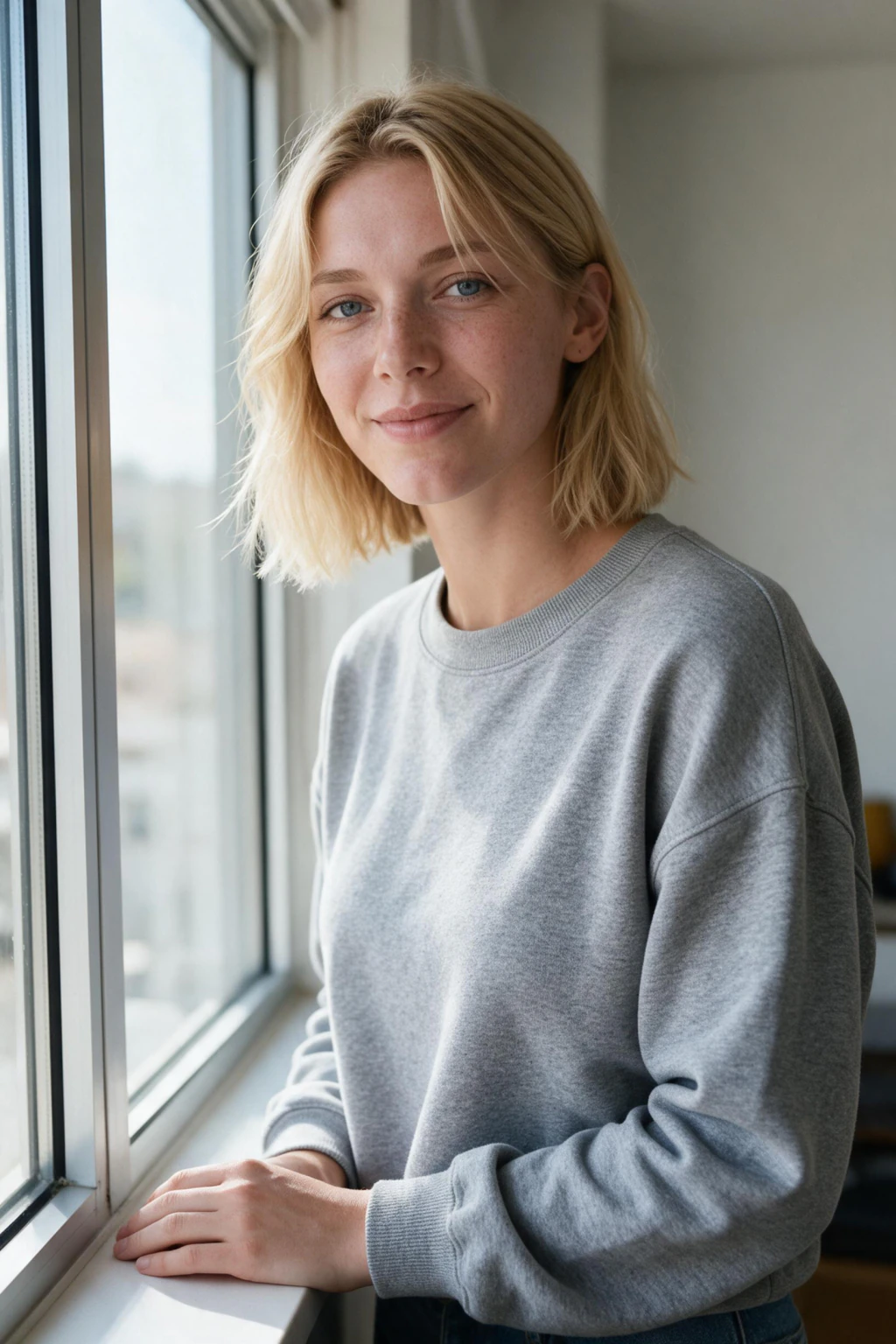
- Real skin texture, natural hair edges, and accurate facial structure, not a waxy AI look
- Built from your single selfie, so the face in the photo is actually you
- New photos generated from scratch, not a filter laid over a picture you already had
What makes an AI image look real?
Your actual face, not an approximation
Reading your single selfie directly keeps your real facial structure, instead of an AI guess that is close but subtly wrong. Accurate structure is what makes friends say it looks like you. The row above came from one selfie, and so does yours, which you see before anything is charged.
Real skin and hair detail
Realistic photos keep pores, fine lines, and hair that separates into strands at the edge. Over-smoothed, poreless skin is the fastest giveaway of a cheap AI generator, so the target is texture, not a plastic blur.
Lighting that matches the scene
When the light on your face matches the background, the brain reads the photo as real. Mismatched shadows are what make a composite look pasted together, and it is the tell most people notice without being able to name it.
Imperfection is what reads as real
Real photographs have grain, uneven skin, a stray hair, a background nobody composed. Generators default to clean, symmetrical and evenly lit, which is exactly what the eye flags as synthetic. Anything retouched to zero flaws reads as AI within a second.
Why one-photo AI tools look fake
Most one-photo AI tools restyle a single picture. That flattens features, changes the jaw, and smooths skin into plastic, which is why the result looks almost-you but off.
Reading your real selfie directly is what fixes it. Your actual face renders into each new scene, so structure and texture stay consistent across the whole set.
Each result is a brand new image, not an edit of an old one. Fresh lighting, wardrobe, and background mean the photo reads as a real shot taken somewhere new.
You steer realism at the choosing step too. Skip any output with poreless skin or a smeared hairline and keep the ones where the light matches the scene. That habit is the difference between an obvious AI photo and one nobody questions.
Text-to-image users chase realism with camera bodies, lens lengths, and deliberate imperfections in the prompt, because words like ultra-realistic push the model toward a plastic look. Starting from a real selfie skips that entirely: the texture is already in the photograph. For the full technique list, read how to make AI photos look realistic.
When realistic AI photos beat a real photoshoot
Realistic AI photos win when the picture has to look like you in a setting you would otherwise book, travel to, or pay a photographer for. They lose when the photo has to prove something happened.
Profile photos are the clearest win. A LinkedIn, dating, or social portrait costs $9.99 once here and each photo comes back in about 2 minutes, against $200 to $500 for a studio session and a one to two week wait for edits.
Travel and lifestyle scenes are the second win. A rooftop at golden hour, a ski slope, a city street in another country: shots that would need a trip and a photographer, built from the same single selfie.
Where a camera still wins: group shots with real friends, and any verification, event, or press photo that has to document a real moment. Those are evidence problems, not realism problems, and AI is the wrong tool for them.
Realistic AI photos by use case
What counts as realistic changes with where the photo lands. Here is the scene to pick, the check that decides whether a result is usable, and the frames to throw away.
LinkedIn and work profiles
Scene that works: Plain office or neutral studio background, daylight from the front, business or smart-casual wardrobe.
Realism check: Visible skin texture at full size and a jawline that matches your selfie. Zoom to 100 percent before you download.
Skip: Airbrushed poreless skin, teeth or eyes that read glassy, a collar that melts into the neck.
Dating profiles
Scene that works: Outdoor golden hour or a relaxed indoor scene, natural expression, one subject in frame.
Realism check: Hair edges that stay defined against the background, and catchlights in both eyes falling the same way.
Skip: Painted hair mass, shadows on your face that disagree with the light behind you, glamour no one would recognize.
Travel and lifestyle
Scene that works: One landmark or one strong location, you as the subject rather than the scenery.
Realism check: Light on your face matched to the scene light, plus a background that stays coherent behind you.
Skip: Warped architecture, unreadable signage, and any frame where the scene is sharper than you are.
Realism checks before you download
- Upload one clear selfie in even light, face fully visible, no heavy filters and no sunglasses
- Keep the outputs where the light on your face matches the light in the scene behind you
- Reject anything over-smoothed: real skin texture and separated hair edges are the tell that reads as real
Who wants realistic AI photos
- People burned by AI tools that returned plastic, almost-you faces
- Anyone who needs a profile photo that passes as a real shot
- Founders, job seekers, and creators who cannot use an obvious AI look
Realistic AI photos pricing: one-time $9.99
$9.99 buys 100 credits, and a photo costs 10 credits, so one purchase is about 10 finished photos. A studio session runs $200 to $500 and takes one to two weeks. Nothing renews, credits you do not spend stay on your account, and every purchase carries a 14-day money-back guarantee (terms apply). Secure checkout, card or PayPal.
Frequently asked questions
Will realistic AI photos actually look like me?
Yes, when the selfie is sharp and evenly lit with your face fully visible. Your bone structure and skin texture come from that real photograph rather than a description, which is why there is no uncanny near-miss to explain away. Upload one selfie and judge your own first result, in about 2 minutes, before you decide anything.
Why do AI images not look real?
Four causes, in the order they show up. Skin smoothed until there are no pores. Catchlights that do not match between the left and right eye. Hair edges that dissolve into the background instead of ending in individual strands. And lighting on the subject that disagrees with the lighting behind them. Fix those four and most images pass at a glance.
What is a realistic AI photo generator?
It is a generator whose output survives a full-size look: visible skin pores, hair that separates into strands at the edge, and light on the face that agrees with the scene. Two families exist. Text-to-image tools build a convincing stranger from a written description. Selfie-based tools like this one read a real photograph of you and render that same face into a new scene, which is the only route when the person has to be you.
What is the most real looking AI image you can get?
The most convincing AI images are built from a real photograph rather than invented from a text prompt. A generator working from your own selfie keeps genuine facial structure and skin detail, so nothing has to be explained away. Text-to-image models invent a plausible stranger, and plausible is where the eye starts finding problems.
Is a photorealistic AI photo the same as a realistic AI image?
In everyday use, yes. Photorealistic describes the target, a picture that reads as a photograph rather than a render. What changes the result is not the word you search for but where the face comes from. A realistic photo AI that starts from your uploaded selfie carries real texture into every frame, while a text-to-image model has to invent that texture from a description.
What are the realistic features of an AI portrait generator?
Skin texture retention, hair edge detail, correct eye catchlights, and lighting that matches the scene. A generator that smooths skin into plastic or paints hair as a solid mass reads as fake at full size. MakeAiPhotos works from your own selfie rather than a text description, so bone structure and skin detail come from a real photograph of you.
What are the top AI selfie generator tools known for realistic output?
The ones rated for realism all start from your actual selfie instead of inventing a stranger from text. The practical difference is what they ask for first. Selfie-trained tools typically want 8 to 20 images and a training wait from 30 minutes to several hours. MakeAiPhotos takes one selfie, has no training step, and returns each photo in about 2 minutes for a single $9.99 charge.
How realistic can AI images actually get?
Realistic enough that people stop scoring above chance. Sophie Nightingale and Hany Farid asked participants to separate StyleGAN2 synthetic faces from real photographs, and reported in PNAS in February 2022 that "the average accuracy is 48.2% (95% CI [47.1%, 49.2%]), close to chance performance of 50%". A second group trained with trial-by-trial feedback only "improved slightly to 59.0%". Those were invented faces rather than images built from a real selfie, so read it as the ceiling on what a viewer notices, not as a claim about any one product.
How much does it cost and how many selfies do I need?
$9.99 one time, which is 100 credits and about 10 finished photos at 10 credits each, from a single clear selfie. There is no subscription and no training wait. A studio session runs $200 to $500 and takes one to two weeks, and every purchase here carries a 14-day money-back guarantee (terms apply).