Hinge Photo Size, Rules and Six AI Scenes From One Selfie
Hinge photos upload at 1080x1350 in a 4:5 portrait ratio and get square-cropped to 1:1 in the grid, and AI Hinge photos from MakeAiPhotos turn a single selfie into about 15 finished photos at that size across six distinct scenes, each one back in about 2 minutes for a one-time $14.99.
Hinge wants six photos, each one 1080x1350 at a 4:5 portrait ratio, and it square-crops that same image to 1:1 in the grid view, which is why a face near the edge of the frame gets cut. Those are the only hard photo rules Hinge enforces: six slots, portrait orientation, your real face. Everything else is a choice, and the choice most profiles get wrong is uploading one decent selfie plus five near-duplicates of it. Hinge attaches every comment to one specific photo, so six versions of the same headshot give matches nothing to say. Upload a single selfie once and the pack generates entirely new photos of you at the right size, in scenes with a story in them.
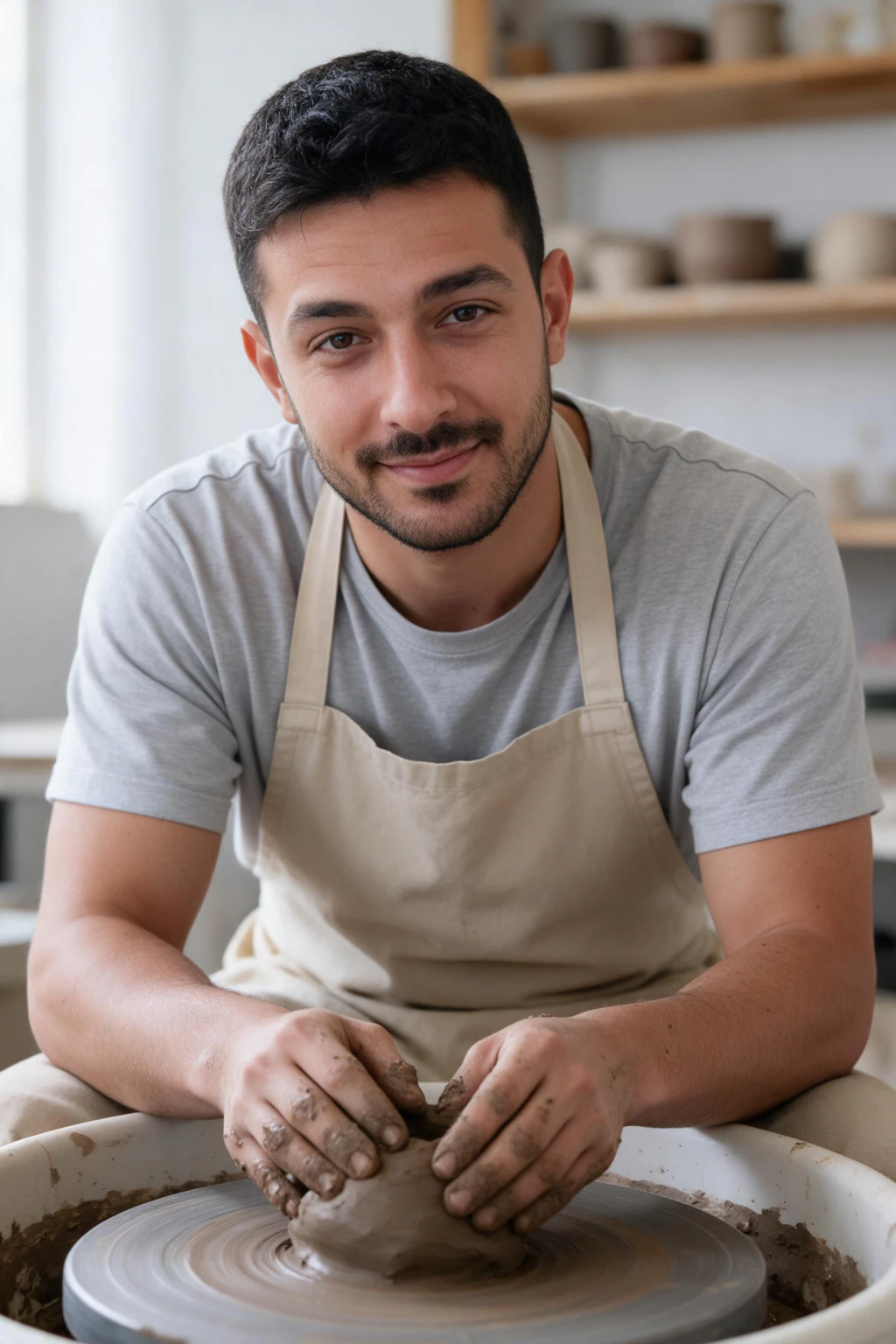
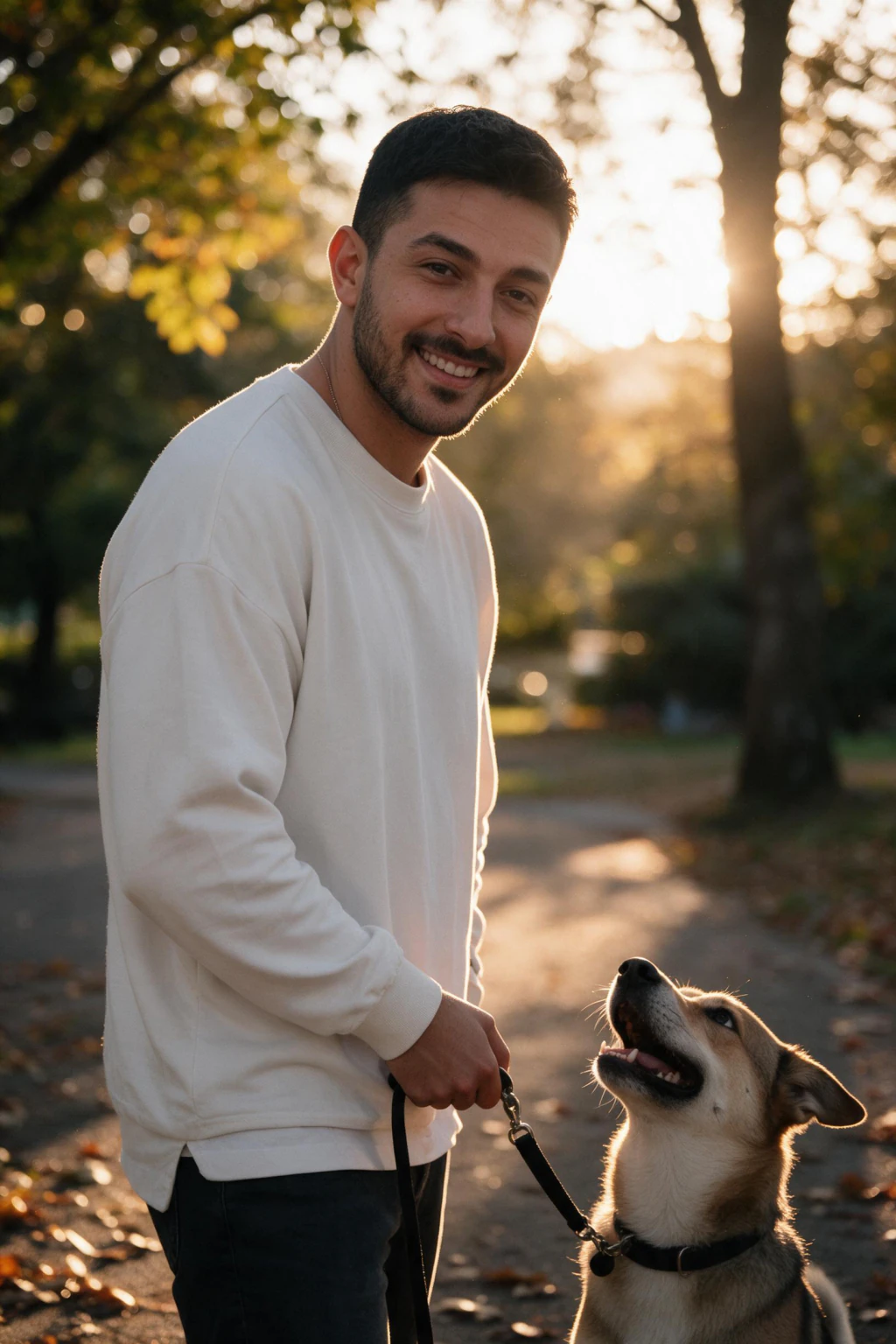
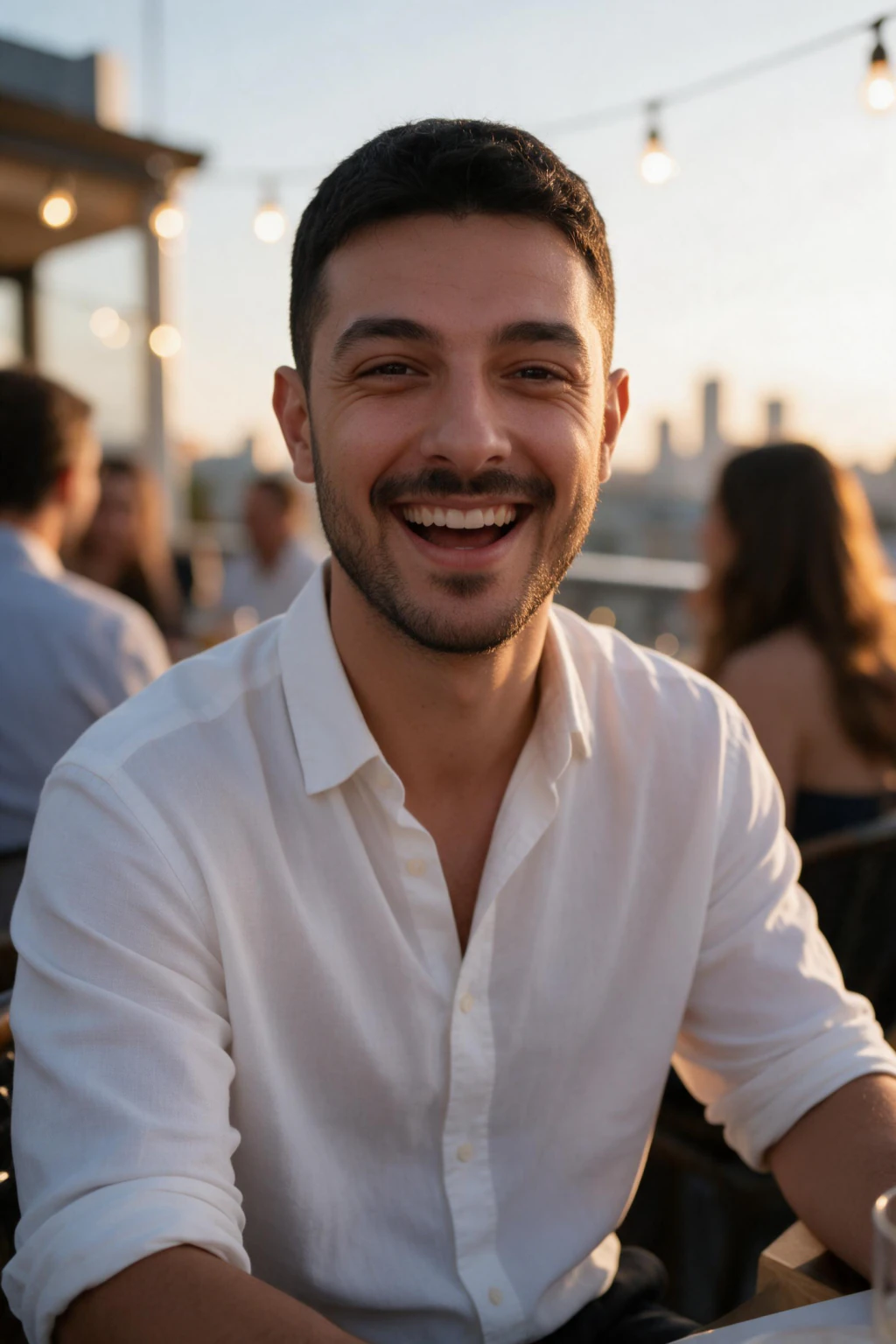
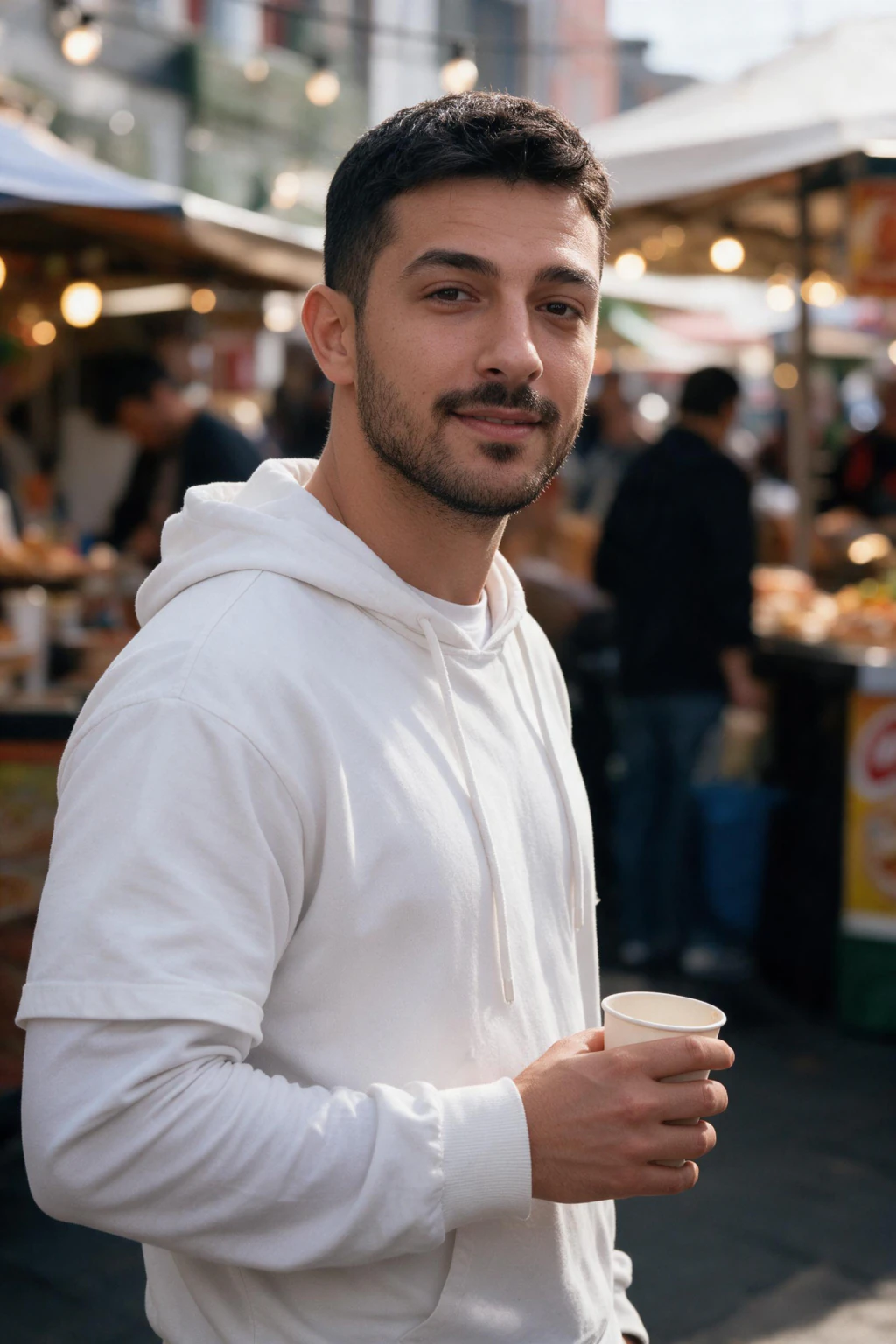
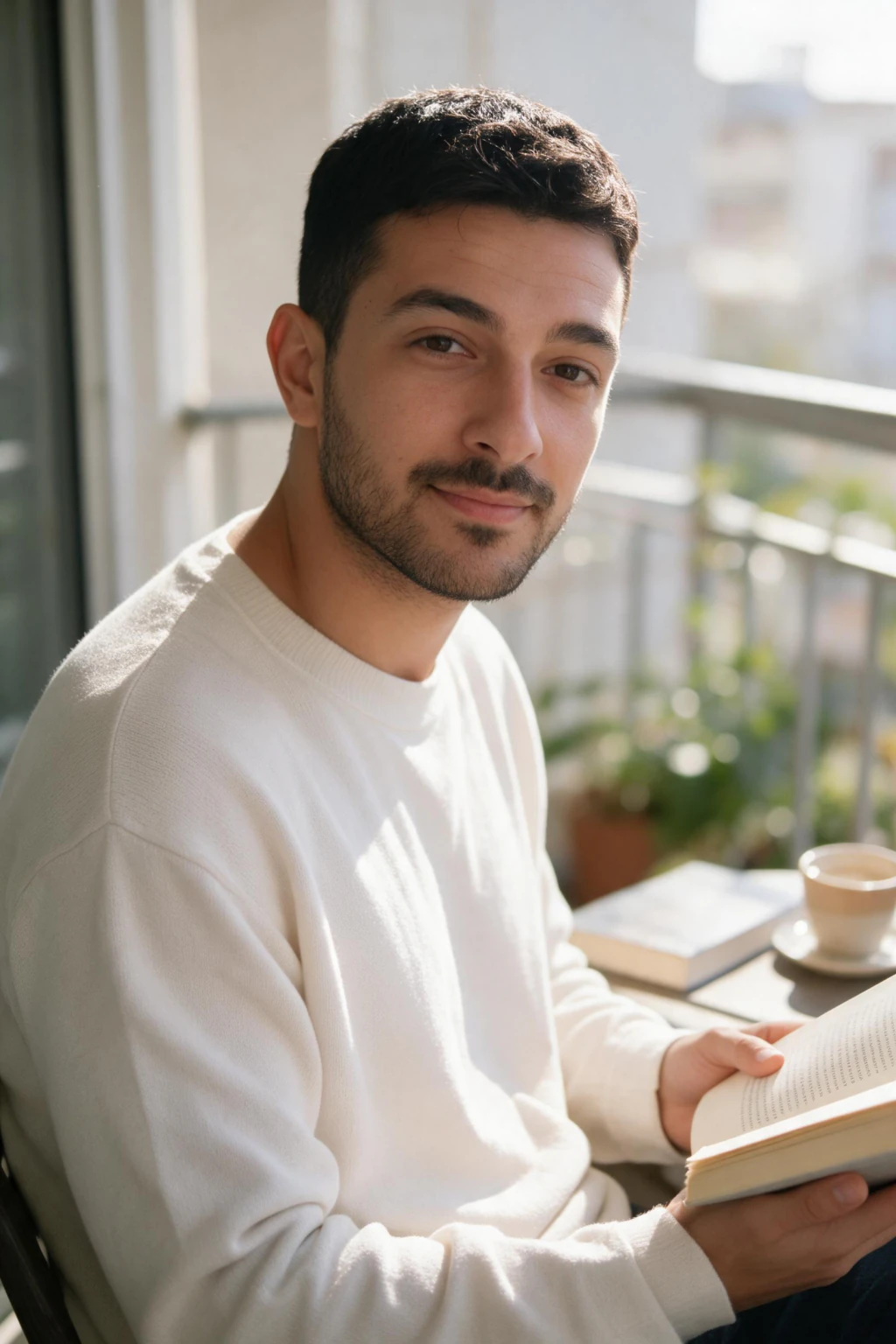
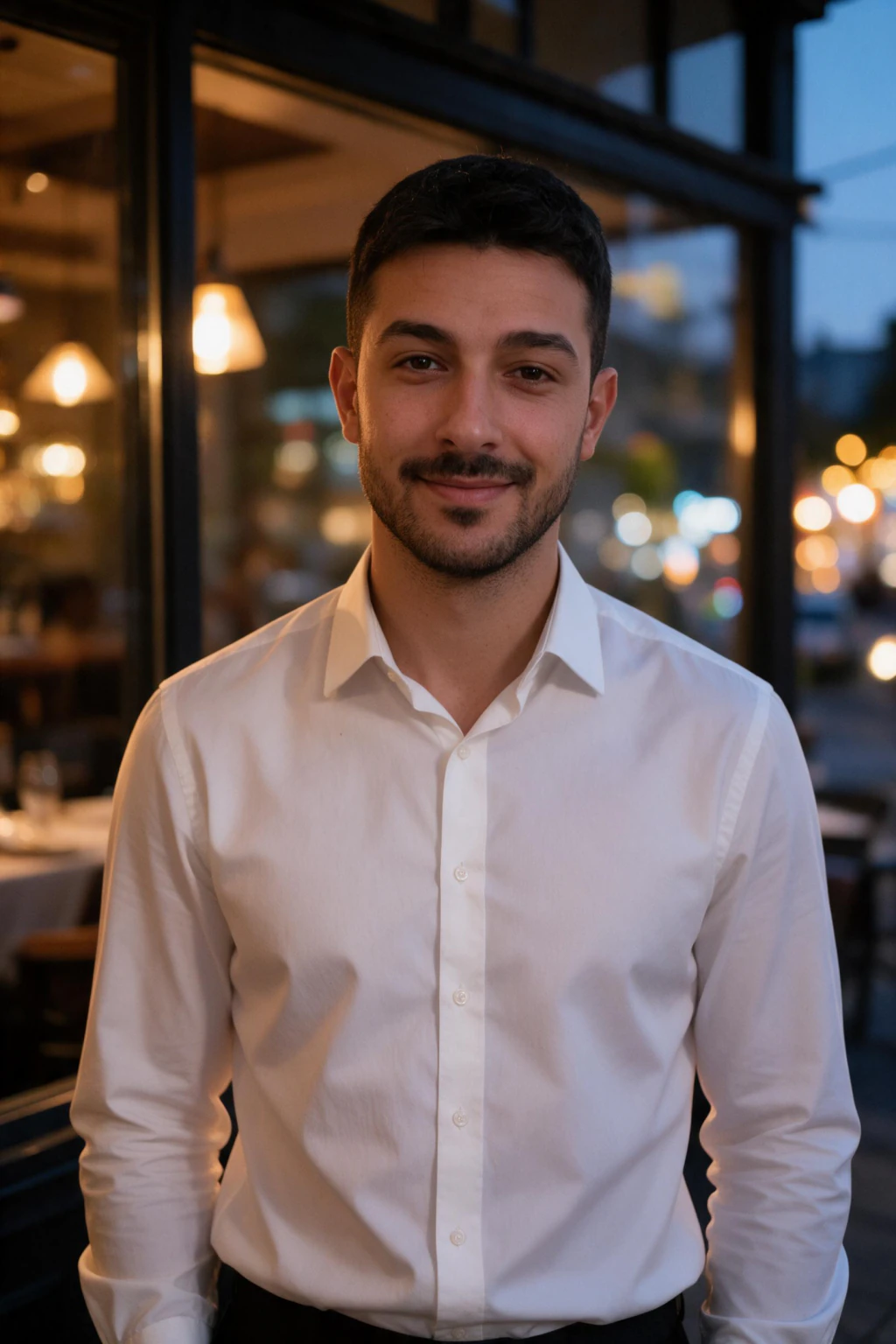
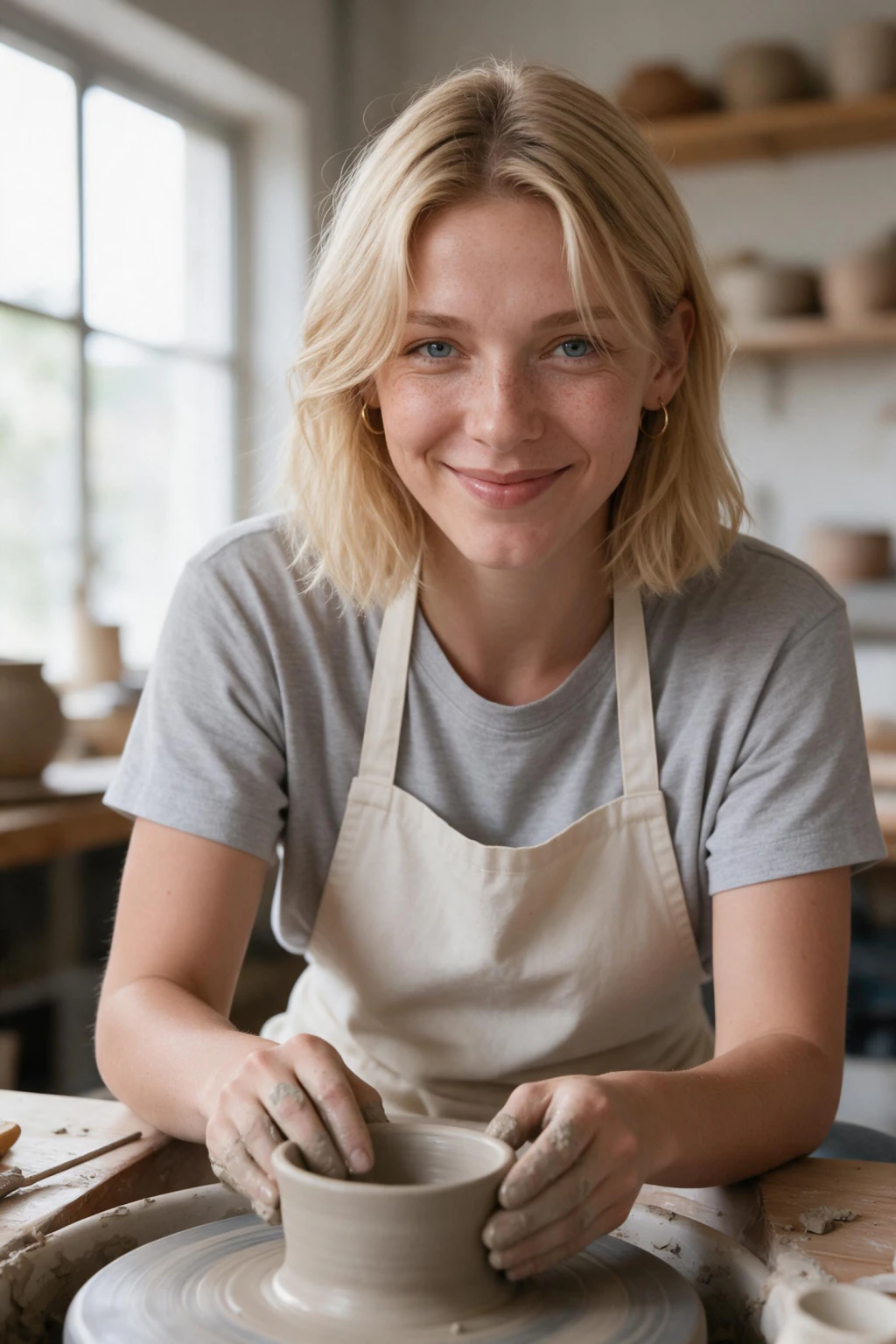
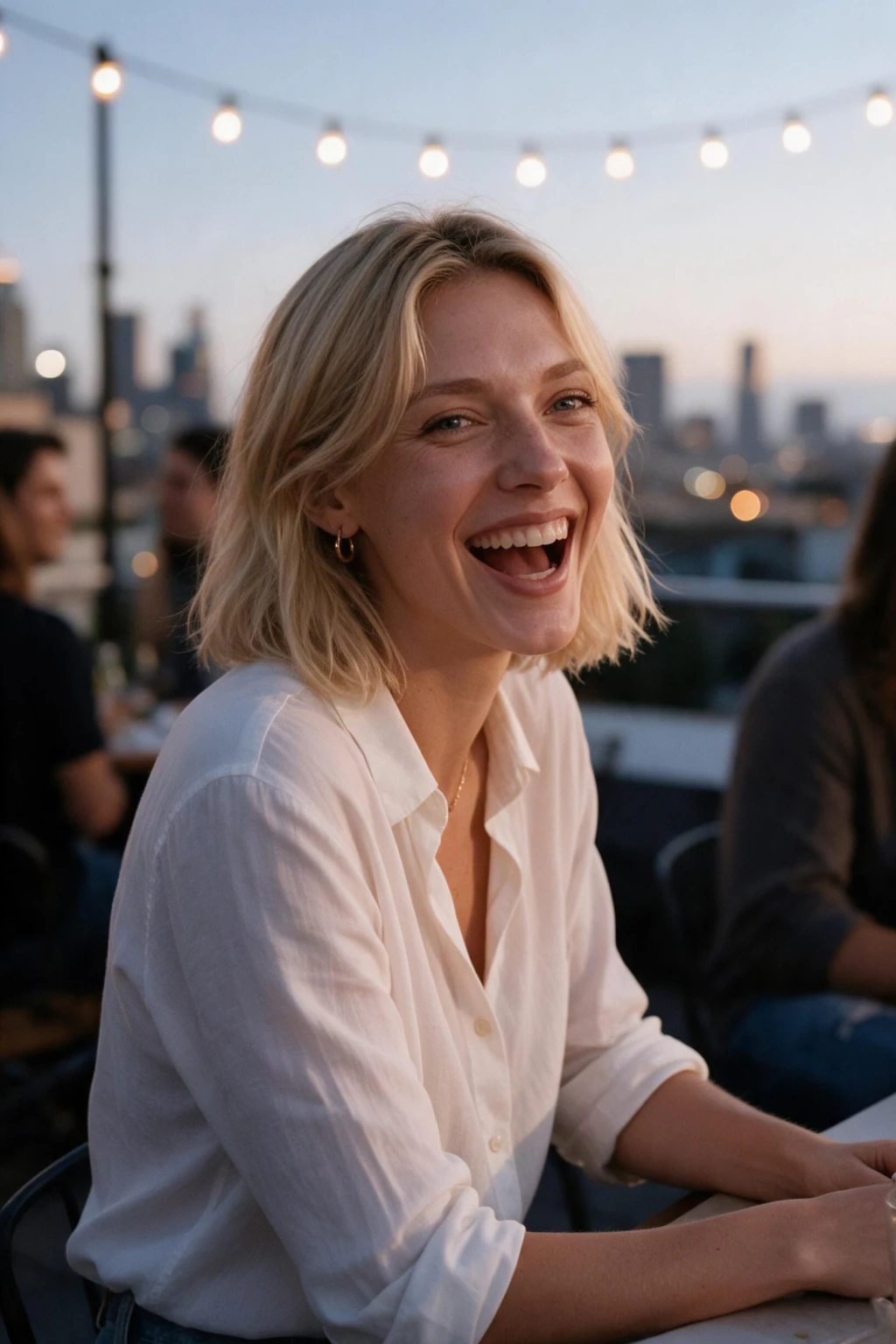
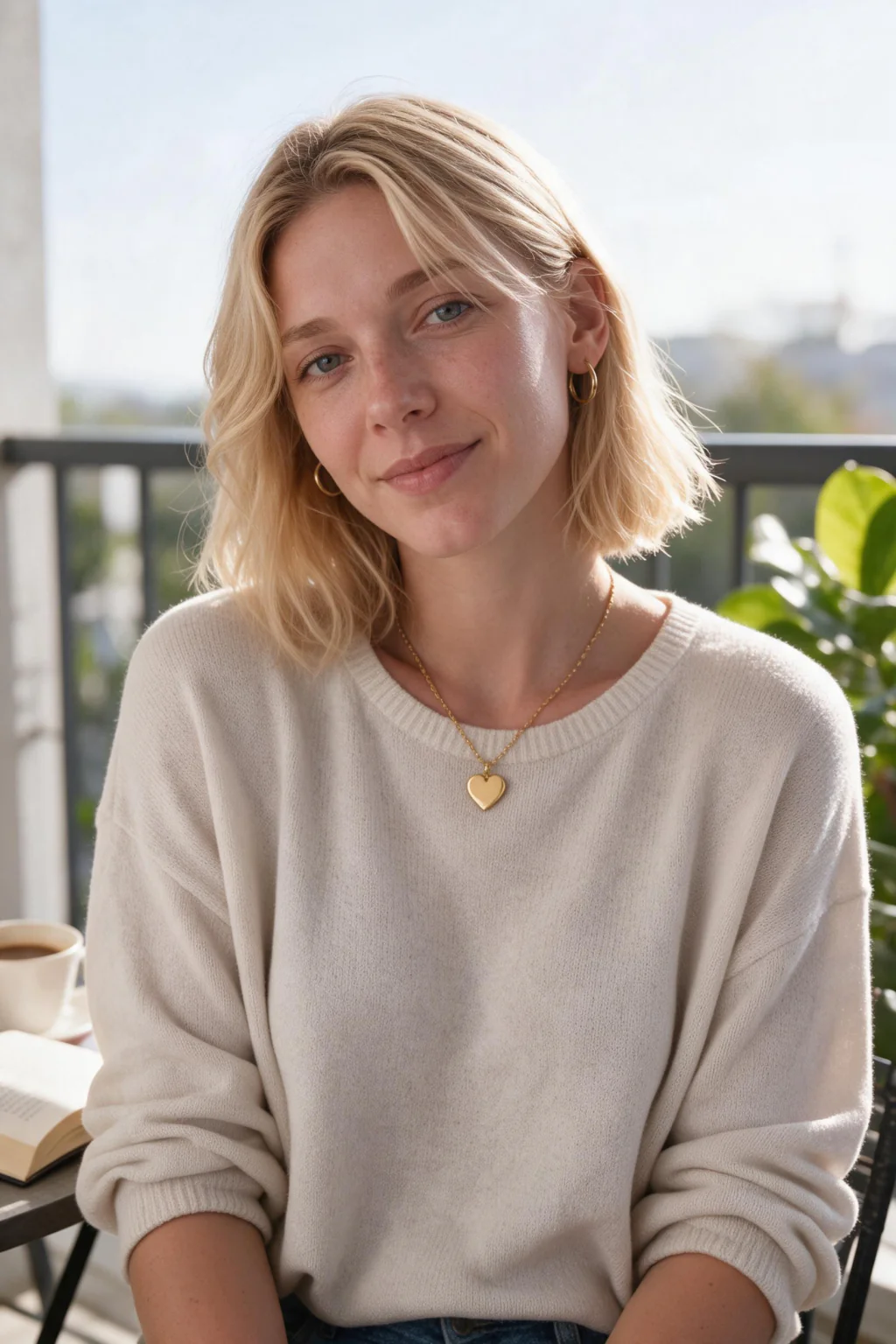
- Correct Hinge photo size every time: 1080x1350, 4:5 in the feed, safe for the 1:1 grid crop
- Six distinct scenes for six Hinge slots: a pottery studio, a dog walk in the park, a rooftop hangout, a weekend market, a slow Sunday with a book, a date-night entrance
- Every photo is generated from your one selfie, so each scene shows your real face, the same person your verification video shows
- One-time pack $14.99, about 15 finished photos in about 2 minutes each, no subscription
What are the Hinge photo requirements?
Size and ratio: 1080x1350, 4:5, square-cropped in the grid
Hinge displays photos at a 4:5 portrait ratio and 1080x1350 is the size to upload. The same file is square-cropped to 1:1 in the grid view, so anything important within about 12% of the top or bottom edge can disappear. Center your face. Anything wider than 4:5, a landscape shot especially, gets trimmed at the sides in the feed and again in the grid.
The rules Hinge actually enforces
Six photos or videos before the profile goes live, your real face clearly visible in at least one, no nudity, no photos that are only text or memes, and no group shot where a viewer cannot tell which person is you. Hinge does not ban AI-generated photos of yourself. It bans misrepresenting who you are, which is a different rule.
Comments happen on photos
Hinge attaches every like and comment to one specific photo, not to your profile as a whole. A photo of you at a pottery wheel or walking a dog in the park hands the other person a question to ask. A third bathroom selfie hands them nothing.
Six near-identical selfies read as one photo
Hinge presents your photos as a scrolling sequence, so repetition makes a full profile feel half empty. The pack covers a hobby in action, a dog walk, a rooftop hangout, a weekend market, a slow Sunday with a book, and a date-night entrance. Six separate ideas instead of one idea repeated six times.
A story beats a pose
Photos that place you somewhere doing something outperform posed portraits on Hinge because they suggest a date idea. The AI generates the scene and your likeness together from your selfie, so each result reads as a moment from your life, not a studio portrait.
What Hinge's own data says about your photos
Hinge's own published photo research found that selfies get about 40% fewer likes, and bathroom or mirror selfies about 90% fewer. If five of your six slots are selfies, the profile is losing likes before anyone reads a prompt. That is what this pack replaces: six scene photos of you instead of six versions of the same selfie.
Why a scene beats a pose on Hinge
Profiles that place you somewhere doing something pull more comments than posed studio portraits, because a scene suggests a date idea and a date idea is easy to message about.
A static headshot says here is my face. A photo of you at a rooftop hangout, walking a dog in the park, or reading on a balcony says here is something we could do together. That small shift is what turns a like into a first message on an app built around commenting.
Variety matters as much as the scenes themselves. Six photos in six different settings read as a fuller life than six versions of the same look, and Hinge surfaces complete, varied profiles more often. The pack generates the scene and your real face together from your selfie, so every result is a believable moment rather than a cut-out pasted on a background.
Pair each photo with a Hinge prompt for built-in conversations
Hinge is the only major dating app where photos and text prompts sit side by side, so the strongest profiles match a scene to a prompt. A photo of you at the pottery wheel next to the prompt I geek out about a hobby gives a match two reasons to comment instead of one.
Take the weekend market shot and put it beside Two truths and a lie, or the date-night photo beside My simple pleasures. The picture answers the prompt before you write a word, which is exactly what Hinge rewards in its Most Compatible scoring: complete profiles where photos and prompts reinforce each other.
Because the pack returns six distinct scenes, you are not forced to pair a serious prompt with a third bathroom selfie. Lead with the clean face-forward result so a match can see you clearly, then let the dog walk, the rooftop hangout, and the slow Sunday with a book each carry their own opener.
Hold one scene back for a photo prompt slot, where Hinge lets you add a caption directly on the image. A lively spot like the rooftop hangout writes the caption for you: name the vibe, ask if they would join, and the conversation starts on the photo itself.
Hinge vs Tinder vs Bumble: what each app rewards
The same AI photos work across all three apps, but each one ranks profiles differently. Build for Hinge first, because its comment system makes every single photo a possible conversation entry point.
Hinge
Photo count: 6 required
Photo size: 1080x1350 (4:5) in the feed, square-cropped 1:1 in the grid
First photo: Clear face-forward shot, face centered for the square grid crop
Must have: Six distinct scenes, each one a comment opener, ideally paired to a prompt
Avoid: Six near-identical selfies, since Hinge ties every comment to one photo
Tinder
Photo count: Up to 9, 2 to 6 used well
Photo size: 4:5 portrait card, upload 1080x1350
First photo: High-contrast solo shot that reads at thumbnail size in the swipe deck
Must have: A strong lead photo, since most swipes happen on the first image alone
Avoid: Group photos first, where matches cannot tell which person is you
Bumble
Photo count: Up to 6
Photo size: 1080x1350 portrait (4:5)
First photo: Warm, approachable portrait that fills the taller 4:5 frame
Must have: A few vertical shots so nothing gets cropped in the portrait frame
Avoid: Heavily filtered photos, which the Bumble Deception Detector flags
How to pick your 6 Hinge photos from the pack
- Lead with the cleanest face-forward result, and keep your face centered because the feed runs 4:5 while the grid view square-crops the same photo
- Make every slot a different scene: no two photos with the same background, outfit, or lighting
- Hold back one strong scene for a photo prompt slot, since a recognizable place sets up the caption for you
Who buys AI Hinge photos
- People restarting Hinge after a break with nothing recent on their camera roll
- Anyone whose current profile is six variations of the same mirror selfie
- Profiles that get likes but no messages and need photos worth commenting on
What AI Hinge photos cost: one-time $14.99
The pack is a single purchase at $14.99, which covers your whole 6-slot Hinge lineup plus spares to rotate in later. A studio dating shoot runs $200 to $500 for one afternoon of photos; the pack is $14.99 once. There is no subscription and no recurring charge, and every purchase carries a 14-day money-back guarantee (terms apply) with secure checkout. Months from now you can refresh a stale profile from the same results without paying monthly for an app you opened twice.
Frequently asked questions
How do I resize a photo for Hinge?
Crop to 4:5 first, then export at 1080x1350. On an iPhone: open the photo, Edit, the crop tool, tap the ratio icon and pick 4:5, then position your face slightly above center so the square grid crop still holds it. On Android the same control sits under Edit and Crop. Do not upscale a small photo to reach 1080 wide, because stretching adds no detail and Hinge compresses it again on upload.
Why do the Hinge photo size answers online disagree?
Because they are describing two different things. Hinge's upload minimum is square, about 640x640, with 800x800 or larger recommended so the file survives compression. Its display is 4:5 portrait in the feed and square in the grid. Both facts are true at once. Uploading at 1080x1350 satisfies the minimum and matches the feed ratio, which is why it is the size worth using.
Does Hinge allow AI photos?
Hinge has no rule banning AI-generated photos of yourself. MakeAiPhotos generates these photos directly from your own selfie, so they show your real face and keep your profile an accurate representation of you. Avoid anything that changes how you look in person. Our guide to AI photos on dating apps covers the policy details.
Does the pack fill all 6 Hinge slots?
Yes. Hinge needs 6 photos or videos before a profile is complete, and one upload returns about 15 finished photos, so every slot gets a different setting with spares left over. For the full slot-by-slot breakdown, read how many pictures you need for Hinge.
What are the best photos for Hinge?
The best photos for Hinge are six distinct scenes that each invite a comment: a clear face-forward shot first, then photos of you in a specific place or mid-activity. Hinge ties likes and comments to individual photos, so a rooftop hangout or a dog walk outperforms a repeated indoor selfie.
What is the Hinge photo ratio?
The Hinge photo ratio is 4:5, a portrait shape, and 1080x1350 pixels is the size to upload. Hinge then square-crops that same photo to 1:1 for the grid view, so the top and bottom of a 4:5 image are not guaranteed to show. Keep your face near the center and both crops work from one upload.
What are the Hinge photo rules?
Six photos or videos to complete a profile, portrait orientation at 4:5, your real face clearly visible, no nudity, no image that is only text or a meme, and no group photo where nobody can tell which person is you. Hinge has no rule against AI-generated photos of your own face.
Can you add more than 6 photos on Hinge?
No. Six is the cap as well as the requirement, so every slot counts and there is no room for filler. That is the argument for six different scenes rather than six angles of one selfie: with only six slots, a repeated look spends a slot without adding anything a match can comment on.
Why does Hinge require 6 photos?
Hinge is built around commenting on a specific photo rather than swiping a whole profile, so it needs enough separate images to give people something to react to. Six is the number the app settled on as complete. A profile stuck below six is treated as unfinished and shows less often.
What size are Hinge profile photos?
Hinge photos are 1080x1350 (4:5) in the feed and square-cropped to 1:1 in the grid, so upload a portrait image at 1080x1350 and keep your face near the center to survive both crops. Anything wider than 4:5 gets trimmed at the sides in the feed. Every portrait in the pack downloads at high resolution, well above what Hinge needs.
Do AI photos pass Hinge photo verification?
Hinge verification works from a live video selfie of your real face, not from your uploaded photos, so it checks that you are a real person. Because these photos are generated from your own selfie and show your actual face, your profile photos and your verification selfie describe the same person.
Can Hinge detect AI photos?
Hinge has no rule banning AI photos that accurately show you, so there is nothing to hide. The pack generates new photos of your real face from your own selfie rather than inventing a different person, which keeps your profile an accurate representation, the standard Hinge actually cares about.
How do AI Hinge photos start more conversations?
Each scene gives a match a concrete opener: where was this, do you hike, I love that city. Because Hinge comments attach to a single photo, a profile with six different scenes offers six different openers. Profiles built from near-identical selfies leave matches with nothing specific to say.
Will AI Hinge photos look like me?
AI Hinge photos look like you because the AI reads the single selfie you upload, then generates entirely new photos of your real face inside each scene. Nothing is filtered or pasted onto a background. A clear, well-lit selfie produces the closest likeness.
How fast do I get my AI Hinge photos?
About 2 minutes per photo, from upload to download. You upload a single selfie, the AI reads your face, and about 15 finished photos arrive in the same session. That is fast enough to rebuild your entire Hinge lineup the same evening you decide your current photos are not working.
How do I pair AI Hinge photos with my prompts?
Match each scene to a prompt so the photo answers it before you type. Put the dog-walk shot next to a prompt about pets, or the date-night photo next to my simple pleasures. Hinge scores complete, reinforcing profiles higher, so a photo that backs up its prompt earns more likes and comments than either one alone.
Can I use these photos on Tinder or Bumble too?
Your AI Hinge photos are yours to use anywhere, and the same scenes work on Tinder and Bumble, though each app rewards a slightly different lineup. For Hinge specifically, prioritize variety across all six slots, because the comment system makes every individual photo a possible conversation entry point.
How much do AI Hinge photos cost?
$14.99 once for about 15 finished photos, with no subscription and nothing to cancel. A studio dating shoot runs $200 to $500 for one afternoon. Every purchase carries a 14-day money-back guarantee (terms apply).
Is there an AI that makes Hinge photos from one selfie?
Yes. Upload one clear selfie and MakeAiPhotos returns about 15 finished photos across six scenes, each back in about 2 minutes. There is no model training step and no batch of selfies to collect: the AI reads your face from the single photo you upload.