AI Christmas Card Photos From One Selfie
A solo holiday card photo from MakeAiPhotos turns a single selfie into a polished portrait of one person, delivered in high resolution in about 2 minutes, ready to drop into your card layout before the print deadline. It suits single card senders and anyone who skipped the family session this year.
Print services want your photo by early December, and the family session never got booked. Upload the selfie you already have and get polished portraits the same day, in time to send to print. One honest note: this makes photos of one person, so it suits a solo card sender, or each adult getting their own set.

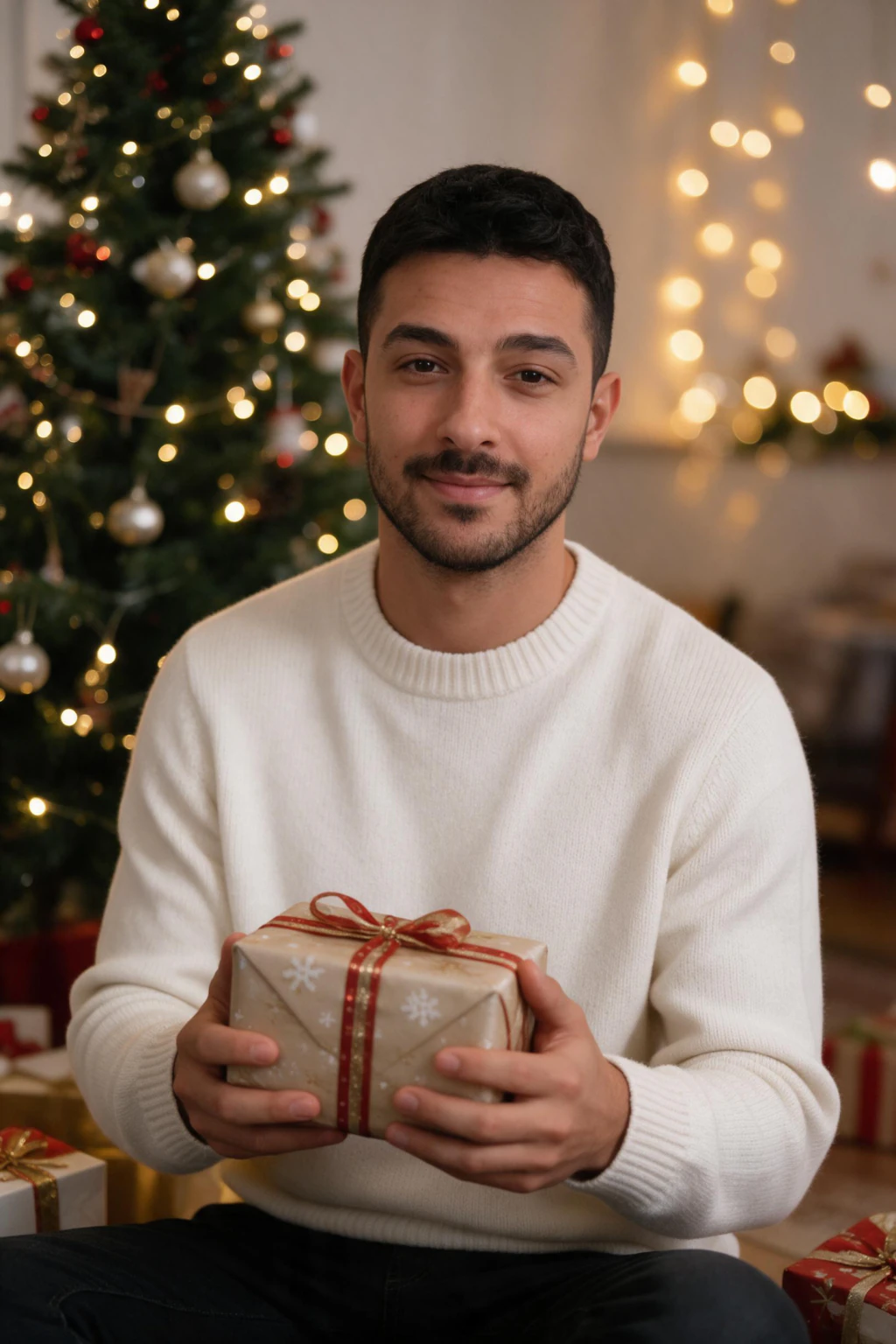

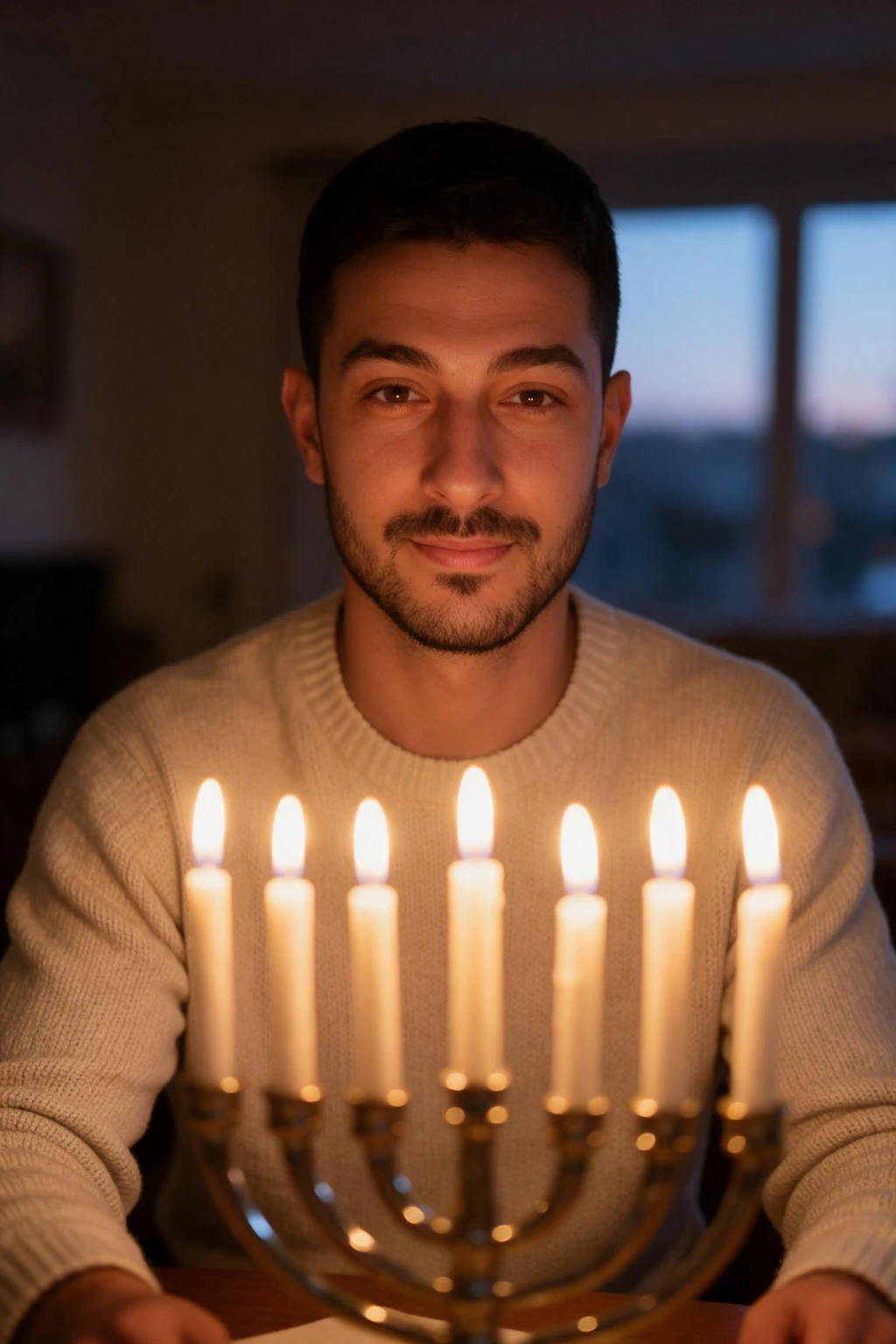
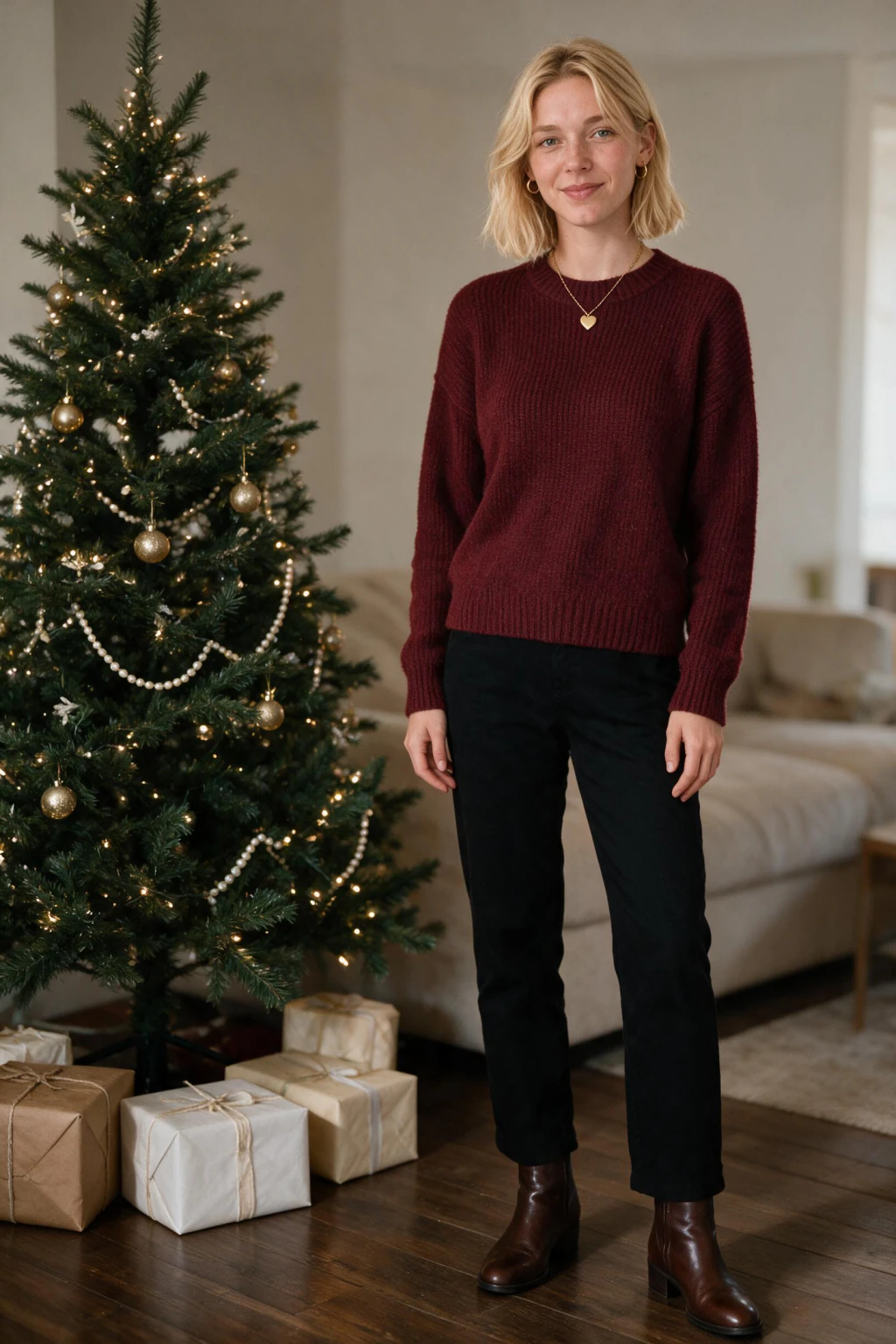
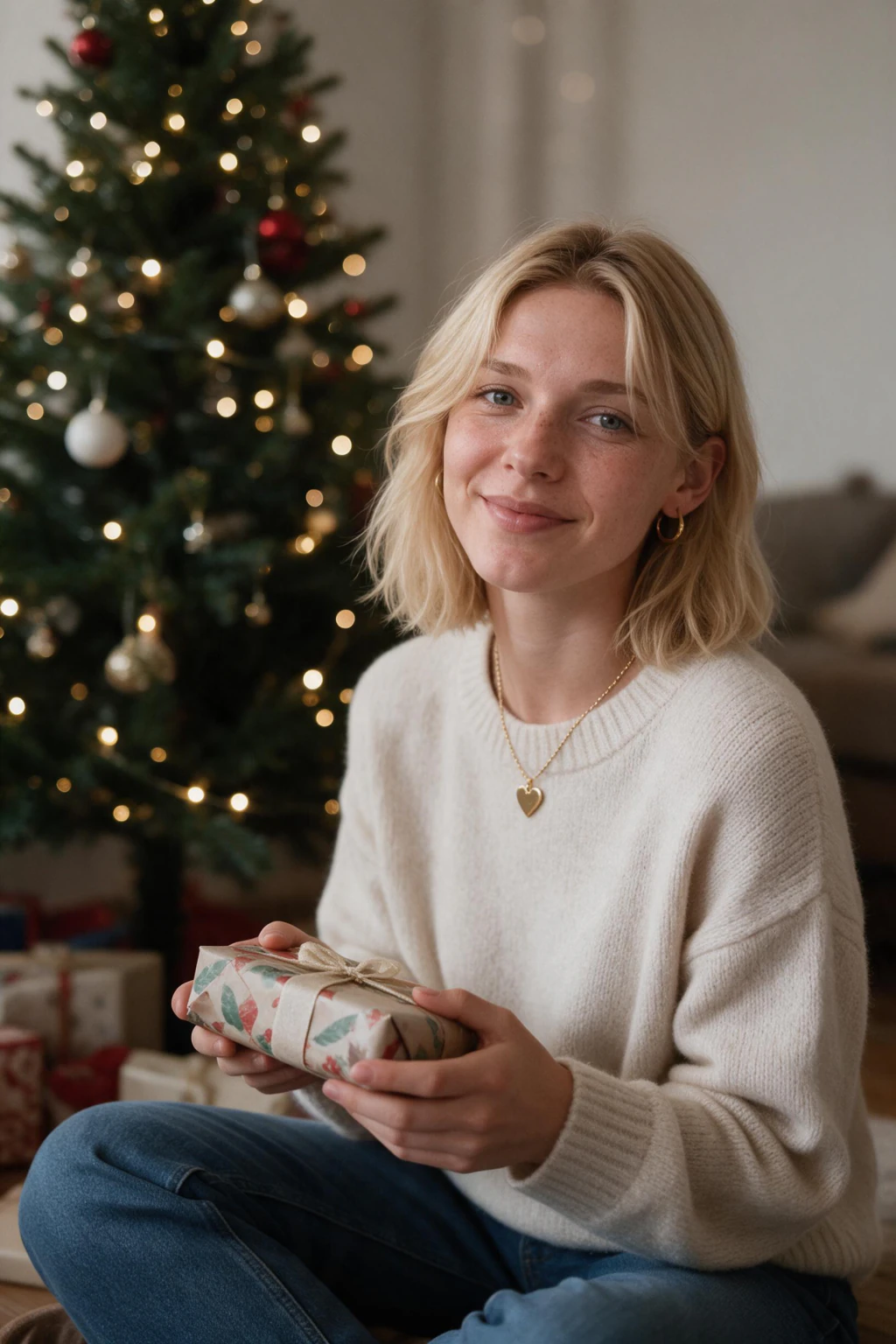
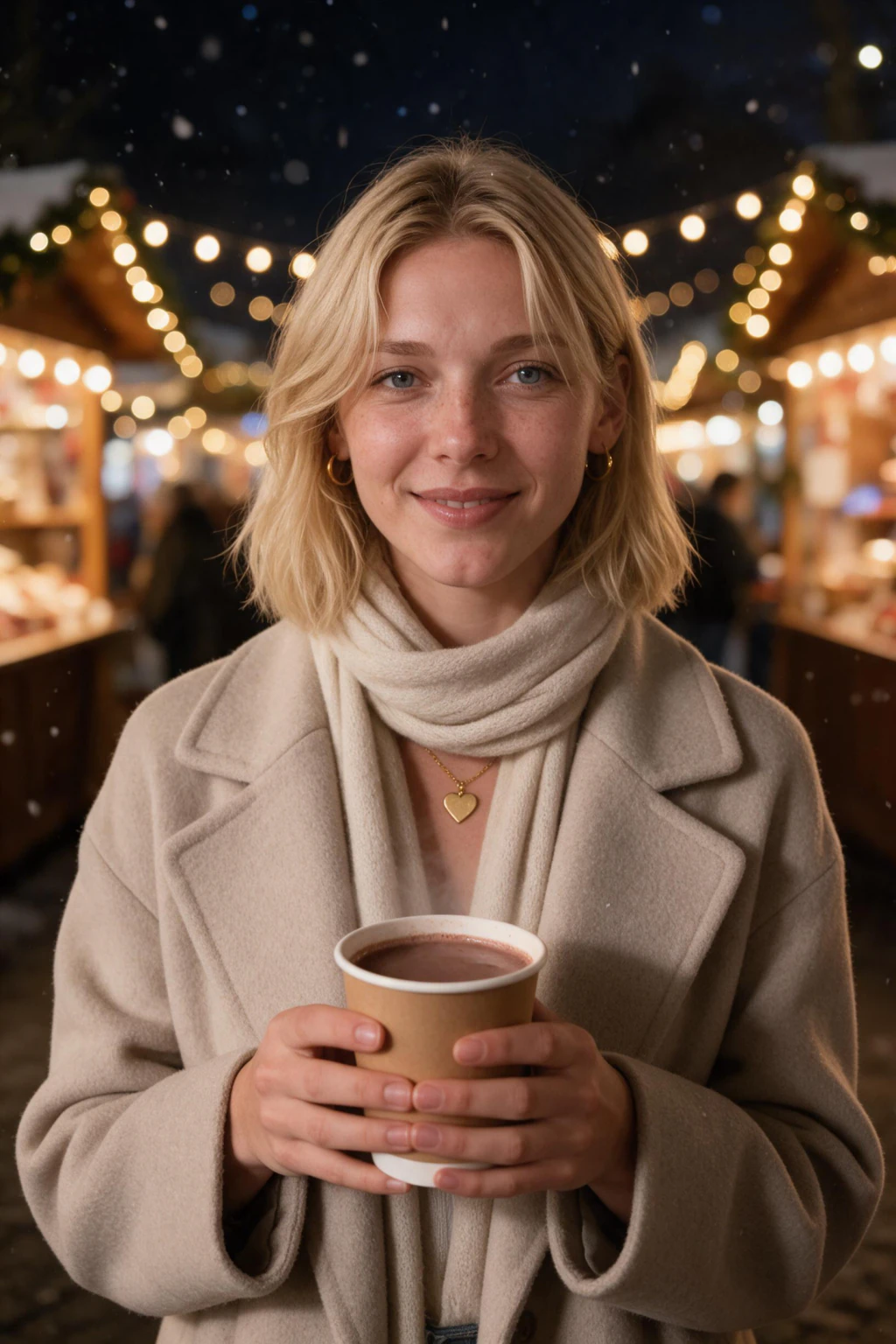
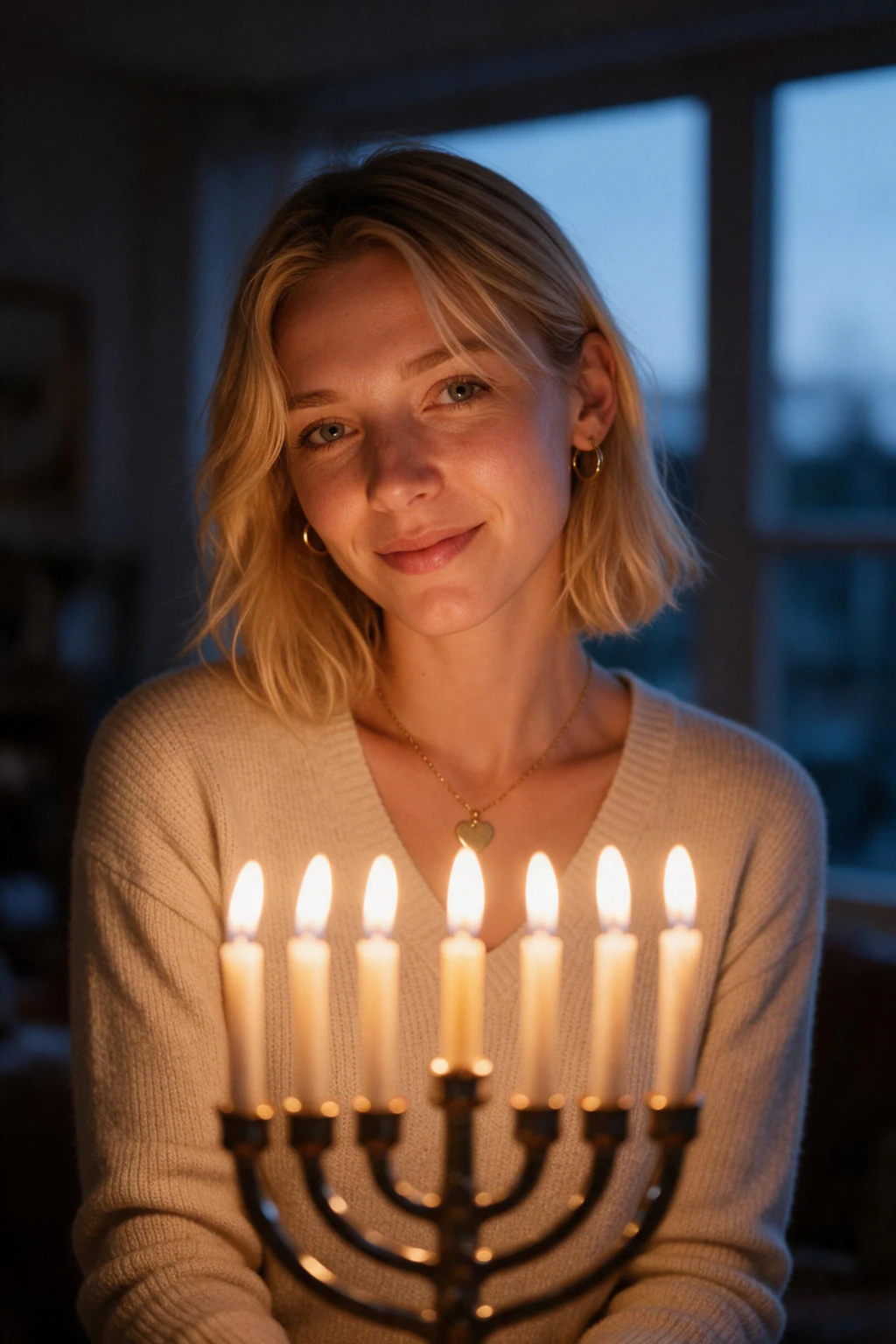
- Christmas tree, Christmas market and Hanukkah scenes you can place straight into a card template
- Upload a single selfie and download high-resolution shots in about 2 minutes, same day as your deadline
- One payment, no booking and no rescheduled family session
Why do holiday card photos from selfies work?
Room for the greeting
Head-and-shoulders framing leaves the bottom third clear for your text. Do not ask any AI to write Merry Christmas on the image. Add the greeting in your card tool, where the lettering stays sharp.
Your real face, polished
It reads your one selfie directly, so the portrait is you with clean lighting applied, not a generic AI face or a heavy filter. Pick the frame where your expression looks natural and warm for the card.
Same shape as a 4x6 card
The output is 2:3 at about 2048px on the long edge, the exact shape of a 4x6 card, so the standard card needs no crop and clears 300 DPI.
Solo holiday card photo ideas that print well, and what to wear
Most holiday card guides assume a whole family in matching outfits. For a solo card, the rules are simpler: pick one flattering top and let the scene carry the season.
Wear a solid jewel tone like deep green, burgundy, or navy. These read as festive on a printed card and crop cleanly into a circle or rectangle. Skip busy prints and stark white, which both fight with seasonal borders and snow-bright backgrounds.
For the shot itself, a head-and-shoulders portrait with a warm, natural expression is the safest crop for a card. It leaves room above and below for your greeting text, and it stays sharp even on a small printed card.
Solo holiday card ideas that work: you beside a lit Christmas tree for a classic card, a cozy sweater by the fireplace for a warmer feel, or an evening Christmas market under string lights if you want the card to stand out. The scene is already festive, so your card layout only needs the greeting.
When do you need the photo for 2026 Christmas cards?
By mid November if you print, and by early December at the absolute latest. Most card services need your photo uploaded in the first week of December to guarantee delivery before Christmas.
Work backwards from the mailbox: cards should land in the second or third week of December, printing and shipping eat 7 to 10 days, and you want a few days to pick the photo and write the greeting. That puts the photo deadline around December 1.
The advantage of generating the portrait from a selfie is that the whole photo step takes about 2 minutes. Even if you are reading this in the first week of December, you can still generate, choose, and upload to print the same day.
What size is a Christmas card photo, and does the output fit?
- 4x6 card: 2:3, the same shape as the output, so no crop is needed
- 5x7 card: 5:7, trim a sliver off the long edge in your card tool
- Square card or Instagram post: 1:1, crop to head and shoulders
- Folded card front: same shape as a flat card, keep headroom above you for the greeting
Who needs holiday card photos from selfies
- Anyone who missed the family photo session and still needs a card photo before the deadline
- Solo card senders who want a polished portrait instead of a cropped phone snapshot
- People who want each adult in the household to have their own clean portrait for the card
Holiday card photo pricing: $9.99 one time, no subscription
You pay once and pick the portraits you want for the card. There is no subscription and no studio session to book.
Frequently asked questions
Are these photos themed for the holidays, like snow or a tree?
Yes. The holiday looks put you beside a decorated Christmas tree, at an evening Christmas market or at a lit Hanukkah table, so the photo is already festive. Tap the look you want above to start on it, then add your greeting in your card or print tool.
Can AI make a Christmas card photo from a selfie?
Yes. You upload one clear selfie, and the AI reads your face directly to generate new high-resolution portraits of you that drop straight into a Christmas card layout. The photo step takes about 2 minutes, so it works even when the print deadline is days away.
What should a single person put on a holiday card?
One strong portrait of you, laid into a festive template with a short greeting. A solo card does not need kids, a partner, or a pet to work; it needs a photo that looks intentional instead of a cropped phone snapshot. Add your card service's seasonal borders and text around the portrait.
What should I wear for a solo holiday card photo?
Wear one solid jewel tone like deep green, burgundy, or navy, since these read as festive in print and crop cleanly into a card. Avoid busy prints and stark white, which clash with seasonal borders. A head-and-shoulders portrait with a warm expression leaves room for your greeting text.
Can I get a family or group photo for the card?
No, this pack generates holiday card photos of one person only, not group or family composites. The AI reads a single person's selfie and renders portraits of that person. For a household card, each adult uploads their own selfie for a separate set, then you arrange the individual portraits in your card layout.
Are the photos high enough resolution to print on a card?
Yes, holiday card photos from this pack are high resolution and hold up in print, not just on a screen. Export the portrait at full size, crop it to your card shape, and add layout in your print service. Avoid enlarging a small crop, which is what makes phone photos look soft on a card.
Can you use an AI photo on a Christmas card?
Yes. The photo is your face rendered new at 2K, so you print it like any portrait and add the greeting in your card tool. The honest limit is one person per photo, so a family card means arranging separate portraits.
What is the best photo size for a 4x6 Christmas card?
A 4x6 card needs a 2:3 photo of at least 1200x1800 pixels to print at 300 DPI. The output is 2:3 at about 2048px on the long edge, so it fits a 4x6 card with no crop and clears that minimum.
How do holiday card photos from selfies work?
You upload a single clear selfie, and the AI reads your face directly, then generates new portraits of you. Nothing is filtered or pasted onto your upload. Each result is a brand new high-resolution image of you that you crop and lay out for your card.
How much do holiday card photos cost?
$9.99 one time buys about 10 finished photos, with no subscription. A studio session runs $200 to $500 plus booking time. Here you upload the selfie you already have, pay once, and choose the portrait for the card.