AI Photos of Yourself: How to Make Them From One Selfie
MakeAiPhotos makes AI photos of yourself from one selfie. It reads your actual face from that selfie, then generates brand new photos of you in settings you never stood in, ready in about 2 minutes.
Not a filter on an old picture. Not a stranger who vaguely resembles you. New photographs of your face.
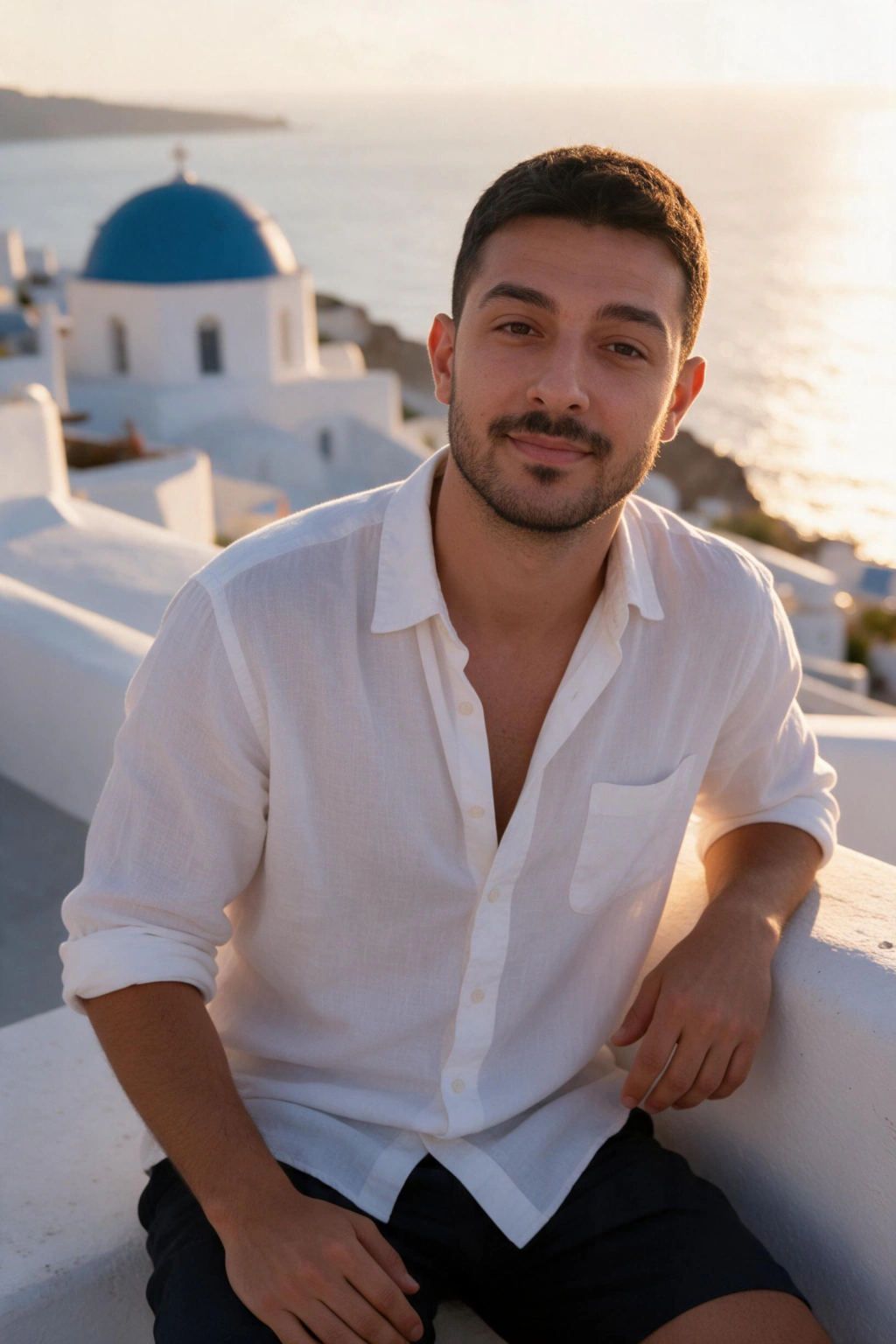
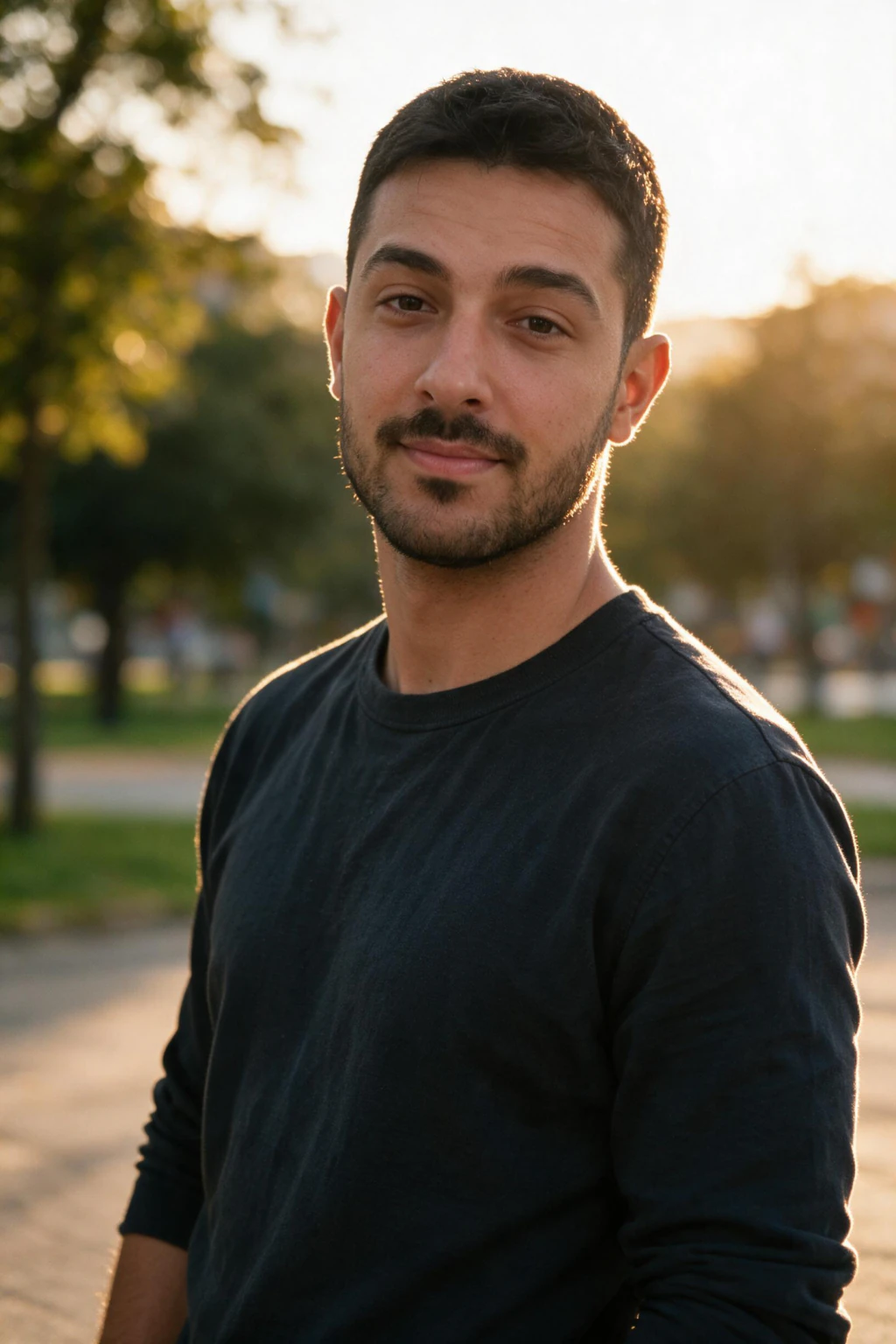
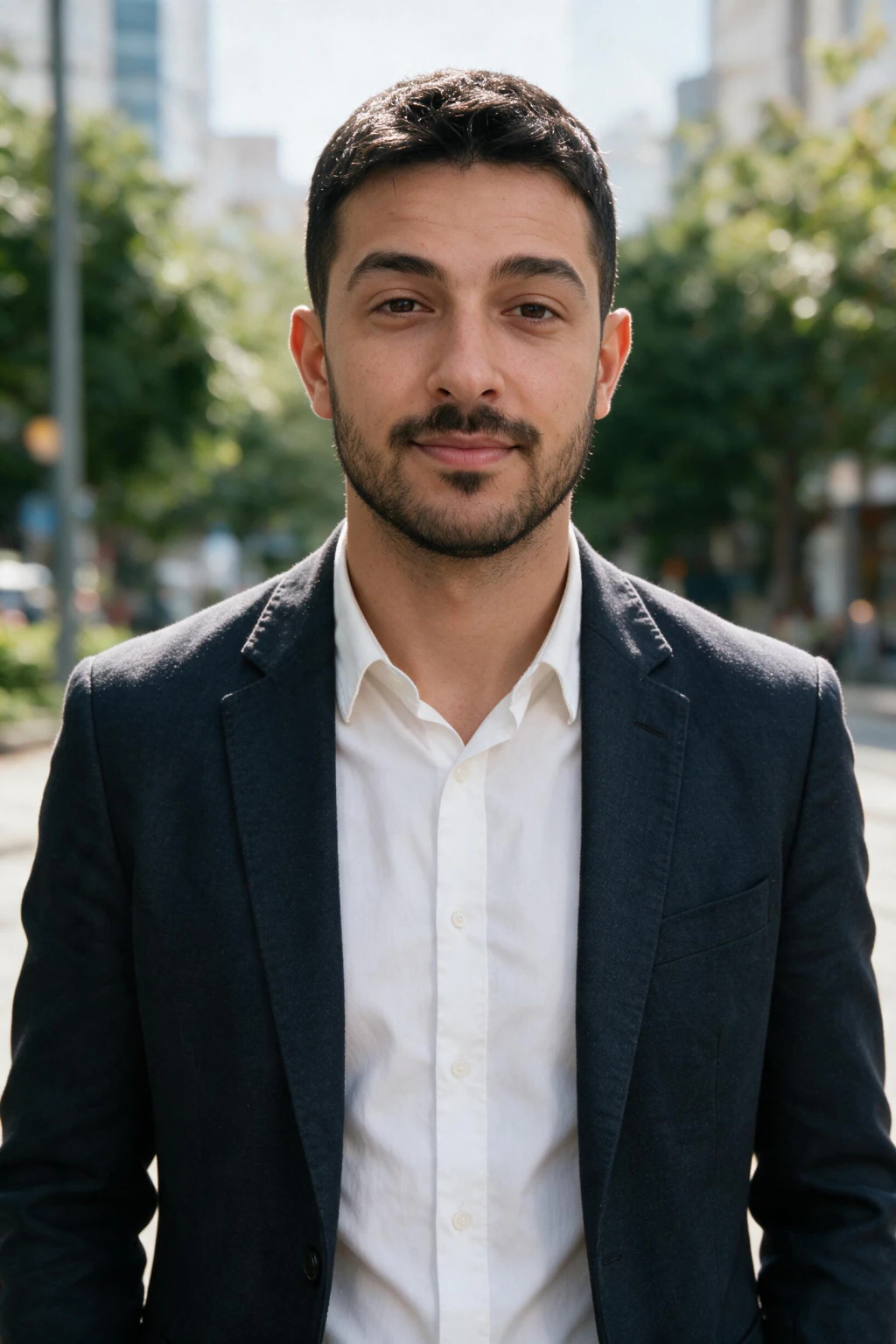
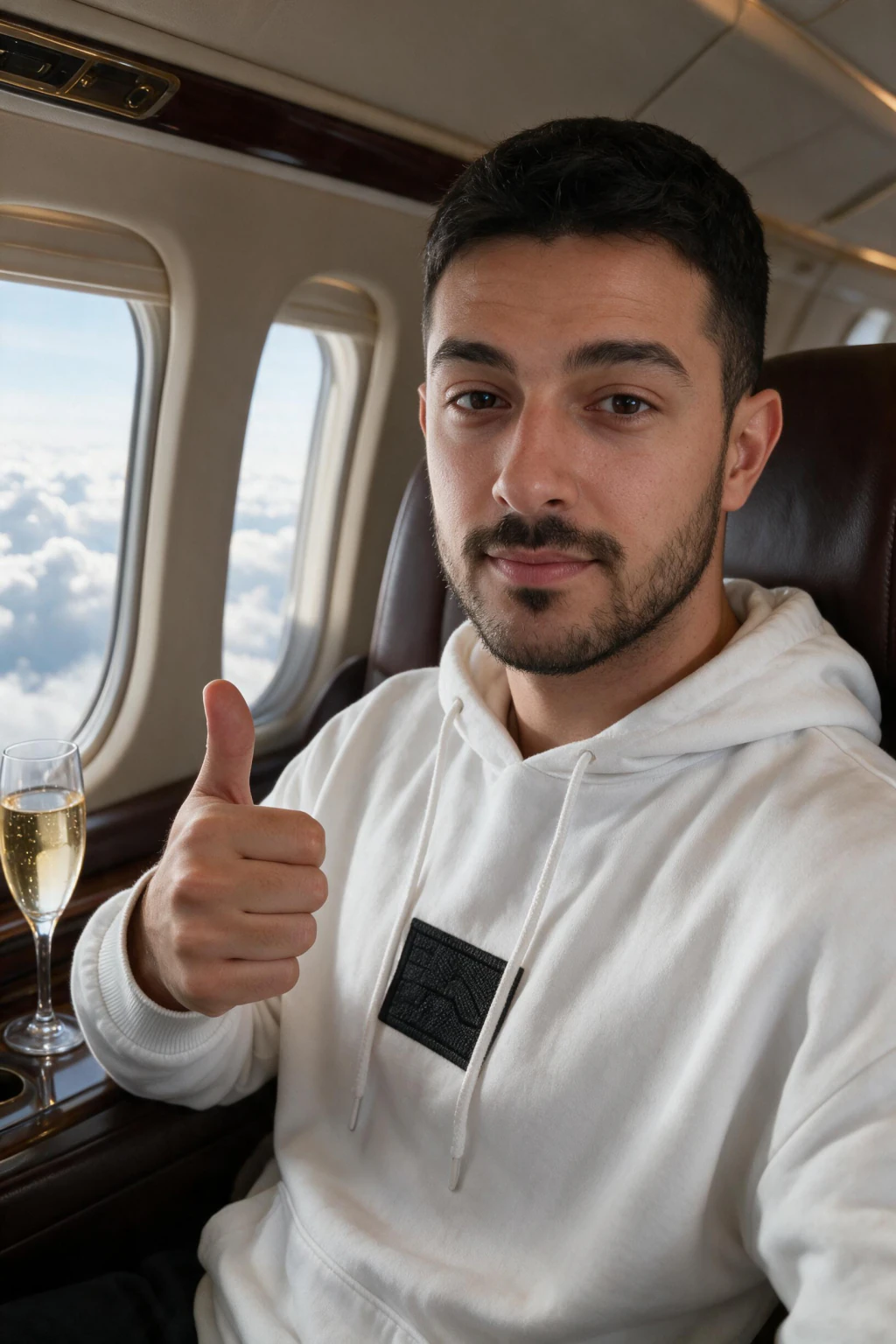
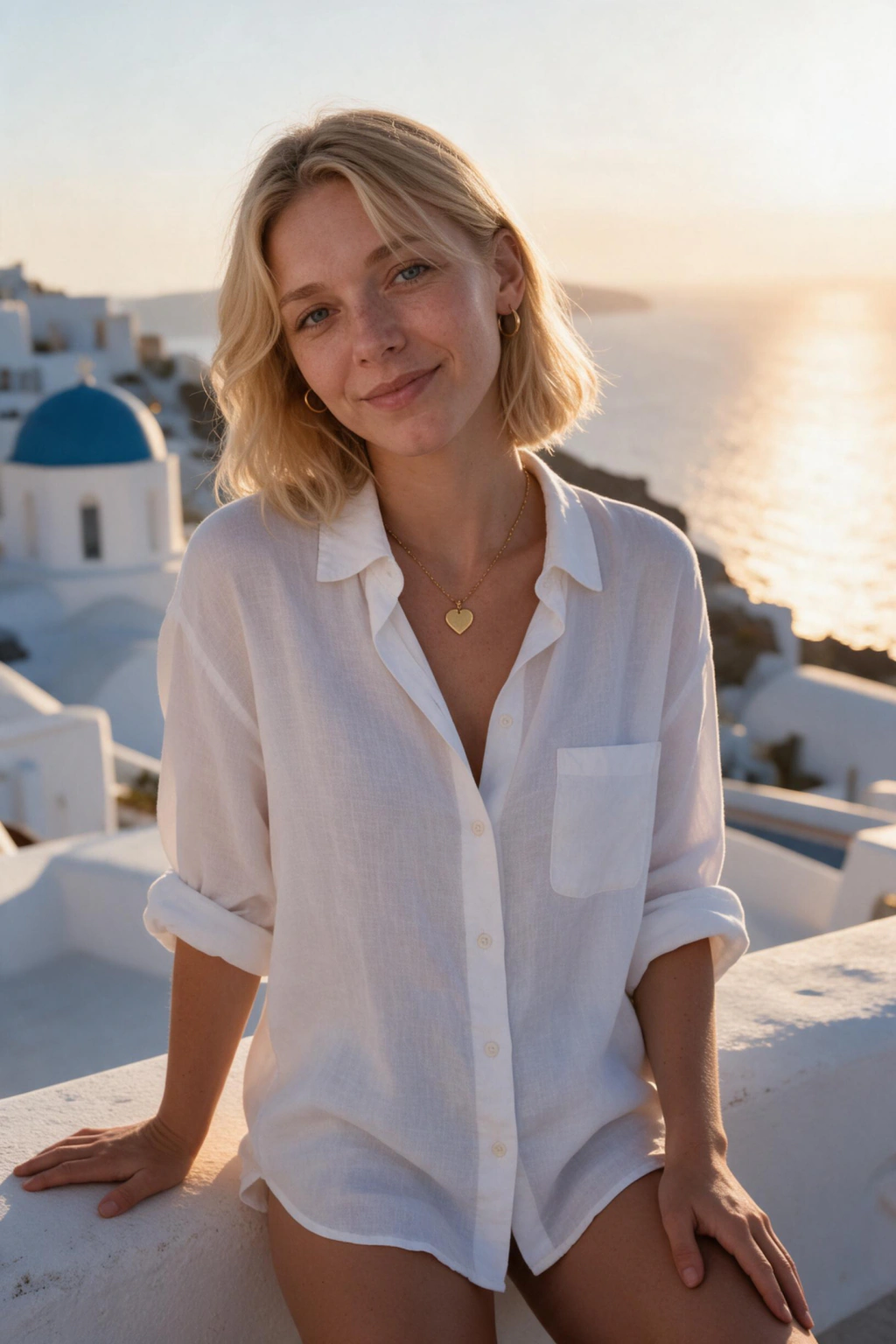
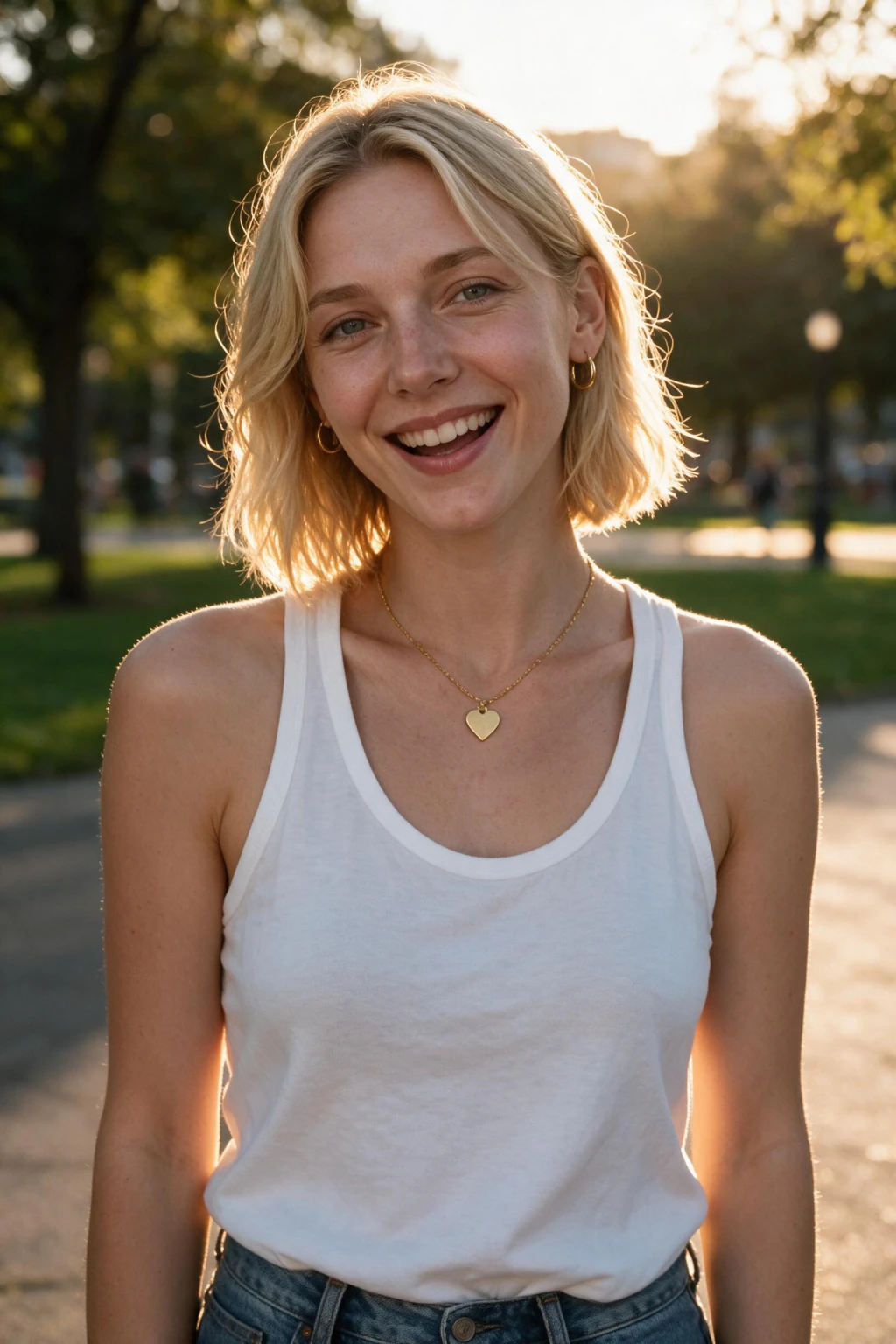
- One selfie in, a full set out
- Your real face, not a generic AI one that half resembles you
- About 2 minutes per photo
How to make AI photos of yourself in 3 steps
Step 1: shoot or pick one selfie that follows the 3 rules
Front-facing, both eyes visible, face filling roughly 40 to 60 percent of the frame. Soft daylight from in front of you, not behind. Beauty mode and skin smoothing OFF, because smoothing strips the pore texture that makes the output read as a photograph. One photo, not ten, and not a folder. This single choice decides more about the result than any setting further down.
Step 2: upload it and pick the scene you want to be in
Open the generator, upload the one selfie, and choose a style pack: professional, dating, travel, beach, gym, luxury, nightlife or cinematic. There is no model training step and nothing to wait through, so you go straight from upload to picking a look.
Step 3: generate one photo, judge it, then spend the rest
Each photo comes back in about 2 minutes and costs 10 credits, so a $9.99 pack of 100 credits is about 10 finished photos. Generate one first and check it against your own face before spending the rest. If the likeness is off, the fix is a sharper single selfie, not more selfies.
Making them actually look like you
The common failure is not a bad photo. It is a good photo of a stranger wearing your face, and that is decided by your input selfie before the model runs at all. Three rules do almost all of the work.
Rule 1: kill the beauty processing before you shoot. Photographic Styles and Smart HDR on iPhone, Face Retouching and Scene Optimizer on Samsung, Top Shot and Face Retouching on Pixel. All of them bake smoothed skin into the file permanently, so the AI reads that smoothed version as your real texture and every output comes back with the waxy look people read as fake.
Rule 2: use the rear camera. A front camera held at arm's length sits about 40cm away, which widens your nose and shrinks your ears, and the model reads that distortion as your actual face and repeats it in every frame. Prop the phone up and stand back a metre.
Rule 3: face a window, do not stand in the sun. Soft indirect light shows skin texture and puts a single clean catchlight in each eye. Direct sun blows out one cheek and hides half your face in shadow, and the model has to guess at whatever it cannot see.
If the results miss you, the fix is a better input selfie almost every time, not a different style or a second attempt on the same photo.
Which photo goes where
A set is only useful if you know which frame belongs on which profile.
LinkedIn and resumes
First photo: Shoulders up, plain or office background.
Must have: Even light, sharp eyes, business attire.
Avoid: Sunglasses, busy backgrounds, holiday looks.
Dating apps
First photo: A warm outdoor shot where your face fills a third of the frame.
Must have: A real smile and a setting you could plausibly be found in.
Avoid: Anything that oversells. If it will not match how you look on a date, cut it.
Instagram and social
First photo: A lifestyle or travel frame with natural light.
Must have: Varied backgrounds and the same face across the set.
Avoid: Over-smoothed skin and the same pose five times.
Portfolios and about pages
First photo: A confident, well-lit shot matching the tone of your work.
Must have: A clean background and an expression that fits your field.
Avoid: Anything too casual for the audience you are presenting to.
Who does this
- Anyone whose profile photo is three years old
- People whose camera roll is full of screenshots and group shots, with no decent solo photo in it
- People who are always the one holding the camera, so almost no photos of them exist
What it costs
One payment, no subscription, and credits that do not expire. Current pack sizes and prices are below. 14-day money-back guarantee (terms apply), secure PayPal checkout.
Frequently asked questions
How do I create AI photos of yourself?
Upload one clear, front-facing selfie with no filter, pick a style pack, and generate. The AI reads your face from that single photo and builds a new photograph around it, about 2 minutes per image. There is no set of training photos to gather and no waiting period before the first result.
How do you make realistic AI photos of yourself?
Realism comes from the input more than the tool. Use a sharp, well-lit, unedited selfie shot on the rear camera with beauty mode off, then check the output for the three tells that give AI away: smooth plastic skin with no pores, mismatched catchlights between the eyes, and soft or melted hair edges. A photo that passes all three reads as a photograph.
How do I generate AI images of myself?
One selfie in, finished images out. Upload the photo, choose the setting you want to appear in, and each image returns in about 2 minutes at up to 4K with no watermark. Every image costs 10 credits and $9.99 buys 100 credits, so one purchase is about 10 finished images of you.
How do I make AI photos of myself?
Upload one clear, front-facing selfie taken on your rear camera with beauty filters off. The AI reads your face directly from that selfie, no training wait, then you pick a style pack and generate. Each photo is ready in about 2 minutes and downloads the same session.
How many selfies do I need?
One. Rival tools ask for a batch and then make you wait: 8 to 20 images is the usual ask, with training that can take anywhere from 30 minutes to several hours (product pages checked August 2026). A batch mainly protects the tool from bad inputs. One sharp, well-lit, unfiltered photo carries more usable information than a dozen dim arm's-length shots, and a weak selfie will not be rescued by adding more of them.
Do AI photos of yourself look real?
The good frames do. Not every frame in a batch is usable, and expecting otherwise is the mistake. Review at the size people will actually see it, roughly a 100 pixel circle, and keep the shots where the light on your face matches the light in the scene.
Can people tell a photo is AI generated?
Not reliably. Sophie Nightingale and Hany Farid tested this on StyleGAN2 synthetic faces in PNAS in February 2022 and reported that "the average accuracy is 48.2% (95% CI [47.1%, 49.2%]), close to chance performance of 50%". Even after training with trial-by-trial feedback, accuracy "improved slightly to 59.0%". They also found the synthetic faces were rated 7.7 percent more trustworthy than the real ones. That study used faces of people who do not exist, not photos built from your own selfie, so treat it as a ceiling on what viewers notice rather than a claim about this product. What people do notice is a whole profile swapped at once for photos in identical light.
Can I use them on dating apps and LinkedIn?
Yes on both. LinkedIn has no rule against AI-generated profile photos, and Tinder, Hinge and Bumble all allow them provided the photos still show the real you. What every platform enforces is that you do not change your face, age or body.
Can AI generate photos of me?
Yes, from a single selfie. It reads your face out of that one photo and builds new photographs of you in scenes you never stood in, each one back in about 2 minutes. There is no model training step and no folder of images to gather first.
How do I get an AI photo of myself?
Upload one clear selfie, pick a style, and download the frames you want. No training wait sits between those steps, so the first result lands in about 2 minutes rather than the next morning.
How do I get AI generated photos of yourself?
Upload one clear selfie, choose a style, and the generator returns AI generated photos of yourself in that setting. Each one takes about 2 minutes and $9.99 covers about 10 finished photos. Nothing trains first, so there is no overnight wait between the upload and the first result.
What is the difference between AI generated pictures of yourself and a filter?
A filter repaints the photo you already have, so the pose, the clothes and the background stay put. AI generated pictures of yourself are new photographs: your face is rendered into a scene you were never in, with its own lighting, wardrobe and depth. That is why a filter still looks like your old selfie and a generated photo does not.
Is it safe to upload my photo to an AI generator?
Your selfie is stored while your account is open and deleted from storage the moment you delete the account, with encrypted backups ageing out within 30 days. We never sell or trade it, and it is not used to train general-purpose AI models. The full terms are in the privacy policy.
How long does it take to make AI pictures of myself?
About 2 minutes per photo, and one pack covers about 10 finished photos. Nothing has to train first, so the wait is the same for the first photo as for the tenth.
Why do my AI photos not look like me?
Almost always the input selfie, not the style. Beauty processing, a front camera held at arm's length, or harsh direct sun each hand the model a distorted version of your face, and it repeats that distortion in every frame. The three selfie rules above fix it, and why AI photos miss your likeness goes deeper.