What is the best AI prompt for realistic photos?
The best AI prompt for realistic photos uses a 6-element structure: subject and pose, camera and lens (85mm f/1.4 is the reliable default), lighting direction, environment, technical specs like ISO 400 and film grain, and a negative prompt that blocks smooth skin, plastic, and illustration.
A reliable skeleton you can adapt right now: candid portrait of a 30 year old woman, soft three quarter pose, shot on a Sony A7 IV, 85mm f/1.4, natural window light from the left, in a small cafe with warm afternoon haze, ISO 400, shallow depth of field, fine grain. Negative: oversaturated, smooth skin, plastic, illustration.
The lens and the lighting carry more realism weight than any adjective. Skip ultra realistic, hyper detailed, and 8K entirely; modern models treat them as noise.
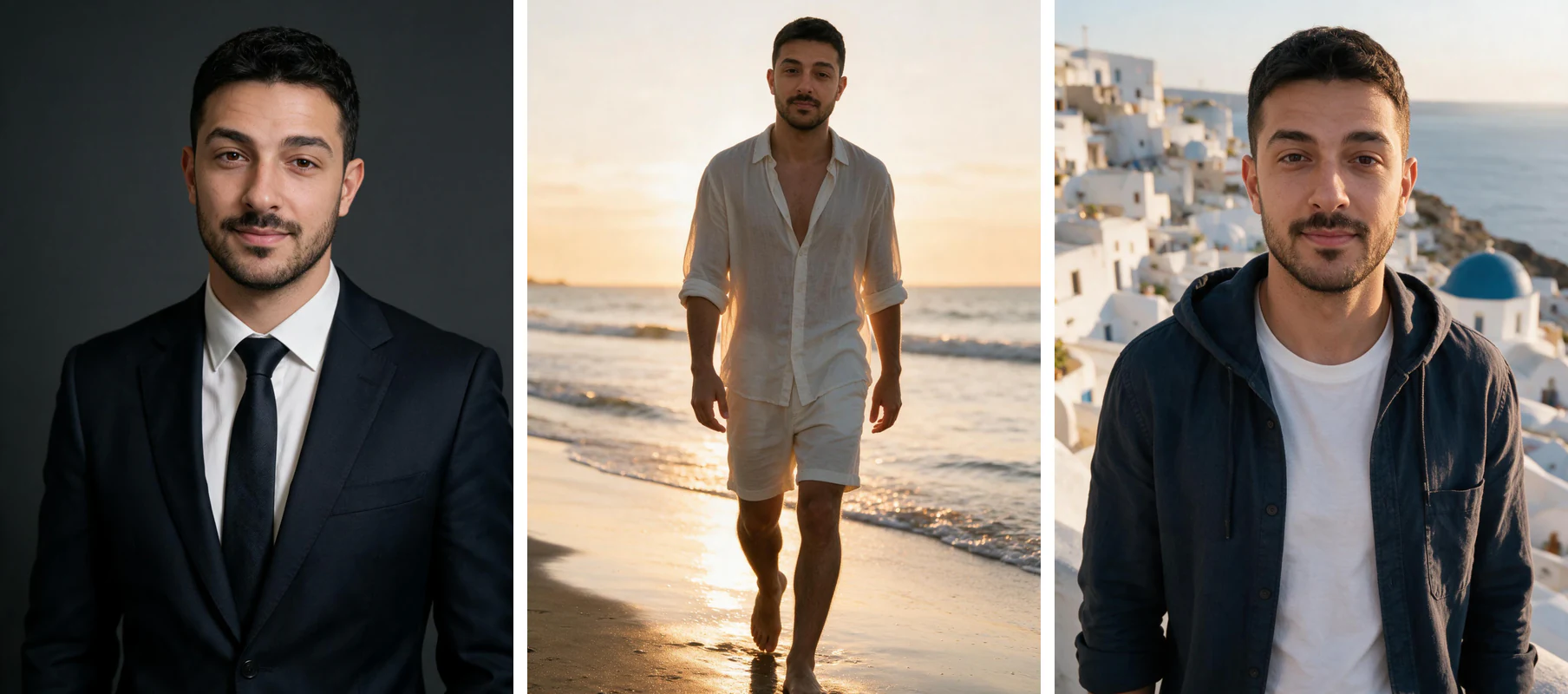
One phone selfie to 5 AI photos of the same person

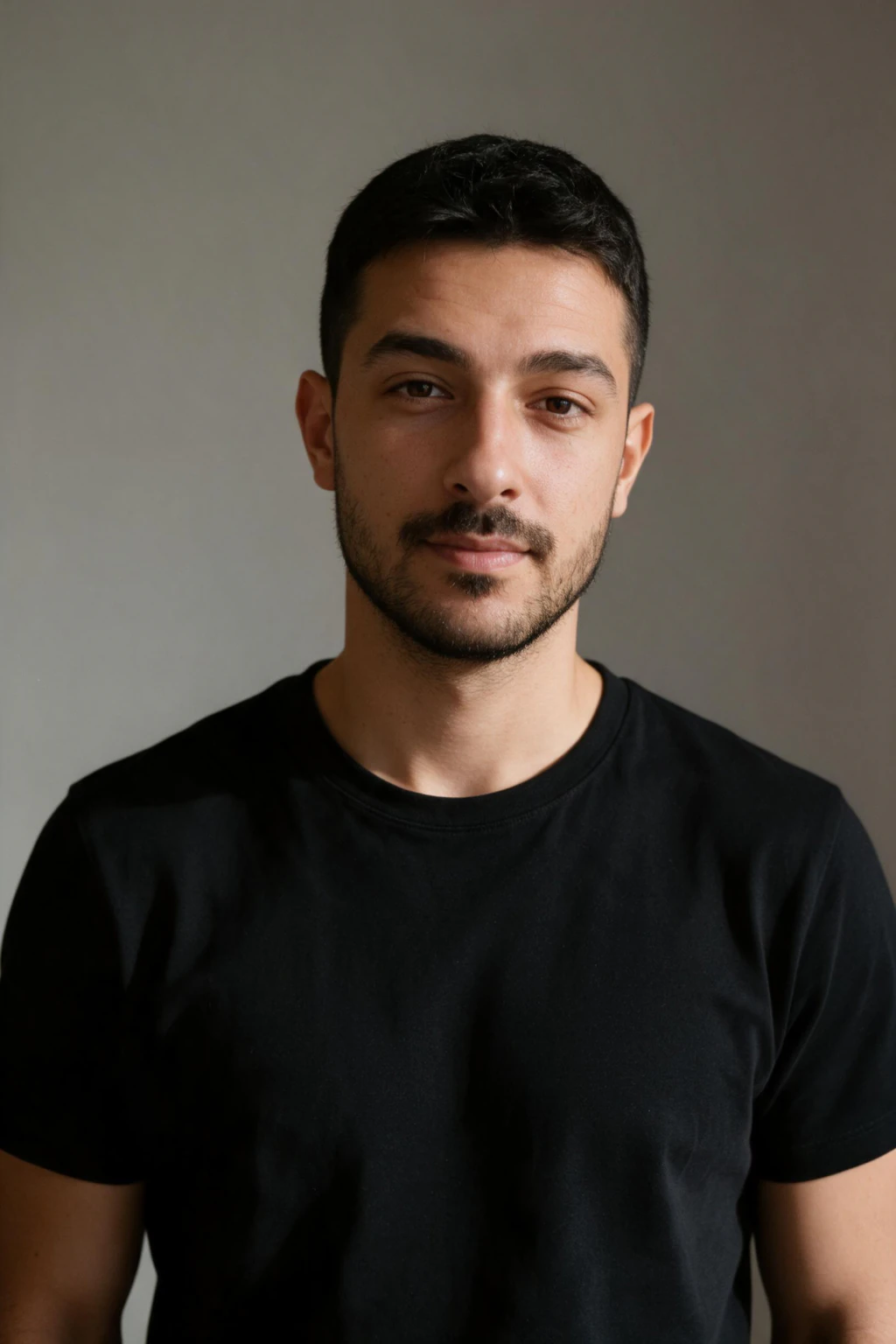
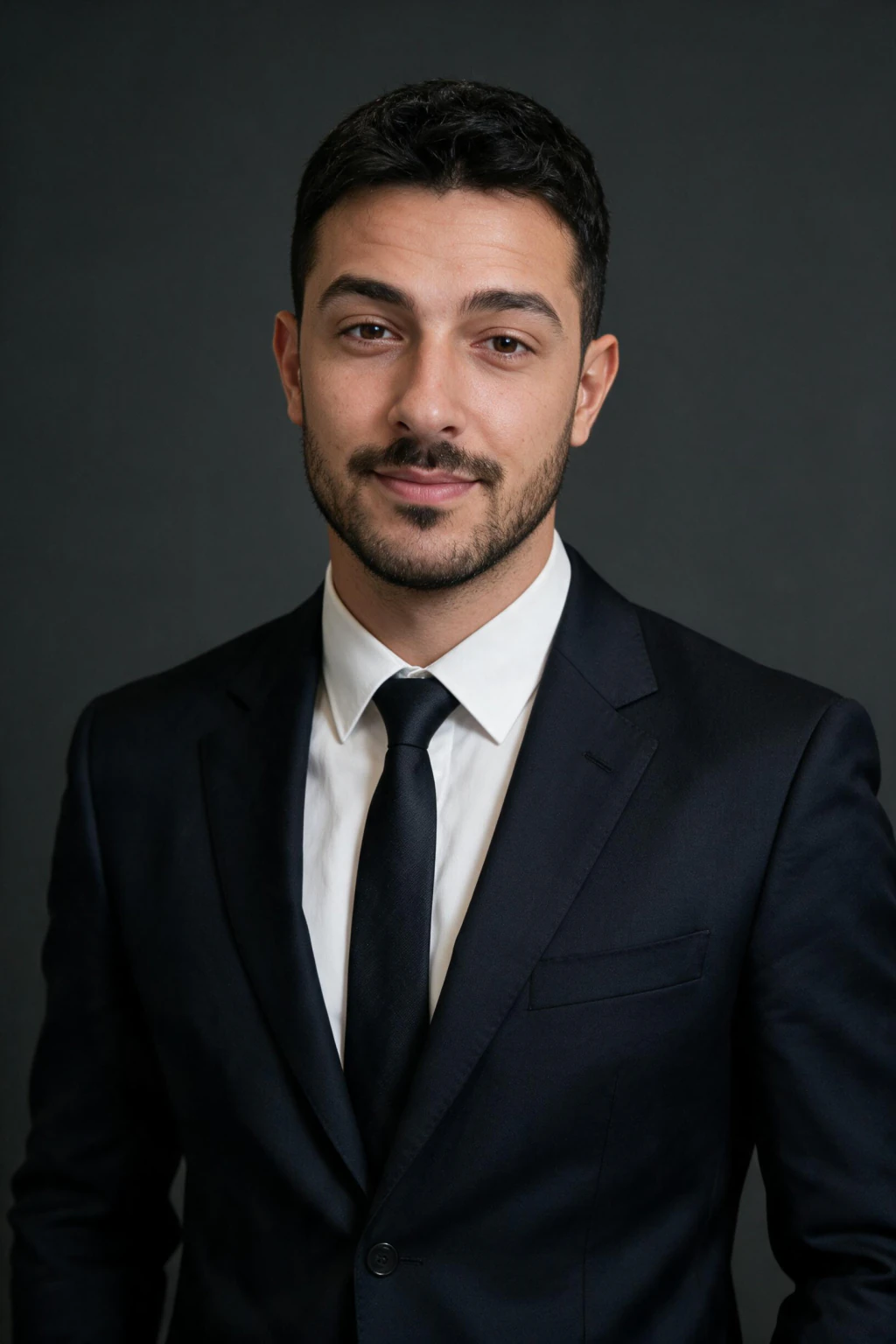
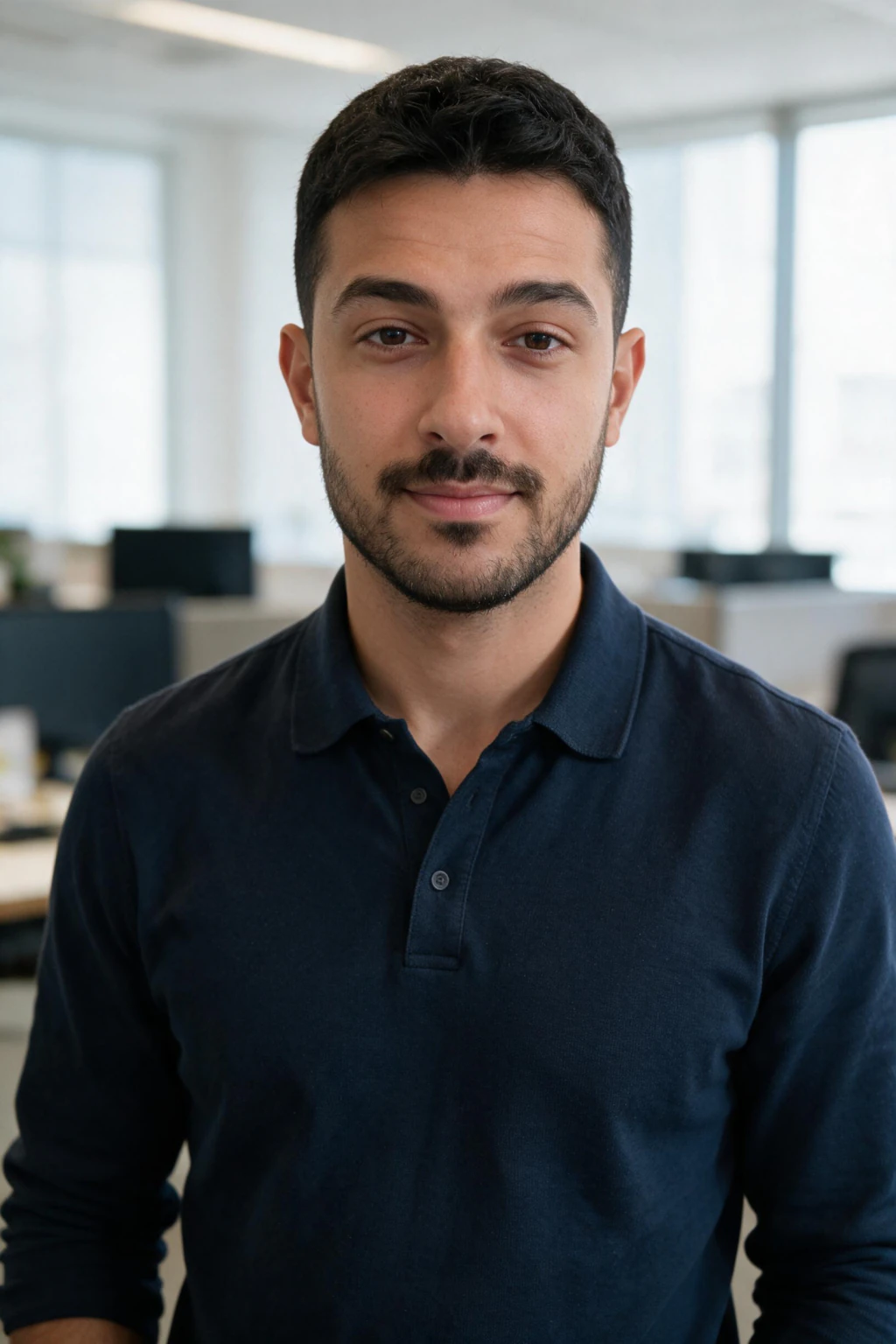
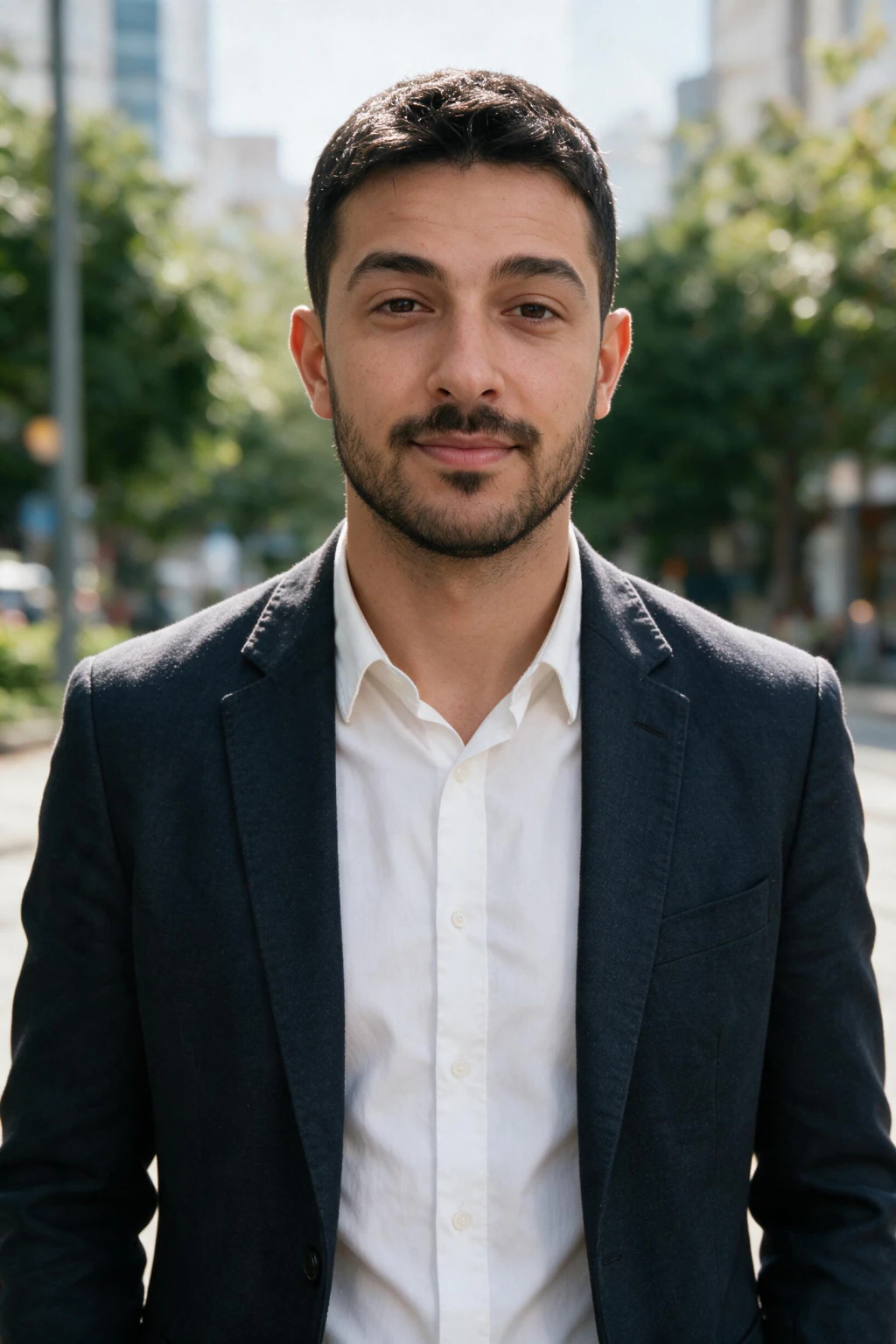
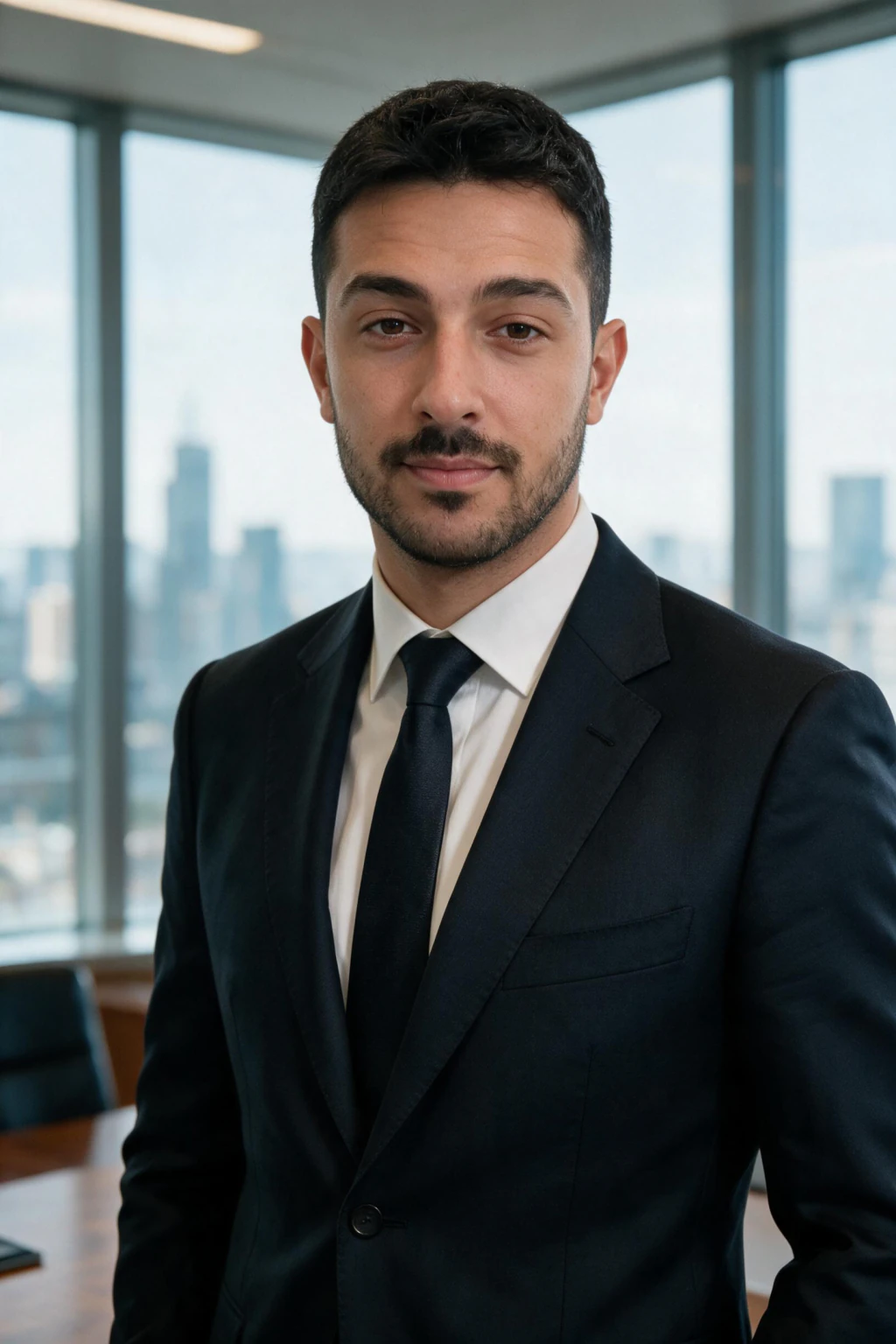
The 6-element realistic prompt structure
Each element corrects a specific failure mode. The lens sets depth of field, so output stops looking like a flat render. A single lighting direction prevents the evenly lit CGI look. Atmosphere (haze, dust, reflected light) makes the scene feel photographed instead of composed. Technical specs like ISO 400 and fine grain anchor the model in photography. The negative prompt blocks the most common AI tells.
Quick test that your prompt is working: generate 4 images with the same prompt. A strong prompt gives consistent style with subtle variation and shows visible skin texture, matched eye catchlights, clean hair edges, subject lighting that matches the background, and depth of field that responds to the lens you named. Wildly different styles across the batch mean the model is not anchored; add a stronger lens, lighting, or negative directive.
These prompts are written for text-to-image tools. If you want realistic photos of yourself rather than a generic model, a realistic AI photo generator edits your own selfie instead, no prompt writing needed.
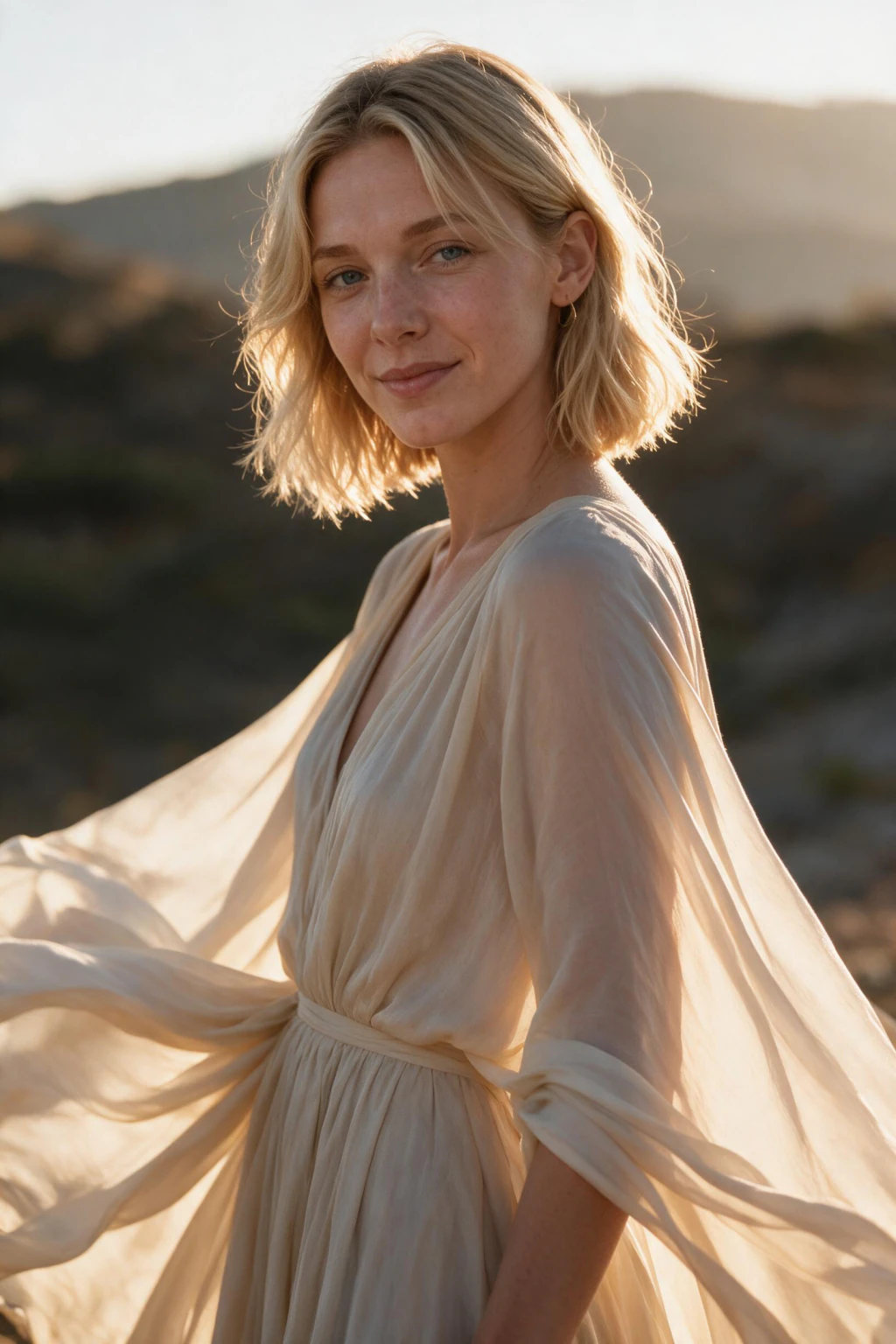
Portrait and headshot prompts (8)
All 30 prompts below are grouped by what you need the photo for. Replace the bracketed parts with your own subject, then paste. Every prompt uses digit notation (85mm f/1.4, ISO 400) so it works as-is in Midjourney, Flux, and SDXL. If you would rather pick a ready-made style than write prompts, browse the AI photo style packs.
These 8 cover the work photo cases: the profile picture, the resume photo, and the portrait that has to survive professional scrutiny.
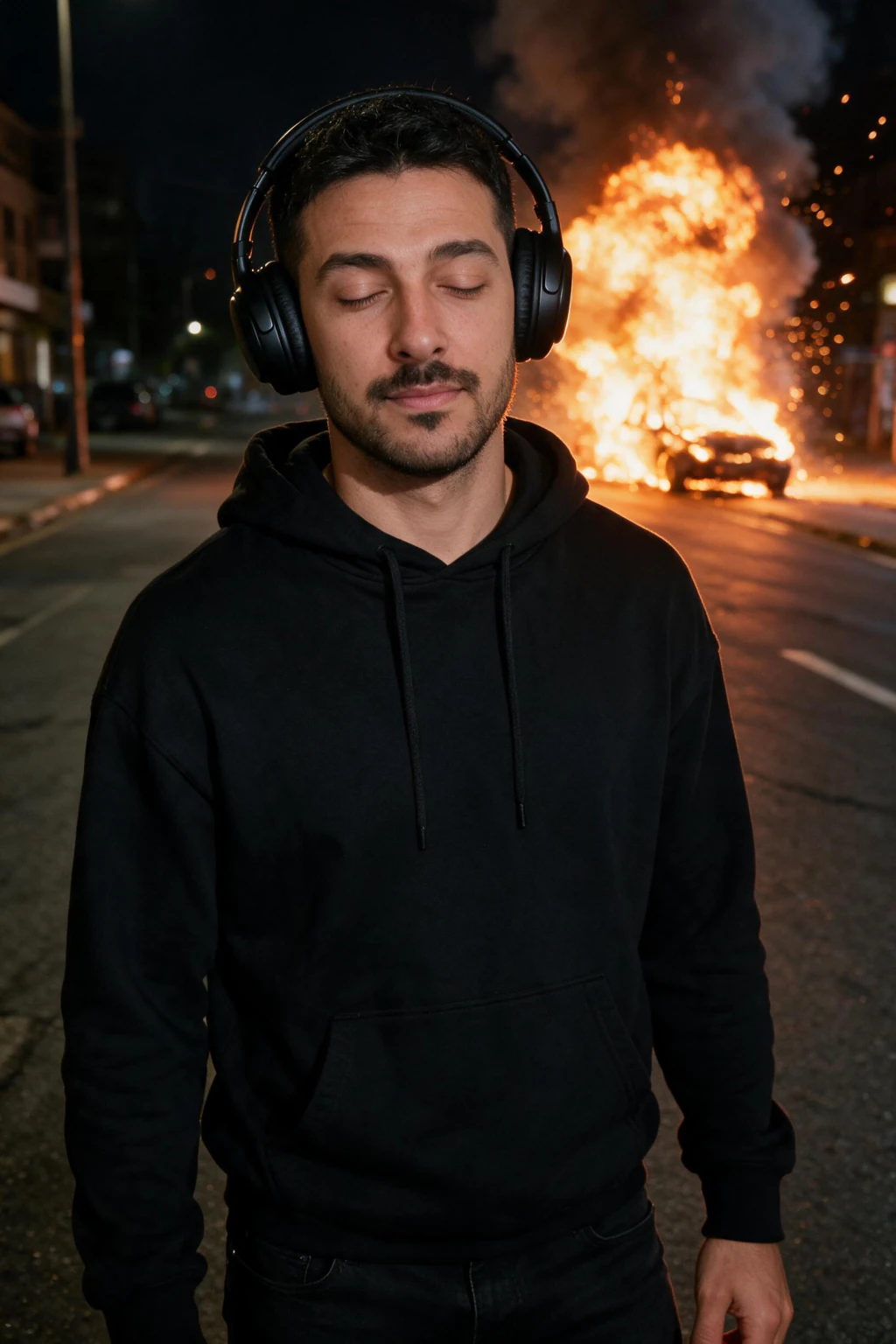
Dating profile prompts (6)
Dating photos fail on the opposite problem to work photos: they read as too staged. These 6 prompts lean on candid framing, real activity, and light that could plausibly have happened.
Travel and outdoor prompts (8)
Outdoor scenes are where prompts most often tip into postcard territory. These 8 name a specific light condition instead of a mood, which is what keeps them photographic.
20. Snowy city
street photo of a [age] [gender] in a wool coat crossing a snow-dusted city square, shot on a Leica Q2, 28mm f/1.7 at f/2.8, flat blue-grey winter light, visible breath in the cold air, ISO 640, visible grain. Negative: warm colour grade, oversaturated, posed, stock photo.
Lifestyle and street prompts (8)
The last 8 cover everyday scenes: cafes, streets, gyms, nights out. Each one names a light source and one atmosphere detail, which is what separates a photograph from a render.
30. Two-person candid
candid photo of two friends [activity] in [location], shot on a Canon R6, 35mm f/2, natural interaction not facing camera, soft afternoon light, ISO 400, fine grain. Negative: posed group photo, looking at camera, stock, smooth skin.
The realism negative prompt bundle
If you copy one thing from this page, copy this. A negative prompt removes more fake-looking failures than any positive adjective adds.
Paste this as your negative prompt: oversaturated, smooth skin, plastic, waxy, airbrushed, illustration, 3D render, CGI, HDR, deformed hands, watermark.
SDXL takes it as a separate negative field. Midjourney takes it via the no parameter. Flux responds best when you fold the exclusions into the final sentence of the prompt.
Real photo vs AI photo: the 6 tells
Before you keep a generation, check it against the 6 tells below. Each row names where to look and what the failed version looks like.
| Tell | Real photo | AI photo that fails |
|---|---|---|
| Skin texture | Visible pores and fine lines | Waxy, smooth, no texture |
| Eye catchlights | Both eyes match one light source | Mismatched or missing |
| Hands and fingers | Five fingers, natural joints | Merged fingers or extra joints |
| Hair edges | Flyaways sit over the background | Helmet-clean outline |
| Background text | Legible and consistent | Melted lettering |
| Shadow direction | Agrees with the key light | Contradicts the key light |
Adapting the prompt for Flux, Midjourney, and SDXL
Midjourney: paste the prompt as natural language and move the negative list into the no parameter. Keep the lens and lighting phrases intact; they steer Midjourney more than style words do.
Flux: prefers longer descriptive sentences. Expand the environment element into a full sentence of scene detail and keep the camera specs in digit notation.
SDXL: pass the negative prompt as its own field, always. Without it, SDXL defaults to retouched skin faster than either of the other models.
Why most realistic AI photo prompt lists fail
First, they stack adjectives (ultra realistic, hyper detailed, 8K) with no structure. Modern models already generate detail; the bottleneck is composition and physics, not vocabulary.
Second, they leave out lens and lighting. No lens means a generic flat perspective that reads as a render; no lighting direction means evenly lit output. These two parameters carry more realism weight than any adjective.
Third, they skip the negative prompt, so the model defaults to retouched, oversaturated, smooth-skinned output.
The limitation no realistic AI prompt can fix
Text-to-image tools cannot generate realistic AI photos of you specifically. They produce a realistic person who shares your coloring, age, and rough description, but the face is a different face every time. There is no prompt that produces your exact eyes, jawline, and proportions.
Use the prompts above when the person in the photo can be anyone: concept art, marketing imagery, stock-style scenes. Use an identity-trained generator when the person has to be you: LinkedIn headshots, dating profiles, resume photos. Prompt skill is irrelevant there; the quality of your selfie is what matters. Our guide on how to make AI photos of yourself covers that path step by step.
Two questions come up the moment you switch paths. If the only good photo of you is years old, can you use an old photo for AI photos answers what still works and what fails. If you are doing all of this from a phone, how to make AI photos of yourself on your phone covers the camera settings that decide the result.
MakeAiPhotos handles the second case. Upload one selfie and generate realistic photos of yourself in different settings with no prompt writing at all. It uses one-time credits and a 14-day money-back guarantee. Open the AI photo generator to skip prompts entirely, or start from the realistic AI photo generator if realism is the whole reason you are here.
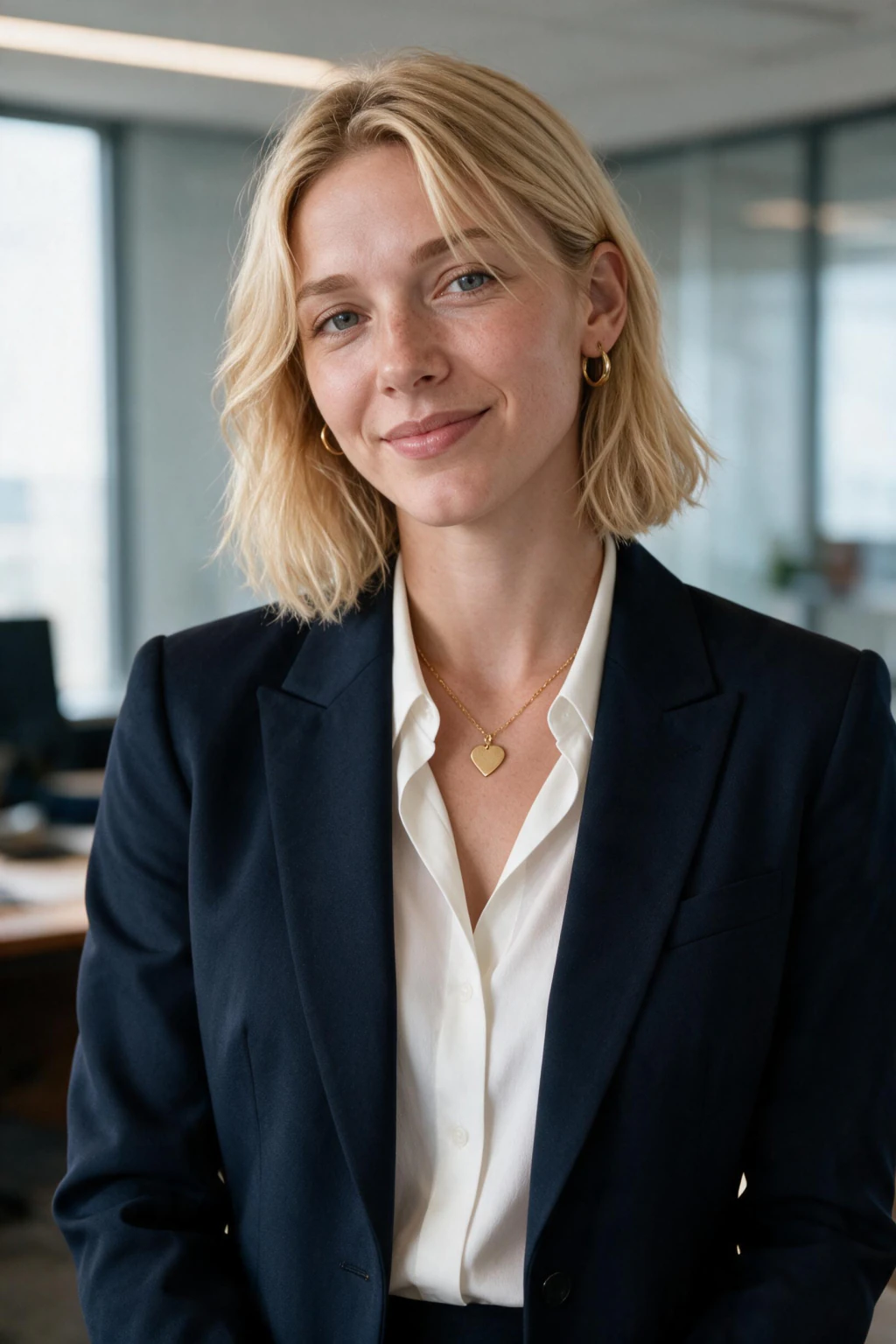
Frequently Asked Questions
- What is the best AI prompt for realistic photos?
- The best prompt follows six elements in order: subject and pose, camera and lens, lighting direction, environment, technical specs, and a negative prompt. A reliable skeleton: candid portrait of a 30 year old woman, shot on a Sony A7 IV, 85mm f/1.4, natural window light from the left, in a small cafe with warm haze, ISO 400, fine grain. Negative: smooth skin, plastic, illustration, oversaturated.
- What should a negative prompt include for realistic photos?
- Block the common AI tells: oversaturated, smooth skin, plastic, waxy, airbrushed, illustration, 3D render, CGI, HDR, and deformed hands. A negative prompt removes more fake-looking failures than any positive adjective adds.
- Do realistic photo prompts work the same in Flux, Midjourney, and SDXL?
- The 6-element structure transfers, but syntax differs. Midjourney takes the prompt as natural language with exclusions in the no parameter. Flux prefers longer descriptive sentences. SDXL needs the negative prompt passed as a separate field.
- Why do my realistic AI photo prompts still look fake?
- Usually one of three gaps: no lens specified (flat depth of field), no lighting direction (evenly lit render look), or no negative prompt (smoothed plastic skin). Add 85mm f/1.4, a single light direction, and a negative prompt.
- Can a prompt generate a realistic AI photo of me specifically?
- No. Text-to-image tools produce a generic face that matches your description, never your actual face. For realistic photos of yourself you need an identity-preserving generator like MakeAiPhotos, which reads your face from one uploaded selfie and renders every photo from it.
- What words should I avoid in a realistic AI photo prompt?
- Skip adjective stacks like ultra realistic, hyper detailed, 8K, and masterpiece. Modern models treat them as noise. Specify a camera, a lens, and a light direction instead; those carry the realism weight.
- How to prompt photorealistic AI images?
- Fill six slots in order: subject and pose, a real camera body, a focal length with its aperture, one light direction, a skin-texture line, and an EXIF-style closer like ISO 200, unedited RAW file. Then add a negative prompt blocking smooth skin, plastic, and illustration.
- Why do AI images look fake?
- Three tells account for most of it: skin with no visible pores, catchlights that do not match between the two eyes, and hands with merged or extra joints. Adjective stacks like ultra realistic make it worse because models associate them with stylised render training data.
- What is the best AI image generator for realistic photos?
- For a generic realistic person, Flux and Midjourney both hold up when you prompt in camera specs rather than adjectives. For a realistic photo of you specifically, no text-to-image tool can do it; you need a generator that starts from your uploaded selfie.
- Can AI generate realistic human faces?
- Yes. Current models render faces with real pore texture, matched catchlights, and believable lighting. The remaining weak spots are hands at close range and any scene with more than one person, where lighting between subjects tends to disagree.