Realtor Headshots From Your Selfies
Realtor headshots from MakeAiPhotos turn a single selfie into about 10 listing-ready agent portraits across real-estate settings (MLS trust headshot, brokerage office, luxury listing, neighborhood expert), each back in about 2 minutes, for a one-time price at $14.99.
In real estate your face is the brand. It rides on the yard sign, the business card, the MLS listing, and your Zillow profile. Sellers shortlist agents partly on whether that photo looks current and approachable, and a headshot from three haircuts ago quietly says you are not very active.


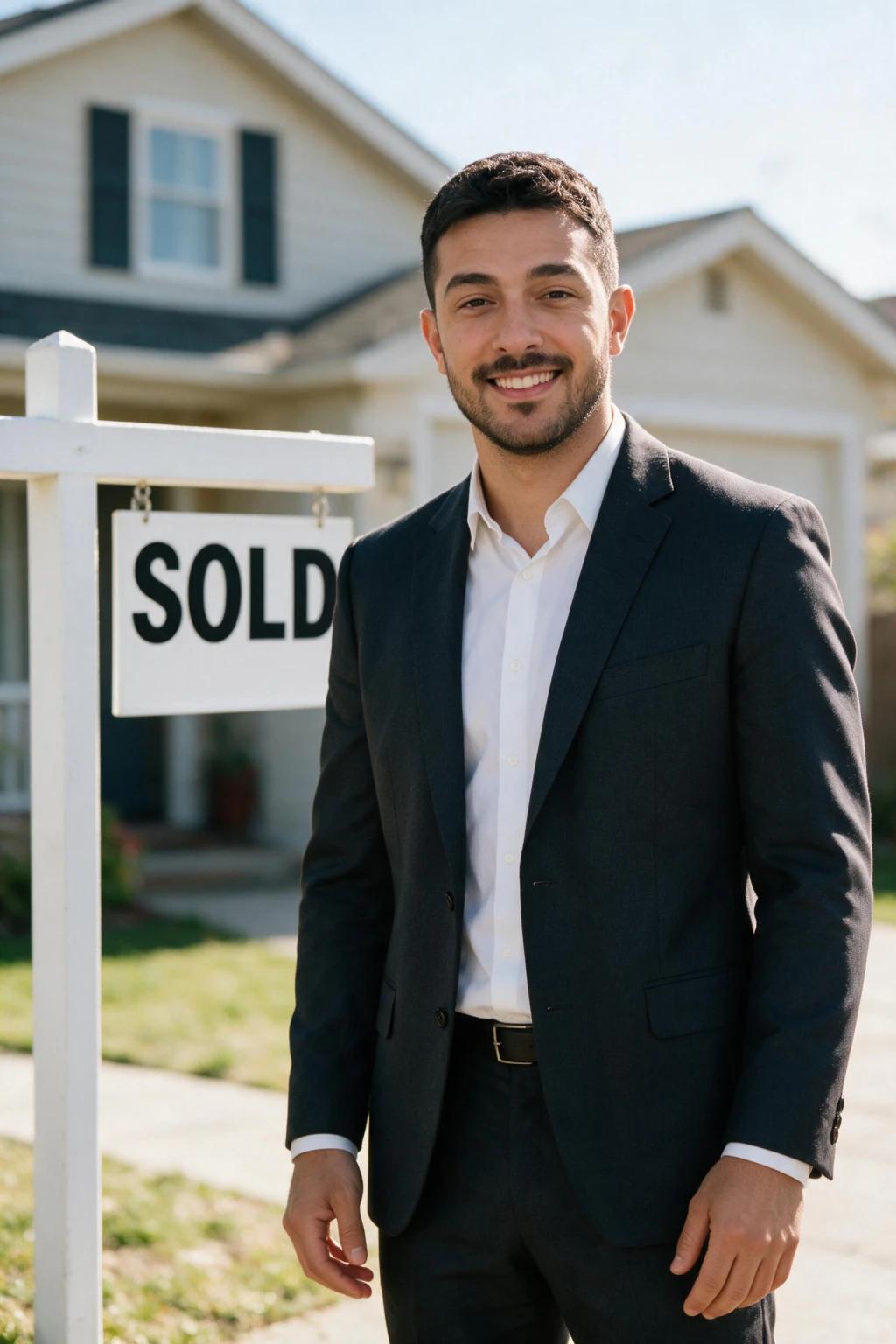


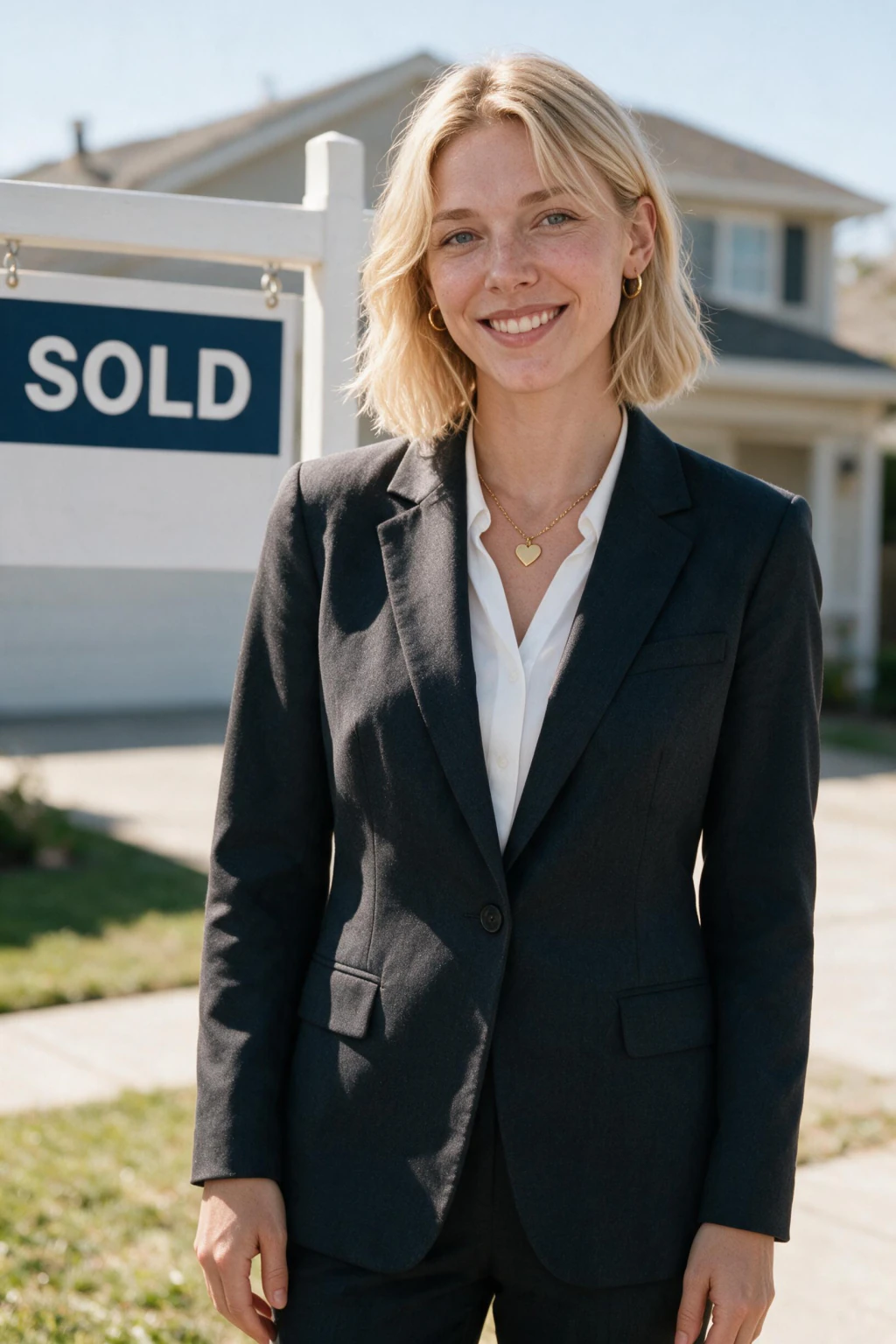
- Real-estate settings in one purchase: MLS trust headshot, brokerage office, luxury listing, neighborhood expert outdoor, sales center, team lead
- Upload a single selfie and download about 10 agent portraits, each back in about 2 minutes
- From $14.99 one time, with matching styles for yard signs, business cards, MLS, and Zillow
Why do realtor headshots from selfies work for listings?
Your face sells before you speak
The headshot is on the sign in the yard, the card in the kitchen drawer, and the listing the seller scrolls at night. A current, approachable photo signals an active agent, while a dated one signals someone who stopped paying attention to their own brand.
No agent photo day to coordinate
Brokerage shoots mean lining up every agent on one afternoon and re-shooting whoever joins later. Here each agent uploads a selfie whenever they have ten minutes, and the portraits still come back in a consistent brokerage style.
Settings that match how buyers shop
A generic gray box undersells a neighborhood expert. The pack renders brokerage offices, outdoor neighborhood scenes, luxury listing interiors, and open-house welcomes, so the photo matches the kind of homes and clients you actually work with.
The photo is doing the first showing
A realtor headshot is not a profile picture. It is a piece of signage that has to work at four sizes.
Wardrobe follows your market. A blazer over an open collar covers most agents, something more tailored suits luxury listings, and a warmer lighter look fits suburban neighbourhood work. Generate a few and see which one matches the homes you actually sell.
Keep the background simple so your face carries the frame. When the face on the sign matches the person at the door, you read as the organised agent a seller wants. When it does not, everything after that starts from a deficit.
Full body or headshot? It depends where the photo goes
Agents ask for one photo and then use it in four places with different shapes. Generate the crops you actually need.
Yard sign
Crop: Head and shoulders, cropped tight, often vertical.
Why: It is read from a car at distance. Detail below your collar is wasted, and your face needs to be large enough to register in two seconds.
Watch for: Full length. At sign size you become a suit with no face.
MLS and Zillow profile
Crop: Square, face filling most of the frame.
Why: These render small and sometimes circular. Anything in the corners gets cut.
Watch for: Wide environmental shots. They look great in the file and vanish in the listing.
Brokerage team page
Crop: Square or 4:5, head and shoulders, matched to whatever your team already uses.
Why: You are next to eight colleagues. Mismatched crop or background is what makes a team grid look untidy.
Watch for: A background nobody else on the page has.
Listing presentation and print
Crop: Three-quarter or full length works here, and only here.
Why: Large format with room to breathe. This is the one place a fuller crop earns its space.
Watch for: Reusing this crop anywhere above. It is the wrong shape for all three.
Checklist for listing-ready realtor headshots
- Upload one sharp, recent selfie taken within the last year, in daylight
- Pick a style that matches your market: warm neighborhood-expert outdoor for suburban, clean luxury-listing for high-end
- Use the same chosen portrait across your yard signs, MLS, Zillow, and business cards so sellers recognize you everywhere
Who needs realtor headshots from selfies
- Agents refreshing a headshot that no longer matches how they look at the listing appointment
- New agents who need yard sign, MLS, and Zillow photos before their first listing goes live
- Brokerages that want a consistent team page without booking every agent into one studio afternoon
Realtor headshots pricing: $14.99 one time, no subscription
You pay once, at $14.99, and the full realtor headshot set renders in a single session. There is no subscription and no per-agent studio fee. The prompt hub at /ai-photo-ideas/real-estate-agent-headshots/ is browse-only for previewing each scene, and checkout happens here on this page.
Frequently asked questions
Should a realtor headshot be full body or head and shoulders?
Head and shoulders for the yard sign, MLS, and your brokerage page, because all three render small. Keep a three-quarter or full-length crop for listing presentations and print, where there is room for it. One crop cannot serve both.
Do Zillow, MLS, and Realtor.com accept AI realtor headshots?
Yes. All three accept AI-generated headshots as long as the photo shows how you actually look at a listing appointment. Pick the frames where you look current and approachable, check them at thumbnail size, and they hold up on MLS listings, Zillow and Realtor.com profiles, yard signs, and brokerage team pages.
What should a realtor wear for a headshot?
Business casual matched to your market: a blazer over an open collar for most agents, more polished for luxury listings, slightly warmer for suburban work. You pick the style after uploading, so the selfie itself can be casual.
Can I use these on yard signs and business cards?
Yes. You own the headshots you generate and can use them on signage, MLS, Zillow, business cards, and brokerage pages with no extra licensing.
What background works best?
Simple. Your face has to carry the frame at sign distance and at thumbnail size. Brokerage office, neighbourhood outdoor, and luxury interior all work as long as they stay uncluttered behind you.
How long does it take?
About 2 minutes per photo from one selfie. Generate several crops in the same session so you have the right shape for each place the photo goes.