LinkedIn Profile Picture Size and Photo Requirements (2026)
LinkedIn profile pictures must be at least 400 x 400 pixels, at most 7680 x 4320 pixels, under 8 MB, in JPG or PNG, and display as a circle on desktop. This page is the full 2026 spec sheet: every image slot, the banner size, and what to do when your photo uploads blurry.
Use these exact pixel dimensions, file limits, and crop rules to size your photo right the first time. No re-uploading until the circle crop stops cutting off your head.
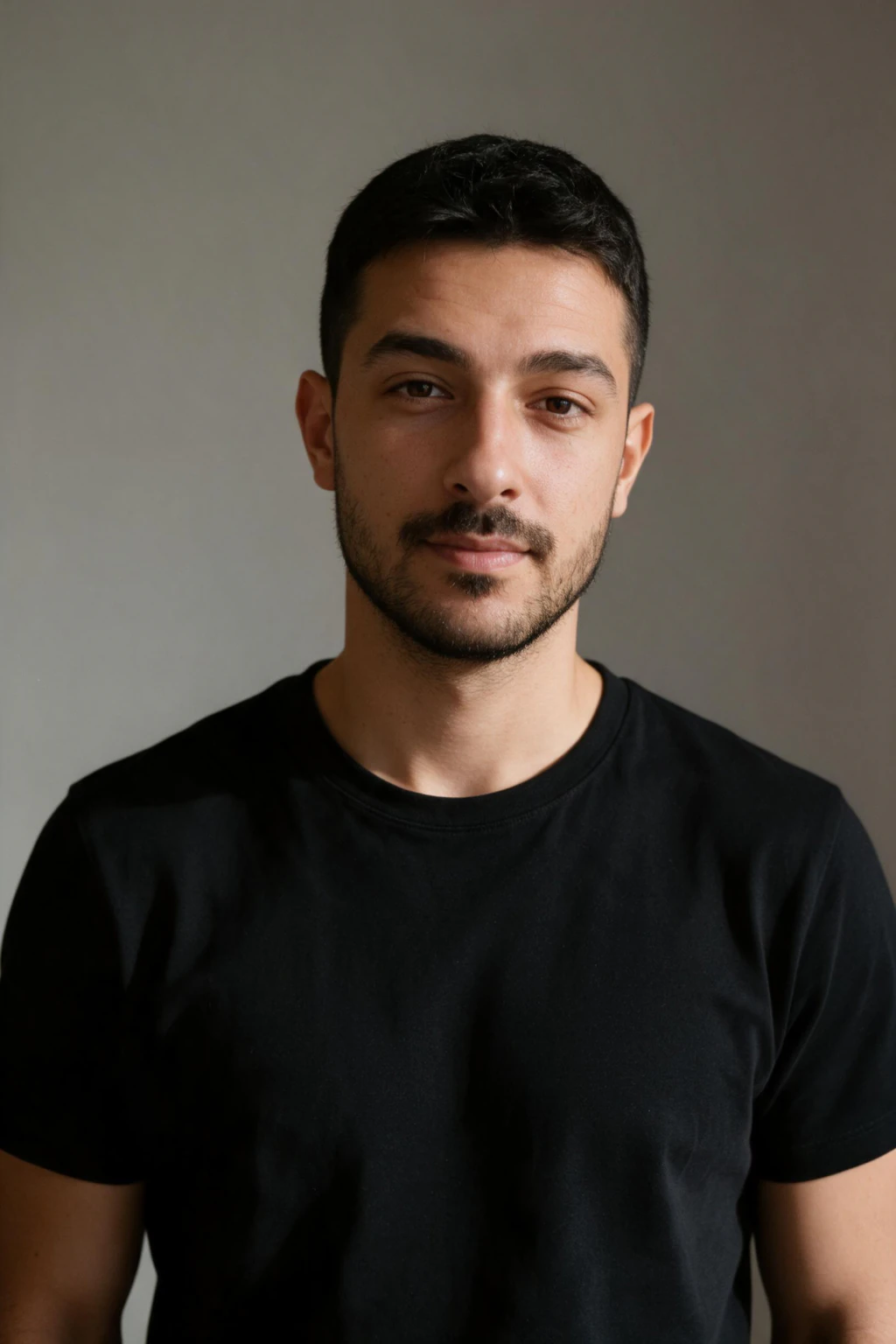


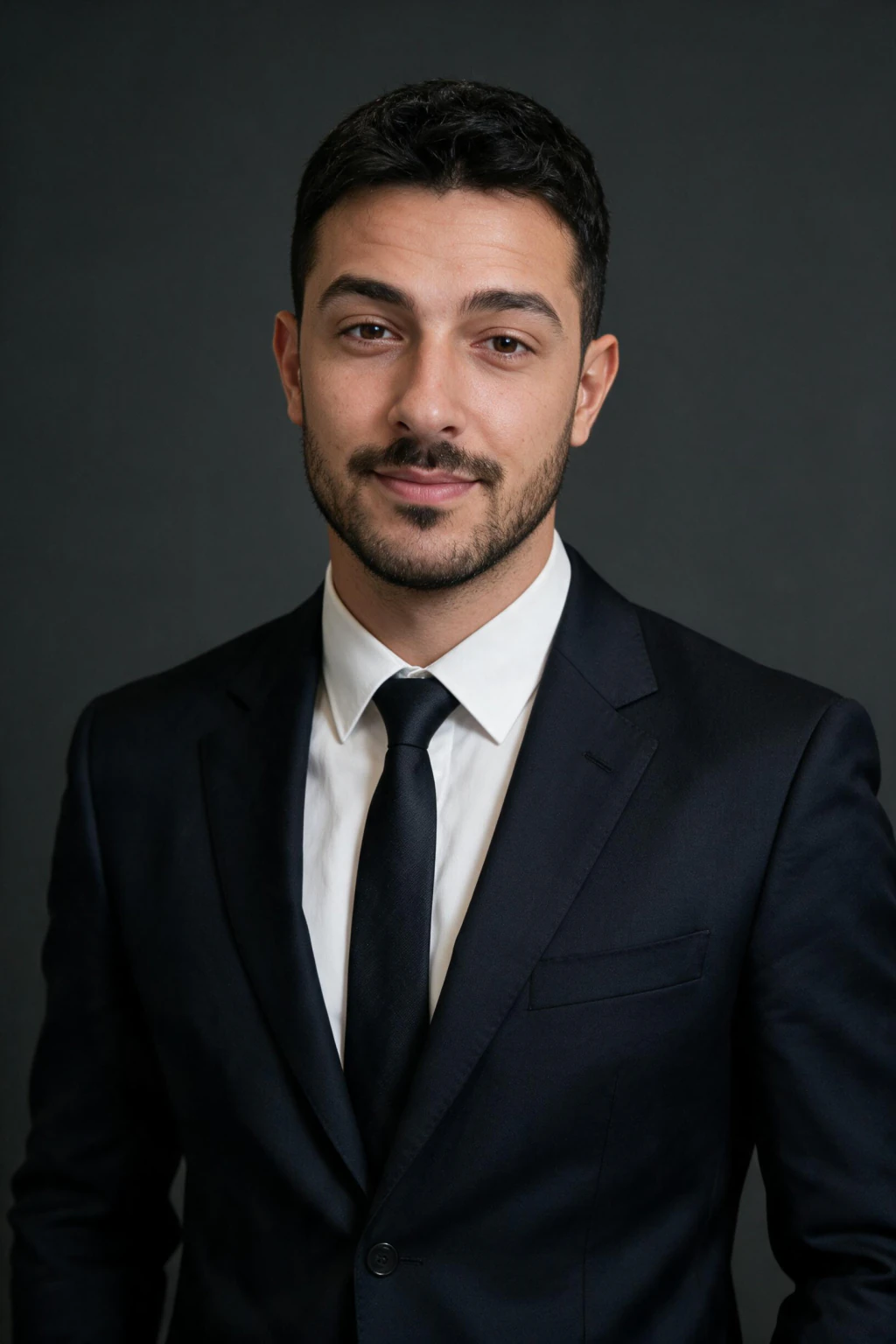
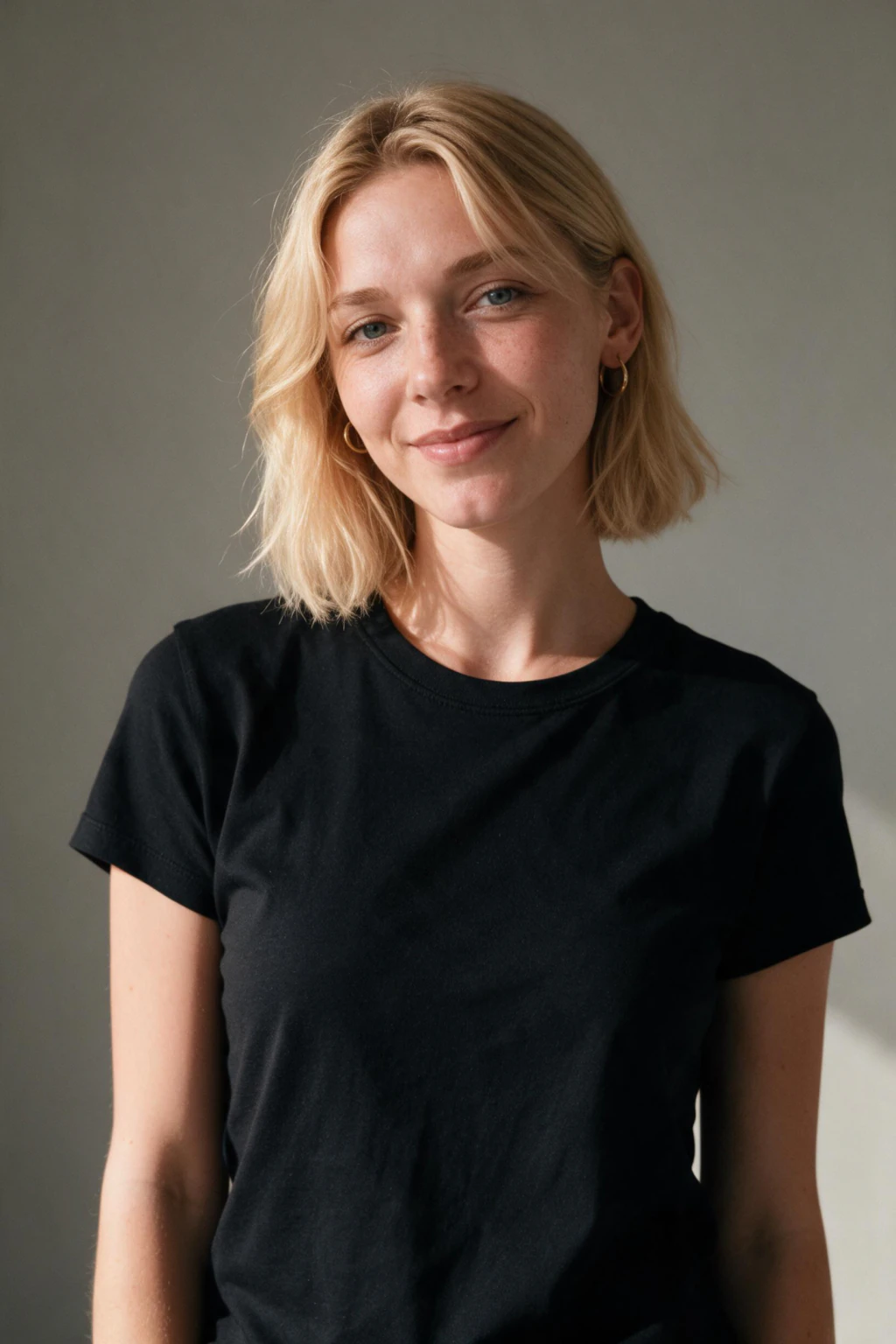
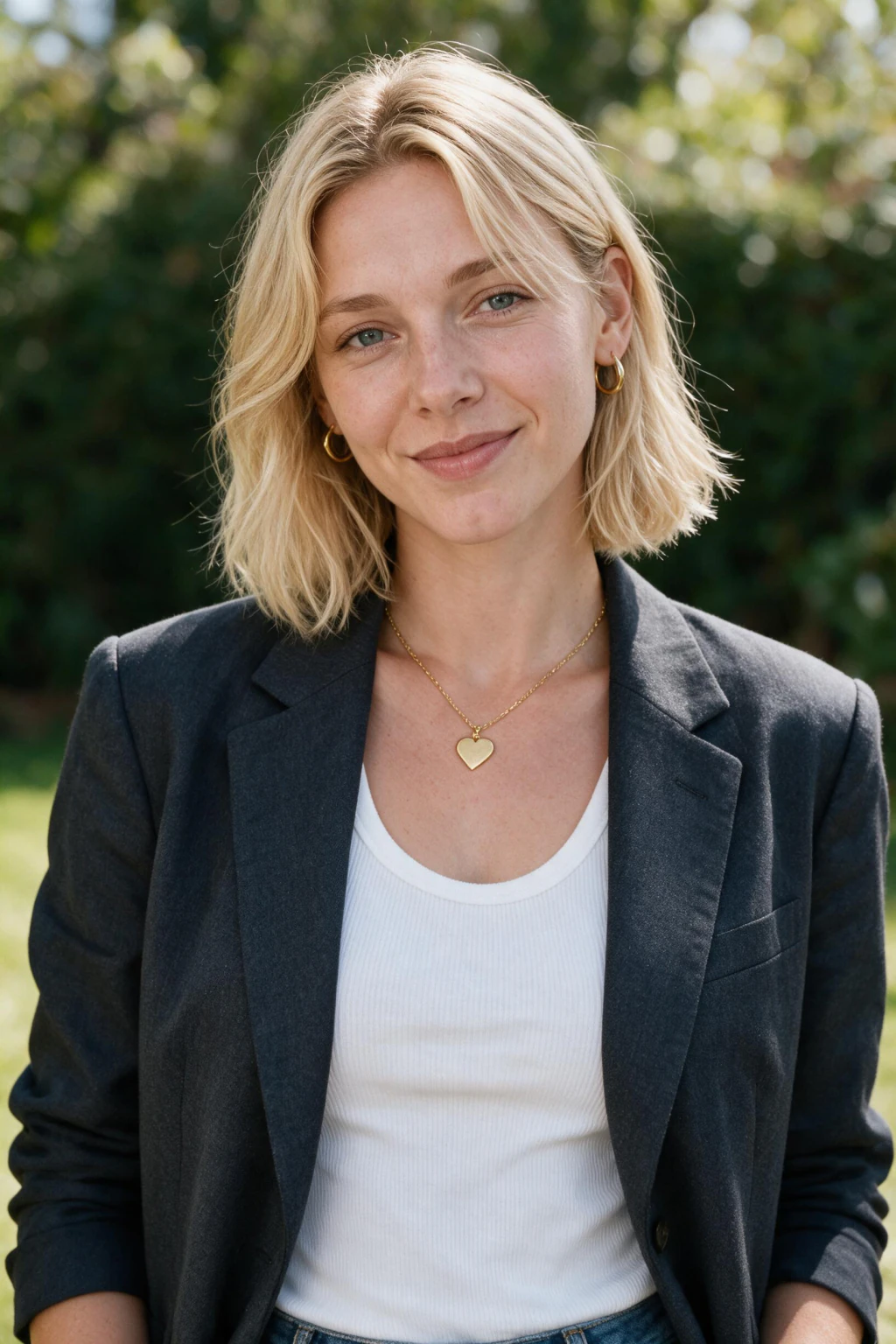
- Profile picture: 400 x 400 px minimum, up to 7680 x 4320 px, file under 8 MB
- Banner (background) photo: 1584 x 396 px, a wide 4:1 strip behind your profile
- Formats: JPG or PNG upload cleanest; photos display as a circle on desktop
Why your LinkedIn photo matters more than you think
21x more profile views
LinkedIn data shows that profiles with professional photos receive 21x more profile views than those without. Your photo appears in every search result, connection suggestion, and message preview.
First impressions happen in milliseconds
Research on social profiles consistently shows that people form trust and competence judgements from a profile photo before they read anything else. A clean, confident photo signals credibility faster than any headline.
Your photo is your brand anchor
Every post you publish, every comment you leave, and every connection request you send appears with your photo attached. One strong photo works for you every time you're visible on the platform.
LinkedIn photo requirements at a glance
- Profile picture minimum: 400 x 400 pixels, uploaded as a square
- Profile picture maximum: 7680 x 4320 pixels
- File size: 8 MB or less, in JPG or PNG
- Display: cropped to a circle on desktop, so keep your head centered
- Banner (background) photo: 1584 x 396 pixels
- Aim for 800 x 800 or larger so the photo stays sharp on high-density screens
Who needs the LinkedIn photo specs?
- Anyone whose upload keeps coming out blurry, stretched, or badly cropped
- Job seekers sizing a new headshot for active applications and recruiter outreach
- Founders, freelancers, and consultants setting up both a profile photo and a banner
Get a photo sharp enough for the specs
A photo that meets the pixel requirements still needs to look good inside them. MakeAiPhotos generates high-resolution headshots from your selfies in about 2 minutes, sized well above the 400 x 400 minimum so the circle crop stays sharp. One-time packages, no subscription.
Frequently asked questions
What size should a LinkedIn profile picture be?
LinkedIn recommends a minimum of 400 x 400 pixels and accepts up to 7680 x 4320 pixels. The file must be under 8 MB and in JPG, PNG, or GIF format. LinkedIn displays profile photos as a circle on desktop, so use a square crop and keep your face centered with space around it to avoid the circle crop cutting off part of your head.
What are the LinkedIn profile photo requirements?
LinkedIn photo requirements are: a minimum of 400 x 400 pixels, a maximum of 7680 x 4320 pixels, file size under 8 MB, and JPG, PNG, or GIF format. LinkedIn renders your photo as a circle on desktop and a square on some mobile views, so keep important parts of your face within a centered circular safe area. Square crops upload cleanest.
What is the LinkedIn banner photo size?
The LinkedIn banner (background) photo is 1584 x 396 pixels, a wide 4:1 strip, with the same 8 MB file limit. On desktop, your circular profile photo overlaps the lower-left area of the banner, so keep text or logos in the right two-thirds of the image where nothing covers them.
Does LinkedIn crop profile pictures into a circle?
Yes. LinkedIn displays your profile photo as a circle on desktop and in most feeds, even though you upload a square image. Keep your head centered and leave breathing room on all four edges, because the corners of your square upload are always cut away.
Why is my LinkedIn photo blurry?
A blurry LinkedIn photo usually means the source image was smaller than 400 x 400 pixels and got upscaled, or the file was heavily compressed before upload. Fix it by uploading a sharp square image at 800 x 800 or larger, under 8 MB, straight from the original file rather than a screenshot or a re-saved copy.
What happens if my LinkedIn photo is smaller than 400x400?
LinkedIn upscales it to fit, which softens the image and makes it look blurry or pixelated, and it may reject a file that is far below the minimum. Re-export from the original at 800 x 800 or larger instead of enlarging the small copy.
Why does LinkedIn compress my profile picture?
LinkedIn re-encodes every upload to keep pages fast, so a heavily compressed or screenshotted source looks worse after the second pass. Upload a sharp JPG or PNG straight from the original file, square, at 800 x 800 or larger, and avoid re-saving it first.
Is 400x400 too small for a LinkedIn profile picture?
400 x 400 pixels meets the minimum and looks fine at thumbnail size, but it can soften on high-density displays and when people open your photo full-screen. Upload at 800 x 800 or larger when you can. MakeAiPhotos exports headshots at high resolution, so a re-crop never drops below the sharp range.
Is it acceptable to use an AI photo on LinkedIn?
Yes. LinkedIn has not prohibited AI-generated or AI-enhanced profile photos. The platform requirement is that your photo looks professional and accurately represents your appearance, so keep the frame that still looks like the person a recruiter will meet on a call.
How can I get a professional LinkedIn profile picture without a photographer?
Use MakeAiPhotos to generate studio-quality LinkedIn profile pictures from your selfies. Upload one clear selfie, select the LinkedIn Authority pack, and the AI generates professional headshots from it in about 2 minutes. No photographer, no studio booking, and no editing software required.