AI Halloween Photos of Yourself From One Selfie
MakeAiPhotos is an AI photo generator that reads your face from one clear selfie and renders you inside a Halloween scene you describe in a prompt, with each photo back in about 2 minutes for a one-time $9.99.
Two ways in. Pick one of the 7 costume looks in the AI Halloween costume generator, vampire, witch, zombie, skeleton paint, ghost, pirate or black cat, or write your own Halloween prompt when the idea you want is not on that list. Either way the face is yours, read from one selfie.
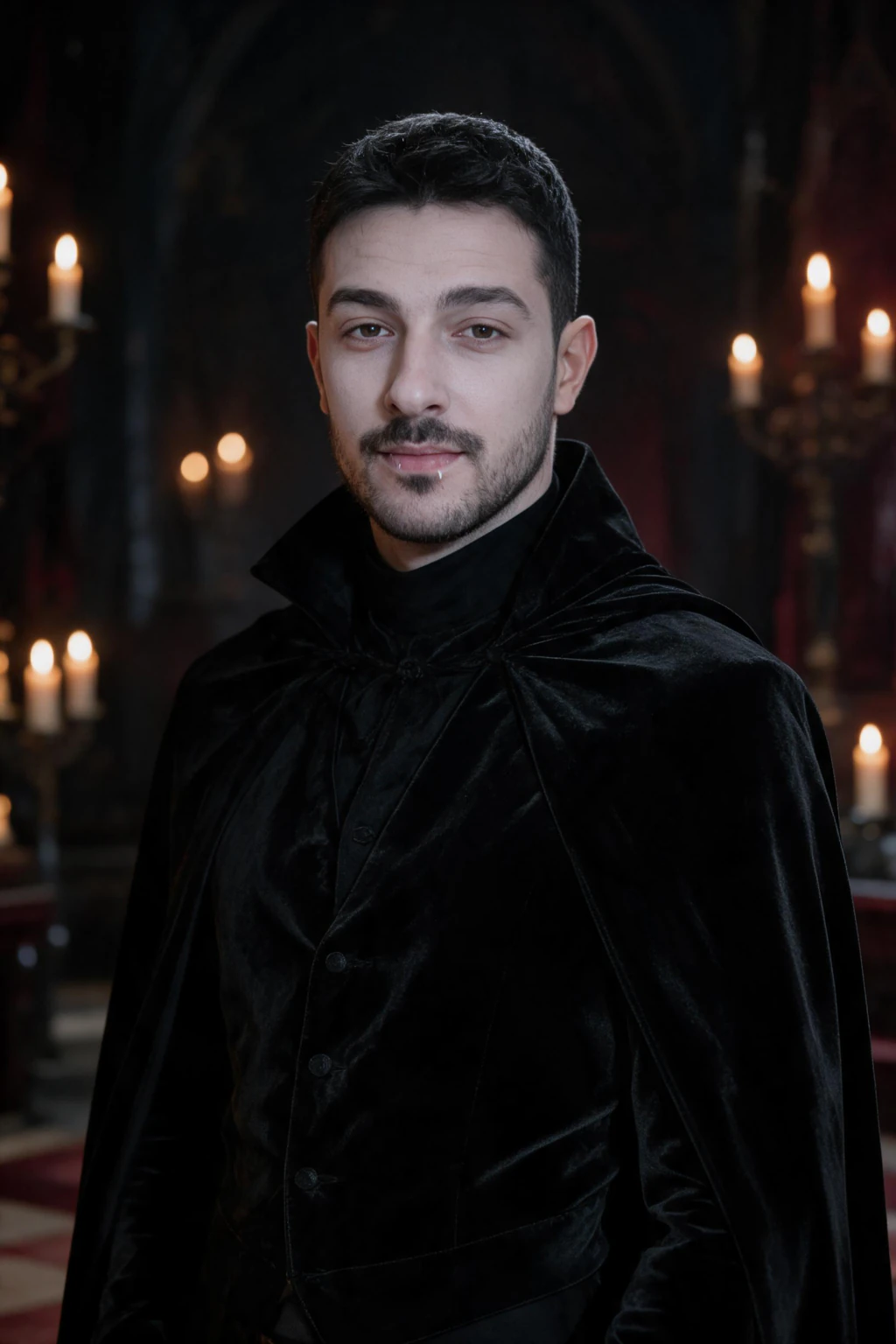
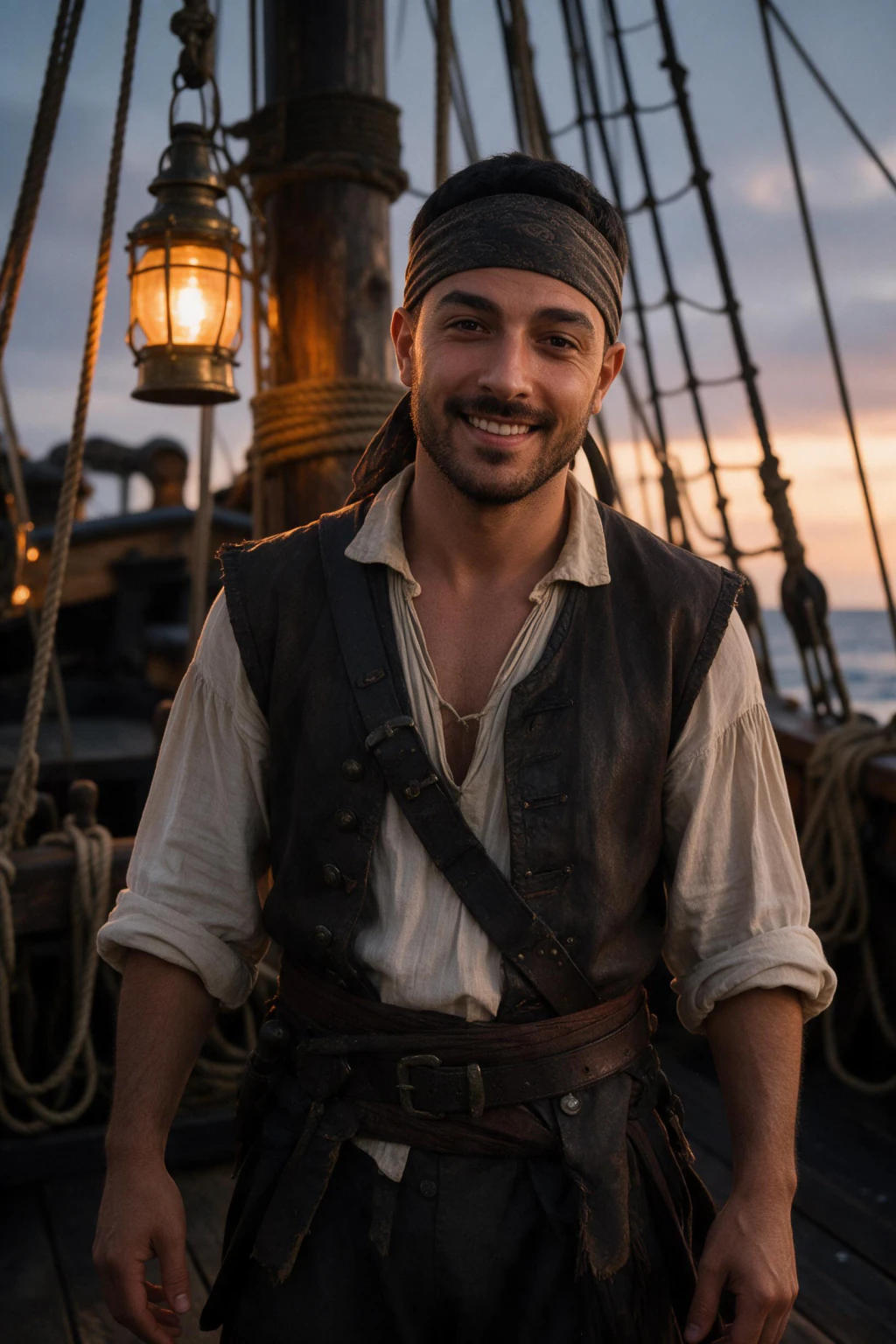
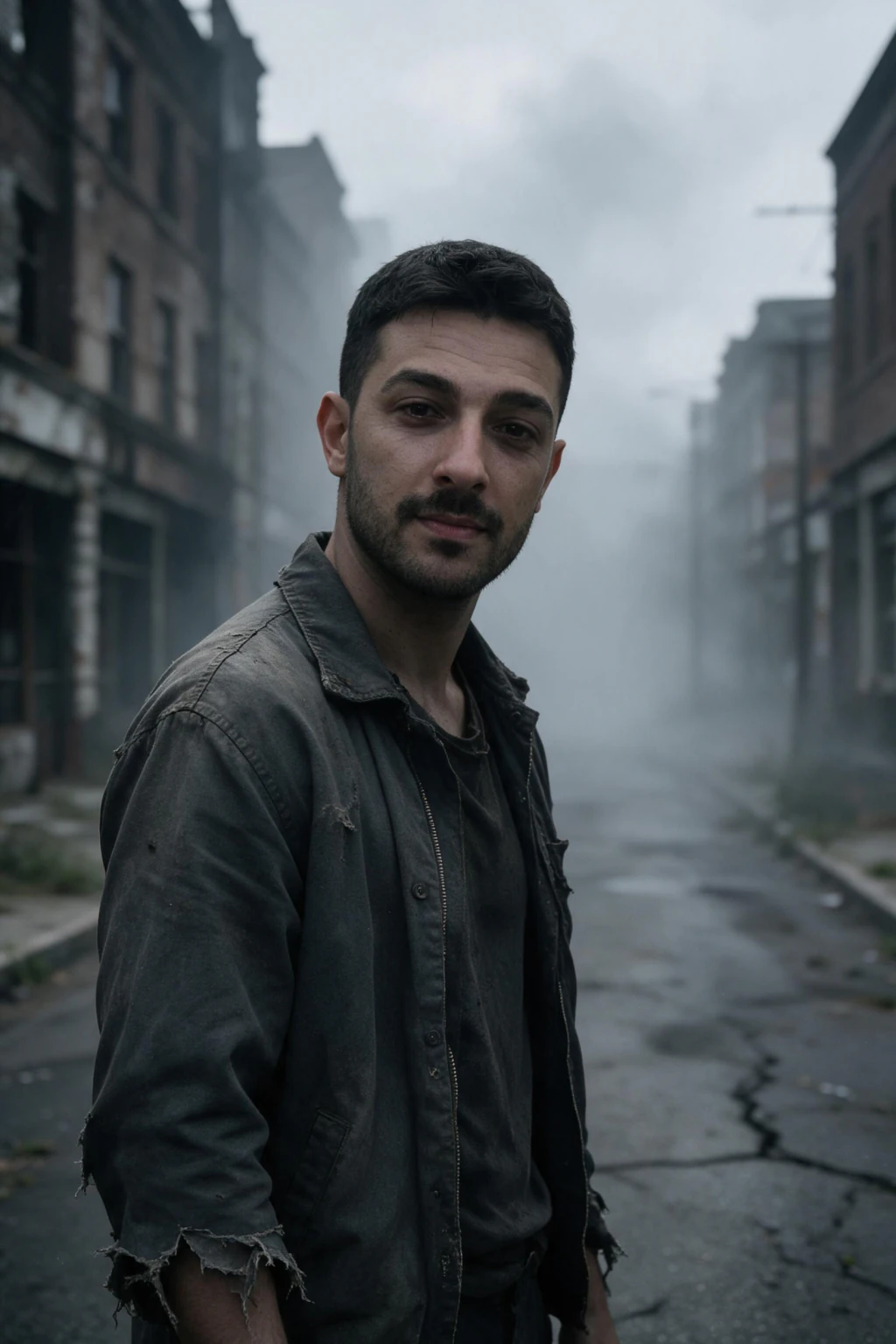
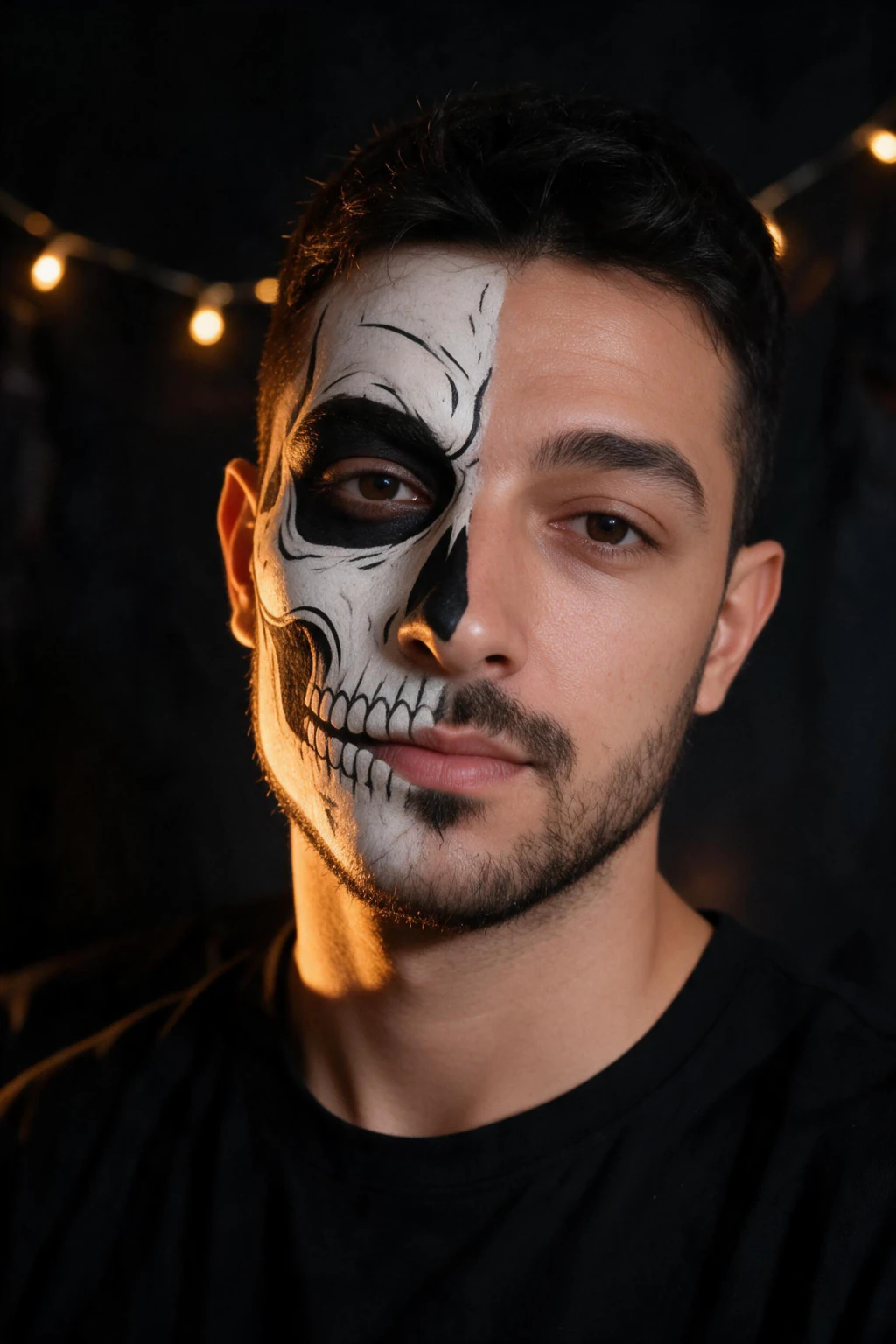
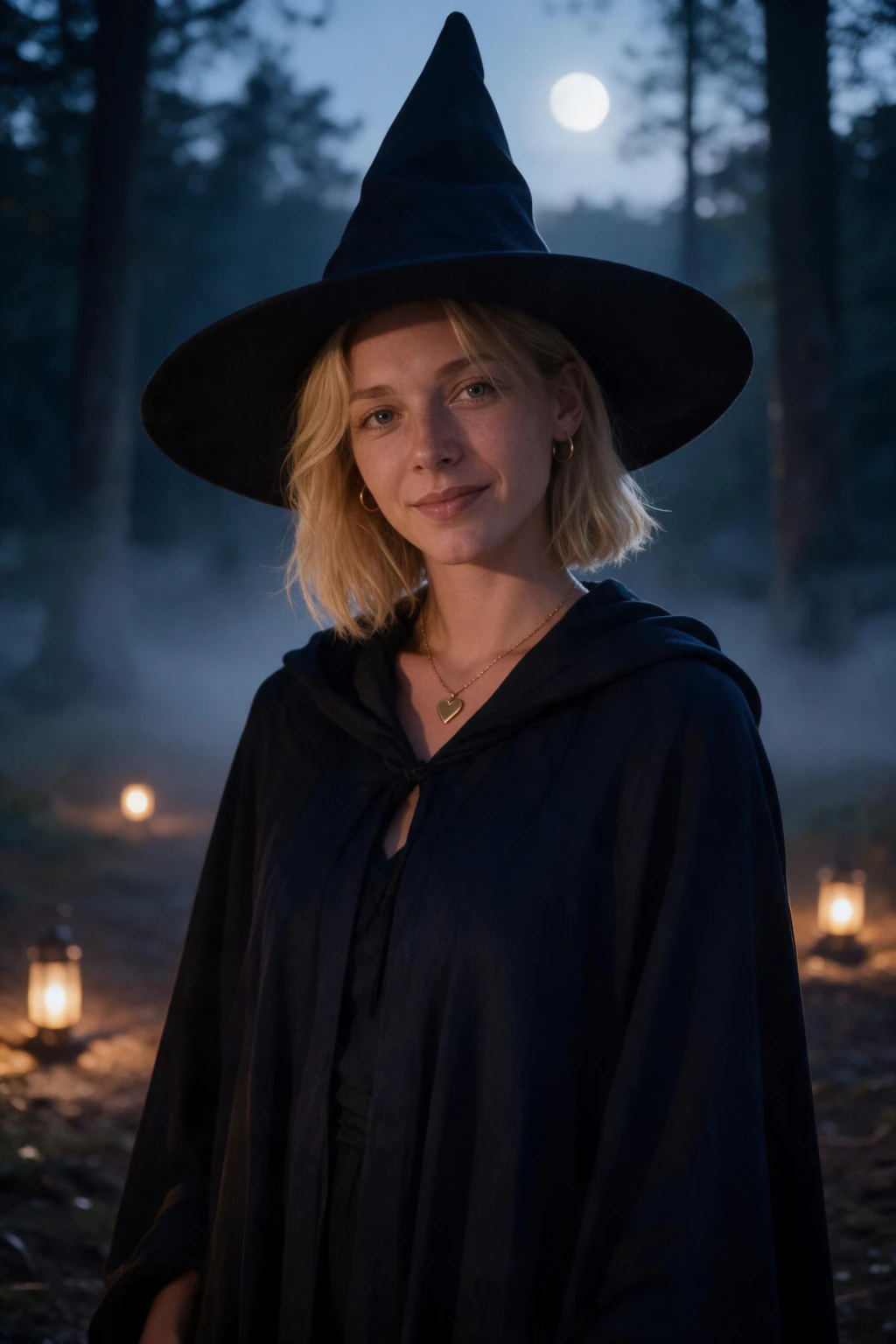
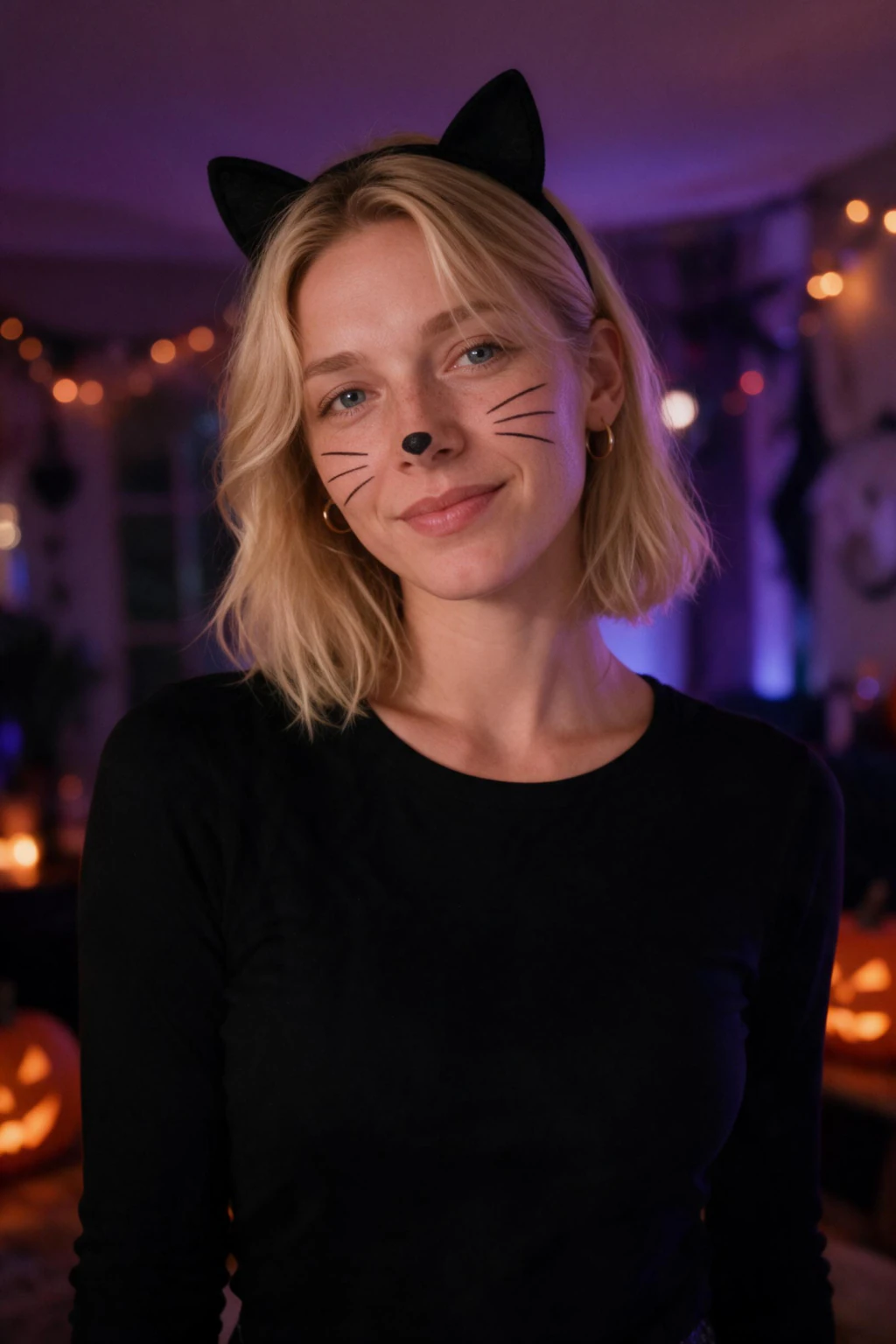
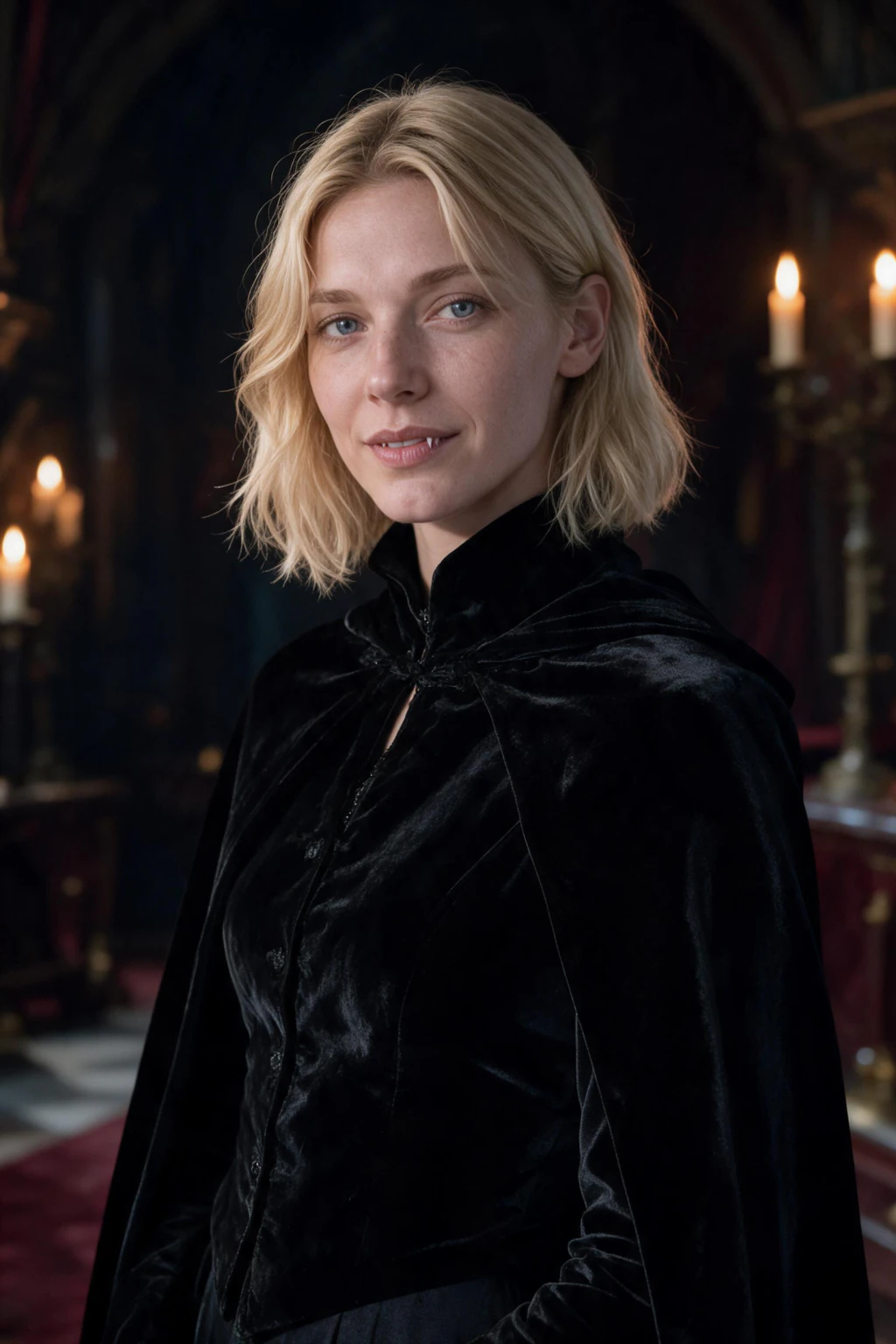
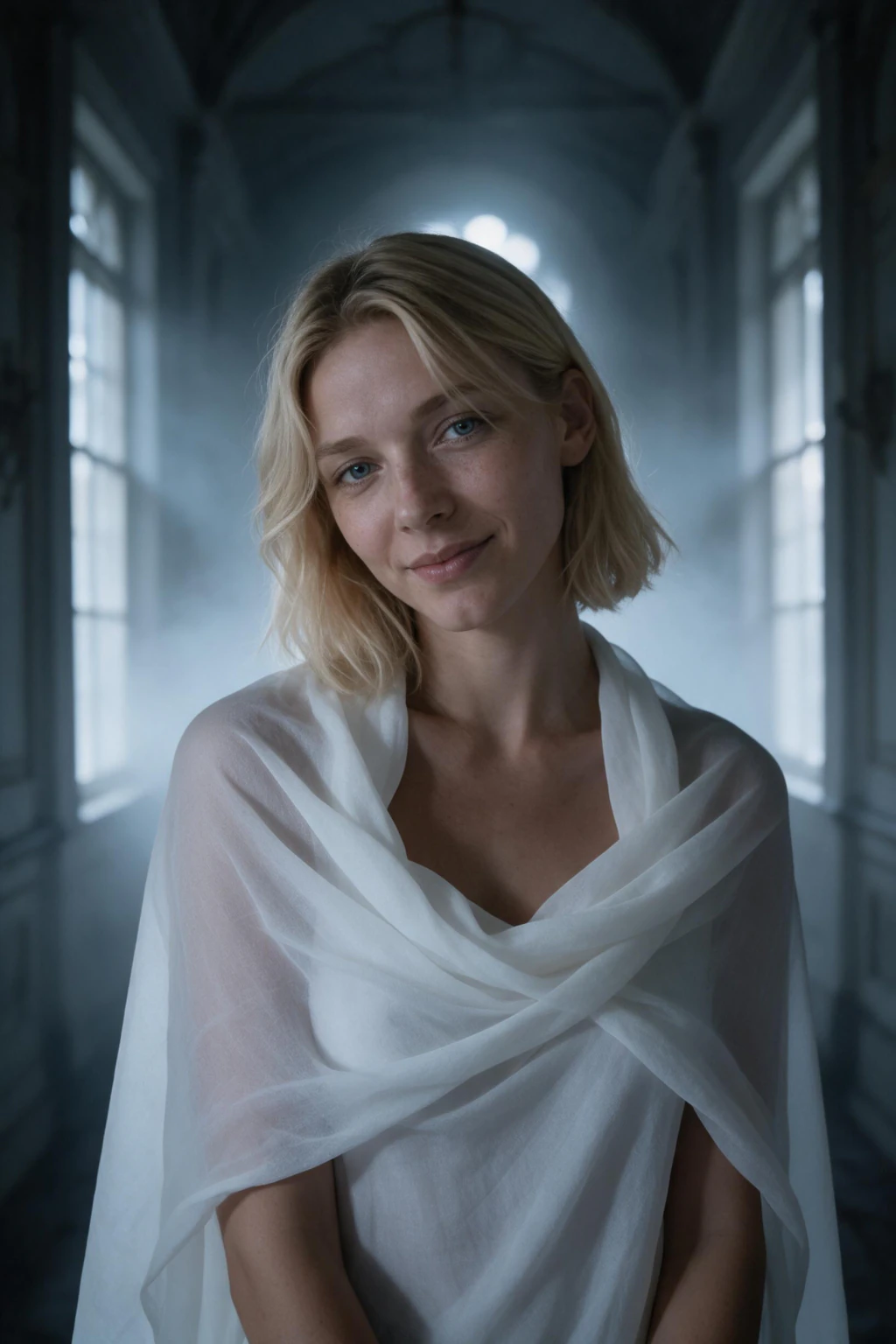
- One clear selfie in, a Halloween portrait of you out. No costume to rent, no photographer, and no model training step
- $9.99 buys 100 credits. Every image costs 10 credits, so that is about 10 finished photos, each one back in about 2 minutes
- Tap one of the seven costume looks in the pack, or paste your own Halloween prompt for something different. Either way it is the same $9.99 purchase
Pack look or your own prompt?
The pack covers the seven looks people search for
Vampire, witch, zombie, skeleton paint, ghost, pirate, and black cat are the costumes that come up every October, so they ship as one-tap looks in the Halloween pack. Anything past that list is a prompt away, and the prompt guide gives you 32 to start from.
Your face, not a lookalike
Text-to-image tools render a stranger who matches your description. MakeAiPhotos reads your face from the selfie you upload and builds the Halloween scene around it, which is what matters when the photo is going on your own profile.
Cheaper than the costume
A rented or bought costume plus a photographer runs well past $9.99, and it gives you one look. One $9.99 purchase covers about 10 finished photos, and you can spend them on 10 different costume ideas from the same selfie.
Will an AI Halloween photo still look like me?
That depends almost entirely on the selfie you upload, not on the costume you ask for.
The generator reads your face from your selfie and reproduces it inside the scene. A sharp, well-lit, front-facing photo with your current hair gives the result something to hold onto. A dim, angled, or heavily filtered upload gives it less, and the likeness drifts.
Halloween prompts add one extra pressure: heavy face paint, masks, and full prosthetics cover the features that make you recognizable. If you want the photo to read as you in a costume rather than as a costume, keep the makeup light and let the lighting and wardrobe carry the mood.
Check every result at the size it will be seen. Most Halloween photos end up as a story frame or a small profile thumbnail, so shrink the image and confirm the costume still reads before you post it.
If you would rather start from a tuned style than a blank prompt, the Halloween pack already has all seven costumes ready to tap, and the AI photo ideas hub shows other lighting styles you can borrow for a custom prompt. Either way, the ready-made text is in the 32 Halloween AI photo prompts guide, and the 50 Halloween AI photo ideas list groups more by scary, couples, pets, family and profile picture.
What Halloween photos can the generator actually make?
Photorealistic portraits of one person, built from a written scene. That is the honest boundary, and it is worth knowing before you buy.
It works well on single-person costume portraits: a vampire in candlelight, an elegant witch in a foggy forest, a pirate at dusk, a zombie in fog, or a black cat at a house party. Costume, lighting, and framing all come from your prompt text.
It does not do cartoon or anime Halloween styles, because the output is photorealistic. It does not reliably composite two or three real people into one frame, so a couples shot works better as two matching solo portraits posted as a pair. Graphic gore trips content filters and usually comes back broken, so keep the mood eerie rather than bloody.
The looks people ask for each October are all promptable here: the Y2K direct-flash party portrait, a masked figure standing blurred behind you while your own face stays lit, skeleton makeup on one half of the face, a square profile picture lit by a pumpkin from below, and a wide party-invite frame with empty sky for the date and address.
Named characters are the one category to skip, and not only for legal reasons. Google's own Halloween guidance for Gemini and Nano Banana, published on blog.google in October 2025, tells people to describe costumes in generic physical terms, because that is what image models render cleanly. Describe the cloak, the mask shape, the light, and the era instead of the character.
For style references you can borrow, the Halloween pack already has all seven costumes tuned and ready to tap, which is the fastest starting point before you write a custom prompt.
How to make AI Halloween photos of yourself
- Upload one clear, front-facing selfie. Current hair, current glasses, no hat and no sunglasses, so your face reads cleanly in the finished frame
- Pick a costume look on the Halloween pack page, or paste a Halloween prompt that names the costume, the light source, and the camera framing. Our prompt guide has 32 written that way
- Generate. Each photo costs 10 credits and comes back in about 2 minutes, so a $9.99 purchase covers roughly 10 Halloween attempts from that one upload
Who makes AI Halloween photos of themselves
- People who want an October profile picture but do not want to buy, wear, and photograph a real costume
- Anyone posting a Halloween story or invite who needs the photo tonight rather than after a shoot
- Creators who want a seasonal set for Instagram and would rather test five costume ideas than commit to one
What AI Halloween photos cost: $9.99 once, no subscription
The purchase is a single $9.99 charge for 100 credits. Each generated image spends 10 credits, so one purchase covers about 10 finished Halloween photos, or 5 photos plus 5 short videos. Nothing renews after October, there is no plan to cancel, and a 14-day money-back guarantee (terms apply) applies. Checkout runs on card or PayPal.
Frequently asked questions
How do I make AI Halloween photos of myself?
Upload one clear selfie, then paste a prompt that names the costume, the light source, and the camera framing. The generator reads your face from the selfie and renders it into that scene. Each photo costs 10 credits and returns in about 2 minutes, and a $9.99 purchase covers about 10 of them.
Is there a Halloween photo pack on MakeAiPhotos?
Yes. The AI Halloween costume generator has 7 one-tap looks: vampire, witch, zombie, skeleton face paint, ghost, pirate, and black cat. If the costume you want is not one of those, write it as a prompt instead; our guide with 32 Halloween AI photo prompts gives you ready-made text for gothic, Y2K flash, pumpkin patch, and more.
How much do AI Halloween photos cost?
$9.99 once. That buys 100 credits, and every image spends 10 credits, so it works out to about 10 finished Halloween photos from one selfie. Nothing renews afterwards and a 14-day money-back guarantee (terms apply) applies.
How many selfies do I have to upload?
One clear selfie. There is no set of training images to collect and no model training step to wait through. You upload once, then run as many different Halloween prompts against that same upload as your credits cover.
Can AI make a Halloween photo that actually looks like me?
Yes, when the selfie is recent, sharp, and front-facing. The generator reads your real face from that upload rather than inventing one. Heavy face paint, masks, and full prosthetics work against the likeness, so keep the makeup light if you want to be recognizable in the finished photo.
Can I make a Halloween couples photo?
Not as a single composite. Putting two real faces in one frame is still the weakest area of this technology. The result that works is two solo portraits generated from matching prompts, posted as a pair, which reads as a couples set without the seam where the composite would have been.
Can I use these Halloween prompts in other AI tools?
The prompt text carries over to Gemini, ChatGPT image, and Midjourney, and the costume, lighting, and framing directions work as written. The difference is the face: those tools render a person who matches your description rather than your specific face.
Can I make a Halloween profile picture with AI?
Yes, and it is worth generating one before the costume shots. Ask for a square head-and-shoulders frame, an empty dark background, warm pumpkin light from below and a cool moonlight rim from behind. Then shrink it to thumbnail size and check the Halloween read survives, because that is the size everyone will actually see it at.
When should I generate my Halloween photos?
Early October. Google Trends shows Halloween costume interest climbing through September and peaking in the last week of October, so the ideas everyone copies are already circulating well before the 31st. One $9.99 upload covers about 10 photos, which is enough for a profile picture early in the month and a costume set mid-month.
Can I make AI Halloween photos of my kids?
No. MakeAiPhotos is for adults 18 and over generating photos of their own face, and uploading a photo of a minor is not permitted under our terms. Upload your own selfie and generate your own costume portraits.
What Halloween looks should I avoid asking for?
Graphic gore, wounds, and blood trip content filters on most generators and usually come back broken. Copyrighted character names also fail, so describe the costume physically instead. Cartoon and anime styles are outside what this generator does, because the output is photorealistic.
Related pages
- AI Halloween costume generator, 7 looks
- AI holiday photos for every season
- AI Christmas card photos
- 32 Halloween AI photo prompts to copy
- 50 Halloween AI photo ideas: scary, couples, pets, family, profile
- browse all AI photo styles
- editorial photoshoot styles
- cinematic portrait styles
- AI photos of yourself
- what $9.99 covers