AI Modeling Photos: Turn a Selfie Into a Portfolio Shoot
MakeAiPhotos is an AI modeling photo generator that turns a single selfie into magazine cover, agency digitals, golden hour editorial, runway backstage, black and white studio, and street style portfolio images in about 2 minutes, backed by a 14-day money-back guarantee (terms apply).
MakeAiPhotos turns one selfie into AI modeling photos, so you can build editorial and portfolio pieces without booking a studio. Upload one clear photo, pick a look, and get high-resolution results you keep. This page is for aspiring models, anyone building a modeling portfolio, and creators who want magazine-cover or agency-style shots for social and portfolio use. You choose the vibe: magazine editorial, clean digitals, golden hour, backstage, black and white studio, or street style. Six looks ship with this pack: magazine cover, agency-style digitals, golden hour editorial, runway backstage, black and white studio, and street style candid. Each one renders the same face across different lighting, outfits, and framing. You buy credits once, generate your set, and there is a 14-day money-back guarantee (terms apply).
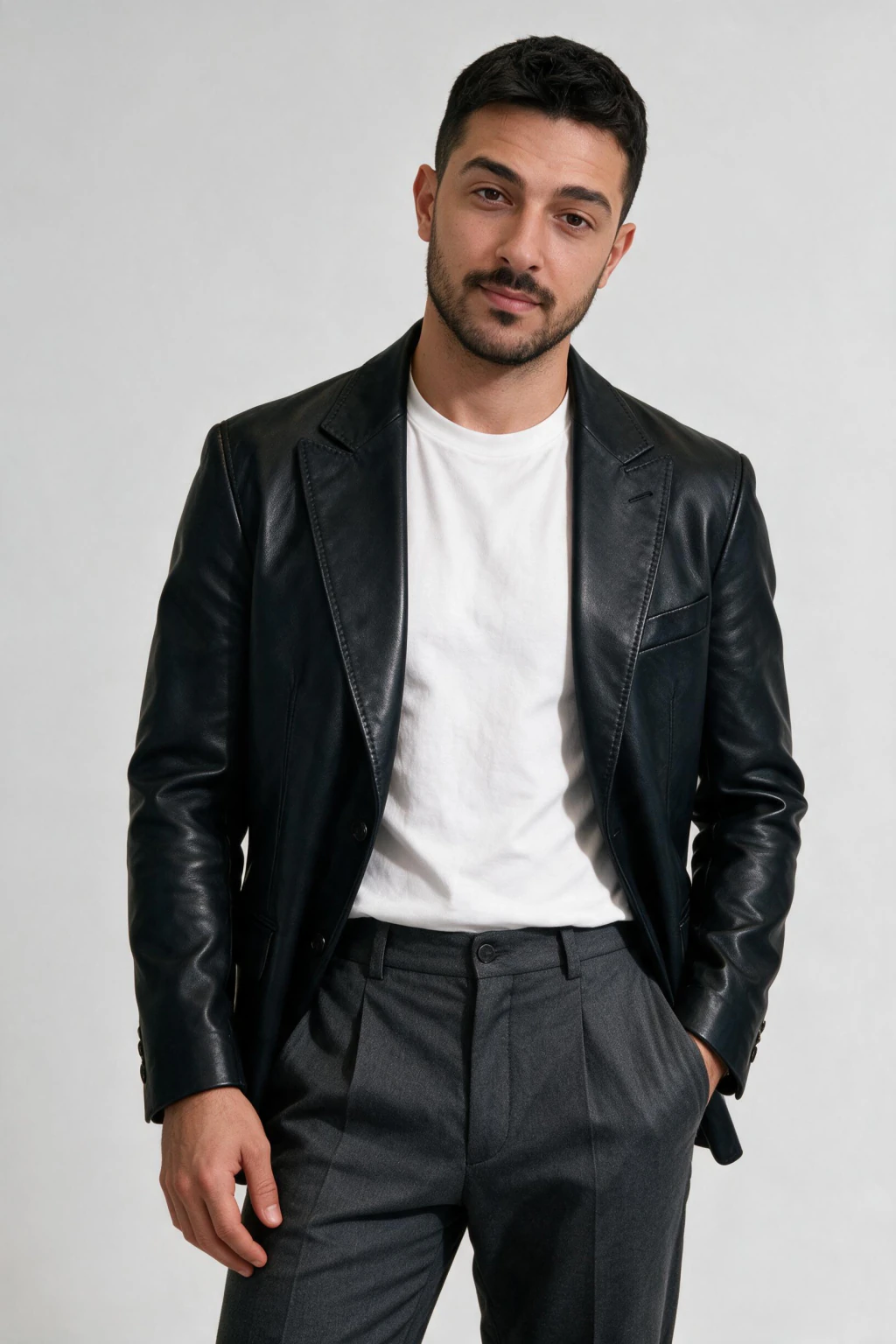
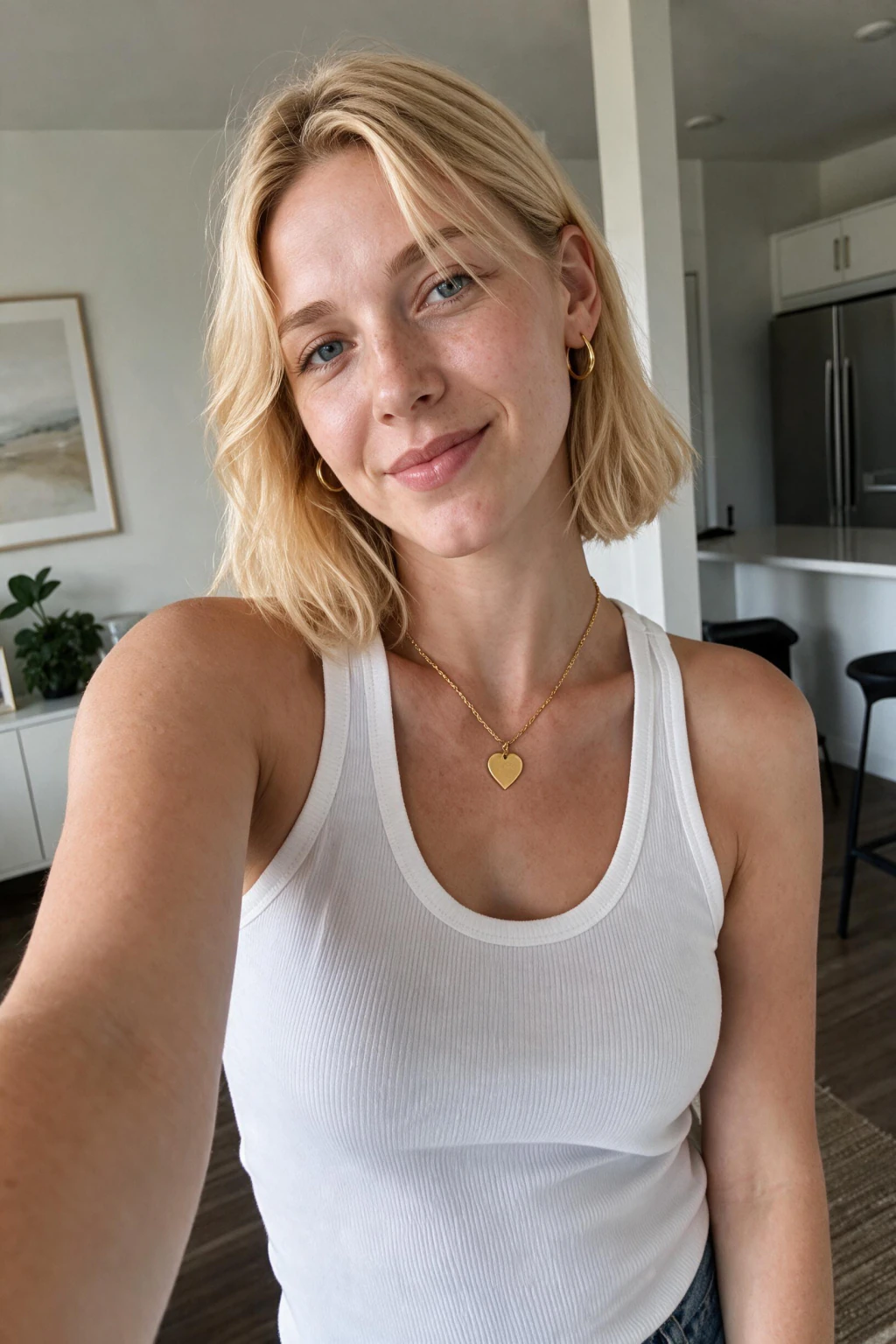
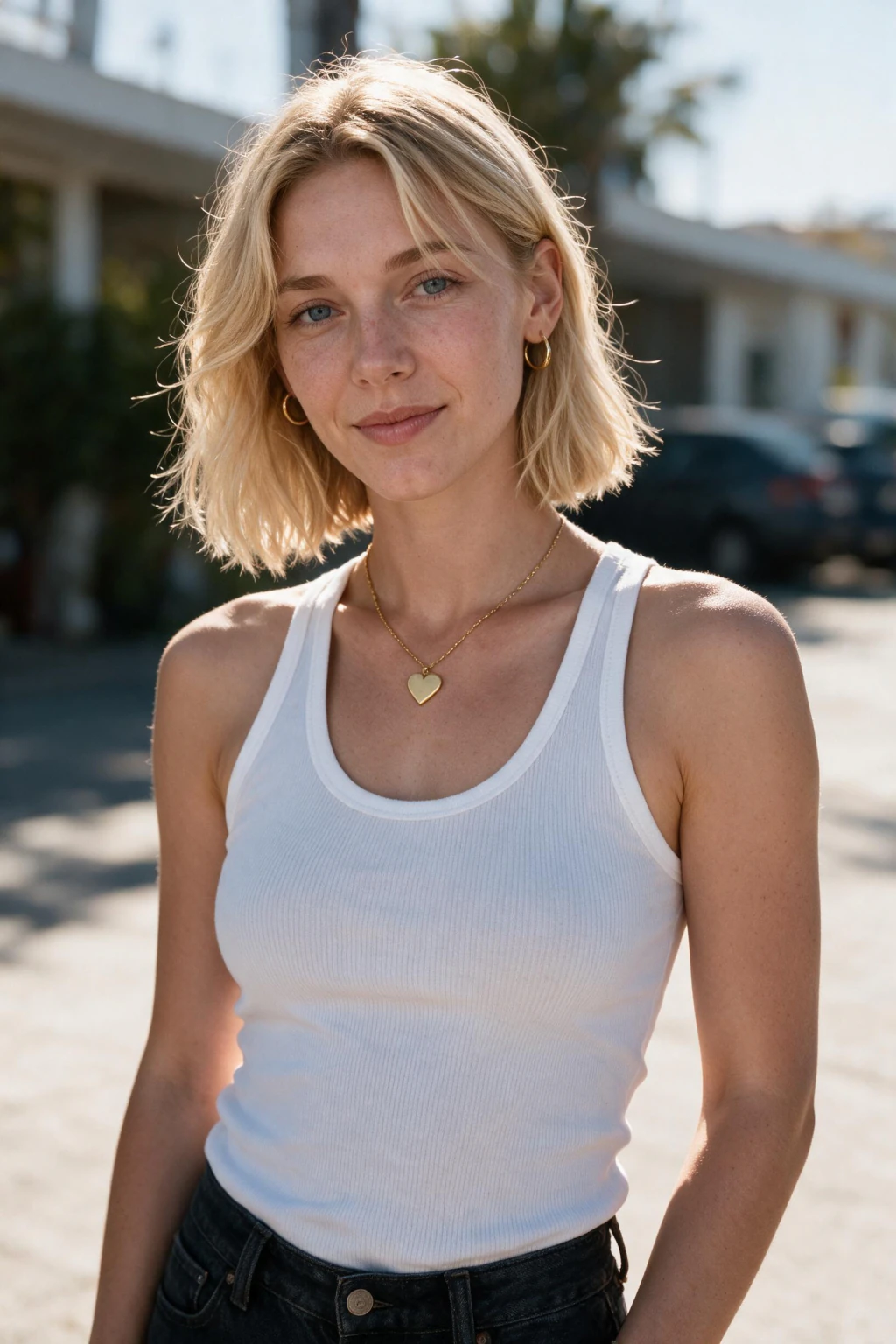
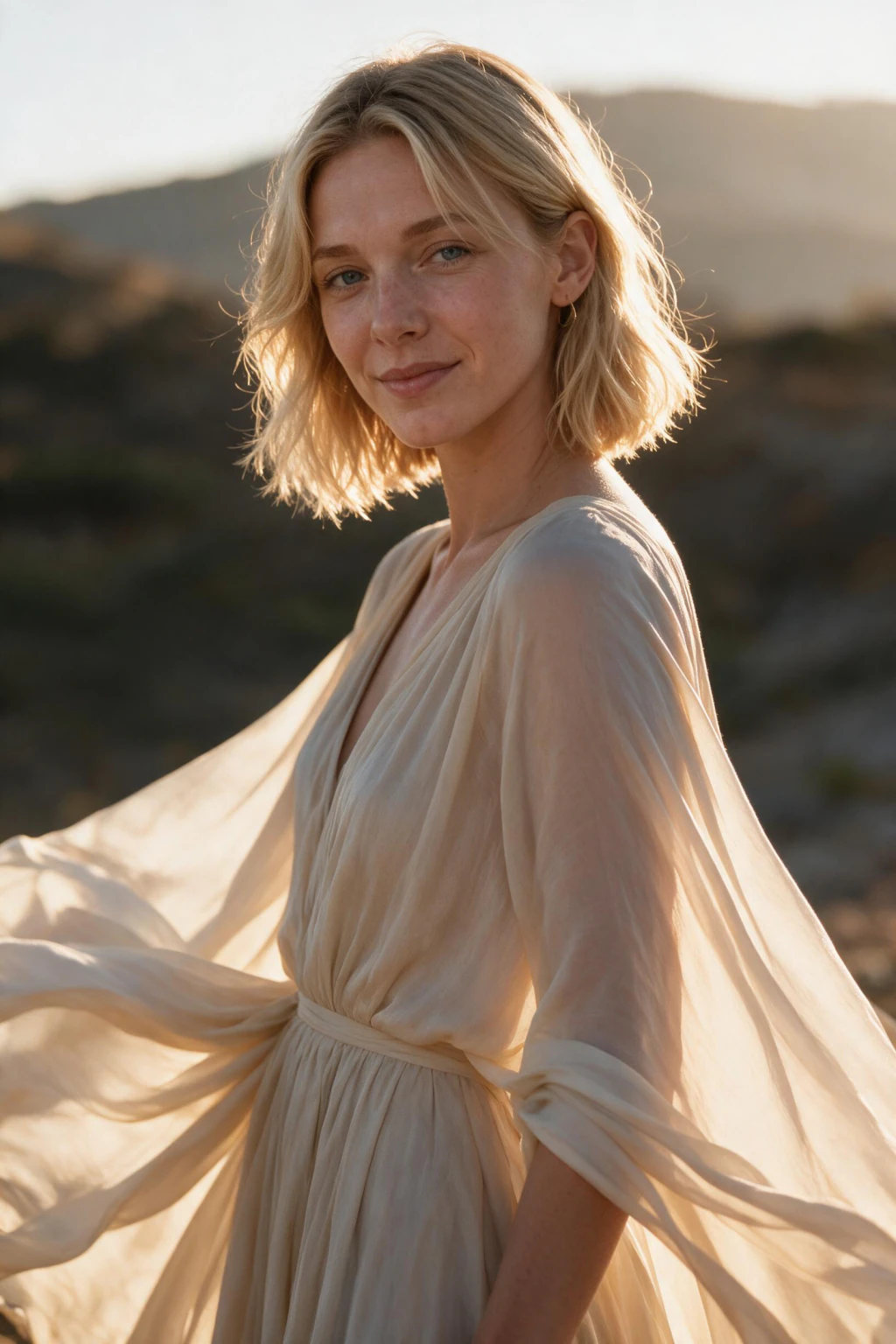
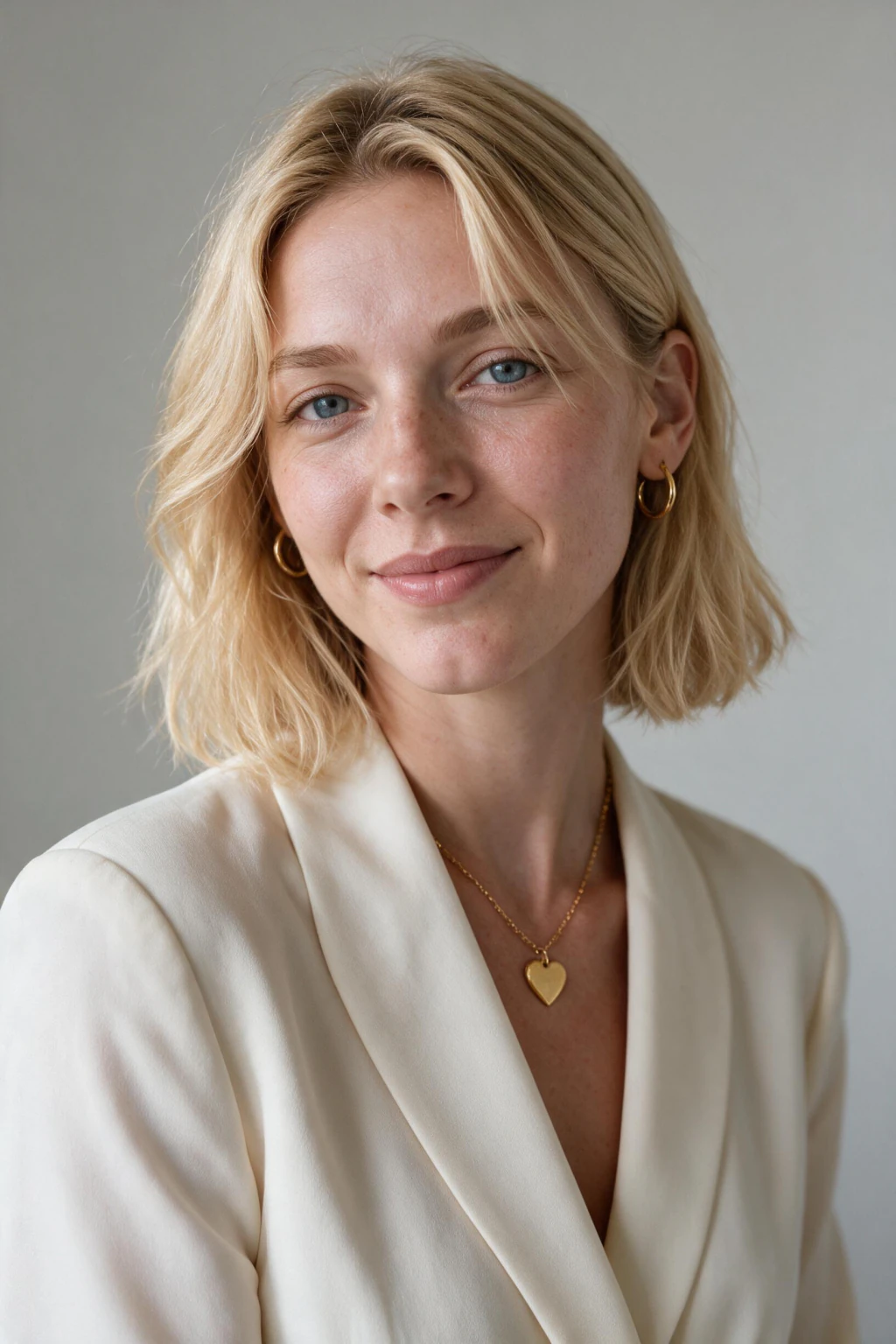
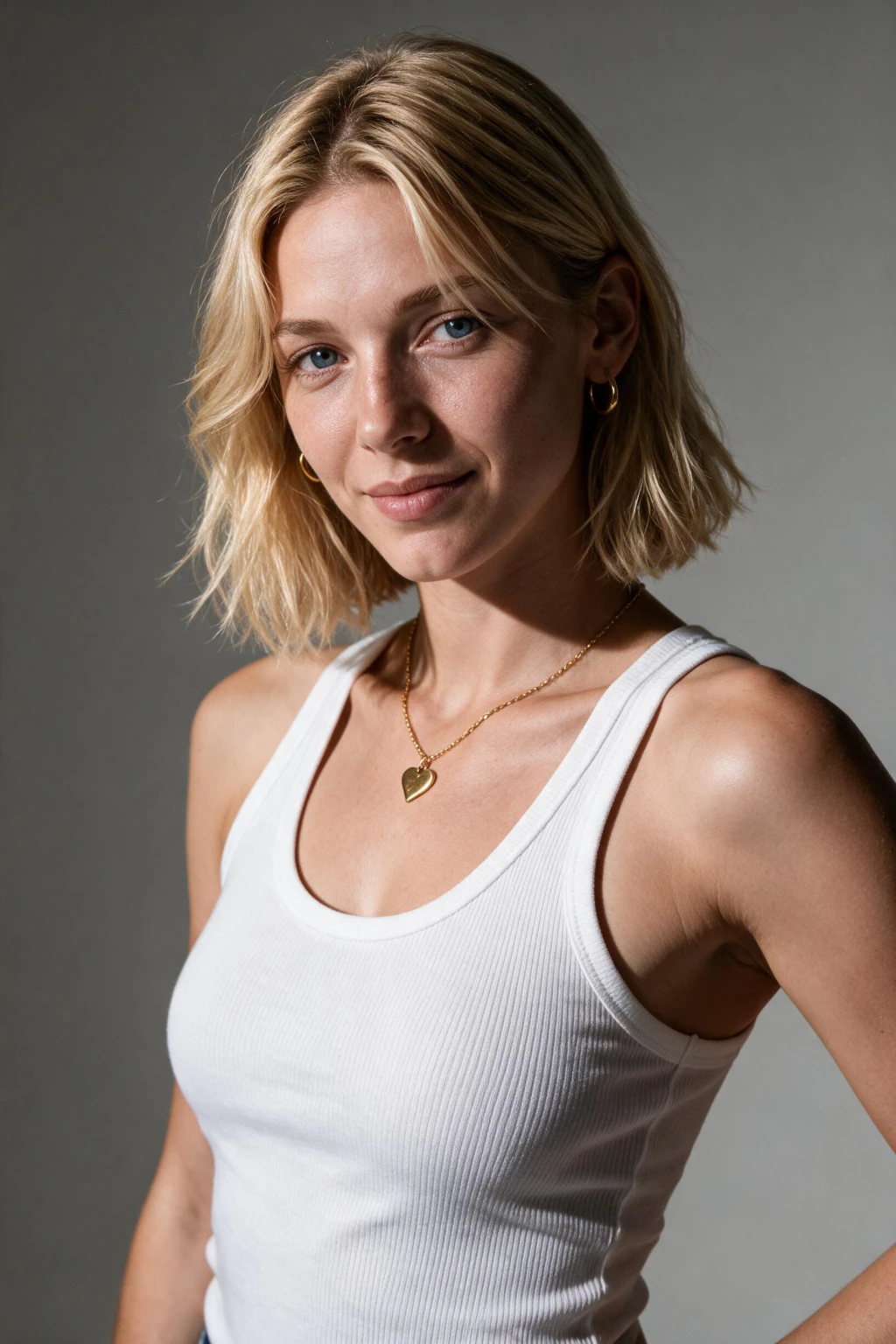
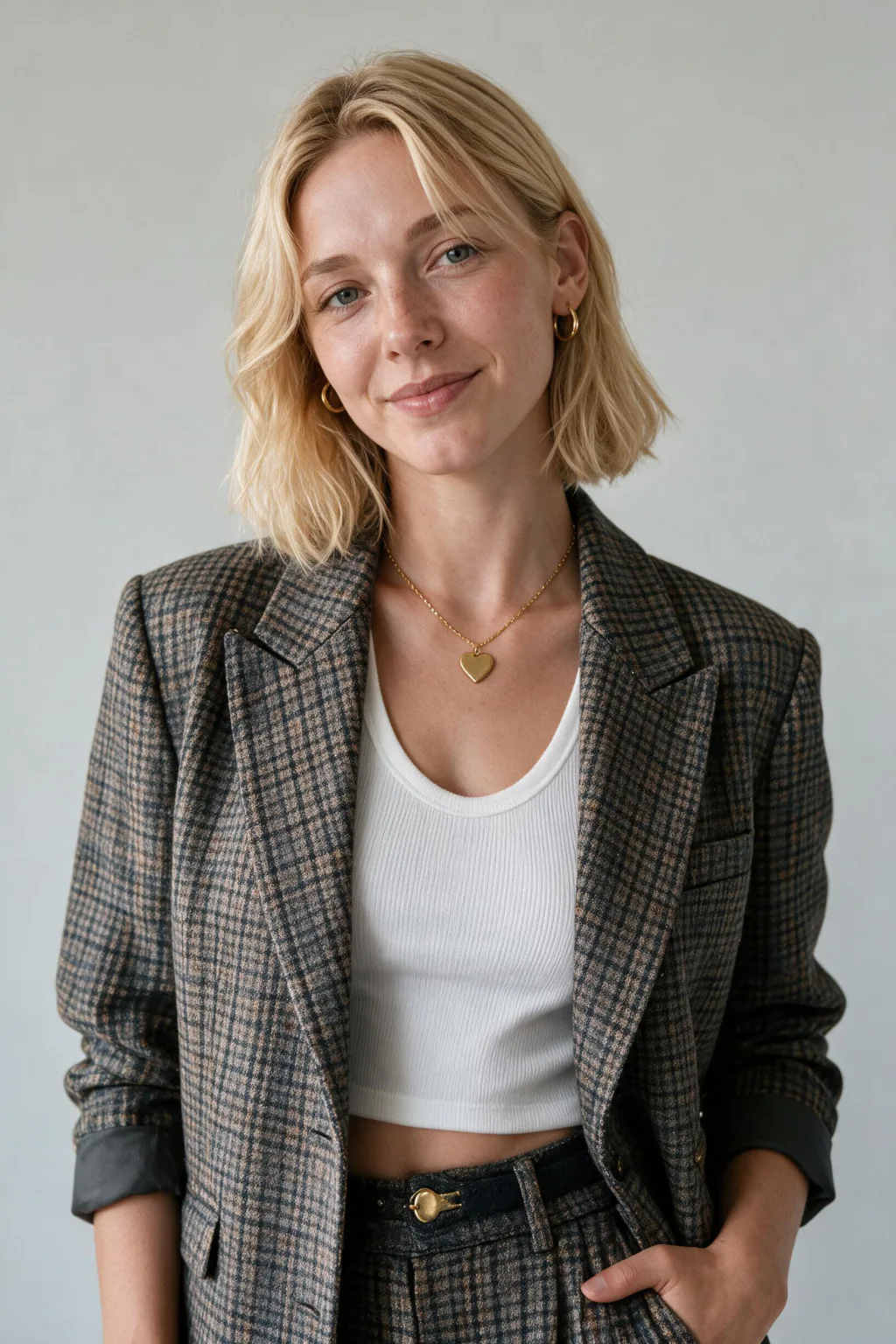
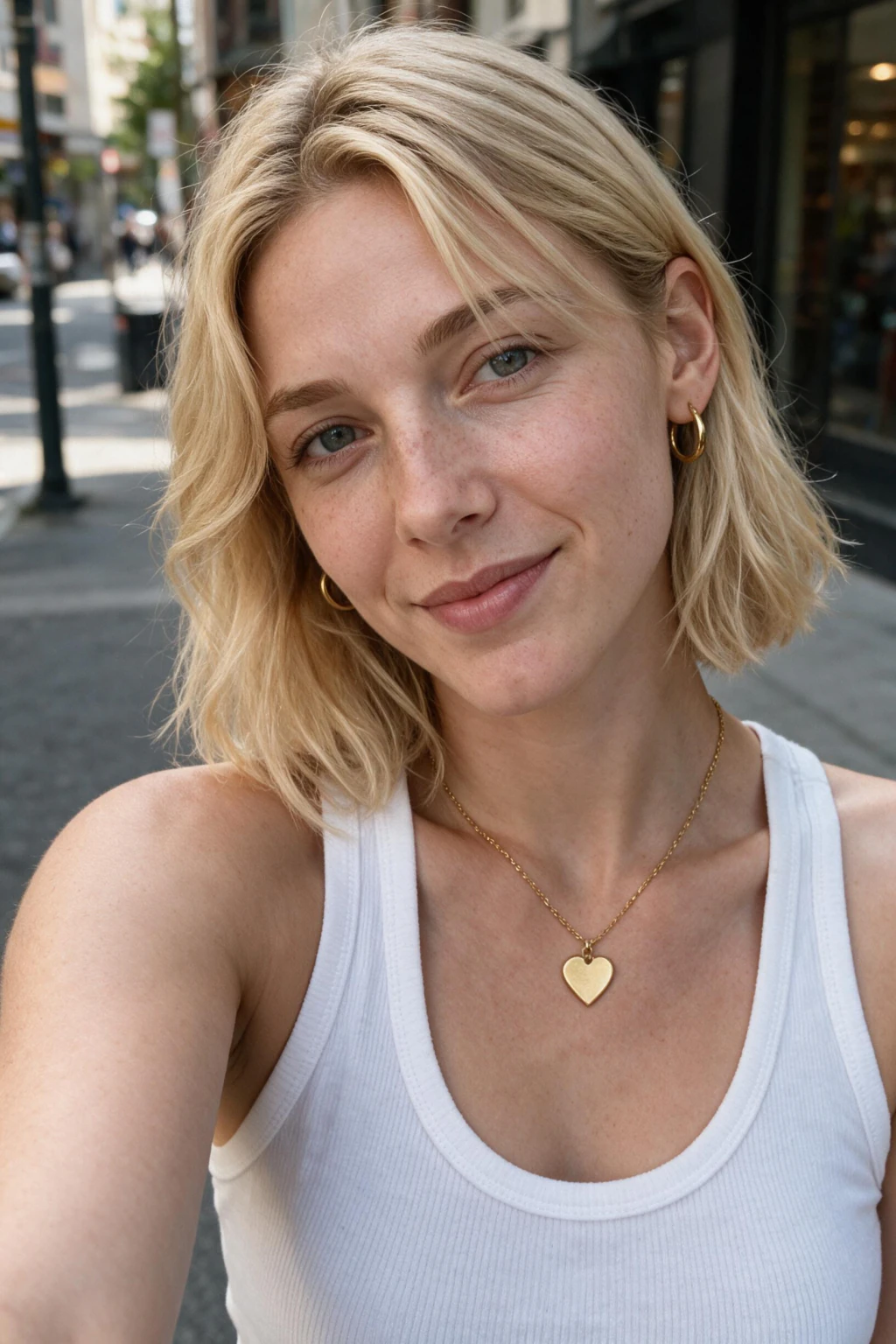
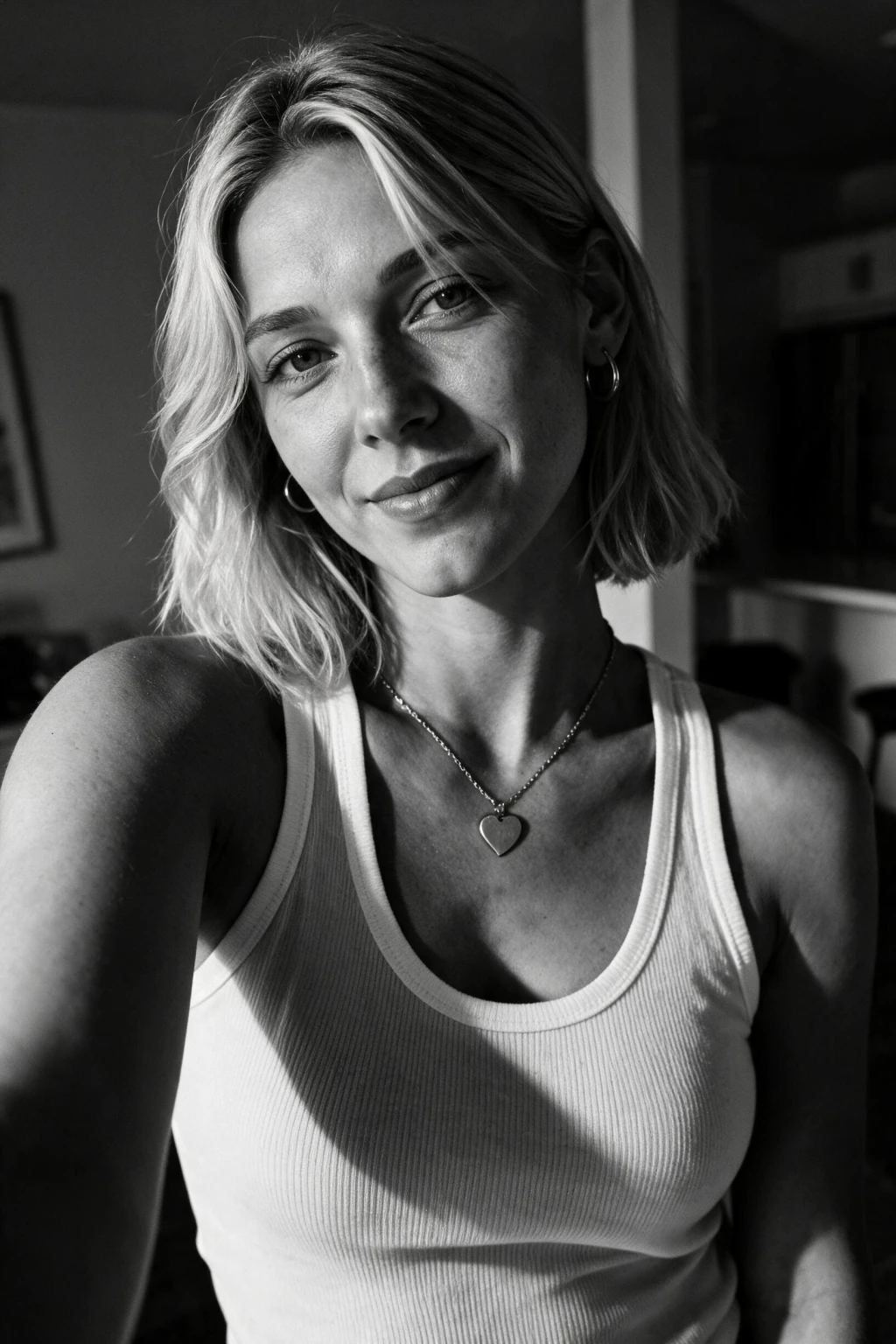
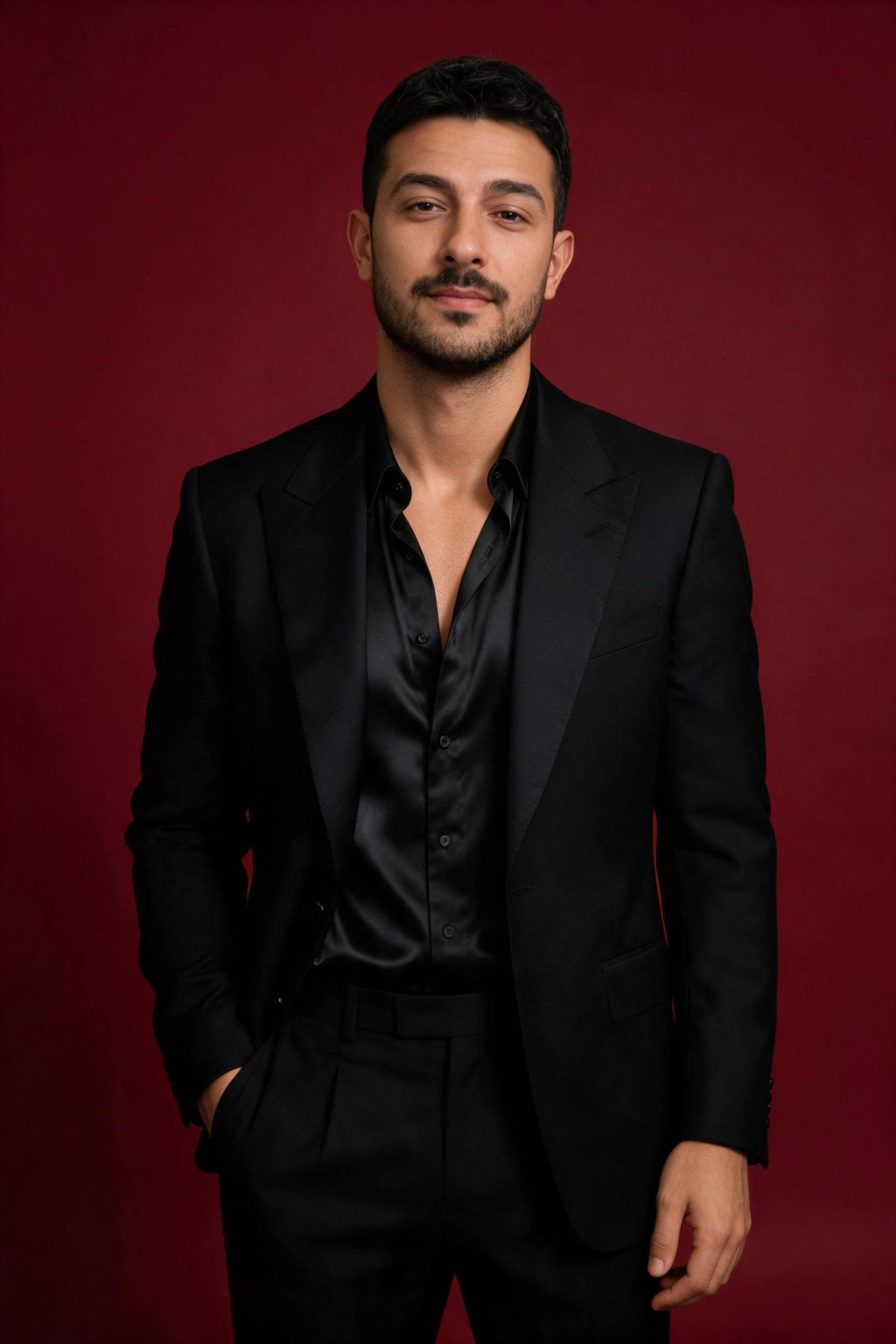
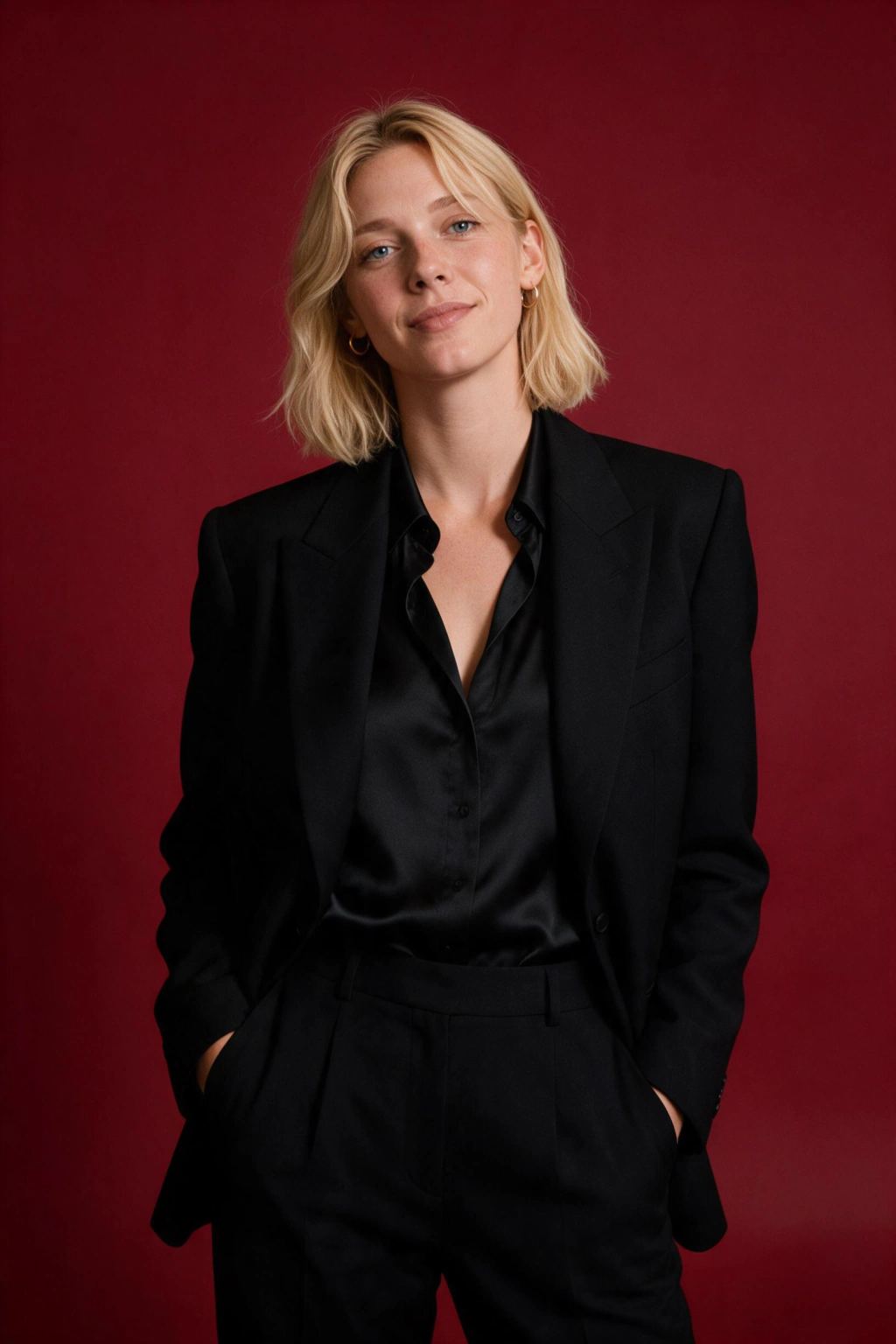
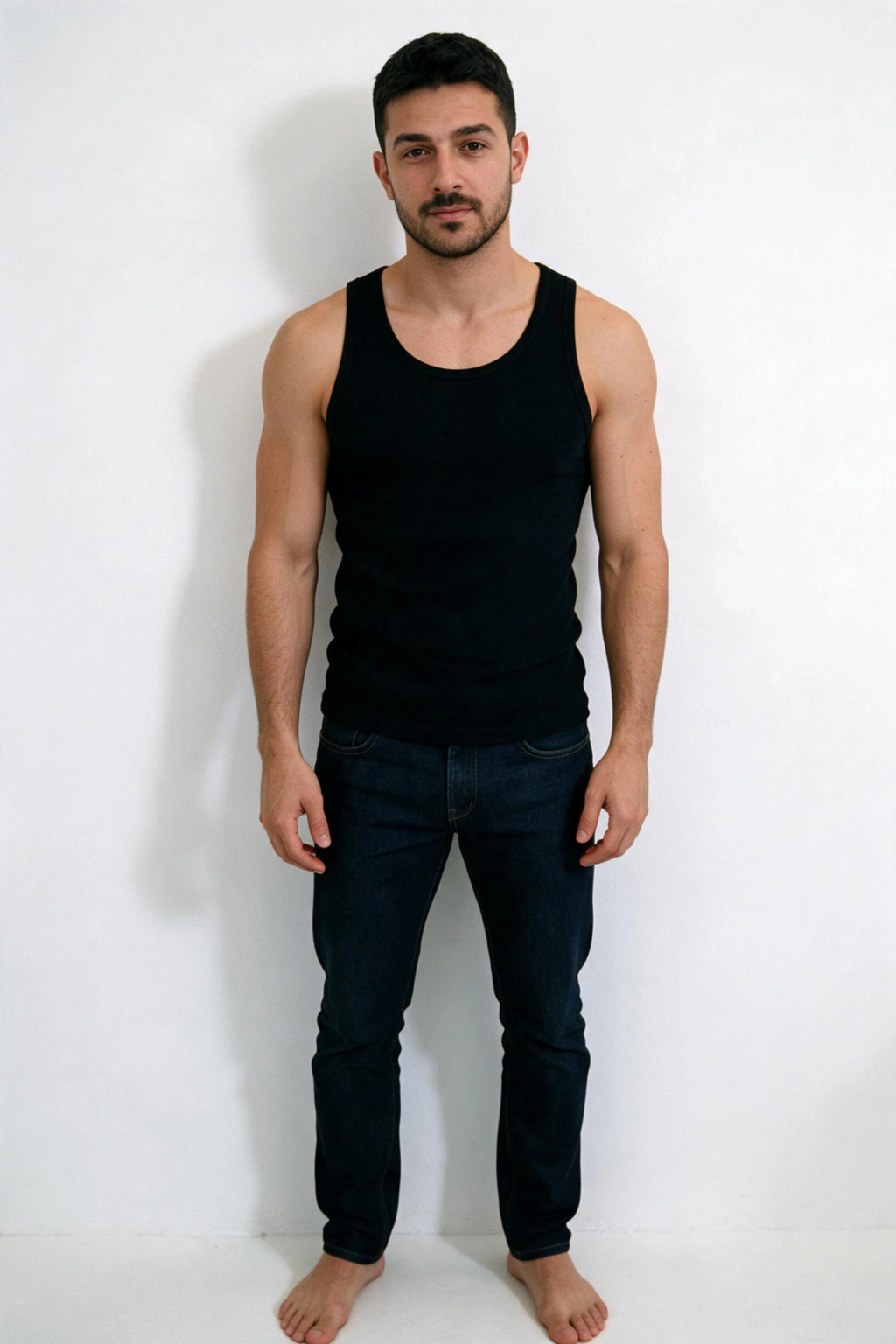
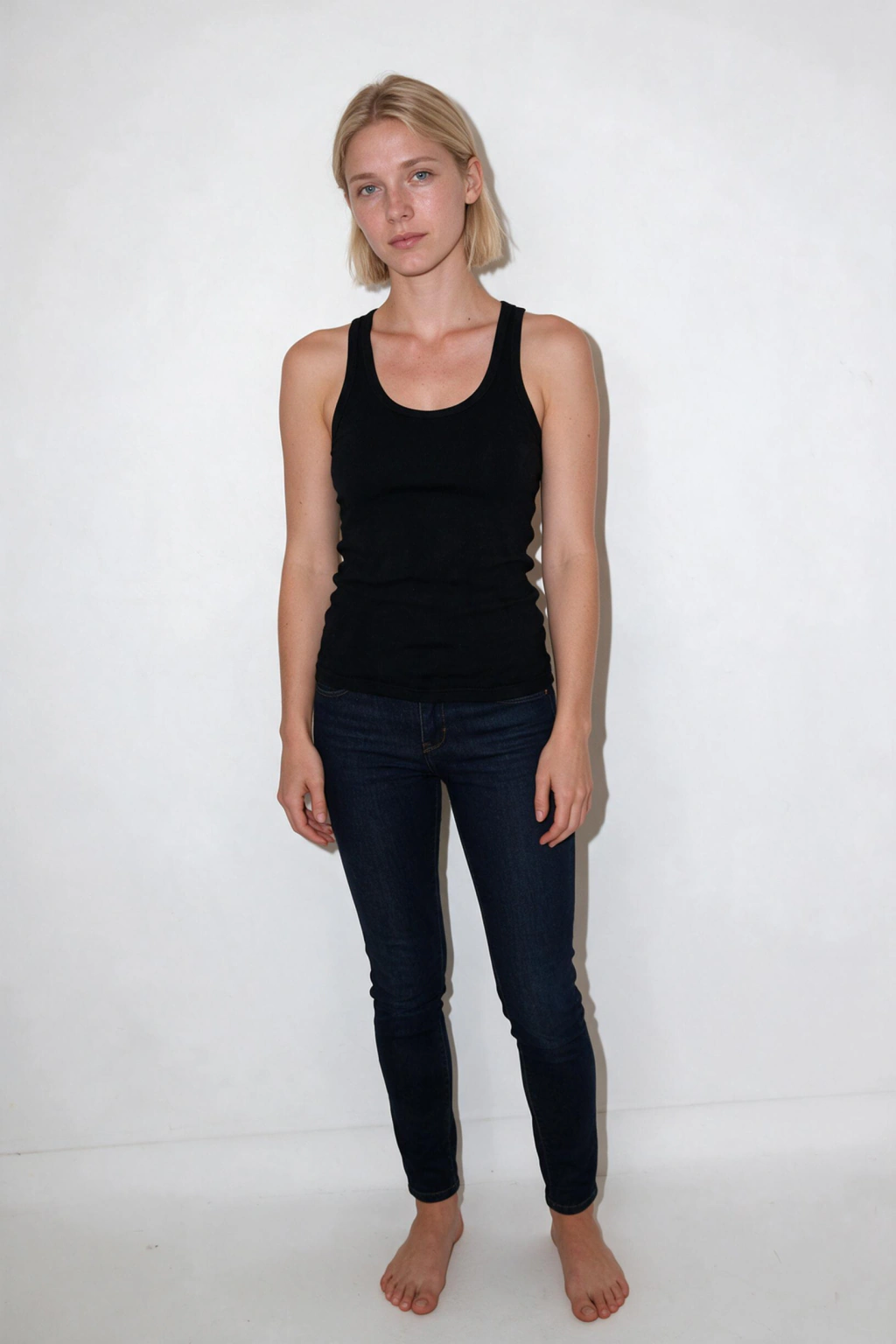

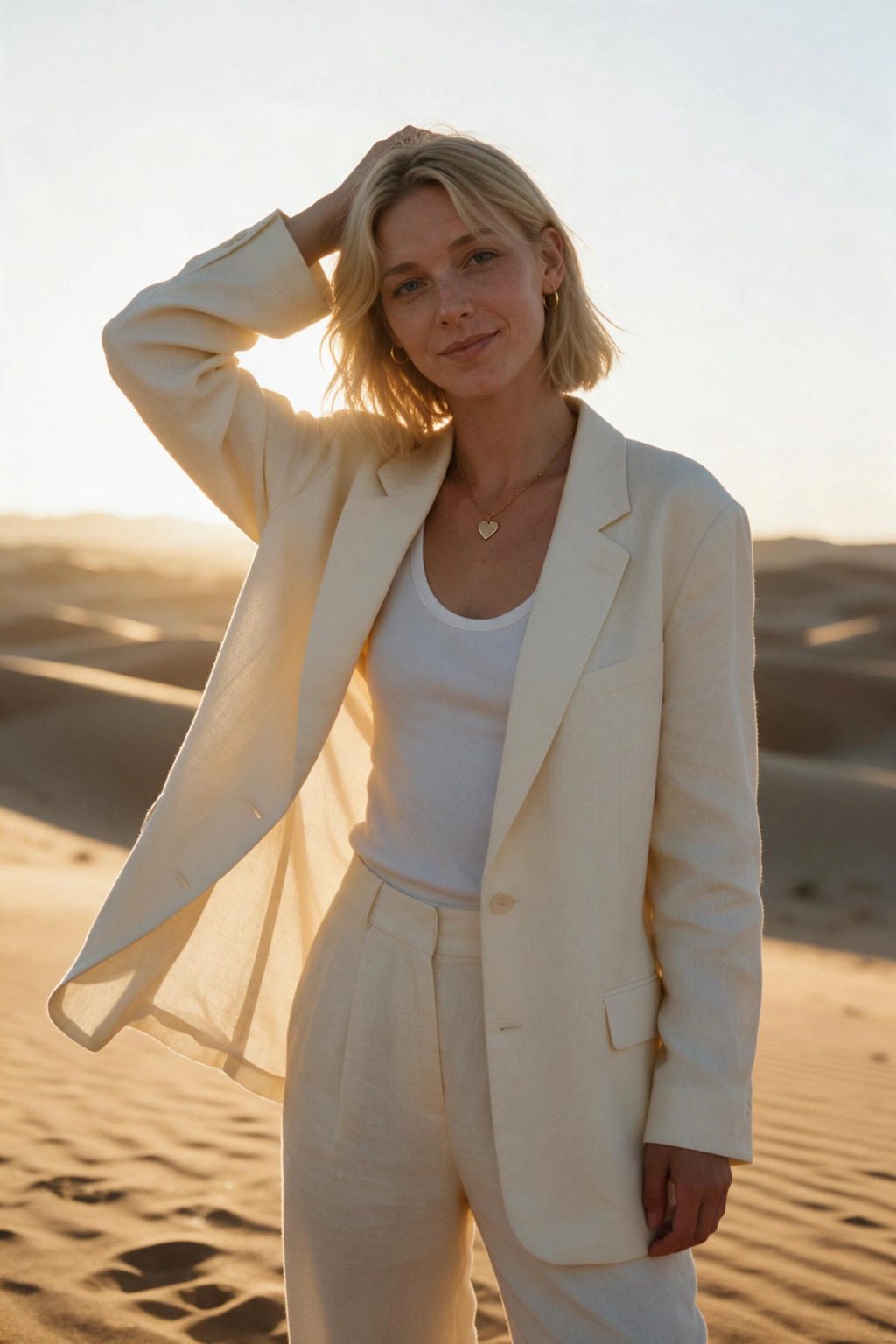
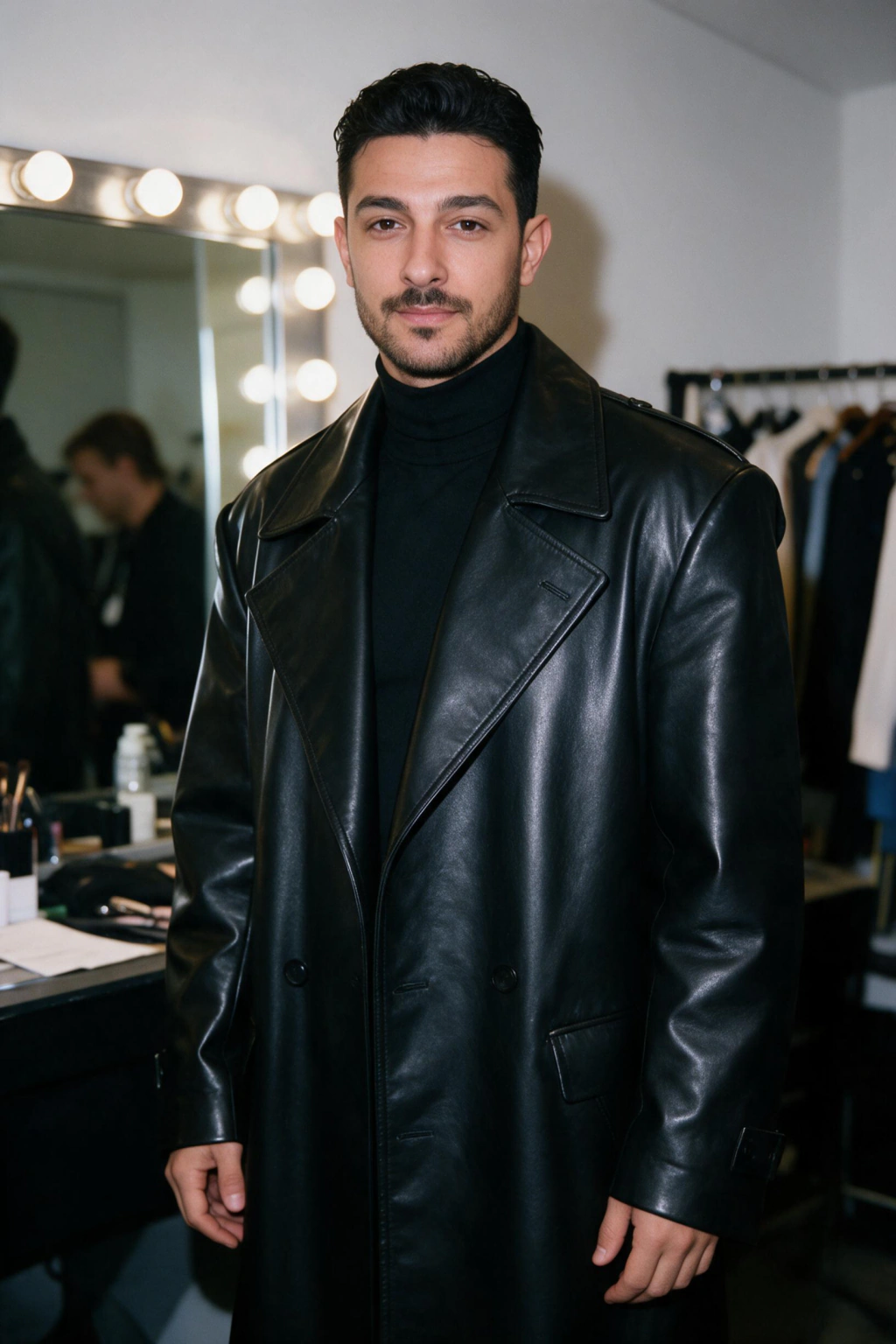
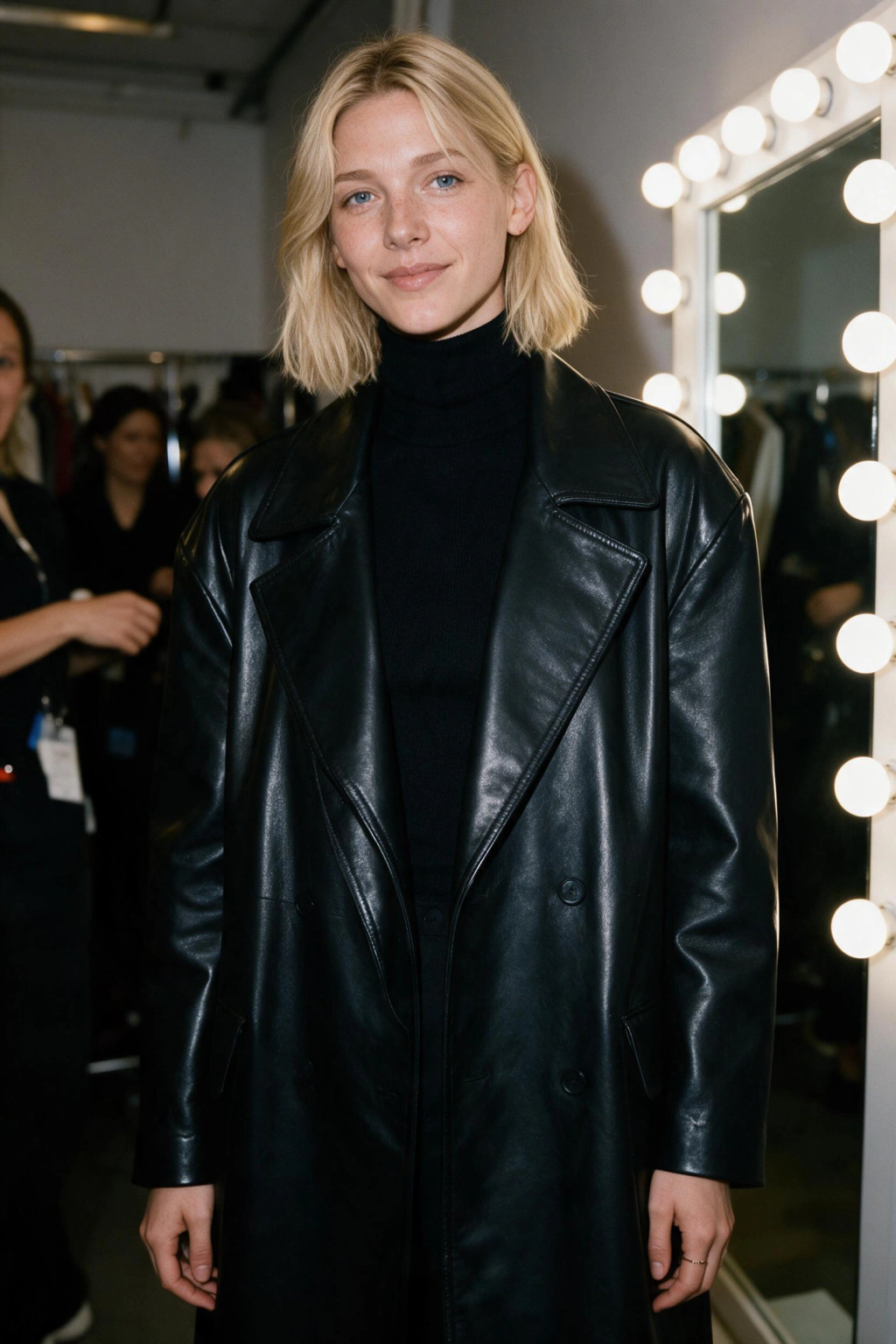
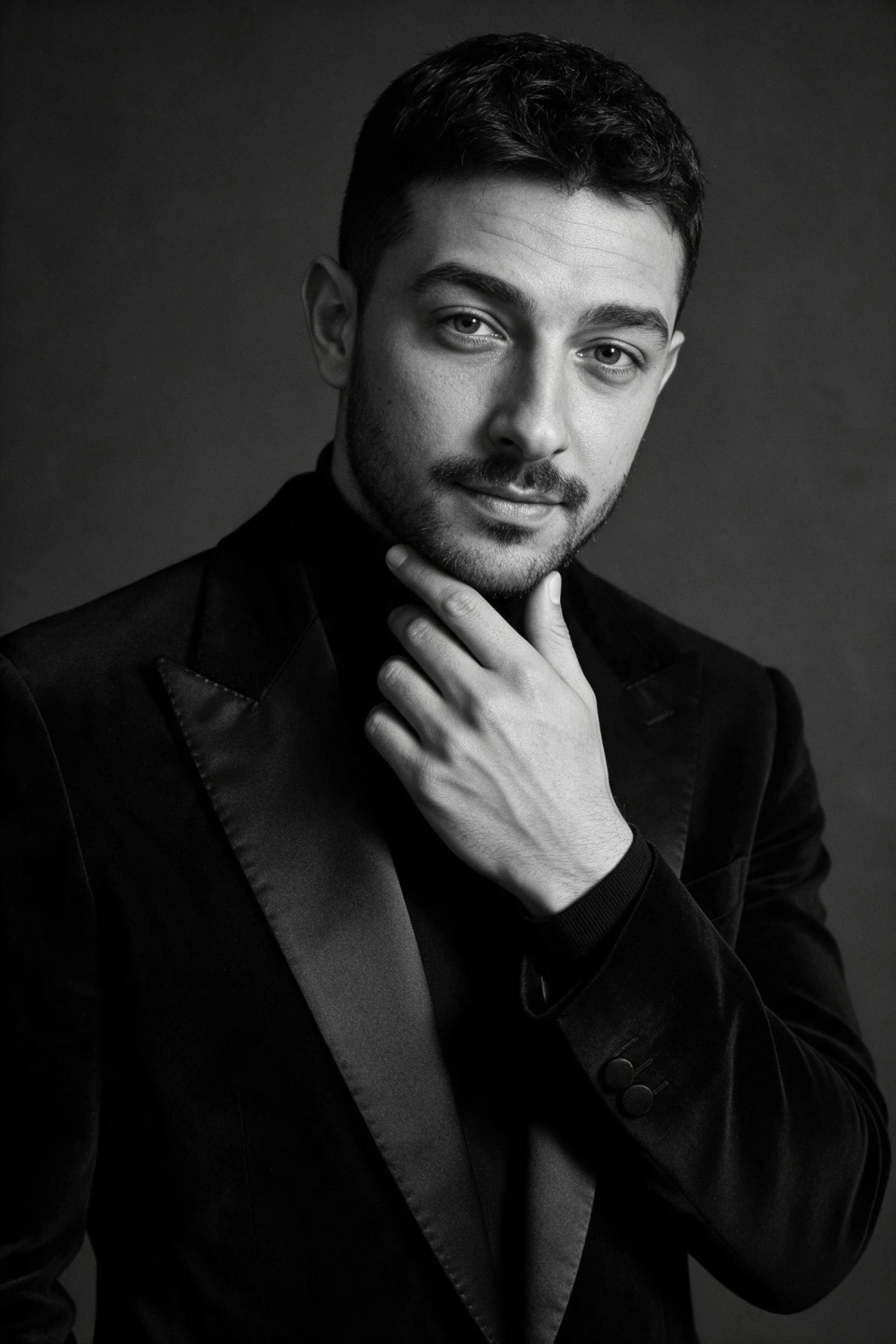
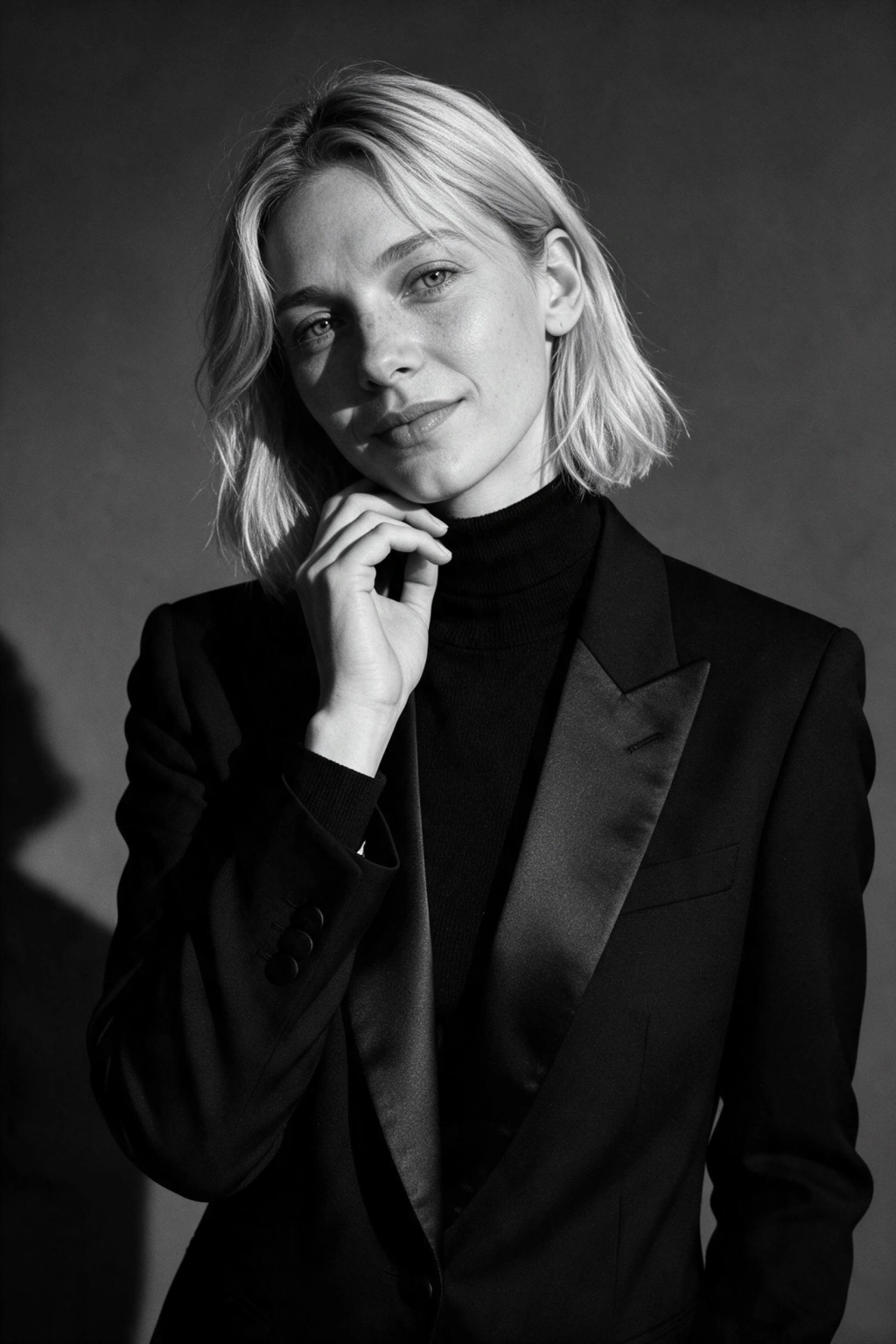
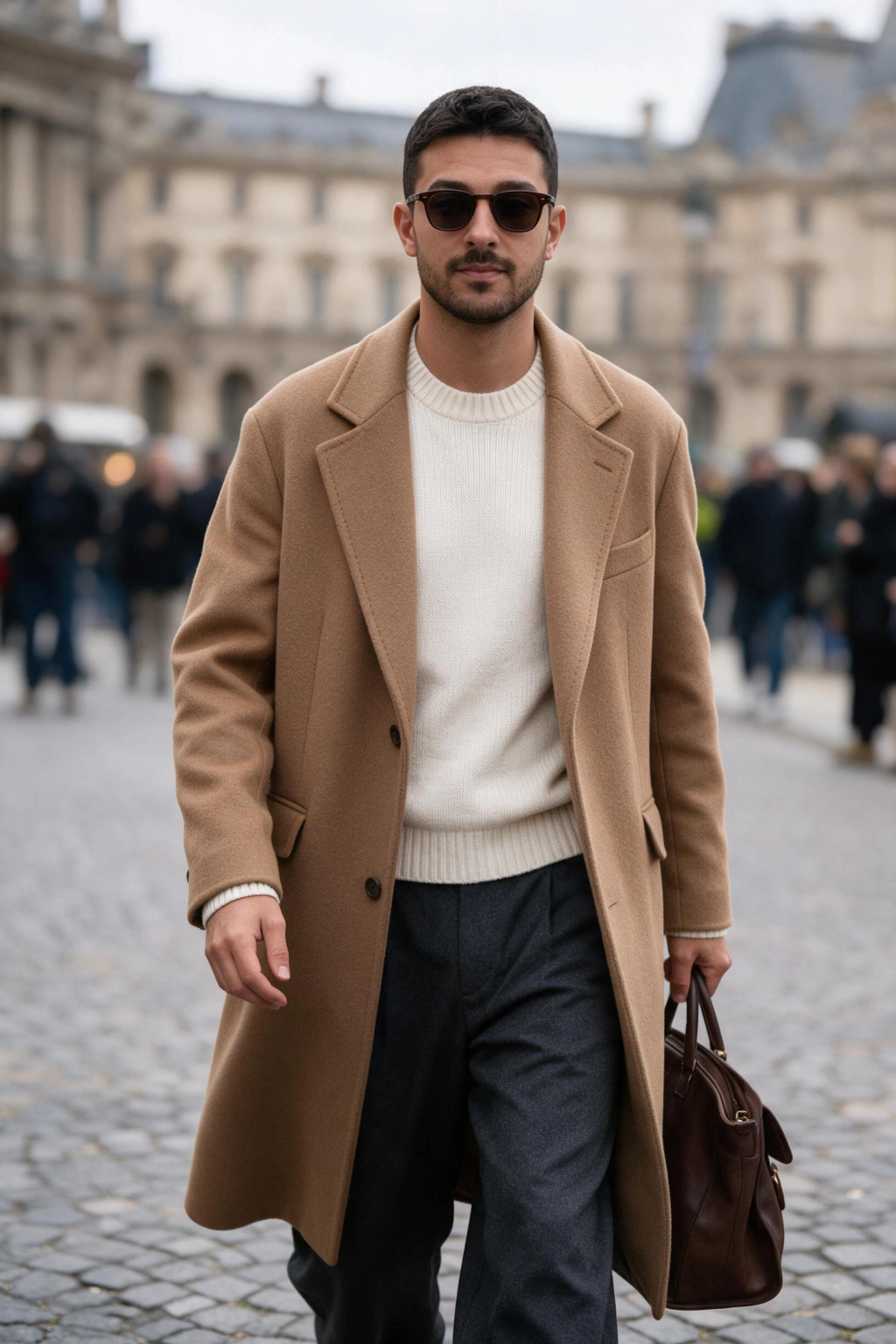
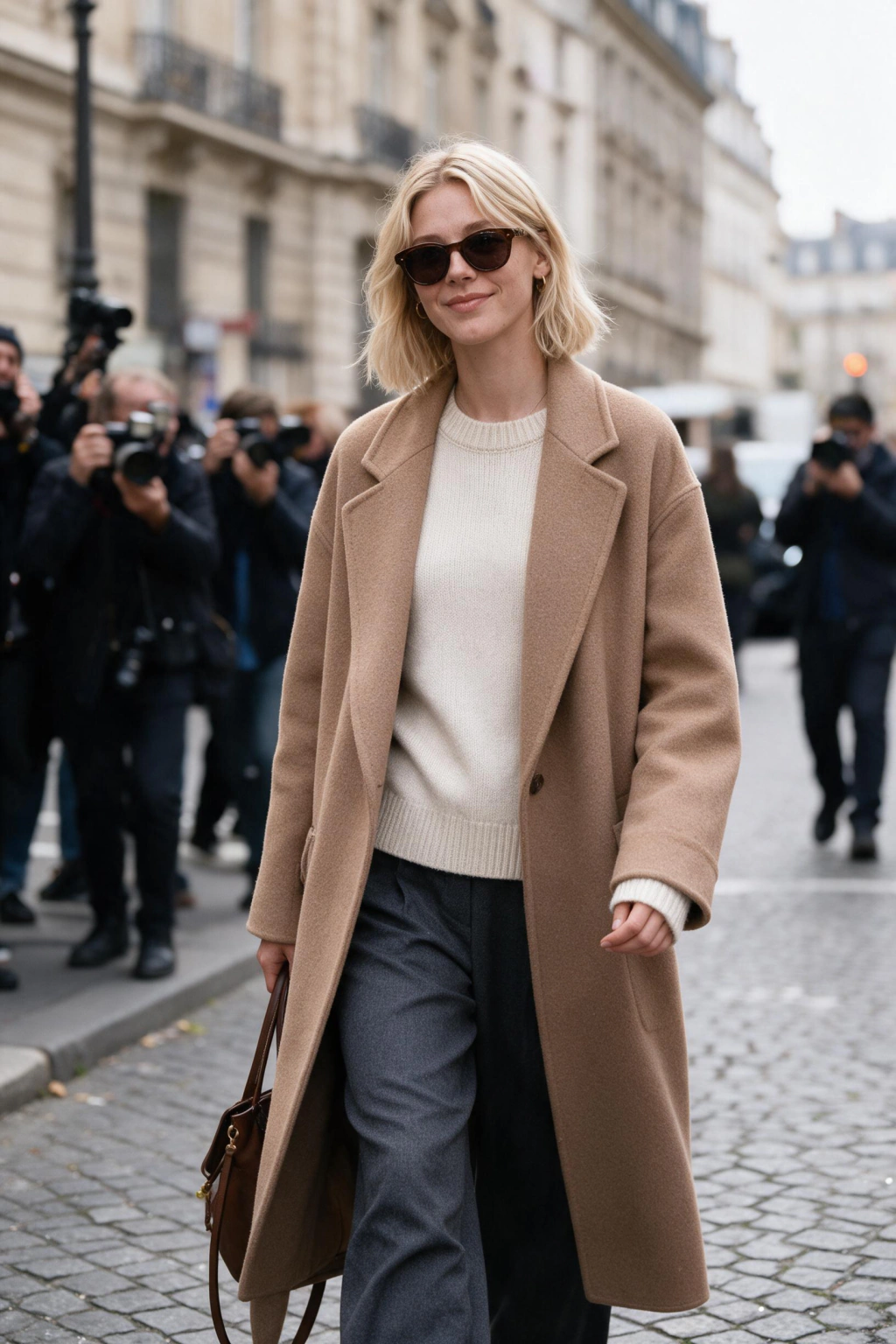
Which AI modeling look fits you?
Start with one sharp, front-facing selfie in good light. No hats, no sunglasses, no heavy filters, since a clean input makes a stronger AI modeling photo.
Pick magazine cover for high-fashion framing, agency-style digitals for a clean head-and-shoulders and full-body pair, or golden hour editorial for warm outdoor light, plus three more looks above. Generate, review, and download the frames you like in high resolution.
Frequently asked questions
Can AI make me look like a model?
Yes. Upload one clear selfie and MakeAiPhotos generates styled portfolio images, magazine cover, agency digitals, golden hour editorial, runway backstage, black and white studio, or street style, that keep your real face and put you in professional lighting, outfits, and framing.
What is an AI model photoshoot?
An AI model photoshoot is a generated set of images that keeps your same face and body across different outfits, lighting, and backdrops. MakeAiPhotos builds it from your selfie, so you get editorial and portfolio-style shots without a photographer or studio.
Can I use AI photos for real agency digitals?
No. Agencies require current, unedited digitals that show exactly how you look right now, usually a full-body, a 3/4 shot, and a head-and-shoulders close-up on a plain background. Use AI photos for portfolio concepts, editorial pieces, and social content, not for official agency submissions.
What is the difference between digitals and a comp card?
Digitals, also called polaroids, are raw natural photos that show your unretouched look for agencies. A comp card is a printed 5.5 by 8.5 inch card with 4 to 6 of your best photos plus your stats: height, measurements, and shoe size. Digitals prove your current look; a comp card sells your range at castings.
How many photos do you need for a modeling portfolio?
A working portfolio usually shows 8 to 15 strong images across a few looks: a clean headshot, full-body, and a couple of editorial or styled shots. Quality and range matter more than count, so cut anything repetitive.
What should you wear for modeling digitals?
Wear simple form-fitting clothes like a fitted top and jeans, with minimal makeup and hair down. Agencies want to see your real shape and face, so skip bold patterns, heavy styling, and accessories.
How much does an AI model photoshoot cost on MakeAiPhotos?
MakeAiPhotos uses one-time credits instead of a subscription, so you pay only for the sets you generate. Every purchase is covered by a 14-day money-back guarantee (terms apply).
Who owns the portfolio images I generate?
You do. Download the high-resolution files and use them in your portfolio, on Instagram, or in a comp card layout, commercial use included. The images stay in your gallery for re-download.
Is my face data safe when I build an AI portfolio?
Yes. Your selfie is used only to generate your own images, it is never merged into a public dataset, and you can request deletion of the upload and every result whenever you choose.