AI Beach Photo Generator: AI Generated Beach Photos From a Selfie
MakeAiPhotos is an AI beach photo generator that turns one selfie into AI beach photos in about 2 minutes, no flight and no photographer needed.
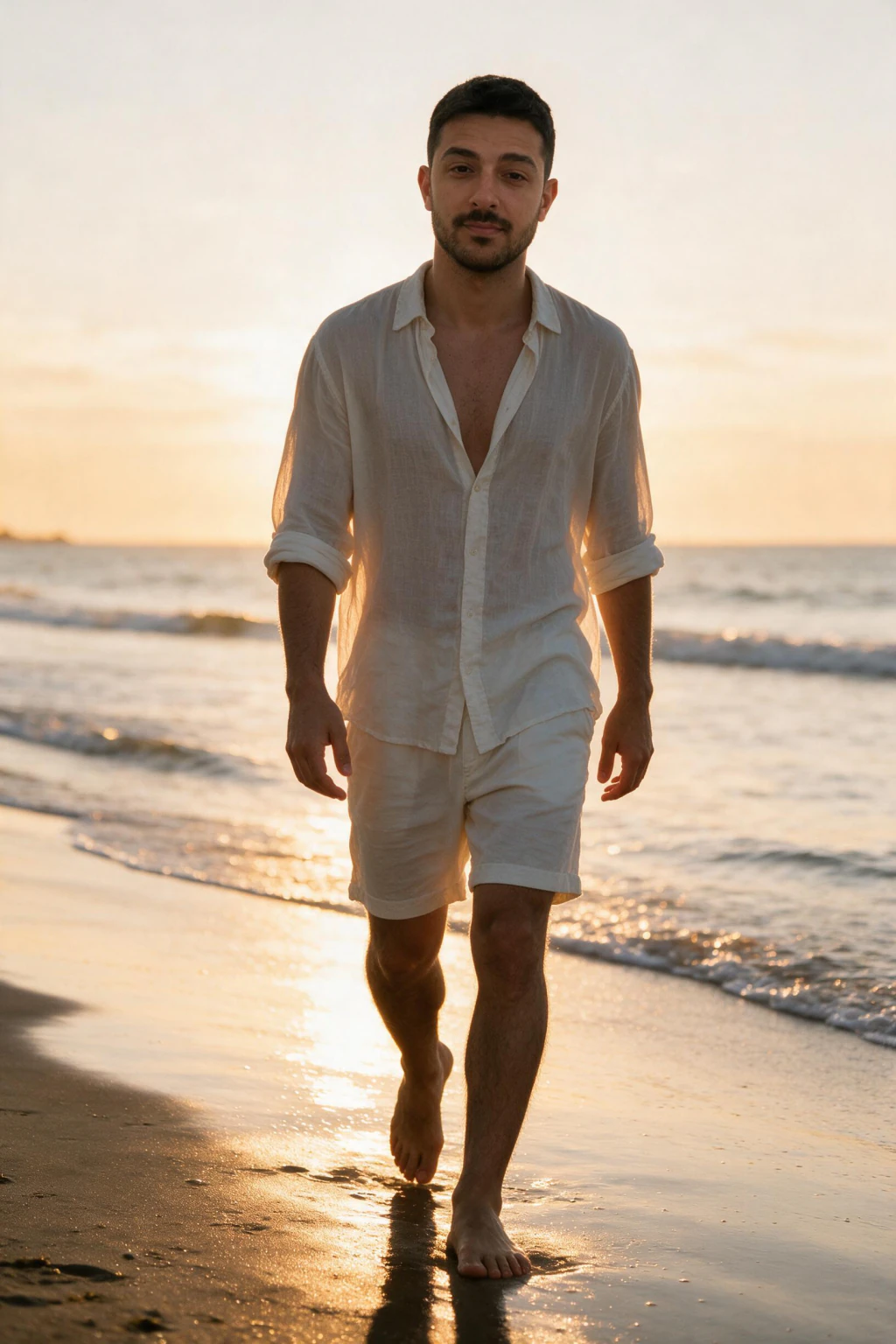
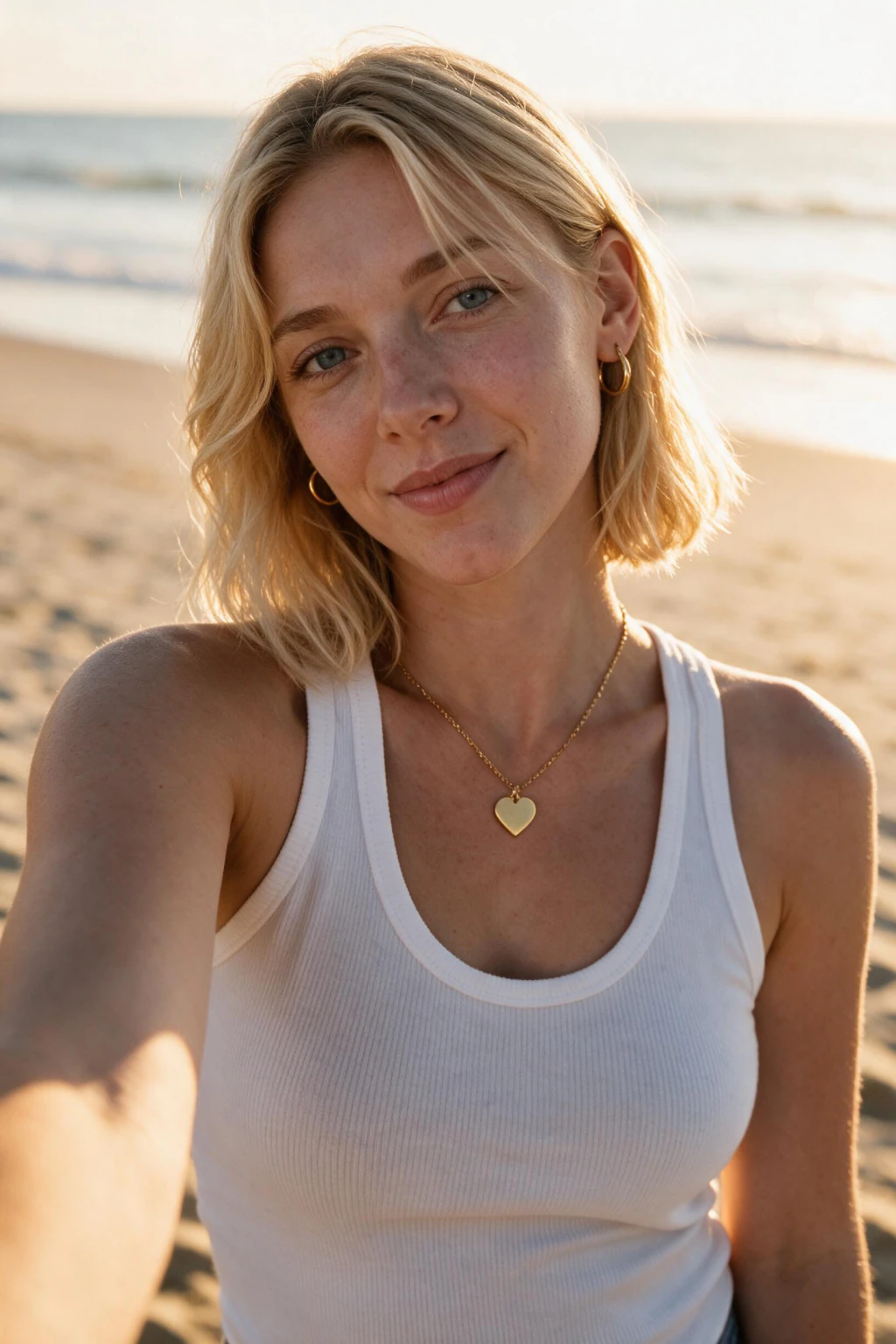
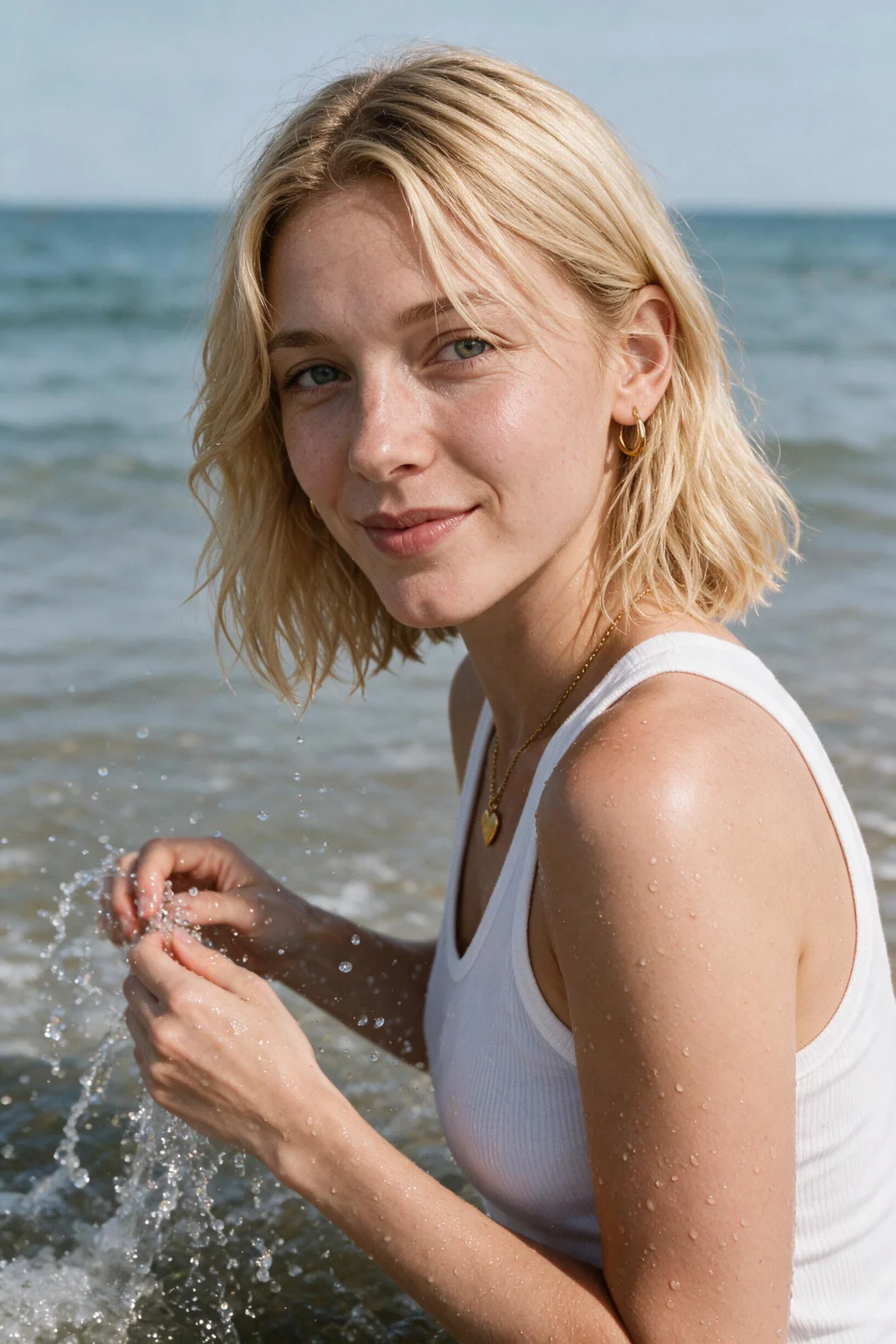
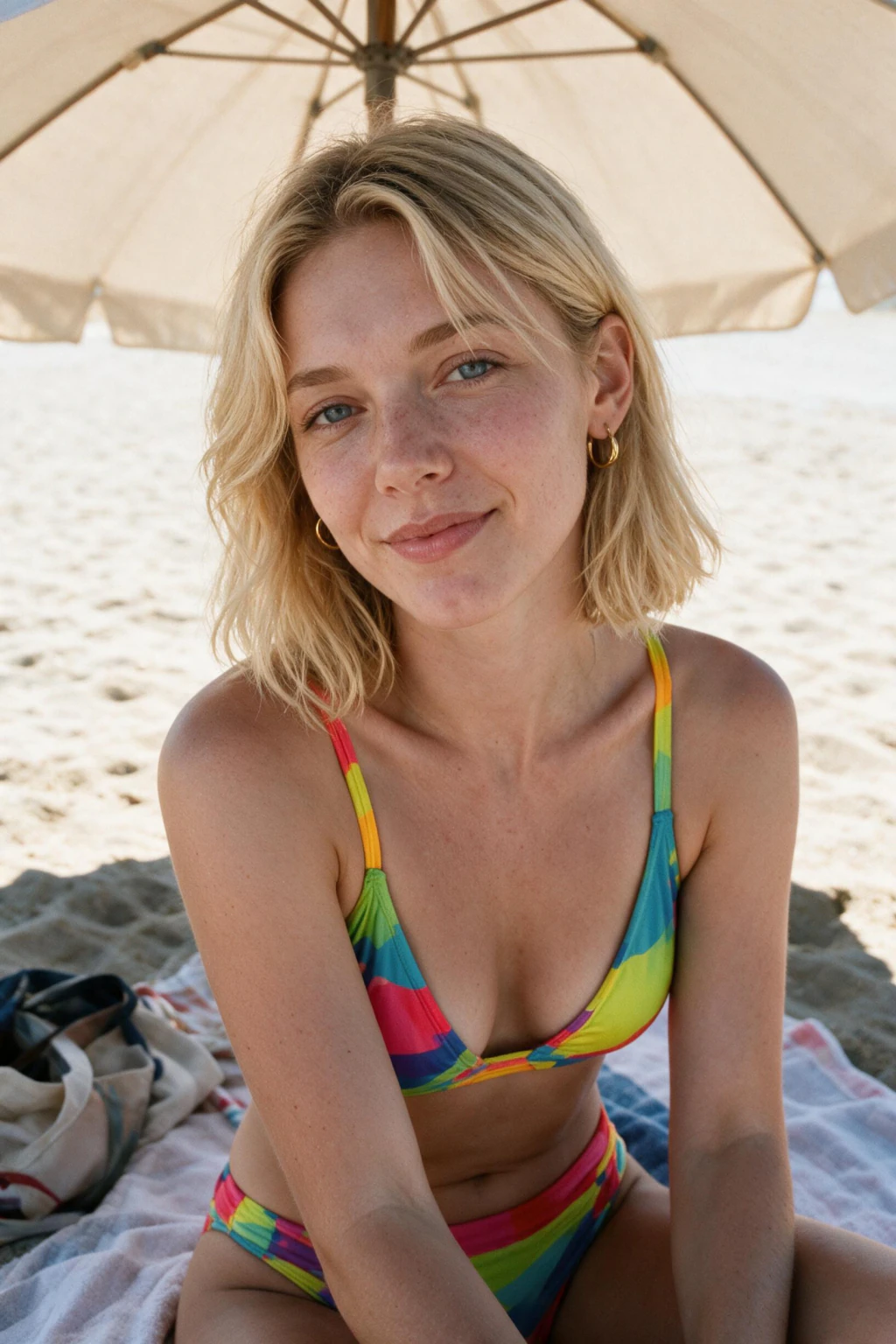
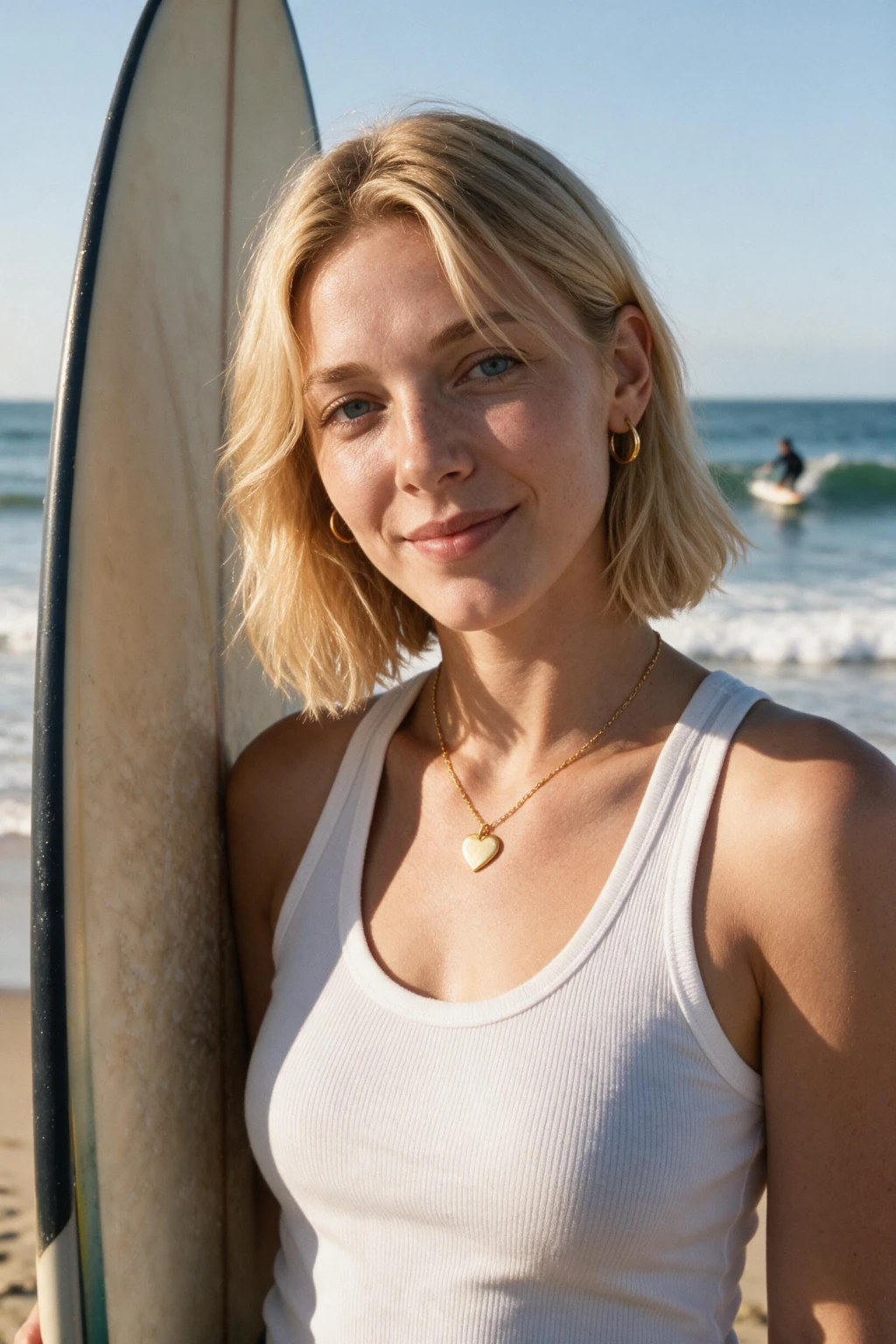
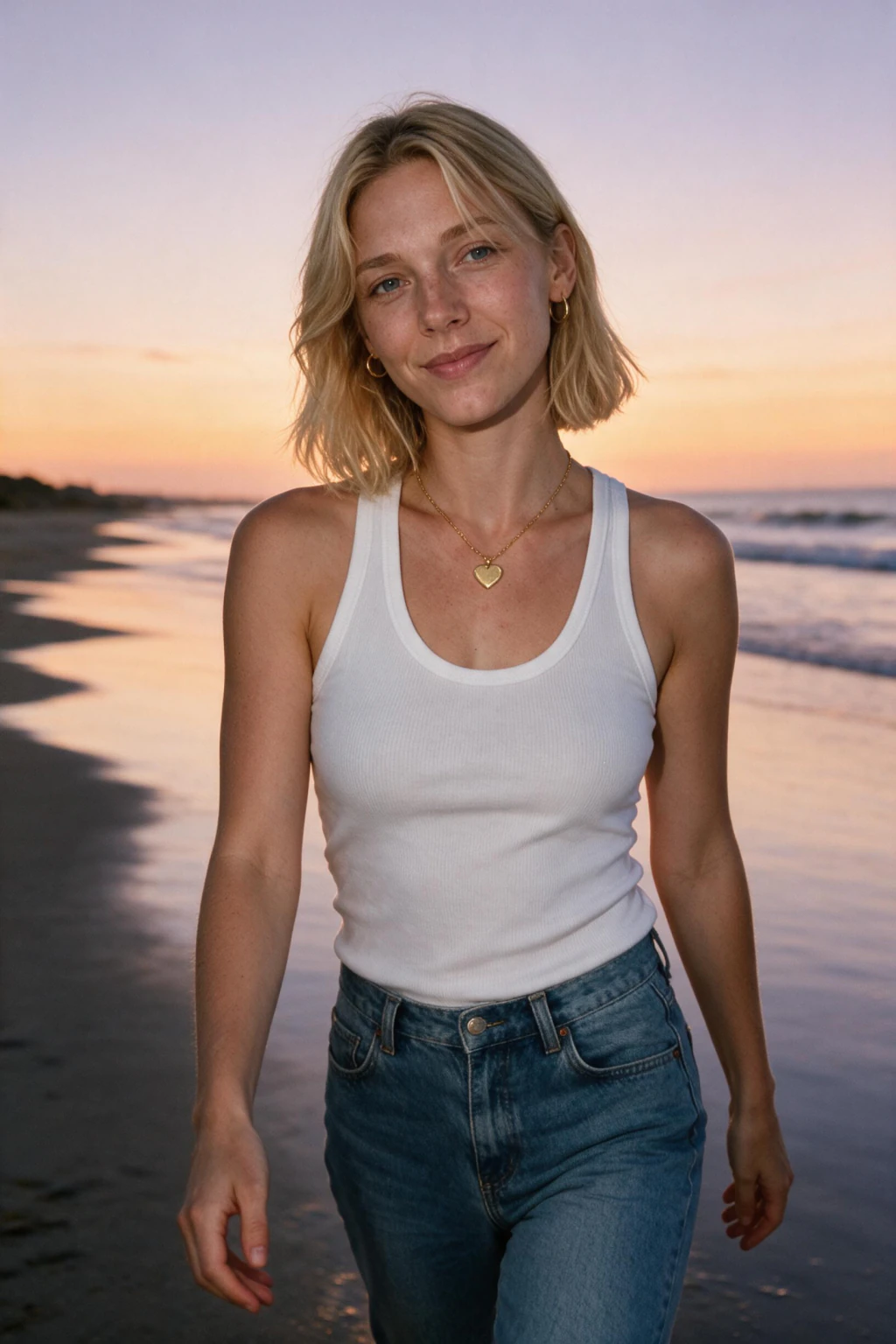
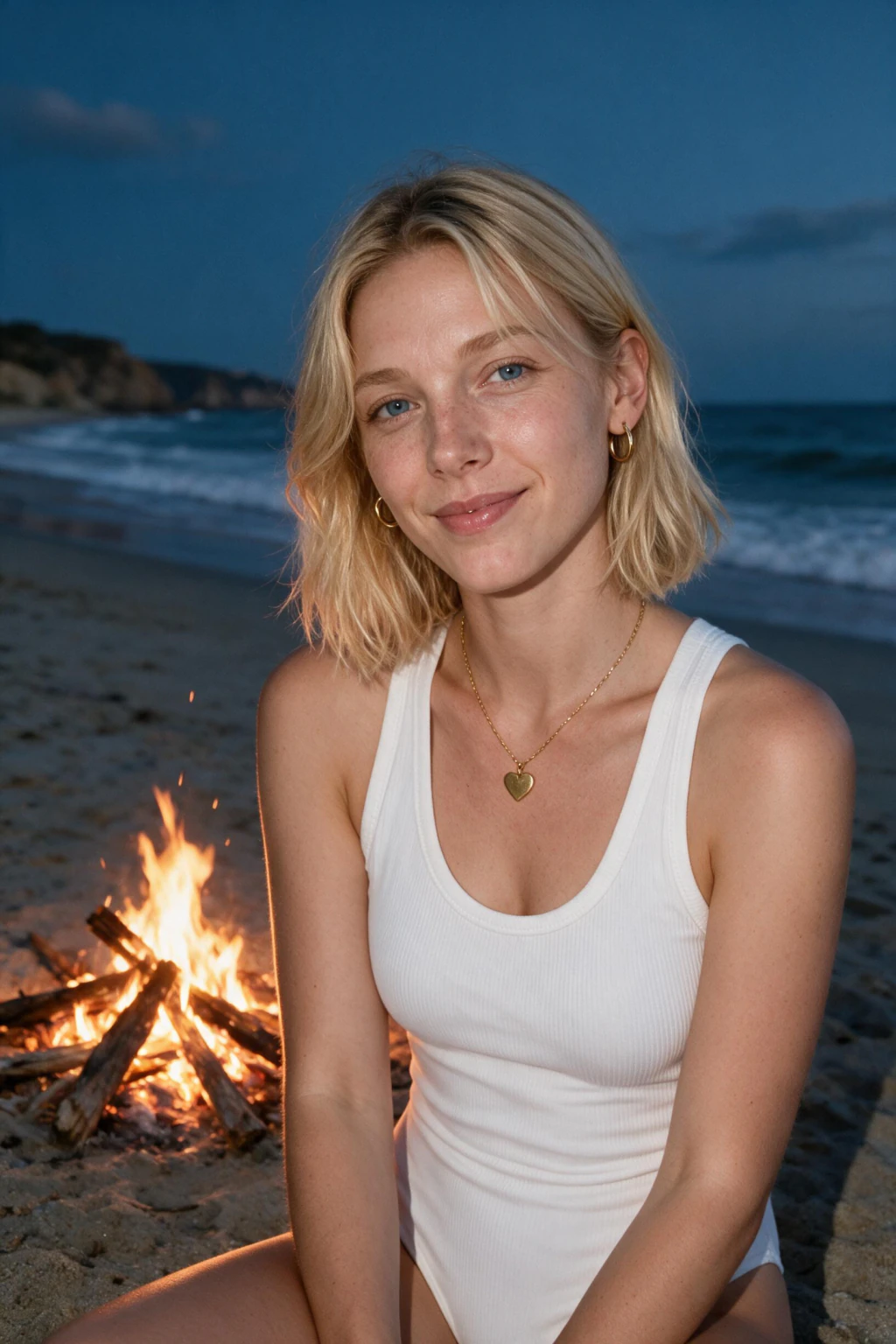
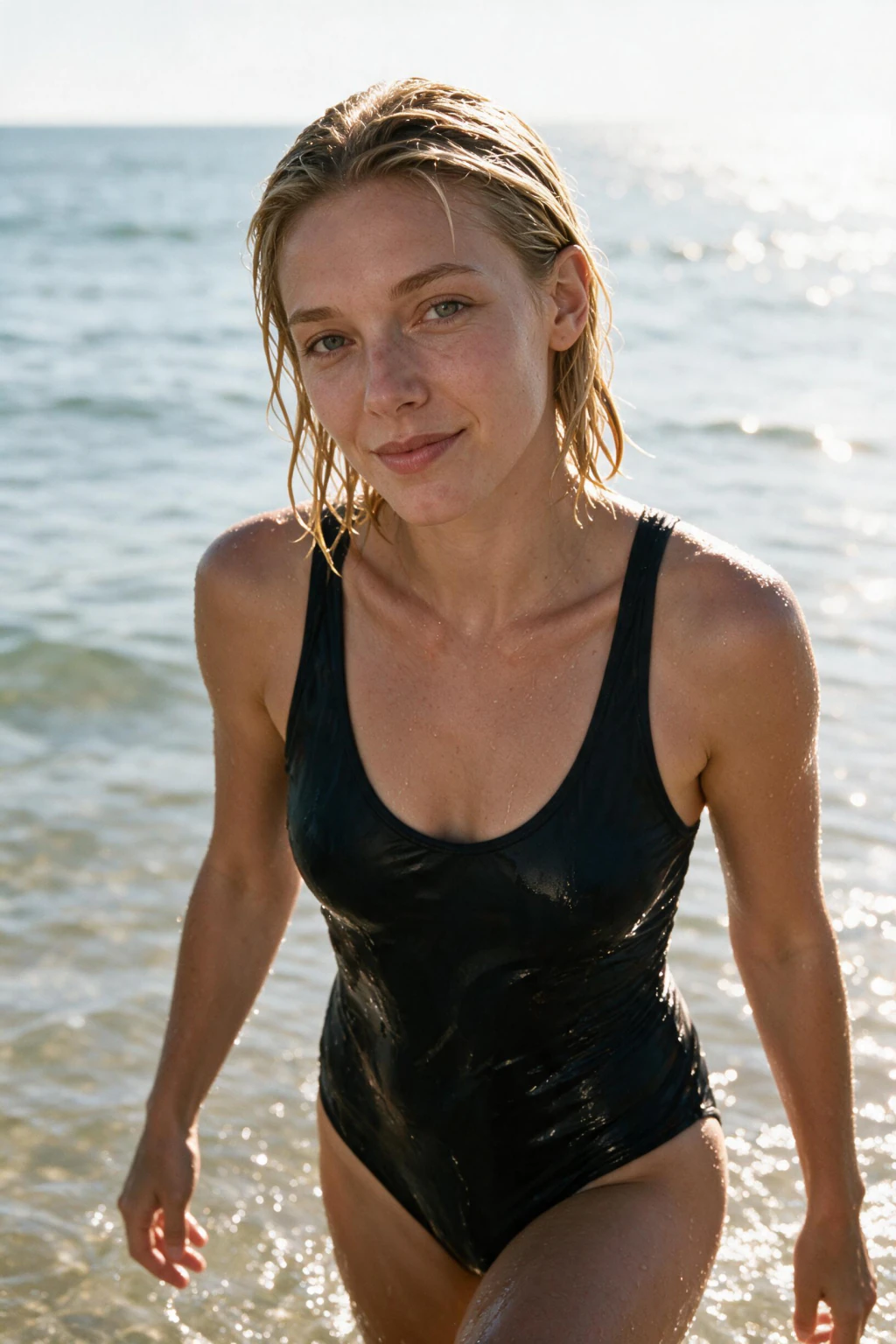
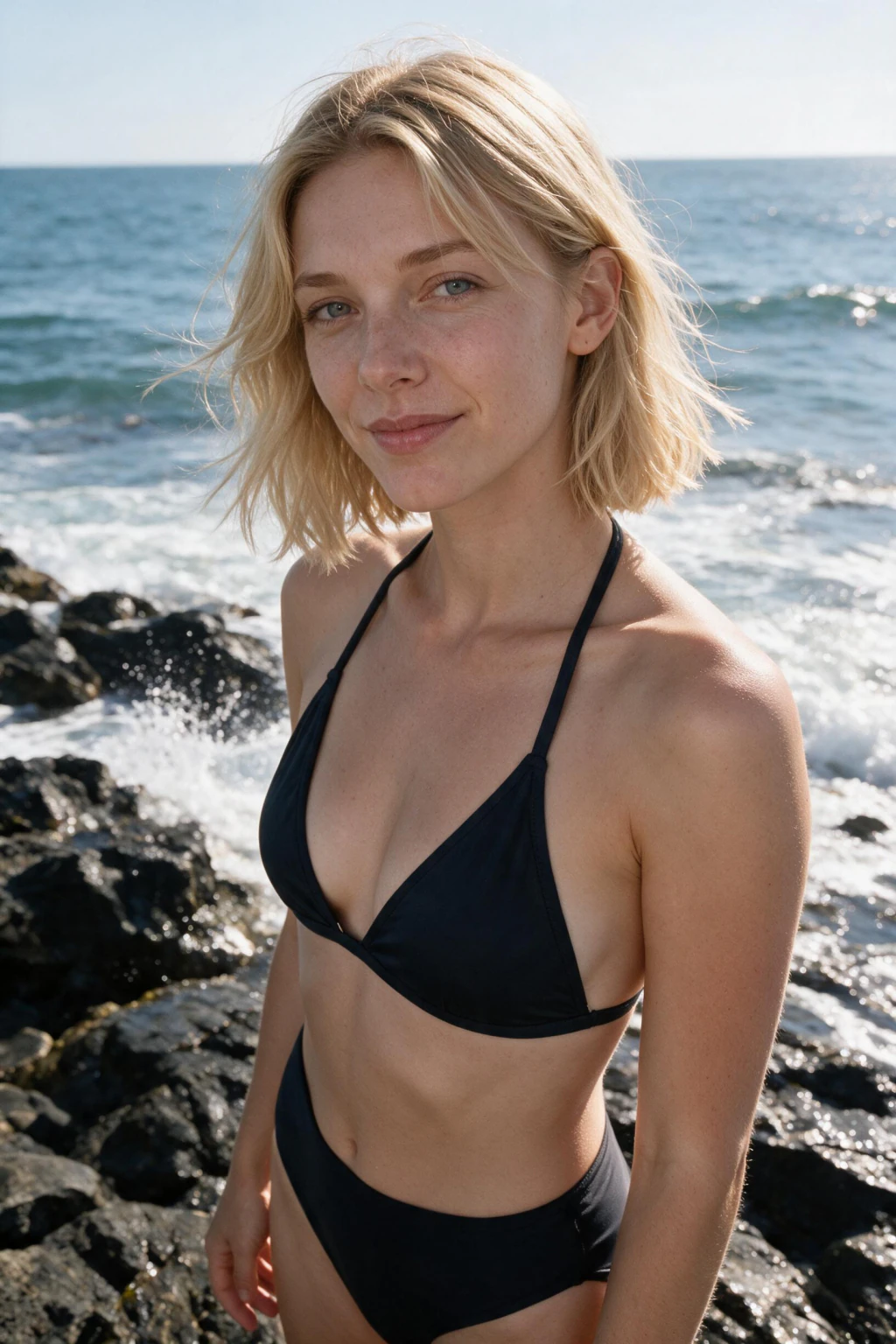
The AI works from that single selfie, then renders beach photos in tropical, golden hour, surf, and ocean scenes that still look like you. This page is the hub for every AI beach photo style on the site, so you can match the exact look you came searching for. Nine beach looks come off that single upload: golden hour shoreline, sunset shoreline walk, ocean waves splash, surfboard on a sunny beach, beach umbrella and swimwear, coastal rocks and waves, emerging from the ocean, beach bonfire at dusk, and a full body frame on white sand. Run one or run all nine. They all read your face from the same upload, so it stays consistent from the first frame to the last, which is what makes a set of them read as one afternoon rather than nine unrelated pictures. People searching for an AI beach photo generator want a specific outcome, not generic AI art. The strongest intent here is "ai beach photo generator", "ai beach photos", and "ai generated beach". Those searchers want believable daylight, real water interaction, and relaxed warm-weather styling. This pack is built for exactly that. Here is the part most beach prompt lists skip. Golden hour, open shade, and hard-shadow rock light are three different lighting problems, not three moods you swap between by changing a word. Golden hour is low, warm, and directional, so it wraps your face and blows the water out behind you. Open shade under an umbrella is soft and cool, and it needs bounce off the sand or the eyes go flat and lifeless. Midday sun on dark coastal rock is hard and contrasty, with specular highlights on wet stone and shadows that cut straight across the jaw. One prompt cannot solve all three. That is why the pack ships them as separate scenes instead of one beach prompt with a time-of-day slider, and it is why a feed built from a single look starts to feel repetitive by about the fourth post. What makes a good AI beach photo comes down to three things. The light has to read as real daytime or golden hour, not a flat filter. Your body has to interact with the water and sand so the scene looks lived-in. And your face has to stay recognizably you, which is why generating from your own selfie beats pasting your face onto stock scenery. How it works is simple. Upload a single clear selfie in natural light. Pick an AI beach prompt below. Generate, and download your AI beach photo in about 2 minutes. Each beach photo keeps your real skin tone and facial features while the coastal environment changes around you. The selfie you upload does not have to be a beach photo, and it is better if it is not. Flat indoor light near a window is the easiest thing for the model to learn from, because there are no hard shadows across your face and no squint. Skip sunglasses, hats, heavy filters, and group shots. If your source photo already carries strong directional sun, the model can bake that light into every scene, and it fights the golden hour render you actually asked for. Pick by where the photo will live. Dating profiles do best with the shoreline walk and the emerging-from-ocean frame, because both show movement and a full figure without looking staged. An Instagram carousel wants variety, so pair one wide white sand full-body shot with one tight umbrella portrait and one bonfire dusk frame. A single profile picture is usually the golden hour shoreline, since warm side light is the most flattering of the nine and crops cleanly to a square. Wardrobe is generated, not uploaded, so what you are wearing in your selfie does not carry through. Swimwear, linen, and light resort fabrics all render well because they move, and movement is what stops a beach photo looking like a cutout. Fabric that catches the breeze at the waterline does more for realism than any amount of colour grading. Water is the other thing worth understanding before you pick. Shallow, still water at the shoreline reflects the sky, so it lifts the light under your chin and softens everything. Breaking surf does the opposite: it throws spray, catches hard highlights, and freezes motion, which is why the ocean waves and emerging-from-ocean frames feel more energetic than the umbrella shot even though the person in them has not changed. Wet skin also reads differently from dry skin, with specular highlights along the shoulders and collarbone, and that detail is part of why a splash frame looks like a photograph rather than a render. Timing across a set is what sells it. A real afternoon at the beach moves from bright midday through soft late light into dusk, and a feed built to follow that arc looks like one trip. Start with the umbrella or white sand frame for the middle of the day, move to the golden hour shoreline and the sunset walk, then close with the bonfire at dusk. Posting them in that order costs nothing and does more for believability than any single prompt tweak. Nine looks is also enough to run out of face variety if you generate them all in one sitting and post them all in one week. Space them. Generate the two or three you actually need now, judge the likeness at full size on a real screen rather than a phone thumbnail, and come back for the rest when you have a reason to post them. The prompt pages below split AI beach intent into its own searchable scenes: golden hour shoreline portraits, surfboard sessions, ocean wave shots, white sand full-body looks, beach umbrella and swimwear photos, coastal rock frames, and bonfire dusk scenes. Open the prompt that matches where the photo will live, whether that is a dating profile, an Instagram feed, or a summer social refresh. For more lifestyle variety, pair the beach hub with travel adventure AI photo ideas at travel photo ideas or AI gym photos at gym photo ideas, or jump straight to the generator at /generate. Start with sharp, filter-light selfies so the finished AI beach pictures read as real beach photography rather than pasted-on scenery.
Related pages
- AI Beach Bonfire Photo Generator: Sunset Dusk Portraits
- AI Golden Hour Beach Photo Generator: Shoreline at Sunset
- AI Swimsuit Photos: Beach Umbrella Photoshoot From One Selfie
- AI Coastal Photo Generator: Rocky Shoreline and Waves Portraits
- Wet Look Photoshoot: AI Ocean Water-Exit Photos From One Selfie
- Beach Water Poses: 7 Splash Photo Ideas That Look Candid
- AI Golden Hour Beach Photo Generator: Sunset Beach Portraits
- AI Surf Photo Generator: Sunny Surfboard Beach Portraits
- 10 Full Body Beach Poses You Can Generate With AI
- all AI photo packs
- AI LinkedIn headshots
- open the AI photo generator