AI Coastal Photo Generator: Rocky Shoreline and Waves Portraits
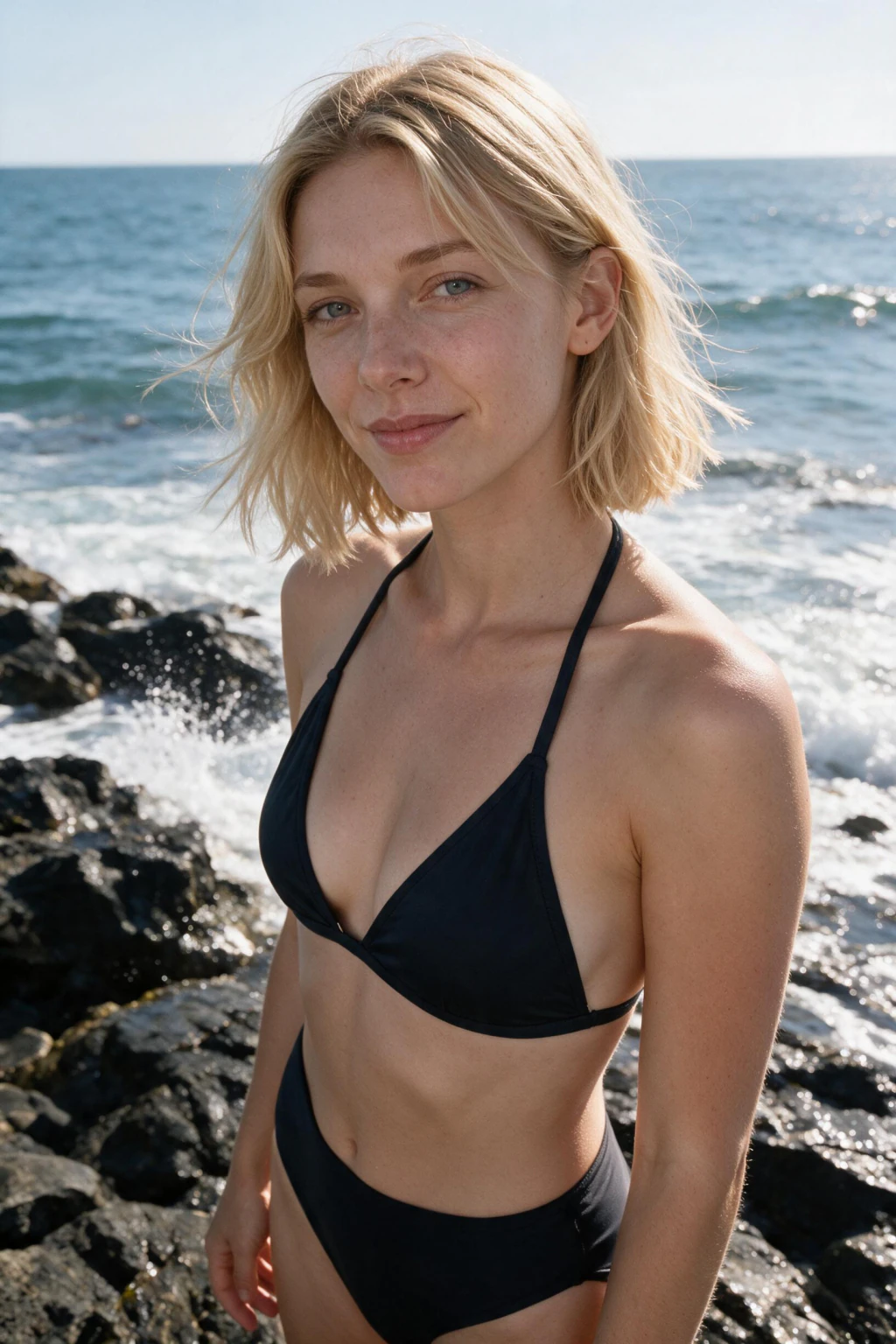
MakeAiPhotos is an AI coastal photo generator, and coastal rocks is the one prompt in the Summer pack that renders hard shadow.
Every other beach look in the set is soft by design. Golden hour wraps the face in warm diffusion, the parasol prompt turns the sun into a giant softbox, the bonfire flickers. All of them flatter, and all of them can come back looking a little weightless if soft is not what you wanted.
This is the corrective. High sun over an exposed shoreline, no cloud to diffuse it, dark wet rock absorbing the fill that sand would normally bounce back. You get a defined shadow along the jaw, real contrast between the lit and unlit side of the face, and edges that hold.
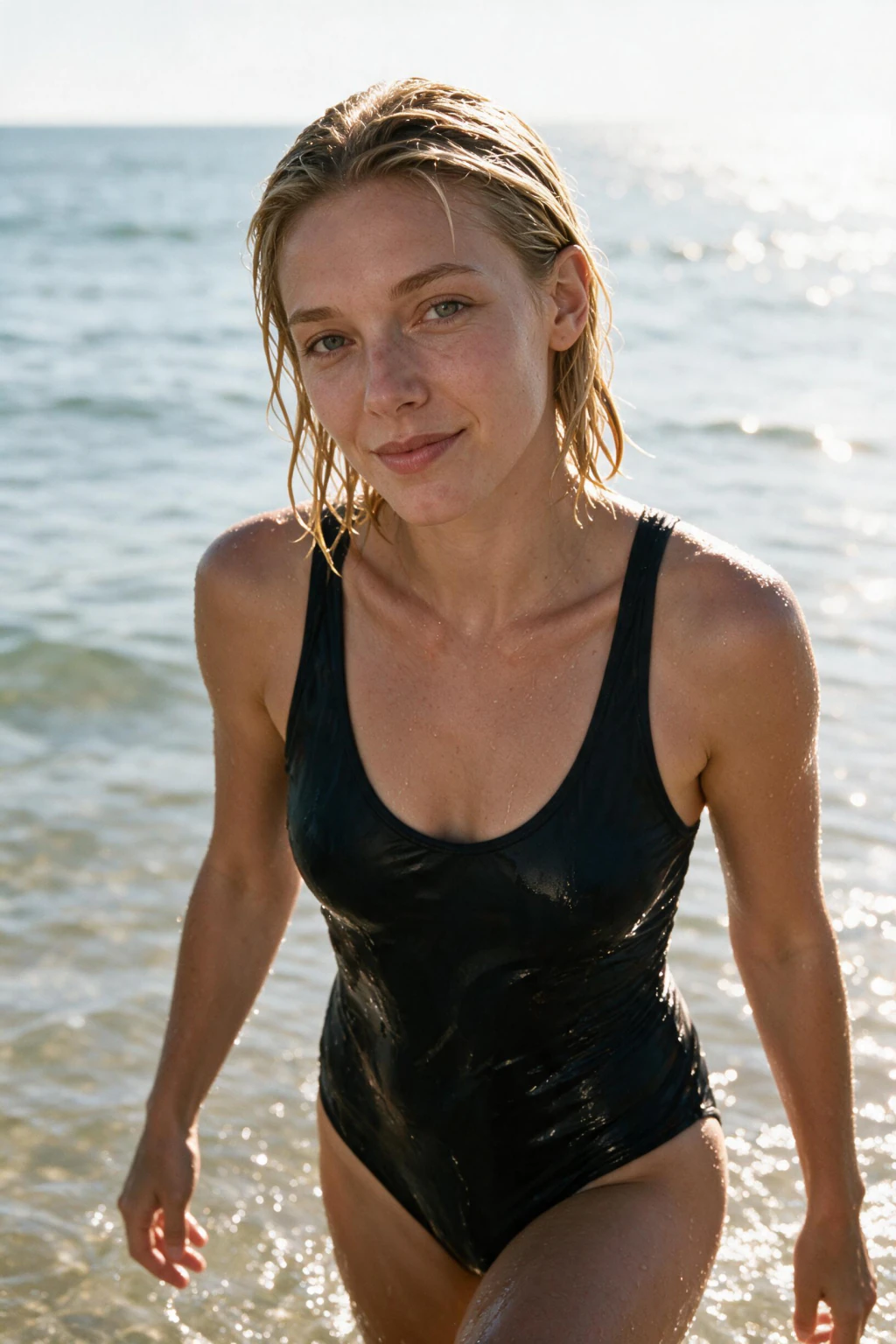
If your golden hour batch came back too gentle, run this one next. The scene renders jagged dark rock, surf breaking and throwing spray, wind visibly in the hair and clothing, and a standing or braced pose that reads as location work rather than holiday snapshot. It sits closer to the ocean water-exit look in energy than to anything sandy, though that one is wet and close while this one is dry and wide.
For a softer counterpart from the same upload, the golden hour shoreline walk is the opposite end of the pack. For the input selfie, sharpness matters more here than in any other beach prompt. Hard light exaggerates whatever the model got wrong, so a soft or slightly motion-blurred upload shows up as mushy edges in the render.
Shoot in bright even daylight, hold still, tap to focus on your eyes, and keep hair off your face so the jawline is clearly visible. Bright does not mean direct sun, though. Even daylight in open shade still gives you the sharpness the render needs without baking a hard shadow into the source, and a baked-in shadow will fight the one the scene is trying to create.
Think of the upload as a technical reference rather than a photo you would post. It only has to be accurate. The prompt supplies all the drama afterwards, and it supplies more of it than any other look in the pack.
When the batch comes back, judge it on the shadow edge along your jaw rather than on the waves. Soft or smeared there means the upload was not sharp enough and another selfie will fix it. Crisp there means the render had what it needed.
See pricing for pack details.
Frequently asked questions
My golden hour beach photos came back too soft. What should I try?
This one. Coastal rocks is the only prompt in the Summer pack built around hard directional light. Dark wet rock absorbs the fill that sand would bounce back, so the face keeps a defined shadow line instead of the even wrap golden hour gives you.
Why does dark rock change the lighting compared with sand?
Pale sand acts as a huge reflector, throwing sunlight back up into the face and filling the shadows. Wet dark rock absorbs almost all of it. Same sun, completely different result: contrast stays high and the shadow side actually stays dark.
Does hard light suit every face?
It suits faces with structure you want visible, and it is less forgiving of uneven skin than diffuse light is. Run both this and a softer prompt from the same upload and compare. That costs you nothing extra and settles the question with your own face.
Why does selfie sharpness matter more for this prompt?
Hard light exaggerates every edge, including the ones the model guessed at. A soft or slightly blurred upload produces mushy transitions that soft-lit prompts would have hidden. Tap to focus on your eyes and hold the phone steady before you shoot.
How is this different from a normal sandy beach photo?
A sandy beach photo is flat ground, calm water, and open bright space. This is elevation, texture, moving water, and wind. The pose reads as braced rather than relaxed, and the whole frame carries tension that a flat shoreline cannot produce.
Will the waves look convincing or obviously generated?
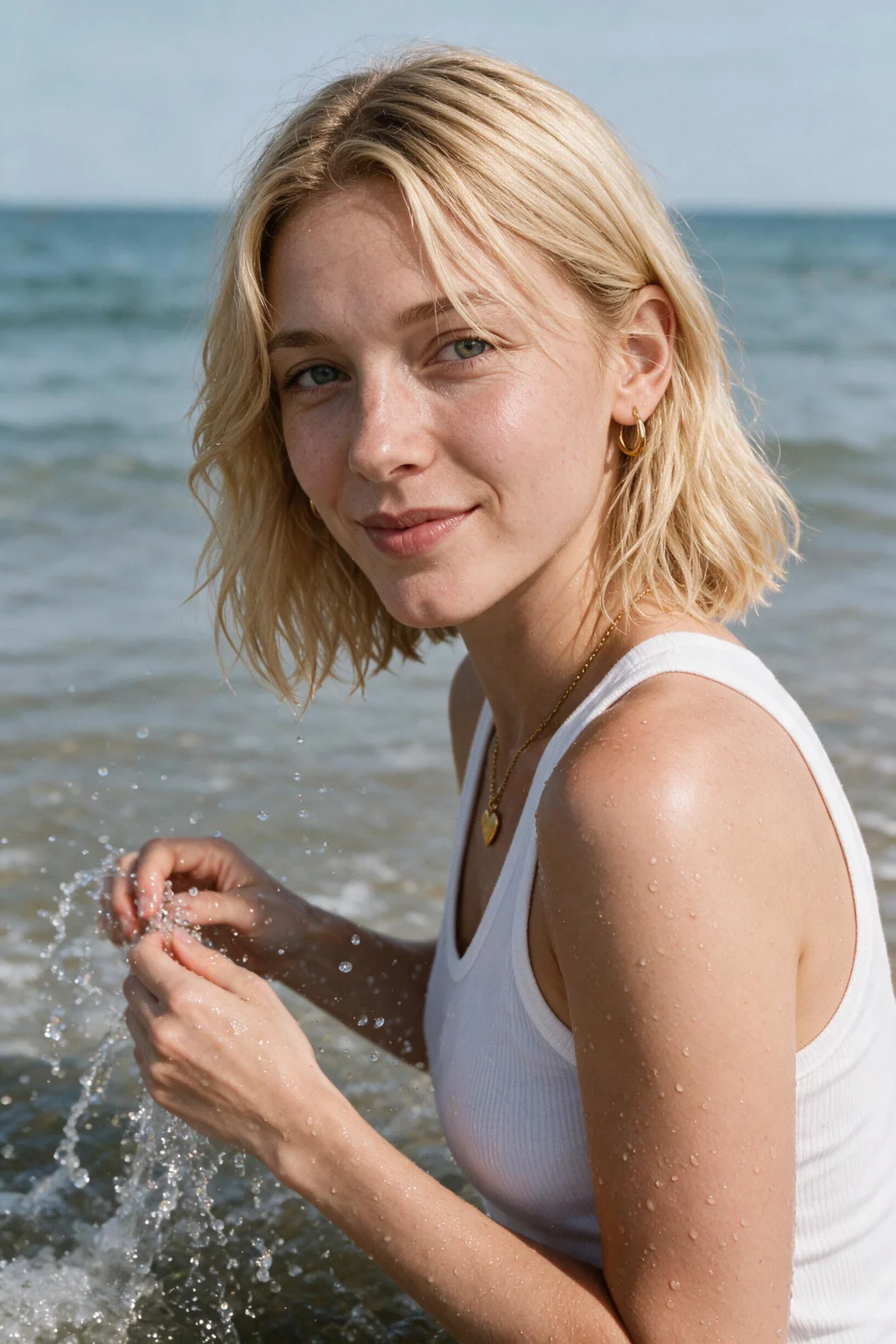
Breaking surf and airborne spray render with real motion blur rather than as frozen shapes, which is what usually gives away a fake water scene. Look at the spray edges in the batch and keep the frames where the droplets trail rather than sit still.
Is wind in the hair part of the prompt?
Yes, and it is one of the details that sells the location. Hair and clothing both move in a consistent direction across the frame. If your upload has hair pinned flat against your head, the render has less to work with, so a natural loose style helps.
What time of day does this prompt render?
High sun, roughly late morning through mid afternoon, which is exactly the window most portrait advice tells you to avoid. That advice assumes a flattering soft result. Here the harsh angle is the point, and the rock and water carry the drama it creates.