AI Swimsuit Photos: Beach Umbrella Photoshoot From One Selfie
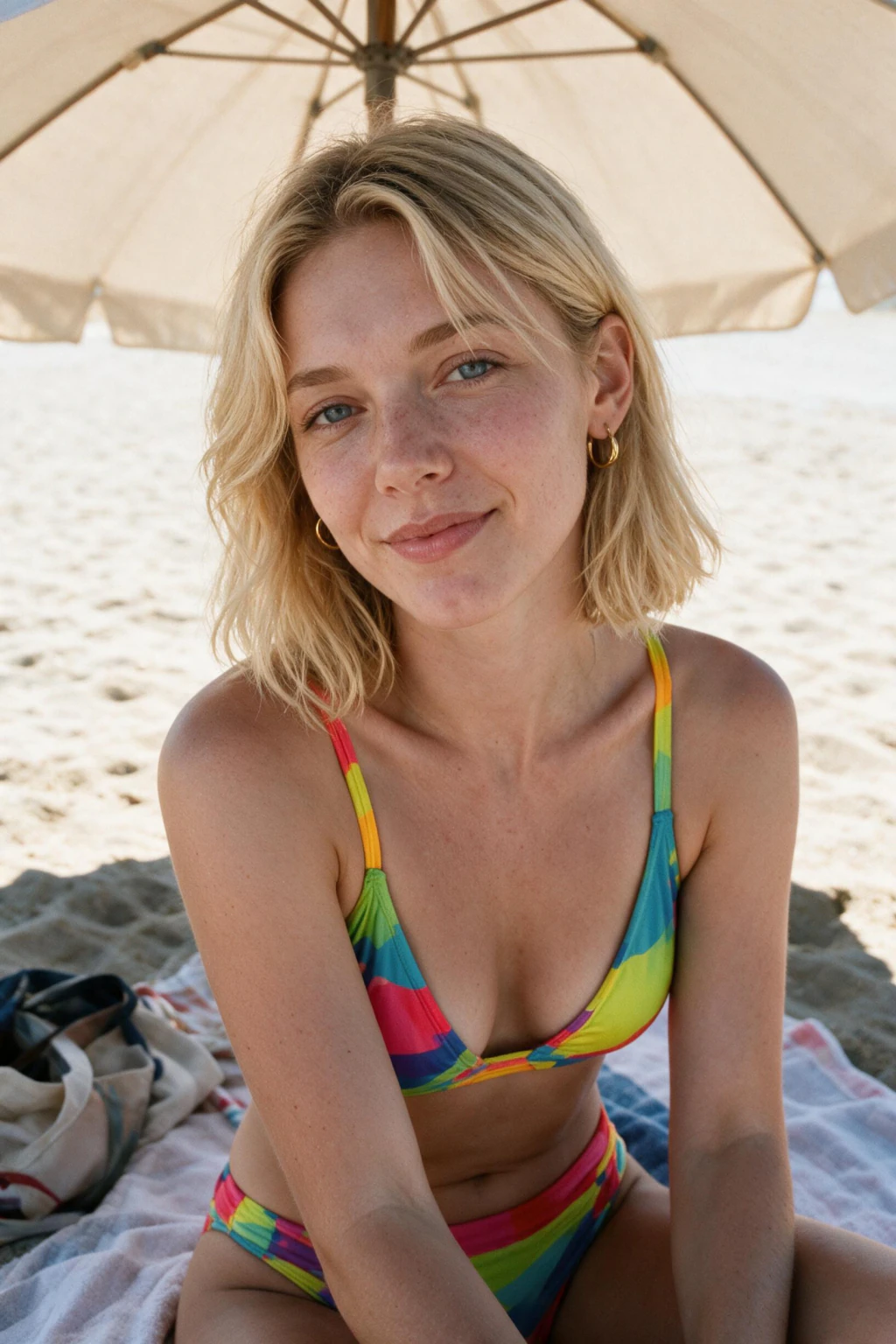
MakeAiPhotos turns one selfie into a beach umbrella photoshoot, and the shade under that parasol is the reason this prompt holds skin texture better than any direct-sun beach look in the pack.
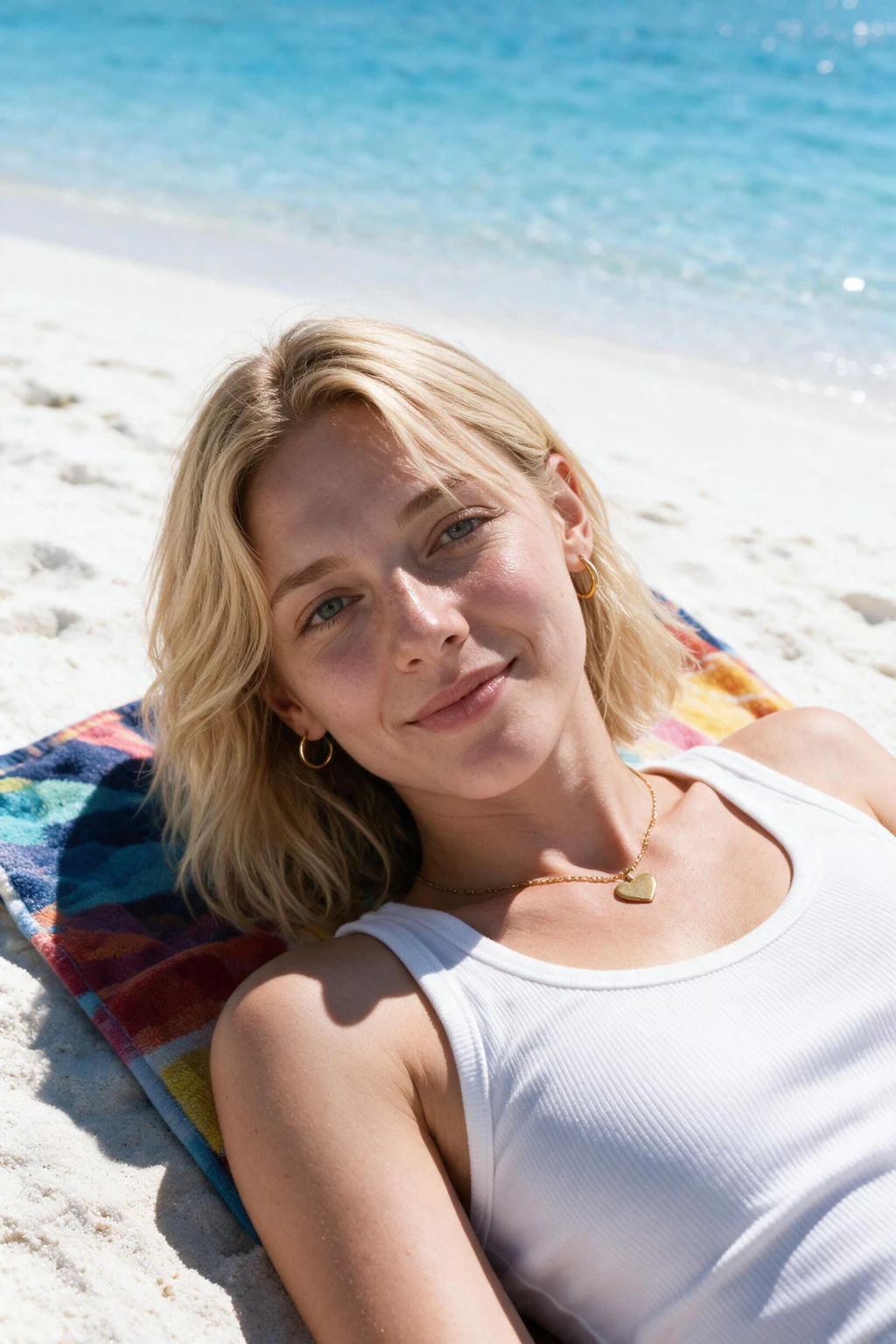
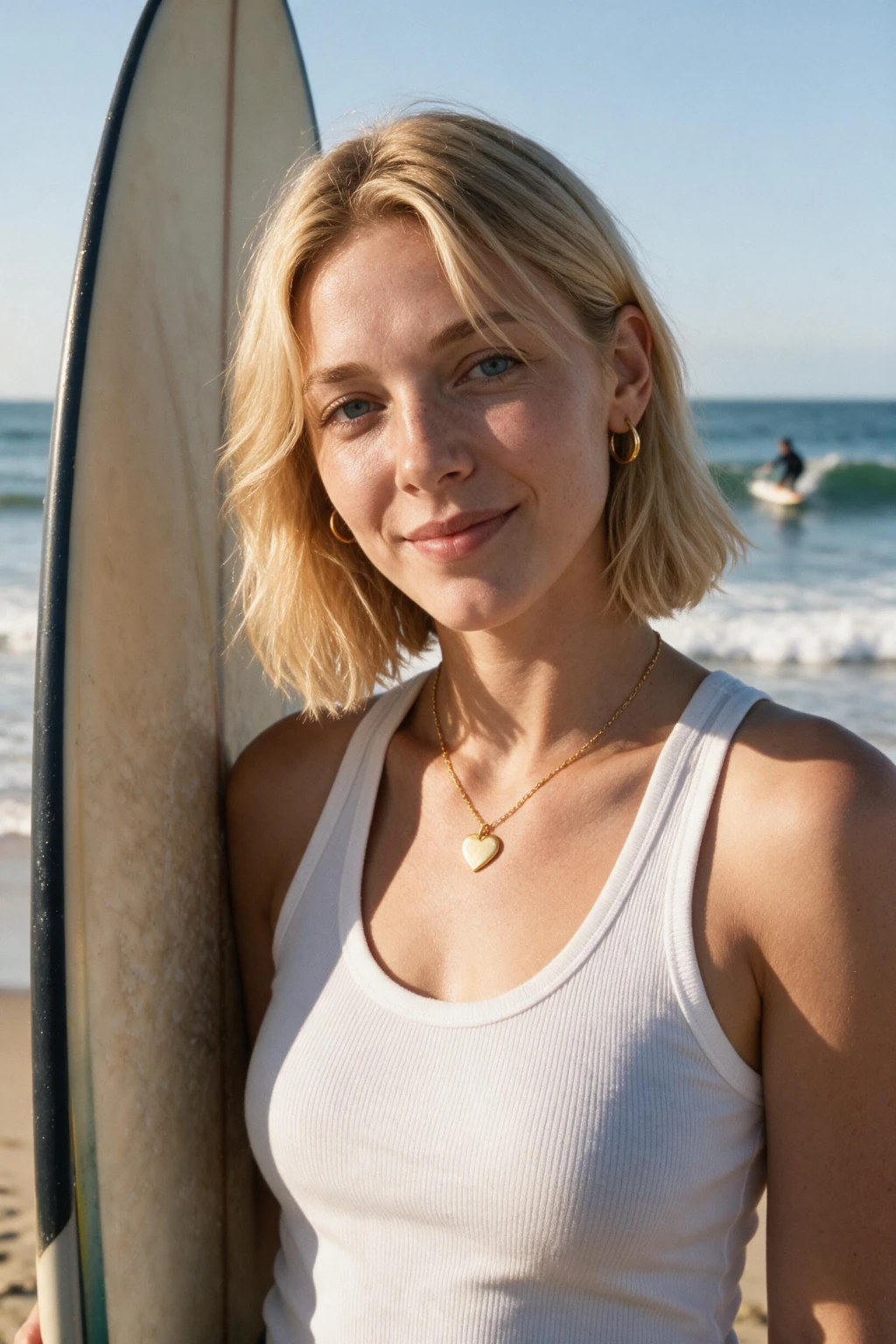
Midday sun on a beach is brutal. It comes straight down, blows out the forehead and the bridge of the nose, drops black shadows into the eye sockets, and removes every bit of surface detail from skin. Renders inherit that problem and the result looks waxy. Put a parasol overhead and everything changes. The umbrella becomes a giant soft source, the sand bounces warm light back up under the chin, and the face lands in an even wrap with detail intact in both the highlights and the shadows. The scene renders white sand, turquoise water in the mid distance, a bright fabric parasol overhead, a towel and beach bag beside you, and tasteful swimwear styling. The pose is relaxed and seated or reclining, the mood is holiday rather than editorial. Pick this over the white sand full-body shot when you want your face to be the subject, since the full-body prompt trades facial detail for scale and setting. Pick the golden hour shoreline walk instead if you want warm colour over clean detail. For the input selfie, mimic the output light: stand in open shade, under a porch, a tree, or just inside a doorway with the daylight in front of you. Open shade gives the same even wrap the umbrella creates, so the model gets a face lit the way it will be rendered. Avoid direct sunlight, avoid sunglasses, and avoid any beauty filter that has already smoothed your skin, since the render cannot restore texture that the upload threw away. Worth knowing which filters count, because plenty of phones apply smoothing by default without labelling it as a filter at all. Check your camera settings for anything described as beauty, smooth, or skin tone adjustment and turn it off before you shoot the selfie. Then look at the photo closely on a large screen. If your skin has no visible pores anywhere, the phone has already processed it and the render will inherit that plastic surface no matter how good the lighting in the scene is. Zoom into the cheek on a finished frame to check. Visible pores and a little unevenness are what make it read as a photograph. Perfectly smooth skin is the single clearest sign a portrait was generated. See pricing for pack details.
Frequently asked questions
Why does shade produce better skin texture than bright beach sun?
Direct midday sun blows out the forehead and nose while dropping the eye sockets into black. That removes surface detail at both ends of the range. An umbrella turns the sun into a large soft source, so the face keeps texture in the highlights and the shadows.
Where should I stand to shoot the selfie for this look?
In open shade with daylight in front of you. A porch, a doorway, or under a tree all work. That light matches what the parasol creates in the render, so the model learns your face under the same conditions it will reproduce.
Are the swimwear results safe to post publicly?
Yes. The prompt renders standard beach attire in a holiday setting, the sort of photo people already post from a real trip. Suggestive and explicit outputs are blocked, so what you get back is suitable for a public Instagram grid.
Will a beauty filter on my selfie hurt the result?
Yes, more than most people expect. Filters smooth away the pores and fine detail the model uses to build realistic skin. Once that information is gone from the upload it cannot be reconstructed, and the render comes back looking plastic instead of photographic.
How is this different from the white sand full-body prompt?
The full-body prompt pulls back to show the whole scene and your outfit, which shrinks your face in the frame. This one stays closer and keeps the face as the subject. Choose by whether you want the setting or the person to carry the photo.
Does the parasol colour change between generated frames?
The batch renders variations, so parasol colour, angle, and the placement of the towel and bag shift between frames. Run the set, then pick the frame where the shade falls most evenly across your face rather than choosing on colour alone.
Can I use these photos on a dating profile?
They work well as a second or third photo, showing you relaxed and in holiday context. Lead with a clear face-forward shot. Beach images carry more weight when they follow a photo that has already established what you look like.
What resolution do the beach photos download at?
High resolution with no watermark, sized to work for Instagram posts and stories, TikTok, and profile pictures without further cropping. Download the frames you want and use them anywhere you would use a photo from a real trip.