Why are you not getting matches on Hinge?
A Hinge dry spell almost always comes down to three things: a weak first photo, empty photo slots or prompts, and low activity on your account. Your first photo decides most of it, since it is the one image people see before they choose to open your full profile.
If your top photo is a blurry group shot, a bathroom mirror selfie, or a photo that does not look like you today, people swipe past before reading a word. Swap it for a clear, forward-facing shot and the rest of your profile gets a fair look.
Unfinished profiles are the second problem. Three photos and one blank prompt tells Hinge, and everyone who sees your card, that you are barely using the app, so fill all 6 photo slots and all 3 prompts and stay active enough that Hinge keeps showing you to new people.
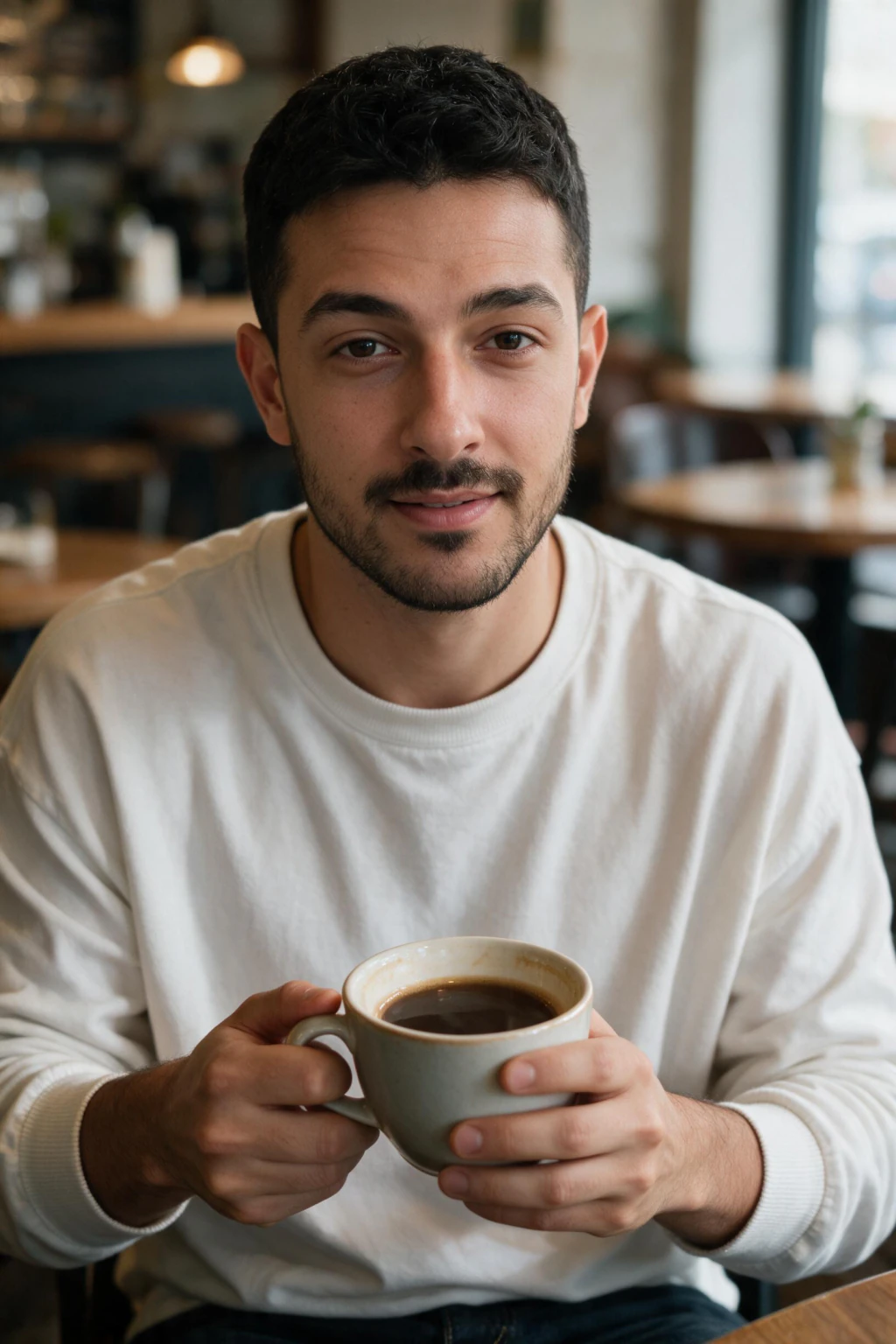
One phone selfie to 5 AI photos of the same person

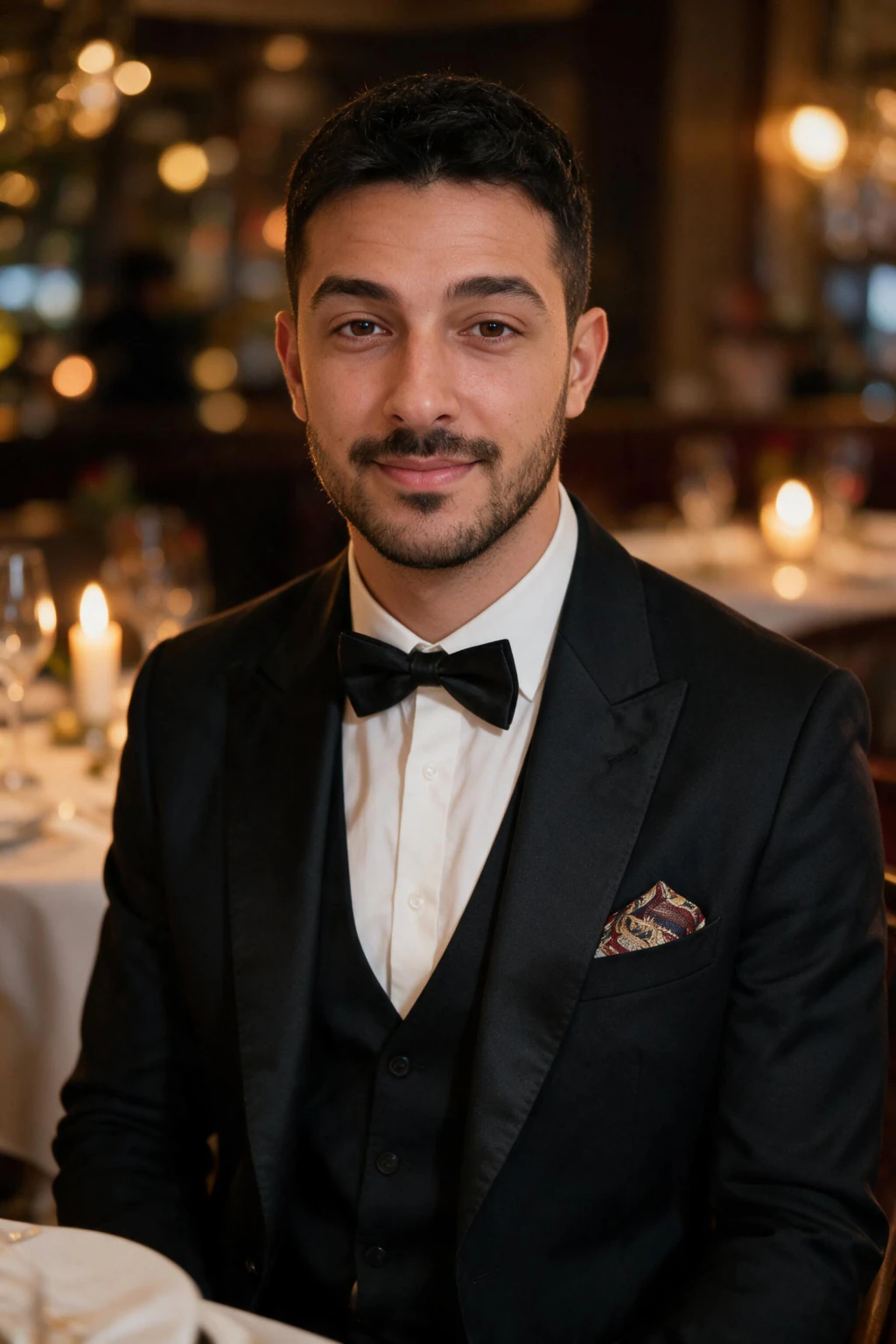

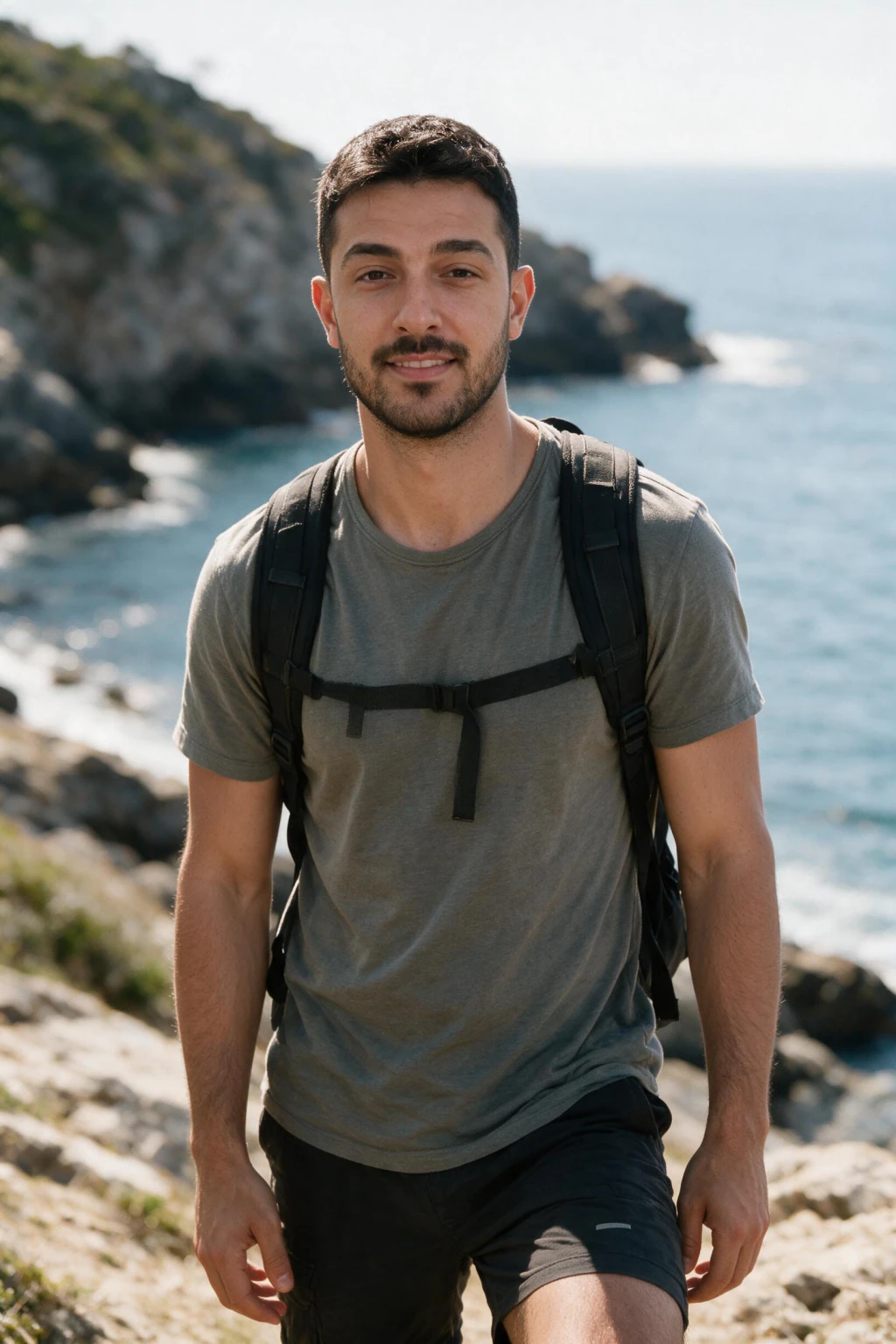
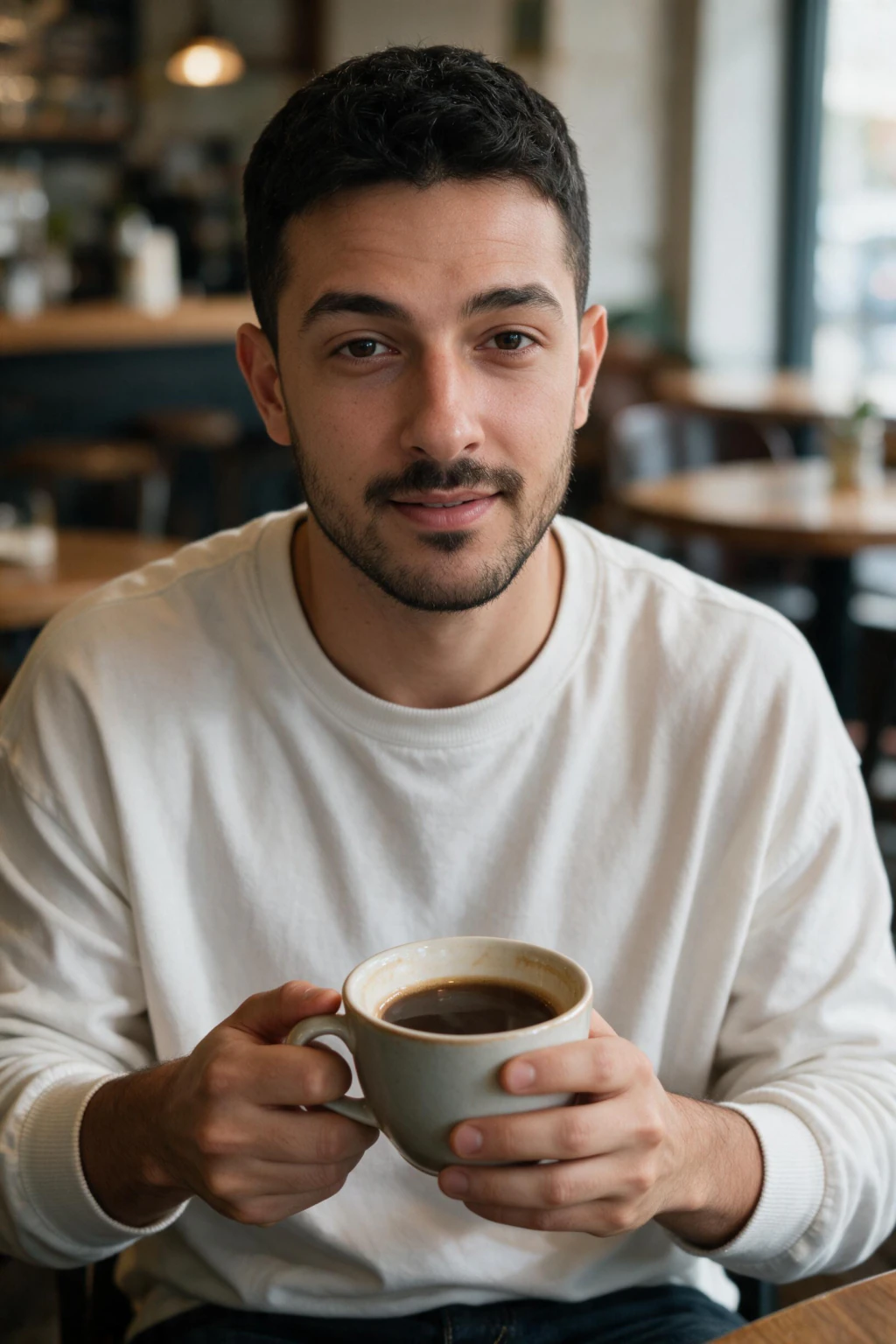

Fix your first photo
Your first photo needs to be forward-facing, well lit, and free of sunglasses, hats, or heavy filters. Natural daylight beats indoor lighting, and direct eye contact with the camera reads as more confident than a side angle or an unposed candid.
Hinge's Top Photo feature tests your photos automatically and moves your best performer into slot one for you. It only works well if you give it strong options, so upload varied, well-lit photos instead of six near-identical selfies and let Top Photo do the sorting.

Fill all 6 slots with a story
Hinge gives you 6 photo slots, and a complete profile beats a partial one every time. These five photo types work well together, and you can build all of them from one selfie with MakeAiPhotos.
Add one full-body shot somewhere in the mix too. It answers a question your other photos cannot, and profiles that skip it read as incomplete.
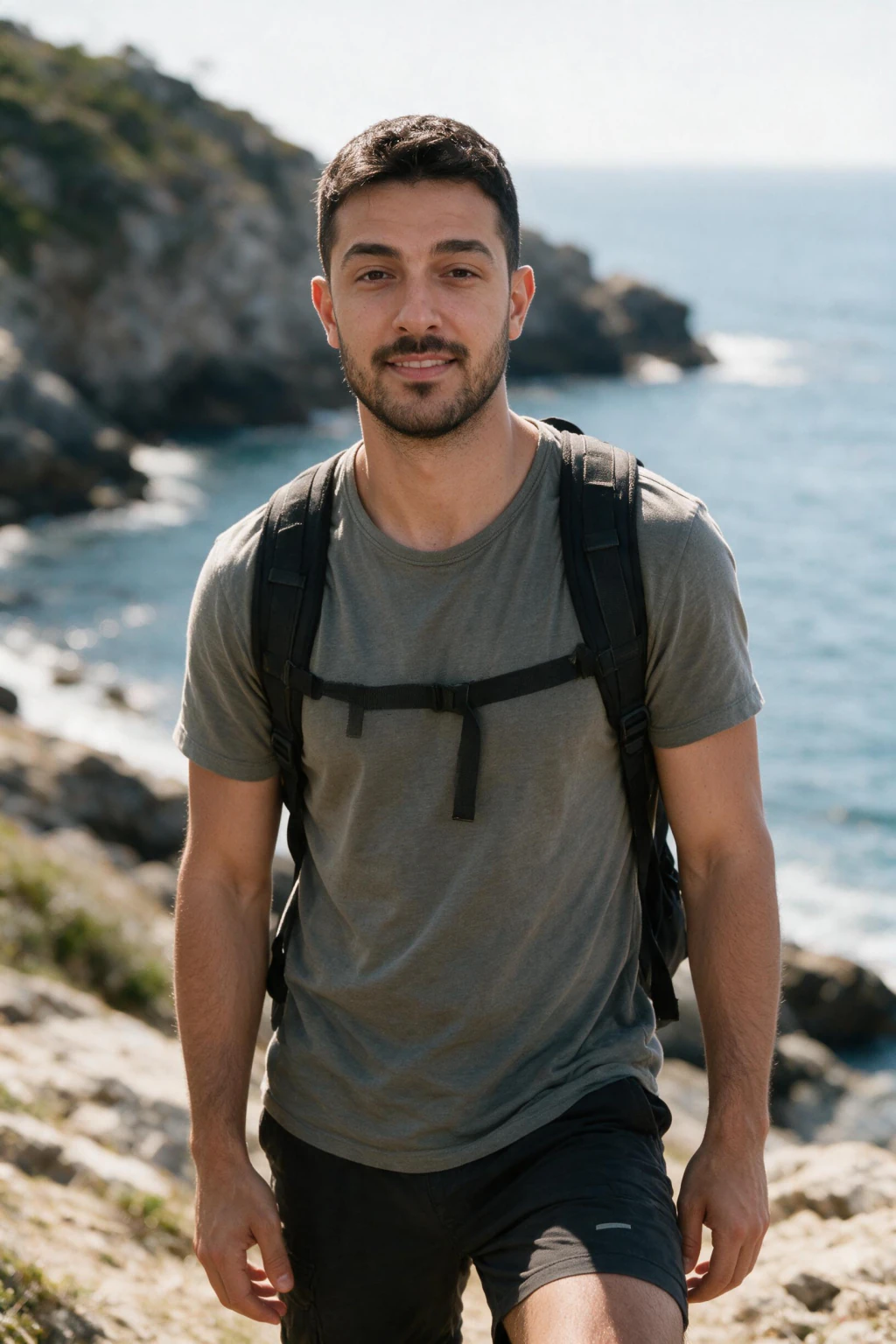
Outdoor / Adventure
Hiking trails, city parks, open sky. Shows you leave the house and have energy. Works especially well in your second or third photo slot.
Shows you leave the house and have energy without saying it in a prompt.
Café / Coffee Shop
Warm light, casual pose, cup in hand. Approachable and easy to spark a conversation around. The least try-hard photo that still photographs well.
Casual, everyday settings feel more approachable than a posed, formal shot.
Travel Lifestyle
Santorini streets, city skylines, tropical shorelines. Signals you have stories to tell and places you've been. Best used in slots 3-5.
Gives people something specific to ask about, which is easier to reply to than a generic like.
Casual Confidence
Clean background, direct gaze, relaxed shoulders. Your 'you at your best' photo, works as your first slot or as a high-quality face shot.
A clear, well-lit face shot in slot 1 sets the anchor. Everything else builds on it.
Social / Nightlife
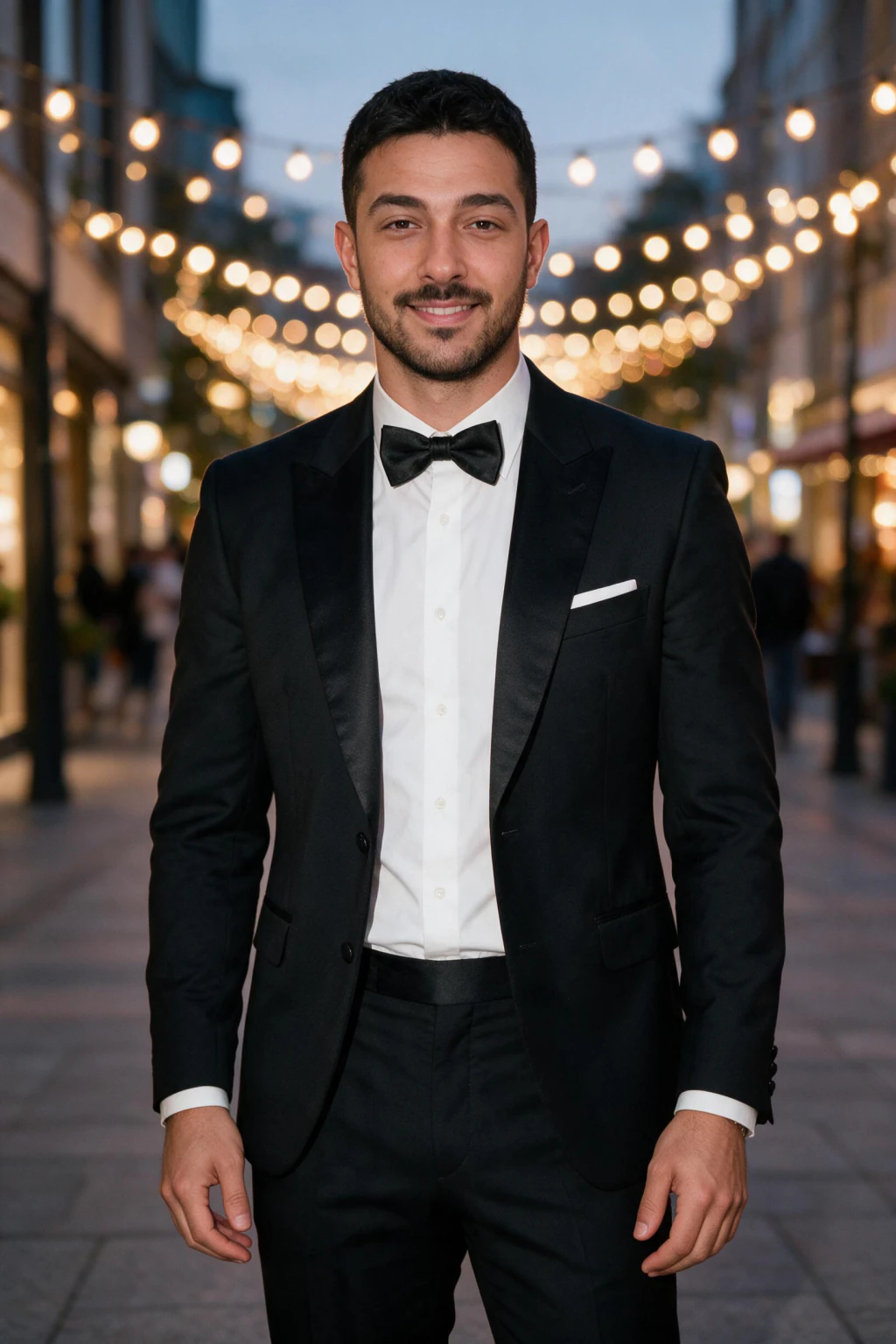
Urban backdrop, warm lighting, energetic environment. Signals you have a social life without looking like you live in a club. Best in position 5-6.
Shows range, since profiles with only outdoorsy photos miss people who value social energy.
Write prompts that give people an opening
Specific beats clever every time on Hinge prompts. A prompt answer like "I will fight you for the last slice" gives someone an exact thing to reply to, while a broad answer like "I love to travel" gives them nothing to grab onto.
Fill all 3 prompts, not just one. Pick prompts you can answer with a real detail, a specific place, food, or habit, since that specificity is what turns a like into an actual conversation.
Send likes with comments
Hinge says a like sent with a comment is about 3 times more likely to get a response than a plain like. The comment does the work, since it gives the other person something specific to reply to instead of a bare notification.
Comment on a detail in their photo or prompt answer, not a generic "hey" or "you're cute." A specific comment on their actual profile also signals you read it, which sets you apart from the pile of plain likes everyone else sends.
Where AI photos fit in
If putting together 6 varied, well-lit photos yourself is the hard part, MakeAiPhotos turns one selfie into a full Hinge-ready set on the dating pack for a one-time price of $9.99.
It is a one-time purchase with no subscription, and the AI photos for Hinge guide linked below covers the full 6-slot lineup with style-by-style picks if you want more detail.
Tips for using AI photos on Hinge the right way
Mix AI photos with 1 to 2 real photos. Use your best AI lifestyle shots in positions 2 to 5, and keep at least one real candid in the mix so the set reads as authentic.
Stick to natural styles, not fantasy scenes. A realistic beach, coffee shop, or city street works, while backgrounds or lighting no phone camera could produce signals AI immediately.
Make sure the photos actually look like you. If the output does not resemble you closely enough, upload a clearer selfie and regenerate rather than settling for a close-but-off result.
Review each photo at full size before uploading. Watch for zero-texture skin, off-looking hands, or stock-photo backgrounds, since a photo that passes a close zoom will pass the Hinge swipe test too.
Frequently Asked Questions
- Does Hinge allow AI photos?
- Yes. Hinge has no rule banning AI-generated photos. The requirement is that your photos accurately show what you look like today. AI photos built from your own selfies pass that test; using someone else's face or a heavily idealized version of you does not. Keep 1 to 2 real photos in your lineup and you are fine.
- How many matches on Hinge is normal?
- Most active profiles see a handful of matches per week, not per day. Men typically see fewer than women. If you get zero matches for two straight weeks, the problem is almost always your first photo or an incomplete profile, not the algorithm.
- Why did my matches suddenly stop on Hinge?
- Hinge slows your visibility when you ignore matches or leave conversations unanswered, your "turn." Reply to or close out pending matches, refresh one or two photos, and activity usually recovers within a few days.
- What is Hinge's Top Photo feature?
- Top Photo automatically tests your photos and puts your best performer first. It only works well if you give it strong options, so upload 6 varied, well-lit photos instead of 6 near-identical selfies.
- Do prompts matter as much as photos on Hinge?
- Photos decide the first look, prompts decide the comment. A specific prompt answer ("I make a ridiculous Sunday ragu") gets replies; a generic one ("I love to travel") gets skipped. Fill all 3 prompts.
- Do likes with comments really get more matches on Hinge?
- Yes. Hinge's own guidance says a like sent with a comment is about 3 times more likely to get a response than a like alone. Comment on something specific in their photo or prompt.