How do you make AI images of yourself from a photo?
Making AI images of yourself from a photo takes four steps.
1. Take one sharp, front-facing photo in soft daylight, rear camera, beauty mode off.
2. Upload it and tell the generator the scene, the wardrobe and the light.
3. Generate one image and check the face against your photo before making more.
4. Keep the original photo as the reference every time, never an AI result.
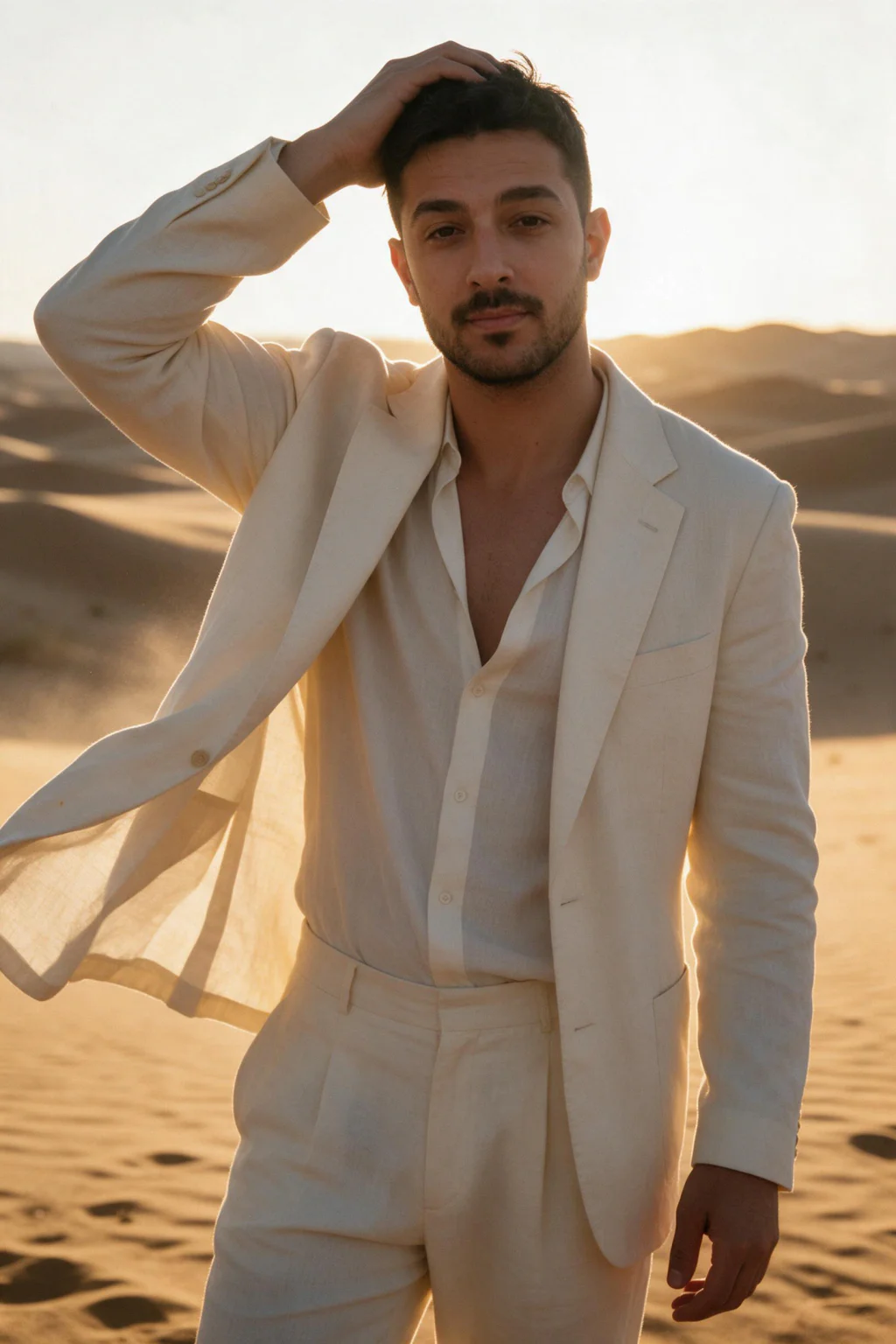
One phone selfie to 5 AI photos of the same person

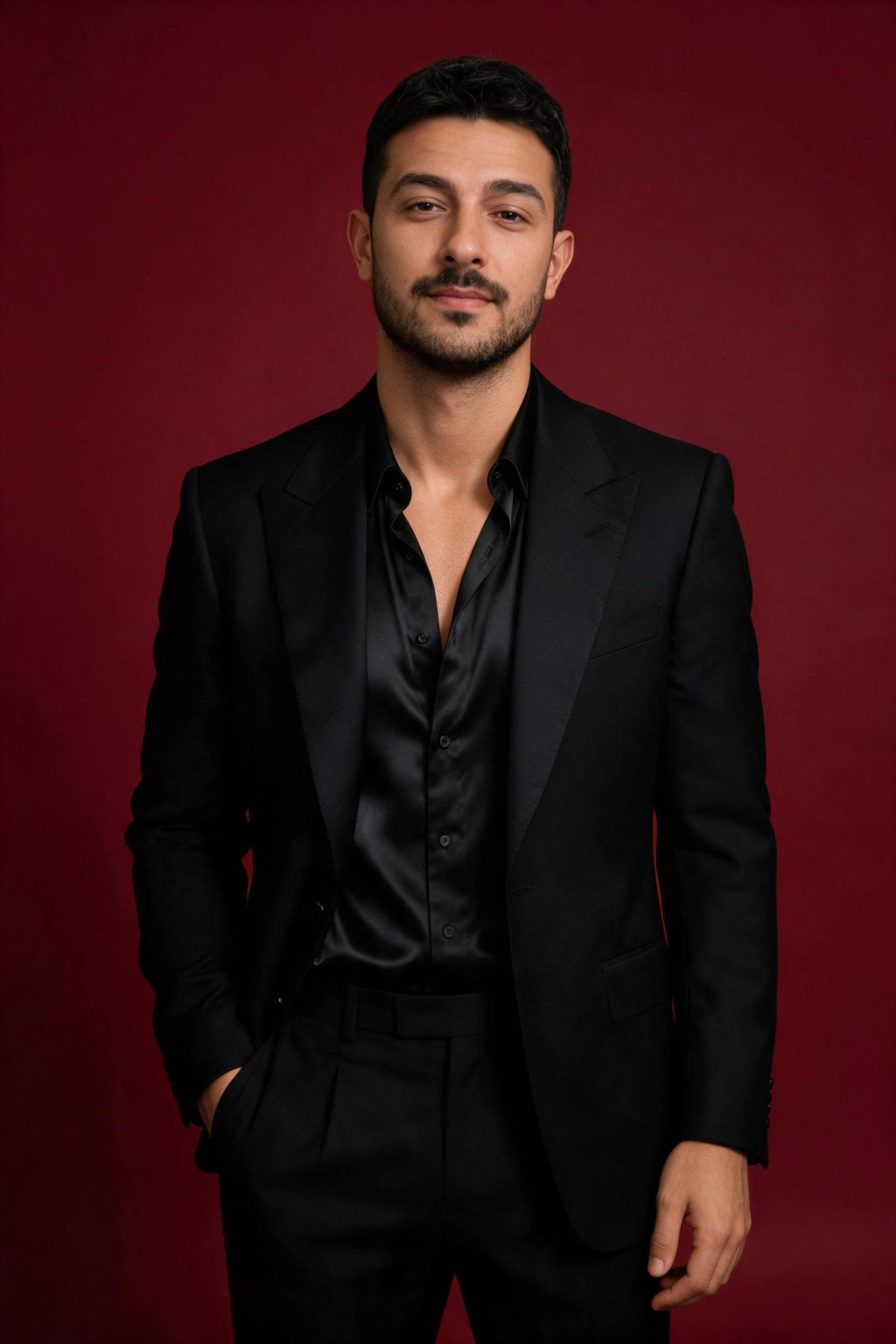
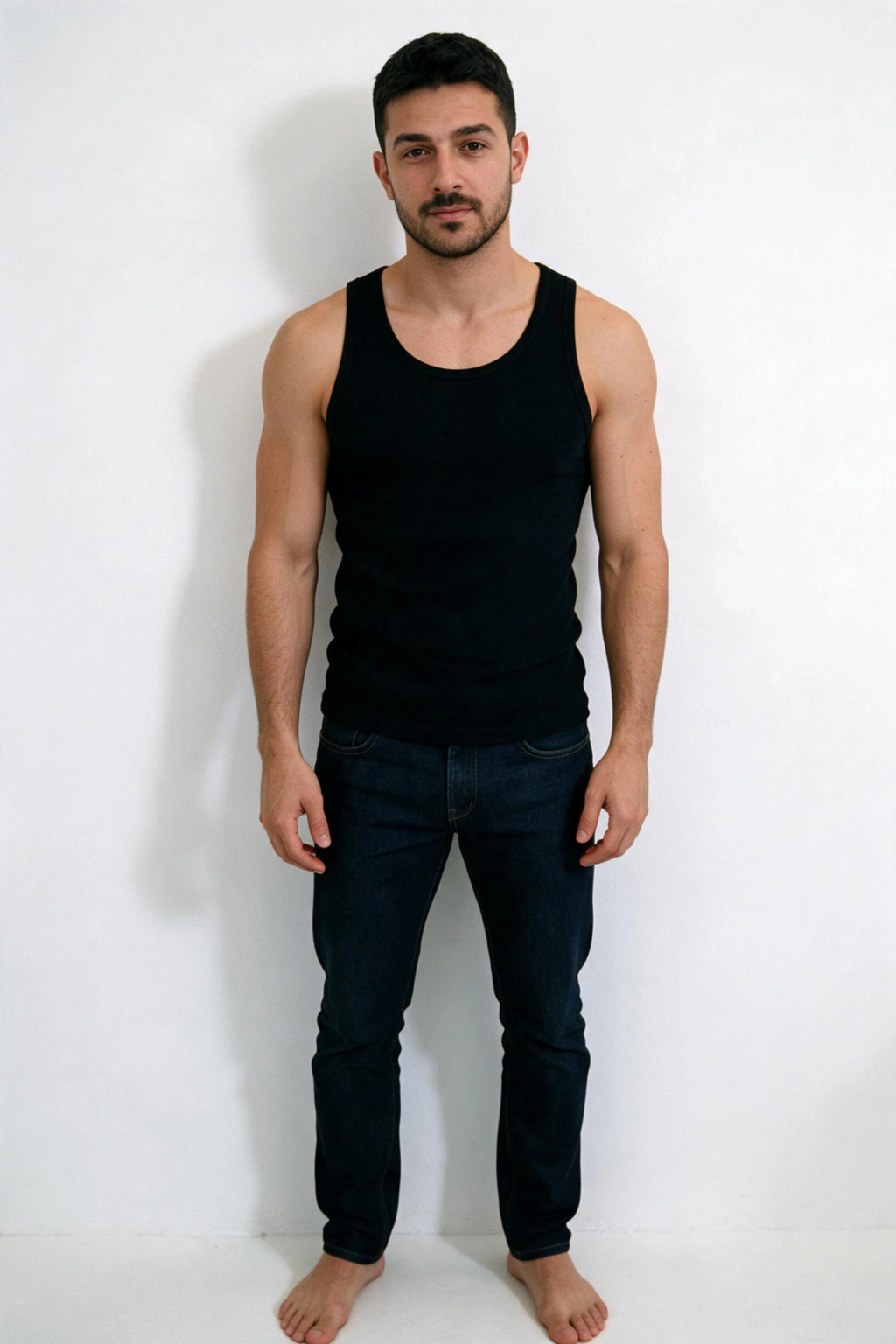
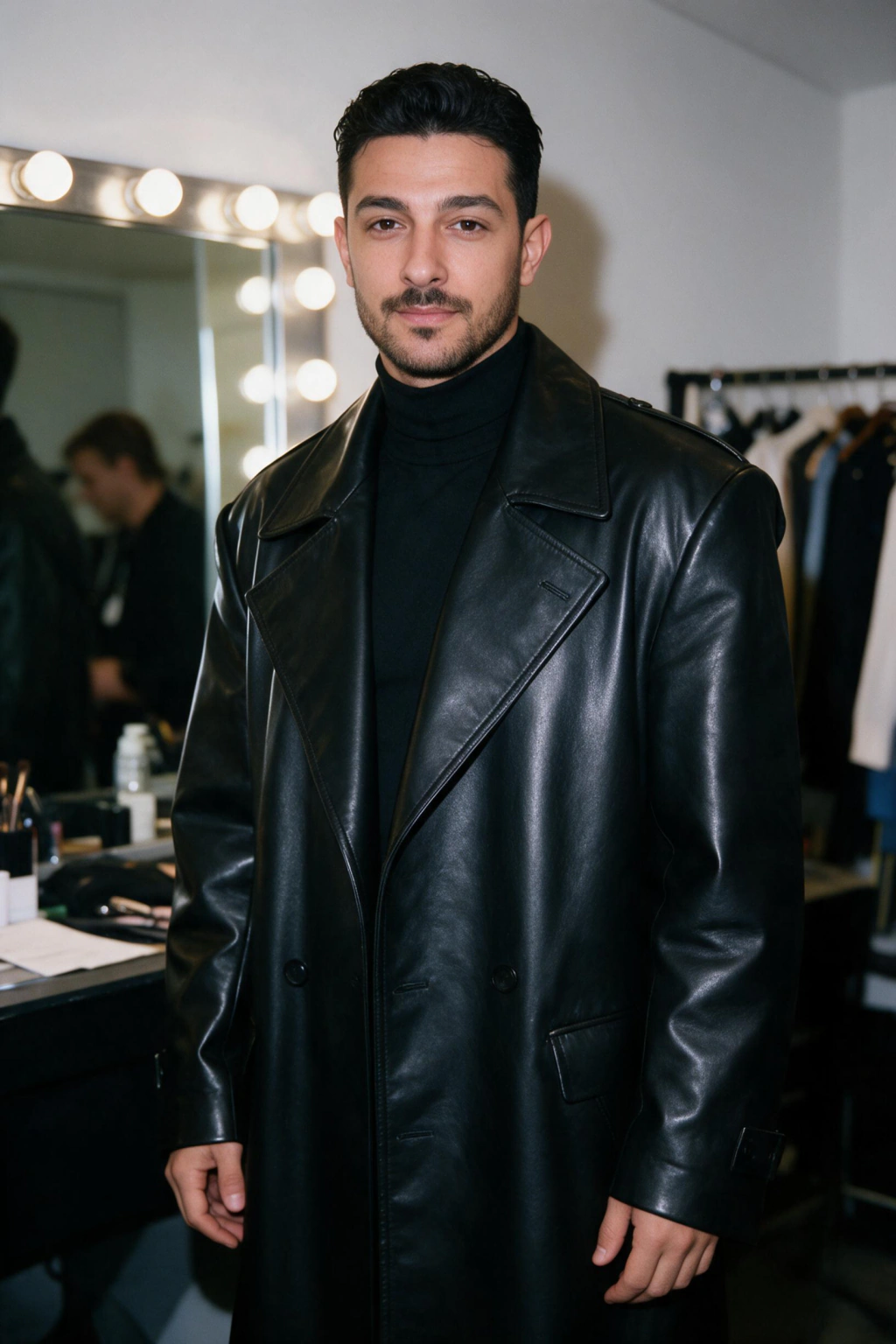
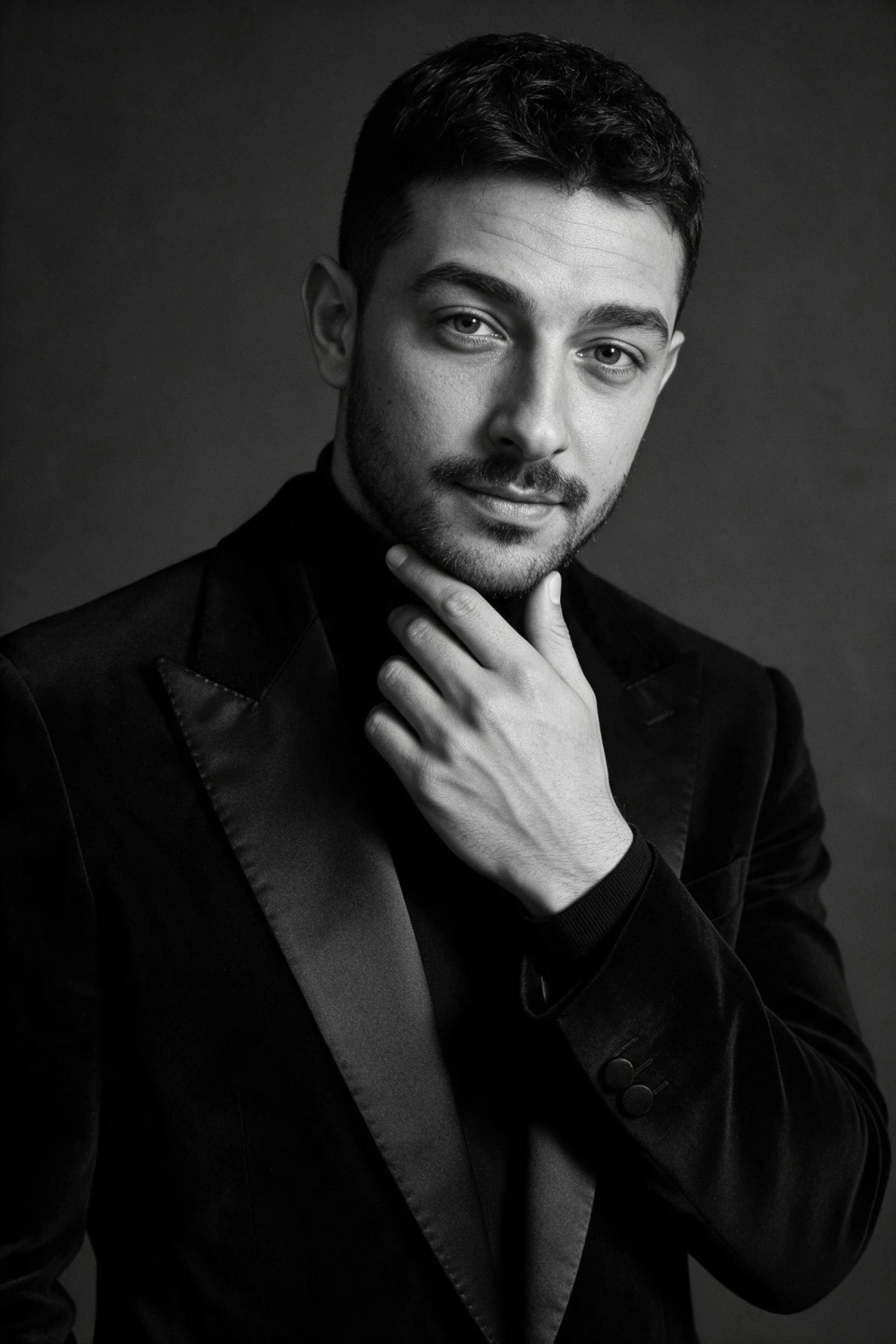
8 copy-paste prompts for AI images of yourself from one photo
Paste a prompt into Gemini or ChatGPT with your photo attached, or tap See this on you to make the same look on MakeAiPhotos without typing.
Golden hour editorial
Use my face from the uploaded photo, do not change it. Waist-up portrait outdoors at golden hour, wearing a cream linen shirt, low sun behind me creating a warm rim on the hair, soft glow on the face, shallow depth of field. Keep my face exactly as in my selfie, natural skin texture with visible pores, 4:5 vertical.
Low sun from behind gives separation and a flattering warm edge. Maps to the Golden hour look in the AI model photoshoot pack.
Executive studio headshot
Use my face from the uploaded photo, do not change it. Head-and-shoulders portrait in a navy wool suit and white shirt against a charcoal paper backdrop, one soft key light from camera left, calm closed-mouth smile. Keep my face exactly as in my selfie, natural skin texture with visible pores, 4:5 vertical.
One soft key keeps shadows readable at profile-circle size. Maps to the Executive studio look in the AI LinkedIn headshots pack.
Business casual at the office
Use my face from the uploaded photo, do not change it. Chest-up portrait in a fine navy knit over a white tee, bright modern office softly blurred behind me, window light from the front, relaxed natural expression. Keep my face exactly as in my selfie, natural skin texture with visible pores, 4:5 vertical.
A blurred workplace says employed and approachable at once. Maps to the Business casual look in the AI LinkedIn headshots pack.
Street style candid
Use my face from the uploaded photo, do not change it. Candid mid-stride shot on a city sidewalk, wearing a dark denim jacket over a plain white tee, overcast daylight, background softly blurred. Keep my face exactly as in my selfie, natural skin texture with visible pores, 4:5 vertical.
Overcast light is even, so the face reads clearly while the pose stays unposed. Maps to the Street style candid look in the AI model photoshoot pack.
Agency digitals, clean grey backdrop
Use my face from the uploaded photo, do not change it. Plain agency-style digital: waist-up in a fitted white tee and dark jeans against a clean light grey wall, flat even front light, no makeup effects, neutral expression. Keep my face exactly as in my selfie, natural skin texture with visible pores, 4:5 vertical.
Flat light and a plain wall make the face the only thing in frame, which is the easiest test of whether the likeness holds. Maps to the Agency digitals look.
Golden hour beach shoreline
Use my face from the uploaded photo, do not change it. Standing at the shoreline at golden hour, wearing a light linen shirt open over a white tank top, gentle waves behind me, warm low sun on the face. Keep my face exactly as in my selfie, natural skin texture with visible pores, 4:5 vertical.
Warm low sun flatters most skin tones and hides nothing the model needs. Maps to the Golden hour shoreline look in the AI beach photos pack.
Palm trees tropical
Use my face from the uploaded photo, do not change it. Standing beneath tall palm trees on a tropical beach, wearing a short-sleeve white linen shirt, bright dappled sunlight, turquoise water behind me. Keep my face exactly as in my selfie, natural skin texture with visible pores, 4:5 vertical.
Dappled light adds texture without hard shadows across the face. Maps to the Tropical palms look in the AI beach photos pack.
Magazine cover
Use my face from the uploaded photo, do not change it. Cover-style portrait in a tailored black blazer over a white shirt, confident direct gaze, plain studio backdrop with empty space above the head for a masthead, soft beauty lighting. Keep my face exactly as in my selfie, natural skin texture with visible pores, 4:5 vertical.
Empty space above the head is what makes it read as a cover. Maps to the Magazine cover look in the AI model photoshoot pack.
Which photo should you upload?
The upload decides the likeness more than any prompt does. Use this table before you start. One photo is enough, as how many photos you need for AI images of yourself explains.
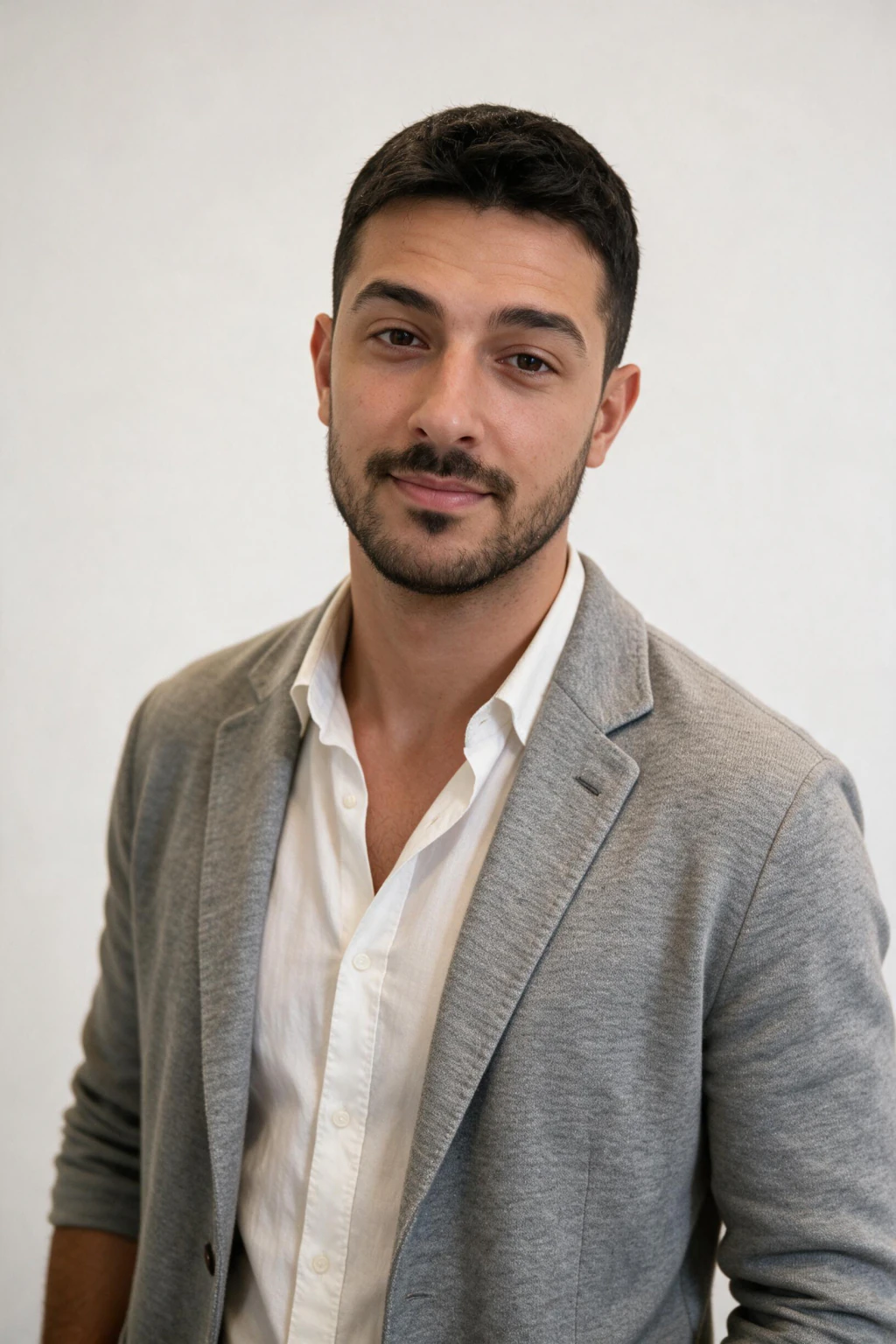
| Use this photo | Skip this photo | Why |
|---|---|---|
| Rear camera, soft daylight | Front camera at arm's length | Close-up lens distortion changes your face shape |
| Beauty mode off | Smoothing filter or face app | Smoothing removes the skin texture that reads as real |
| Face fully visible, hair as you wear it | Sunglasses, hat or heavy shadow | Hidden features get invented |
| A photo of only you | A group photo | The generator may pick the wrong face |
| The original file | A screenshot or cropped thumbnail | Compression softens your features |
Why does the AI image not look like you?
Most misses come from the input: a filtered photo, hidden eyes, or an AI result used as the next upload. Each edit on an AI result loses a little of your face.
Go back to your original photo for every new image and lock the face in the first sentence of the prompt. The longer fix list is in why AI photos of me do not look like me.
From a photo or from a text prompt?
From a photo, if the image has to be you. A text prompt invents a stranger who matches your description, and words cannot carry your exact features.
Text prompts are fine for scenes with no real person in them. For a picture of you, the photo is the input that matters. See also the realistic AI photo generator and more AI photo ideas.
Frequently Asked Questions
- How do I make an AI image of myself from a photo?
- Upload one clear, unfiltered photo, name the scene, the wardrobe and the light, and generate. On MakeAiPhotos you pick a look instead of typing, and each photo takes about 2 minutes.
- Can AI generate images of me from one photo?
- Yes. One sharp, front-facing photo is enough for the generator to read your face and place you in new scenes. Extra uploads mostly compensate for a weak photo rather than improve a clean one.
- Which AI makes images of yourself from a photo?
- Chat tools such as Gemini and ChatGPT can edit an uploaded photo, and dedicated one-selfie tools like MakeAiPhotos turn it into a full set of looks. Pick by how many images you need and whether the face has to stay consistent across them.
- How do I get ChatGPT to make an image of me from my photo?
- Attach your photo and start the prompt with: use my face from the uploaded photo, do not change it. Then name the scene and wardrobe, and keep the original photo attached for every new image.
- Why do AI images of me from a photo look like someone else?
- Usually a filtered upload, hidden eyes or hairline, or an AI result used as the next input. Upload the original, unfiltered photo and generate one image at a time, checking the face before making more.
- Is it safe to upload my photo to make AI images?
- Check the privacy and retention terms of any tool before you upload a face photo. MakeAiPhotos publishes a biometric data notice and a privacy policy you can read before you upload.
- How many photos do you need for AI images of yourself?
- One. A single clear photo is enough on MakeAiPhotos, with no model training step.
- Can I use AI images of myself on LinkedIn or dating apps?
- Yes, if they still look like you and the platform allows it. Mix AI images with real photos, keep your real face recognizable, and follow each app's photo rules.