How many photos does each route need?
It depends on how the tool learns your face. Some tools build a model of you from a batch of photos, and those ask for 10 to 15. Others edit one reference photo directly, and those need one.
Here is the full picture, route by route. The photo counts and waits for the model-building routes are typical ranges, so check the tool you are using.
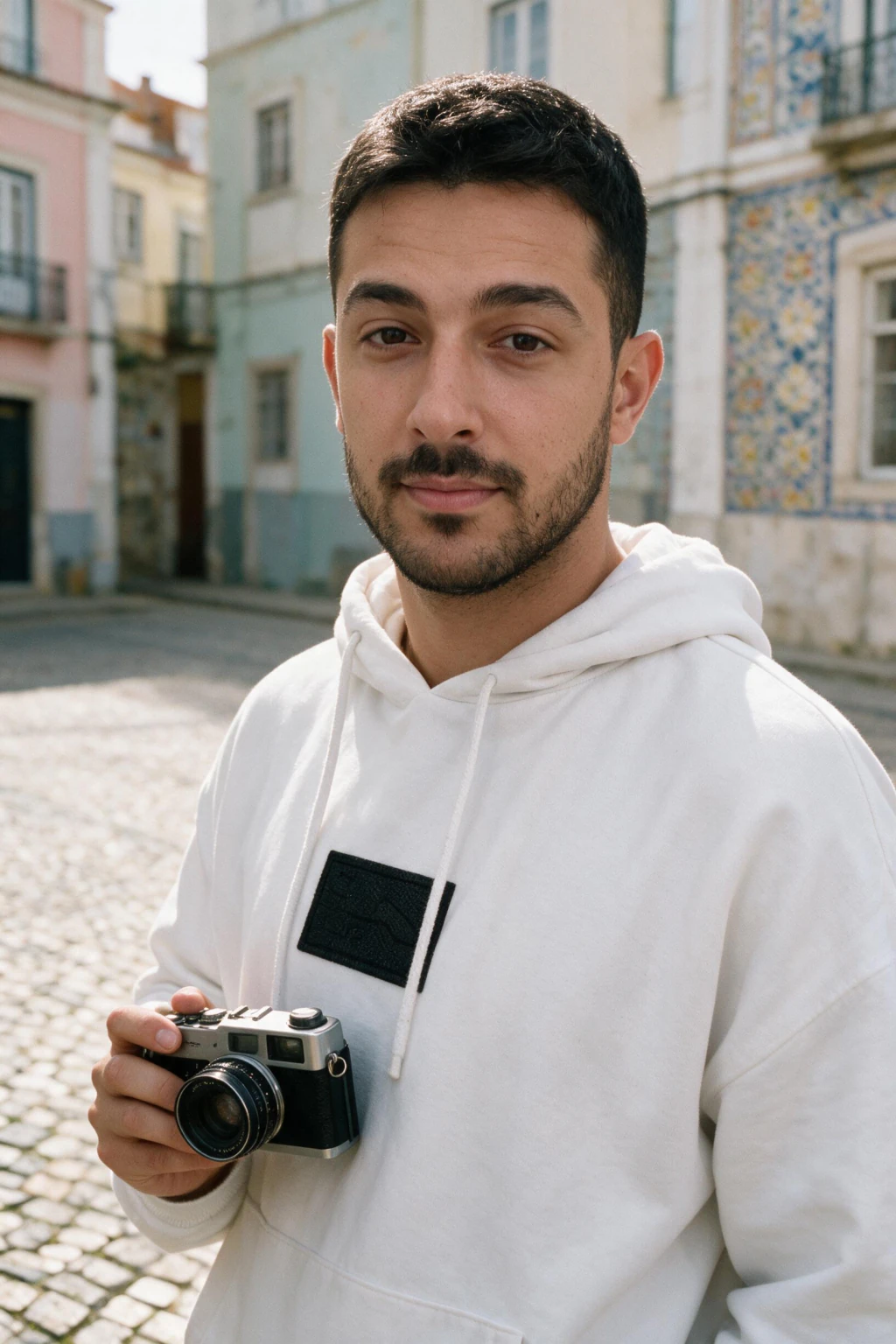
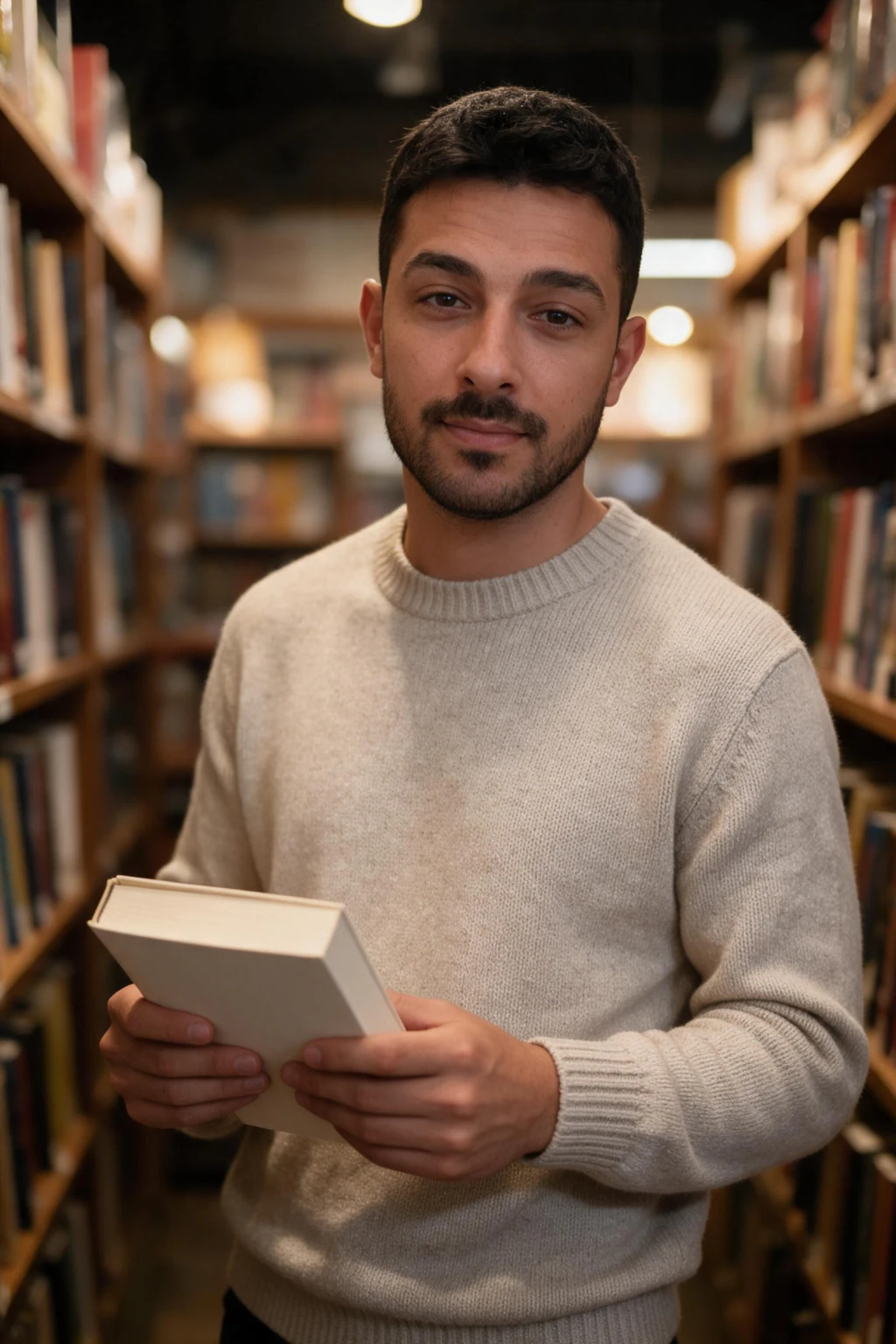
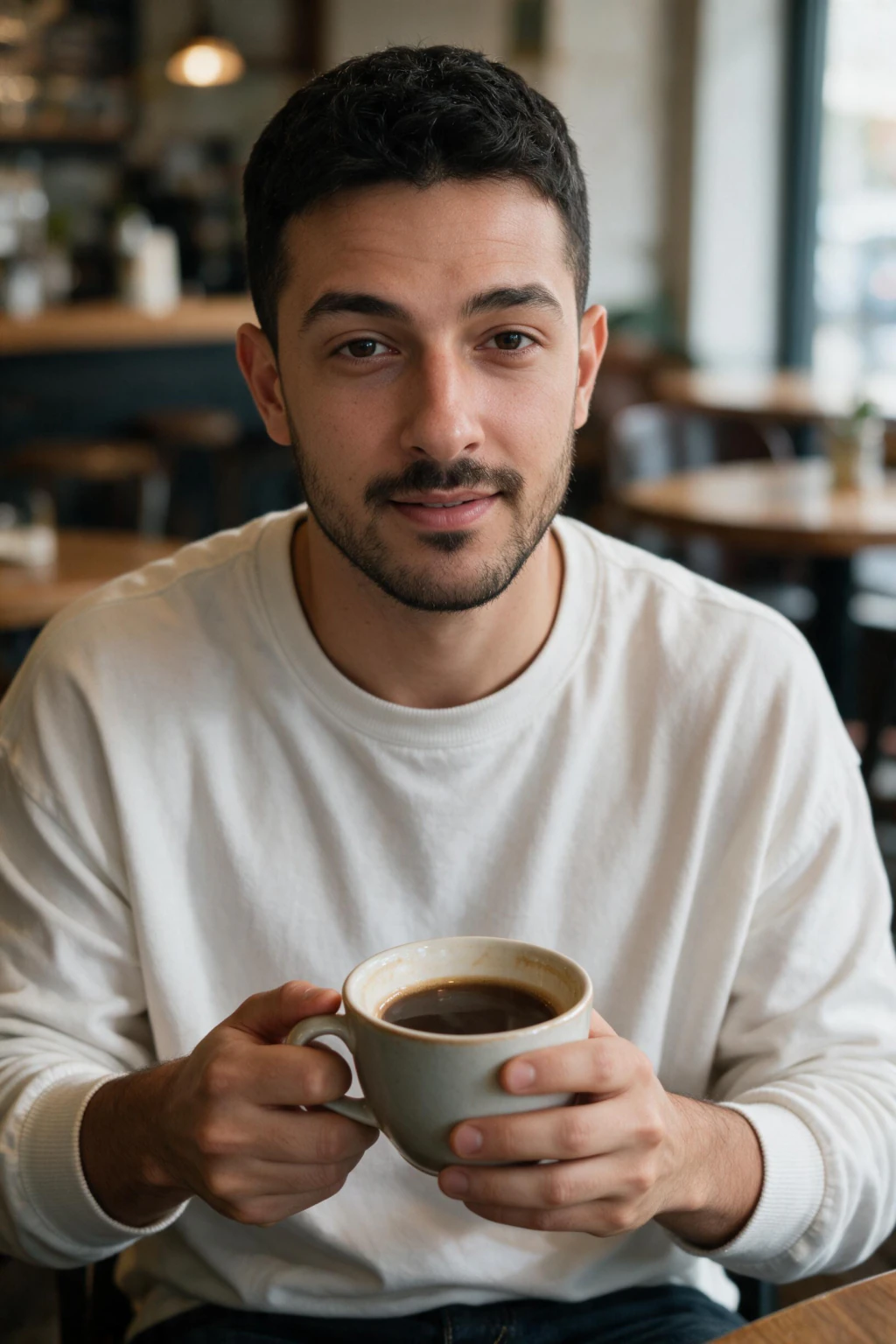
One phone selfie to 5 AI photos of the same person

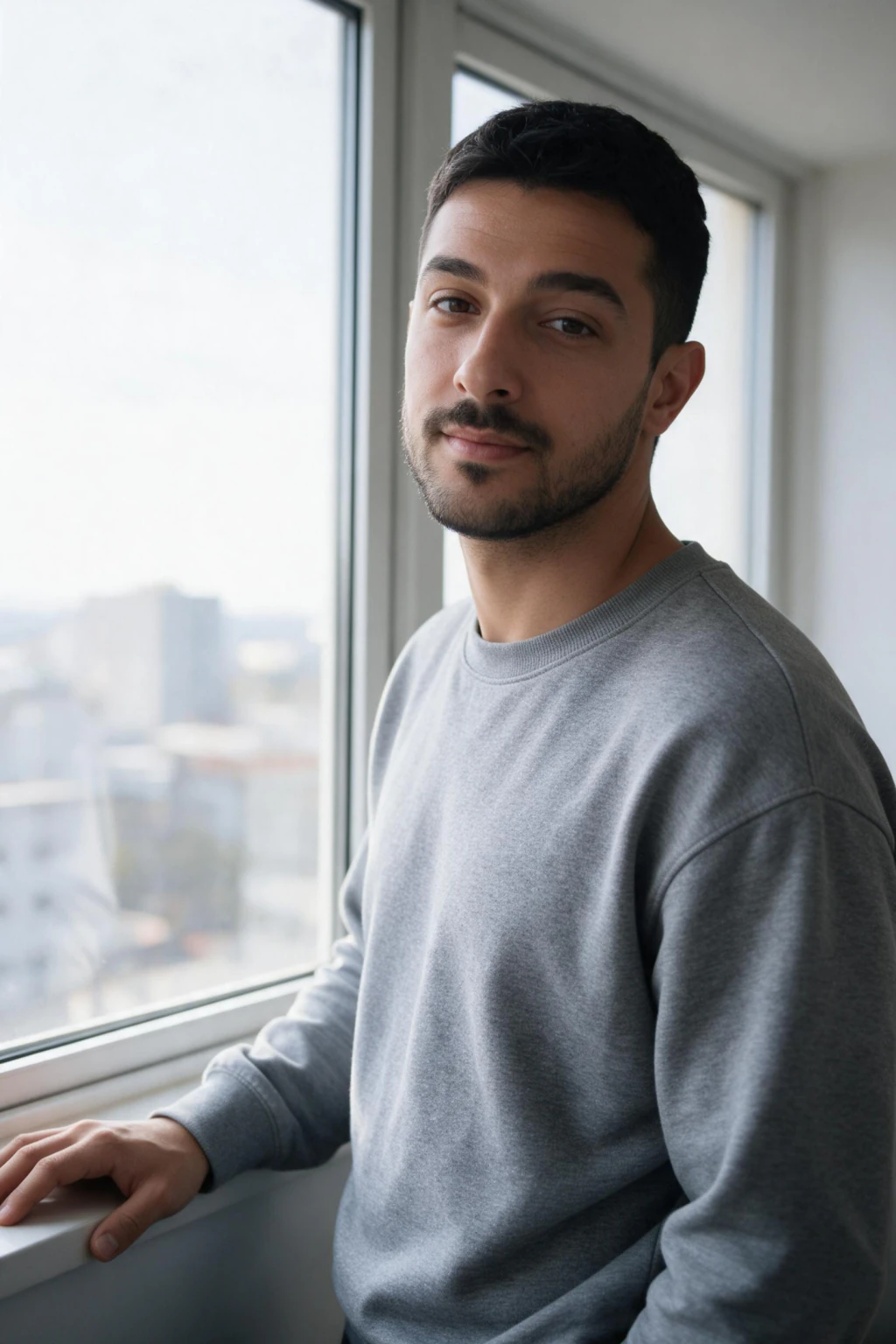
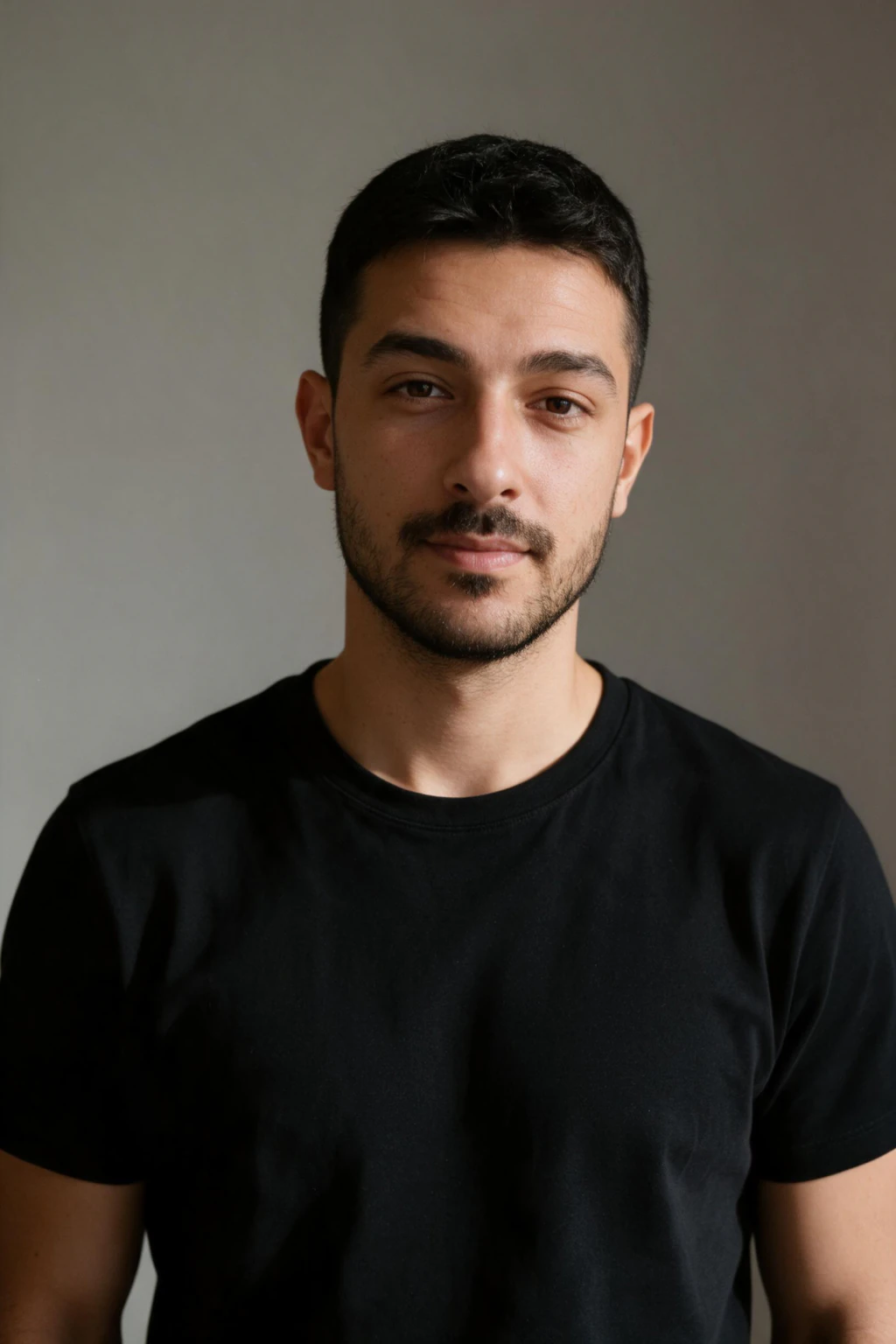
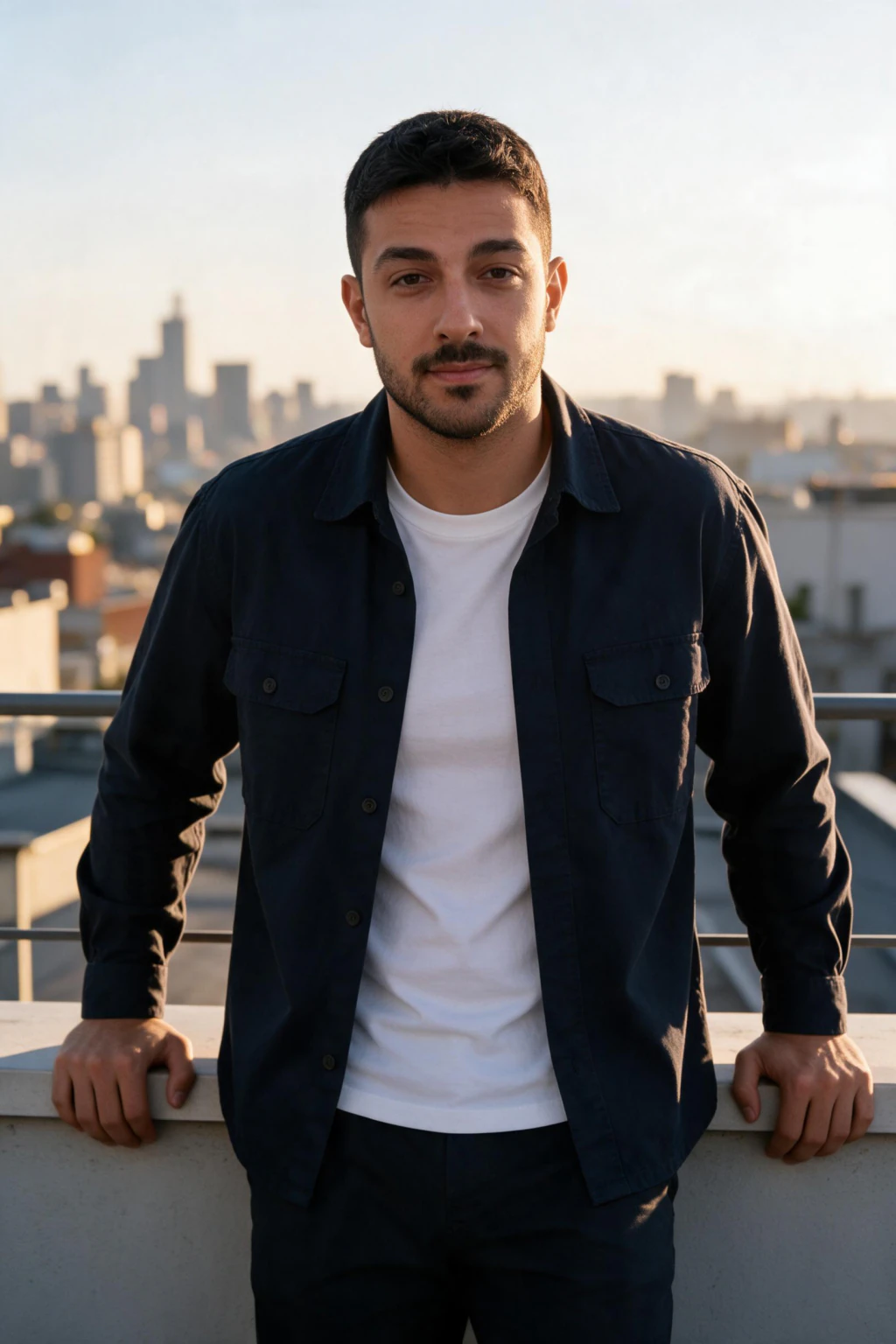
| Route | Photos you upload | Wait | What it keeps best |
|---|---|---|---|
| Headshot apps that build a model of you | 6 to 15 | 20 to 60 minutes | Likeness across a big batch |
| Flux LoRA run, self-managed | 10 to 15 | 10 to 40 minutes | Face shape across 30 or more outputs |
| DIY fine-tune, self-managed | 10 to 15 | Under an hour, a few dollars of compute | Likeness, if you tune it well |
| ChatGPT Images | 1 | No setup wait | Scene and style, the face can drift |
| Gemini app | 1 | No setup wait | Scene and style, the face can drift |
| MakeAiPhotos | 1 | About 2 minutes per photo | The face from your one selfie, $9.99 one time for about 10 photos |
When do 10 to 15 photos beat one?
When you need the same face across 30 or more outputs. A model built from 10 to 15 photos has seen your face from several angles and in several lights, so it holds your bone structure when a scene turns you sideways or puts you in harsh sun.
That is a real advantage, and a single selfie does not match it on every frame. The price is the wait, the upload of a dozen photos, and the work of choosing them: varied angles, no filters, no hats, no sunglasses.
If you want one finished photo, a handful of looks for a profile, or a dating set, that trade is rarely worth it.
When is one selfie enough?
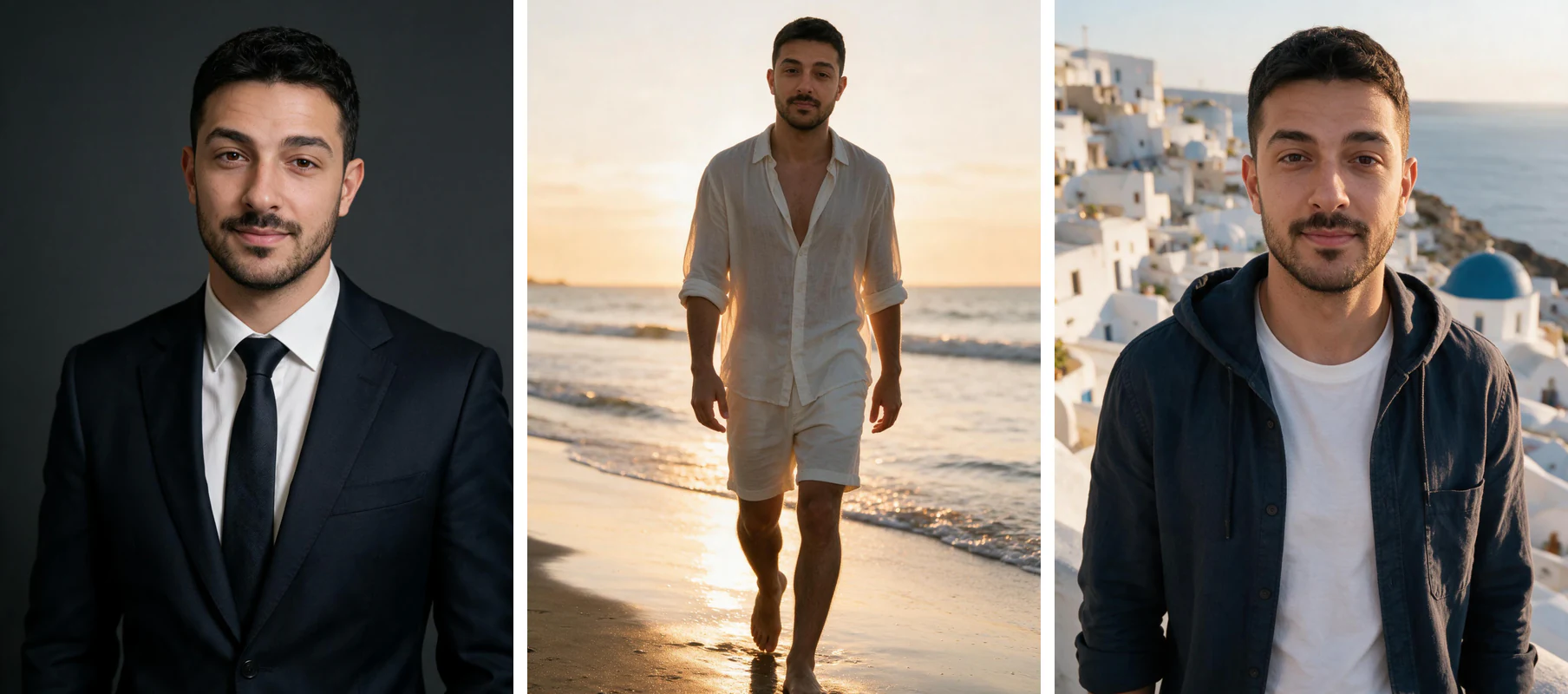
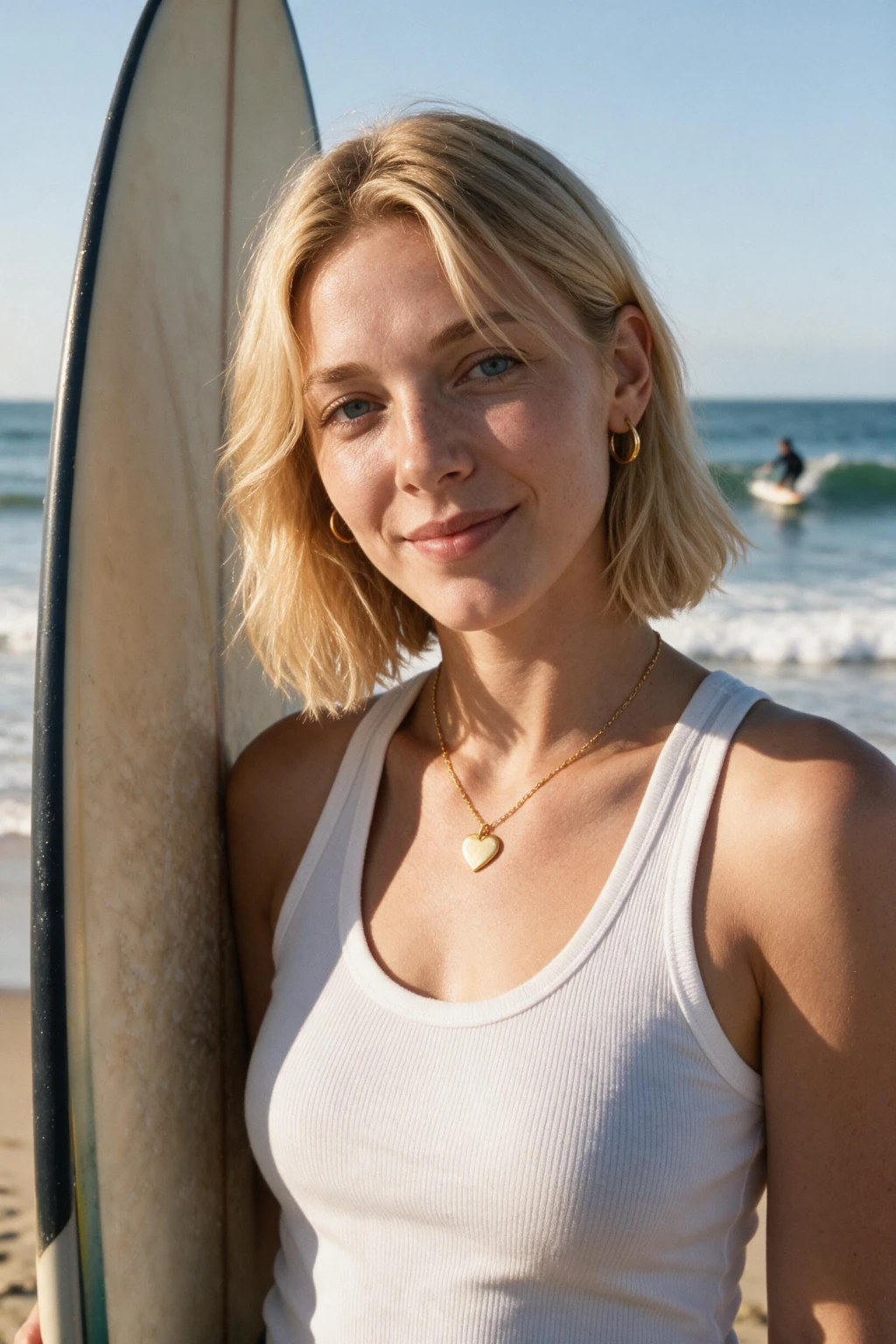
For a headshot, a dating set or a social set, one clear selfie is enough. The same upload can make a LinkedIn headshot, a beach photo and a travel shot, because what changes is the look you pick, not the photo you upload.
What one selfie cannot carry is anything it does not show: body shape from the neck down, tattoos, or a hair colour that changed since the photo. If that matters, pick a look that frames the face and shoulders.
What breaks the one selfie?
Four things, and all of them are on your side of the upload: a beauty filter or portrait-mode blur, sunglasses or a hat brim over the eyes, harsh or coloured light such as neon, and a photo from years ago where you look different.
Any of them gives the editor a face it has to guess. The result looks like a relative, not you. Take a new photo before you upload, because one clean shot beats a stack of filtered ones.
What makes the one selfie work?
Soft window light, a relaxed front-facing expression, your shoulders in frame, and your whole face in focus. That one photo carries everything.
Use the rear camera, not an arm's-length front camera. A front camera uses a wide-angle lens that widens the nose and pushes the ears back, and the result copies that distortion instead of your real proportions.

What does the one-selfie route look like?
Upload one selfie, pick a look, and the photo comes back in about 2 minutes. You see your own result before anything is charged, and you can run the next look from the same upload.
For the full walkthrough, see the guide to how to make AI photos of yourself.
Frequently Asked Questions
- How many photos do you need to train AI on yourself?
- It depends on the route. Apps and scripts that build a model of you want 10 to 15 varied photos. Tools that edit one reference photo, including ChatGPT Images, the Gemini app and MakeAiPhotos, need one clear photo.
- Can you train AI on yourself with one photo?
- A model-building tool will not work well from one photo, because it needs variety to learn your face. A one-selfie editor is built for exactly that: it reads one clear photo and edits it directly, with no setup wait.
- How many photos does a LoRA need for a face?
- Most guides use 10 to 15 photos with different angles, lights and expressions. Fewer than 8 tends to overfit to one pose, and more than 20 rarely adds anything unless the photos are genuinely varied.
- Do more photos make AI photos of you more accurate?
- For a model-building route, yes, up to a point: variety helps it hold your face across many outputs. For a one-selfie editor, no. Extra photos add nothing, and one sharp, unfiltered photo beats a stack of weak ones.
- What photos should you use to train AI on your face?
- For a model-building route, use 10 to 15 recent photos with different angles, lights and expressions, no filters, no sunglasses, no group shots. For a one-selfie route, use one clear front-facing photo in soft light.
- How long does it take to train AI on yourself?
- Model-building routes take roughly 10 to 60 minutes after you upload, plus the time to pick the photos. A one-selfie editor skips the wait: MakeAiPhotos returns each photo in about 2 minutes.
- Does MakeAiPhotos build a custom model from my face?
- No. It reads your one selfie directly and edits it into each scene, so there is no model to build and no wait for one. You pay $9.99 one time for about 10 photos, with a 14-day money-back guarantee.
- Is it safe to upload photos to train an AI?
- Check how the tool stores and uses your photos before you upload a dozen of them. Read its data controls and deletion terms. For MakeAiPhotos, the privacy and biometric data notices are linked in the footer.