Why AI photos do not look like you: the short answer
AI photos of you do not look like you because your uploaded selfie taught the model a distorted or filtered version of your face, and the number one cause is arm's-length front-camera lens distortion. Output quality depends entirely on input quality, which is good news: every cause below has a specific, fixable answer.
The eight root causes, in order:
1. Arm's-length phone selfies distort your face.
2. Beauty filters teach the AI the wrong version of your face.
3. An extreme angle makes the AI fill in gaps with guesses.
4. Inconsistent lighting creates color and texture confusion.
5. Low-resolution selfies starve the model of facial detail.
6. Generic prompts and style packs override your likeness.
7. Weight, hair, or look changes between the selfie you uploaded and today.
8. The wrong tool category: generic image generators do not preserve identity.
AI photo generators read your face from the file you give them. If that file held a distorted or filtered version of your face, that is the version they reproduce. Fix the selfie and the outputs follow.

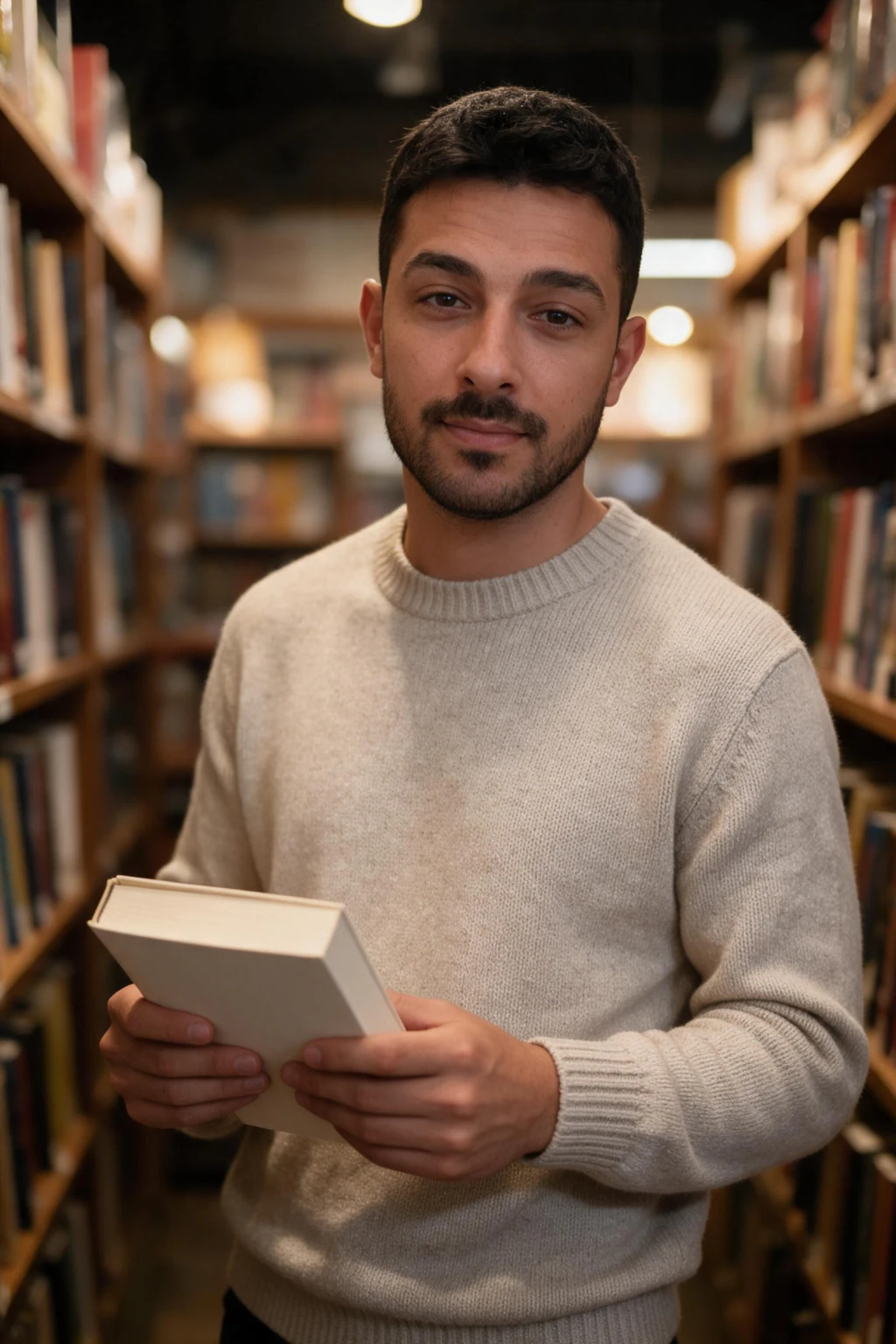
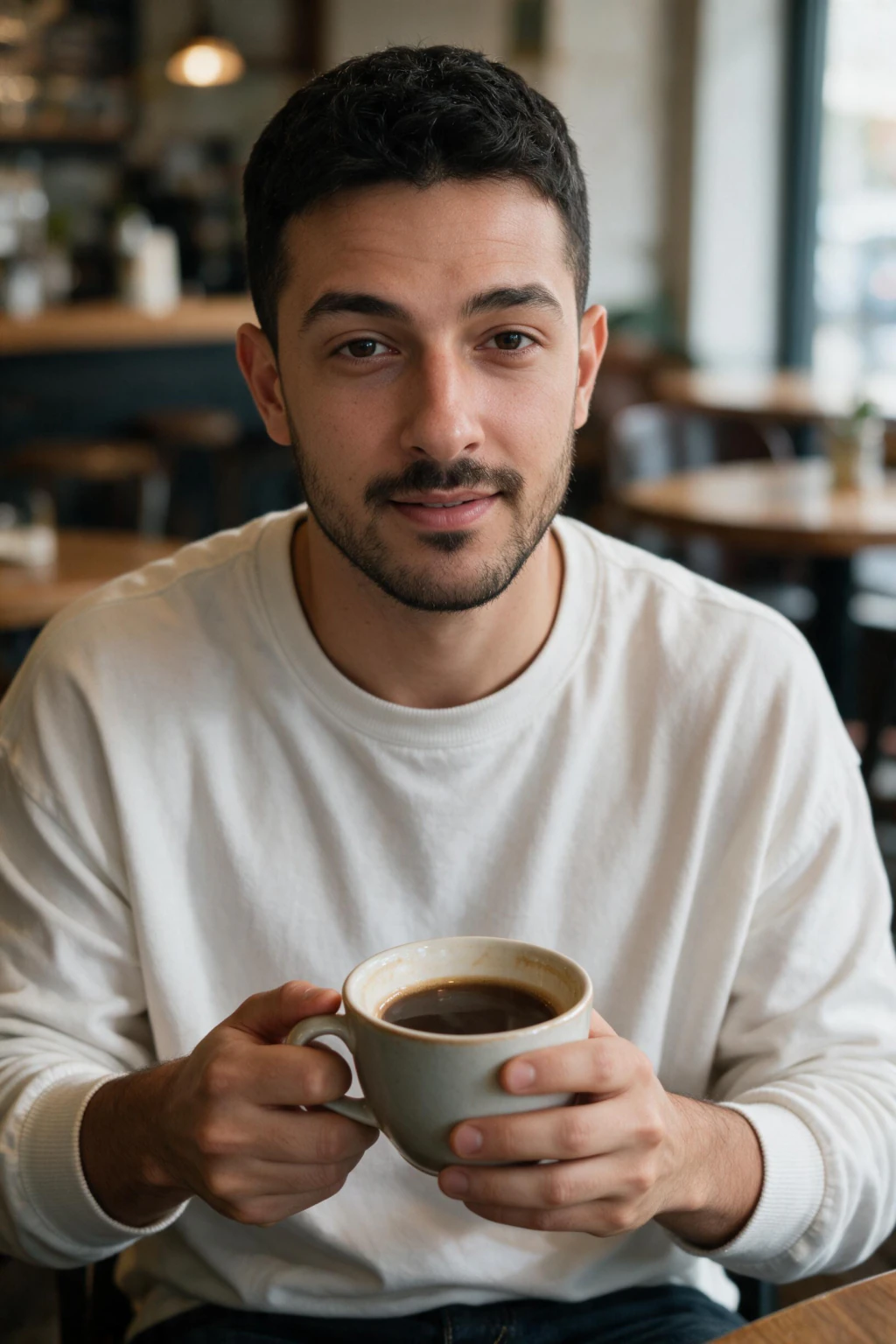
One phone selfie to 5 AI photos of the same person
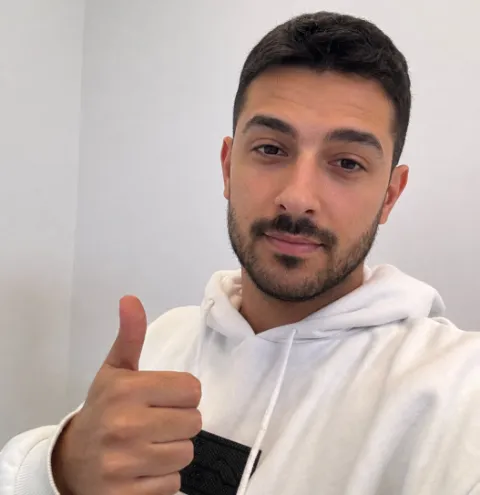
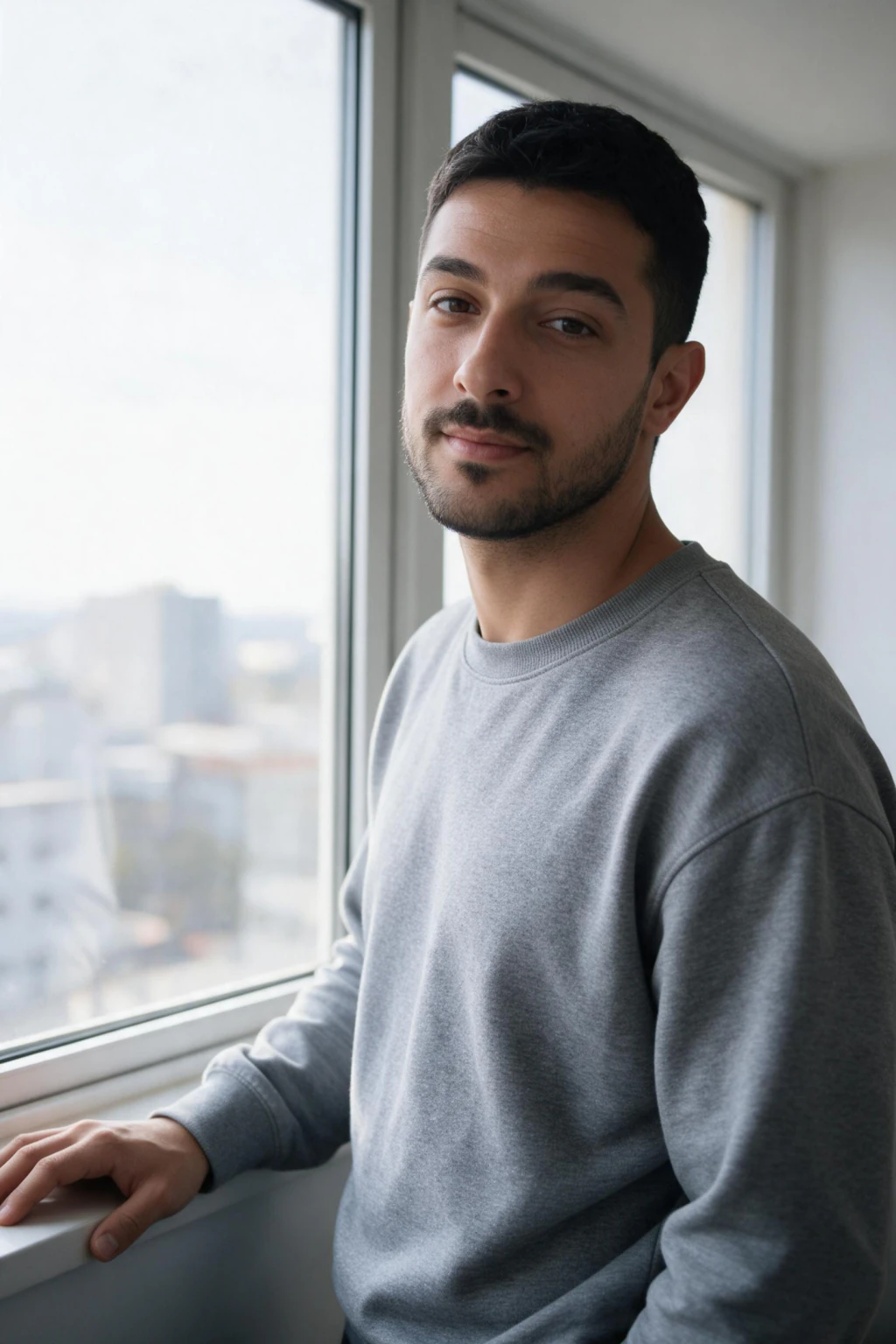
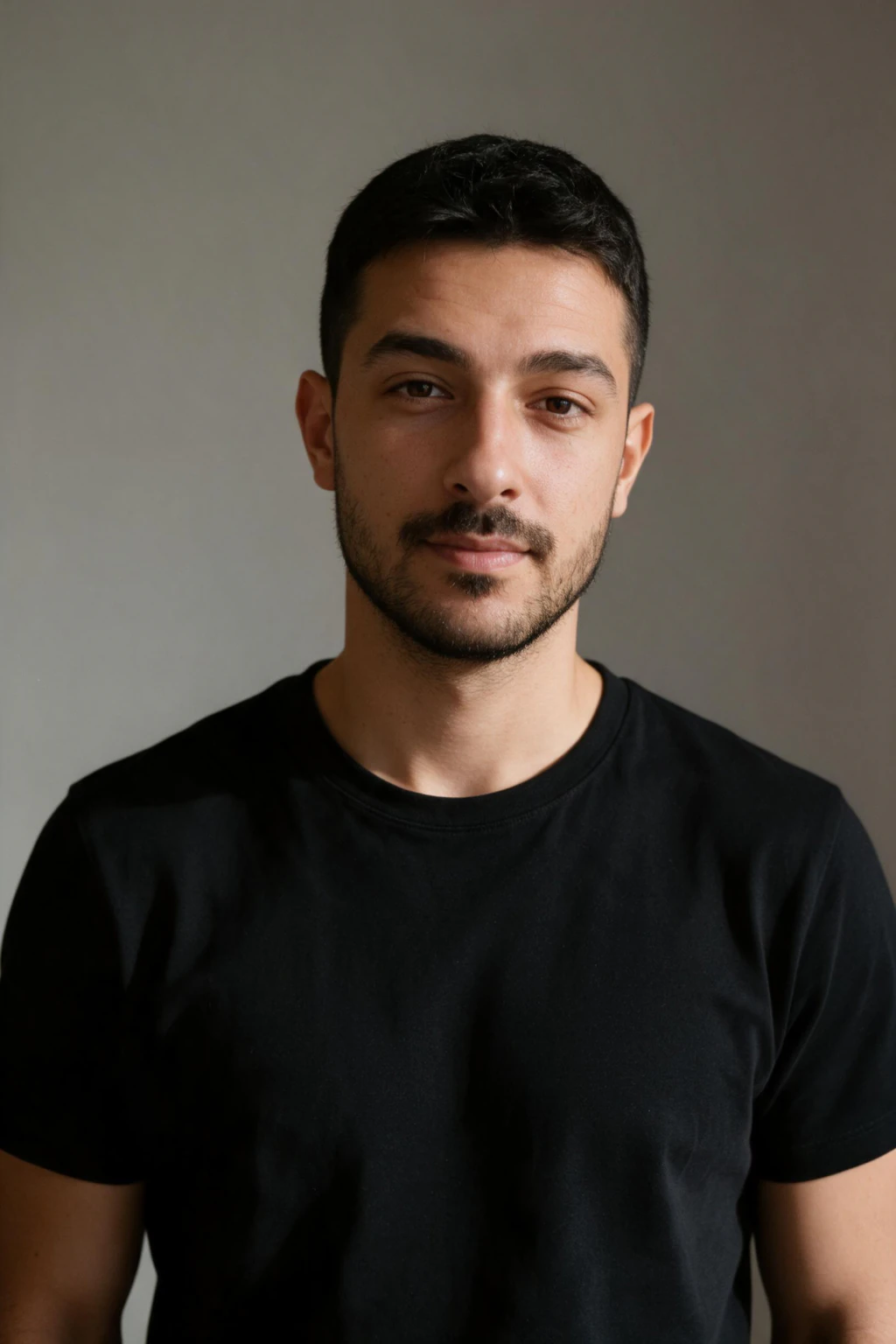
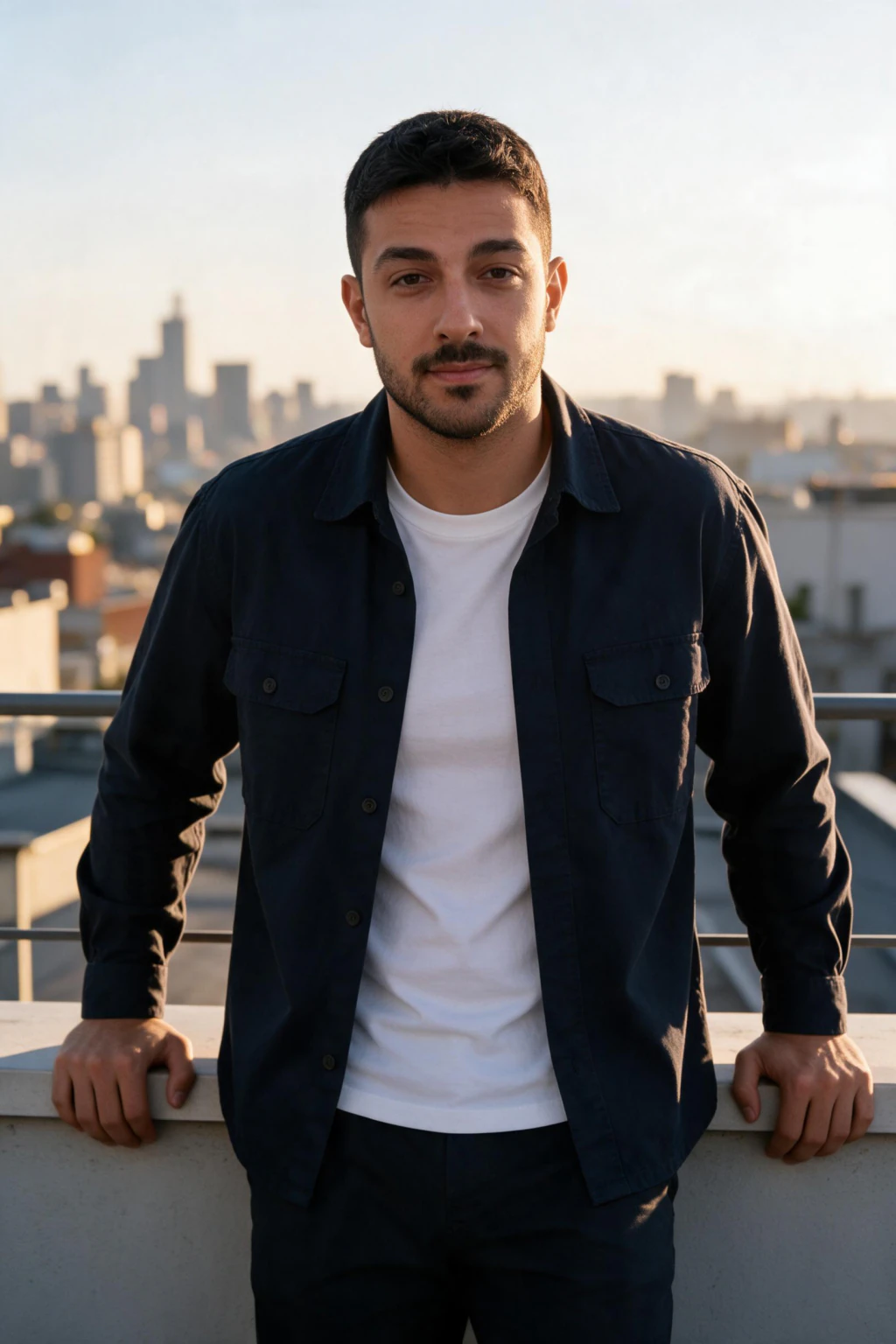
Diagnose it in 30 seconds
Before you read all eight causes, run this checklist against your input selfie. Each item points to the cause section that explains it.
1. Was it taken at arm's length on the front camera? See cause 1.
2. Was a beauty filter or smoothing mode turned on? See cause 2.
3. Is your face at an extreme angle, far above, far below, or in profile? See cause 3.
4. Is the photo older than 12 months, or does your look differ from today? See cause 7.
5. Is it a screenshot or a re-download from social media rather than the original camera file? See cause 5.
If you checked even one box, that is very likely your answer. Fix that one input and generate again before you troubleshoot anything else.
The 7 fixes, in priority order
Work down this list and stop at the first one you have not done. The order is by how much likeness each fix recovers.
1. Retake on the rear camera with your chest in frame, about 1 metre away, not at arm's length.
2. Turn off beauty mode, portrait smoothing, and any filter before you shoot, not after.
3. Shoot at eye level, face straight to the camera, no tilt up or down.
4. Use natural daylight or soft window light. Never neon, and never a tungsten-only room.
5. Upload the original camera file, at least 1024 pixels across the face. Never a screenshot or a WhatsApp re-download.
6. Pick a realistic photography pack (headshot, natural light portrait) before you try any editorial style.
7. Use a selfie from the last 3 to 6 months that matches your current hair, weight, and facial hair.
Fix the first box you failed in the diagnostic above, then generate again. One clear selfie is all the upload takes, and each photo comes back in about 2 minutes, so testing a better input costs you one look rather than a whole session.
Cause 1: arm's-length phone selfies distort your face
The front camera on most smartphones sits close to your face and uses a wide-angle lens. At arm's length, this lens makes the center of your face appear larger and pushes your ears, temples, and outer face backward. Your nose reads wider. Your forehead reads taller. The outer thirds of your face look compressed.
If your input selfie was taken at arm's length, the AI read that distorted face. When it generates a photo using standard portrait-lens proportions, it corrects back toward normal, and what comes out looks like a different person with your coloring and rough features but different proportions.
The fix is to take your selfie on the rear camera with your chest visible in the frame, not at arm's length. At that distance, a phone camera captures your proportions much more accurately. That gives the model a reference point for what your face actually looks like, which it then applies when generating portrait-style outputs.

Cause 2: beauty filters teach the AI the wrong version of your face
Beauty filters are one of the most common causes of likeness drift, and one of the easiest to fix. Beauty mode and smoothing filters change the texture, tone, and sometimes the shape of your facial features before the photo is even saved. Skin texture is removed. Eye bags are reduced. Nose bridges are sometimes slimmed. Jaw edges are softened.
When the AI reads an altered photo, it picks up that smooth, edited version of your face rather than the real one. It then renders from that, and the output is both likeness-inaccurate and often slightly uncanny because it combines a filtered face with real lighting physics.
Turn off beauty mode, portrait processing, and skin smoothing before taking the selfie you upload. Use the standard camera mode on your main rear camera where possible. The accuracy of the output depends entirely on the accuracy of the input.
Cause 3: an extreme angle makes the AI fill in gaps with guesses
A straight-on selfie beats a flattering angle every time for likeness accuracy. Your face looks different from an extreme angle than it does straight on. If your selfie is shot from far below, far above, or in full profile, the model has a skewed reference for your features. When it generates a photo from a natural perspective, it has to estimate. Those estimates are where most likeness drift happens.
Use a front-facing selfie at eye level, looking straight at the camera or only slightly turned. A clear, head-on angle gives the model the most complete and accurate read on your face.
Cause 4: inconsistent lighting creates color and texture confusion
Bad lighting teaches the model the wrong skin tone, not just a bad photo. Your skin looks different under tungsten lamp light, neon club lighting, direct sun, and soft window light. If your selfie was shot in harsh, colored, or mixed light, the model learns a skewed version of your skin tone rather than your real one.
A neon gym or dark club selfie is particularly problematic. The color cast from those environments shifts your skin tone significantly. The model cannot tell what your actual skin tone is if your selfie is bathed in orange tungsten or blue neon.
For a strong result, take your selfie in natural daylight or soft neutral indoor light. A clean color reference helps the model learn your real skin tone, not a color-cast version of it.
Cause 5: low-resolution selfies starve the model of facial detail
Many people upload screenshots, social media re-downloads, or photos compressed by messaging apps. Each compression pass strips fine detail from skin texture, eye structure, and the micro-shadows around the nose and mouth. By the time the AI sees those images, it has nothing left to learn from below the broad-feature level.
Low-resolution input usually produces the right hair color, rough face shape, and rough proportions, but the eyes feel slightly wrong and the skin reads plastic. The model filled in the missing detail with averages from its base training data, which is the same data behind every face it has ever generated. That is the unsettling sense that the output resembles you only in broad strokes.
Upload original camera files where you can. Avoid screenshots of Instagram or WhatsApp images. The minimum useful resolution per face is roughly 1024 pixels across the head, and more is better up to the limit your tool accepts. Count matters less than quality, but it still matters: see our guide on how many selfies you need for AI photos for the full breakdown by tool type.
Cause 6: generic prompts and style packs override your likeness
Some AI photo tools weight the style prompt more heavily than the identity model. When you generate from a prompt that demands a strong aesthetic, cinematic dramatic lighting, fashion magazine cover, painterly oil portrait, the style pulls the output away from your real face and toward an average face that fits that style.
This is one of the quieter reasons AI photos look like a different person. Your identity model worked correctly. The style request simply outvoted it. The more stylized the prompt, the more likely the output drifts toward a generic version of someone in that style instead of you specifically.
For a likeness-priority result, choose realistic photography-style packs, professional headshot, outdoor lifestyle, natural light portrait, rather than heavily artistic or fashion-editorial concepts. Identity preservation is highest where the style is closest to plain photography.
Cause 7: weight, hair, or look changes between the selfie you uploaded and today
If your selfie is from three years ago and you look different now, the model learns an outdated face. The output is off from how you currently look. Most people do not consciously notice they uploaded an old photo, but this is often the real reason the result feels wrong.
Weight changes, hair length, hair color, beard or facial hair changes, and aging all matter. The model only knows the selfie you give it. If that photo is outdated, the output looks outdated too.
Use a selfie from the last six to twelve months, ideally the last three. If your appearance changed recently, do not use an older photo. A current selfie matters more than anything.
Cause 8: the wrong tool category, generic image generators do not preserve identity
There is a category difference between identity-preserving AI photo tools, which work directly from your actual selfie and keep your real face in the frame, and generic AI image generators, which invent a face from a description or a loose reference. If you used the second category and wonder why the AI headshot doesn't resemble me, the answer is that the tool never had your face to begin with.
Generic generators produce a person who shares your hair color, age range, and rough features, but the actual face is invented. That is by design. They are general image tools working from a face hint, not from you.
At the tool level, the fix is choosing an identity-preserving generator that renders every photo from your uploaded selfie rather than a general text-to-image tool. One category returns a face that is recognizably yours. The other returns a face that resembles a description of yours. The realistic AI photo generator page shows what the first category actually produces from one selfie.
Or maybe the AI is right and your mirror is wrong
Mirrors and your phone's front camera show you a flipped version of your own face. You have looked at that flipped version your entire life, so your brain treats it as the correct one. Psychologists call this the mere-exposure effect: familiarity reads as correctness.
AI photo generators output your unflipped face, the version everyone else already sees when they look at you in person. If your AI photo looks subtly wrong to you but a friend says it looks exactly like you, this is very likely the reason. Nothing is broken. Your self-image and the AI's output are simply mirrored relative to each other.
Test it yourself: open the AI photo in any photos app and flip it horizontally. If the flipped version suddenly looks more like you, the likeness was accurate all along and the mismatch was in your own mental image, not in the AI.
There is a second test that costs nothing: show the photo to a coworker who sees you in person every day, not a close friend or a partner. Friends and family carry your curated-selfie version around in their heads too. A coworker only knows your unflipped, unfiltered, real-life face, which makes their verdict the cleanest likeness read you can get.
How to judge whether your AI photo actually looks like you
Viewing AI photos at full screen resolution is the worst way to judge likeness. At full resolution, every small imperfection reads as a bigger problem than it is, and small wins in skin texture and lighting read as larger triumphs than they deserve.
Run these 4 tests on any output before you keep it.
1. Thumbnail test: shrink the photo to 100 to 200 pixels, the size of a LinkedIn profile circle. At that size it either reads as clearly you or it does not.
2. Flip test: mirror the photo horizontally. If the flipped version matches your mental image better, the likeness was right and your mirror habit was the mismatch.
3. Catchlight test: zoom into the eyes. Both should carry the same small light reflection in the same position. Mismatched or missing catchlights are the top AI tell.
4. Pore test: zoom to the cheek and nose. Real output shows visible skin texture. Plastic-smooth skin means a filtered input selfie.
Compare the AI output at small size against your driver's license photo or a recent candid. If you would recognize one person as the other, the likeness is working. If they feel like different people, revisit the selfie you upload before generating again.

Frequently Asked Questions
- Why do my AI photos not look like me?
- The most common causes are an arm's-length selfie with wide-angle lens distortion, a beauty filter that alters your face shape and texture, an extreme angle, or harsh, uneven lighting. The render reproduced that input accurately. Fix the selfie and the outputs follow.
- I uploaded my photo but the AI avatar does not look like me. How do I improve the likeness?
- Run the 30-second diagnostic above before you re-generate. In order of how much likeness each one recovers: retake on the rear camera about a metre away instead of at arm's length, turn beauty mode and portrait smoothing off before you shoot, shoot at eye level with no tilt, use soft window light, and upload the original camera file rather than a screenshot or a re-downloaded copy. An avatar that misses you is almost always carrying a distortion that was already in the input selfie.
- Why does my AI avatar look like a better-looking stranger?
- Because beauty processing ran before the model did. Photographic Styles and Smart HDR on iPhone, Face Retouching and Scene Optimizer on Samsung, and Top Shot on Pixel bake a smoothed, slimmed version of your face into the file. The AI treats that as your real face and pushes it further in every frame, so the avatar drifts toward a generic attractive face instead of yours. Shoot with those off and the drift stops.
- Why does my AI photo look like someone else?
- Usually the input selfie taught the model a distorted or filtered version of your face. Wide-angle phone cameras stretch face proportions at close range. Taking your selfie on the rear camera with your shoulders visible gives the model your real proportions, and outputs align more closely to how you actually look.
- Why do my AI photos look wrong to me but fine to my friends?
- You see yourself flipped, in mirrors and in your phone's front camera. AI photos show your unflipped face, the version everyone else sees. Flip the AI photo horizontally in your photos app. If it suddenly looks right, the likeness was accurate all along.
- Why does my AI photo look plastic or fake?
- Plastic skin usually comes from a beauty filter on your input selfie, or from a low-detail photo with no real texture. The render carries that smoothed skin straight through because it is what your selfie showed. Turn off beauty mode and shoot in natural light so there is real skin texture to reproduce.
- Can I fix AI photos that do not look like me without re-uploading?
- Not usually. Likeness problems come from the selfie you uploaded, not from the generation step. Generating again from the same input selfie produces the same issues. Improve the input: upload a clear, unfiltered selfie taken on the rear camera before generating again.
- How many selfies do I need for AI photos that look like me?
- Quality beats count. One sharp, unfiltered, front-facing selfie taken on the rear camera outperforms ten filtered arm's-length shots. For the full count breakdown by tool type, see our guide on how many selfies you need for AI photos.
- Why do AI images look fake?
- Smooth plastic skin with no visible pores, mismatched catchlights between the two eyes, and warped hands or backgrounds are the three usual tells. On photos of yourself there is a fourth: proportion drift, where the nose and forehead are subtly stretched because the input selfie was shot at arm's length.
- Can AI generate realistic human faces?
- Yes. Current models render photorealistic faces with real skin texture, matched catchlights, and believable lighting. The hard part is rendering your face, which needs a clear unfiltered selfie as the input. A realistic AI photo generator works from that selfie instead of a description.