What is an AI photo?
An AI photo is a photorealistic image created by a generative model from a text description or a reference photo, instead of being captured by a camera. Current models render portraits, products, landscapes, and full scenes that read as real camera photos at feed size.
Every AI photo starts from one of two inputs. You either describe the image in words, or you hand the model a real photo to learn from.
That input choice is the most important decision in the whole process, because it decides whether any person in the output is an invented stranger or a real face. The rest of this guide covers both routes and when each one wins.
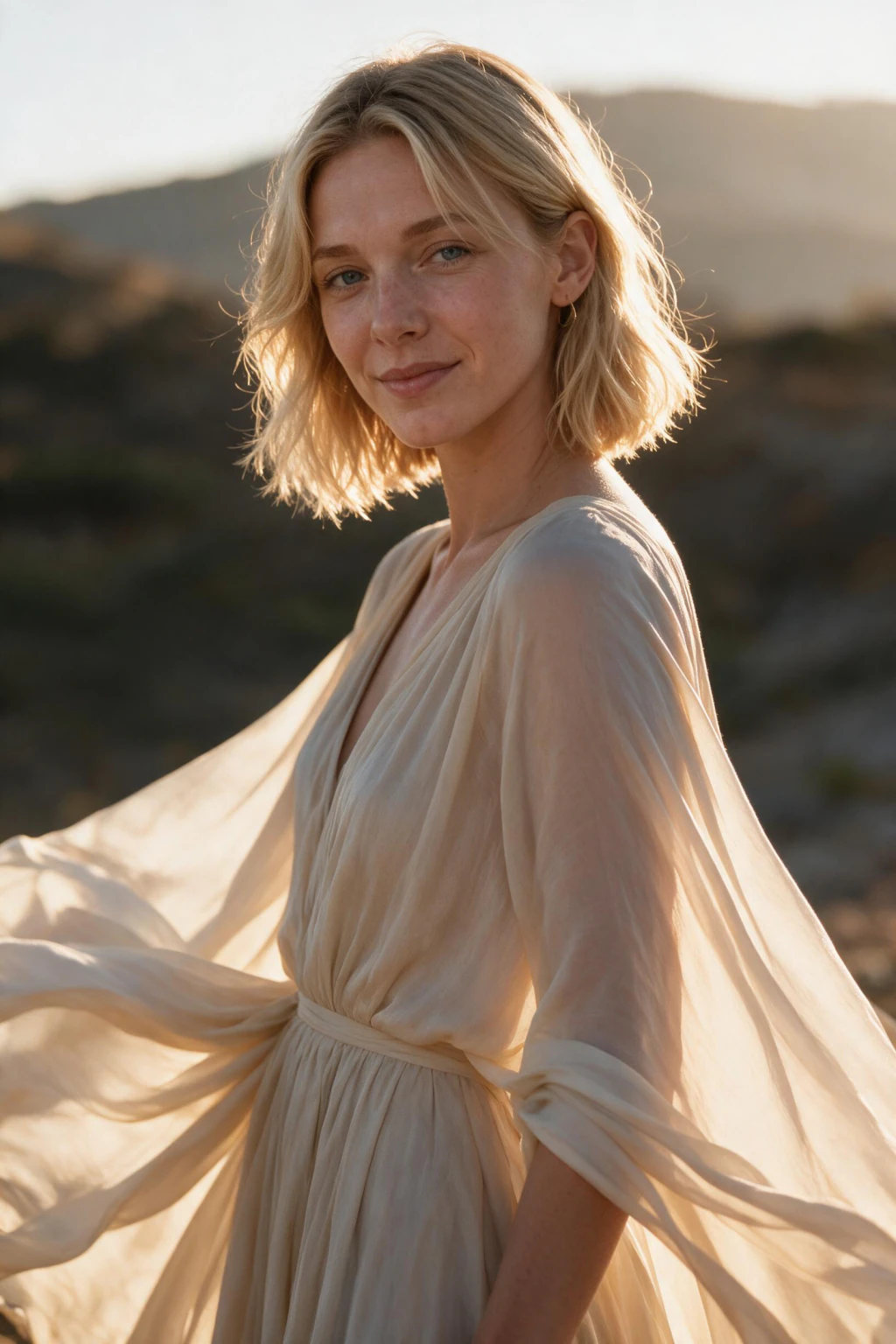
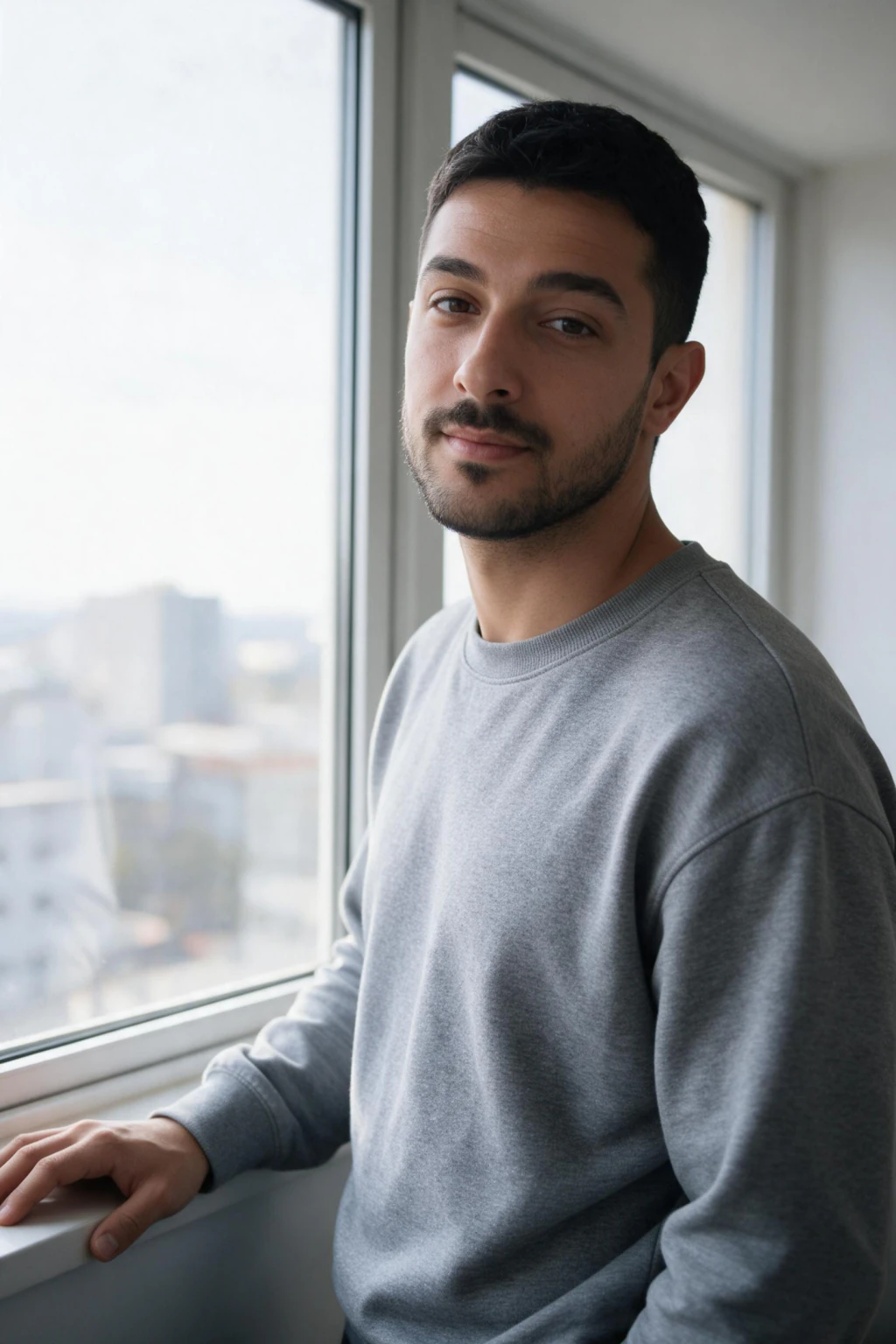
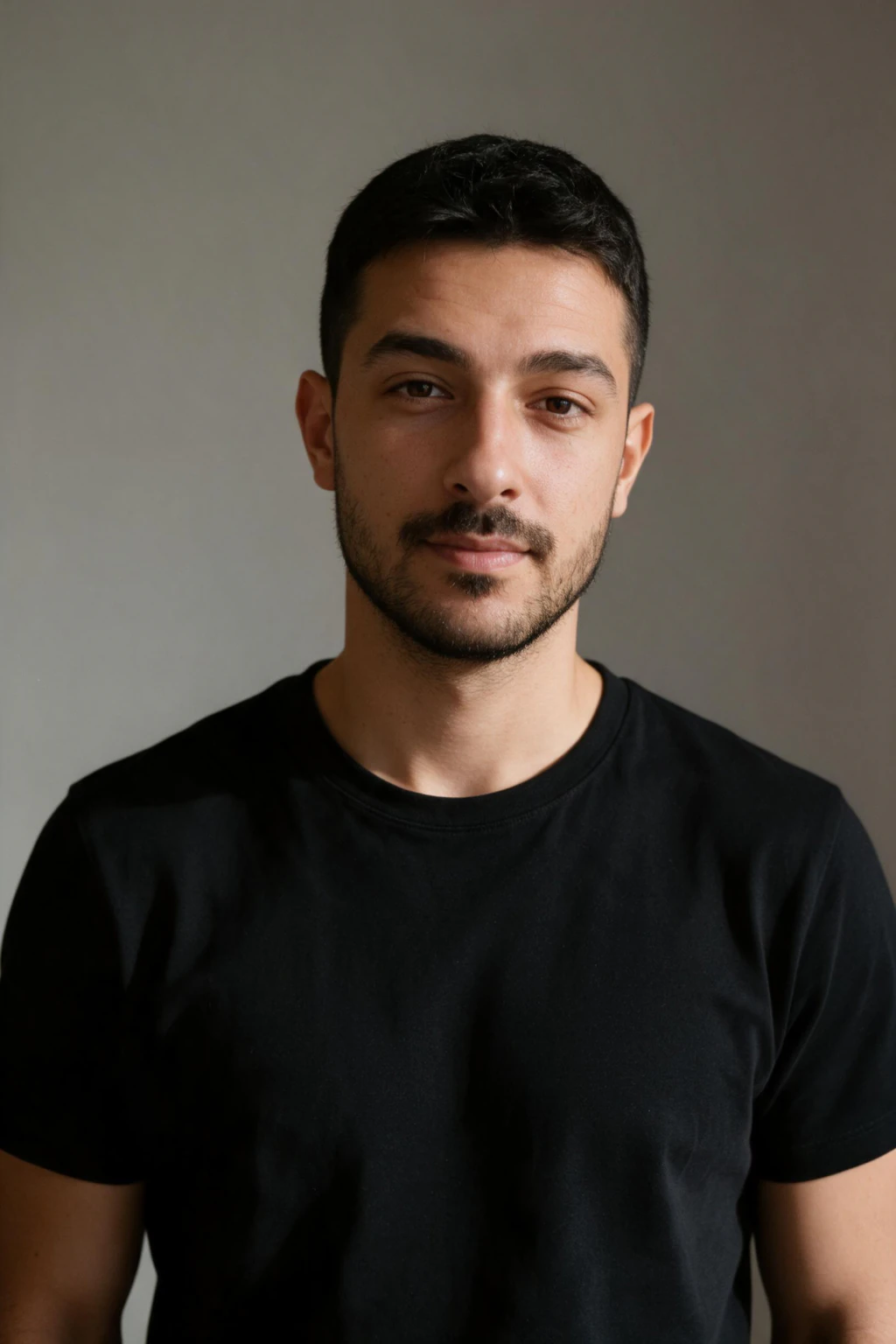
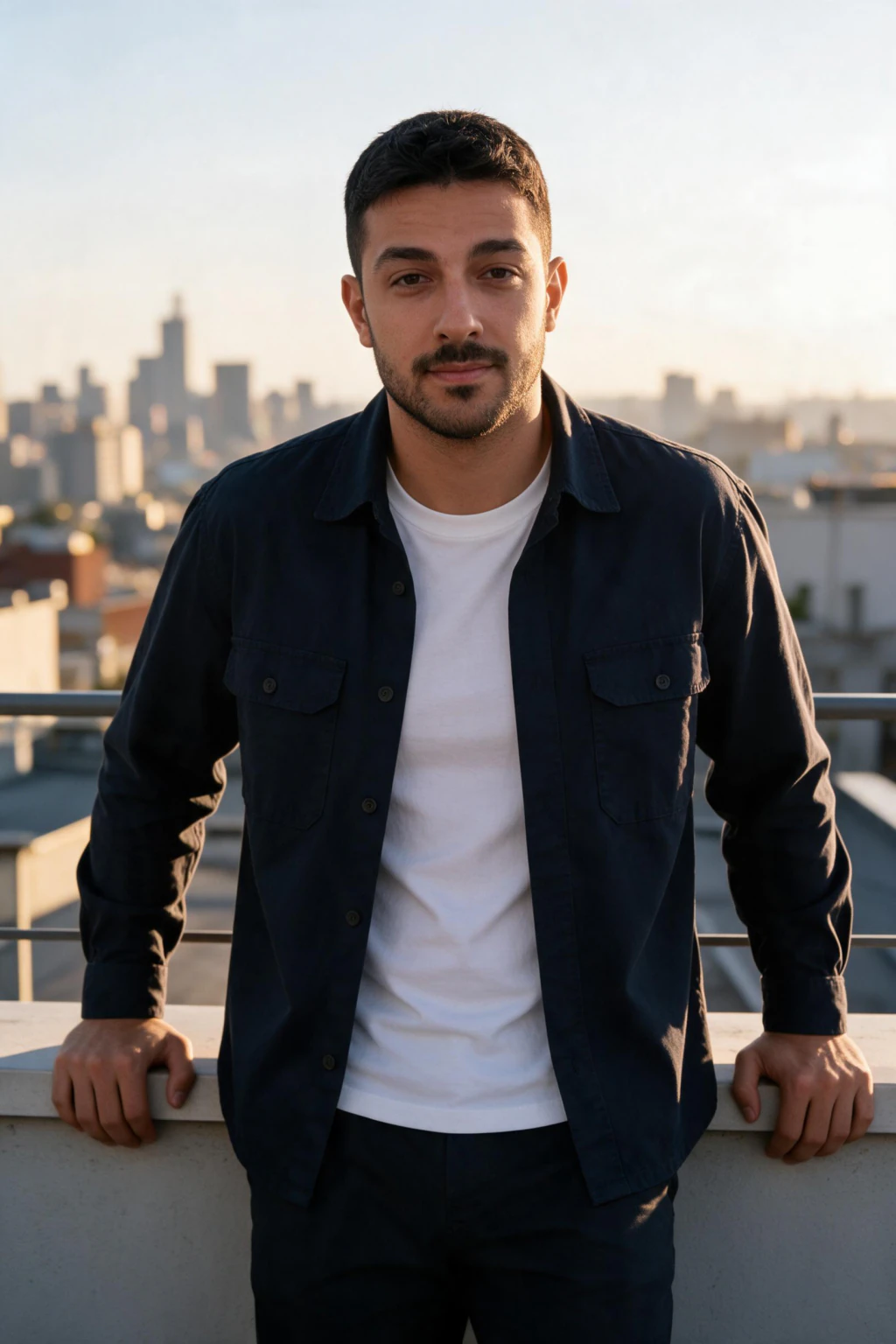
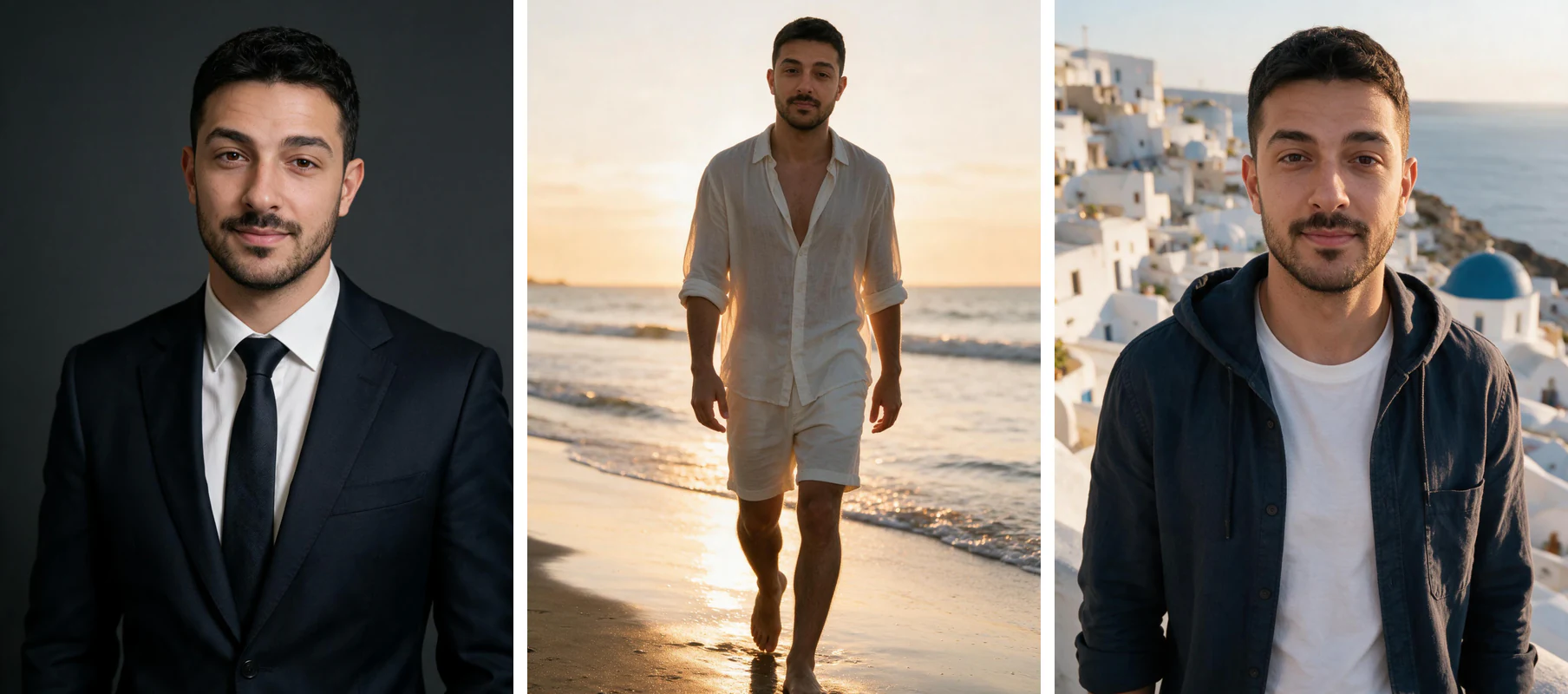
One phone selfie to 5 AI photos of the same person

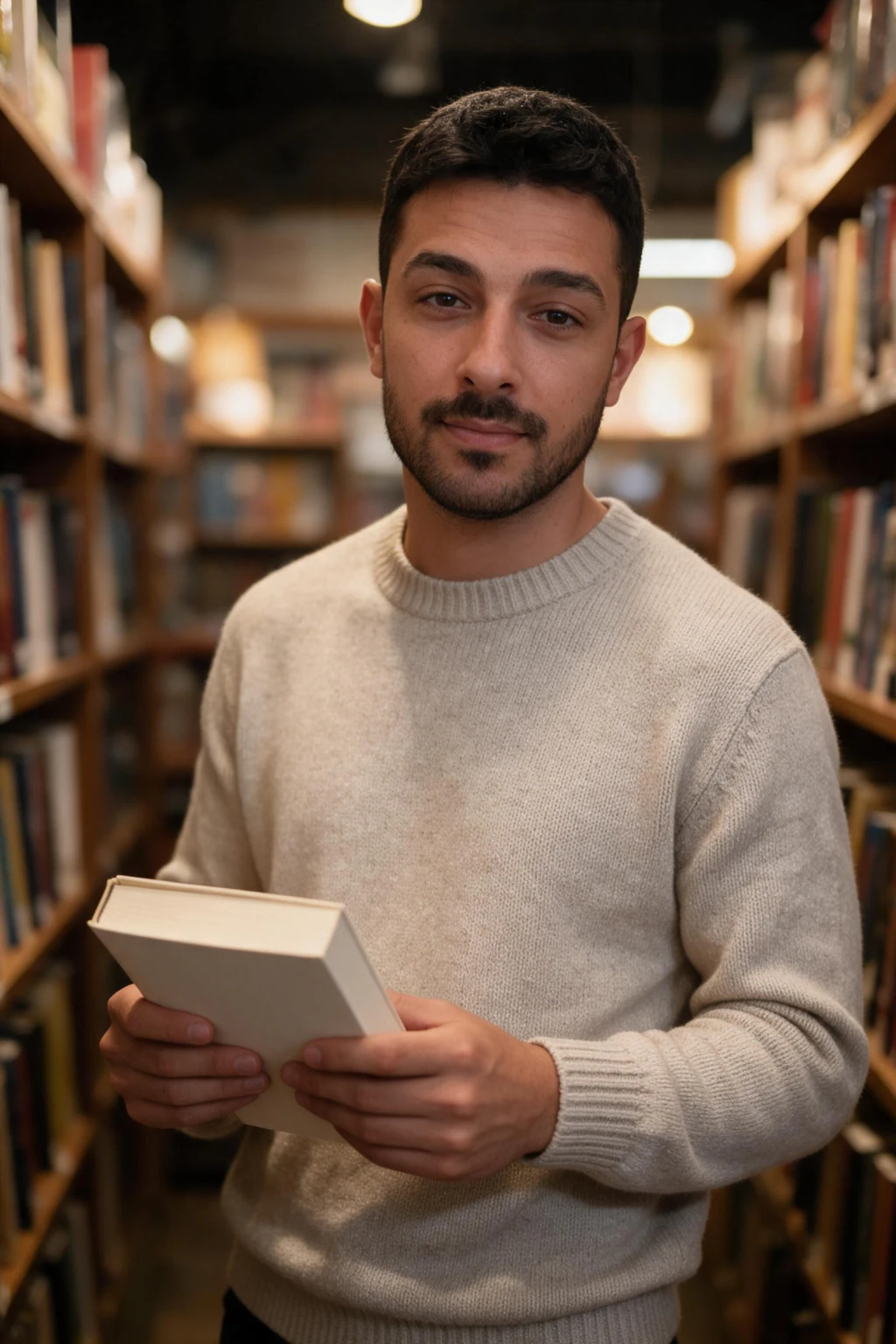
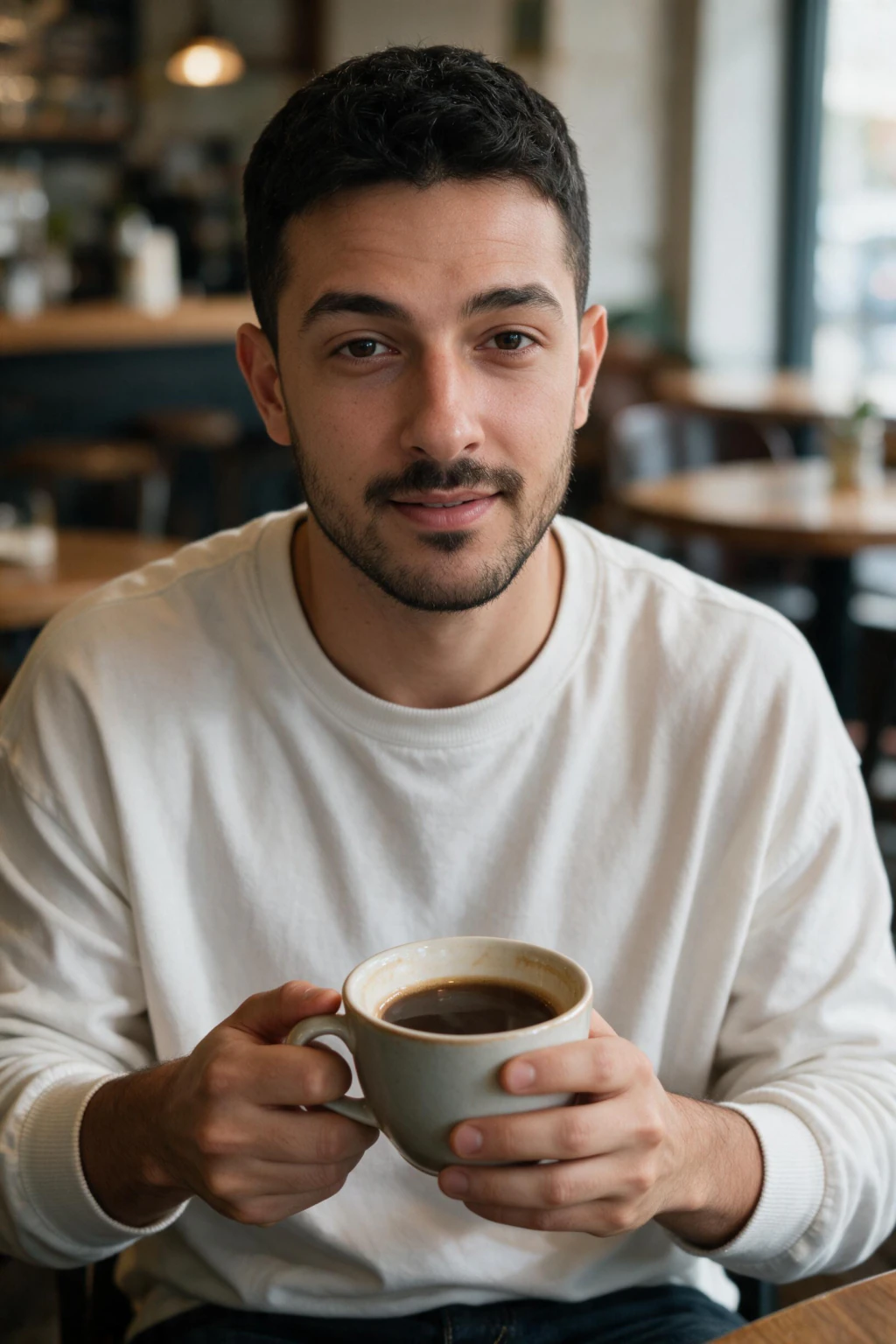
What are the two ways to make an AI photo?
Route one is a text-prompt generator such as ChatGPT Images, Midjourney, Canva, or Adobe Firefly. You type what you want, the model invents an image to match, and every face in the frame belongs to nobody.
Route two is a selfie-based generator such as MakeAiPhotos. You upload a photo of a real face, the model renders from that specific likeness, and every output carries it across different outfits, settings, and lighting.
If the photo you want is a photo of you, that second route has its own dedicated walkthrough: how to make AI photos of yourself. This guide stays general and covers making any AI photo: people, products, places, and pure art.
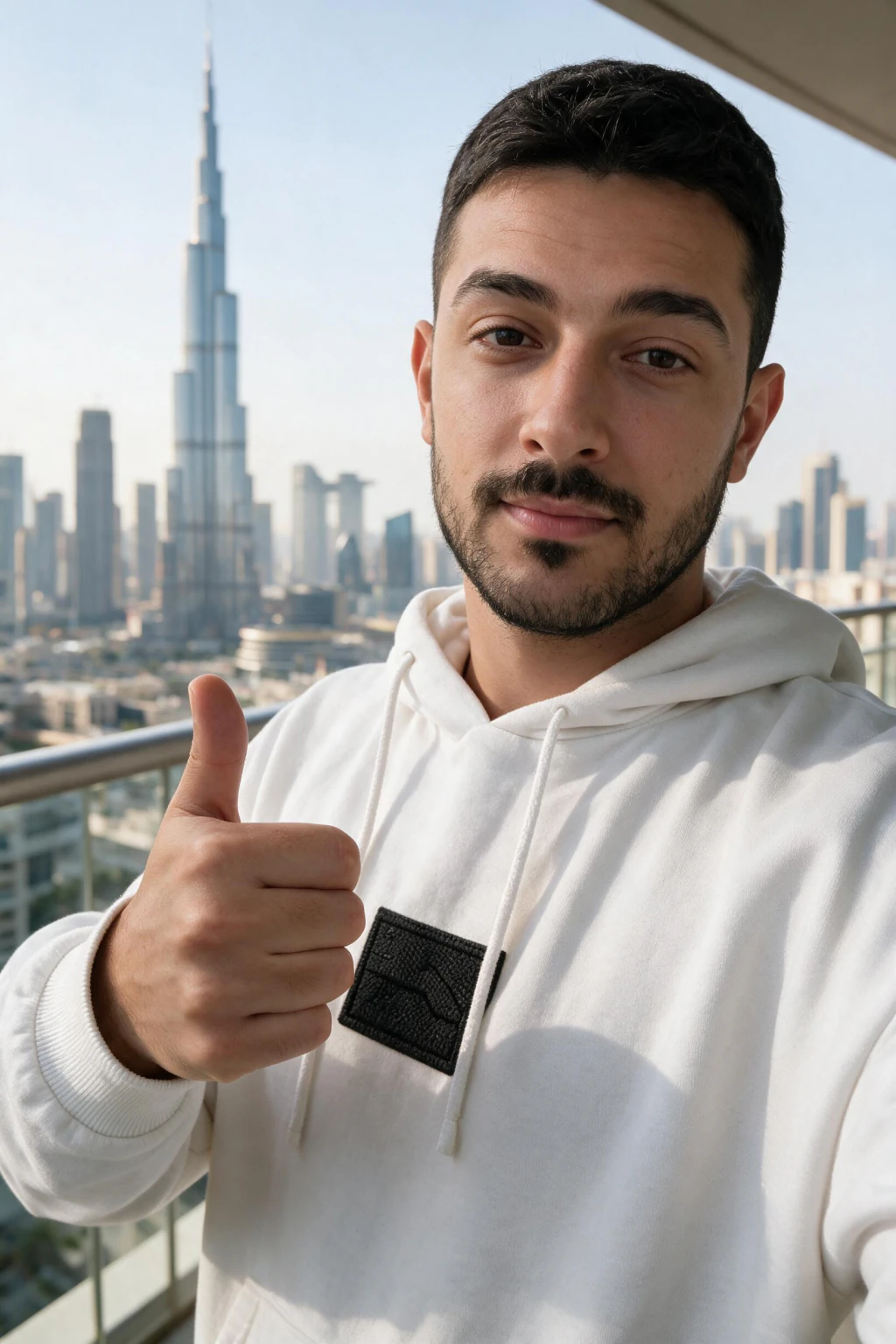
How do you make an AI photo with a text prompt?
1. Pick a generator. ChatGPT Images, Canva, Adobe Firefly, and Leonardo all work in a browser with no install. Most gate the good models and higher resolutions behind plans in the $10 to $30 a month range.
2. Write a specific prompt. Cover four things in one or two sentences: the subject and what it is doing, the environment, the lighting, and a style. 'A ceramic coffee mug on a walnut desk, morning window light, shallow depth of field, product photo' beats 'coffee mug' every time.
3. Add realism modifiers if you want a camera look. Phrases like '35mm lens', 'soft natural light', 'visible skin texture', and 'slight film grain' push the model away from the glossy digital-art default.
4. Generate, then change one variable at a time. Rerun with a different lighting phrase or camera angle rather than rewriting the whole prompt, so you can tell what actually moved the result.
5. Upscale and download your best frame. Most tools include an upscaler that lifts the winner to print or full-feed resolution.
The hard limit of this route: it cannot put your real face in the photo. Attaching a selfie to a chat tool gets you a rough one-off restyle at best, and the likeness drifts on every new generation.
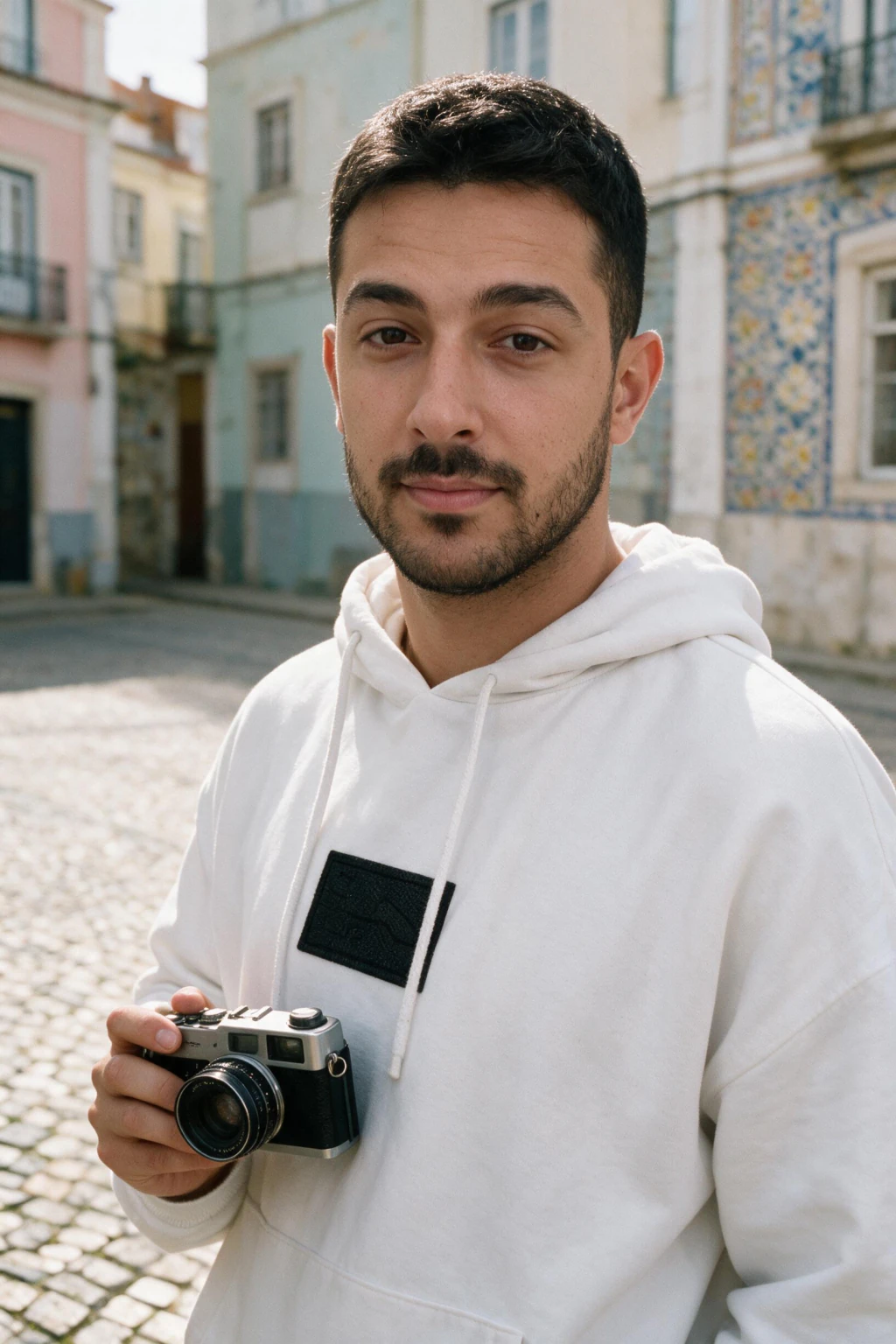
How do you make an AI photo of a real person?
1. Start with one clear, front-facing, unfiltered photo of the person, taken in soft daylight. The model can only preserve the face data you give it, so a sharp input is most of the result.
2. Upload it to a selfie-trained generator like the MakeAiPhotos AI photo generator. The platform renders each photo in about 2 minutes, with no training wait and no prompt writing involved.
3. Pick a style pack that matches where the photo will live: professional headshots for LinkedIn, lifestyle or travel scenes for Instagram, casual outdoor looks for dating apps.
4. Generate the pack and keep the frames where the likeness holds. One upload covers about 30 finished photos across settings, so you choose from those rather than hoping one render lands.
For selfie prep, pack choice, and a realism checklist specific to photos of you, the full guide to AI photos of yourself covers that route end to end.
Which type of AI photo tool should you use?
Match the tool type to the job. Text-prompt tools win on creative range, selfie-trained tools are the only option when the output must look like a specific person, and editors only modify photos that already exist.
The comparison below is the short version. For a ranked list of specific tools, see the best AI for photos breakdown.
| Tool type | Best for | Real faces? | Typical cost |
|---|---|---|---|
| Text-prompt generator (ChatGPT, Midjourney, Canva) | Products, scenes, art, generic people | No, invented strangers | $10 to $30 / month |
| Selfie-trained generator (MakeAiPhotos) | Photos of you: headshots, lifestyle, travel | Yes, built from your selfie | $14.99 one-time pack |
| Other selfie-trained tools | Photos of you, usually headshot-only | Yes | $19 to $99 per batch |
| AI photo editor (Pixlr, Photoshop AI) | Fixing or extending existing photos | Keeps the face already in the photo | $5 to $25 / month |
How do you make an AI photo look real instead of AI?
Realism comes from imperfection. Real photos have visible skin texture, uneven lighting, and slightly messy backgrounds, so prompt for those and reject outputs that look airbrushed.
Check the classic failure points before you post: hands and fingers, any text or logos in the frame, jewellery symmetry, and background objects that stop making sense on a second look. One wrong detail outs the whole image.
Judge every candidate at thumbnail size, around 100 to 200 pixels, because that is how strangers first see it on any feed. A frame that survives the thumbnail test and the hands check will pass almost anywhere. The full fix list lives in how to make AI photos look realistic.
How much does it cost to make an AI photo?
A single AI photo can cost pennies; a usable set costs $14.99 to $30 for most people. Text-prompt tools bundle generation into subscriptions around $10 to $30 a month, which suits ongoing creative work but keeps billing after you stop.
For photos of a real person, MakeAiPhotos sells a one-time $14.99 pack, and each pack renders a full batch of photos you keep, with no recurring charge. New accounts also get welcome credits at signup. Competing selfie-trained tools charge $19 to $99 for a comparable batch, and several of those are subscriptions.
Both routes undercut the traditional alternative by a wide margin, since a photographer session runs $150 to $500 for a handful of frames. The full price breakdown is in how much AI photo generators cost.
What mistakes should you avoid when making AI photos?
1. Vague prompts. 'A nice photo of a beach' returns generic stock-art. Name the subject, light, and camera style, and the same tool produces something specific.
2. Using a text-prompt tool for a real face. Midjourney and DALL-E render a stranger who loosely matches your description. If the output must look like you, start with a selfie-trained generator instead.
3. Feeding in filtered selfies. Beauty modes and skin smoothing delete the texture the model needs, which is the top cause of plastic-looking results on the selfie-trained route.
4. Accepting the first render. Every generator has variance between runs, so generating 4 to 10 candidates and picking the best is the cheapest quality upgrade available.
5. Ignoring platform rules. LinkedIn, dating apps, and marketplaces each have their own policies on AI images. The AI photo generator FAQ covers the platform questions, costs, and timing in one place.
Frequently Asked Questions
- How do I make an AI photo for the first time?
- Pick the route that matches your goal. For any invented scene, type a detailed prompt into a text-to-image generator like ChatGPT Images or Canva. For a photo of yourself, upload one clear selfie to a selfie-trained generator like MakeAiPhotos, pick a style pack, and generate. Both routes finish in about 2 minutes with no design skills.
- Can I make an AI photo of myself with a text prompt?
- Not reliably. Text-prompt tools generate a stranger who roughly matches your description, and attaching a selfie to a chat only gets a one-off restyle whose likeness drifts on the next generation. A selfie-trained generator learns your actual face once and holds it across every output.
- What is the easiest way to make an AI photo?
- For a quick invented image, typing a one-sentence prompt into ChatGPT Images or Canva is the fastest route. For photos of you, uploading one selfie to MakeAiPhotos is easier than prompting, because you pick a pre-built style pack instead of writing and debugging prompts.
- How much does it cost to make an AI photo?
- Text-prompt generators run about $10 to $30 a month on subscription plans. Selfie-trained photos of you cost $14.99 for a one-time pack on MakeAiPhotos, while competing tools charge $19 to $99 per batch. A photographer session, the traditional alternative, costs $150 to $500.
- Do I need Photoshop or editing skills to make AI photos?
- No. Both tool types output finished images: prompt generators render the complete scene, and selfie-trained generators deliver ready-to-post photos at full resolution. Editing software only matters if you want to composite or retouch afterwards, which most people skip.
- Are AI photos legal to use?
- Generally yes for personal and commercial use of images you generate, subject to each tool's license terms. The real constraints are platform policies, so check the rules on LinkedIn, dating apps, and ad networks, and never generate photos of a real person without their consent.