Fiverr profile picture requirements: the six rules
Fiverr's help centre sets the standard in one paragraph: the profile picture must be a unique, original photograph that represents you or the service you offer. From that come the rules a reviewer applies.
The six rules: the image is original and yours, it represents you or your service, it is not a photo of another person, it is not a celebrity, it is not a GIF, and it does not misrepresent the service you provide. Fiverr adds that it may be your company logo or an image that represents the service, so a face is not strictly required.
Two more that are not written as rules but decide reviews anyway. The photo has to be clear enough to read as a small circle in search results, and it has to look like a person a client would pay in advance. Cartoon avatars, stock photos and heavily filtered selfies fail that reading even when they clear the written rules.
A photo that meets all of it is a plain headshot in even light, which is also the photo that gets orders. If you do not have one, upload one clear selfie to the AI headshot generator, pick the home office or neutral studio look, and it comes back in about 2 minutes with no model training.
Passes or gets held: the common seller photos, judged
These are the photos new sellers actually upload, and what happens to each.
| The photo you have | Verdict | Why |
|---|---|---|
| Plain-background headshot, face forward, even light | Passes | It is the standard, and it survives the circle crop. |
| Cropped out of a group photo | Usually held | Soft after the crop, and someone else's shoulder is often still in frame. |
| Cartoon avatar or anime character | Held | Not an original photograph of you or your service. |
| Stock photo of a person | Held, and risky | Not you, and it misrepresents who does the work. |
| Your logo, on an agency or studio account | Passes | Fiverr allows a logo that represents the service. |
| Your logo, on a solo seller account | Passes the rules, loses the order | Clients hire people. A logo hides the one thing they want to see. |
| Heavily filtered or beauty-mode selfie | Often held | Reads as edited, and does not match the seller on a video call. |
| Generated headshot of your unmodified face | Passes | Original, clear, accurate likeness. The reviewer sees a headshot. |
Face or logo: the decision most sellers get wrong
Fiverr lets a seller use a logo, and a lot of solo sellers do because they want to look like a company. It costs them. A client scrolling search results is choosing which stranger to pay before the work exists, and a face answers that faster than a wordmark.
Use a face if you are the person delivering the work. Use a logo only if you sell as an agency or a studio with a brand the client may already recognise.
Do not split the difference. A face inside a logo frame, a logo pasted over a shoulder, or a headshot with the company name written across it reads as neither, and text baked into the image turns into noise at circle size.
What each rule means in practice
Original and yours. A photo you took or had taken of you. Not a download, not a friend's photo of someone else, not a template.
Represents you or your service. A face for a person, a logo for a brand, a product shot only if the product is the service. A landscape, a car or a pet represents nothing a client can hire.
Not another person, not a celebrity. This is the rule that catches stock photos and borrowed headshots, and it is the one with the worst consequence, because it looks like impersonation.
Not a GIF. Static JPG or PNG. Fiverr does not publish a required pixel size; a square of at least 250 by 250 pixels under 2 MB displays cleanly, and larger is fine.
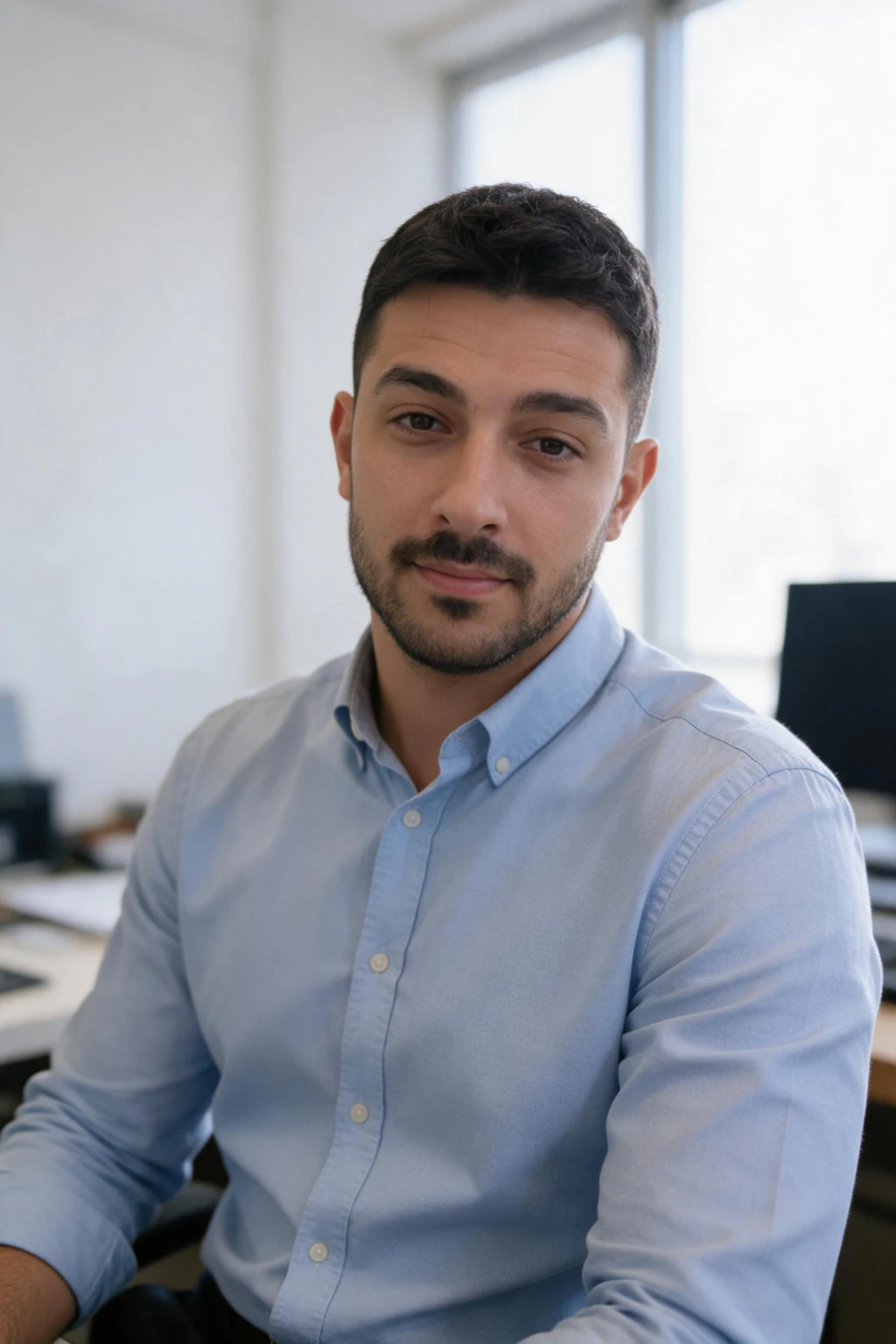
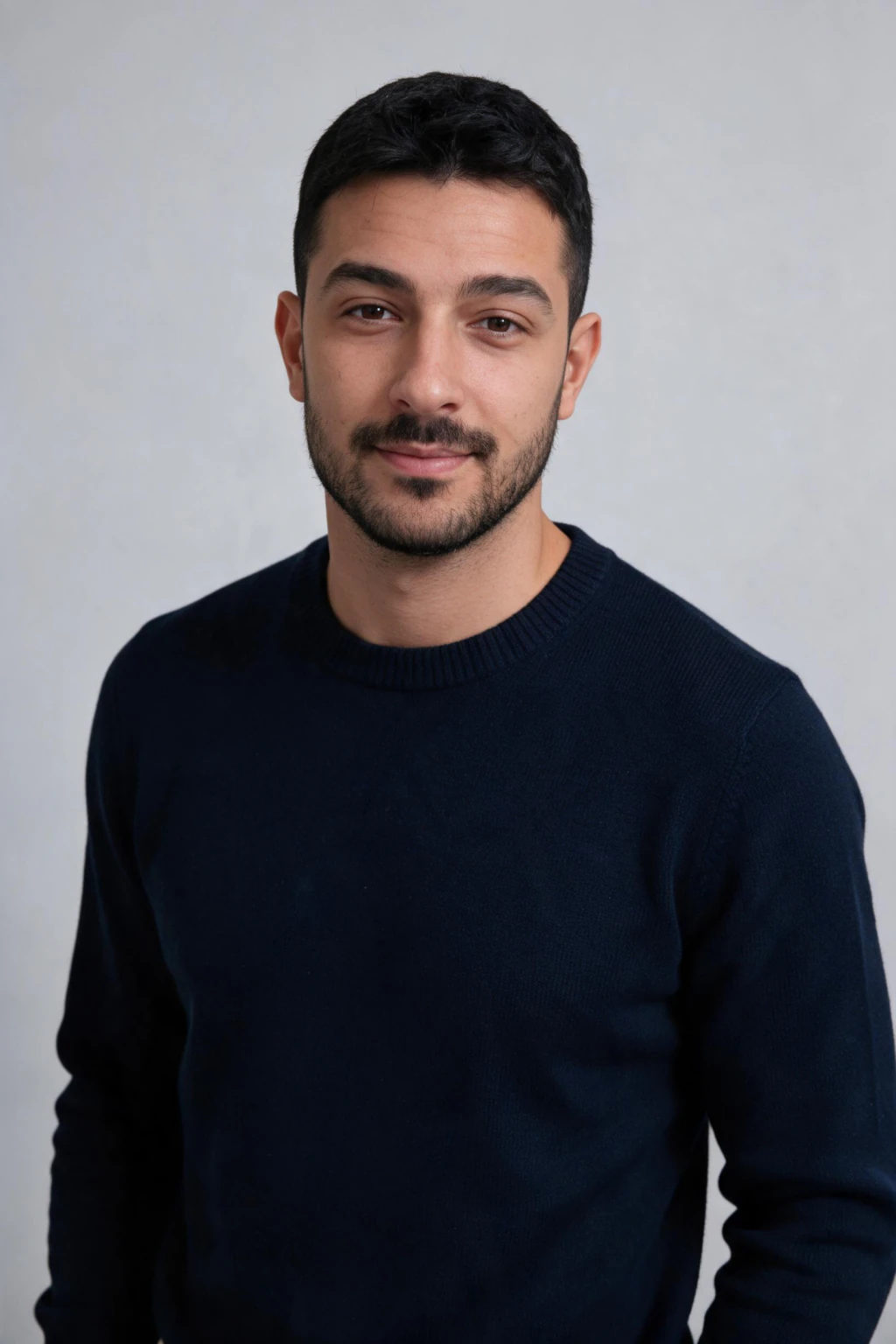
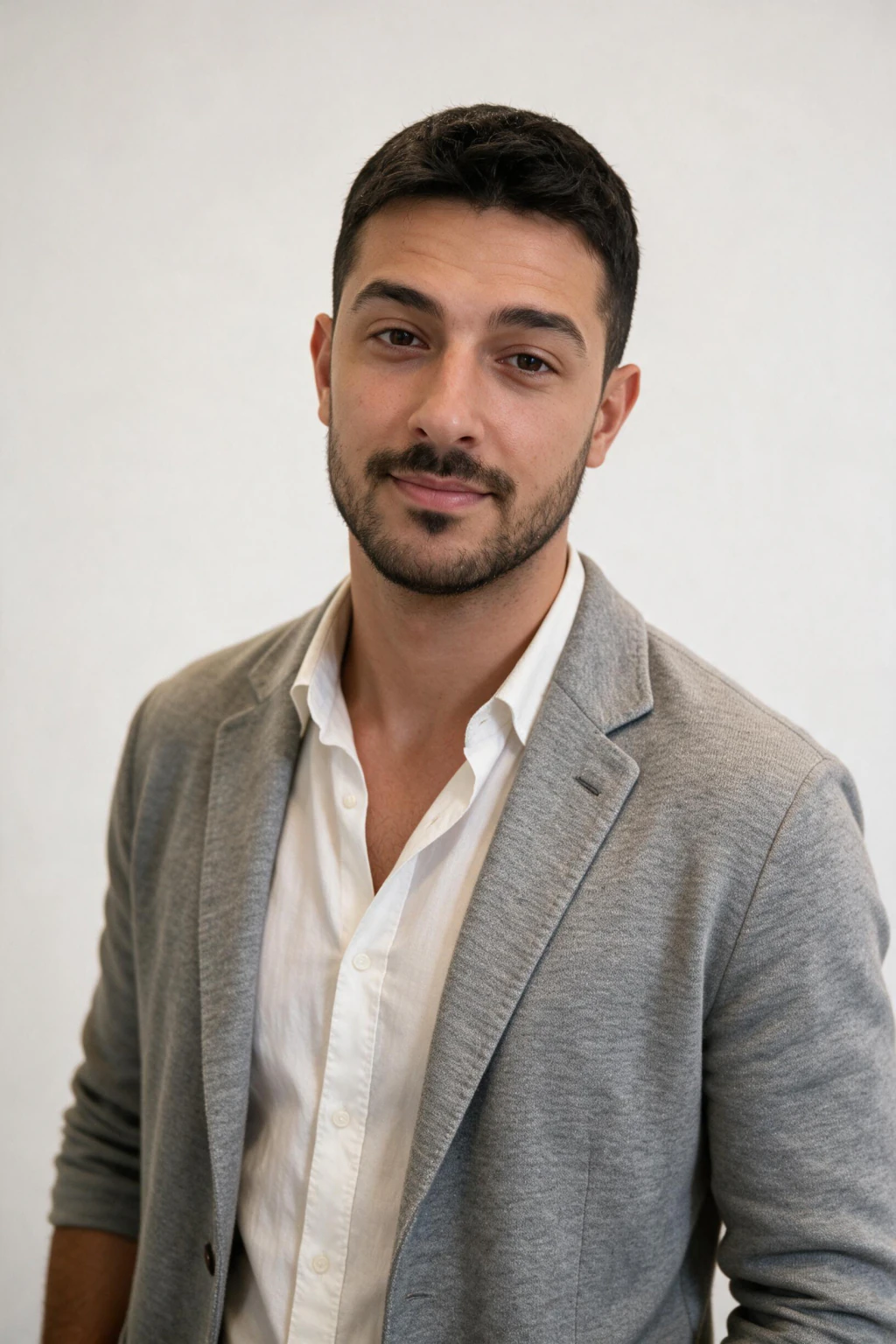
Does not misrepresent. A suit and a boardroom for a gig that is you at a laptop is not a rule violation, but a client who books a video call notices. The generated headshots below are of an unmodified face in rooms a freelancer would actually work in.

Why a Fiverr profile gets held, and what the photo has to do with it
Fiverr reviews new seller profiles before they go live, and the common message is that the profile could not be approved, with no line item saying why. The photo is rarely the only reason, but it is the one reviewers see first and the one a seller can change in ten minutes.
Reviewers are reading the whole profile for one thing: does this look like a real, specific person or business that can deliver the gig. A cartoon avatar, a stock face or a blurry crop pulls the whole profile toward no. A clear, unedited headshot pulls it toward yes and makes the description and skills easier to believe.
If your profile was held, fix the photo first, then the description and the gig images, then resubmit. Sellers in Fiverr's community threads describe getting through on a second attempt after replacing the photo and tightening the description together, rather than rewriting the bio alone.
The photo that passes review and also gets the order
Meeting the rules gets your profile live. It does not get you hired. A bathroom selfie with a visible face passes review and then loses the client in the first second, because they are comparing you to a seller with a headshot.
The photo that does both is simple on purpose. Plain or softly blurred background, soft even light, head and shoulders, direct eye contact, a friendly expression, clothes you would wear to a first client call in your field. Smart casual covers most Fiverr categories. Fiverr's own seller guidance is that your face should take up most of the frame and that you should not shoot it as an arm's-length selfie.
Fiverr shows the photo as a small circle in search and in the inbox, so a clean background matters more here than on a page where it is shown large. Busy backgrounds turn into noise at that size, and a face against noise is harder to trust.
How to get a passing Fiverr photo from one selfie
Most sellers get held because the only decent photo of themselves was taken by someone else, at an event, from too far away. The fix is not a photographer. It is one honest selfie and two minutes.
Take the selfie facing a window in daytime on the rear camera with filters off. Upload it to MakeAiPhotos, pick the home office window or neutral studio look, and the photo that comes back is a new headshot of your unmodified face in a room a freelancer works in. That is the standard, met, and it is original because it was generated from your own photo.
$14.99 covers about 30 photos. Generate the plain one for Fiverr and spares for Upwork, LinkedIn and your gig gallery, so every place a client checks shows the same person. The pre-upload checklist for a selfie that keeps your likeness is in what photos to upload for the best AI photos, and the Upwork version of these rules is in Upwork profile picture requirements.
Does Fiverr allow AI-generated profile pictures?
Fiverr's rule is about originality and representation, not method. The picture must be an original image that represents you and does not misrepresent the service. A generated headshot of your own unmodified face is original, it is you, and it represents the person doing the work. One that reshapes your face, changes your skin or takes ten years off misrepresents you, and would fail the same reading a heavily filtered real photo fails.
So the practical line is the one this whole article runs on: if a client who hired you from the photo would recognise you on the first call, the photo is doing its job. Keep your real face and change only the room and the light.
The checks for a result that still looks like you are in how to make AI photos look realistic.
Common reasons a Fiverr profile picture fails
Reason 1, a cartoon or anime avatar. Not an original photograph of you.
Reason 2, a stock photo or a borrowed headshot. Not you, and it reads as impersonation.
Reason 3, cropped from a group shot. Soft, and a stray shoulder in frame.
Reason 4, a logo on a solo account. Passes the rules, hides the person clients want to hire.
Reason 5, heavy filtering. Reads as edited and does not match the seller on a call.
Reason 6, text or a watermark across the image. Noise at circle size, and it looks like an ad, not a person.
Frequently Asked Questions
- What are the Fiverr profile picture requirements?
- The picture must be a unique, original image that represents you or the service you offer. It cannot be a photo of another person or a celebrity, cannot be a GIF, and must not misrepresent what you sell. Fiverr allows a company logo or service image instead of a face, but a clear photo of you is what clients trust.
- Does Fiverr require your real face as the profile picture?
- No. Fiverr's help centre allows an original photo of you, your company logo, or an image that represents your service. What it does not allow is someone else's face, a celebrity, or an image that misrepresents the gig. For a solo seller a real, clear face gets more orders than a logo.
- What size should a Fiverr profile picture be?
- Fiverr does not publish a required pixel size. A square JPG or PNG of at least 250 by 250 pixels and under 2 MB displays cleanly in the circle, and larger is fine. Crop to a square with your head centred and a little space above it, and upload the original file rather than a screenshot.
- Why was my Fiverr seller profile not approved?
- Fiverr rarely says which part failed, but a cartoon avatar, a stock photo, a blurry group-shot crop or a heavily filtered selfie pulls the whole review toward no. Replace the picture with a clear, unedited headshot, then tighten the description and gig images, and resubmit.
- Can I use an AI-generated photo as my Fiverr profile picture?
- Fiverr's rule is originality and accurate representation, not method. A generated headshot of your own unmodified face is an original image that represents you, and it passes. One that reshapes your face or changes your age misrepresents you and fails the same way a heavy filter would.
- How do I get a Fiverr profile photo without a photographer?
- Take one clean selfie facing a window on the rear camera with filters off, upload it to MakeAiPhotos, pick the home office or neutral studio look, and a plain-background headshot of your real face comes back in about 2 minutes with no model training. $14.99 covers about 30 photos.