Do AI generated photos look real? The direct answer
MakeAiPhotos is an AI photo generator that turns one selfie into about 10 realistic photos of you in about 2 minutes each, with no model training and no text prompts to write.
Yes, and the detail that decides it is a pair of small white dots in your eyes. A generator that has held onto your face puts one light source on two curved surfaces and repeats the same highlight in both eyes. A generator that has drifted invents each eye separately, and you feel the frame is wrong a beat before you can explain why.
The published numbers back up how thin the margin has become. A 2024 benchmark from Lu et al (arxiv.org/pdf/2304.13023) put average human accuracy at 61 percent on high-quality portraits, and a 2025 follow-up measured 54 percent once viewers were reading at normal browsing speed. Both studies also found real photographs being called fake at a meaningful rate.
So the honest answer is not a flat yes for every image. Realism moves with the tool, the selfie you feed it and the scene you ask for, which is exactly why a realistic AI photo generator built from your own face behaves differently from a text prompt. The sections below take each of those three variables apart and give you a check for each one.
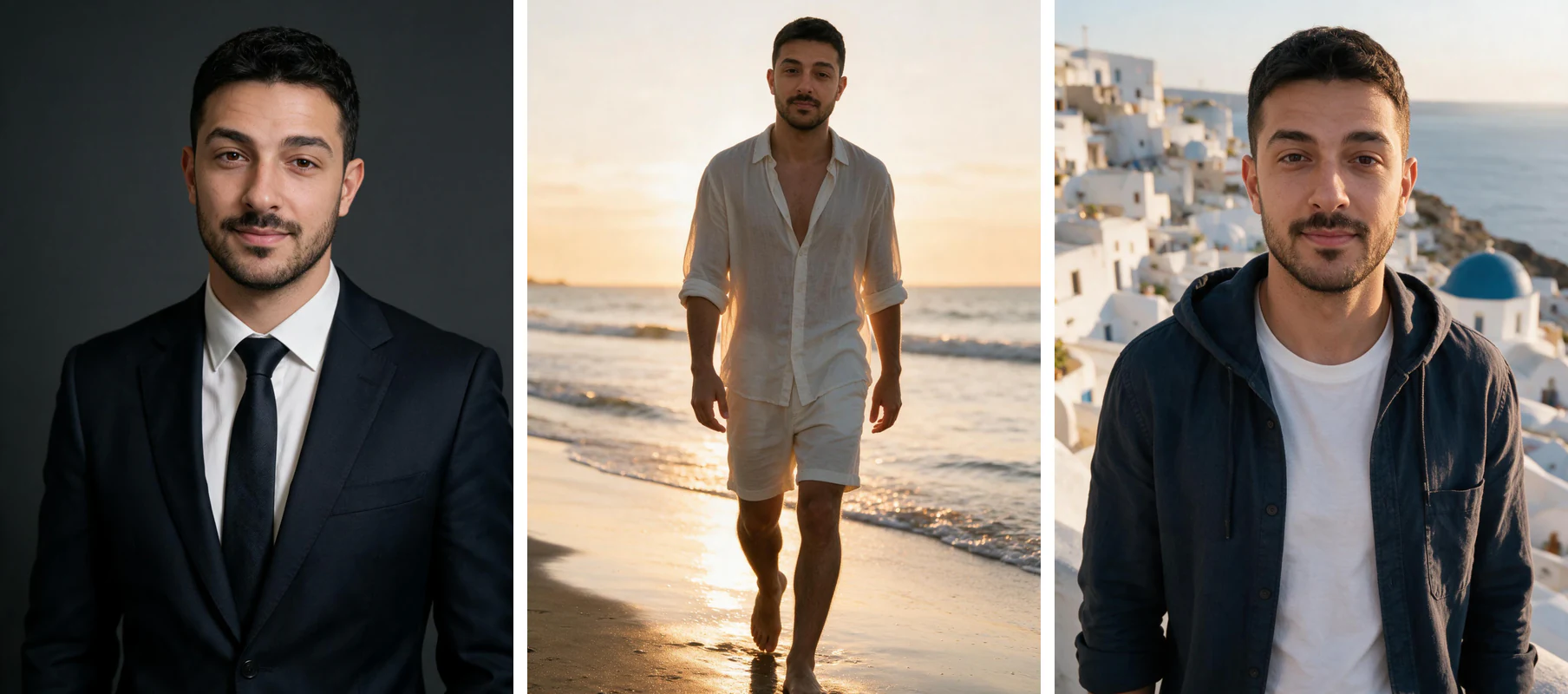
One phone selfie to 5 AI photos of the same person

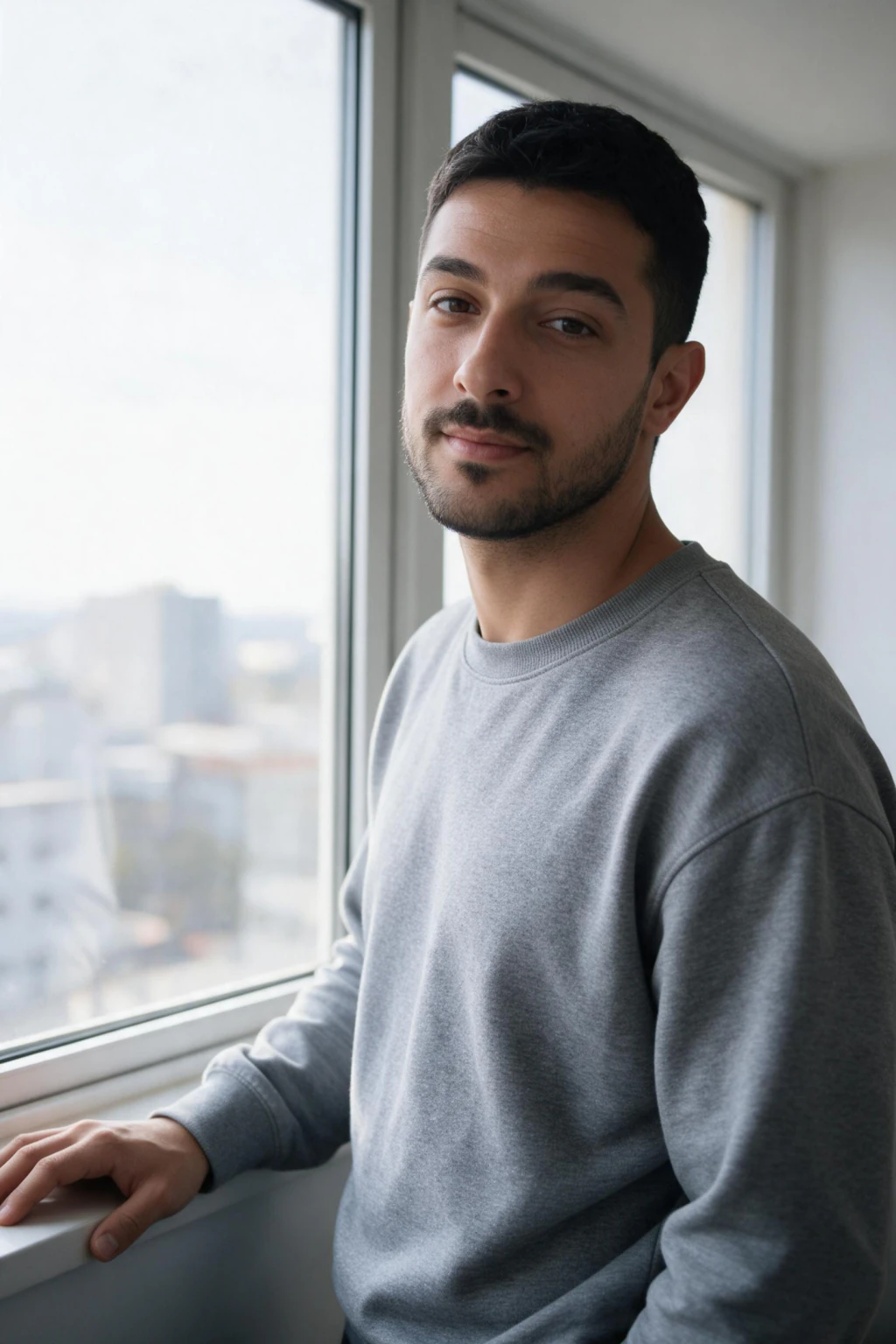
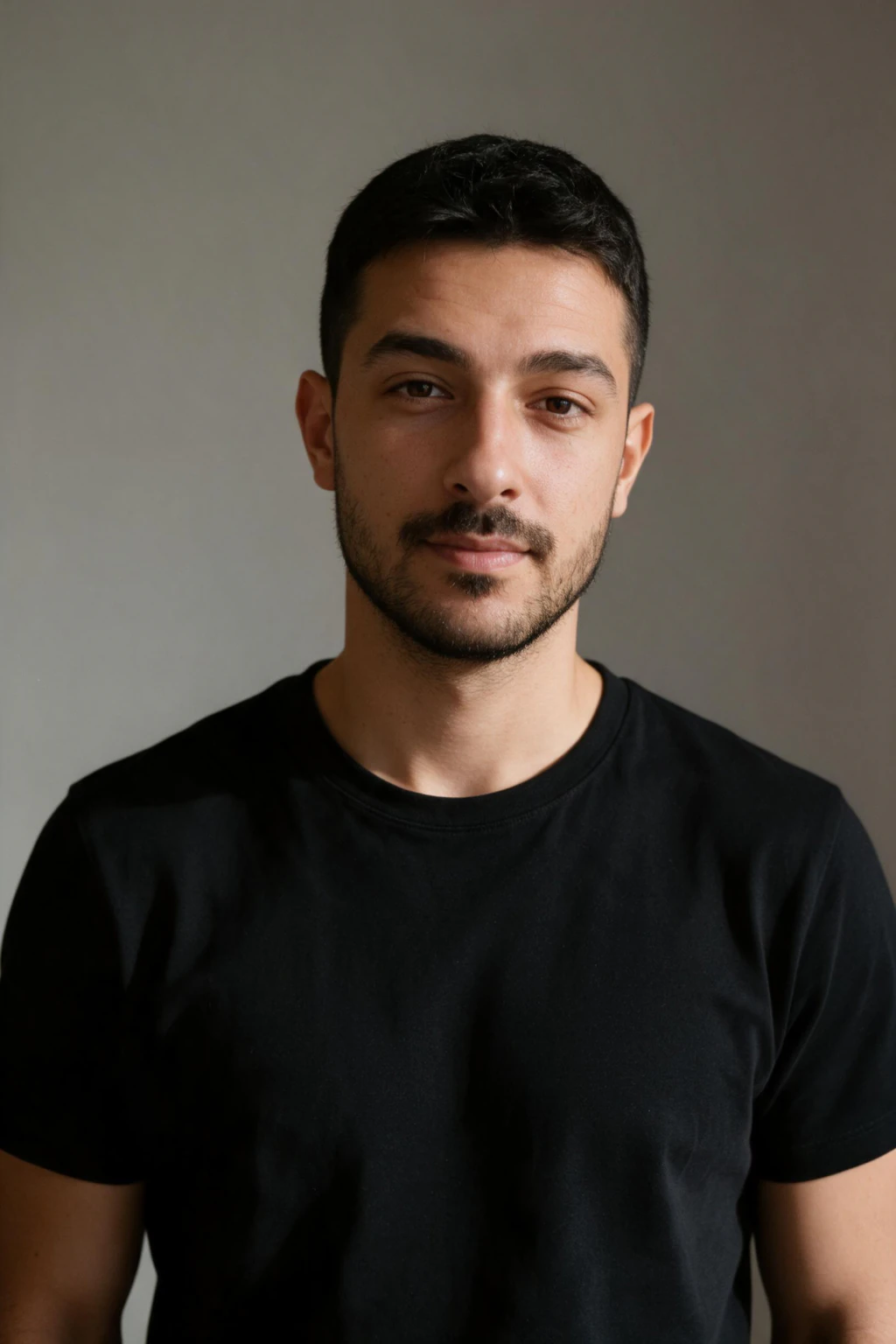
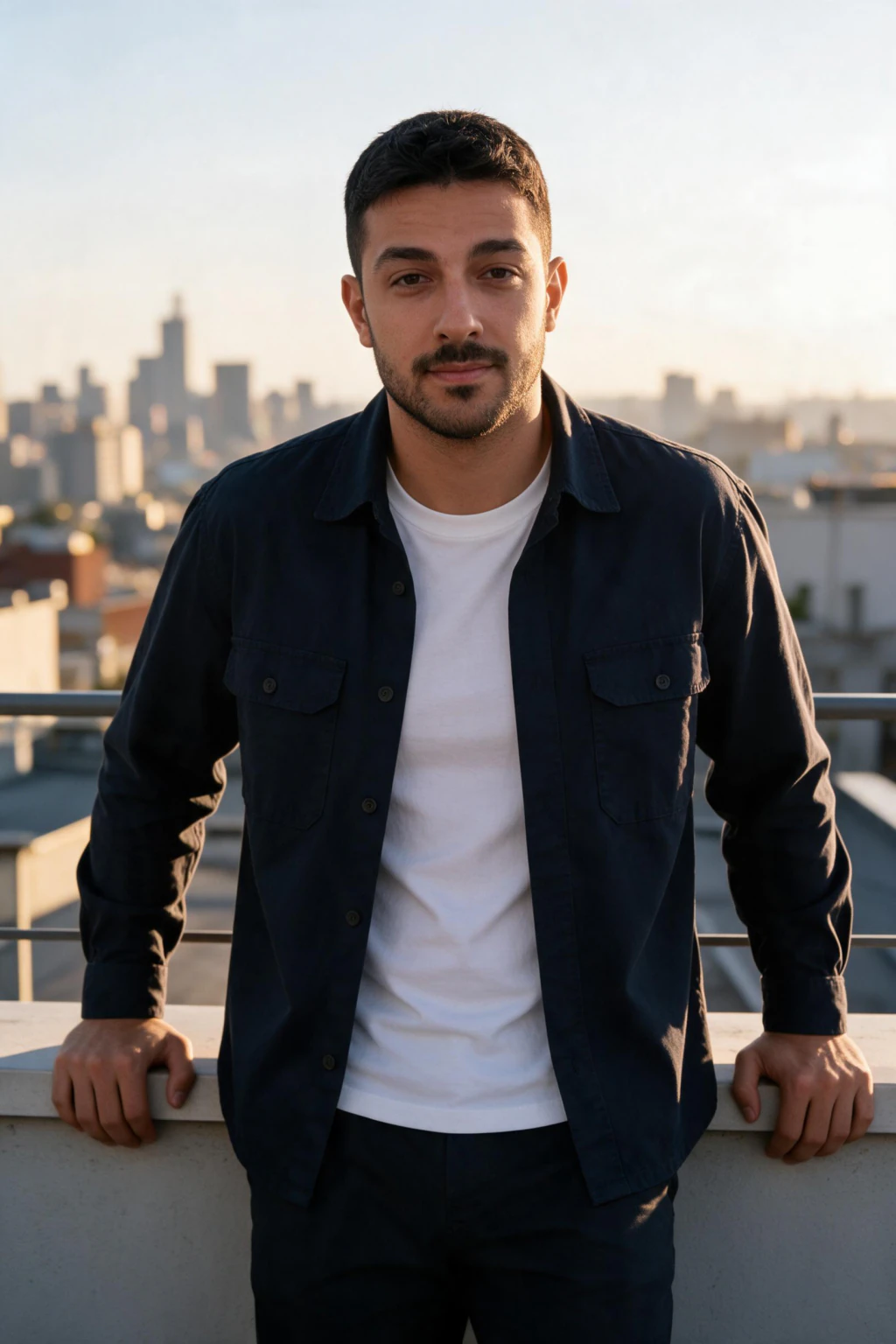
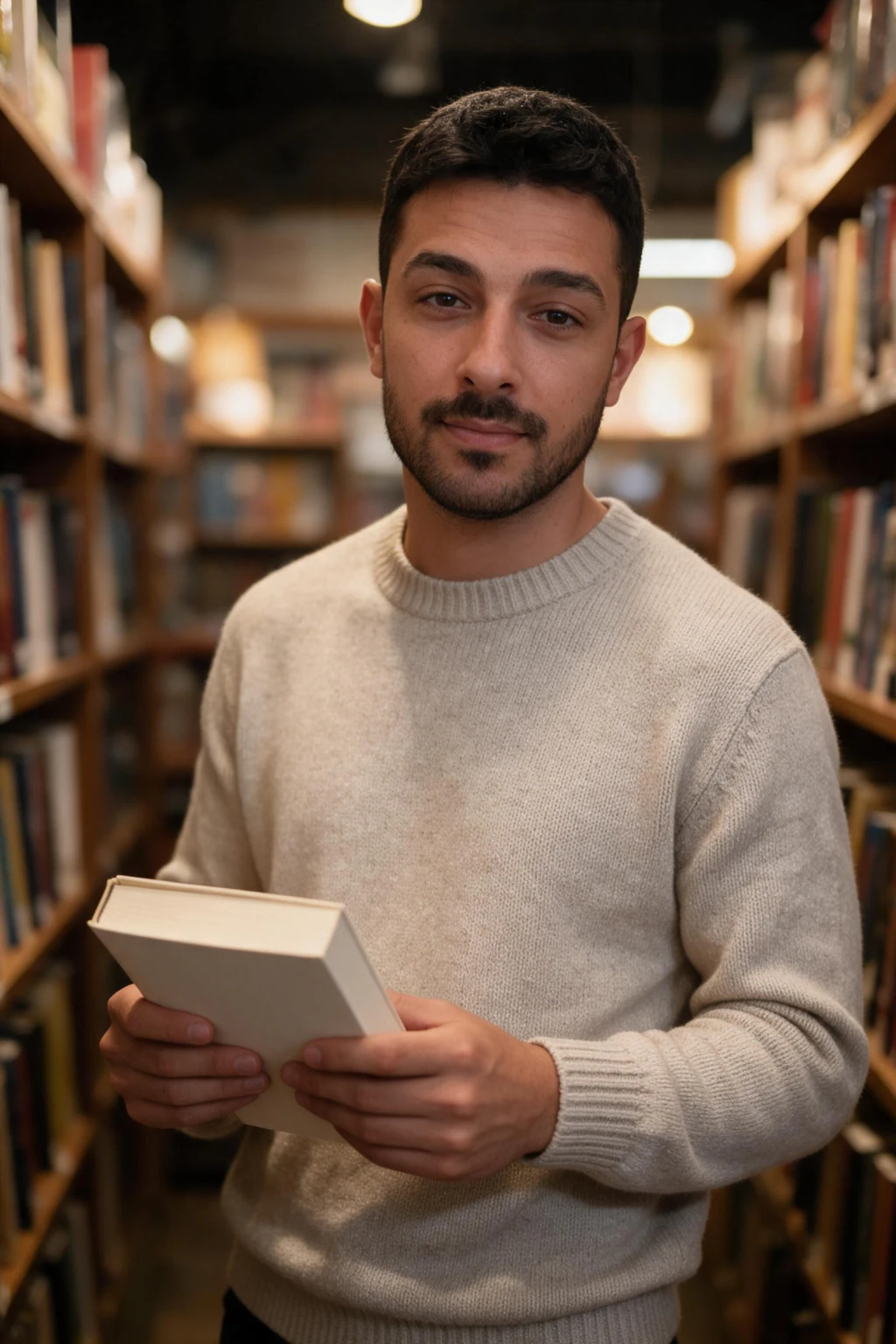
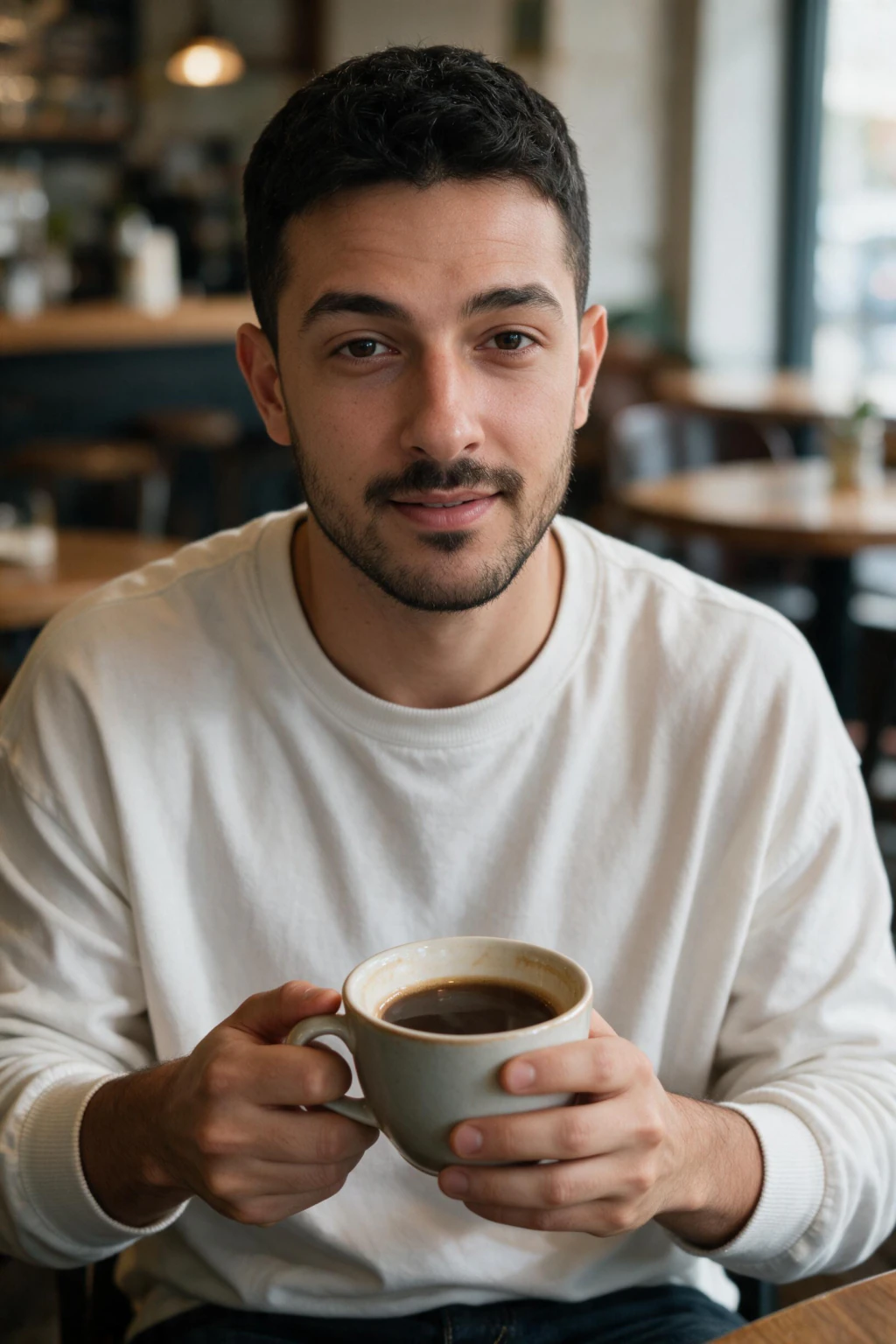
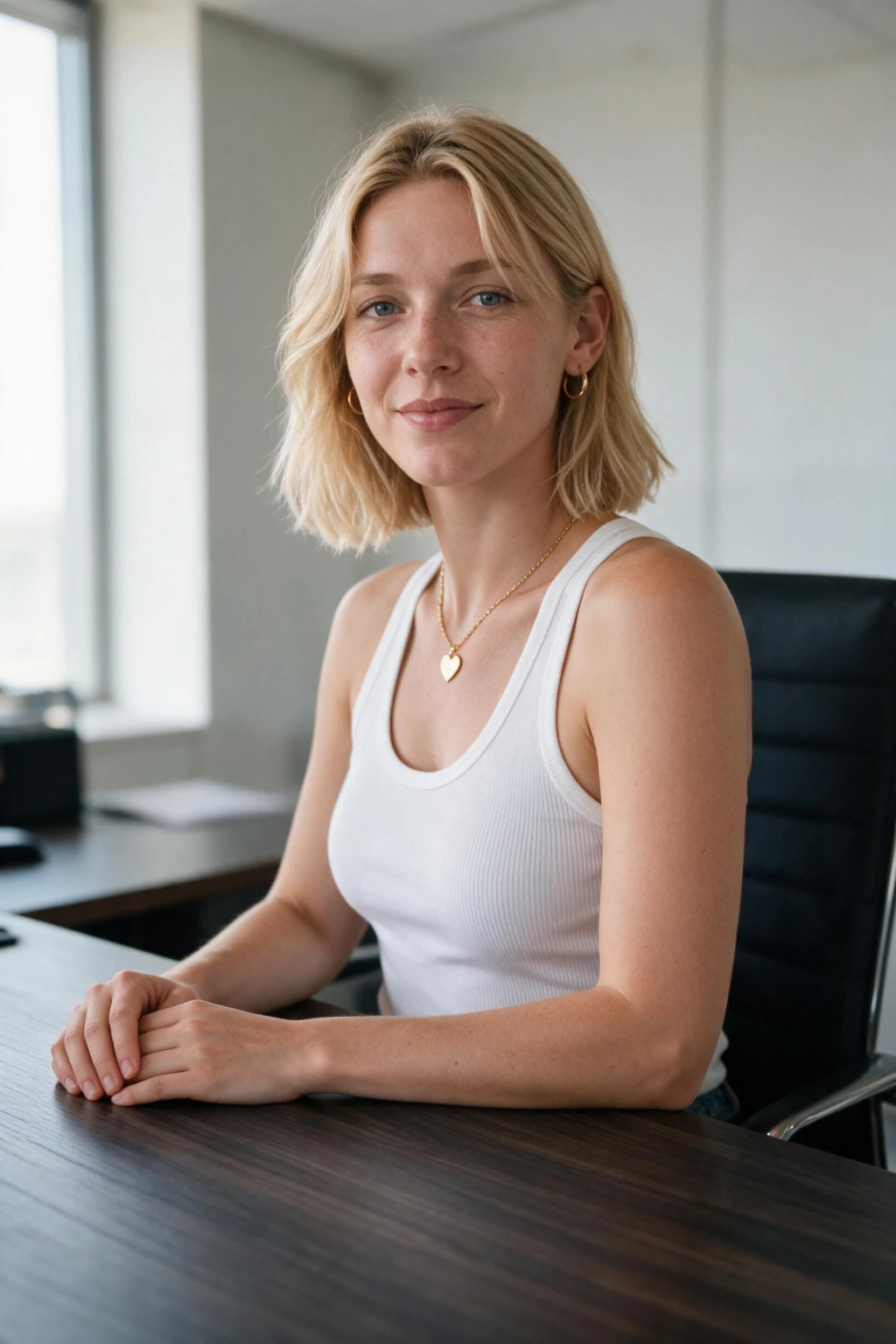
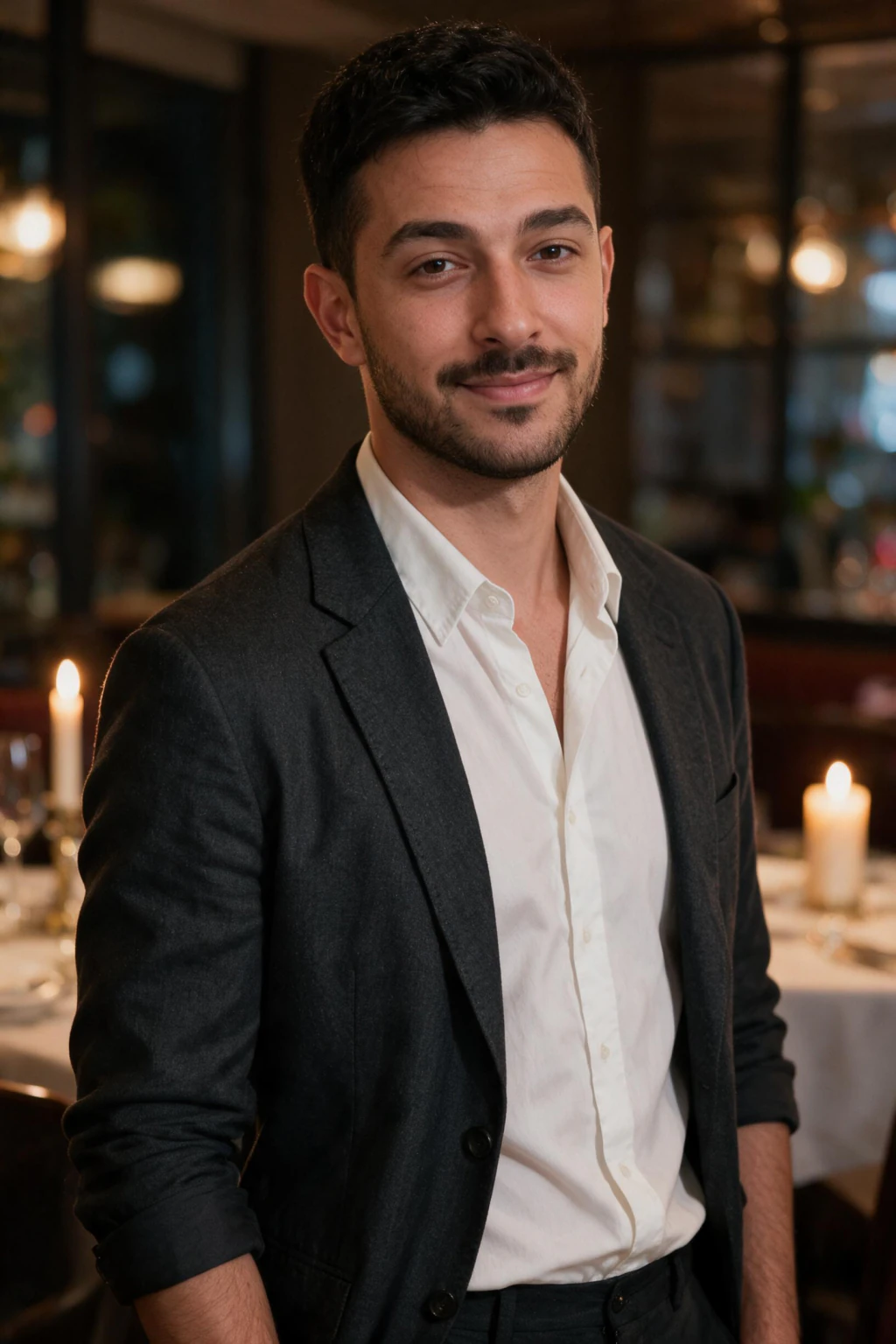
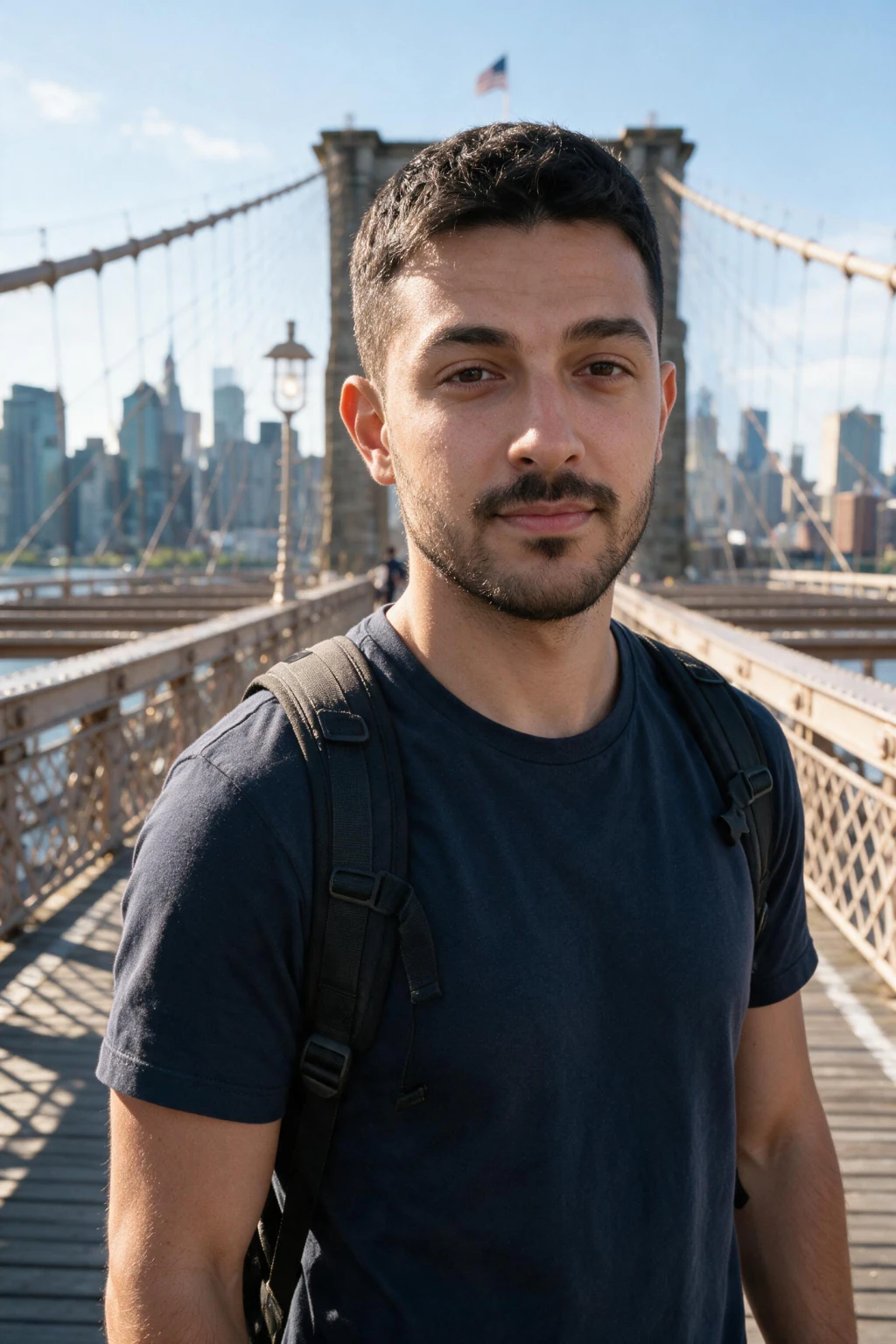
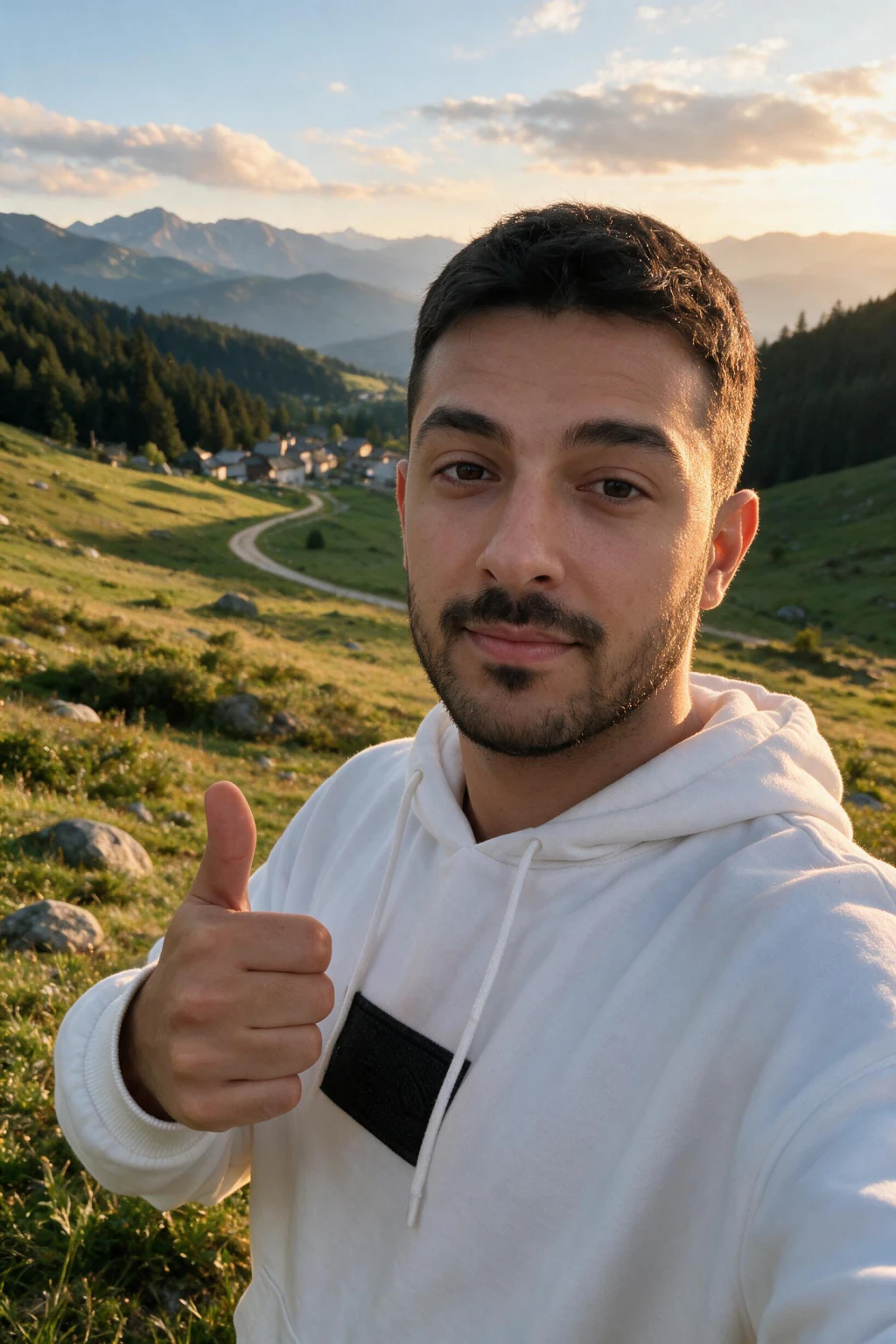
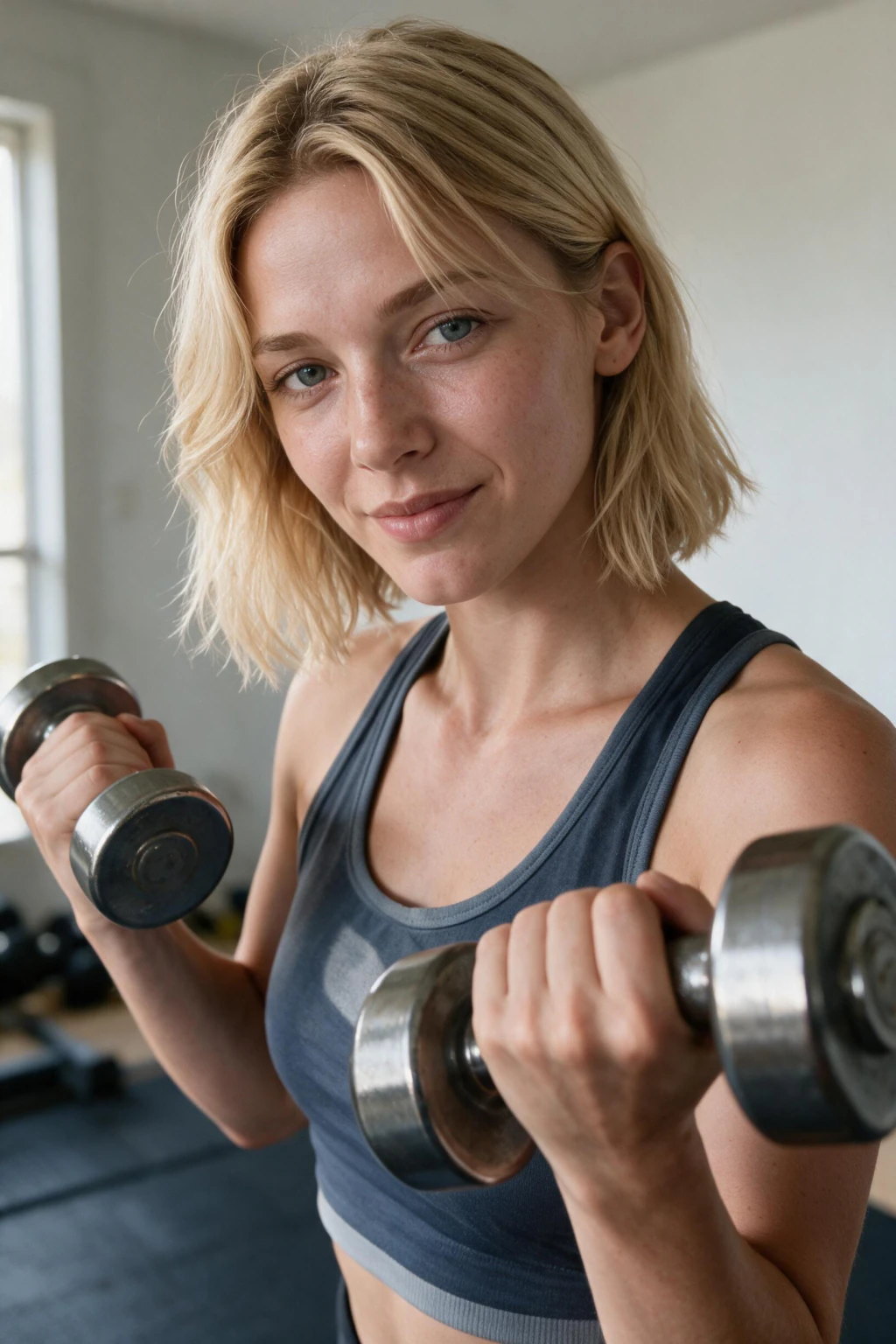
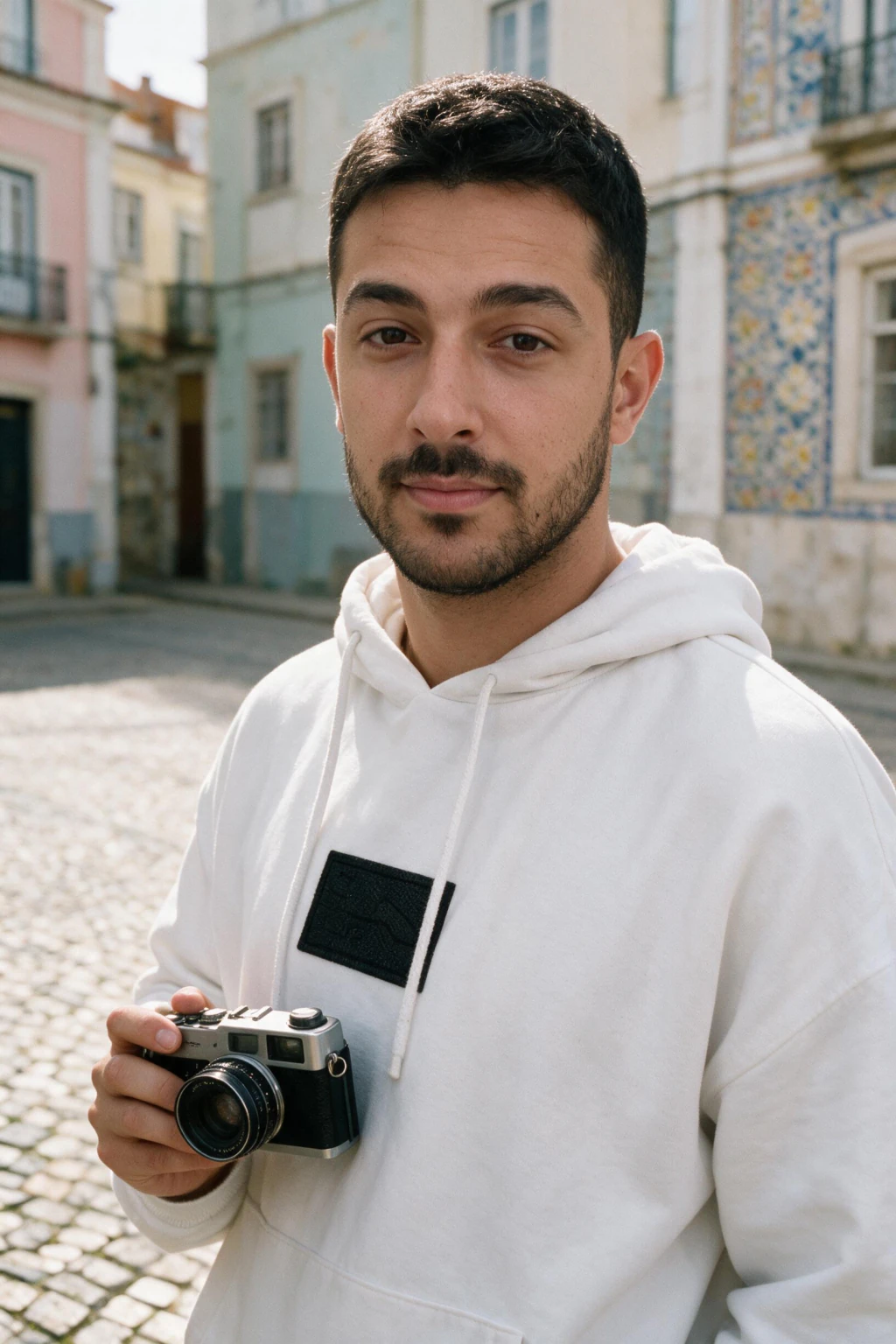
Run the check on your own face rather than on someone else's samples.
The catchlight check: zoom to the eyes before you post anything
Here is the check, and it has a name so you can repeat it: the catchlight check. A catchlight is the reflection of whatever is lighting you, sitting on the wet curve of the eye. If one window lights your face, that window reflects into both eyes as the same shape, roughly the same size, at the same height in each iris.
Physics does the work for you. Your two eyes are close together and point the same way, so a single source hits them at nearly the same angle. A square window gives you two small squares. A ring light gives you two rings. An open sky gives you two soft blobs high in the iris. Real photographs are consistent about this in a way that is dull and reliable.
A generator that has drifted off your identity breaks that consistency in one of two ways. Either the two highlights come out as different shapes, a soft blob in one eye and a hard rectangle in the other, or the shapes match but sit at different heights, one high near the top of the iris and one low near the pupil. Both mean the model rendered each eye as its own small invention.
So the routine is short. Open the frame at full size, pinch into the eyes, and ask two questions: same shape, same height? If yes, keep the photo. If no, delete it and move on, because there is no crop or edit that repairs a mismatched pair of eyes at the size a profile photo gets viewed.
Run it before anything else, because it is the fastest signal you have about whether the model held your face for that particular frame. Frames that fail the eyes usually fail on skin texture and hairline too. Frames that pass the eyes tend to pass everything else, which is why the check saves you time rather than adding a step.
The 5 tells, and how to check each one in five seconds
Every complaint about AI photos looking wrong reduces to five specific failures. None of them are mysterious, and all five are visible to you at 200 percent zoom before a stranger ever sees the photo. The table sorts them by how often they decide a frame.
Read the table as a workflow rather than trivia. You go eyes, skin, light, hands, hair, and the whole pass takes under a minute on a batch of ten. Most people skip it entirely and then wonder why one photo out of their set draws a comment.
The important thing about this list is that it is a filter, not a verdict on the tool. A good batch still contains frames that fail. Your job is to keep the ones that pass and quietly delete the rest, which is the same thing a photographer does with a contact sheet.
| The tell | What a real photo does | What a drifting generator does | How to check in 5 seconds |
|---|---|---|---|
| Catchlights | Both eyes show the same highlight shape at the same height | Two different shapes, or one sits higher than the other | Pinch into the eyes, compare the two white marks |
| Skin texture | Pores, fine lines and uneven shine survive on the cheek | Sanded flat to an even matte with no pore structure | Zoom the cheekbone and look for pores |
| Light direction | One source, so face and background shadows agree | Face lit from one side, background lit from the other | Find the nose shadow, then the shadow behind you |
| Hands and jewellery | Five fingers, a ring band that closes into one loop | An extra joint, a fused thumb, a band that melts | Count fingers, then trace the ring all the way round |
| Hair edges | Loose strands break the outline and cross the background | A clean cut-out edge with strands that float unattached | Zoom where the hairline meets the background |
Why the tool you pick decides the result before you touch anything
There are three product categories sold under the same phrase, and only one of them can render your actual face. A selfie-based generator takes one upload and renders every output directly from your actual face, so every photo is a new photograph of you rather than a person who resembles your description.
Text-to-image tools sit in the second category. Midjourney, DALL-E and the open Stable Diffusion family produce photorealistic humans all day, and none of them know you exist. The output can be technically flawless and still fail the only test that matters here, which is whether your colleague recognises you in it.
The third category is filter and avatar apps that stylise a photo you already have. Those outputs read as illustrations of you, and viewers have been trained by a decade of app filters to spot the treatment instantly. If your goal is a photograph rather than an effect, that category is the wrong shelf.
What your input selfie decides before the model renders anything
The single upload you provide sets the ceiling on everything that follows. The model can only rebuild detail it was shown, so a selfie already smoothed by beauty mode teaches it that your skin has no pores, and every frame it returns will carry that flatness forward into the output.
The setup that works is boring and takes two minutes. Stand near a window with soft light hitting you at roughly 45 degrees, shoot on the rear camera rather than the front one, switch beauty mode and skin smoothing off in the camera settings, and keep your face unobstructed with no sunglasses and no hat brim shading your eyes.
Eyes matter twice here. A hat brim or heavy fringe kills the window reflection in your input, which means the model has a poor reference for how light lands on your eyes and produces weaker catchlights in every render. Clear eyes in, clear catchlights out, and the check you are going to run gets easier to pass.
Distance and angle deserve one more sentence. Hold the phone at arm's length or ask someone to take it from a couple of steps back rather than pressing the lens against your face, because a very close front camera stretches your nose and widens your jaw. The model learns that distortion as your face and repeats it faithfully.
Five rules that decide whether a batch looks like photography
These five habits separate a set of frames people accept from a set that earns your photos a second look. None of them ask you for editing skill, and all of them happen either before you upload or after your gallery fills, never during the render itself. You can apply all five on your first attempt.
Rule 1, feed the model one clean unfiltered selfie. Beauty mode, Photonic Engine smoothing and third-party skin filters all strip the pore detail that makes a render read as a photograph. Turn them off in your camera app, take the shot in window light, and check the input at full zoom before you upload it anywhere.
Rule 2, pick a pack whose scene could plausibly have happened to you. An office portrait, a walk through a park, a gym session and a coffee shop all describe places you go. A private jet interior and a cinematic fire-lit portrait describe a fantasy, and the scene gets read as invented even when your face is rendered perfectly.
Rule 3, vary the backgrounds across the set you publish. Four photos against the same grey wall reads as one session dressed up as four, because a real life produces different rooms, different weather and different clothes. Mixing outputs from two packs solves this without any extra work on your part.
Rule 4, never stack a filter on top of a finished render. The output is already polished, and a second pass of smoothing pushes the skin past the plastic line and into the territory viewers actually flag. Download the frame and publish it as it came out of the generator.
Rule 5, keep one recent real photo in any set of more than three. The real frame acts as an anchor, and the rendered ones start reading as a photographer's work sitting next to a phone snap. This matters more on dating apps and social profiles than on a single LinkedIn headshot.
Do AI headshots look real on LinkedIn and team pages?
Yes, and the display size is doing part of the work. LinkedIn renders a profile photo somewhere between 200 and 400 pixels wide in the feed and on the profile card, which is well below the magnification where skin and hair artefacts become visible to a person who is not hunting for them.
The scrutiny level is also lower than people fear. A recruiter opening your profile spends a few seconds total and most of it on your headline and your last role, not on your irises. What gets noticed is a photo that looks nothing like the person who walks into the interview, which is a likeness problem rather than a rendering problem.
Team pages behave the same way with one extra rule: consistency across the group. If six people on a page have portraits in identical light against an identical backdrop, the page reads as generated even though each individual portrait would pass alone. Ask for different framing and different backdrops across the team.
The social side of this question, which is what other people privately think when they see your photos, has its own guide. See can people tell if AI photos are AI for the research on what viewers react to and the pre-post routine that keeps you out of trouble.
Where AI photos still lose to a camera
Print is the clearest case against you. A magazine page or a large format banner reproduces your detail at a resolution where hair edges and fabric weave are inspected by the medium itself, and the per-pixel fidelity of a good camera and lens still wins that comparison. Output up to 4K covers screens comfortably and starts to strain at poster size.
Directed work is the second case. If you need a specific gesture, a product held at a specific angle, three people in one frame interacting, or a visual identity that has to match a brand book across a campaign, you want a person behind the camera who can adjust between shots. Packs and prompts are chosen, not directed.
Anything tied to identity verification is the third case, and the rule there is simple: do not. Passport photos, government identity documents, and the live selfie check that dating apps use for verification all compare your submission to a controlled capture. Use a real photograph for those and keep rendered ones for your public profiles.
What you get, how long it takes, and what it costs
The flow is one upload. You add a single selfie, pick a pack, and each photo comes back in about 2 minutes, with no model training to wait through. You can start one photo, close the tab, and come back to a finished file.
Output runs up to 4K with no watermark and no download gate, so what you see in your gallery is what you keep. Everything renders vertical by default, which is the shape a feed, a Reel and a TikTok all want, and it crops down cleanly to a square profile photo without losing the head.
Cost sits on the pricing page rather than in this paragraph, because credit bundles change. What does not change is the working ratio: budget on keeping the frames that survive the catchlight check rather than on the raw count a generator advertises, since the frames you delete cost you nothing but a swipe.
Frequently Asked Questions
- Do AI generated photos look real in 2026?
- Yes, for screen use. A 2024 benchmark from Lu et al (arxiv.org/pdf/2304.13023) measured human accuracy at 61 percent on high-quality portraits and a 2025 follow-up measured 54 percent at browsing speed. Realism still varies frame by frame, which is why you filter a batch before publishing rather than posting whatever comes out first.
- What is the catchlight check?
- It is a five-second inspection of the eyes. One light source reflects into both eyes as the same shape at the same height, so you zoom into the irises and compare the two white marks. Matching shape and matching height means keep the frame. Two different shapes, or one sitting higher than the other, means delete it.
- Why do some AI photos still look fake?
- Five failures cover almost all of it: mismatched catchlights, skin sanded flat with no pores, face and background lit from different directions, hands or jewellery with an extra joint or a broken band, and hair with a cut-out edge. Each one is visible to you at 200 percent zoom before anyone else sees the photo.
- How do I make my AI photos look more realistic?
- Upload one unfiltered selfie in soft window light with beauty mode switched off, choose a pack whose scene could plausibly have happened to you, vary the backgrounds across the set you publish, and never stack a filter on top of a finished render. See how to make AI photos look realistic for the longer version.
- Do AI headshots look real enough for LinkedIn?
- Yes. LinkedIn displays profile photos at roughly 200 to 400 pixels, below the size where skin and hair artefacts read to a viewer who is not hunting for them. The thing that gets noticed is a photo that no longer looks like you, so keep your headshot current with your actual haircut and glasses.
- Can a text-to-image tool make a realistic photo of me?
- No. Midjourney, DALL-E and Stable Diffusion generate a person who matches a description, with no knowledge of your face. The output can be photorealistic and still be someone else. For photos that need to be recognisably you, a generator that builds every frame from your own uploaded selfie is the only category that works.
- How many photos from a batch are actually usable?
- Fewer than the total, and that is normal. Run the eyes first, then skin, light, hands and hair, and keep only the frames that clear all five. A photographer culls a contact sheet the same way. The frames you delete cost you nothing, and the ones you keep are the only ones anyone sees.
- Where should I not use AI generated photos?
- Print and large format work, directed shoots where a person needs to adjust the pose between frames, and anything tied to identity verification. Passport photos, government documents and dating app verification checks compare your submission against a controlled capture, so use a real photograph there and keep rendered ones for public profiles.
- Can AI generate realistic human faces?
- Yes. Human accuracy at spotting high-quality AI portraits measured 61 percent in a 2024 benchmark (Lu et al, arxiv.org/pdf/2304.13023) and 54 percent at normal browsing speed in a 2025 follow-up. The gap between real and rendered faces now sits in details like catchlights and pore texture, which is what the 5-second check in this guide inspects.