How do I turn my selfie into a Halloween photo?
Three steps. Upload one clear selfie, pick a Halloween look, and wait about 2 minutes for the photo.
The result is a new photo of you in that scene, not your original picture with a filter on top. That is why the background, lighting and outfit all change together.
If you want the full costume lineup first, the AI Halloween photos of yourself page shows every look side by side.
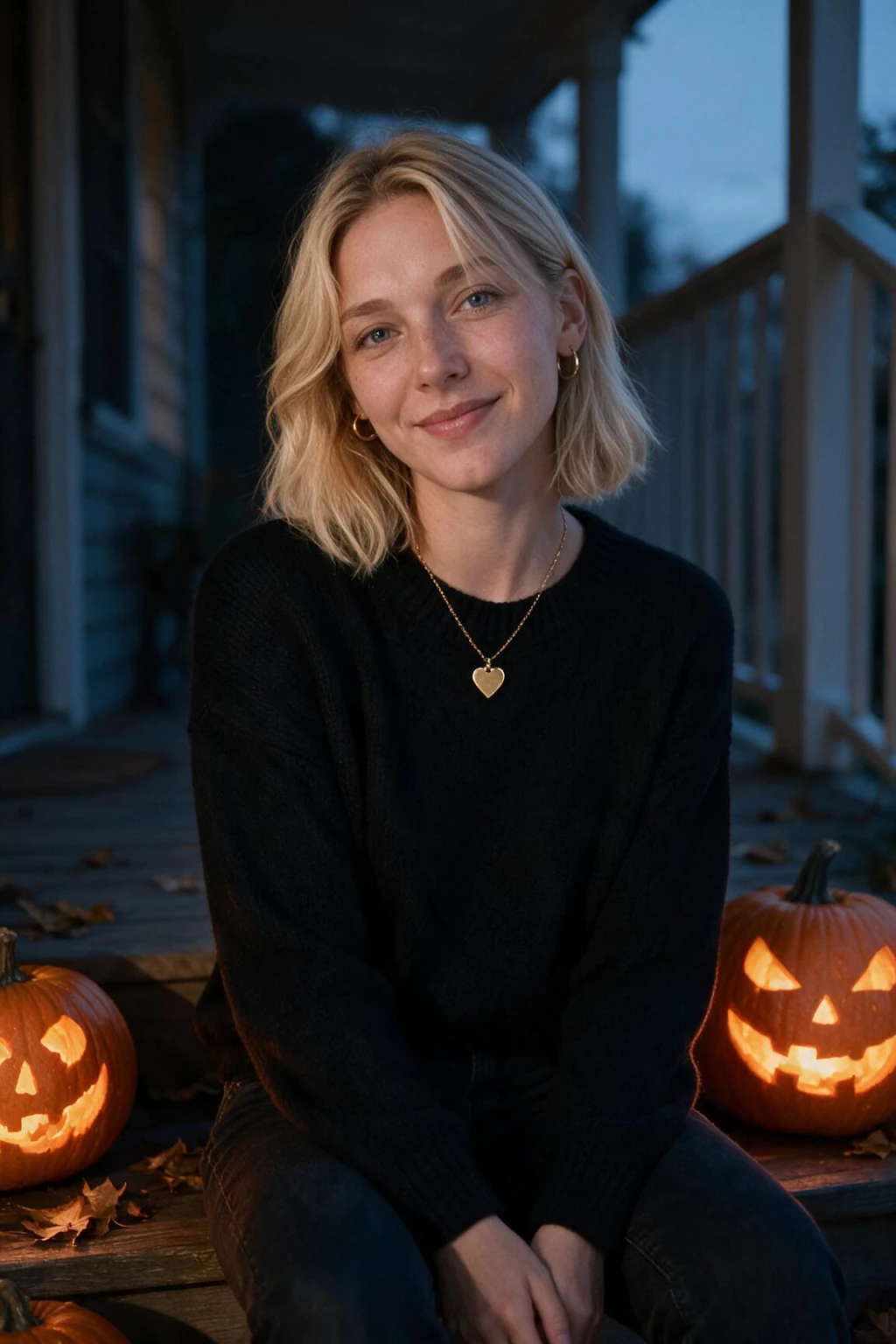
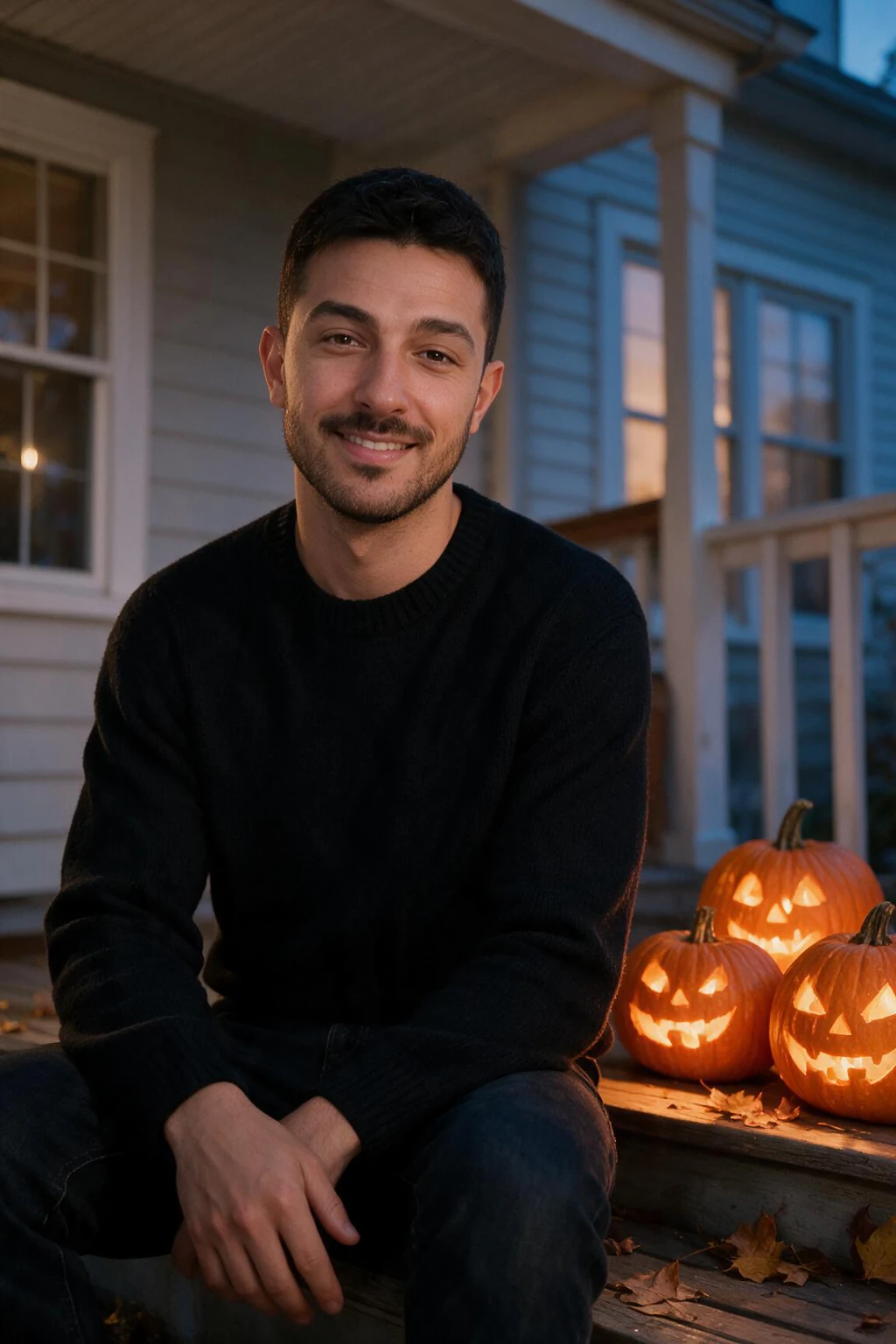
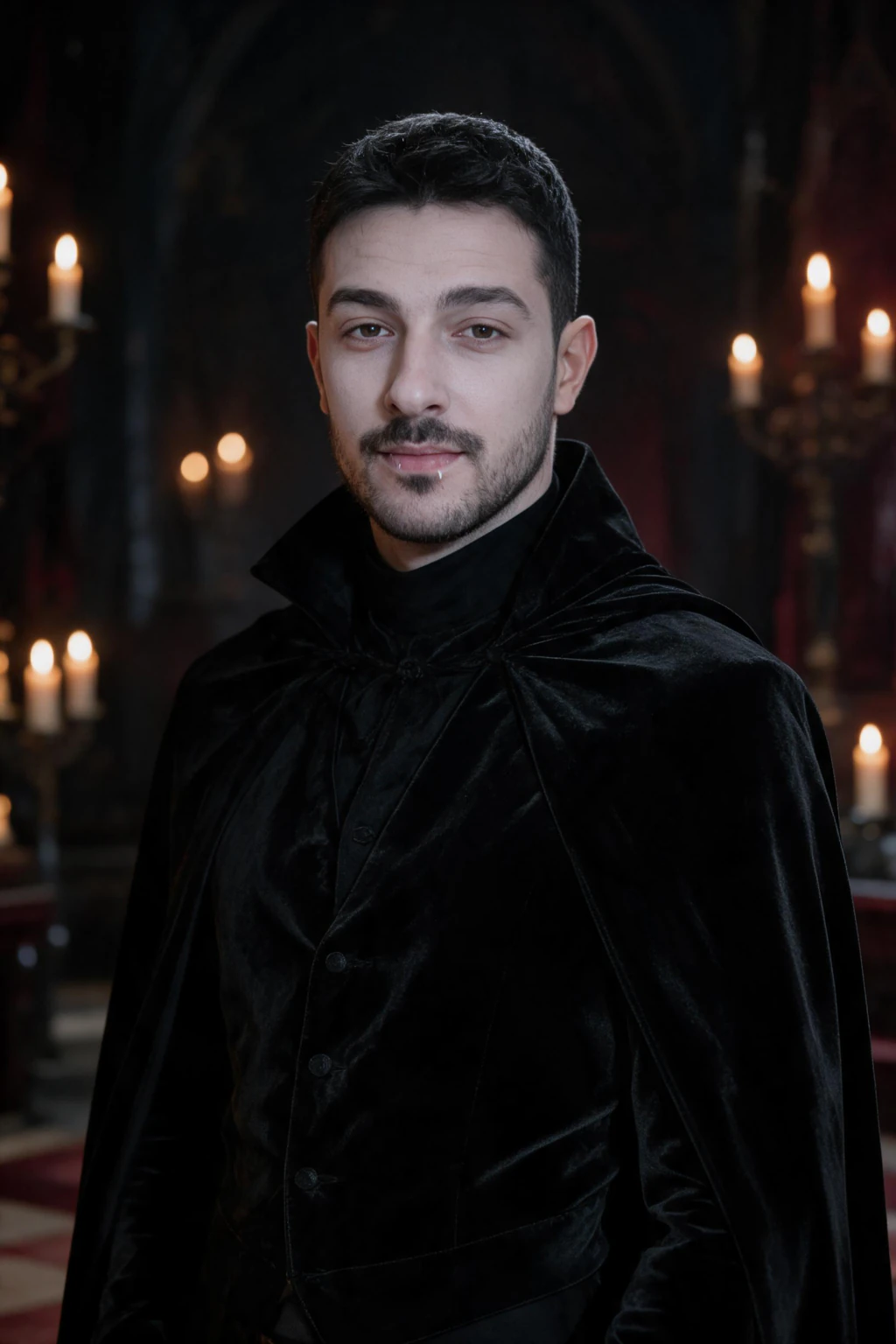
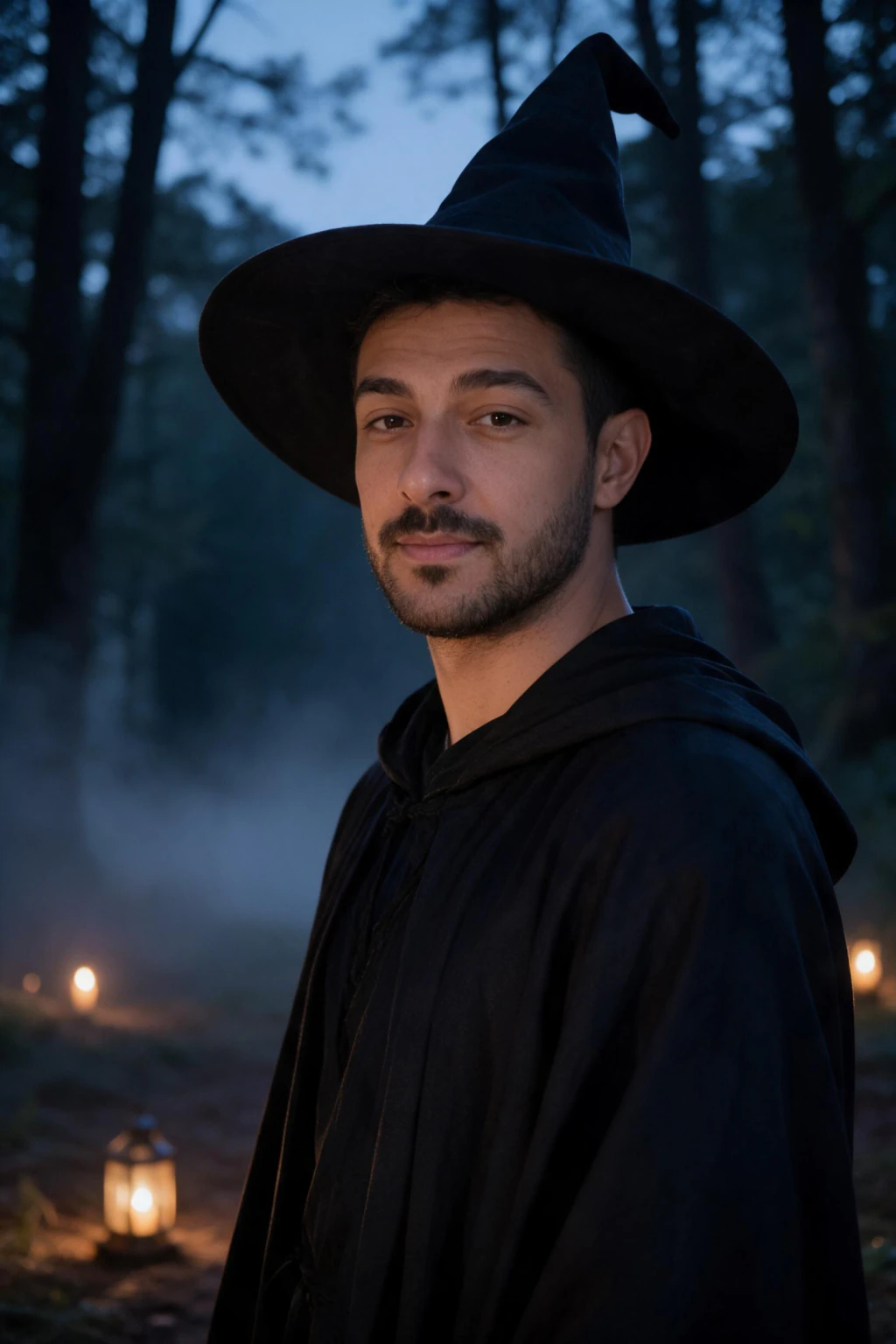
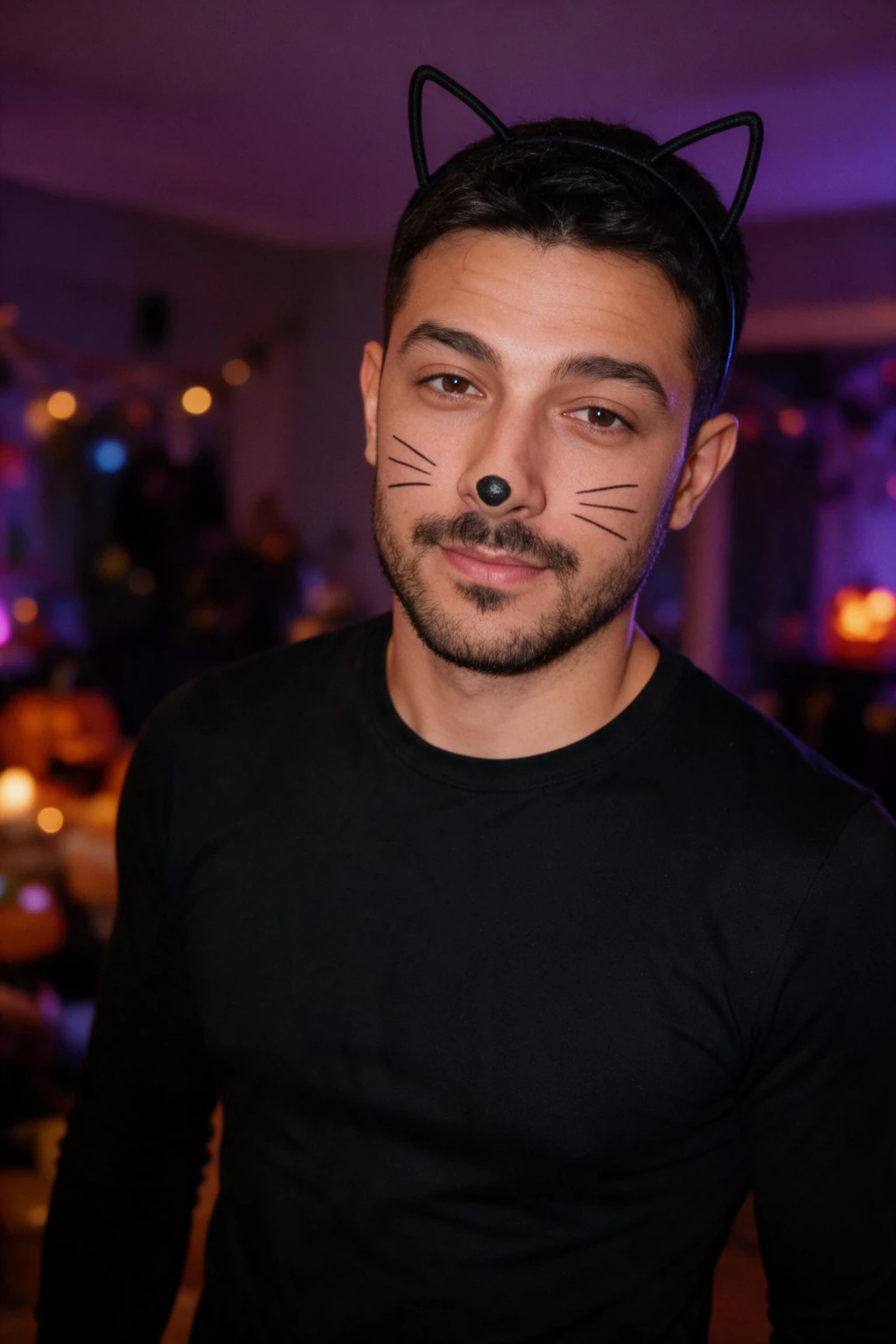
One phone selfie to 4 AI photos of the same person

What selfie works best for an AI Halloween selfie?
The best selfie is sharp, evenly lit and front-facing, with your whole face visible and no beauty filter. The generator takes your face from that one photo, so these five traits decide how much the result looks like you.
| Selfie trait | Why it matters | Fix |
|---|---|---|
| Sharp focus | A soft face gives the generator guesses to fill in | Wipe the lens and hold still |
| Even light | Hard shadows hide one side of your face | Stand facing a window |
| Face fully visible | Sunglasses, hats and hair over the eyes remove landmarks | Push hair back and take everything off |
| Looking at the camera | A turned head gives a side profile only | Look straight at the lens |
| No beauty filter | Smoothing changes your real skin and jaw | Turn beauty mode off |
Can AI turn me into a Halloween character? The 7 looks
Yes. The Halloween picker has 7 looks, and each one is a generated photo of you as that character, from the same single selfie.
Open any one directly: vampire, witch, zombie, skeleton face paint, ghost, pirate and black cat.
| Look | Scene | Good for |
|---|---|---|
| Vampire | Candlelit manor hall, black velvet coat and cape | A dramatic profile picture |
| Witch | Misty forest clearing at dusk, pointed hat, lanterns | Cozy and moody posts |
| Zombie | Fog-covered abandoned street, no gore | A scary look that stays clean |
| Skeleton face paint | Paint on half the face, dark studio, string lights | Keeping your face recognizable |
| Ghost | Victorian ghost in a moonlit hallway, face visible | Elegant and pale |
| Pirate | Captain on a ship deck at dusk, lantern light | A bold character shot |
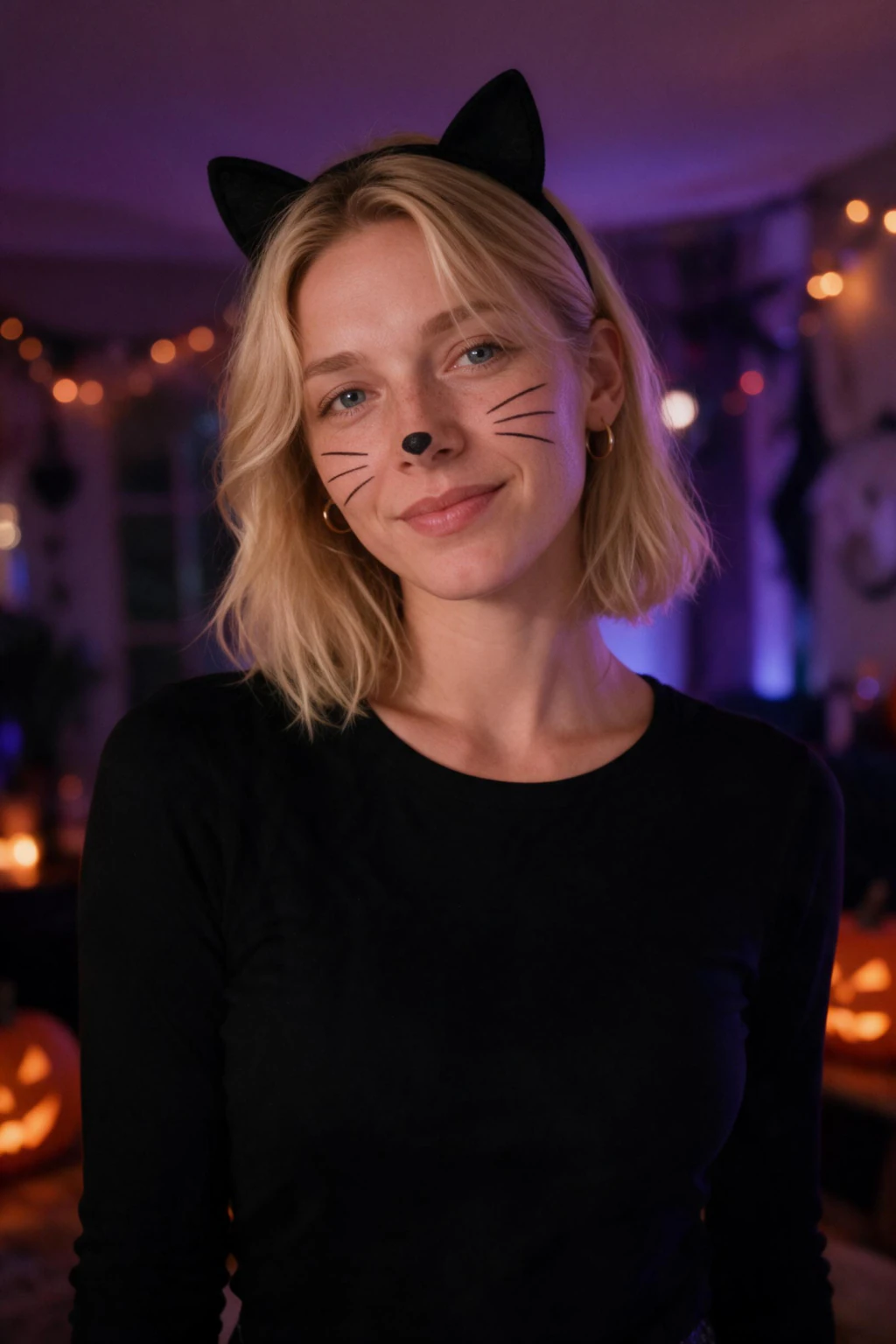
| Black cat | Cat ears, drawn whiskers, purple and orange party | A playful, light look |
How do I make a Halloween photo of myself without a costume?
Use the porch look. It shows you in a black knit sweater on front porch steps, with three glowing carved pumpkins and autumn leaves around you.
It is deep-linked from this article rather than sitting in the picker. Choose it when you want a Halloween photo that still feels like a normal photo of you.
How do I create a realistic Halloween selfie?
Start from a sharp, evenly lit selfie, then run three likeness checks on every photo. Do your eyes and brow match the selfie, does the jawline match, and does your hairline sit where it should?
If all three hold, keep it. If not, generate again from the same upload, or retake the selfie in better light.
Our guide to making AI photos look realistic covers the rest.
Prefer a general tool like ChatGPT or Gemini? The Halloween AI photo prompts give you ready-made wording for each scene.
How much does an AI Halloween selfie cost, and how long does it take?
$14.99 one time covers 300 credits, which is about 30 finished photos. Each one takes about 2 minutes, with no model training to wait through.
You see your own result before you are asked to pay, and there is a 14-day money-back guarantee.
Frequently Asked Questions
- How do I make a Halloween selfie with AI?
- Upload one clear, well-lit selfie to MakeAiPhotos, pick a Halloween look such as vampire, witch or ghost, and wait about 2 minutes. You get a new photo of you in that scene. You see your own result before paying, and one upload works for every look.
- Can AI turn me into a Halloween character?
- Yes. The Halloween picker has 7 looks: vampire, witch, zombie, skeleton face paint, ghost, pirate and black cat. Each one generates a new photo of you as that character from a single selfie. You pick the look, so there is no prompt to write.
- How do I make myself look like a vampire with AI?
- Upload one clear selfie and choose the vampire look. It generates you in a candlelit manor hall wearing a black high-collar velvet coat and cape. Face the camera in daylight for the closest likeness. The photo takes about 2 minutes and you see it before you pay.
- How do I make myself look like a witch with AI?
- Upload one clear selfie and choose the witch look. It generates you in a misty forest clearing at dusk, wearing a dark robe and a wide-brim pointed hat, with lanterns around you. It takes about 2 minutes, and you see the result before any charge.
- What AI can turn a selfie into a Halloween photo?
- General tools like ChatGPT and Gemini accept a photo and a prompt you write yourself. MakeAiPhotos skips the prompt: you upload one selfie, pick a ready-made Halloween look, and it generates a new photo of you in about 2 minutes. You see the result first.
- How much does an AI Halloween selfie cost?
- On MakeAiPhotos, $14.99 one time buys 300 credits, about 30 finished photos, so you can try several Halloween looks from one selfie. Each photo takes about 2 minutes. You see your own result before you pay, and there is a 14-day money-back guarantee, terms apply.