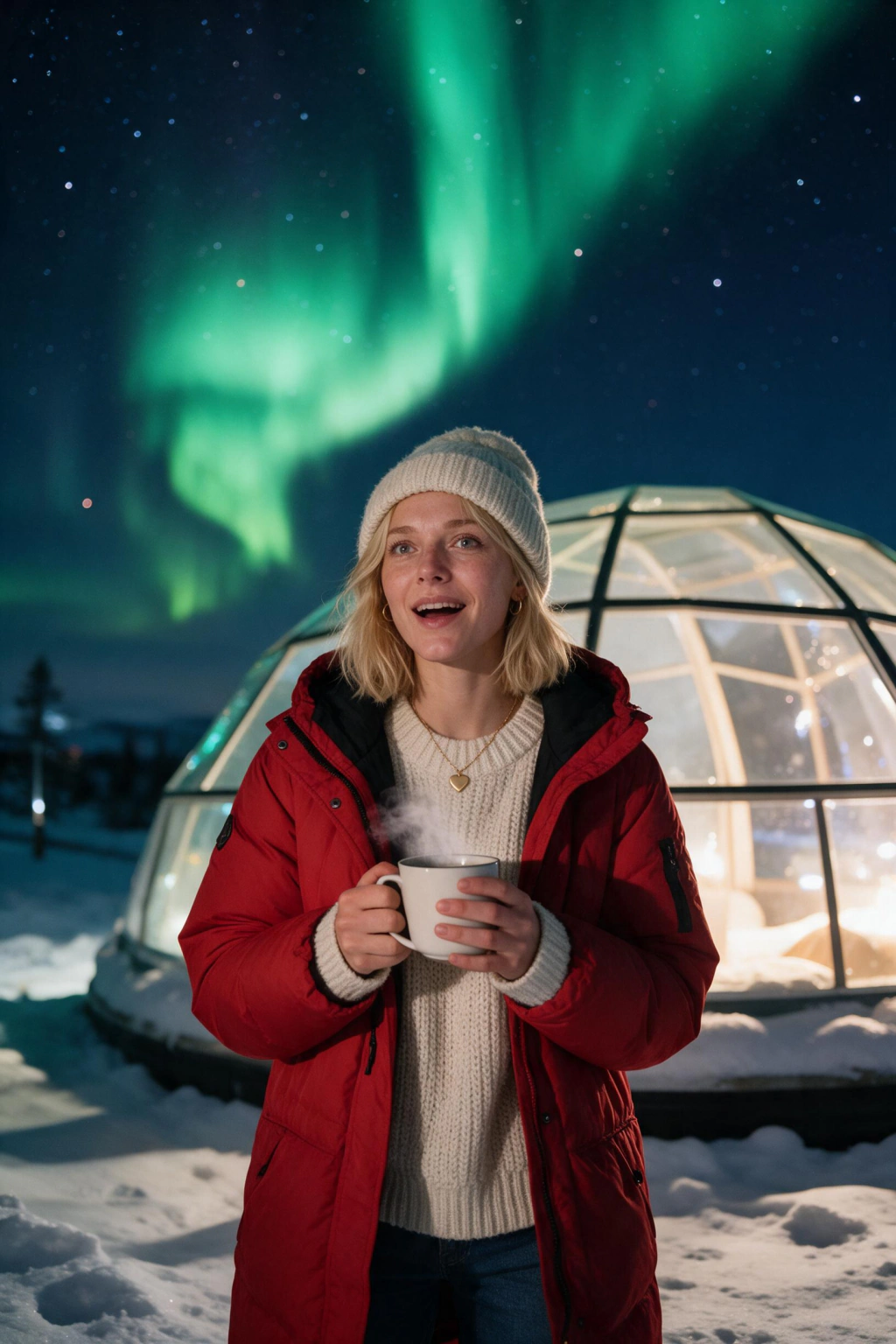
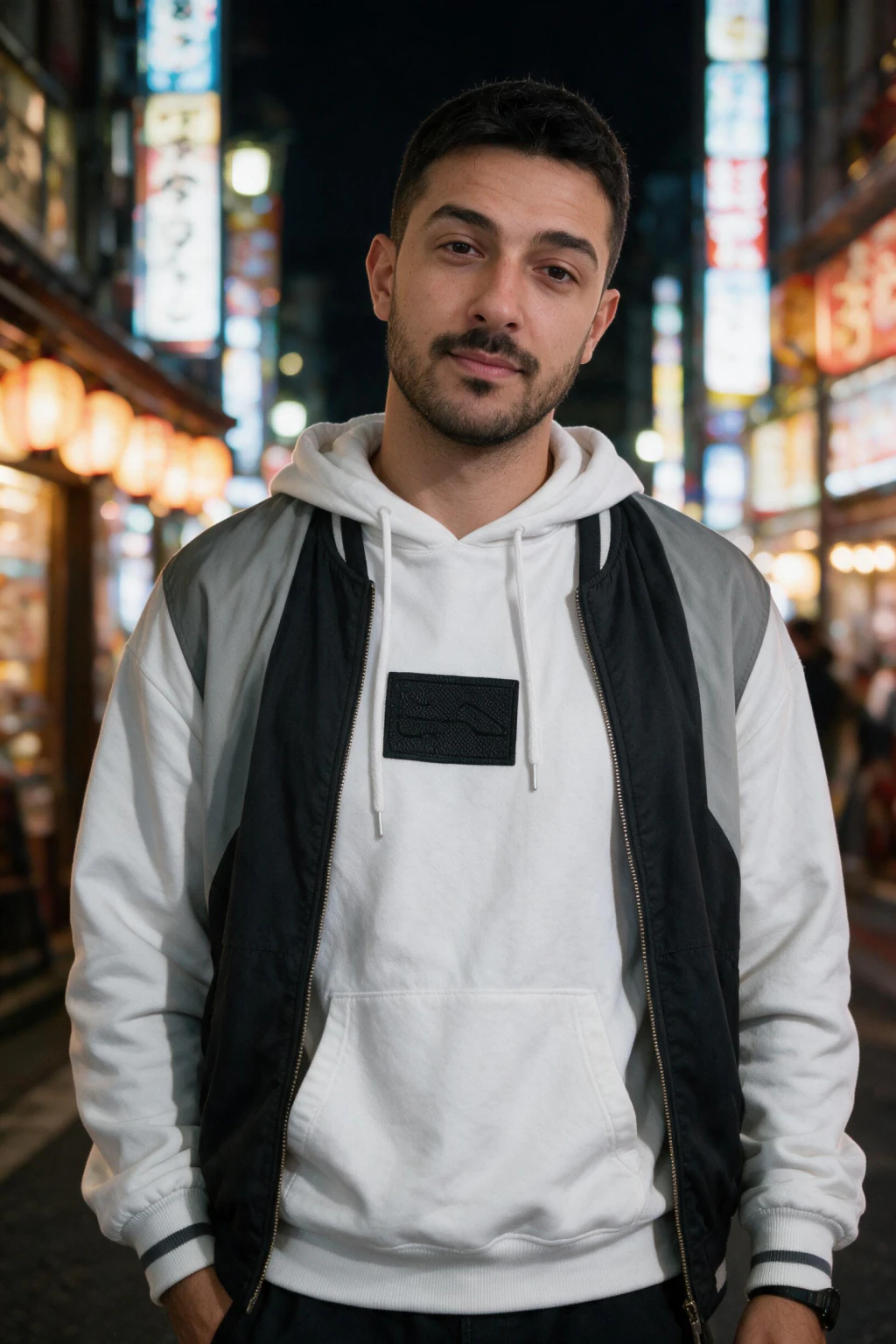
What are AI fake travel photos?
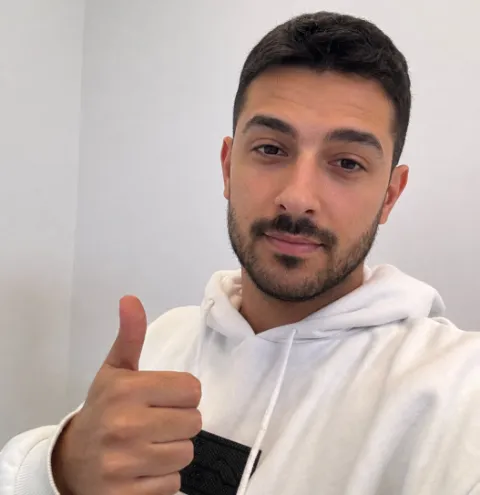
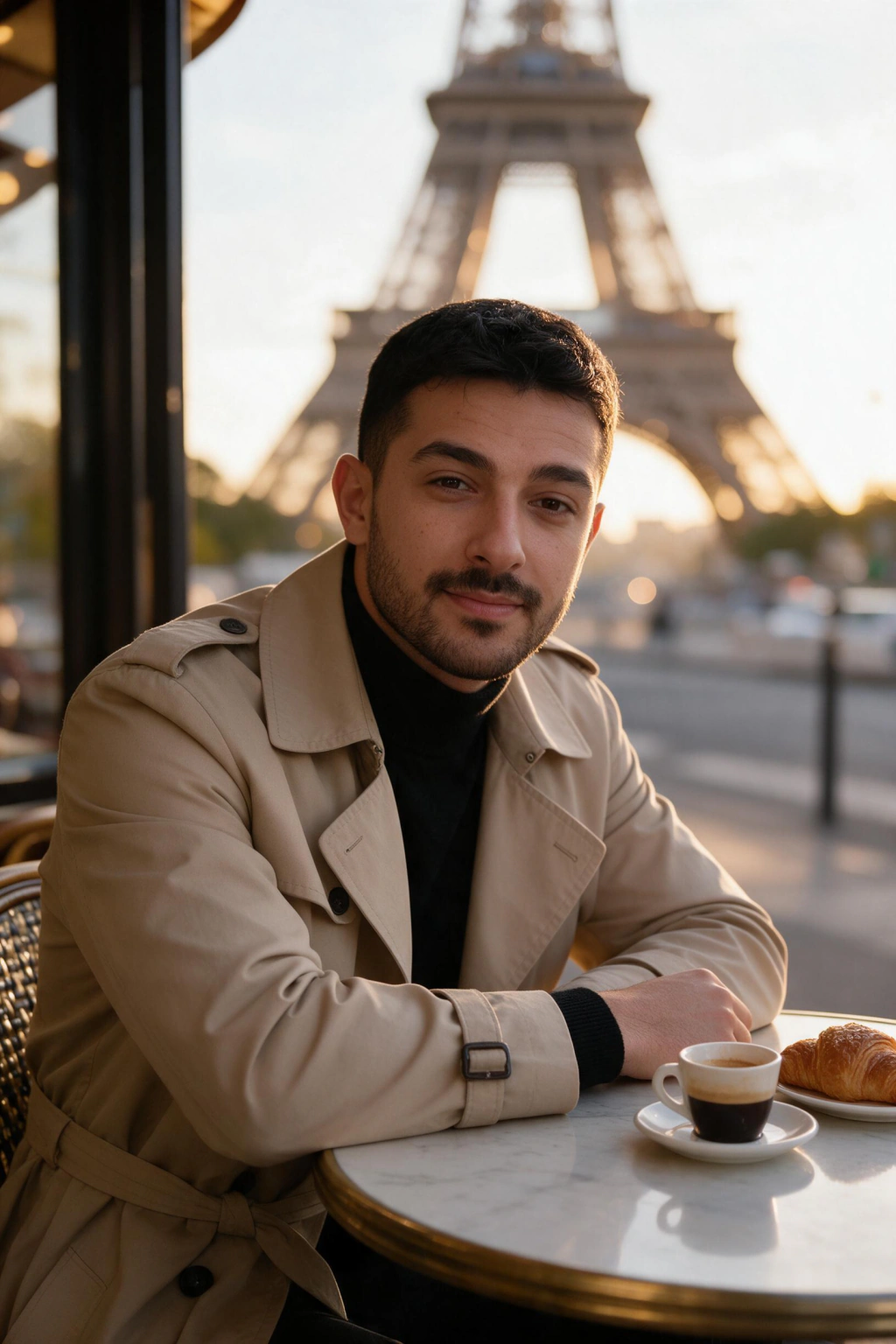
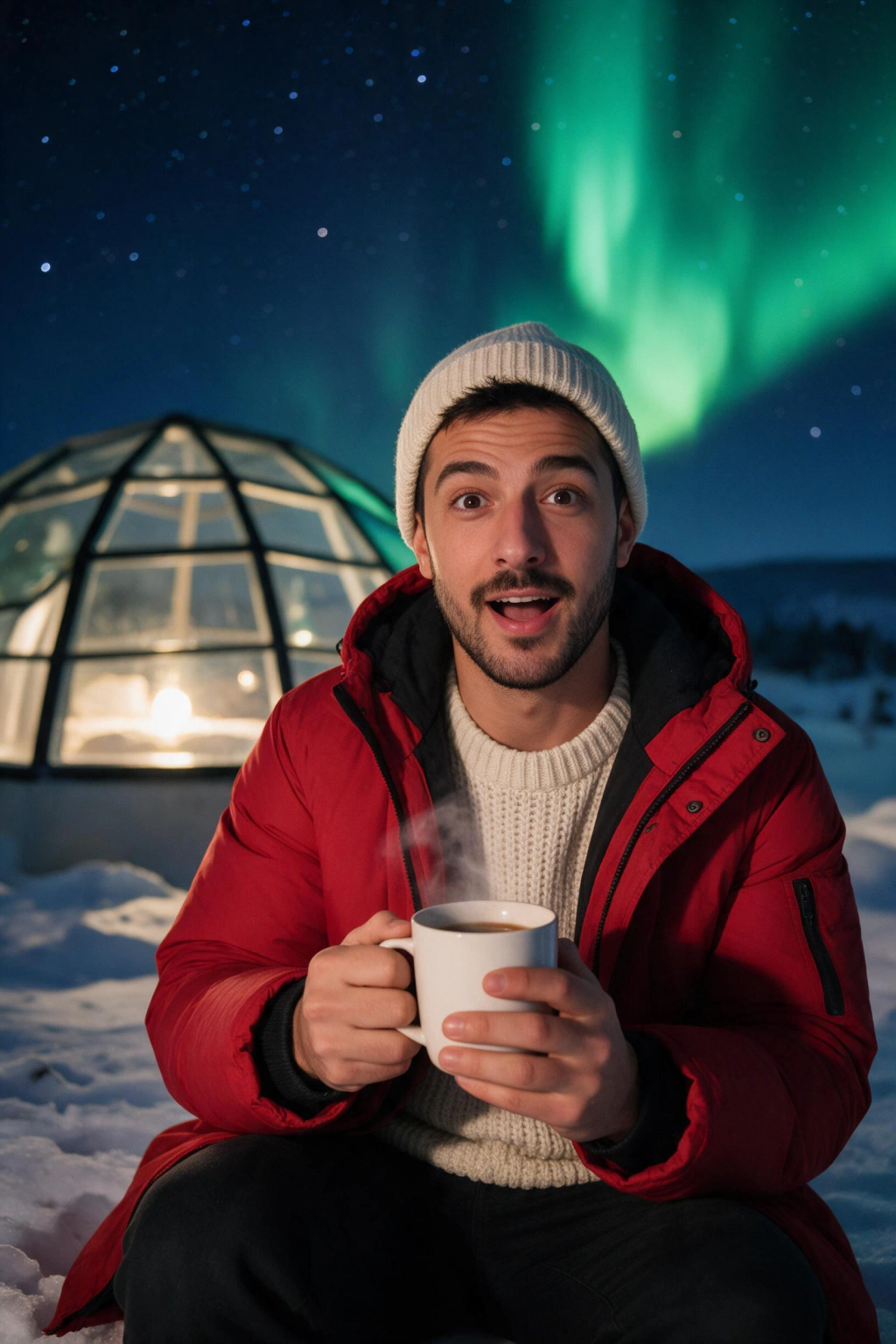
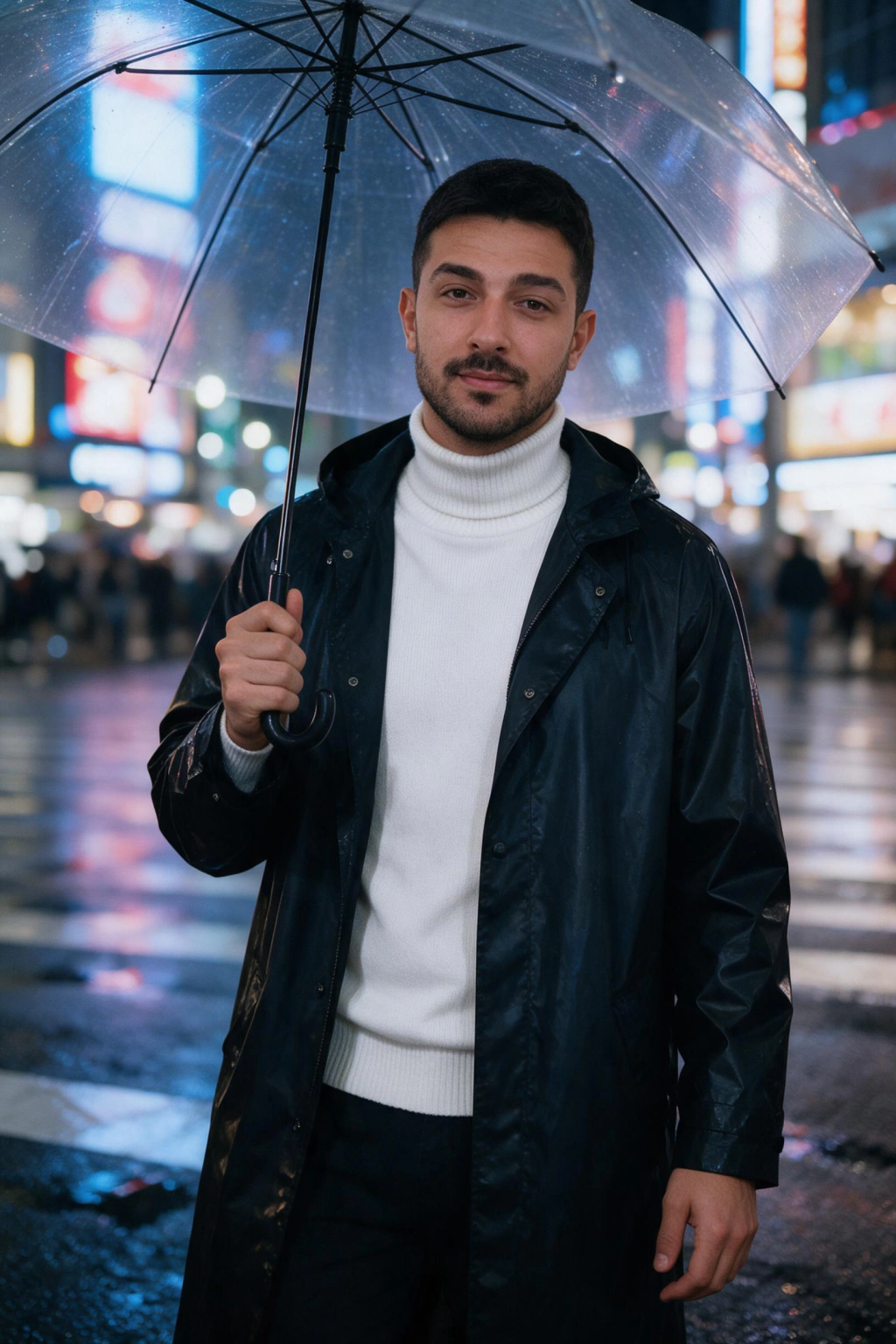
AI fake travel photos are AI-generated images that place your real face in a travel destination you did not physically visit. The input is a batch of selfies (usually 10 to 30) and a destination prompt. The output is a portrait that looks photographed in Paris, Tokyo, Bali, Dubai, or anywhere else on earth, with you in the frame.
The trend exploded in 2025 when personalized AI photo generators got good enough that the results stopped looking obviously fake. Instagram and TikTok feeds filled with creators posting AI vacation photos as a joke, a flex, or a content shortcut. Some disclosed the AI. Many did not. That is where the controversy lives.
The technology is the same as any AI photo of yourself: a small fine-tuned model learns your face from your selfies, then the model generates new images of you with whatever scene the prompt asks for. The travel angle is just a category of prompt. A fake vacation photos AI tool is a personalized AI photo generator pointed at destination prompts.
Who actually uses AI fake travel photos?
Three groups dominate AI travel photo generator usage right now. The first is content creators and small brands that need a stream of lifestyle imagery for ads, posts, and thumbnails. Shooting on location in 8 countries is not realistic. Generating 8 location scenes from selfies in an afternoon is. They typically disclose the AI in captions or platform labels.
The second is people who travel but missed the shot. You went to Iceland and your phone died at the glacier. You hiked Machu Picchu solo and only got blurry self-timer photos. AI lets you recreate the moment with a clean portrait in the same setting. The trip happened. The photo did not. This is the most common honest use case.
The third is people who want the social signal of travel without the budget. This is where AI fake vacation photos get controversial. Posting a Santorini shot on a dating profile when you have never been to Greece is a form of misrepresentation. Posting it on a meme account labeled "AI of me in places I will never afford" is satire. The image is the same. The context decides whether it is honest.
The ethical use cases for AI fake travel photos
Content marketing for travel-adjacent businesses. Coaches, course creators, and lifestyle brands need on-brand imagery in varied settings. AI travel photos let a small business produce a year of location-based content without flights or shoots. Disclose when platforms require it, and never misrepresent the brand as physically present at a destination it claims to operate from.
Memories you did not capture. If you visited a place but did not get the photo you wanted, an AI travel selfie generator can fill the gap. The trip is real. The portrait is a clean version of a moment you actually lived. Frame it as a stylized memory, not a journalistic record.
Art and personal projects. Some people use AI fake travel photos as visual journaling, mood boards, or personal art. "Here is what I would look like in Tokyo" is honest. Treat it like a digital painting, not a photograph. Label it honestly and the use case is unambiguous.
Inspiration and trip planning. Before you book a real trip, generating a few AI photos of yourself in the destination can clarify whether the vibe matches what you want. This is a low-stakes private use, no disclosure issues, and a surprisingly common workflow.
The uses to avoid (the dishonest cases)
Dating profiles where the implication is that you traveled. Posting an AI photo of yourself in Bali on a Hinge or Bumble profile, with no AI label, implies a lifestyle and history that does not exist. Dating apps increasingly label or remove undisclosed AI photos, and the social cost of getting caught on a date is real. Use AI photos on dating apps only with current likeness and honest framing.
Sponsored content or affiliate posts that imply you visited a destination, hotel, or restaurant. This crosses into deceptive advertising in most jurisdictions and violates platform sponsorship disclosure rules. If a brand is paying you, do not fake the trip with AI.
Posting fake travel photos AI as proof in disputes, insurance claims, custody cases, immigration documents, or anywhere truthfulness has legal weight. This is not a gray area. Do not do it.
Impersonating someone else. AI fake travel photos of you, generated from your selfies, are you in a new setting. AI photos of someone else placed in destinations they did not visit are a different category and are not what this guide is about. MakeAiPhotos only trains models on your own face.
How to make AI travel photos that look real, not staged
The difference between an AI travel photo that fools viewers at thumbnail size and one that screams "fake" usually comes down to four things: selfie quality, prompt specificity, lighting consistency, and editing restraint. Most AI fake vacation photos that get flagged fail on at least two of these.
Start with selfies that match the lighting you want in the output. If you want a sunny Greek island portrait, upload selfies taken in bright natural daylight. If you want a moody Tokyo street scene at night, include some lower-light selfies. The model learns your face under specific lighting and reproduces that lighting in the output. Mismatched lighting between your face and the background is the single biggest tell of an AI travel photo.
Pick destination prompts that match plausible angles and distances. A wide-angle selfie of you with the Pyramids of Giza tiny in the background reads as authentic. A perfectly centered, evenly lit, full-body portrait of you in front of the Pyramids with no other tourists, no shadow, and a cinematic glow reads as AI. The Travel Adventure pack on MakeAiPhotos uses realistic compositions, but you can push it further by picking prompts with believable framing.
Avoid over-editing the output. The biggest amateur mistake is running an AI travel photo through additional filters, beauty smoothing, or enhance tools. Each pass adds plasticity. Use the raw AI output, crop if needed, and post it. Less is more.
Add one piece of real context. A caption that references a real moment, a weather detail, a song you were listening to. Even when the photo is AI, the post feels grounded. This is also where you can honestly label the image as AI without losing engagement.
The destination prompts that work best
Some destinations generate cleanly with AI. Others struggle. The pattern is consistent: locations with simple, recognizable backdrops (Santorini blue domes, Bali rice terraces, Tokyo neon alleys, Dubai desert dunes) generate well because the model has seen thousands of reference photos. Locations with complex crowds, specific local people, or unique architecture details (the inside of Sagrada Familia, a packed Moroccan souk) struggle.
The Travel Adventure pack on MakeAiPhotos focuses on the destinations that AI handles best: European old towns, mountain viewpoints, jungle paths, desert dunes, urban skylines, and beach cliffs. For private jet, yacht, and luxury travel scenes, the Luxury Photos pack covers that lane. Mix the two for a credible travel content creator feed.
Browse every destination prompt at the AI travel photo generator and pair them with your selfies. If a specific destination is missing, the same selfies work across all packs, so you can run multiple in one session.
How to use AI fake travel photos honestly
Label them. Either in the caption, in alt text, in a corner watermark, or via platform AI labels. On Instagram, use the "AI-generated" label. On TikTok, use the AI content disclosure toggle. On LinkedIn, mention it directly in the post. The label costs you nothing in engagement and removes the entire deception risk.
Use them for vibes, not claims. "What I would look like in Tokyo" is honest. "My trip to Tokyo last week" is not, if there was no trip. Frame your AI travel photos as visual exploration rather than travelogues.
Mix AI and real photos. A feed of only AI travel photos reads as content marketing. A feed mixing real travel snapshots with the occasional AI generation reads as a person who plays with creative tools. Authenticity comes from the ratio, not the disclosure language.
Generate AI travel photos at https://www.makeaiphotos.com/traveler-pack when you are ready to start. Upload 10 to 30 selfies in varied lighting, pick the destinations that match the story you want to tell, and post the results with a clear label.
Frequently Asked Questions
- Are AI fake travel photos illegal?
- AI fake travel photos of yourself, generated from your own selfies, are legal in nearly every jurisdiction when used for personal content, art, or disclosed marketing. They become legally risky when used to deceive in commercial advertising, insurance claims, immigration documents, sponsored content without disclosure, or anywhere truthfulness has contractual or legal weight. The image itself is legal. The context determines the risk.
- How do AI travel photo generators put you anywhere in the world?
- An AI travel photo generator fine-tunes a small model on 10 to 30 selfies of your face. Once trained, the model generates new images of you with whatever scene a prompt describes: Santorini, Tokyo, Dubai, Patagonia, anywhere. The model learns your face from the selfies and the destination from billions of reference travel photos in its base training data. The output combines both into a single portrait.
- Can people tell that AI fake travel photos are AI?
- Most viewers at thumbnail size cannot. The common tells are lighting mismatches between your face and the background, unrealistic absence of other people or shadows, and over-edited skin texture. Modern AI travel photo generators from a well-trained model produce results that pass casual social media inspection. Forensic AI-detection tools can still flag them with high accuracy, which is why disclosure remains the safer practice.
- Are AI fake vacation photos allowed on Instagram, TikTok, and LinkedIn?
- Yes on all three, with platform-specific labeling requirements. Instagram and TikTok both have AI content disclosure toggles and may auto-label realistic AI imagery. LinkedIn allows AI photos including travel content as long as they are not misrepresented as documentary evidence of events that did not occur. Disclose AI travel photos in the caption or via the platform's built-in label to stay compliant.
- Is it ethical to post AI travel photos without saying they are AI?
- It depends on the platform context and what the post implies. Posting an AI travel photo on a meme or art account reads as creative play and rarely needs explicit disclosure. Posting the same photo on a dating profile, sponsored post, or news context without disclosure is deceptive because it implies a lived experience that did not happen. The honest default is to label, and only skip labeling when the creative context makes the AI nature obvious.
- How many selfies do I need for AI travel photos to look real?
- Upload 10 to 30 selfies for the best AI travel photos. Include varied lighting (bright outdoor, indoor, overcast) and slightly different angles. The model needs enough variation to render your face in any lighting condition the destination prompt asks for. Fewer than 12 selfies produces inconsistent likeness. More than 30 has diminishing returns and can slow training.
- What is the best AI travel photo generator for realistic results?
- MakeAiPhotos is built specifically for personalized AI travel photos, with destination packs (Travel Adventure, Summer Beach, Luxury Photos) tuned to produce realistic compositions, lighting, and depth. Generic AI image tools generate travel scenes without you in them. A dedicated personalized generator like MakeAiPhotos trains on your face and outputs travel portraits that look like you in the destination. Start at https://www.makeaiphotos.com/traveler-pack.
- How long does it take to generate AI fake travel photos?
- Model training takes around 20 to 30 minutes once you upload selfies. After training, each AI travel photo generates in 10 to 30 seconds. A full set of 20 to 40 destination portraits across multiple travel packs takes about an hour total. You can re-run the same trained model across new destination packs anytime without retraining.