How to choose the best AI photo: the 60-second checklist
Run the checks in order and stop at the first fail. A photo that fails check 1 is out no matter how good the light is, because 120 pixels is the size it will be seen at.
Every example image on MakeAiPhotos passes an automatic face-match score first, then a person runs exactly this list. The score catches identity drift. The list catches everything the score cannot see.
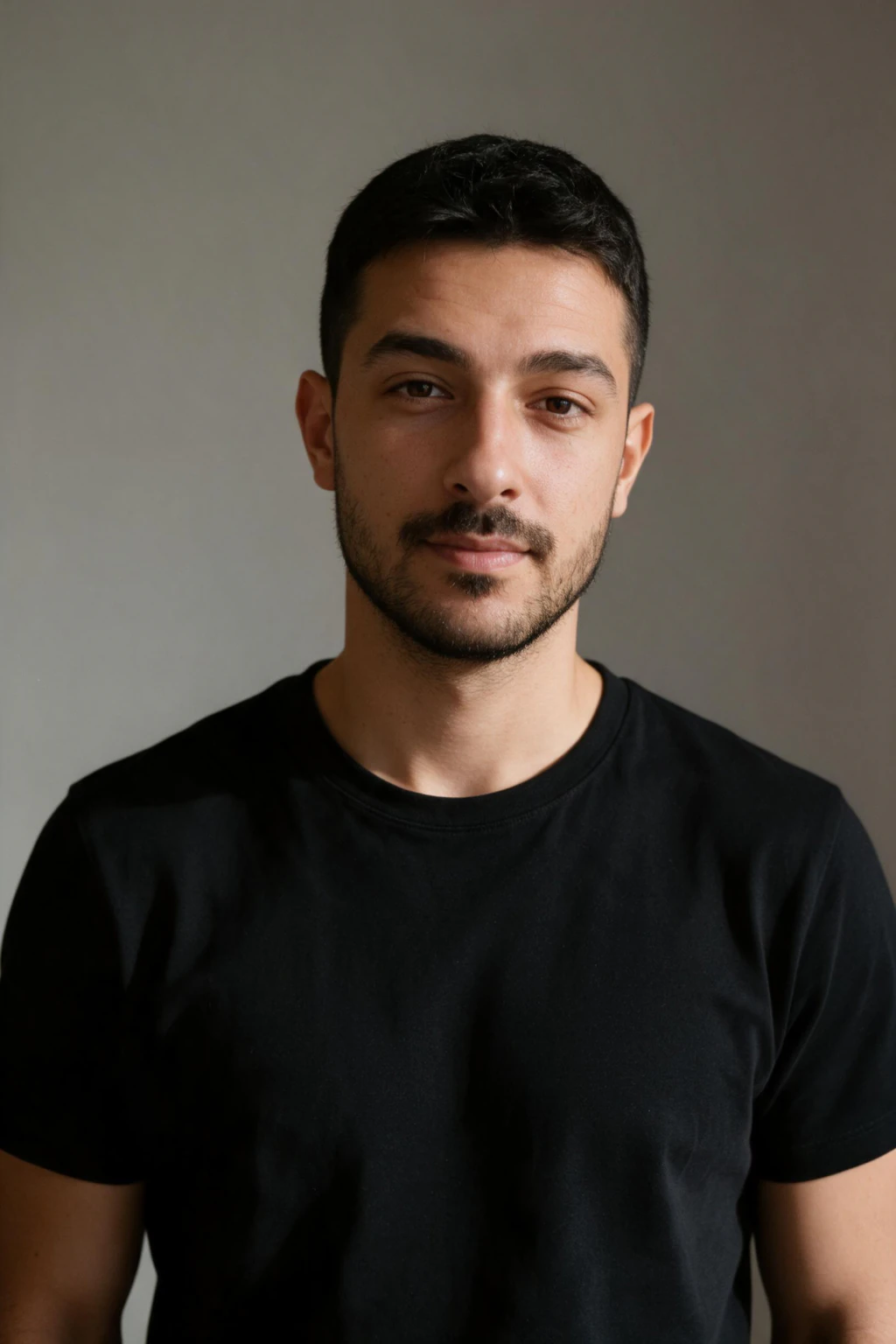
One phone selfie to 5 AI photos of the same person

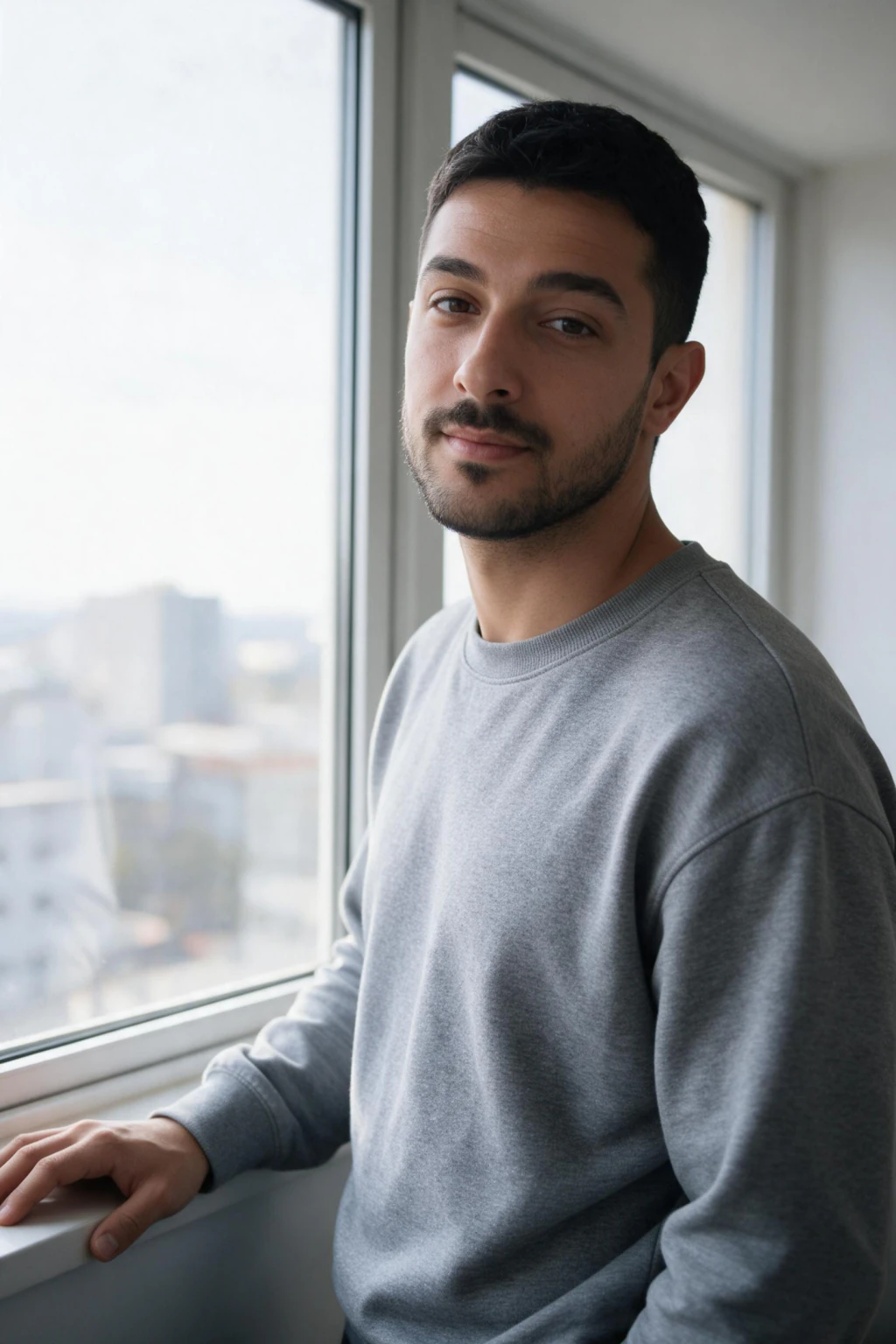
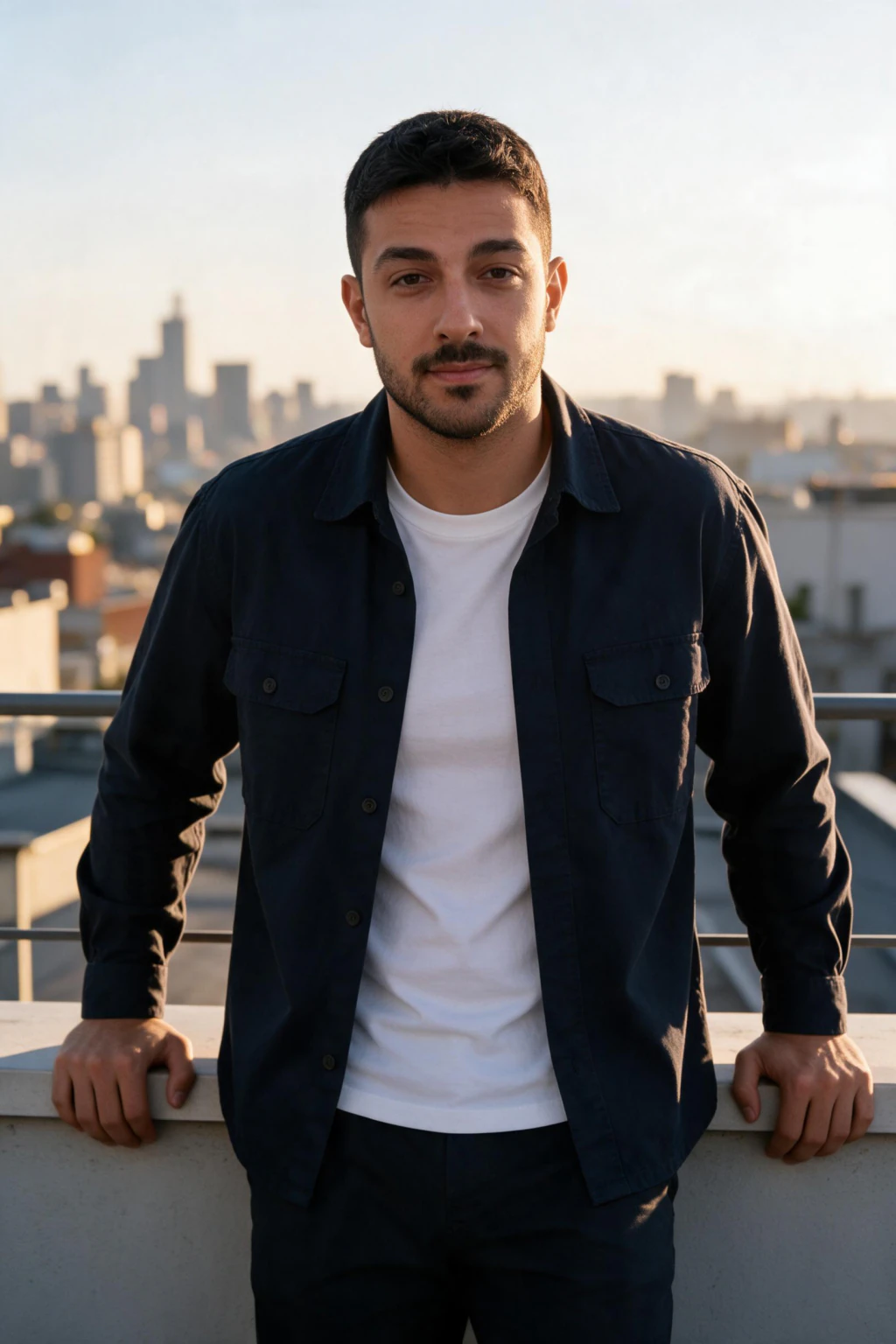
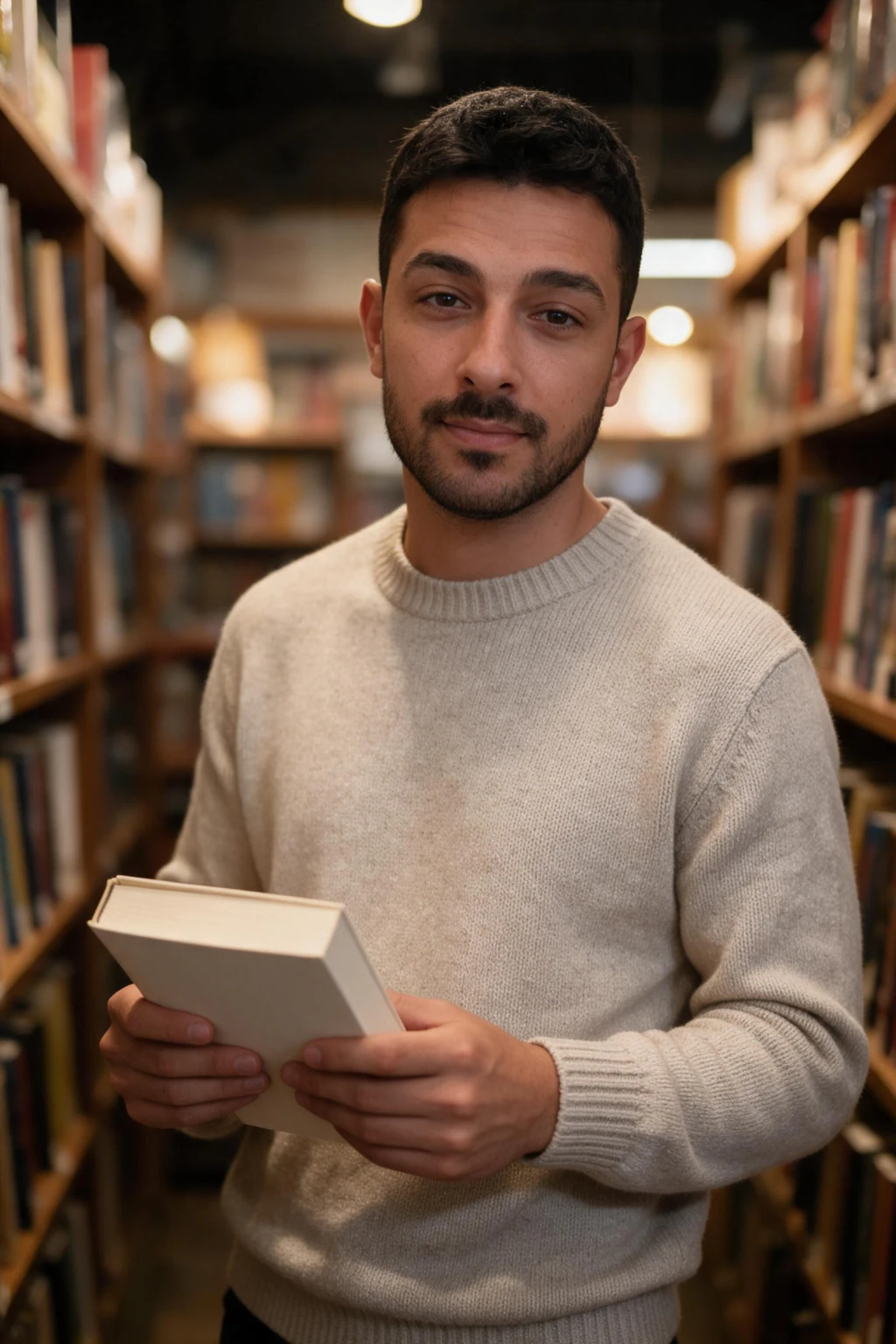
| Check | Takes | Fail looks like |
|---|---|---|
| 1. Shrink it to 120 px | 10 s | You cannot tell it is you at thumbnail size |
| 2. Eyes | 10 s | No catchlight, or one eye brighter than the other |
| 3. Hands and teeth | 10 s | Six fingers, a bent thumb, a row of identical teeth |
| 4. Text and marks | 10 s | A logo on a shirt, a crest, readable letters on a sign |
| 5. Outfit belongs to the scene | 10 s | Your selfie's hoodie at a gala; a tank top in an office |
| 6. Send two to one friend | 10 s | They pick the other one |
Check 1: shrink it to 120 pixels
A LinkedIn card, a dating grid and a comment avatar all show your photo at roughly 120 pixels wide, sometimes less. Zoom out until the photo is the size of a postage stamp on your screen, or pinch it down on your phone, and ask one question: is that me?
Photos fail this check when the face is small in the frame, the light is flat, or the expression is one you never make. A knees-up shot on a rooftop can be a beautiful photo and a bad profile picture for that reason. Keep it for the grid, not the avatar.
Checks 2 and 3: eyes, hands, teeth
Eyes: look for a catchlight, the small bright reflection of the light source, in both eyes, in the same position. Real photos have them because light comes from somewhere. Missing or mismatched catchlights are the fastest tell there is, and a viewer notices them without knowing why. More tells are in can people tell AI photos are AI.
Hands: count fingers on any hand in frame, and check that the thumb bends the right way. Current models get hands right most of the time, so a wrong hand is a reason to generate again, not to accept it. Teeth: a big smile should show teeth with slight variation, not a uniform white bar.
Checks 4 and 5: text, marks, and whose outfit that is
Text and marks: scan the clothing, the background and anything held. A brand logo, a team crest, a sportswear mark or a readable sign is a reason to reject the frame outright. Generated text is usually garbled, which gives the photo away, and a real brand on a generated photo is a problem you do not want on a public profile.
Outfit: the clothing should be what the scene asked for. The most common failure we see is the clothing from the reference selfie carried into the result, so a person in a grey hoodie appears at a black-tie dinner. It reads as wrong even to viewers who cannot say why. Generate the look again; it rarely repeats.
Check 6: how to pick an AI headshot when you cannot decide
You are the worst judge of your own photo. You compare it with the mirror, which is reversed, and with how you feel you look, which is not a photo. A friend compares it with you.
Send two candidates, not five, to one person who sees you often, and ask which one looks more like you. Not which one they like: which one looks like you. Their answer is the photo. If they hesitate on both, neither passes, and the selfie you generated from is probably the reason.
Which AI headshot should you use on LinkedIn, a dating app or Instagram?
On LinkedIn use a head-and-shoulders frame on a plain background; on a dating app lead with a candid waist-up; on Instagram use the frame with the most natural light. One more rule for dating profiles: mix generated photos with real ones. A profile that is all generated frames from one selfie has a sameness that a viewer feels before they can name it. The platform guides go deeper: AI LinkedIn headshots and AI dating profile photos.
If none of your ten passes, the fix is upstream. Budget two tries per look, as covered in how many AI photos you need to get a good one, and retake the selfie by a window before you spend the second set. The full input rules are in how to make AI photos look real.
| Platform | Use | Skip |
|---|---|---|
| Head-and-shoulders or waist-up, plain or softly blurred background, eyes to camera | Knees-up scenes, dramatic light, anything with a readable sign | |
| Dating profile | A candid waist-up as the first photo, one knees-up for the grid, one that shows a place | Two frames of the same look; a studio headshot as photo one |
| The frame with the most natural light and the least perfect composition | The most polished frame; it reads as an ad | |
| Team page or directory | Head-and-shoulders, plain top, no logo | Anything that will not match your colleagues' photos |
Frequently Asked Questions
- Which AI photo of yourself should you use?
- The one that still reads as you at 120 pixels wide, has a catchlight in both eyes, shows correct hands and teeth, carries no readable text or brand mark, wears clothing that belongs to the scene, and is the frame a friend picks when shown two. Run those six checks in order and stop at the first fail.
- How do I know if my AI photo is good enough to post?
- Shrink it to thumbnail size first; if you cannot tell it is you at 120 pixels, it is not good enough for a profile picture. Then check catchlights, hands, text and outfit. A photo that passes all five and gets picked by a friend over its rival is good enough for any platform.
- What is the fastest way to spot a bad AI photo of yourself?
- Look at the eyes. A missing catchlight, or one in a different place in each eye, is the quickest tell and viewers notice it without knowing why. Second fastest is a hand with the wrong number of fingers. Third is clothing from your selfie appearing in a scene where it does not belong.
- Which AI headshot should I use on LinkedIn?
- The head-and-shoulders or waist-up frame with a plain or softly blurred background, eyes to the camera and no readable text anywhere. Skip knees-up scenes, dramatic lighting and rooftops; they are good photos and poor avatars. Confirm the frame still looks like you at 120 pixels before uploading.
- How do I pick an AI headshot when I cannot decide?
- Ask one person who sees you often. Send two candidates and ask which looks more like you, not which they prefer. You compare a photo with the mirror and with how you feel you look; a friend compares it with you. If they hesitate on both, neither is right and the source selfie is probably why.
- What if none of my AI photos pass the test?
- Fix the input. A blurred, filtered or shadowed selfie produces fifteen photos with the same weakness, so retake it by a window at arm's length with beauty mode off, then generate each look you need twice. On MakeAiPhotos each photo costs 10 credits and a 14-day money-back guarantee covers a set that does not look like you.