How to make AI photos of yourself for social media (the short version)
Upload one selfie, pick a lifestyle-leaning pack instead of a corporate one, and generate a spread of photos that fits the platform aesthetic. For Instagram: outdoor, golden hour, travel. For TikTok: clean profile thumbnail. For dating apps: face shot plus 3 lifestyle frames. Each photo takes about 2 minutes.
AI photo generation takes your face as input and generates entirely new photos of you in new settings. It is not a filter on a selfie, it is a new photograph. The person in every output is you, just in a setting and lighting you never physically stood in. That is exactly what social-media-first profiles need.
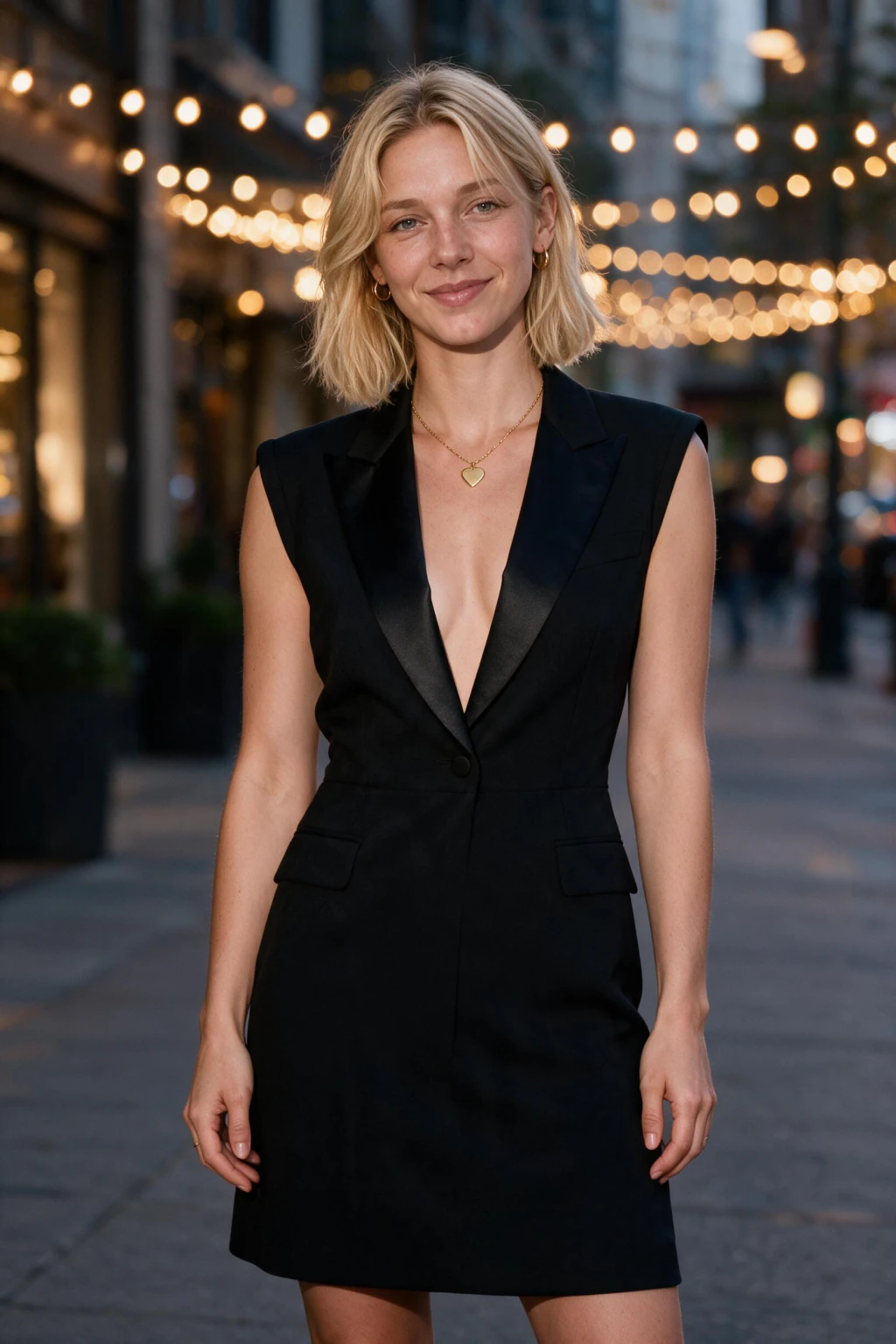
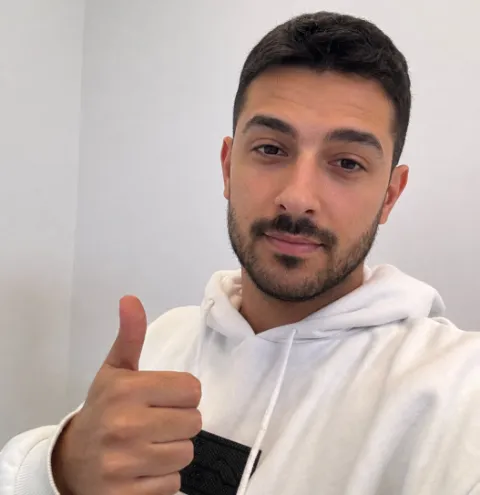
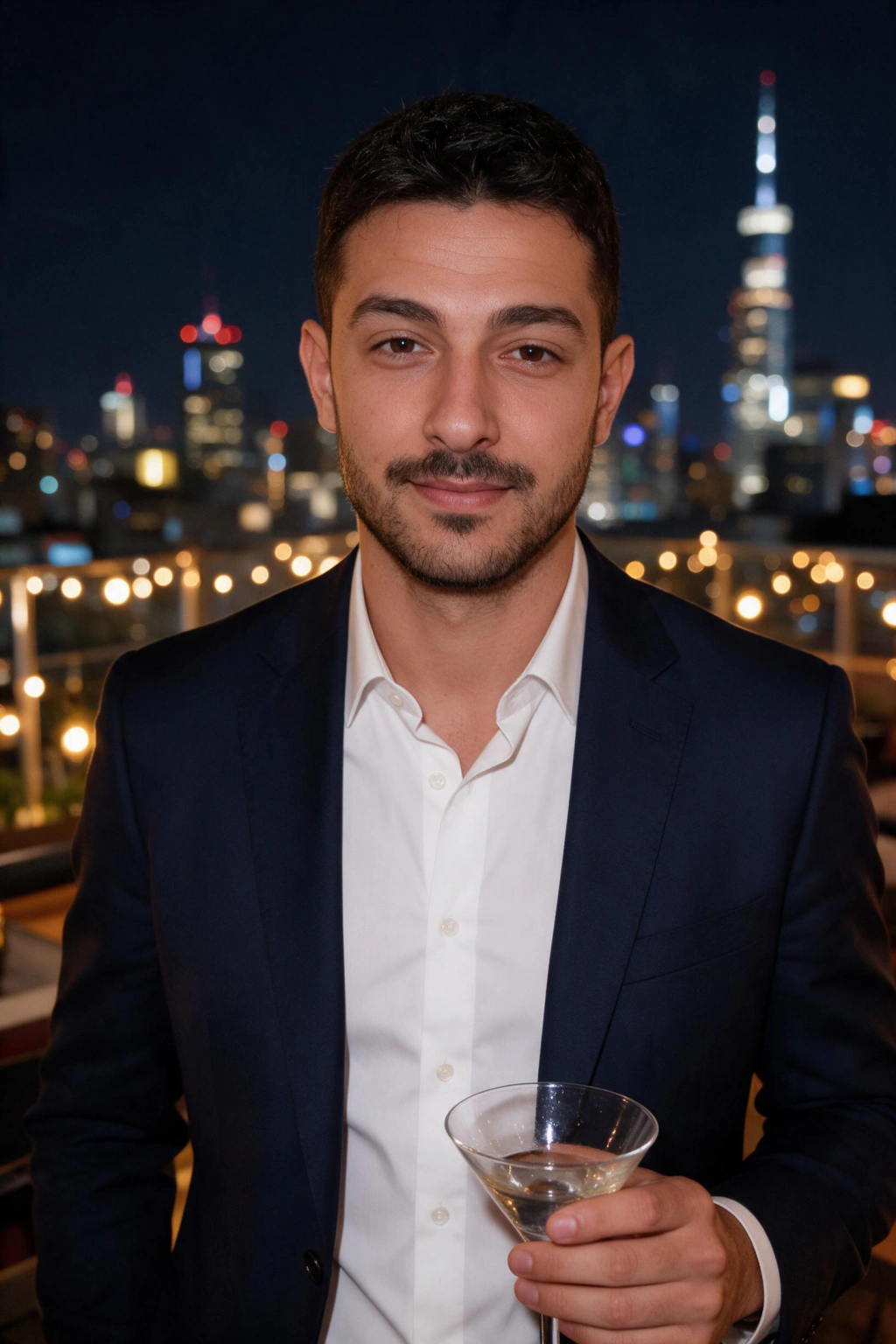
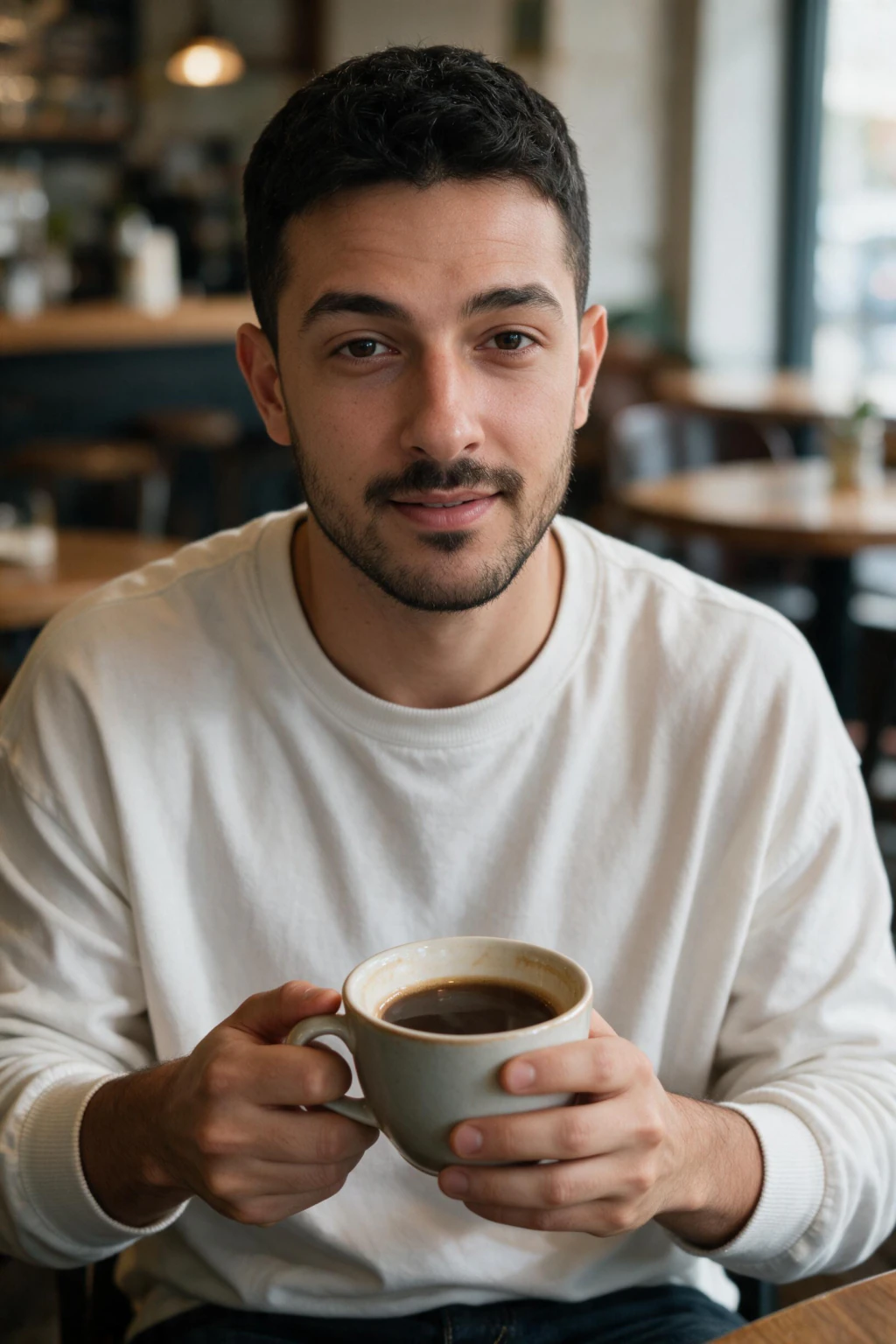
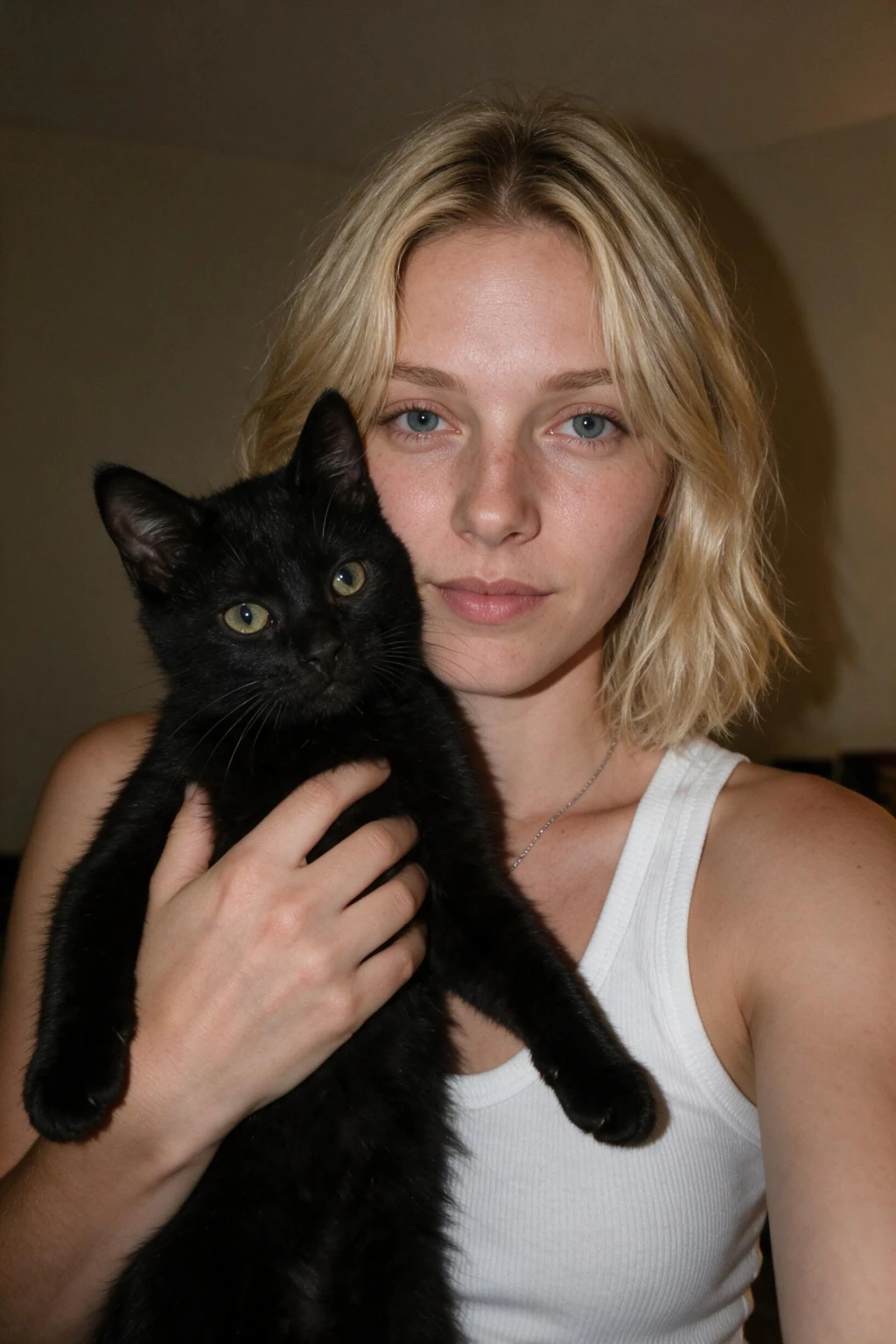
One phone selfie to 4 AI photos of the same person
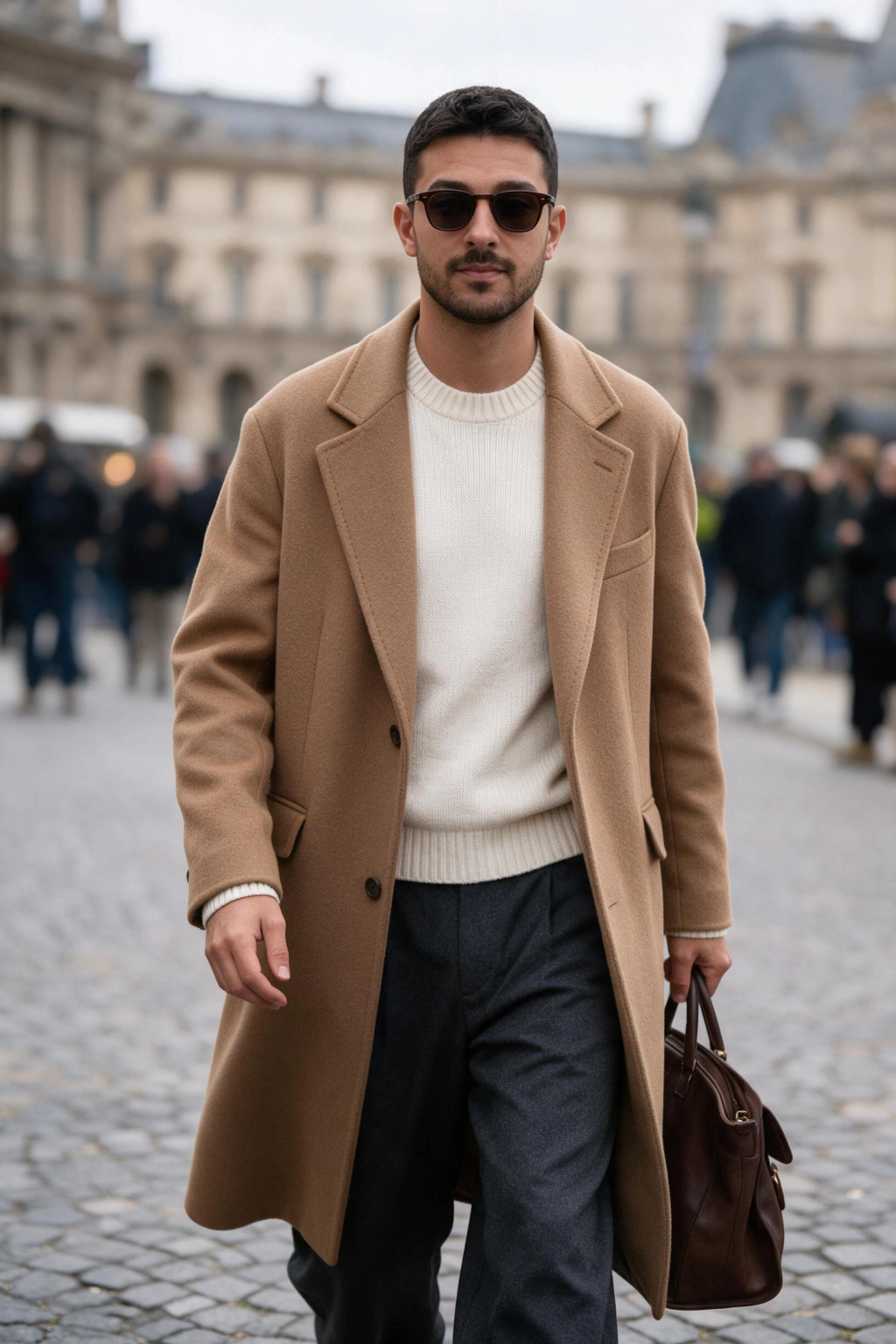
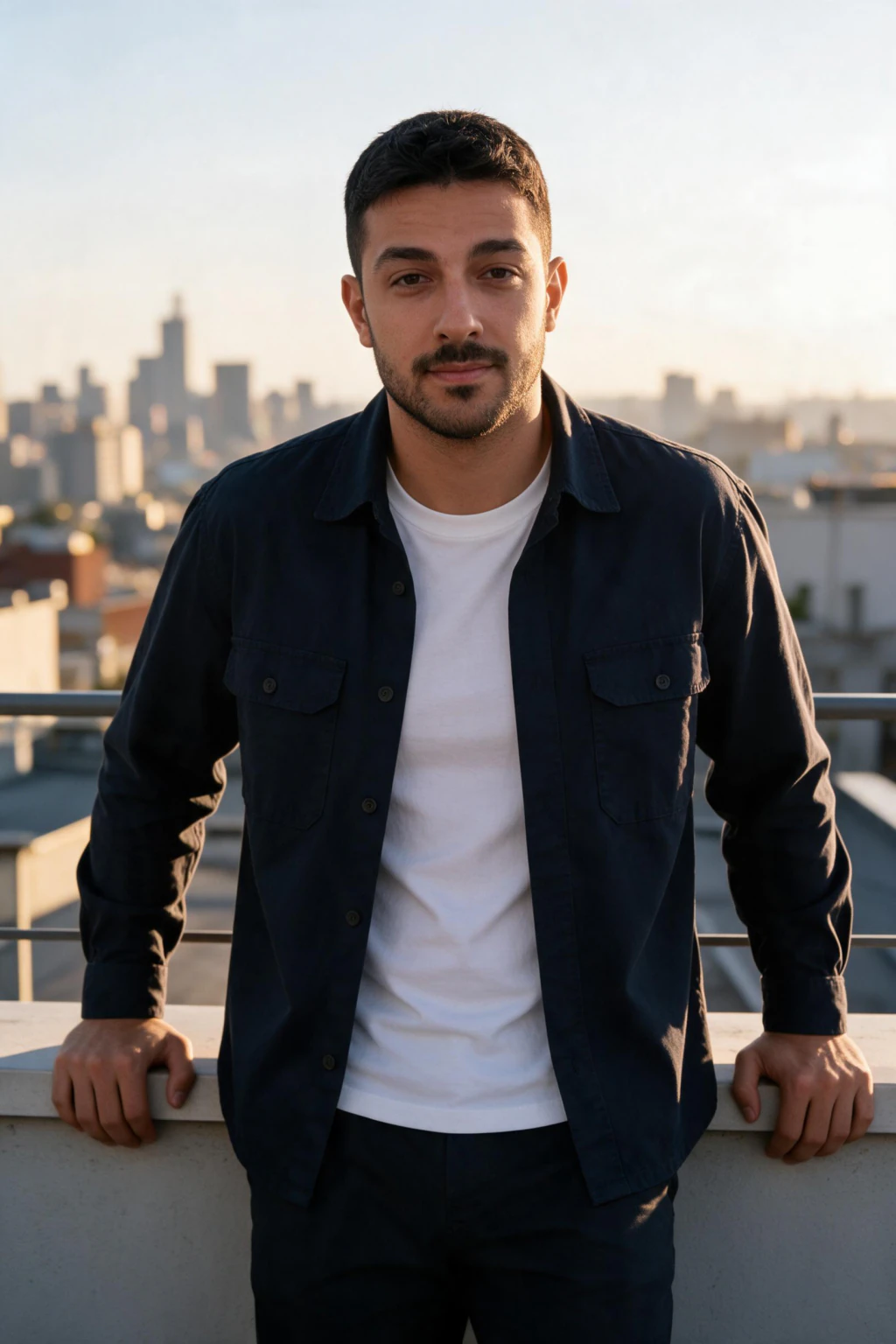
What are the best AI photo ideas for Instagram in 2026?
Instagram rewards visual variety inside a consistent color tone. The platform's algorithm favors high-quality outdoor lifestyle shots, and posts with strong visual cohesion get up to 2.3x more engagement than mixed-aesthetic feeds.
AI photo ideas for Instagram that consistently perform: golden-hour beach portraits, travel landmarks (rooftop city views, European old towns, jungle paths), gym and fitness shots, and editorial-style street candids. Avoid: overly staged studio shots, formal corporate looks, and anything with the obvious AI cinematic glow.
Grid consistency hack: generate all your Instagram lifestyle photos from the same pack in one session. The shared color grade and lighting produce a natural feed-level cohesion. Then post 1 every 2 to 3 days over 6 to 8 weeks rather than dumping the whole batch at once. Browse AI photo ideas for full pack previews before generating.
TikTok grid: profile photo plus the cover-shot strategy
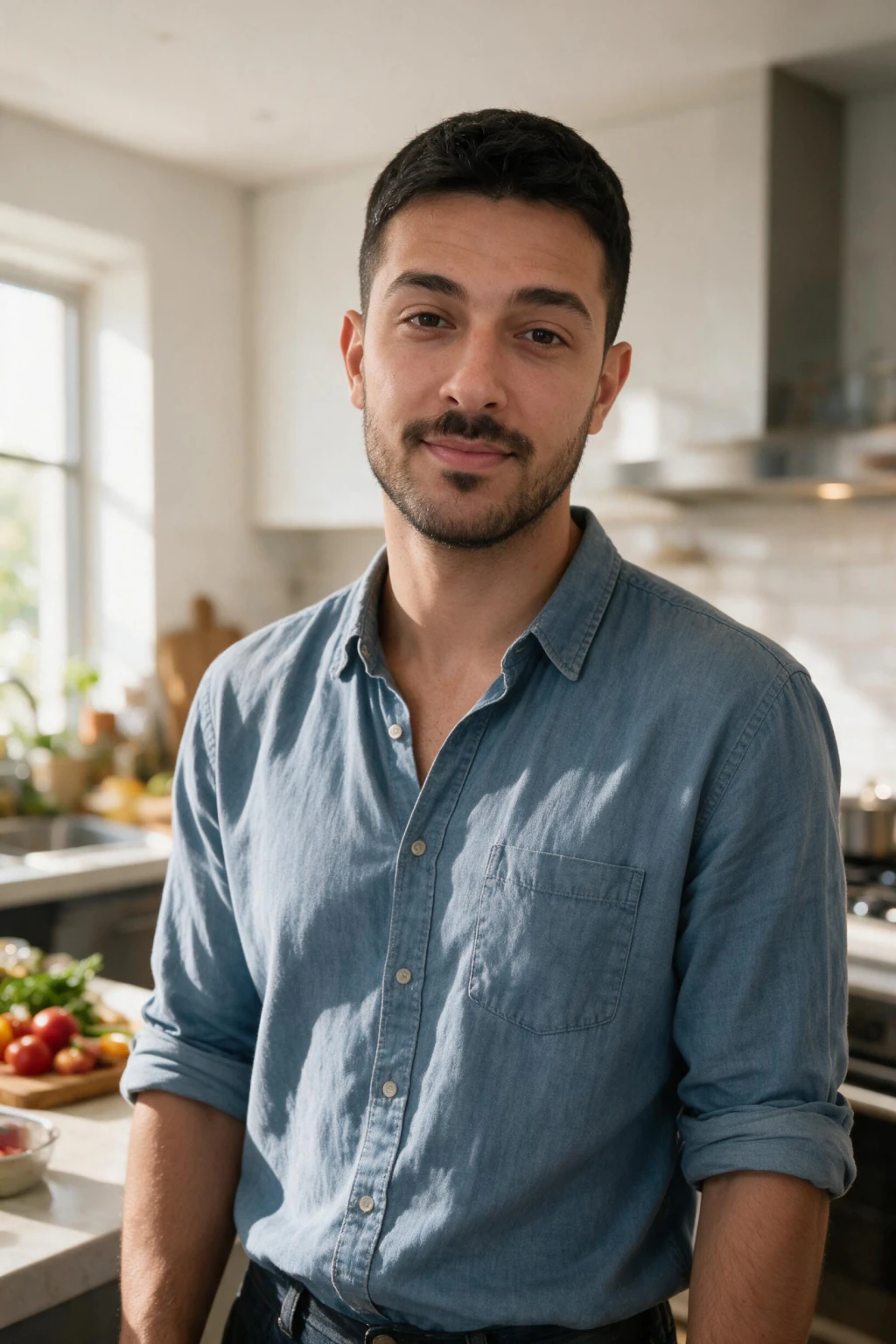
TikTok shows your profile photo as a small circle next to every video. A clean, well-lit, slightly casual headshot performs better than a formal corporate one because TikTok's vibe is approachable, not authoritative. Generate a portrait in natural lifestyle lighting (lifestyle pack, not LinkedIn pack) and use it as your profile.
Beyond the profile photo, your TikTok grid (the 3-column thumbnail layout under your profile) is a secondary visual identity. If you create content where you appear on camera, upload custom cover thumbnails using AI-generated photos that match your video aesthetic. Pick 2 to 3 strong portrait orientations from your batch and reuse them as cover images for related videos.
Dating app photo spread: the platform-specific lineup
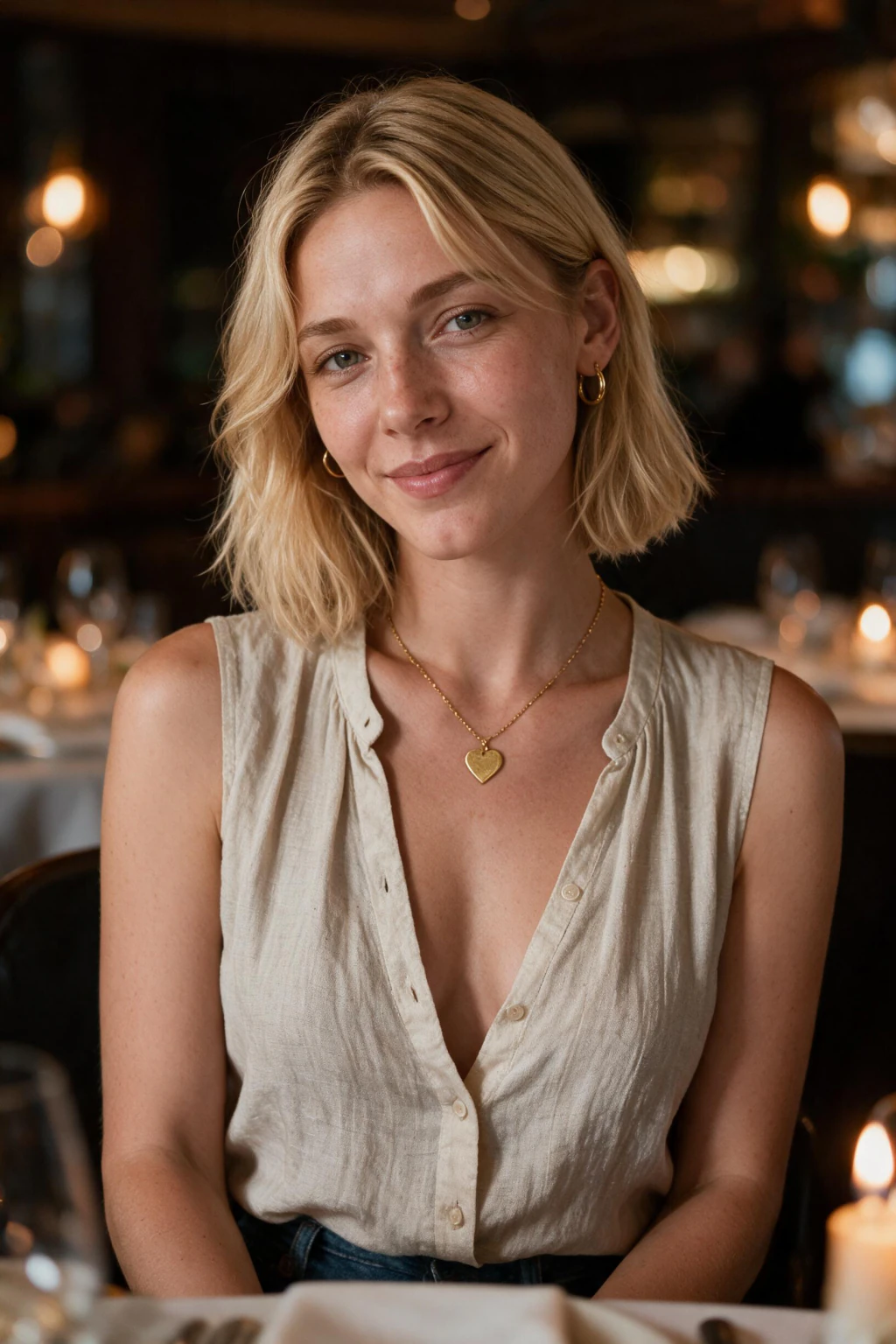
Dating apps (Tinder, Hinge, Bumble, Raya) reward a specific photo spread. Position 1: clean face shot, natural light, no sunglasses, approachable expression. Position 2: outdoor lifestyle (beach, travel, hiking). Position 3: activity or hobby (gym, music, cooking). Position 4 to 6: variety, social settings, travel locations, professional context.
AI photos of yourself solve the variety problem dating profiles always face. Most people have one good selfie and zero usable lifestyle photos. One AI photo upload gives you all 4 to 6 positions filled from a single session. Mix one genuine recent phone selfie in for authenticity, the combination reads better than an all-AI profile.
What to avoid on dating apps: overly polished editorial shots (reads as a stock model), heavy studio lighting (reads as a press headshot, not a date), and any frame where the AI-look is detectable. Pick lifestyle packs (beach, travel, casual) over formal ones.
Content creator use cases: build a feed-ready photo library
Content creators (YouTube, Instagram, TikTok, Substack, personal brand) need a constant supply of profile photos, thumbnails, banner images, and bio shots across every platform. A single photographer session locks you into one outfit and one location. AI photos of yourself open up a 50 to 200 photo library from one upload.
Practical creator workflow: upload one selfie, run 3 packs (lifestyle, travel, professional), download all outputs, and sort into folders by use case (YouTube thumbnail, Instagram post, podcast bio, course landing page, email signature). One session covers 6 months of profile photo needs across every platform.
Step-by-step: from selfies to social photos
Step 1: Upload one selfie. Use a clear, front-facing shot in natural light, no filters, no sunglasses. Take it on the rear camera, not at arm's length, this avoids wide-angle distortion in your face proportions.
Step 2: Pick a social-media-leaning style pack. Lifestyle, travel, beach, gym, festival, modeling-editorial. Skip the LinkedIn or corporate packs unless you also need profile shots.
Step 3: Generate the batch and take 5 to 10 minutes to review every output.
Step 4: Filter for keepers that look like you at thumbnail size and have natural skin texture and believable lighting.
Step 5: Distribute by platform. Best face shot to TikTok profile. Lifestyle spread to Instagram grid. Variety mix to dating apps with one real selfie added for authenticity.
Step-by-step: from selfies to social photos
Step 1: Upload one selfie. Use a clear, front-facing shot in natural light, no filters, no sunglasses. Take it on the rear camera, not at arm's length, this avoids wide-angle distortion in your face proportions.
Step 2: Select your platform target. MakeAiPhotos has style categories for professional headshots, lifestyle photos, and social media content. Don't use a LinkedIn headshot style for Instagram, the results will look too formal.
Step 3: Generate your batch and take 5-10 minutes to review all results.
Step 4: Filter for keepers. Keep photos that look like you, have natural skin texture, real-looking lighting, and a background that makes sense. Skip anything that looks even slightly off.
Step 5: Spread photos across platforms. Professional headshots to LinkedIn. Lifestyle batch to Instagram, spacing them 2-3 posts apart. A mix, AI lifestyle shots plus one real selfie, to dating apps.
How many AI photos do you actually need?
You don't need to use every photo from a session. The goal is 5-10 strong, varied photos to rotate across platforms over the next few months.
A single MakeAiPhotos session generates enough to update your LinkedIn headshot, add 3-5 photos to your Instagram grid, refresh your dating profile with 2-3 varied shots, and cover your Slack and email signature. That's the equivalent of 3-4 separate photographer bookings, from one upload.
Frequently Asked Questions
- How do I make AI photos of yourself for social media specifically?
- To make AI photos of yourself for social media, upload one clear selfie, pick lifestyle-leaning packs (beach, travel, gym, festival) instead of formal corporate ones, and generate a batch. Social media platforms reward lifestyle aesthetic over studio polish. Pack-based AI photo generators handle the wardrobe, lighting, and composition automatically.
- What are the best AI photo ideas for Instagram?
- The best AI photo ideas for Instagram in 2026 are golden-hour beach portraits, travel landmarks (rooftops, old towns, jungle paths), editorial street candids, and gym or fitness shots. Stay within one color tone across the grid by generating all photos from the same pack in one session, which creates natural feed cohesion.
- Can I use AI photos of myself on Instagram and TikTok?
- Yes. AI photos of yourself are widely used on Instagram, TikTok, and dating apps in 2026 by creators and personal brands. Instagram and TikTok do not prohibit AI-generated photos. The result works best when AI lifestyle photos are mixed with some real photos for an authentic-looking feed.
- Is it okay to use AI photos on dating apps like Tinder or Hinge?
- Yes, with one rule: mix AI lifestyle photos with at least one genuine recent selfie. The combination reads as authentic. AI photos give you interesting locations and lighting, real selfies show you're a real person. An all-AI profile is more likely to trigger suspicion than a hybrid spread.
- How many selfies should I upload to get good AI photos for social media?
- Upload one clear, front-facing selfie in natural light. Take it on the rear camera, not at arm's length, this removes wide-angle distortion and helps the AI learn accurate facial proportions for realistic social-media photos.
- What's the difference between AI photos for LinkedIn vs Instagram?
- LinkedIn photos need clean studio backgrounds, business attire, and direct eye contact. Instagram photos need lifestyle settings, natural light, casual outfits, and warm tones. Generate them in separate sessions from the same upload using different style packs. Don't reuse a LinkedIn headshot on Instagram, it reads as too formal.
- Will people be able to tell my social media photos are AI?
- With a good likeness-trained generator and a clear input selfie, most viewers can't tell. The biggest tells are plastic-smooth skin, wrong lighting, and the face not quite matching at thumbnail size. Pick lifestyle packs (not editorial), use an unfiltered input selfie, and filter outputs that look slightly off before posting.