What makes a photo look like a magazine cover?
How to make a photo look like a magazine cover comes down to four things, and the filter apps only give you one: a 2:3 portrait crop, because that is the shape of a printed cover.
Big, soft, frontal light with a catchlight in the eyes. A direct gaze at the lens. And a quiet band at the top of the frame where the masthead goes.
Miss the band and the title lands on your forehead. Miss the light and the retouching has to do the work, which is where covers start to look plastic.
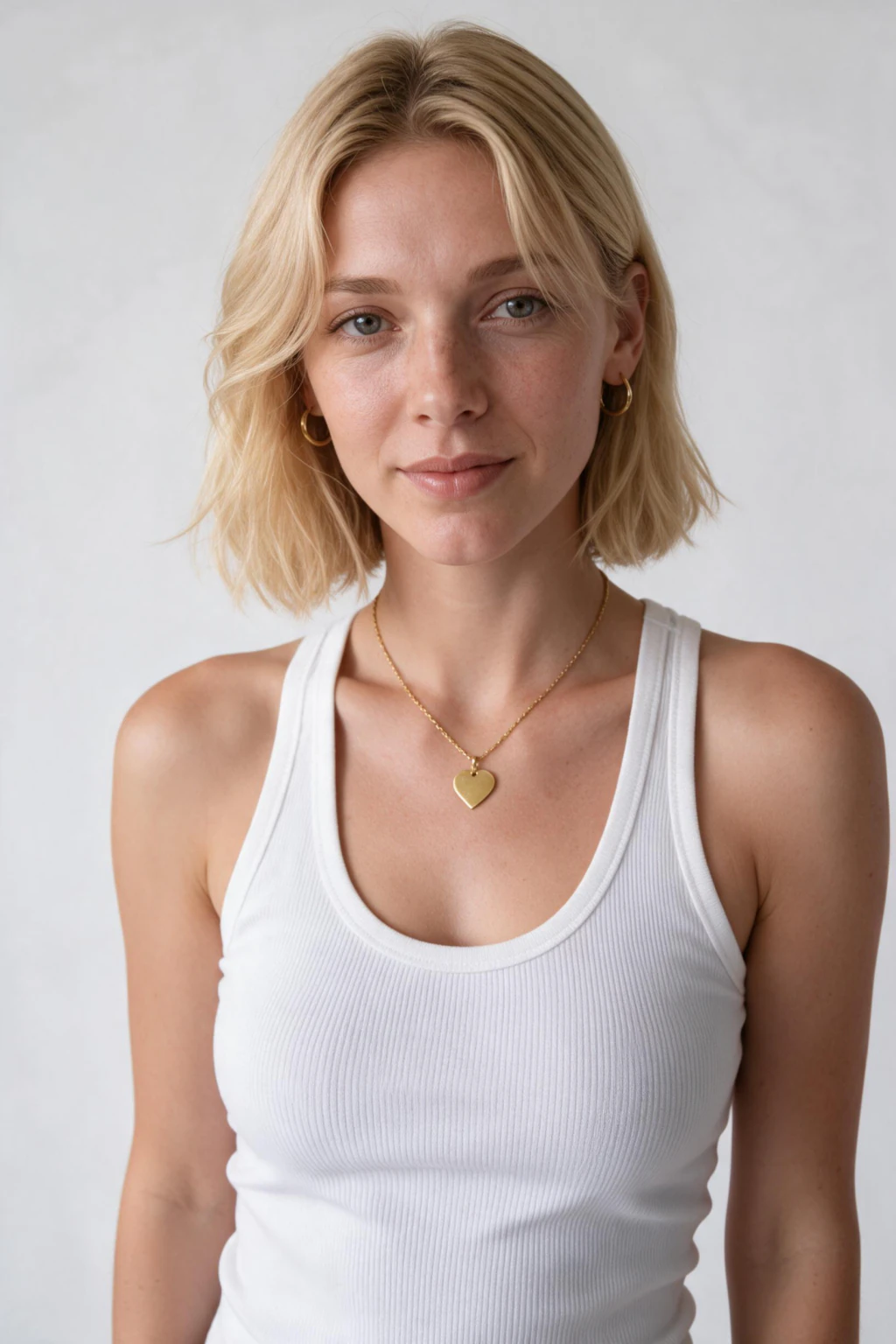
One phone selfie to 5 AI photos of the same person

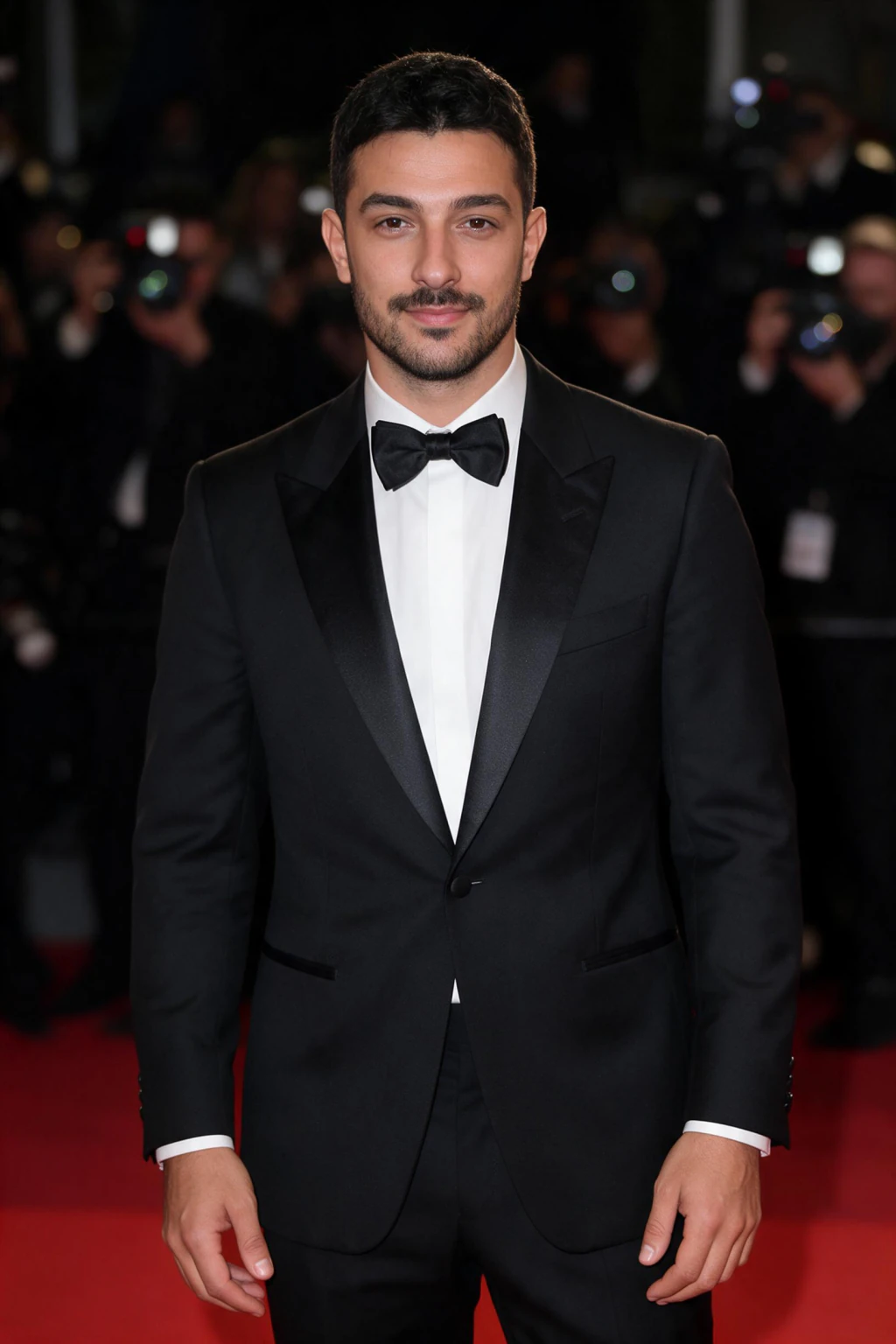

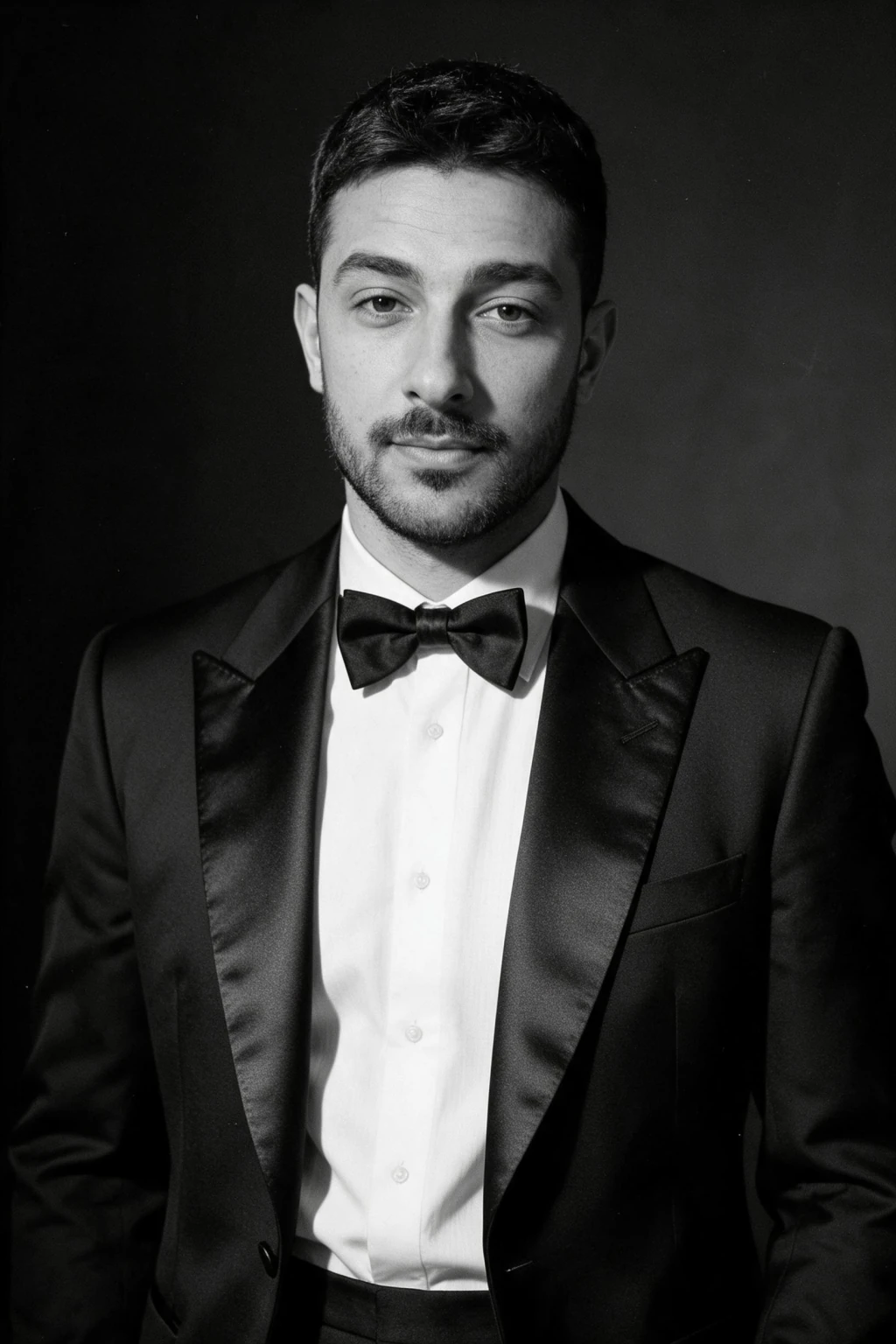
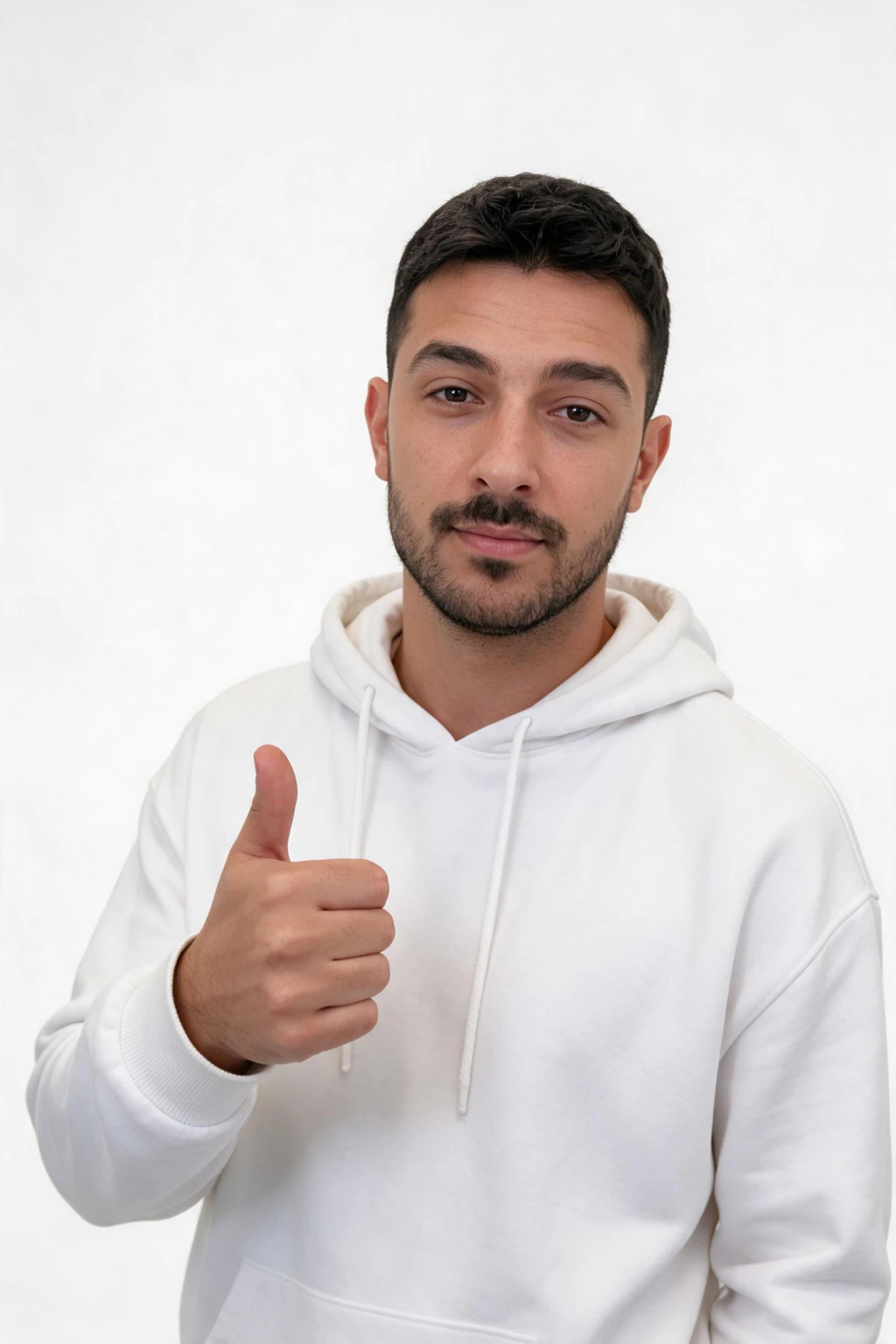
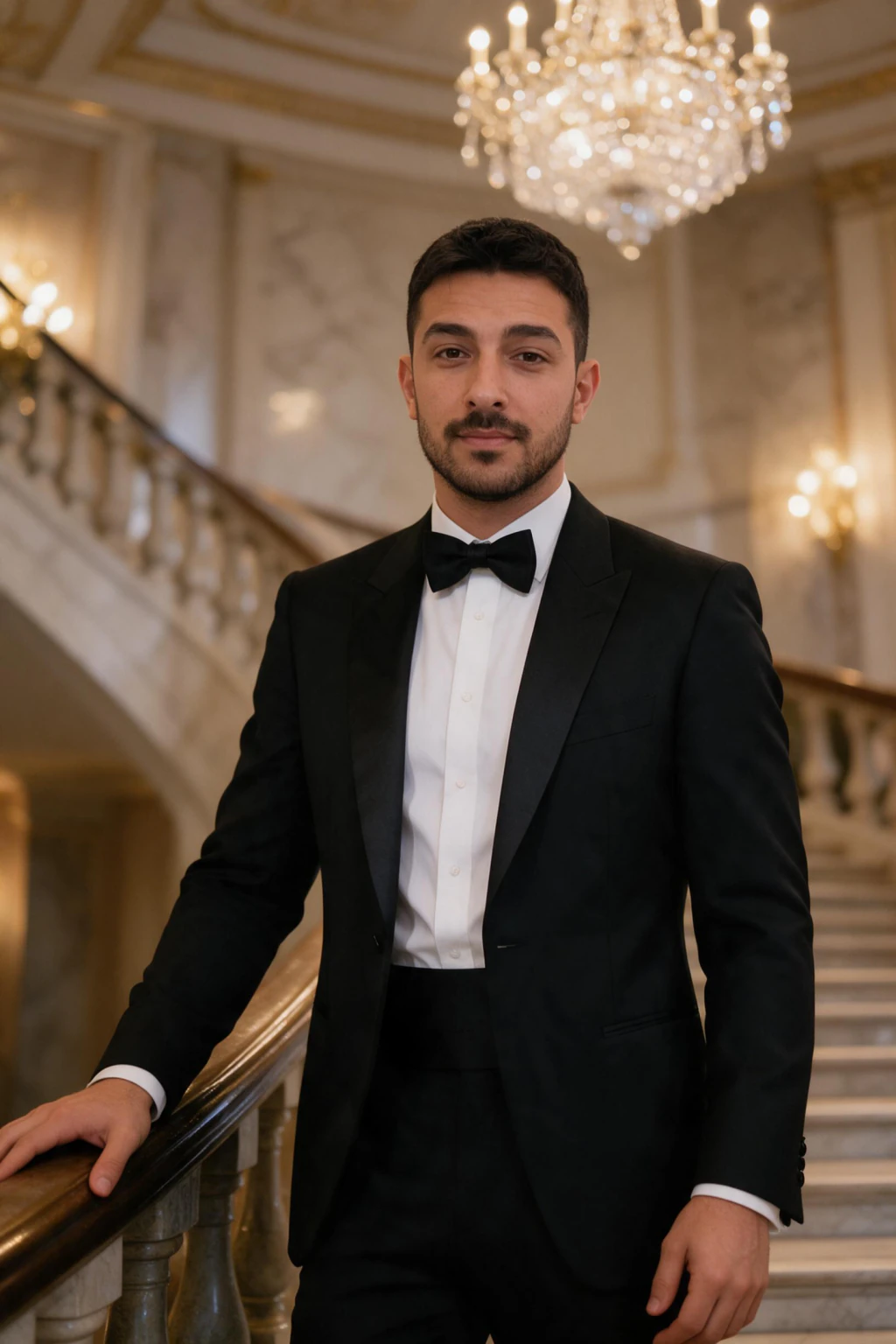
How do you frame a magazine cover photo?
Crop to 2:3, portrait. Put the eyes about a third of the way down the frame and leave the top quarter empty or softly out of focus. That empty quarter is not wasted, it is the masthead.
Head-and-shoulders to chest-up is the classic cover crop. Full-body covers exist, but they need a location and a stylist to hold up. Close is easier and reads as a cover instantly.
Centre the face. Cover lines run down the left and right edges, so a face pushed to one side collides with them.
What light does a cover portrait need?
Beauty covers use one big soft source in front of and slightly above the face, often with a white reflector below the chin. It fills the skin evenly, puts a round catchlight in each eye, and leaves a soft shadow under the jaw so the face keeps shape.
The other cover style is the hard-flash editorial: a direct on-camera flash with a crisp shadow edge on a dark wall. It is less forgiving, more fashion, and it photographs attitude better than a smile.
At home, a large window with a white sheet as a diffuser is the soft look. A phone flash at arm's length against a dark wall is the hard look. Both work if the crop and gaze are right.
How do you generate a magazine cover photo from one selfie?
Upload one clear, front-facing selfie in even light to MakeAiPhotos, open the AI glamour pack, and pick the beauty close-up look for the soft cover or the hard flash editorial for the fashion cover. The photo comes back in about 2 minutes at 1024 by 1536, which is already a 2:3 cover crop.
The generator keeps your real face and builds the light, backdrop and wardrobe around it, so the catchlight and the jaw shadow are in the file rather than painted on afterwards. $9.99 one time buys about 10 photos, so you can run both looks and keep the frame with the cleanest top band.
Then open the file in any editor, drop a masthead in the empty band, and add two or three cover lines down one edge. Keep the type large and the lines short. Real covers use five words, not fifteen.
What are the mistakes that make a cover look like a filter?
Skin smoothed to plastic. Real covers keep pores and a little texture; the retouching removes blemishes, not skin. If the input selfie is already filtered, every result inherits the plastic look.
A busy background. Covers use plain background paper or a single dark tone so the cover lines stay readable. A living room behind you is the fastest tell.
Logos and text on clothing. They fight the masthead for attention and date the photo. A plain top, a single piece of jewellery, and the light do the rest.
Frequently Asked Questions
- How do you make a photo look like a magazine cover?
- Shoot or generate a 2:3 portrait with big soft frontal light, a catchlight in each eye, a direct calm gaze, and the top quarter of the frame left quiet for the masthead. Keep clothing plain and logo-free, then add the title and two or three short cover lines in any editor.
- What size is a magazine cover photo?
- Most printed covers are close to a 2:3 portrait ratio, for example 8 by 12 inches or 1024 by 1536 pixels. Frame the eyes about a third of the way down and leave the top quarter empty. A 4:5 phone crop is too short and pushes the masthead onto the forehead.
- Can AI make a magazine cover photo of me?
- Yes. MakeAiPhotos generates a beauty close-up or hard flash editorial portrait from one selfie in about 2 minutes, already at a 2:3 crop with cover lighting built in. $9.99 one time covers about 10 photos. You add the masthead and cover lines yourself in any editor.
- What should I wear for a magazine cover shoot?
- Something plain in one colour with no logos or readable text, so the cover lines stay readable and the face stays the subject. Beauty covers use a simple top or bare shoulders; fashion covers use one statement piece. Avoid busy prints, which fight the type.
- Why does my magazine cover edit look fake?
- Usually the skin is smoothed to plastic, the background is busy, or the crop is wrong. Keep skin texture, use a plain or single-tone backdrop, and crop to 2:3 with quiet space above the head. A filtered input selfie also makes every result look artificial.
- Is a beauty close-up or hard flash better for a cover?
- Beauty close-up for a soft, polished cover that flatters most faces. Hard flash editorial for a fashion cover with attitude and a crisp shadow edge. Generate both from the same selfie for $9.99 and keep the one whose top band is cleanest for the masthead.