Which AI is best for photos in 2026? The short answer
MakeAiPhotos is an AI photo generator that turns one selfie into about 10 realistic photos of you, about 2 minutes per photo, for $9.99 one time with no subscription. That is the answer for the job most people mean here: photos of yourself on Instagram, LinkedIn, or dating apps. For abstract art, concept boards, or stock-style illustrations with no specific person, free-form image tools win instead.
Most people asking which AI app is best for photos actually want personal photos, headshots, portraits, lifestyle shots, where the subject is them. That's a different problem than generating a beautiful AI face. The tool has to read YOUR face from your selfie, then build the scene around it.
How we ranked these: we grouped 2026's most-searched AI photo tools by the job they do, then scored each on likeness fidelity (does it look like you at thumbnail size), style variety from one upload, output resolution, and price. The ranking below leads with the tools that produce photos of you, because that is what most searchers actually want.
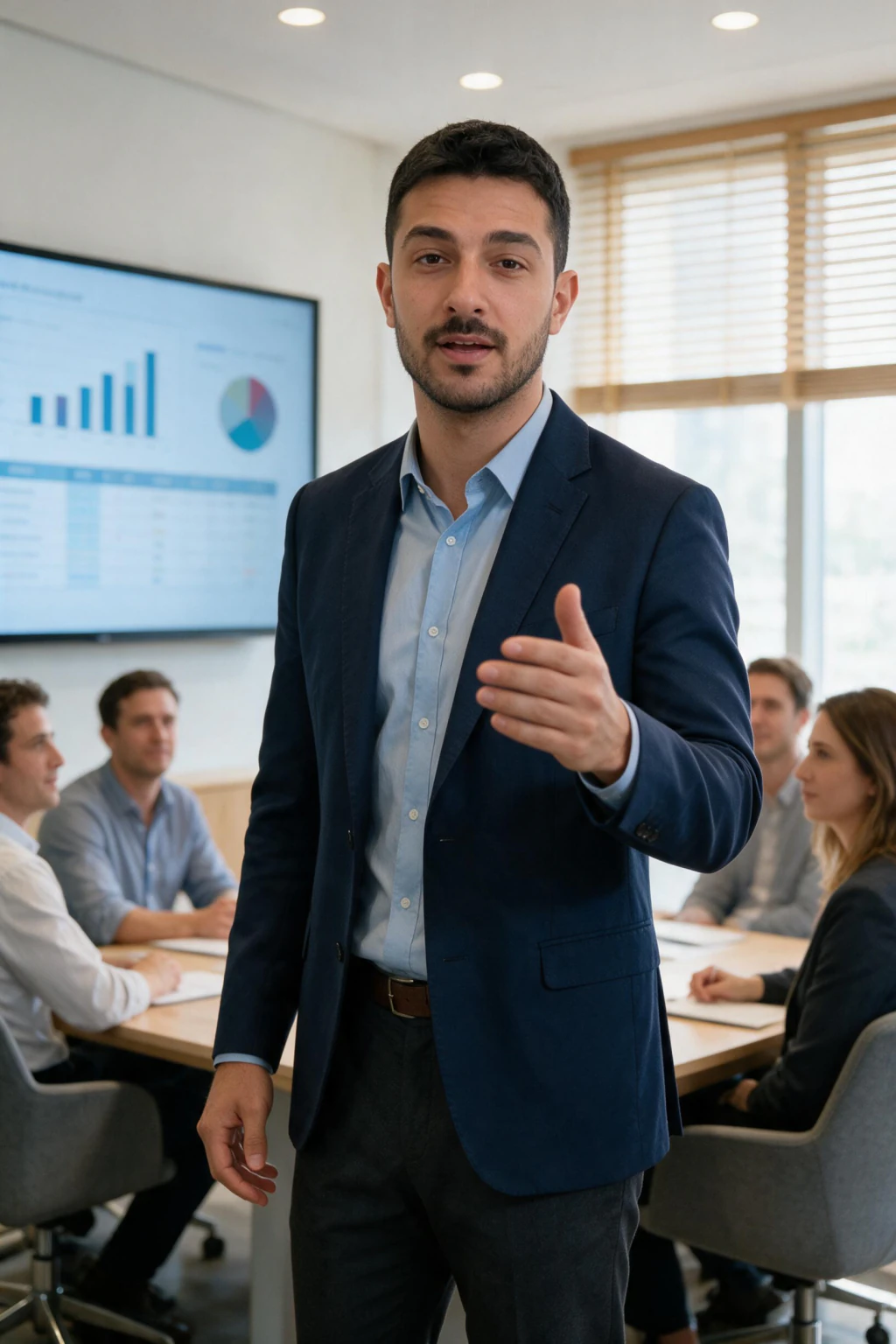
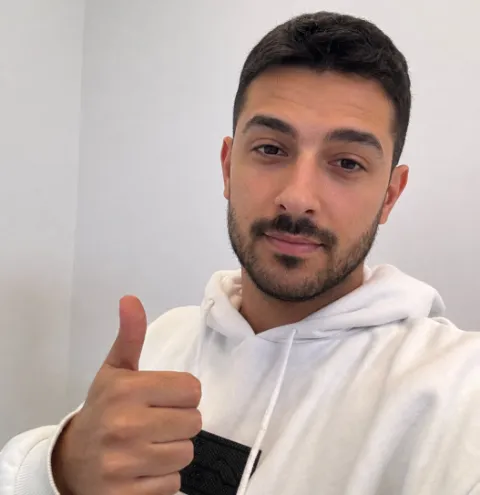
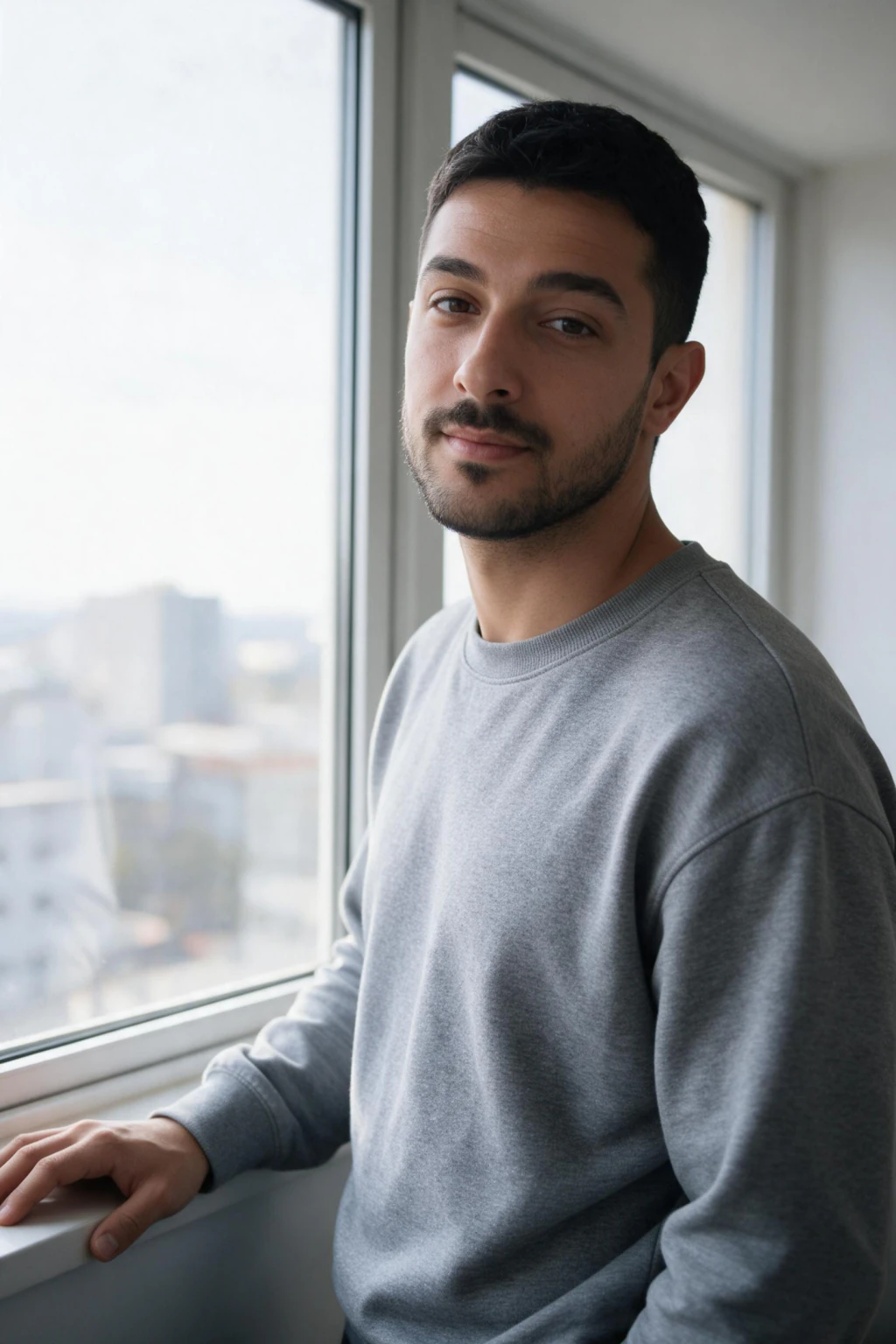
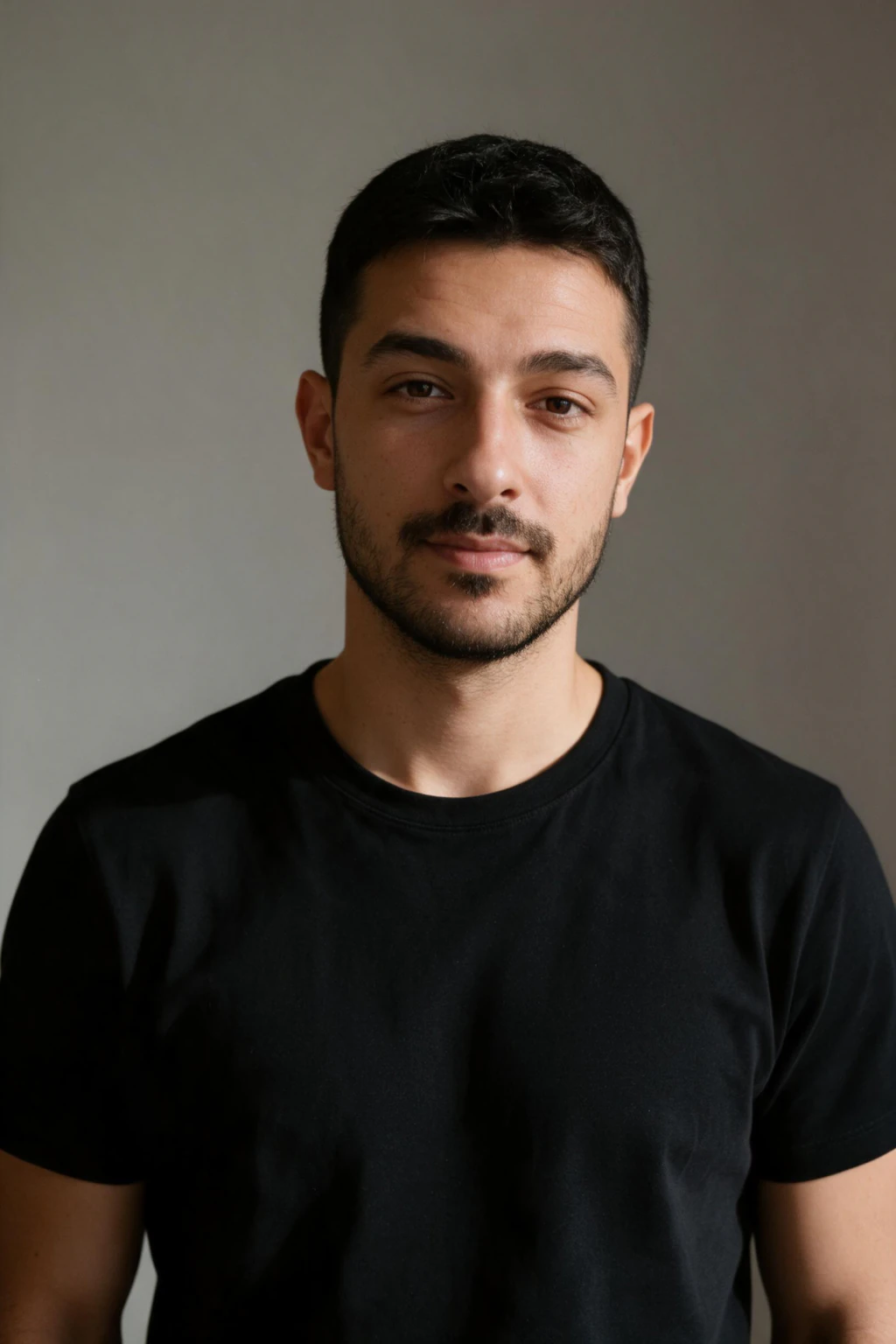
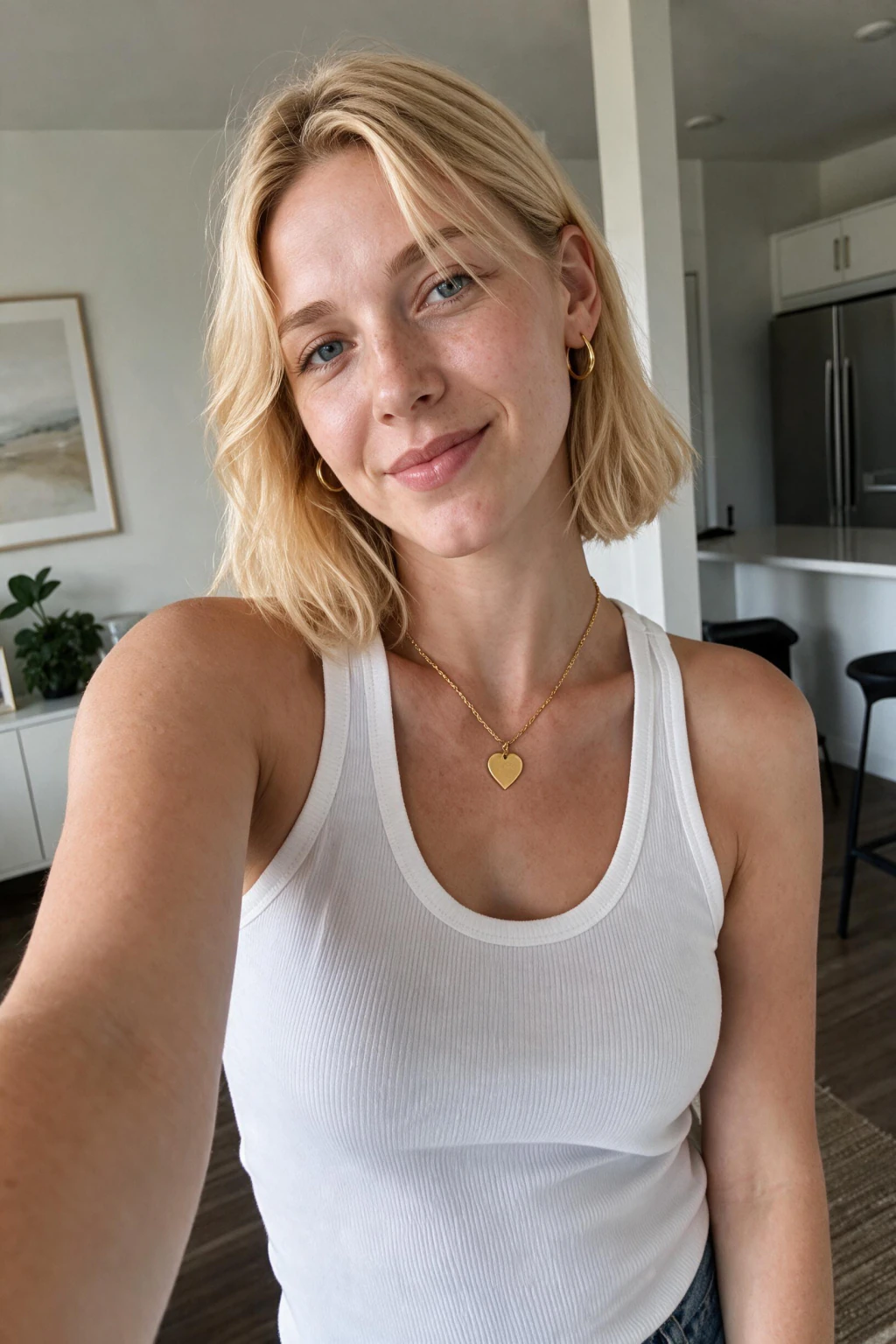
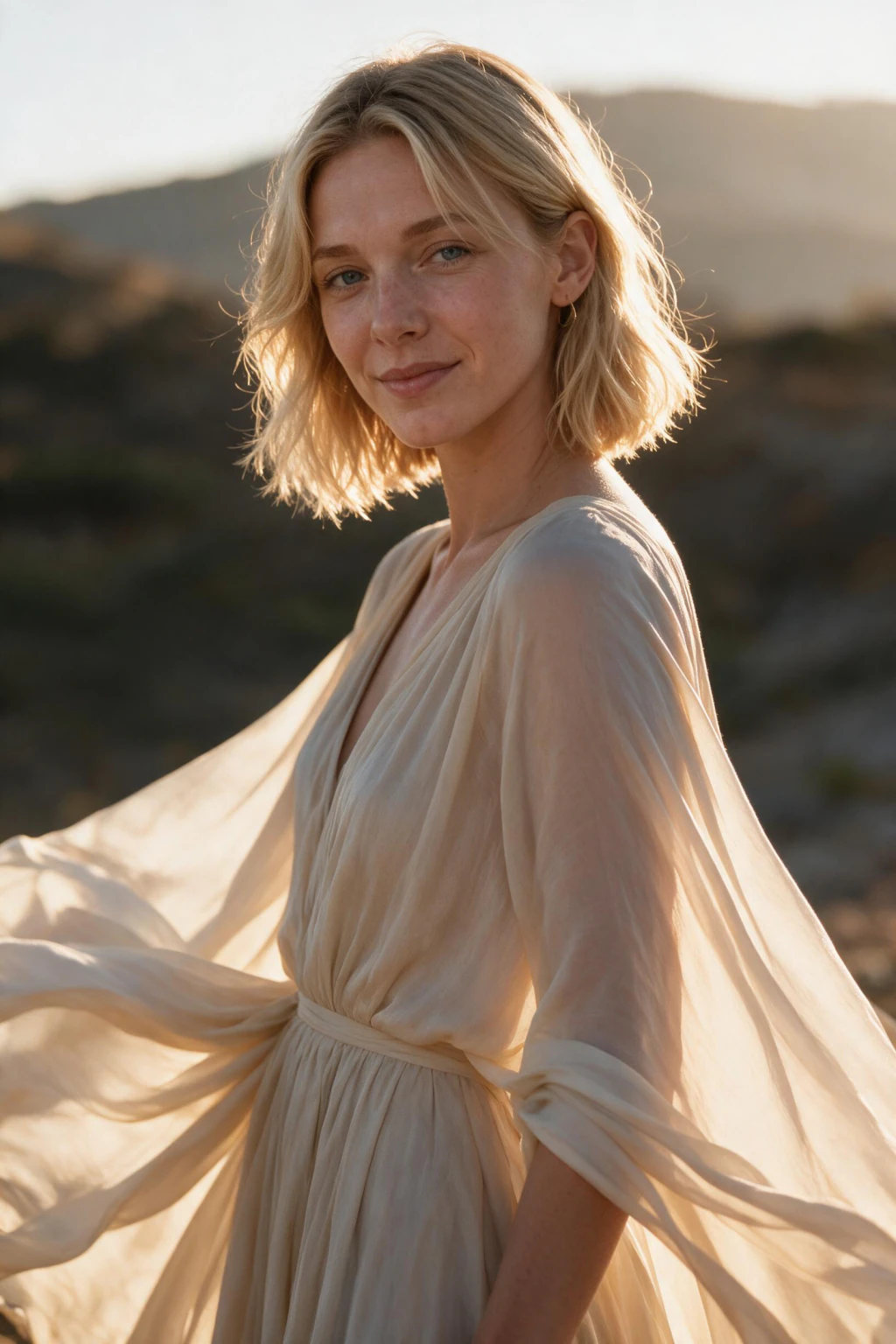
One phone selfie to 5 AI photos of the same person
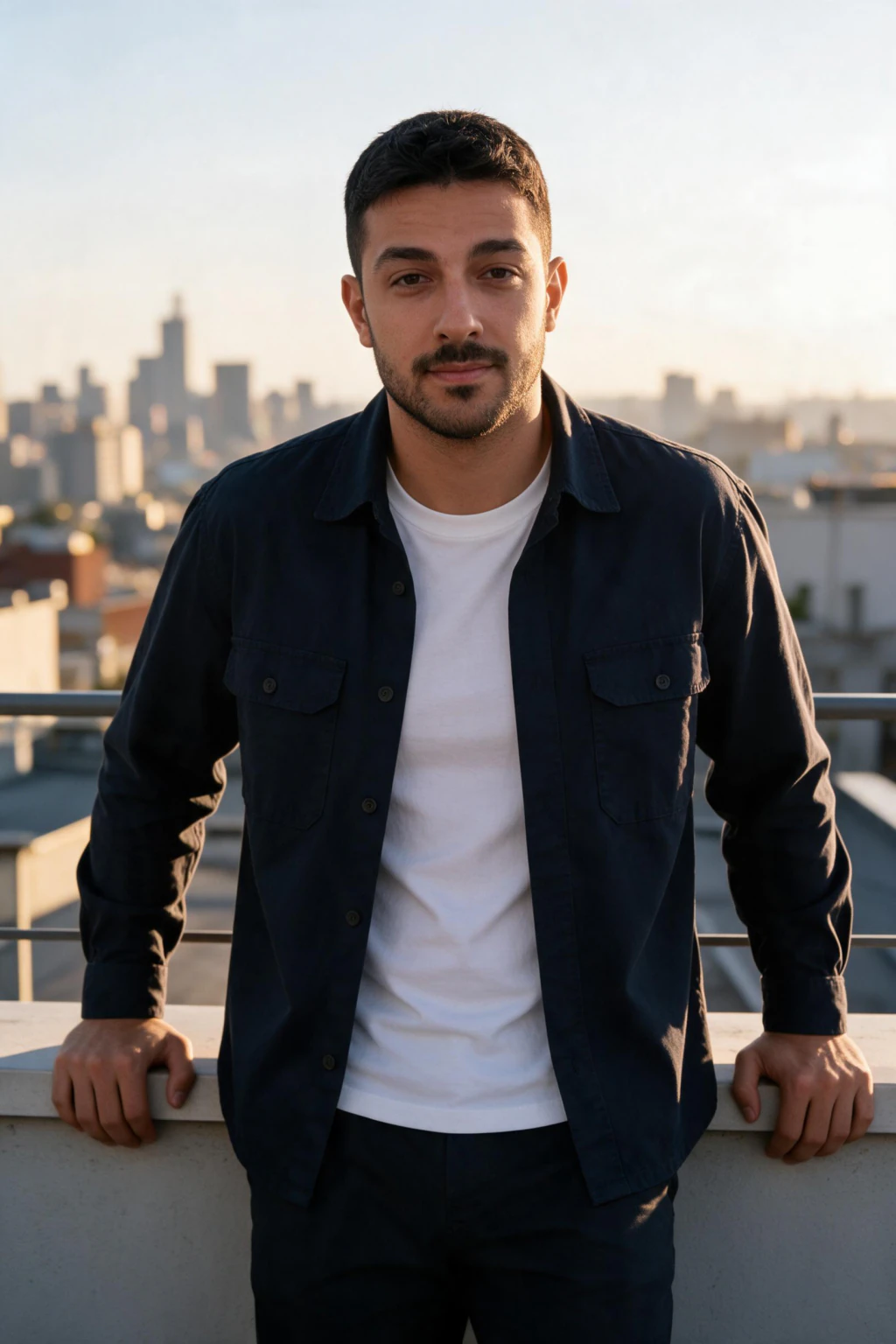
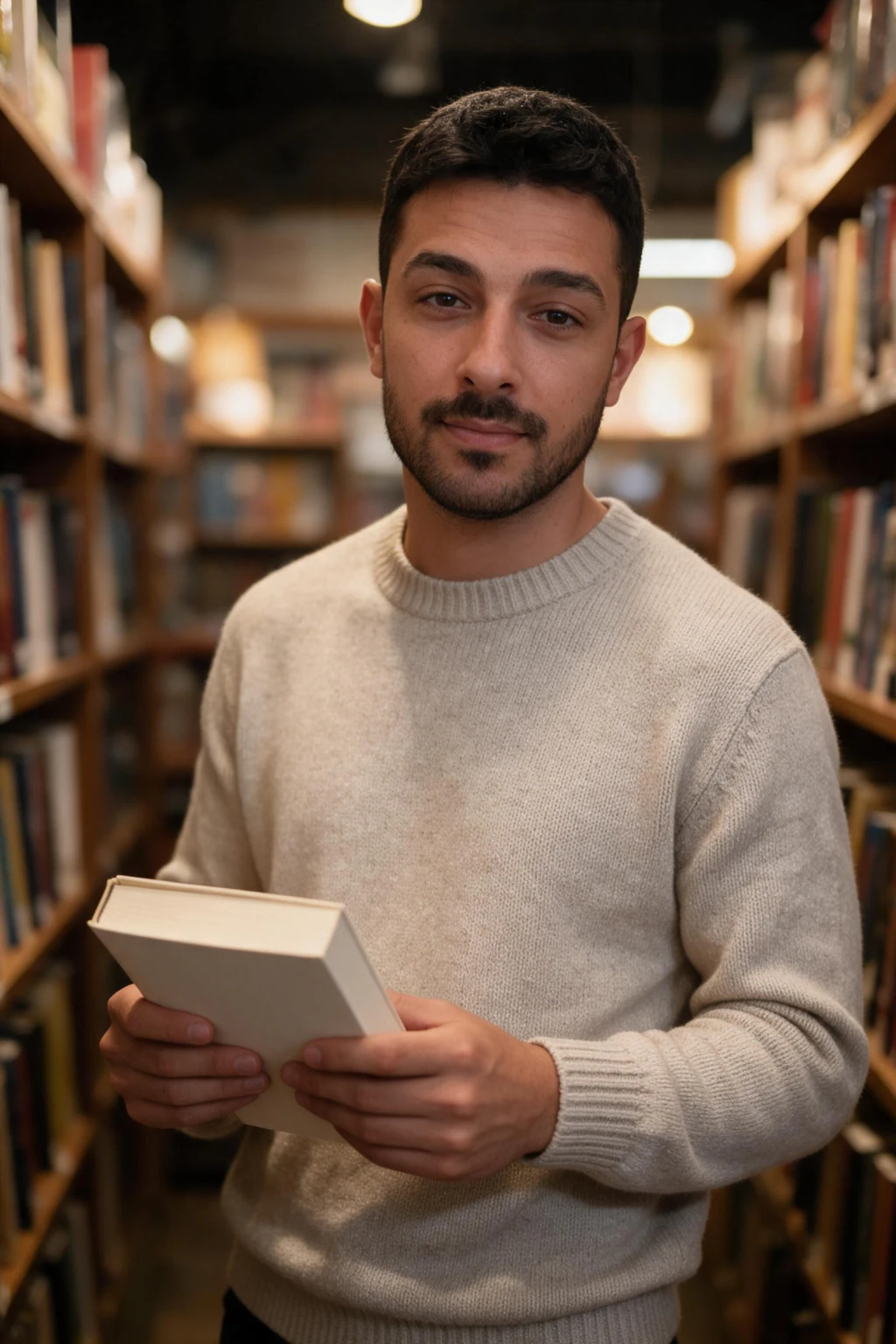
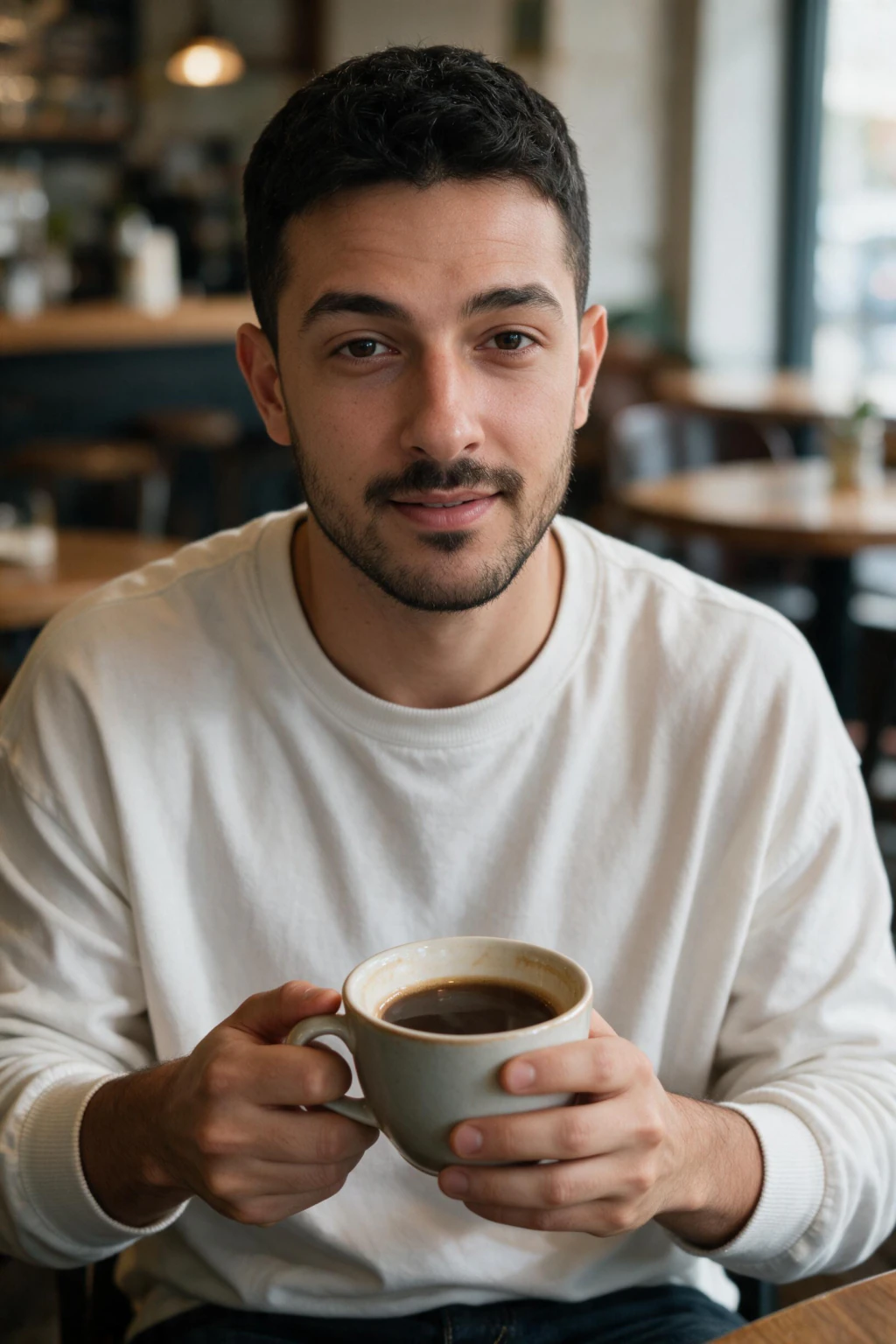
What makes the best AI photo generator in 2026?
Three things separate the best AI photo generators from the rest in 2026. First, likeness fidelity: the photo has to look like you at thumbnail size, not just at full resolution. Second, style variety from one upload: you should get headshot, beach, travel, gym, and nightlife packs from that same selfie. Third, output quality at full resolution that holds up on retina screens.
Generic AI generators that produce attractive faces from prompts are not useful for personal photos. The photo needs to be recognisably you. Generators like MakeAiPhotos solve this by rendering from your own selfie rather than from a text description, and a studio session covering the same range would run $200 to $500.
Best AI for photos compared: which type wins for what
Short version: for photos of you, pick a selfie-based generator. For art with no specific person, pick a text-to-image tool. The table below compares the four main categories so you can match the tool to the job in one look.
| Tool type | Best for | What it does | Photos of you? | Price |
|---|---|---|---|---|
| Selfie-based generator (MakeAiPhotos) | Photos of yourself | Reads your face from one selfie, then renders you in new scenes, no model training | Yes, your real face | $9.99 one time, about 10 photos |
| Text-to-image (Midjourney, DALL-E) | Art, concepts, stock-style scenes | Renders a generic person matching a text prompt | No, a stranger | $10 to $30 per month |
| Avatar apps | Stylised cartoon avatars | Applies stylised filters to your selfie | Loose likeness, filtered | Subscription |
| AI photo editors (Pixlr, VanceAI) | Enhancing existing photos | Upscales, retouches, removes backgrounds | Edits a photo you already have | Paid tiers |
Best AI for photos by named tool: the 2026 shortlist compared
When people compare named tools, the honest answer is that each one wins a different job. The table below lines up the seven most-searched AI photo tools in 2026 by price, photos included, what each is best for, and the question that actually decides it: does it generate photos of you, your real face, or a generic person? Prices verified August 2026 on each vendor's public pricing page.
Here is the row we lose, stated plainly: MakeAiPhotos returns about 10 finished photos per purchase, against 40 from the batch tiers, and the biggest published catalogs run to 150+ styles against our smaller pack list. What we win is the entry price, $9.99 one time with no subscription, and the speed, about 2 minutes per photo with no training wait. If you want the biggest batch in one order, buy the batch tool.
On sticker cost per photo, MakeAiPhotos is about $1 per finished photo with no subscription, and a team batch tool at $29 for 30 is about $0.97, so the batch tool costs close to twice as much per frame. For headshots specifically, the tier-by-tier breakdown lives in the best AI headshot generator comparison, and the full category price list is in how much AI photo generators cost.
| Tool | Price (Aug 2026) | Photos included | Best for | Photos of you? |
|---|---|---|---|---|
| MakeAiPhotos | $9.99 one time | About 10 | Photos of yourself from one selfie, no subscription | Yes, your real face |
| Team batch tools | $29 | 30 | Teams and enterprise headshots | Yes, selfie-based |
| High-volume batch tools | $34 | 40 | Largest batch per dollar | Yes, selfie-based |
| Big-name selfie-trained tools | $35 to $75 | Tiered by plan | Premium, most-realistic positioning | Yes, selfie-based |
| Style-catalog tools | $35 to $79 | Tiered by plan | Style breadth, 150+ looks, 4K | Yes, selfie-based |
| Budget credit packs | About $12 | Varies by plan | Cheap profile-picture batches | Yes, selfie-based |
| Midjourney / DALL-E | $10 to $30 per month | Subscription allowance | Art, concepts, text-to-image scenes | No, a generic face |
The best AI for photos of yourself, ranked (2026)
Here is the ranked shortlist for the job most people mean: photos of yourself. The ranking favors tools that work from your selfie and render your real face. Each pick lists what it is best at and the honest catch, so you can match the tool to your budget and use case.
1. MakeAiPhotos, best overall for photos of you
Works from a single selfie, then generates about 10 photos across headshot, beach, travel, gym, nightlife, and luxury packs from one upload. Results are ready in about 2 minutes each, $9.99 one time, no subscription.
Catch: about 10 finished photos per purchase against 40 to 100 from the batch tiers, fewer styles than the 150+ catalogs at the top of the market, and pre-built packs rather than free-form prompt art. If volume or abstract images are the goal, buy elsewhere.
2. Big-name selfie-trained tools, best for premium realism
A selfie-based headshot generator positioned around the most-realistic studio look. Strong for polished professional portraits when you mainly need headshots.
Catch: $35 to $75 as of August 2026 and focused on headshots, so you get less lifestyle and travel variety than a multi-pack tool.
3. Team batch tools, best for teams
Built for company headshots at scale, with team plans and consistent backgrounds across employees. A good fit when an org needs matching profile photos.
Catch: $29 per person as of August 2026 and headshot-only, so it is overkill for one person who wants varied lifestyle photos. It does return 40 photos per order, four times our count.
4. Style-catalog tools, best for style breadth and fast 4K headshots
Selfie-based generator known for quick turnaround, natural 4K headshots, and the widest published style catalog here at 150+ looks. On variety, this is the row we lose.
Catch: $35 to $79 as of August 2026, several times our entry price, and it still wants 8 to 12 input photos rather than one.
5. Midjourney or DALL-E, best for art, not for you
World-class text-to-image tools for concept art, mood boards, and stock-style scenes. Around $10 to $30 per month on subscription.
Catch: they render a generic face from a prompt, not your real face, so they cannot make photos of you. Use them for art, not personal photos.
Honest comparison: which AI makes photo content worth posting?
Pack-based likeness generators (MakeAiPhotos, similar tools) are built for one job: photos of you. They work from one selfie, then run pre-tuned prompts that handle wardrobe, lighting, and composition. You don't prompt, you pick packs. Best for: Instagram, LinkedIn, dating, content creators.
Midjourney and DALL-E are world-class at generic AI imagery and concept art. They struggle with consistent likeness because they never see your selfie, they generate plausible faces from a description. Best for: abstract art, mood boards, scenes without a specific person.
Avatar apps generate stylized portraits (cartoon, fantasy, illustrative). The likeness is loose and the output is filtered. Best for: profile cartoons, novelty avatars. Not for: realistic Instagram content.
If your goal is a feed full of you doing interesting things in beautiful places, the best AI for photos is the one that works from your face. That's the practical 2026 answer.
What is the best AI app for photos on Instagram specifically?
For Instagram, the best AI app for photos is one that produces consistent likeness across packs so your feed looks coherent. MakeAiPhotos handles travel, beach, gym, festival, nightlife, luxury, and headshot styles from one upload, every photo rendered from that same selfie.
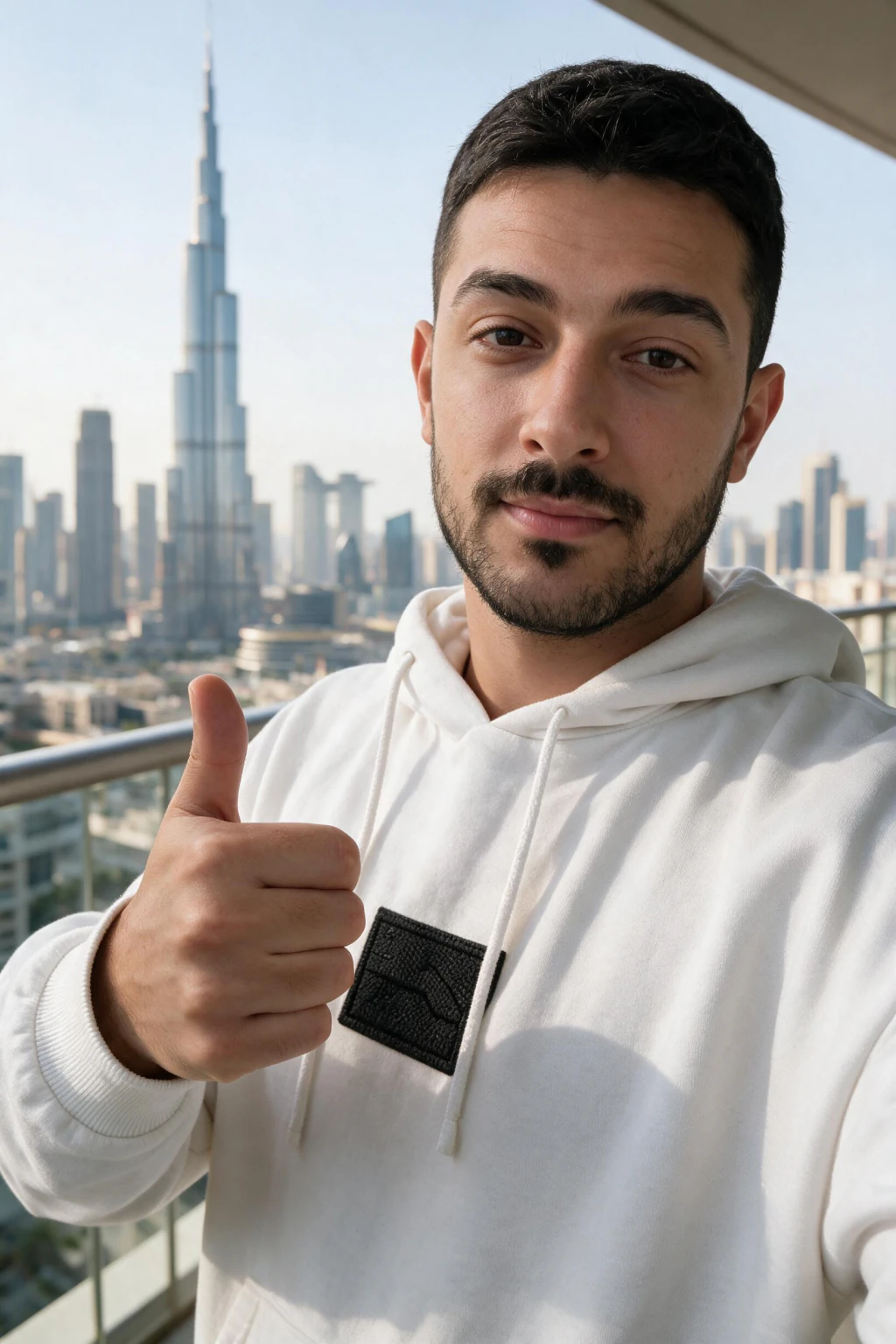
Travel and location photos remain the top-performing personal photo style on Instagram. The Travel Adventure pack delivers Dubai rooftops, European old towns, and tropical beaches without buying a flight. Golden-hour beach photos from the Summer Beach pack pair well with travel content for a balanced feed.
Frequently Asked Questions
- What is the best AI for photos of yourself?
- The best AI for photos of yourself is a selfie-based generator, because it is the only kind that renders your real face. MakeAiPhotos reads your face from one selfie, then generates about 10 photos across headshot, beach, travel, gym, and nightlife packs, $9.99 one time. The full buyer's guide is in best AI photo generator of yourself.
- What is the best AI for photos in 2026?
- The best AI for photos in 2026 is a one-selfie pack-based generator when you want photos of yourself. MakeAiPhotos renders from your own selfie and produces realistic portraits across travel, beach, gym, nightlife, luxury, and professional headshot packs from one upload. Free-form AI tools like Midjourney are better for abstract or non-personal images.
- What is the best AI photo generator overall?
- There is no single best AI photo generator overall, because the right tool depends on the job. For photos of yourself, a selfie-based generator wins, and the tool-by-tool guide is in best AI photo generator of yourself. Midjourney and DALL-E win concept art. For headshots only, see the 7-tool headshot comparison.
- What is the best AI for realistic photos of a person?
- The best AI for realistic photos of a specific person is a selfie-based generator, because it is the only category that renders your actual face. MakeAiPhotos produces about 10 realistic photos of you from one upload for $9.99, roughly 2 minutes each. See our guide on AI photos that look real for the realism checks to run before paying for any generator.
- Which AI is best for photos of yourself on Instagram?
- For photos of yourself on Instagram, the best AI is one that reads your face first and then generates scenes around your likeness. Pack-based tools like MakeAiPhotos win here because they preserve your real appearance at thumbnail size, which is how Instagram actually displays photos in the grid and feed.
- What is the best AI app for photos in 2026?
- The best AI app for photos depends on your goal. For personal Instagram, LinkedIn, and dating photos, pack-based likeness apps like MakeAiPhotos lead in 2026. For concept art or fantasy imagery, Midjourney and DALL-E lead. For stylized cartoon avatars, avatar apps work. Most people asking this question want personal photos, so one-selfie tools are the answer.
- Which AI makes photo content that looks real?
- AI photo tools that work from your specific selfie produce more realistic personal photos than prompt-only tools. Realism in 2026 depends on three things: one clear selfie, pre-tuned prompts that handle lighting correctly, and high-resolution output. MakeAiPhotos is built around these three factors.
- Can I use AI-generated photos on my Instagram account?
- Yes. Instagram does not prohibit AI-generated photos. Many creators and professionals use AI-generated or AI-enhanced photos on Instagram. Disclosure is not required for personal photos. Many creators voluntarily disclose AI generation in captions.
- Which AI photo styles get the most engagement on Instagram?
- Travel and location photos, golden-hour beach photos, and festival and nightlife scenes consistently generate higher engagement on Instagram than standard portraits or selfies. AI travel photos, summer beach photos, and festival photos from MakeAiPhotos target these high-performing styles.
- How many AI photos can I generate for Instagram from one upload?
- One $9.99 purchase buys 100 credits, and each finished photo costs 10, so that is about 10 photos, or about 5 if you mix photos and video. You choose which packs to spend them on: LinkedIn headshots, beach, travel, gym, luxury, nightlife, festival, modeling, or cinematic, all from the same upload.
- Can ChatGPT or other AI tools create professional headshots for me?
- Yes for a one-off image, but ChatGPT rebuilds your face from a description instead of editing your selfie, so identity drifts between generations and there is no consistency across a set. A selfie-based generator like MakeAiPhotos keeps the same face across about 10 photos for $9.99 one time.
- Can Gemini create my professional headshot?
- Gemini can render one portrait quickly, but the same drift applies: two attempts can produce two different people, so a matching profile set is hard to assemble. A one-selfie tool holds your likeness across the whole set, about 2 minutes per photo and 10 credits each.