What makes a good AI photo generator of yourself?
MakeAiPhotos is an AI photo generator that turns one selfie into about 30 finished photos of you, about 2 minutes per photo, for $14.99 one time with no subscription.
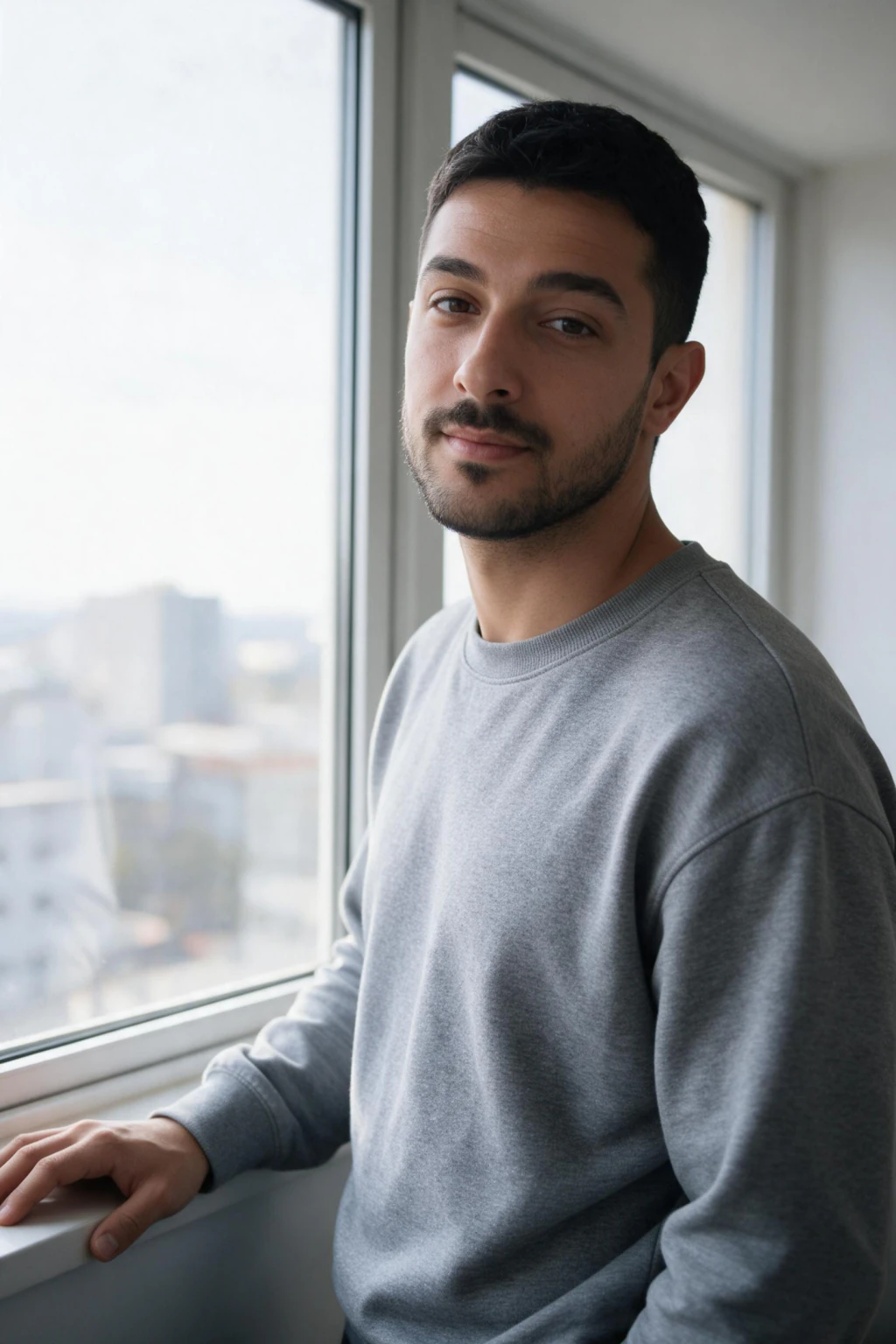
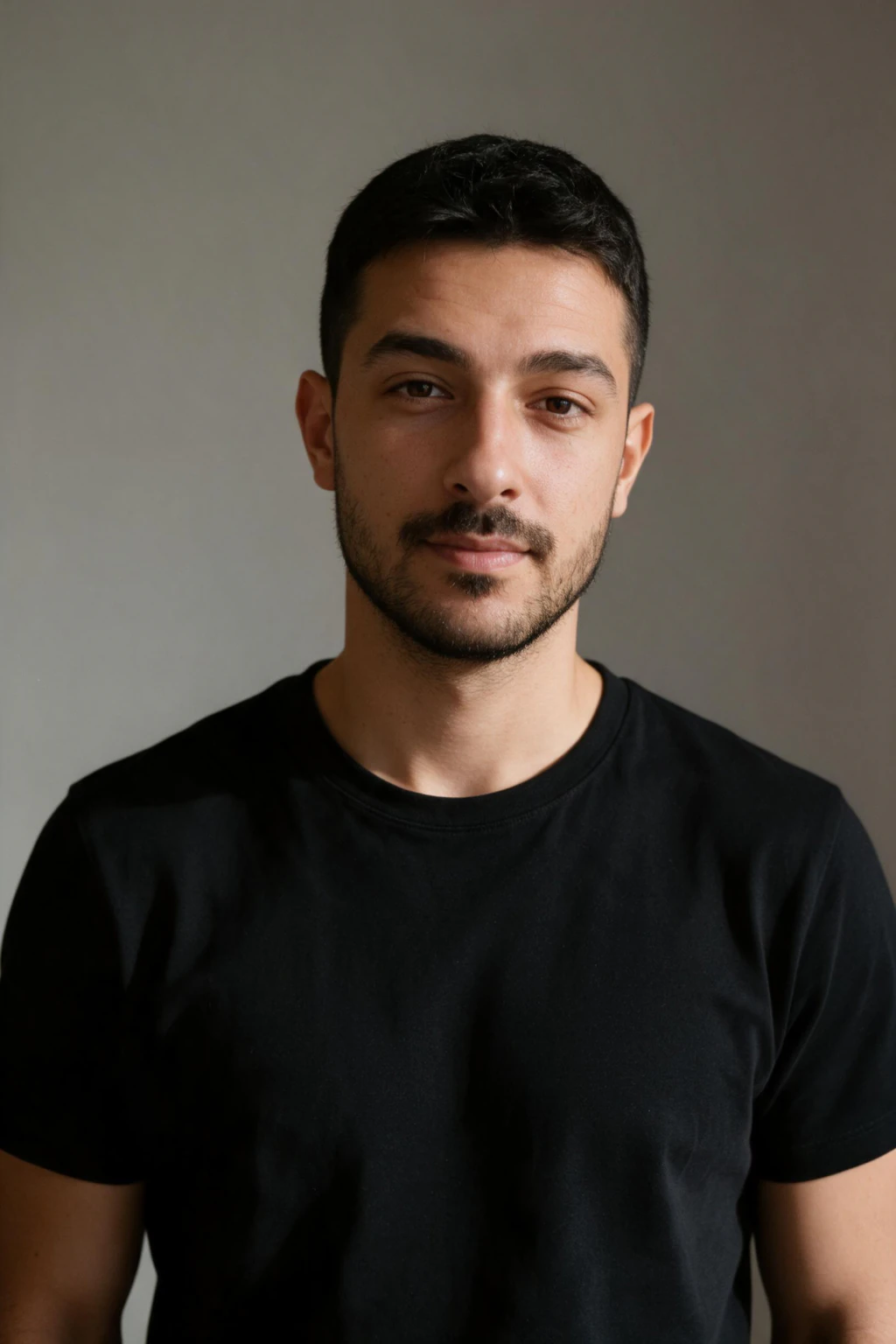
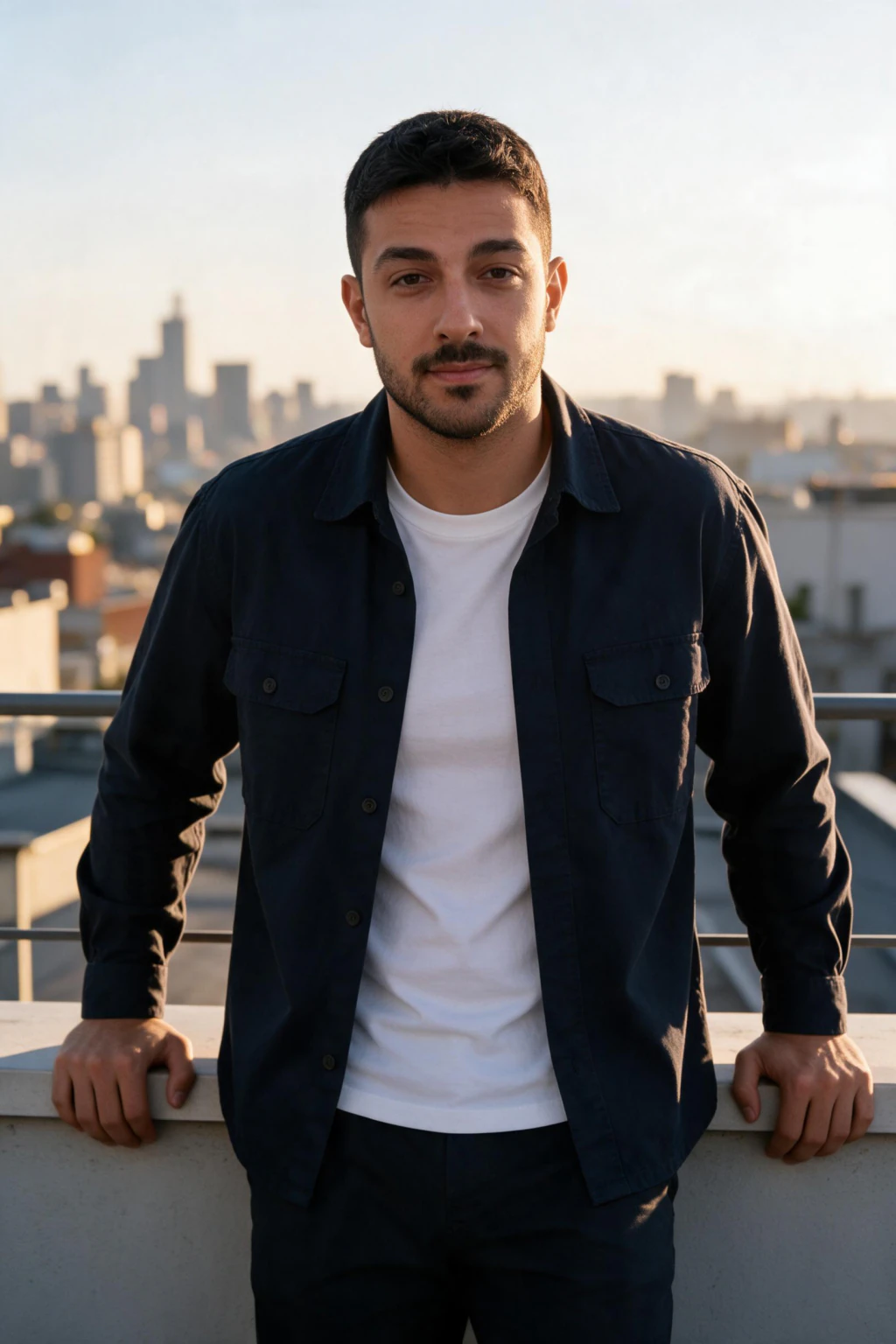
A good AI photo generator keeps you looking like you. The result should hold your jawline, eye shape, smile, and skin tone, not paste a generic face onto a body. If the output looks like a stranger who vaguely resembles you, the tool failed at the one job that matters.
Realism is the second test. Watch for warped hands, melted ears, extra fingers, and plastic-smooth skin. The better tools produce photos that pass at a glance and hold up when someone looks closer.
Variety matters too. The point of generating photos of yourself is to get looks you cannot easily shoot at home, like a studio headshot, a beach trip, or a night out. A strong tool gives you many styles from one selfie upload.
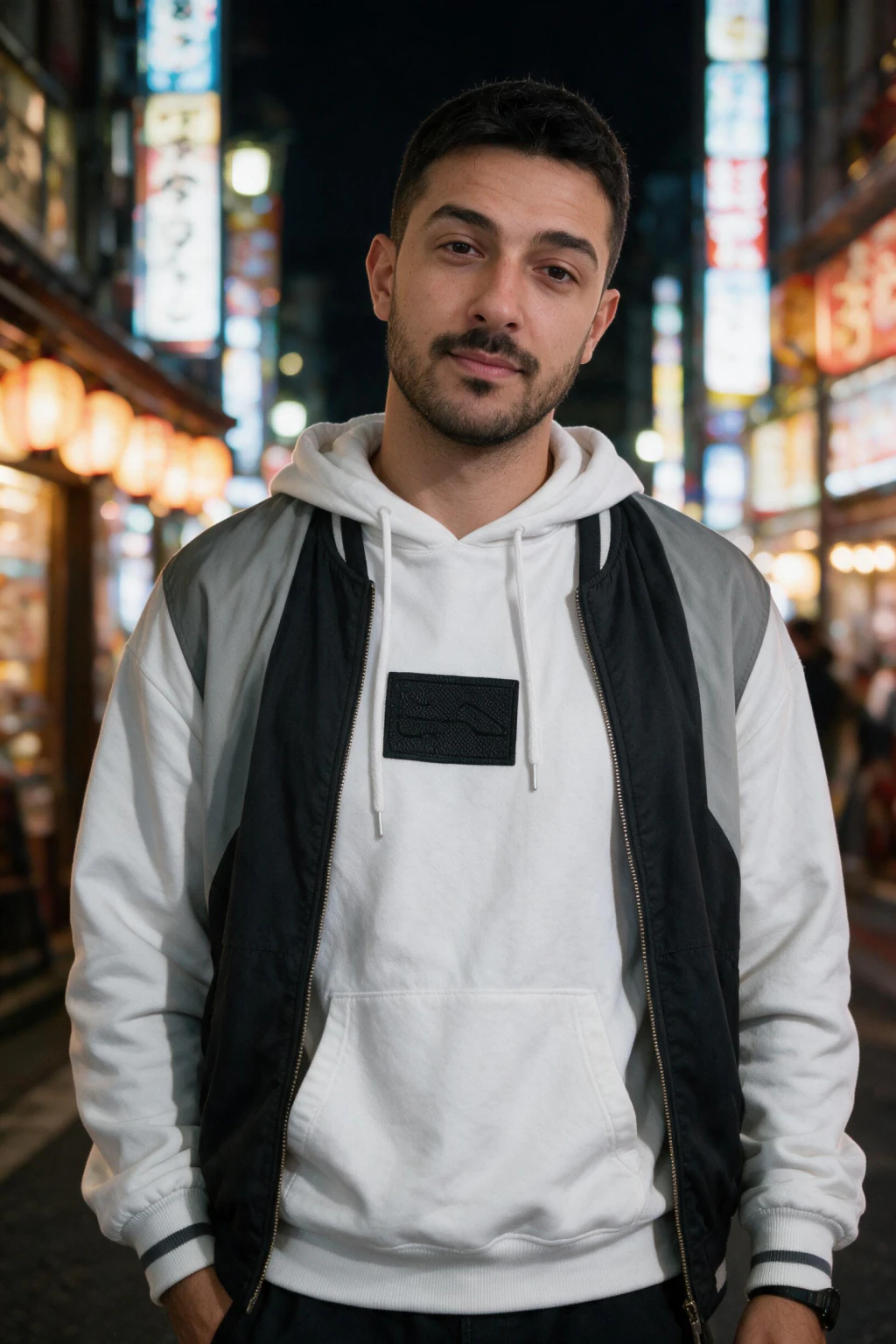
One phone selfie to 5 AI photos of the same person

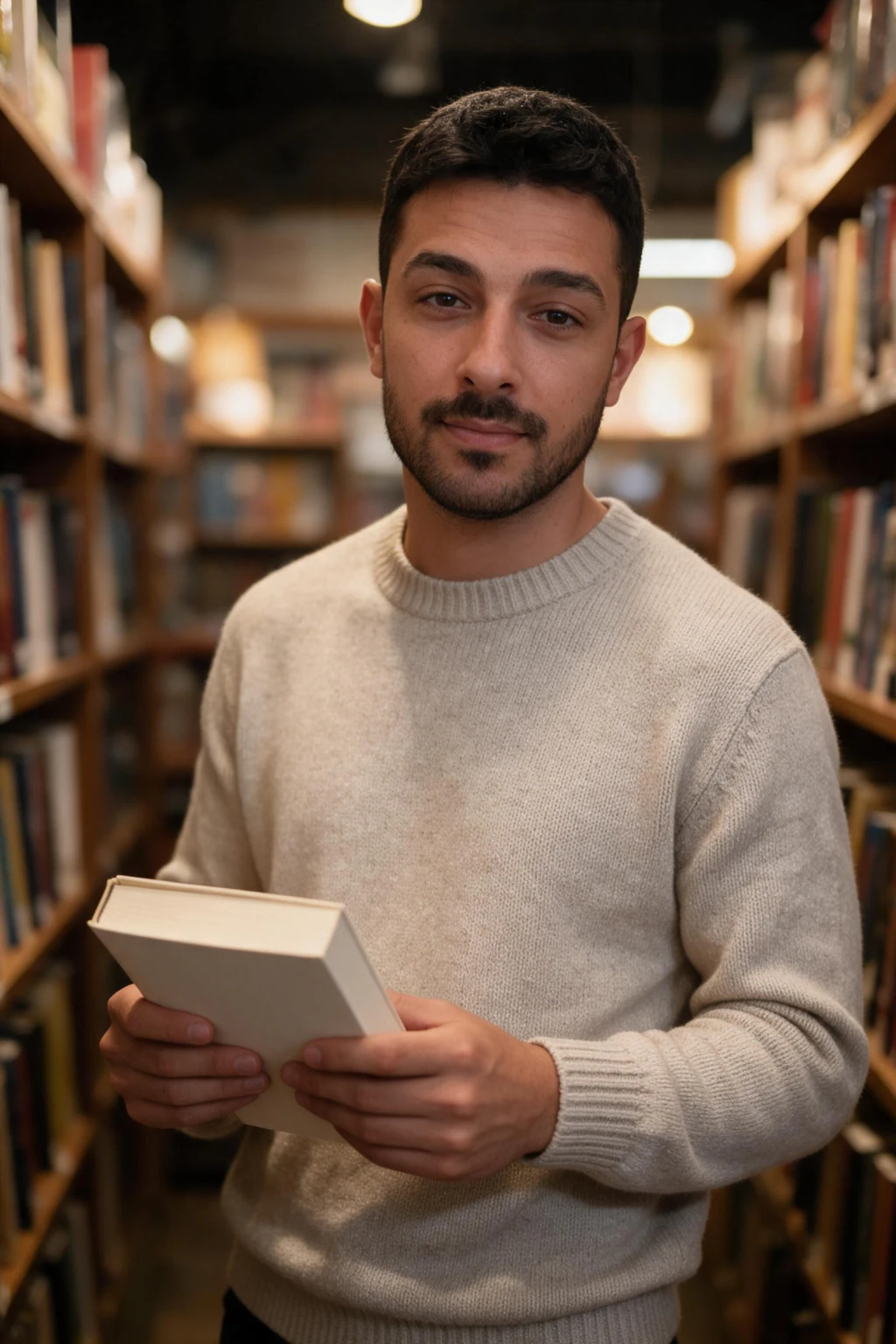
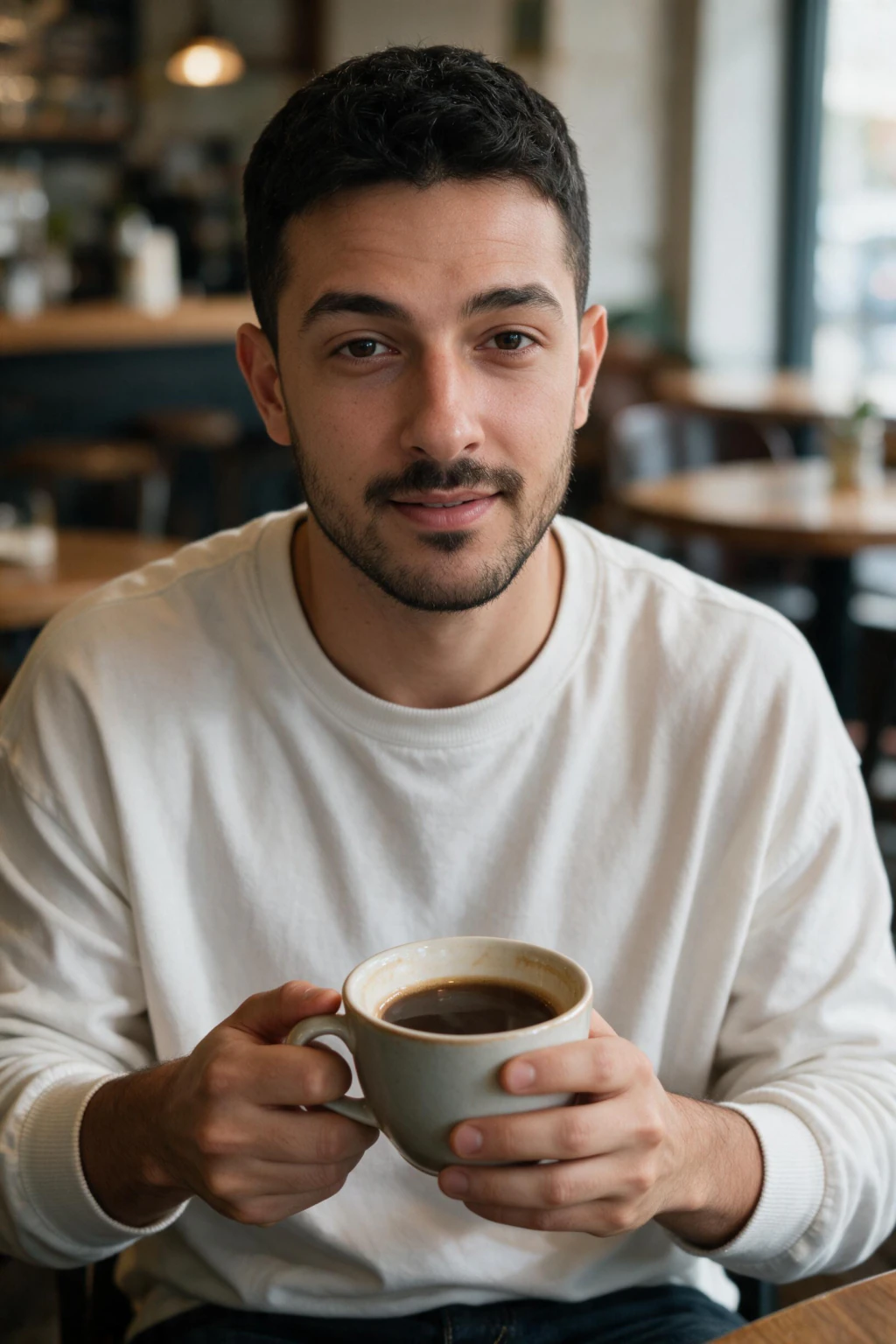
How do AI photo generators work from selfies?
Most tools follow the same basic flow. You upload one clear selfie, the tool reads your face from it, and then it generates new photos of you in styles you pick. The clearer that single selfie, the more accurately the tool reads what you look like.
Working from your own photo is what separates a true photo generator of yourself from a generic AI image maker. A generic tool invents a random person. A one-selfie tool edits your actual features, so the output is recognizably you.
You then choose styles or packs. There is no training step in front of the render on MakeAiPhotos, so a finished photo comes back in about 2 minutes and you judge each one before spending credits on the next.
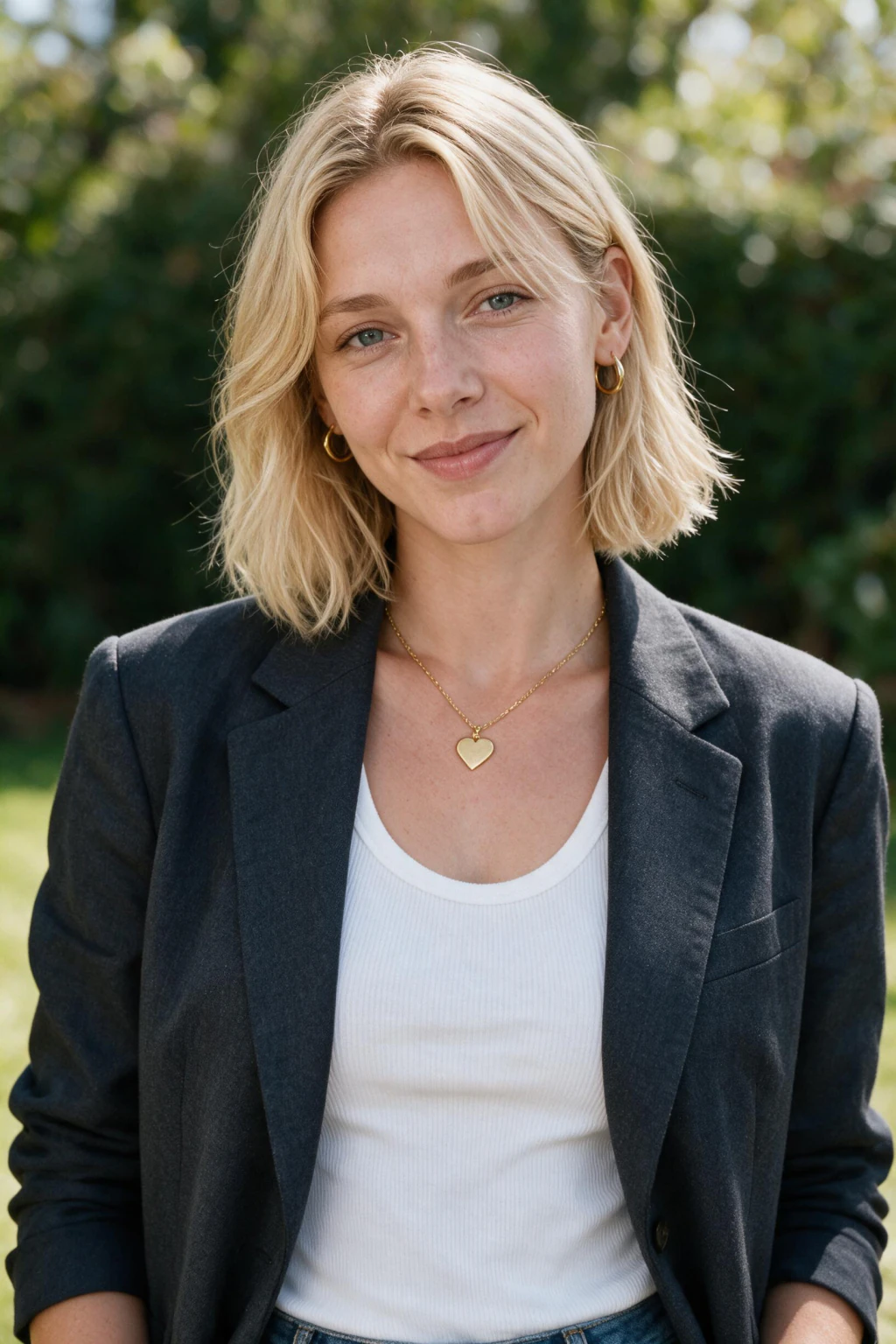
What should you look for before you pay?
Check the style range first. If you only want LinkedIn headshots, a headshot-only tool may be enough. If you want dating photos, travel shots, and gym pictures too, pick a tool with many packs so one purchase covers more.
Read the refund and billing terms carefully. Some mobile apps advertise a low weekly price, then auto-renew into a much larger charge. Look for clear pricing and a real money-back window before you commit.
Look at sample output from real users, not just the polished promo images. Check how the tool handles your skin tone, hair type, and glasses, since these are where weaker models tend to break.

Subscription or one-time credits: which cost model wins?
Cost models split into two camps. Some tools bill a recurring subscription, weekly, monthly, or yearly, which makes sense if you generate photos constantly. Others sell one-time credits you spend when you want, with no auto-renewal.
Subscriptions can quietly add up if you forget to cancel after one batch of photos. If you only need a fresh set of pictures now and then, recurring billing often costs more than you expected.
MakeAiPhotos uses one-time credits, so you pay once for what you generate and you are not locked into a monthly charge. Purchases are covered by a 14-day money-back guarantee, which lowers the risk of trying it. Category pricing across both models is broken down in how much AI photo generators cost.
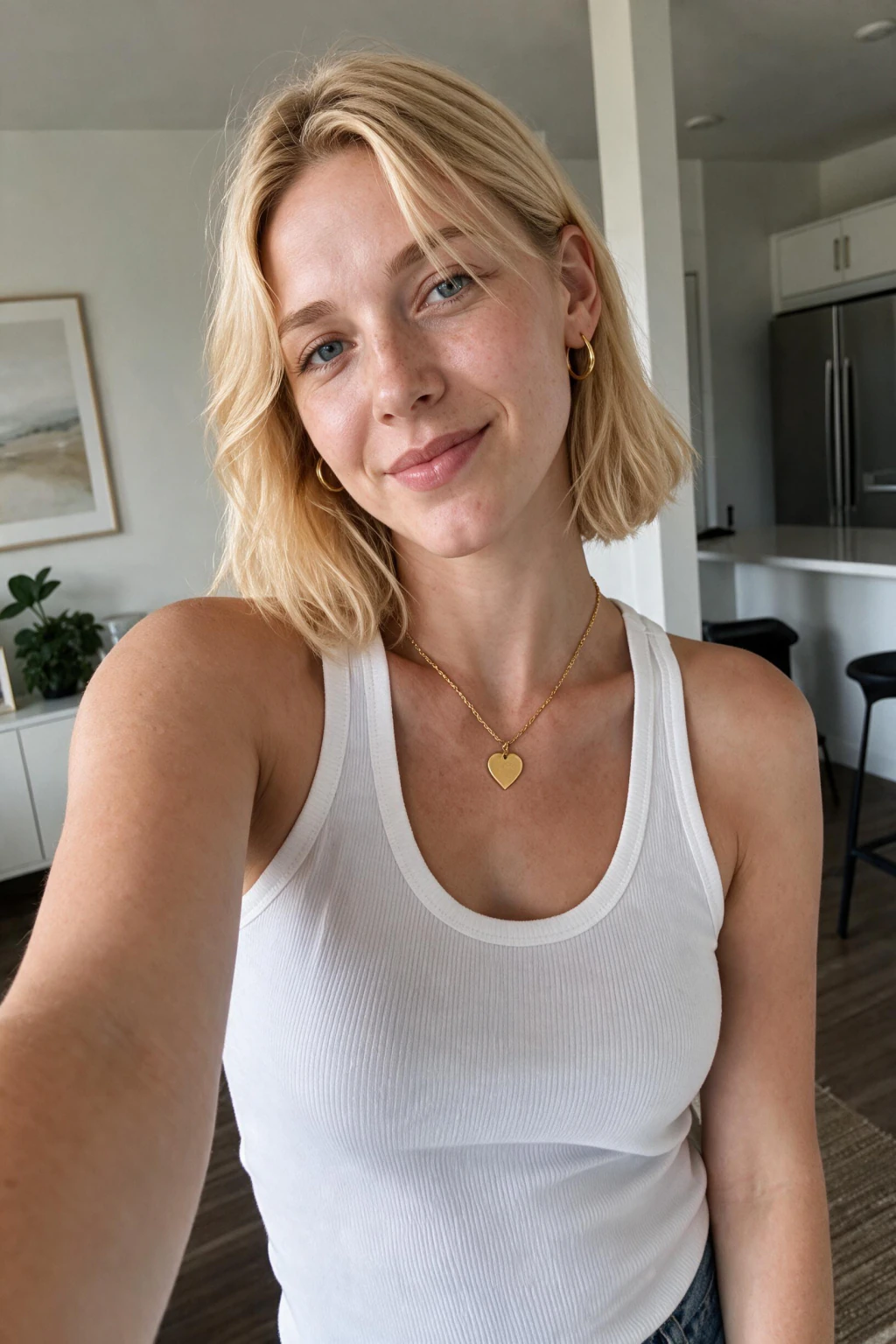
What are the best use cases for AI photos of yourself?
Professional profiles are the most common reason people start. A clean AI headshot upgrades your LinkedIn, resume, and company bio without booking a studio. See the AI LinkedIn headshots page for that style.
Dating and social profiles are a close second. Fresh, varied photos of yourself in different settings give your profile range, from a relaxed travel shot to a confident night-out look. The AI dating photos and AI travel photos pages cover these.
Lifestyle and fun styles round it out. Beach, gym, luxury, nightlife, festival, and cinematic looks let you picture yourself in scenes you have not shot yet. Browse the AI photo ideas hub to see the full set of packs.
How does MakeAiPhotos compare?
MakeAiPhotos turns one clear selfie into new photos of yourself, then lets you pick from nine style packs in one place: headshots, dating, travel, beach, gym, luxury, nightlife, festival, and cinematic. That breadth from a single upload is the main reason to consider it over a single-purpose headshot tool.
On pricing, it uses one-time credits instead of a subscription, so there is no recurring charge to remember or cancel. A 14-day money-back guarantee sits behind your purchase, and a studio session covering the same range would run $200 to $500.
Prices below were verified in August 2026 on public pricing pages across the category.
MakeAiPhotos gives the fewest photos on this table, about 10, and the style-catalog tier wins breadth outright. Pick a batch tool if you want 40 finished headshots in one order. Pick MakeAiPhotos if you want one strong set under $10 with no subscription. If the one-time model is what you are after, see AI headshots without a subscription.
| Tool | Price (Aug 2026) | Photos included | Billing model |
|---|---|---|---|
| MakeAiPhotos | $14.99 | About 10 | One time, no subscription |
| Budget credit packs | About $12 | Varies by plan | One time |
| Team batch tools | $29 | 30 | One time |
| High-volume batch tools | $34 | 40 | One time |
| Big-name selfie-trained tools | $35 to $75 | Tiered by plan | One time, tiered |
| Style-catalog tools | $35 to $79 | 150+ styles, tiered | One time, tiered |
How do you get the most realistic results?
Upload one clear, recent selfie with good lighting. Keep your face clearly visible, and avoid heavy filters, sunglasses, and hats, since those hide the features the tool reads your face from.
Use a photo where your face is the main subject and well lit, shot on the rear camera with beauty mode off. Smoothing removes the pore texture that makes output look real, which is the single most common cause of a plastic result.
Generate one photo, judge it, then spend the rest of your credits on the looks that worked. Even with a strong tool, you pick the winners. Start with one pack that matches your goal, then explore other styles from the AI photo ideas hub once you like the look.
Frequently Asked Questions
- What is the best AI photo generator of yourself?
- The best one for you depends on the styles you want and how you prefer to pay. Choose a tool that keeps your face recognizable, offers the styles you need, and has clear pricing. MakeAiPhotos is a strong option for many styles on one-time credits, with a 14-day money-back guarantee.
- How do AI photo generators make photos from selfies?
- You upload a single selfie, the tool reads your face from it, and it generates new photos of you in styles you choose. There is no model training step on MakeAiPhotos, so a finished photo comes back in about 2 minutes. A clear, well-lit selfie produces the most accurate results.
- Is MakeAiPhotos free?
- No. MakeAiPhotos uses one-time credits with no subscription. A 14-day money-back guarantee covers your purchase, so you can try it with low risk.
- Are subscription or one-time credit tools better?
- Subscriptions suit people who generate photos constantly, but they can add up if you forget to cancel. One-time credits suit people who want a fresh set of photos now and then. MakeAiPhotos uses one-time credits.
- Will the AI photos actually look like me?
- Good tools keep your jawline, eye shape, and skin tone so the photos are recognizably you. Upload one clear, recent selfie without filters or sunglasses to get the closest match.
- What styles can I generate of myself?
- With MakeAiPhotos you can create headshots, dating, travel, beach, gym, luxury, nightlife, festival, and cinematic looks, nine packs in all. Browse the AI photo ideas hub to see every pack.
- Can ChatGPT or other AI tools create professional headshots for me?
- Yes for a one-off image, but ChatGPT builds the face from a description rather than editing your selfie, so identity drifts between generations and a set never quite matches. A dedicated one-selfie tool holds your face across all of the roughly 30 photos in a $14.99 pack.
- Can Gemini create my professional headshot?
- Gemini renders a portrait quickly, and the same limitation applies: no consistency across a set, so two attempts can look like two people. Use it for a single experiment. Use a one-selfie generator when every photo has to read as the same person.