What 'AI images that look real' actually means in 2026
Short version: AI photos that look real come from selfie-trained generators, not text-to-image tools. The variants people search (realistic AI photo generator, AI pictures that look real, make AI pictures look real) all point to the same answer, a tool that learns your face first.
If you searched for AI photos that look real, you are not asking how to generate them, you already know the category exists, you are asking which tools deliver them and how to tell before you pay. That is a buyer's question, and the answer in 2026 is different from the answer in 2023.
In 2023, AI photos that look real were a marketing claim almost nobody could deliver on. Most outputs had plastic skin, mangled hands, mismatched eye catchlights, and backgrounds that obviously did not match the subject lighting. By 2024 and 2025, the better selfie-based generators, which render from the selfie you upload, had closed the skin-texture gap. By 2026, the realism gap between a selfie-trained AI photo and a phone-captured professional headshot is closed at thumbnail size, the only size strangers actually see your photo on LinkedIn, dating apps, Slack, and Substack.
The realism gap is not closed at every size. At full magazine resolution, with print-grade scrutiny, a skilled photographer with a $3000 camera still wins on per-frame detail. The honest 2026 frame is, AI photos that look real are now production-grade for personal-brand content (LinkedIn, dating, Instagram, podcast bios, team pages) and not yet production-grade for editorial print, billboard, or corporate campaign use. This guide treats the personal-brand case, which is what 99 percent of searchers actually need. For the how-to fix list aimed at people already mid-generation, see our companion piece on how to make AI photos look realistic.
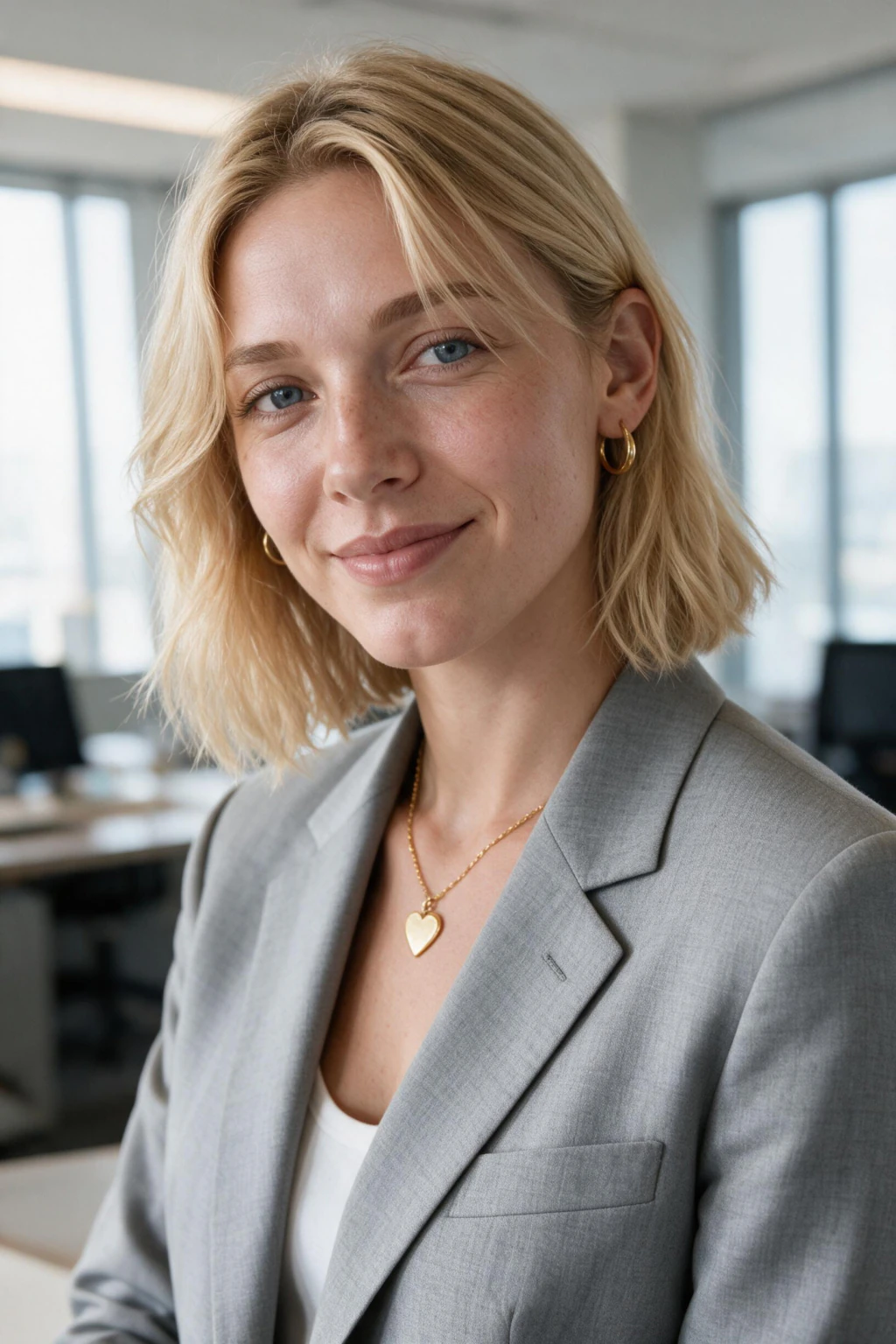
One phone selfie to 5 AI photos of the same person

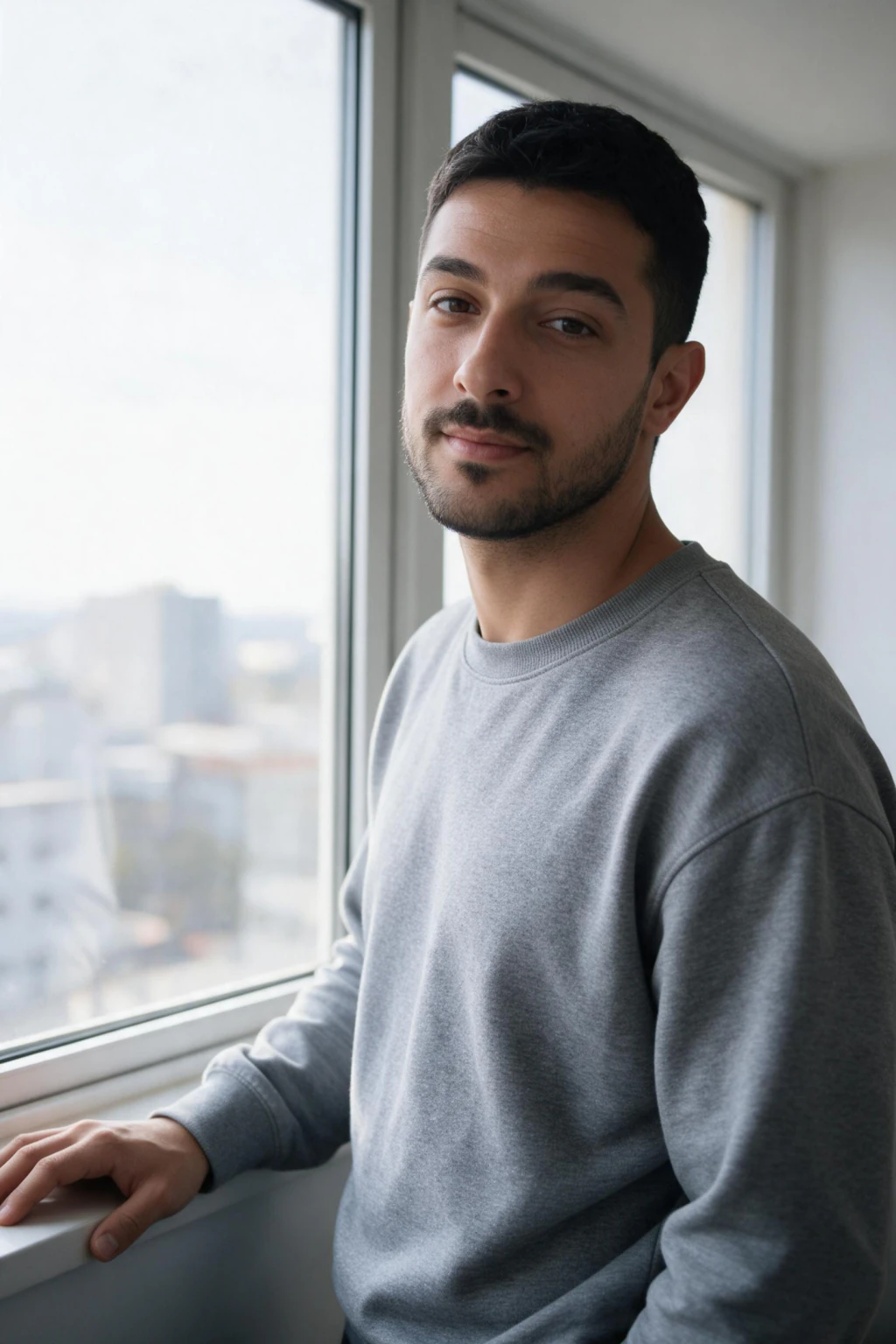
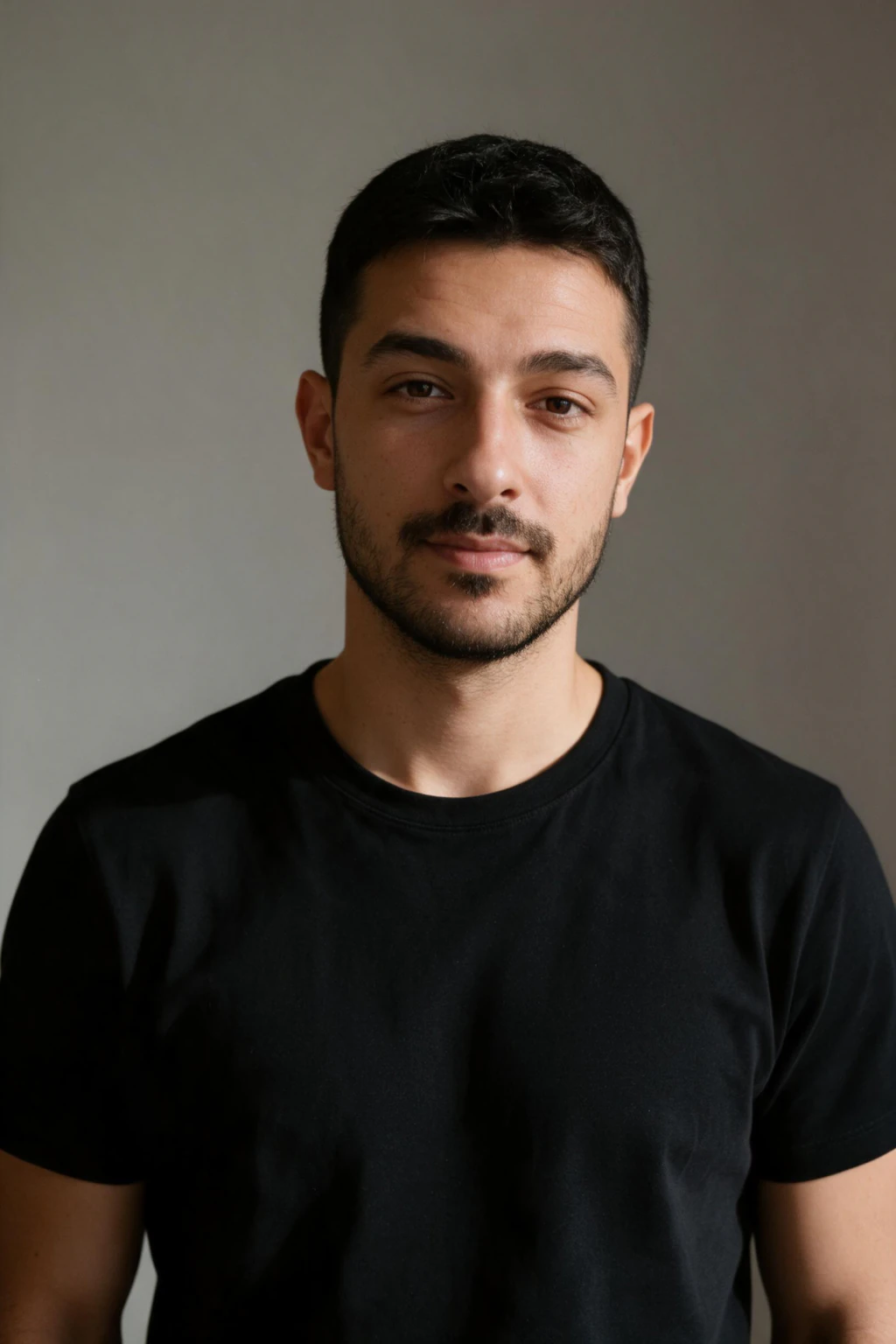
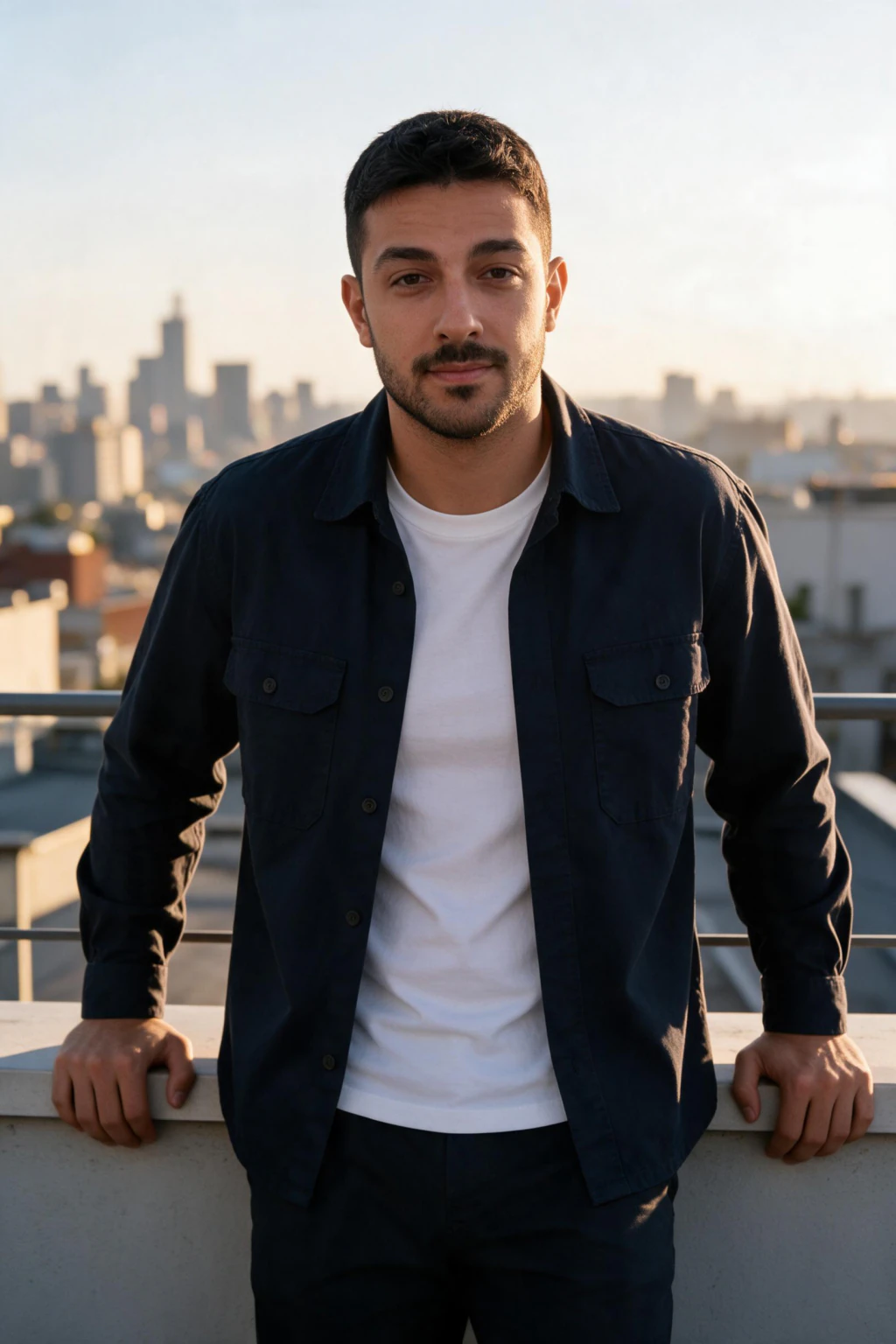
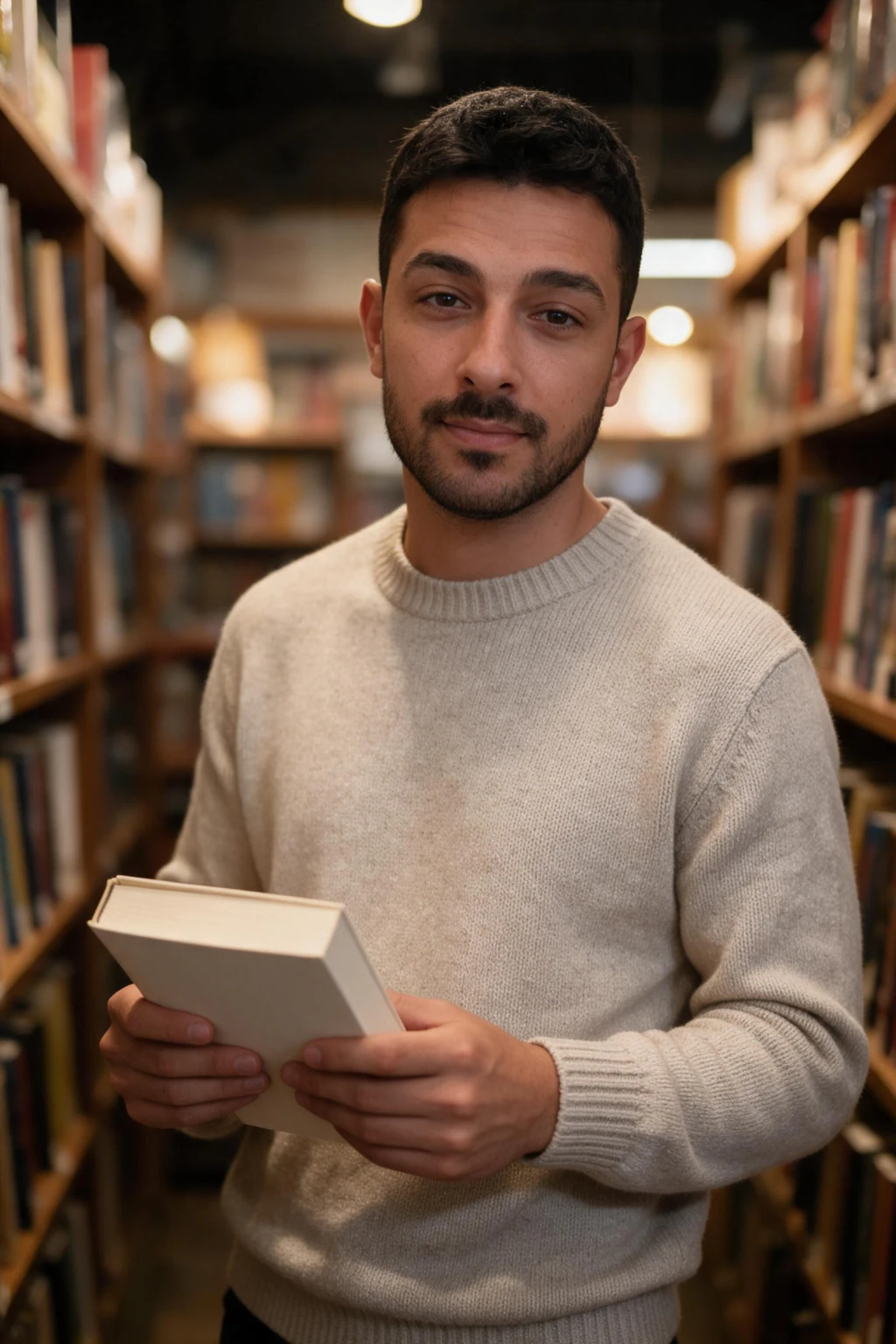
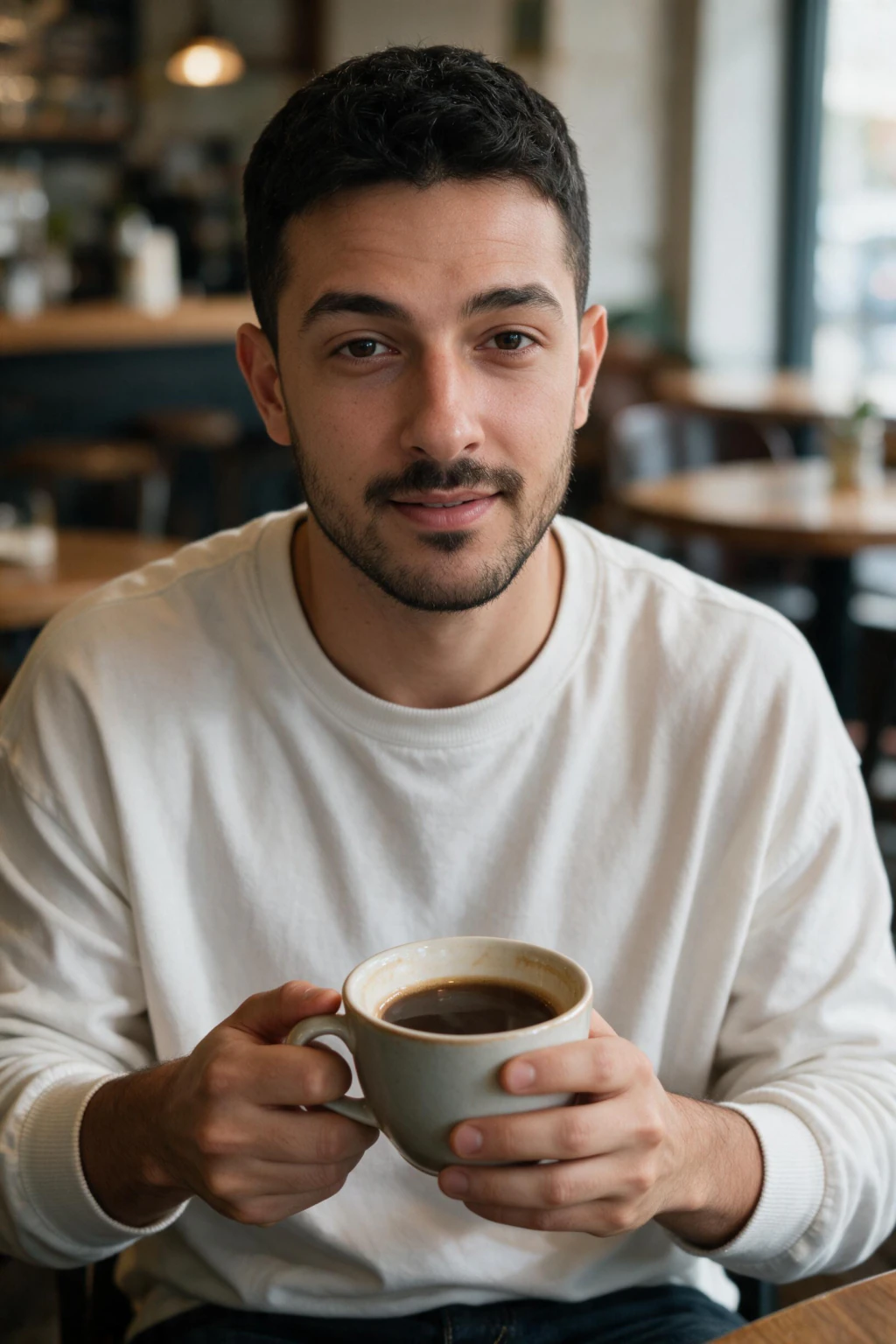
The 5-point realism check: what to look for before paying
The 5-point buyer's check is 4 realism signals plus 1 category check. The four signals below judge the pixels. The fifth point, covered in the selfie-trained vs text-to-image section below, judges the tool: does it start from your selfie or from a text prompt? Run all five on a generator's public sample gallery before you pay. It takes 10 minutes and catches roughly 90 percent of generators that overpromise.
Signal one, visible skin texture. Open three sample photos and zoom to 100 percent on the nose bridge, forehead, and cheek. You should see pores, fine lines, tone variation, and minor imperfections. If skin looks like polished wax or a heavy beauty filter, the tool is tuned for attractiveness over realism, and outputs will read as AI to anyone who looks for more than two seconds.
Signal two, matched eye catchlights. Both pupils in the same photo must reflect the same light source, in the same shape, in the same position. A photo where one eye reflects a window and the other reflects a circular ring light is a photo the model fused from two references, not a photo of one moment in real light. Mismatched catchlights are the single fastest tell that an AI photo is AI.
Signal three, consistent lighting between face and background. Trace where the light is coming from on the face, shadows on the right cheek mean light is coming from camera left. Now trace the light on the wall, plant, or background object behind. If both sources match, the photo holds together as one moment. If face and background are lit from different directions, the image is composite.
Signal four, thumbnail likeness. Shrink the sample to 96 to 200 pixels. The face should still read as a specific person with specific bone structure. If the face becomes generic at thumbnail size, identity preservation failed, and identity preservation is the entire point of personal AI photos. Pretty at 1200 pixels and generic at 120 is a failed result on every platform that matters.

The 60-second realism self-test (checklist table)
Run this on any AI photo, yours or a generator's samples, in about 60 seconds. Five checks, each with the exact place to look and the exact thing that fails.
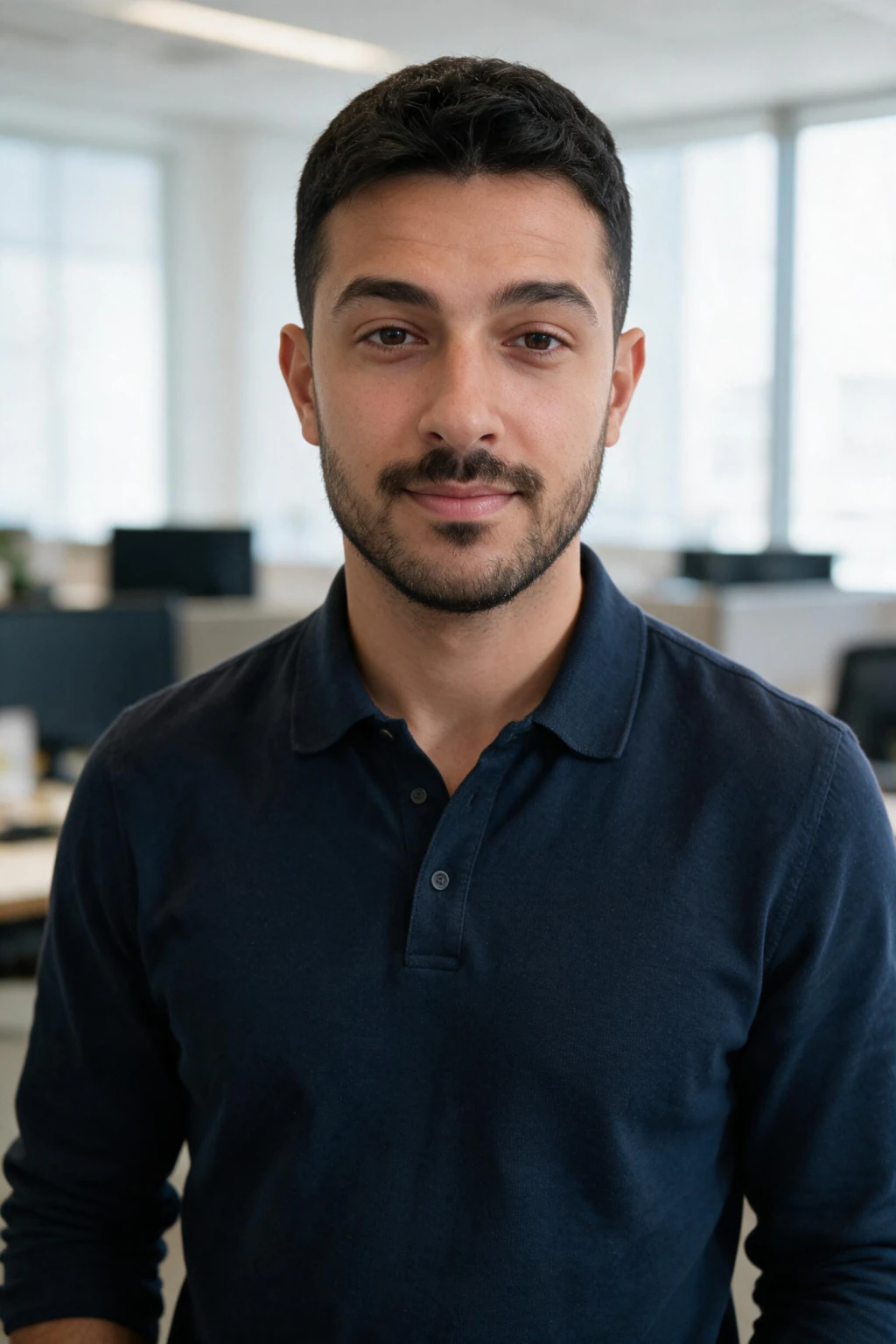
| Check | Where to look | Pass | Fail | Time |
|---|---|---|---|---|
| Skin texture | cheek and nose bridge at 100% zoom | pores, fine lines, tone variation | waxy, airbrushed | 15s |
| Eye catchlights | both pupils | same light source, same shape, same position | one window plus one ring light | 10s |
| Light direction | face shadows against the background wall | one direction across the frame | face lit left, background lit right | 15s |
| Thumbnail likeness | shrink to 96 to 200 pixels | still reads as a specific person | dissolves into a generic face | 10s |
| Hands and fingers | any hand near the face | five fingers, natural joints | extra knuckle, fused fingers | 10s |
Selfie-trained vs text-to-image, why this distinction decides realism
AI photo tools split into two categories, and only one category can produce AI photos that look real of you specifically. Most disappointment with AI photo realism traces back to using the wrong category for the job.
Selfie-based generators (also called identity-preserving or personal AI photo generators) ask you to upload a single selfie. The system renders new photos directly from that one uploaded selfie, about 2 minutes per photo, no training wait, giving you about 10 photos of you in different outfits, locations, and lighting. MakeAiPhotos is in this category. Cost is roughly $9.99 per session. Total time about 2 minutes per photo. The output is photographs of you, not a person who matches your description. This is the only category that produces AI photos that look real of you.
Text-to-image generators (Midjourney, DALL-E 3, Adobe Firefly, SDXL, Flux) take a text prompt and produce a photo of a person matching the description. There is no upload of your face. The model has never seen you and cannot render you. It renders a face roughly matching whatever description you typed. The output is not a photo of you, it is a photo of a fictional person who shares your hair colour and rough age. Cost ranges from $10 to $30 per month. Useful for stock-style imagery and concept art. Useless for your LinkedIn headshot or dating profile.
If you want AI photos that look real for personal use, the tool category decision is more important than the prompt, the pack, or the camera. A selfie-trained generator on bad inputs still produces photos of you. A text-to-image generator on perfect prompts still produces photos of a stranger. Pick the right category first.
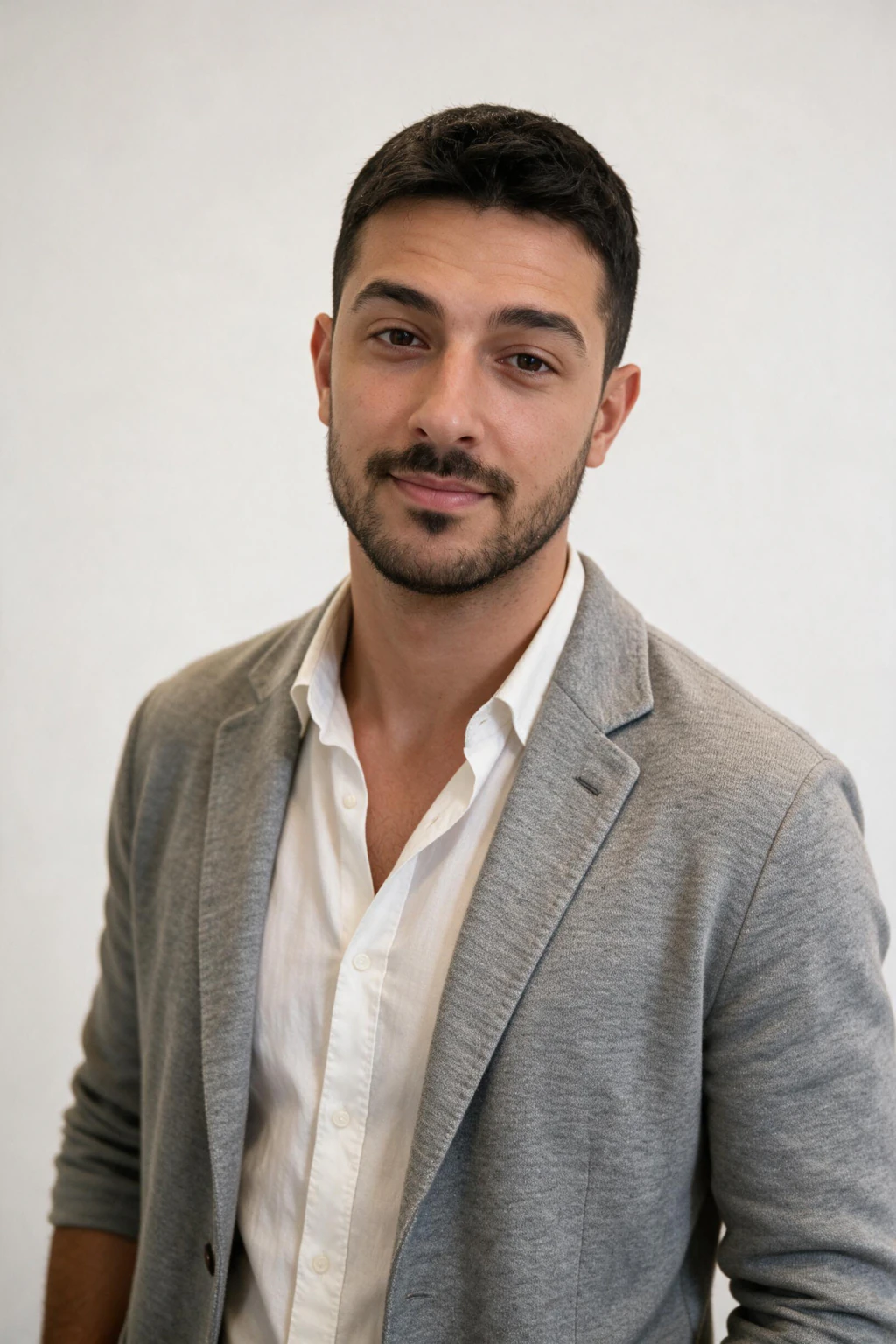
What is the best realistic AI photo generator?
The best realistic AI photo generator is a selfie-based one, because it is the only category that produces AI pictures that look real of your actual face. MakeAiPhotos renders about 10 realistic photos of you from a single selfie for $9.99, about 2 minutes each. For the full tool comparison, see our realistic AI photo generator page.
Text-to-image tools (Midjourney, DALL-E, Leonardo, getimg.ai) can produce a realistic-looking person, but never you, they have never seen your face. They are realistic AI photo generators for fictional people, not for you. If the goal is a real-looking photo of yourself, the generator category decides realism more than any prompt or setting does.
Can you fix an AI image that already looks fake?
To make AI pictures look real, fix the input and the tool, not the prompt. Four moves resolve most fake-looking output:
Upload one unfiltered selfie (HDR off, beauty mode off), taken on the rear camera rather than at arm's length so proportions are not distorted.
Use a selfie-trained generator, not a text-to-image tool, so the face in the result is actually yours.
Pick a natural lifestyle pack first, not a dramatic studio one, because studio packs amplify plastic-skin artefacts.
Keep only outputs that show visible skin pores, matched eye catchlights, and consistent lighting between face and background. For the full fix list, see our pillar guide on how to make AI photos look realistic.
| Signal | Realistic AI photo | Stylised AI art |
|---|---|---|
| Skin texture | Visible pores, fine lines, tone variation | Smooth, waxy, airbrushed |
| Lighting | One direction across the whole frame | Flat or impossible light |
| Imperfections | Asymmetry, stray hairs, real detail | Perfect symmetry, no flaws |
| Identity | Reads as a specific person at thumbnail size | Generic attractive face |
Walkthrough: evaluating one generator before paying (worked example)
Here is the exact 10-minute evaluation flow we recommend on any AI photo generator that claims to produce AI photos that look real. Use it on any tool, including this one. If a generator cannot pass these checks on its own public samples, the chances are low that it will pass them on your face.
Step 1, find three sample photos on the product's public gallery, not a hero image rendered for the homepage. Hero images are cherry-picked. Gallery samples or user-submitted before-and-after pairs are closer to typical output. Spend 2 minutes.
Step 2, zoom each sample to 100 percent. Use the browser's image zoom or open the image in a new tab. Run the visible skin texture check on the cheek and nose bridge. If two of three samples fail (skin looks polished or waxy), stop here, the tool is not in the realism tier you need. Spend 2 minutes.
Step 3, look at the eyes in each sample. Both pupils, same light source, same catchlight shape. Photos where catchlights do not match indicate the model is composing eyes rather than rendering them. Spend 1 minute.
Step 4, check lighting consistency between face and background in every sample. Light direction should match across the frame. Spend 2 minutes.
Step 5, open each sample in a new tab and shrink the browser window so the image displays at roughly 200 pixels wide. Does the person still read as specific and recognisable, or does the face dissolve into generic? Spend 1 minute.
Step 6, confirm the workflow. Does the product page ask you to upload one selfie, or is it prompt-only? Selfie upload means selfie-trained, the realism is on the table. Prompt-only means text-to-image, the photo will not be of you. Spend 2 minutes.
If the generator passes all five points of the buyer's check and uses a selfie upload workflow, you have found a tool that can plausibly produce AI photos that look real of you. MakeAiPhotos publishes its sample gallery openly for exactly this evaluation, see the MakeAiPhotos AI photo generator and the professional headshots from selfies flow for the upload process.
When AI photos still look fake in 2026 (the honest gaps)
Selfie-trained generators have closed most of the 2023 realism gap, but a few specific failure modes still occur in 2026. Knowing where the technology still slips lets you filter your batch intelligently instead of trusting every output.
Hands at close range still glitch occasionally. If a generated photo crops to a hand near the face (chin rest pose, holding a coffee cup at the corner of the frame), check fingers individually. Most batches in 2026 produce clean hands in 80 to 90 percent of frames, but the failure rate is not zero. Filter the few that have an extra knuckle or fused fingers.
Group composites still struggle. If the pack you choose involves you next to another person, the second person is typically a stock face the model fused in, and the lighting between you and them may not match. For now, single-subject packs (you alone in a setting) are noticeably more reliable than multi-person packs.
Glasses with strong reflections sometimes lose the eye behind them. The model can render the glasses surface convincingly but lose the geometry of the iris underneath, leaving a flat-looking eye. If you wear glasses daily, upload a selfie wearing them. If you only wear them sometimes, upload without and let the pack decide.
Very strong studio lighting packs still over-smooth skin compared to natural lifestyle packs. A studio spotlight pack amplifies whatever smoothing bias the model has. A natural window light or business casual pack hides it. For the first batch with any new generator, pick a natural pack to fairly assess likeness before committing to dramatic ones.
Body proportions at long distance are still imperfect. Tight headshots and waist-up shots are near-photographer quality in 2026. Full body shots, especially in motion or with complex pose, still occasionally produce slightly off limb proportions. Filter by running the same 4 realism signals at the cropped framing you actually plan to use.
If you generate with a prompt-based tool anyway, the imperfection vocabulary matters: film grain, flyaway hairs, one missed highlight. The banned-word list (8K, ultra-realistic, masterpiece) and copyable templates are in our companion guide on how to make AI photos look realistic.
MakeAiPhotos: how the selfie-trained workflow produces AI photos that look real
MakeAiPhotos is built around the workflow that makes AI photos look real on a specific person. You upload a single selfie and the system renders new photos of you in about 2 minutes each, with no training wait, across packs covering LinkedIn headshots, lifestyle, beach, travel, luxury, and dating settings. The whole flow runs in about 2 minutes of your active time for $9.99.
Three design choices make the output look photographic rather than rendered. First, the model is tuned for identity preservation over aesthetic idealisation, so the output is a recognisable photo of you rather than a polished AI ideal who shares your hair colour. Second, the packs default to natural and lifestyle lighting rather than dramatic studio spotlights, which keeps the realism signals (skin texture, matched catchlights, consistent lighting) easier to hit on first generation. Third, the upload flow asks for one clear rear-camera selfie taken at about 1 metre, so front-camera ultra-wide distortion is not baked into the render.
Two internal pages are worth visiting before you decide. The AI LinkedIn headshot generator page covers the most demanding realism case (a single photo that has to pass professional scrutiny). The professional headshots from selfies walkthrough shows the upload-to-download flow in concrete steps. Both pages run the same one-selfie flow and produce AI photos that look real of you for $9.99.
AI photos that look real vs hiring a photographer in 2026
A common buyer question, can AI photos that look real actually replace hiring a professional photographer? In 2026 the honest answer is, yes for personal-brand content, no for editorial campaigns. The decision depends on what the photos are for, not on a global verdict about which technology is better.
Hire a photographer when, the photos will be printed at 8 by 10 inches or larger, the photos will run as a magazine editorial or billboard, the brief requires multiple people in coordinated wardrobe on the same set, or the deliverable is a corporate campaign where 6 to 8 hero frames need to hold up at print resolution. Photographers cost $200 to $500 per session for 6 to 8 retouched deliverables, with 1 to 3 weeks lead time and one outfit and one location per session.
Use AI photos that look real (selfie-trained) when, the photos will live on LinkedIn, dating apps, Instagram, Slack, Substack, podcast bios, team pages, or any screen-first context, you need variety in outfits and settings without booking multiple sessions, you want a 6 to 12 month library from one upload, or you need a refreshed headshot within the day rather than within the month. MakeAiPhotos delivers about 12 finished frames from one $9.99 upload, covering 4 to 8 different settings the same upload can produce.
At thumbnail size on a phone screen, viewers cannot reliably distinguish a selfie-trained AI photo from a phone-captured professional headshot in 2026. At a printed 8 by 10 viewed from 30 centimetres, they can. Choose by viewing context, not by abstract realism rank.
Frequently Asked Questions
- What is the best AI photo generator for AI photos that look real?
- The best AI photo generator for AI photos that look real is whichever selfie-trained tool preserves your specific face. MakeAiPhotos renders about 10 photos of you from a single selfie for $9.99, about 2 minutes each. Text-to-image tools like Midjourney cannot produce AI photos that look real of you, only of a fictional person matching your description.
- What is the best realistic AI photo generator in 2026?
- The best realistic AI photo generator in 2026 is a selfie-trained one, because it is the only category that renders your real face. MakeAiPhotos produces realistic photos of you from one selfie in about 2 minutes for $9.99. Text-to-image realistic AI photo generators (Midjourney, DALL-E, Leonardo) make a realistic stranger, not a realistic photo of you.
- Why do AI images look fake?
- AI images look fake for three common reasons: using a text-to-image tool for a personal portrait, so it cannot render your face at all, uploading a filtered or beauty-modded selfie, or picking a dramatic studio pack on the first run. Fix it by switching to a selfie-based generator, uploading one unfiltered rear-camera selfie, and starting with a natural lifestyle pack.
- Can AI generate realistic human faces?
- Yes. Current image models render human faces with visible pores, matched catchlights, and consistent lighting; the remaining tells are hands at close range and multi-person scenes. To get a realistic face that is yours, the generator must start from your uploaded selfie. Text-to-image tools render a convincing stranger.
- How can I tell if an AI photo looks real or fake?
- Run the 5-point check. Zoom to 100 percent on the cheek, real photos show pores and tone variation, fake photos look waxy. Check both eyes for matched catchlights from one light source. Check that face and background lighting come from the same direction. Shrink to 96 to 200 pixels, the person should still read as specific. Then confirm the tool starts from a selfie.
- Are AI photos that look real good enough for LinkedIn and dating apps?
- Yes. At thumbnail size on a phone screen (96 to 200 pixels), viewers cannot reliably tell a selfie-trained AI photo from a professional headshot in 2026. LinkedIn shows your photo at 96 pixels in search results. Dating apps show 200 pixels in card stacks. The realism question is resolved at the only size that matters in practice.
- How much does it cost to get AI photos that look real?
- On MakeAiPhotos, one upload session that produces about 10 AI photos that look real of you costs $9.99. A professional photographer charges $200 to $500 for 6 to 8 retouched frames in one outfit and one location. The AI option delivers more variety from a single upload, including multiple settings the photographer would charge separately for.
- Can Midjourney or DALL-E make AI photos that look real of me?
- No. Midjourney, DALL-E 3, and similar text-to-image tools generate a person matching your description, not a photo of you. They have never seen your face and cannot render it. To get AI photos that look real of your specific face, use a selfie-based generator like MakeAiPhotos, which renders new photos directly from your one uploaded selfie, about 2 minutes per photo, no training wait.
- How long does it take to make AI photos that look real?
- On MakeAiPhotos, total wall-clock time is minutes, not hours. Upload one selfie, pick a pack, and each finished photo lands about 2 minutes later. There is no training window to sit out.