What is a good golden hour AI photo prompt in 2026?
A good golden hour AI photo prompt in 2026 does four things: it describes the wardrobe in fabric and colour, it fixes the framing and the lens, it sets the scene with objects rather than adjectives, and it says where the sun is and which way the light travels.
The fourth part is the one most lists skip, and it decides the photo. Every example photo on this page is a real output of the look its cards map to, made from one selfie, so you can check the claim against the picture.
Golden hour is the hour after sunrise and before sunset when the sun sits low enough that its light comes in sideways, warm and soft. The word golden tells a model nothing about direction.
Sun behind the subject gives a halo and a dark face. Sun at ninety degrees gives one bright cheek. Sun behind the camera gives a fully warm face and a squint.
So the light-direction rule: every prompt names one of four setups (backlit rim, side-lit, front-lit with fill, or open shade after the sun drops), and every backlit prompt also names the surface that bounces light back into the face. Leave the fill out and the model exposes for the sky and loses you.
The 30 prompts below follow that rule, and the cheat sheet after the groups puts the four directions in one table with the exact phrase to write. For the general realism spec (lens, ISO, grain, the negative prompt), the best AI prompt for realistic photos guide is the companion.
One honesty note. The prompt text pastes into ChatGPT, Gemini or any text-to-image tool, and those tools draw a person who resembles the photo you attach, not a photo of you. MakeAiPhotos has no prompt box: you upload one selfie, pick a look, and the face is read from your upload.
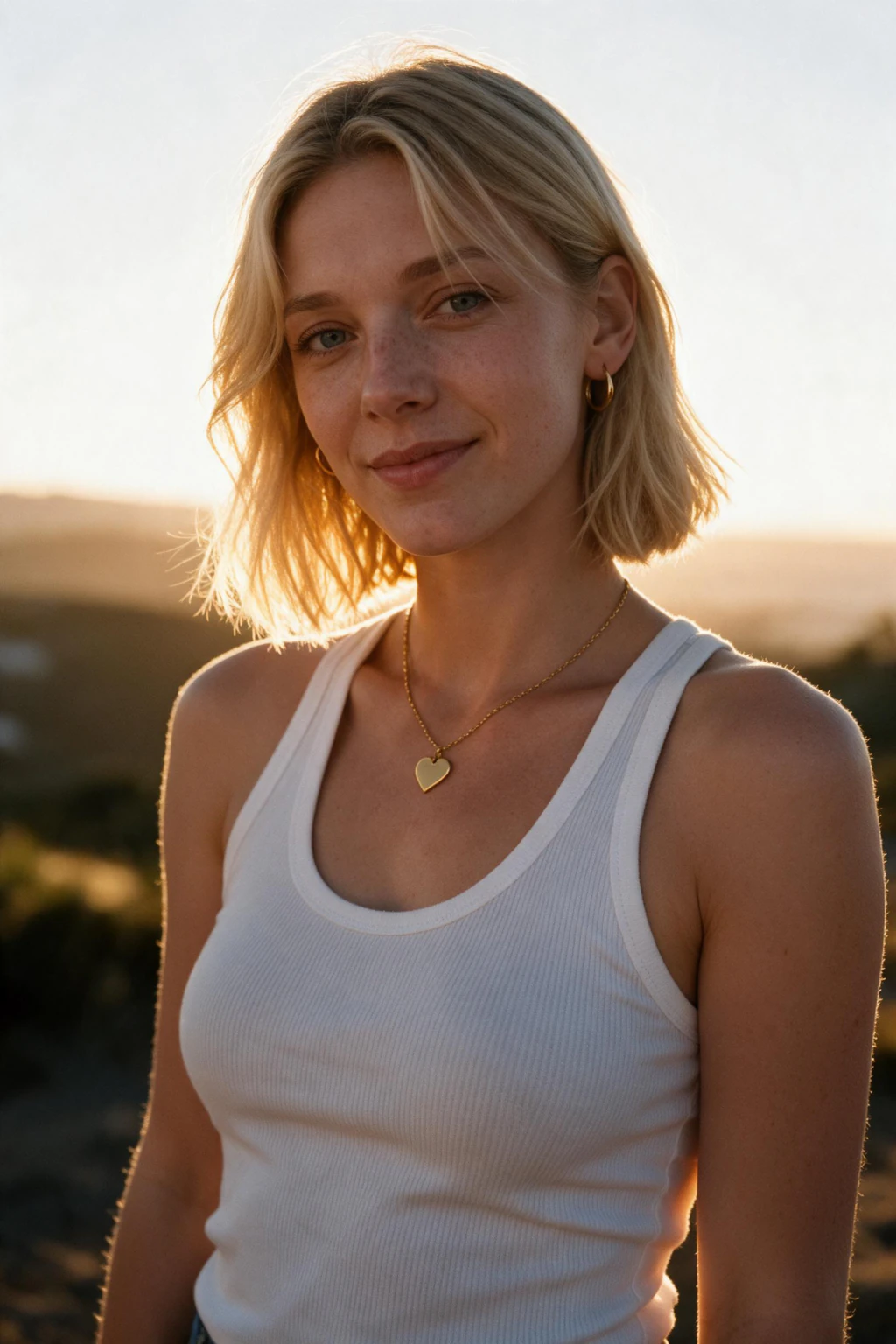
One phone selfie to 4 AI photos of the same person

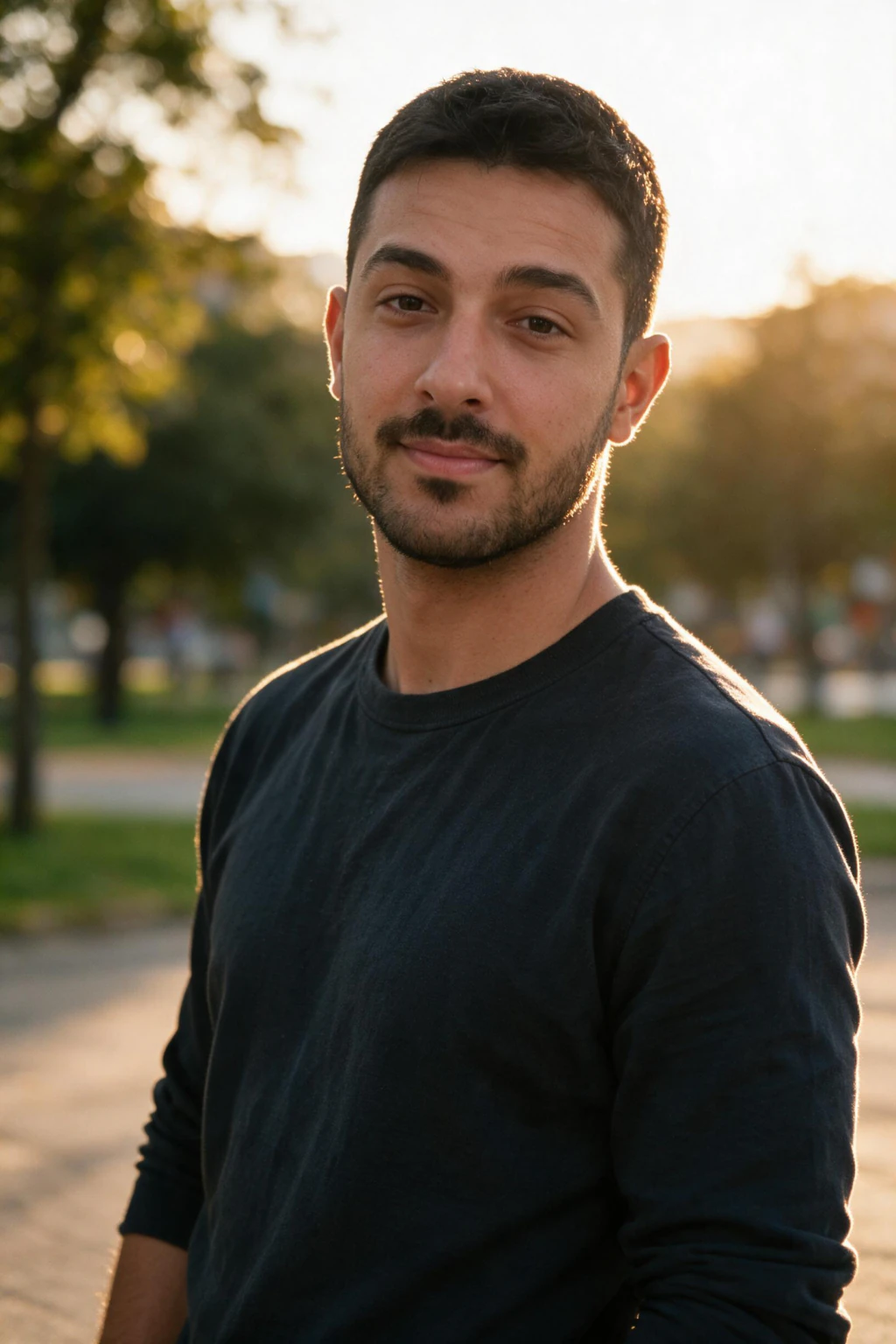
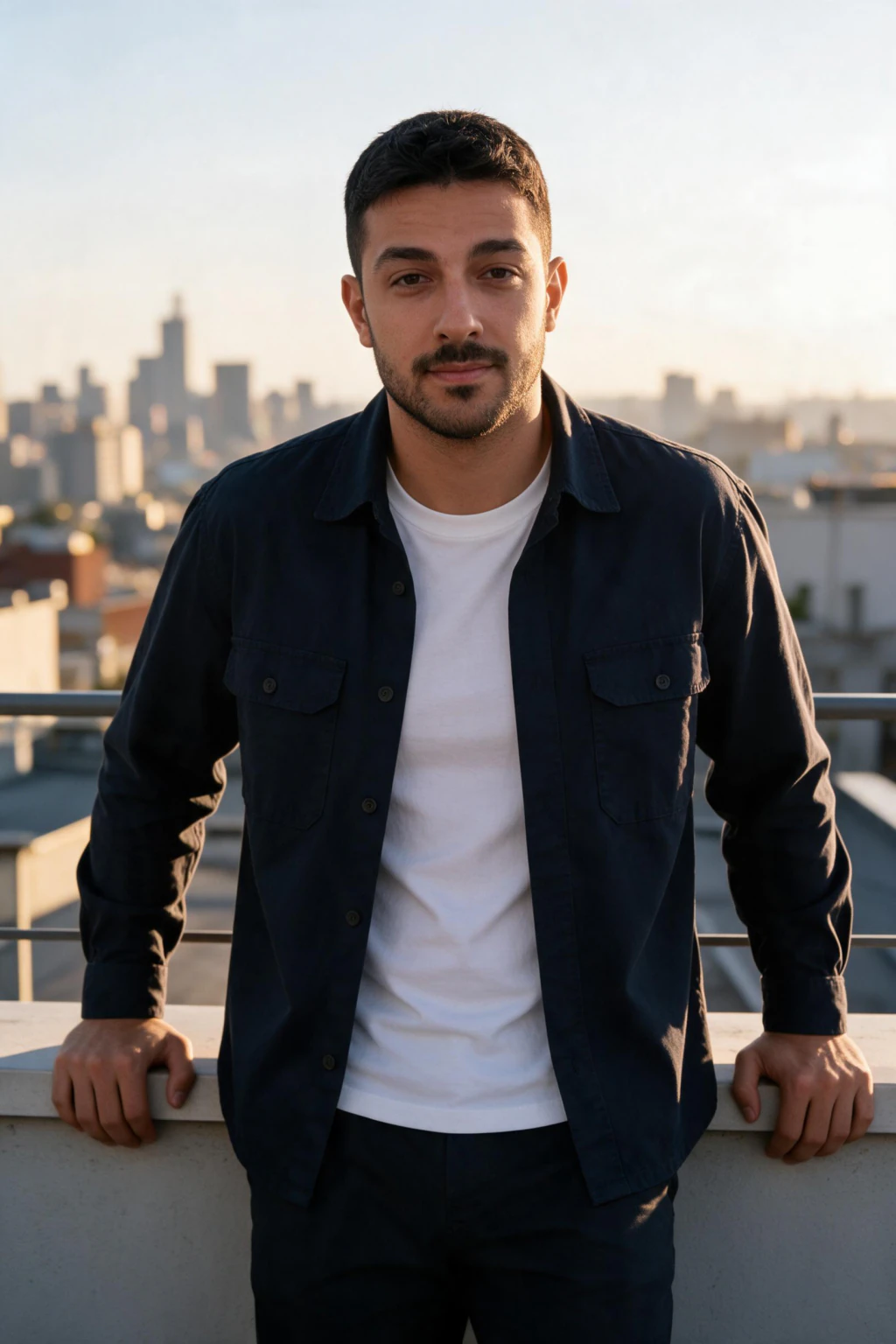
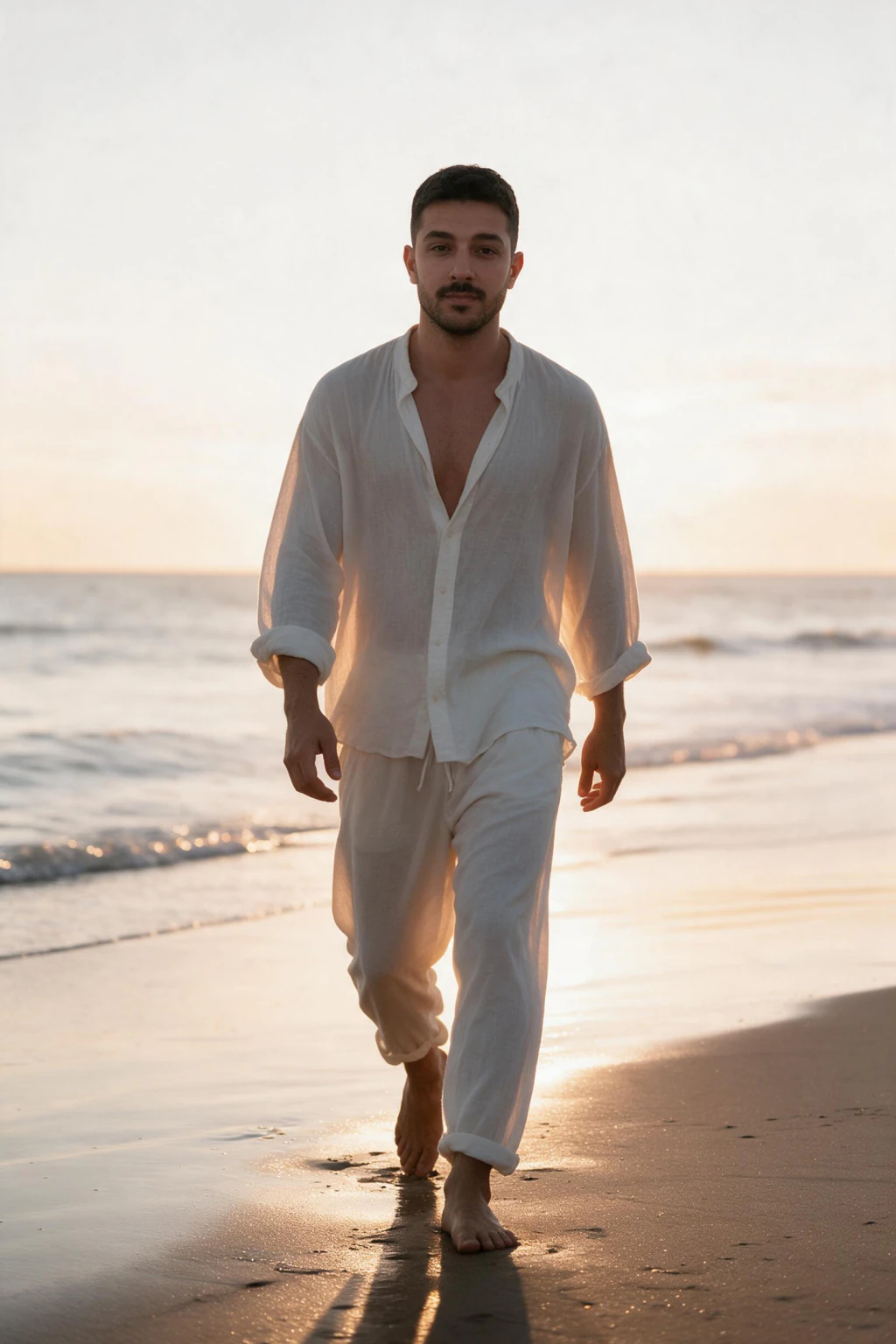

Which golden hour AI photo prompt should you start with?
Start with a side-lit card, not a backlit one. Side light keeps your face fully visible while still reading as golden hour, and it is where the likeness survives best. The two safest first runs are Coffee Walk (dating group) and Rooftop Sofa (city group).
If you want the halo, run Shoreline Walk Backlit or Wheat Field Halo second. Both name their fill surface, so the face comes back lit rather than as a silhouette.
For a profile picture, stay with side-lit and front-lit cards. For a feed post, the backlit and open-shade cards are the ones people stop on. On MakeAiPhotos the fastest route is the AI travel photos pack: one selfie, one tap, a golden hour photo of yourself in about 2 minutes.
Dating and candid golden hour prompts (6)
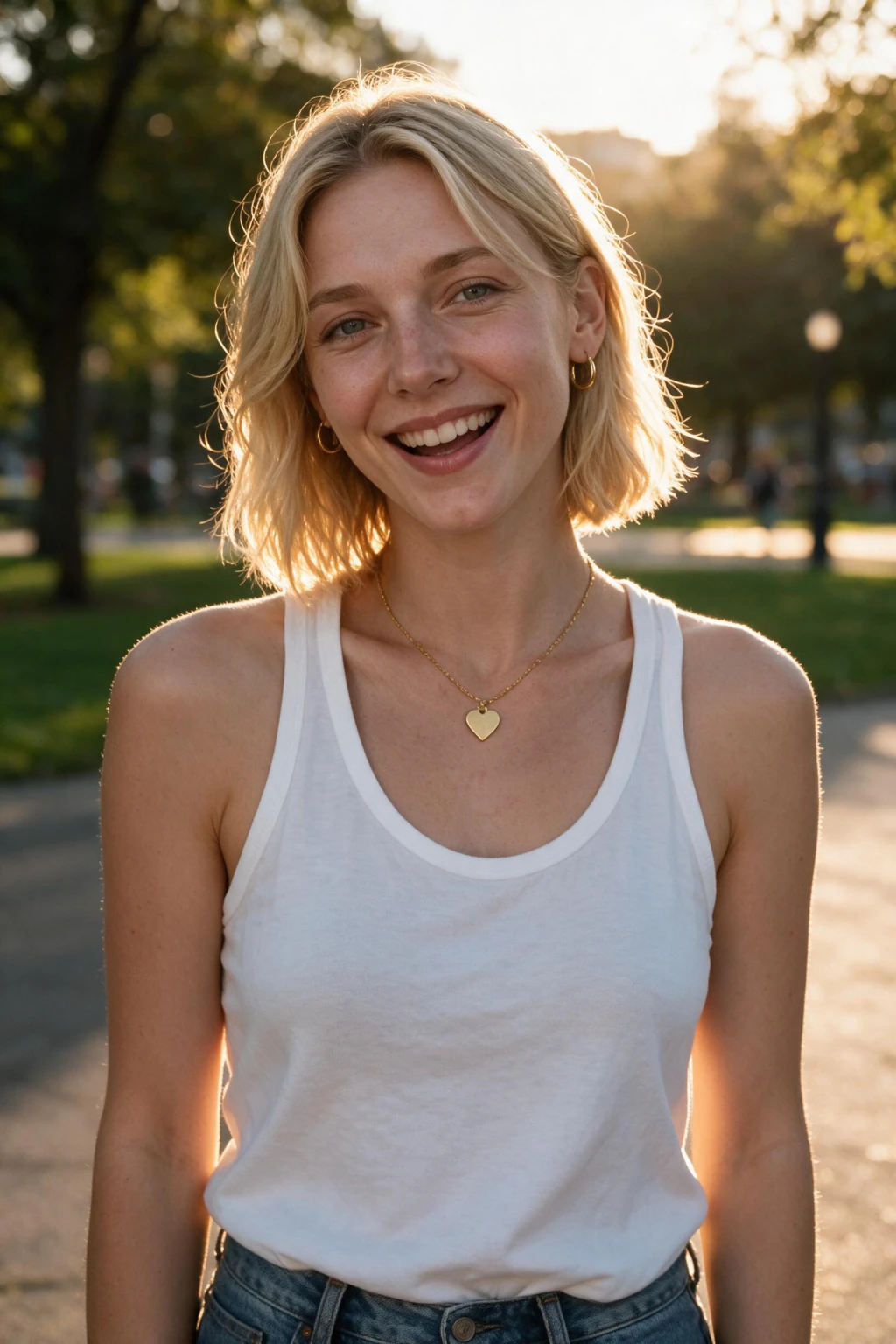
Dating and candid cards need a face you can recognise at thumbnail size, so most use side or front light, with two backlit halos for the classic glow and one open-shade frame for the softest skin. Every card keeps the eyes uncovered.
All six map to the Golden hour outdoors look on the AI dating photos pack, which sits on the picker. Describe the setting in surfaces, never by place name.
City rooftop and street golden hour prompts (6)
City golden hour runs on hard surfaces. Glass, pale concrete and warm brick bounce the low sun back at you, so the fill is built into the scene if you name it. The other city trick is the long shadow.
These six map to the Rooftop terrace, golden hour look on the travel pack, the clip above. It is a hidden look, so it opens when you tap the example beside this group. Describe the skyline as shapes, never by city.
Beach and water golden hour prompts (6)
The beach is the easiest golden hour location to prompt because the fill is everywhere: dry sand, wet sand and water all bounce the low sun back into the face. It is where the backlit halo works best.
Five of the six map to the Golden hour shoreline look on the AI beach photos pack, which sits on the picker; the lying-down frame is closest to the Summer beach, golden hour vibe look on the same pack. That page owns the full golden hour beach photoshoot.
Travel and nature golden hour prompts (6)
Fields and forest edges are where the backlit halo was invented, and where it fails most, because grass and trees bounce little light. Every backlit card here names a fill you can see: a pale dirt track, a white shirt.
These six map to hidden looks on the AI travel photos pack. Golden hour, scenic traveler portrait is the clip above and opens when you tap it; Wheat field, golden hour and Open meadow, wide landscape shot are the closest looks for the field cards.
Editorial and fashion golden hour prompts (6)
Editorial golden hour is the same four directions with a stricter wardrobe and a stiller face. Flare is allowed, the squint is not, and the background is always clean.
Three map to the Golden hour look on the AI model photoshoot pack, which sits on the picker. The desert cards are closest to the Golden-hour desert look on the festival pack, the deck card to the Private yacht, sunset golden hour look on the luxury pack. Describe fabric and cut, never a designer.
Desert Flat, Sun in the Face
Full-body portrait of a person in a flowing white cotton dress and flat sandals standing on a cracked pale desert flat, low ridges far behind. Sun behind the camera and just above the ridges, warm light flat across the face and dress, the pale ground throwing extra fill upward, eyes turned slightly off the lens. 35mm lens at f/4, ISO 100, calm expression.
Front-lit with double fill (sun plus pale ground). The desert floor is a reflector the size of a field, so the face is lit from everywhere. Closest look: Golden-hour desert, festival pack.
Desert After Sunset
Head-and-shoulders portrait of a person in a rust silk shirt standing on open sand, the sun just below the horizon and the sky a wide band of warm pink and amber. No hard shadows, the whole sky lighting the face evenly from in front, skin smooth without any smoothing. 85mm lens at f/1.8, ISO 400, hair still, level gaze, mouth relaxed.
Open shade after sunset, the most even light on this page: every feature lit, no shadow. The rust shirt keeps the warmth in frame. Closest look: Golden-hour desert, festival pack.
Which light direction phrase produces which face?
This is the cheat sheet behind every card above. Copy the phrase in the second column into any prompt and you get the face in the third. The last column lists the cards that use it.
| Light direction | The phrase to write | What it does to the face | Cards that use it |
|---|---|---|---|
| Backlit rim | Low sun directly behind the head, just above the horizon, warm rim light on the hair and shoulders, the face filled by (name the surface: white shirt, wet sand, a reflector) | Halo on the hair and outline; the face is lit only if the fill is named | Park Bench Sun Behind the Shoulder, Fence Line Halo, Rooftop Rail Rim Light, Bridge Walkway Backlit, Shoreline Walk Backlit, Waist-Deep Rim Light, Wheat Field Halo, Forest Edge Sun Gap, Editorial Backlit Flare, Yacht Deck Rim Light |
| Side-lit | Low sun at ninety degrees to the camera from the left (or right), one side of the face warm and bright, a soft shadow across the nose, the far cheek in gentle shade | Shows cheekbone shape and skin texture, keeps every feature visible; the direction where likeness survives best | Coffee Walk Sun on One Cheek, Bike Pause at the Curb, Rooftop Sofa Side Sun, Alley Slice of Light, Dune Grass Side Light, Pier Rail Side Sun, Meadow Edge Side Sun, Editorial Side Sun on a Wall, Linen Suit Side Sun on Stone Steps |
| Front-lit with fill | Sun behind the camera and just above the horizon, warm light flat across the whole face, eyes turned slightly toward the shade side, long shadow stretching behind | Fully lit and warm, every feature clear at thumbnail size, flatter shape; the eyes line stops the squint | Picnic Blanket Sun in the Face, Crosswalk Long Shadow, Wet Sand Mirror, Open Meadow Small in the Frame, Hill Road Sun Behind the Camera, Desert Flat Sun in the Face |
| Open shade after sunset | The sun has just gone below the horizon, the whole sky a soft warm-pink light source from above and in front, no hard shadows, skin even | Softest, most even light on the page, no shadow to hide in, skin looks like skin with no smoothing words | Doorstep After the Sun Drops, Cafe Terrace Last Light, Towel on the Sand Sky Light, Hillside Terrace Last Light, Desert After Sunset |
How to make a photo look like golden hour?
Three honest routes. The first is to shoot at the hour: be outside in the last hour before sunset, put the sun behind or beside you, and let the light do it. That needs a clear evening and a second person.
The second is a warm grade on a photo you already have: raise the warmth, lift the shadows, add a glow. That is what golden hour filters and edit prompts do, and the tell is that the shadows still point the wrong way. A noon photo with warm tones painted over it still has no rim on the hair.
The third is to generate a new photo of yourself in golden hour light. On MakeAiPhotos you upload one selfie, pick a golden hour look, and about 2 minutes later the face is read from your upload and the low sun, the rim light and the long shadow are drawn around it, consistent because the whole scene was made in that light.
What are some trending golden hour AI prompts?
The golden hour AI trend is a format, not one sentence: your own selfie plus one specific golden hour prompt, run in a chat image tool, posted beside the original. The prompts that travel best share a skeleton: a backlit or side-lit portrait, a clean background, a named lens, a line about natural skin texture.
Three sub-styles keep coming up. The soft backlit halo with flare (Editorial Backlit Flare). The moody side-lit portrait against a wall (Editorial Side Sun on a Wall, Alley Slice of Light). And the wide landscape with a long shadow (Open Meadow, Small in the Frame; Crosswalk Long Shadow).
The part the trend posts skip is the face. A chat image tool draws a person who resembles the selfie you attach, and the resemblance drifts most under the backlit halo, because the tool has the least face information when the face is in shadow. For your own profile, use a generator that reads the face from the selfie.
Why does backlight erase your face in a golden hour AI photo?
Backlight erases faces for the same reason in a camera and in an image model: the brightest thing in the frame is behind you, so everything balances for the sky and your face becomes the darkest region.
A camera makes a silhouette. An image model makes a dark face filled in with a generic average.
The fix is to name the fill light. Not add fill, not soft lighting, but the actual surface that bounces the sun back at the face: the white shirt, the wet sand, the pale concrete path, the glass rail, the reflector at camera left. Every backlit card on this page carries one of those phrases.
The second half is the face-lock line for chat image tools: keep the face structure, skin tone and hairline from the uploaded photo unchanged, natural skin texture, no beautification. It matters most in backlit frames, where the model is tempted to invent.
On MakeAiPhotos the face-lock is built in rather than typed: the face is read from your one selfie and the scene, low sun and fill included, is generated around it.
$14.99 one time buys about 30 finished photos at about 2 minutes each, against $200 to $500 for a studio session that gets one evening and one outfit. There is a 14-day money-back guarantee (terms apply), and you see your own result before you pay.
What are some good captions for photos of golden hour?
Short captions win under golden hour photos, because the light is already saying most of it. Eight originals:
1. Chasing the last ten minutes of light.
2. The sun clocked out and took my worries with it.
3. Same street, better hour.
4. Waited all day for this one minute.
5. Sunset called, I picked up.
6. Warm light, one shoulder in the sun, nothing to fix.
7. Nothing to add. The sun did the editing.
8. Golden on the outside, coffee on the inside.
Skip anything that mentions a filter; the point of the photo is the hour.
What are the most common golden hour AI photo prompt mistakes?
Mistake 1: the word golden with no direction. The model picks a direction for you and usually picks backlit, the one that loses the face. Fix: one sentence from the cheat sheet naming where the sun sits.
Mistake 2: backlit with no fill. You get a halo around a dark, invented face. Fix: name the surface that bounces the light (white shirt, wet sand, pale wall, reflector).
Mistake 3: front-lit with no eyes line. Sun behind the camera means the subject stares into it. Fix: eyes turned slightly toward the shade side.
Mistake 4: stacking warmth words. Golden, warm, amber and glowing in one prompt, and the skin comes back tangerine with a plastic shine. Fix: say the hour and the direction once, add natural skin texture.
Mistake 5: a named place. A famous beach or skyline pulls the model toward a landmark it draws badly and away from your face. Fix: describe the land and the surfaces.
Mistake 6: judging at full screen only. A backlit halo that looks cinematic at full size can be a dark oval in a profile circle. Fix: shrink every result to a phone thumbnail. If the face reads there, it is a profile picture; if only the sky reads, it is a feed post.
One selfie covers the whole list. Upload it once on the AI travel photos pack, run the side-lit look first, then spend the rest on the halo and the wide frames.
Frequently Asked Questions
- What are some trending golden hour AI prompts?
- The trending format is your own selfie plus one specific golden hour prompt, posted beside the original. The prompts that travel best are a soft backlit halo with flare, a moody side-lit portrait against a plain wall, and a wide landscape with the person small in the frame. On this page those are Editorial Backlit Flare, Editorial Side Sun on a Wall and Open Meadow, Small in the Frame.
- What are some good Gemini AI portrait prompts for the golden hour?
- Any of the 30 cards on this page works as a golden hour prompt for Gemini as written. Start with a side-lit one, such as Coffee Walk, Sun on One Cheek or Meadow Edge Side Sun, because side light keeps the face fully visible. Add the face-lock line at the end: keep the face structure, skin tone and hairline from the uploaded photo unchanged, natural skin texture. The face will resemble you rather than be you.
- How to make a photo look like golden hour?
- Three routes. Shoot in the last hour before sunset with the sun behind or beside you. Warm-grade an existing photo, which tints it but leaves the shadows pointing the wrong way. Or generate a new photo of yourself in golden hour light: on MakeAiPhotos you upload one selfie, pick a golden hour look, and the low sun, rim light and long shadow are drawn around your face in about 2 minutes.
- What are some good captions for photos of golden hour?
- Keep them short, the light is already talking. Eight originals from this page: Chasing the last ten minutes of light. The sun clocked out and took my worries with it. Same street, better hour. Waited all day for this one minute. Sunset called, I picked up. Warm light, one shoulder in the sun, nothing to fix. Nothing to add, the sun did the editing. Golden on the outside, coffee on the inside.
- How to create golden hour effect?
- In a prompt, the golden hour effect is three things: a low sun just above the horizon, a stated direction (behind, beside or in front of the subject), and warmth that comes from the hour rather than from a list of warm words. Write the position and direction from the cheat sheet, name a fill surface if the sun is behind the subject, and add natural skin texture. On MakeAiPhotos the effect is built into the looks.
- Is there a golden hour AI photo prompt generator?
- This page is the closest thing to one that also shows the result: 30 written prompts, each tagged with a light direction and mapped to a MakeAiPhotos look. A prompt generator outputs text you still have to run somewhere, and the face in a chat image tool only resembles you. MakeAiPhotos skips the text: upload one selfie, pick the look a card names, and the finished photo of you comes back in about 2 minutes.
- Do I need to type these prompts into MakeAiPhotos?
- No. The prompt text is for ChatGPT, Gemini or any text-to-image tool. MakeAiPhotos has no prompt box; you upload one selfie and pick the look each card names. Golden hour outdoors sits on the dating pack picker, Golden hour shoreline on the beach pack, Golden hour on the modeling pack, and the travel pack looks open when you tap the example beside their group.
- Why does my golden hour AI photo look orange or plastic?
- Stacked warmth words. Golden, amber, glowing and warm tones in one prompt push the skin toward a tangerine colour with a plastic shine. Say the hour and the sun direction once, add natural skin texture and no beautification, and drop every other colour adjective. On MakeAiPhotos the warmth is set inside the look; if a result still runs warm, pick a side-lit or open-shade look next.
- Does my selfie need a real sunset in it?
- No. The selfie supplies the face and nothing else; the low sun, the rim light and the long shadow are generated around it. The best upload is the opposite of golden hour: soft, even daylight from a window, front-facing, beauty mode off, so the model has clean face information. A selfie already shot in hard backlight gives it less to read and the likeness drops.
- How much does it cost to make golden hour AI photos of yourself?
- On MakeAiPhotos, $14.99 one time buys about 30 finished photos from one selfie, about 2 minutes each, with a 14-day money-back guarantee (terms apply). A studio or on-location golden hour session runs $200 to $500 for one evening, one outfit and whatever the weather allows. You see your own result before you pay.