What a college football AI fan cam is
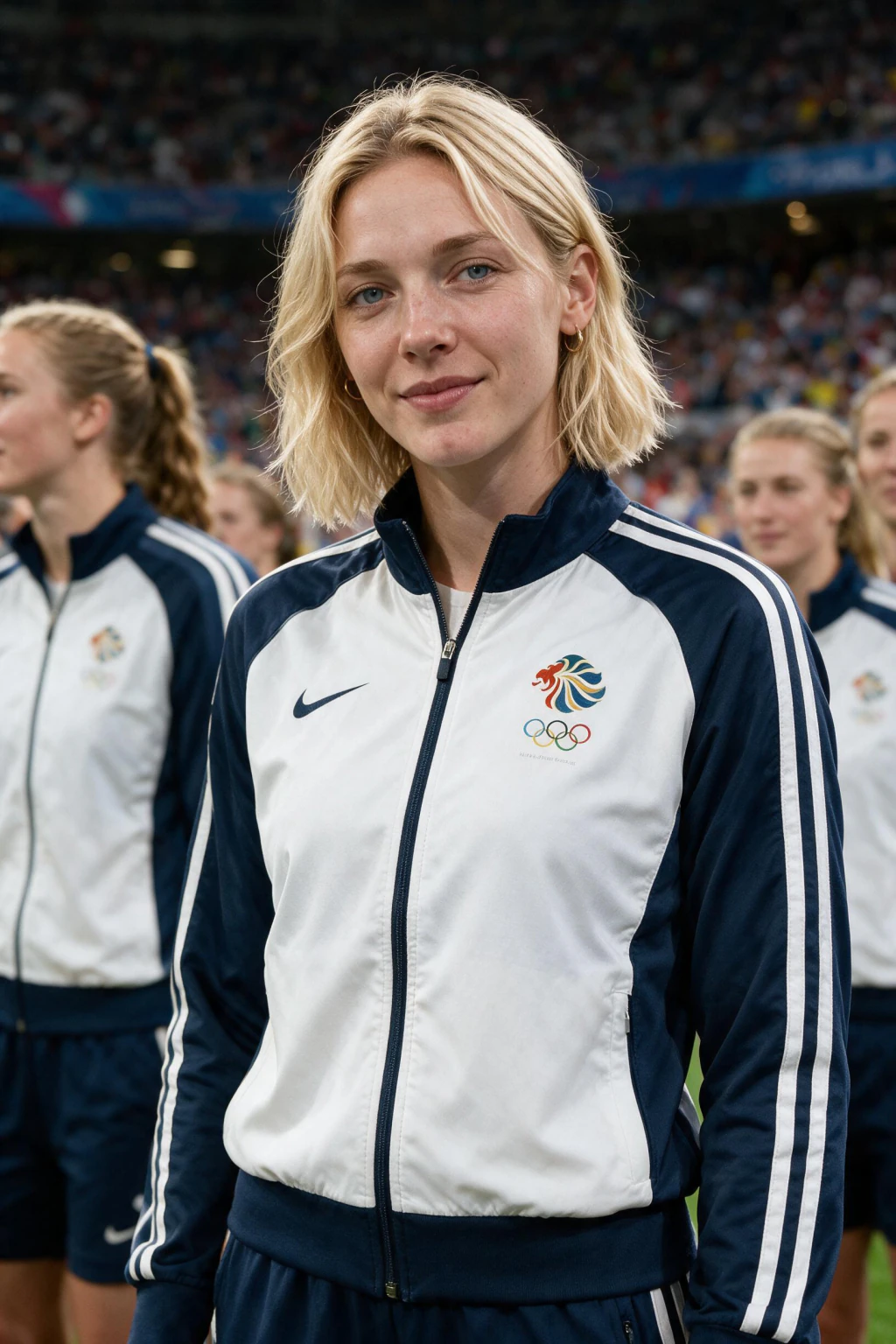
A college football AI fan cam is a generated photo that looks like a TV broadcast camera panned across a packed Saturday crowd and stopped on you, plus a short clip animated from that photo with stadium audio underneath. It is not a filter and not a background swap. The AI rebuilds the whole scene around your real face, which is why the light on your skin matches the light in the stands.
The trend started in Korean baseball in May 2026, took over soccer during the World Cup, and moved into American sports as their seasons arrive. With the 2026 college football season kicking off in late August, game-day feeds are the next place this shows up.
The workflow is the same one used for every sport: photo first, then video. You approve a still you can inspect, and the clip is derived from that exact frame.

One phone selfie to 3 AI photos of the same person




The copy-paste prompt for the stadium photo
Most tutorials say "prompt an AI" and skip the prompt. Here is one that works, built the same way production fan cam tools structure theirs, identity first, scene second. Paste it into an image model that accepts a reference photo:
"Keep the exact same person from the reference image. Preserve their face, face shape, eyes, nose, mouth, skin tone, facial hair, and hairstyle exactly, clearly recognizable as the same individual. Place this person seated in the crowd of a packed college football stadium on a Saturday afternoon, wearing [YOUR TEAM] colors. Realistic sports broadcast screenshot style, natural relaxed expression, candid crowd-cam feeling, realistic stadium lighting, blurred crowd background, telephoto sports camera look."
Swap [YOUR TEAM] for your school. Do not add extra style words like cinematic or 8K, they pull the result away from the flat, slightly compressed look real broadcast footage has, and that look is what sells the shot.

Why the photo-first order matters
Every convincing fan cam clip is animated from a finished still, not generated as video from scratch. The still gives the video model a fixed frame to follow, so the face at the end of the clip is the same face you approved at the start.
Text-to-video skips that checkpoint, and the face tends to drift by the final second. If a clip of you starts looking like a stranger halfway through, that is almost always why.
It also makes fixing problems cheap. A bad likeness costs you one photo re-run instead of a full video render.

Why does my fan cam not look like me?
The input selfie is the cause almost every time. Blurry, dim, angled, or heavily filtered photos give the model too little face detail, so it fills the gaps with a face that is close but not yours. Re-shoot near a window, straight on, no smoothing.
If the crowd colors come out wrong, name the colors themselves in the prompt, for example scarlet and gray, instead of only the school name. Color words steer the scene more reliably than team names alone.
If the motion looks stiff in the video step, your still probably had your head turned. Near-front-facing stills animate most naturally.

When to post it (this is half the trend)
A fan cam of you in your school's section hits hardest the morning of that team's game, when your feed is already full of game-day content. Rivalry week and the opening weekend in late August are the two biggest windows of the season.
Post the video, vertical, with the crowd audio on. A muted fan cam loses the broadcast effect that makes people look twice.
Caption it with the real matchup. An invented fixture reads as fake immediately to anyone who follows the sport.
The one-click version
If you would rather not juggle two AI tools and a prompt, MakeAiPhotos runs this exact photo-then-video workflow as a one-click generator. Upload one selfie, pick a team, and it returns the broadcast-style crowd photo, then a short clip with stadium audio.
The scenes live today are the soccer stadium crowd and the NBA courtside seat, and both take any team or country you type. Each photo costs 10 credits and each video 10, from a $9.99 one-time pack of 100 credits, with a 14-day money-back guarantee.
Start at the AI fan cam generator page and pick the scene closest to your sport.
Frequently Asked Questions
- How do you make a college football AI fan cam?
- Upload one clear front-facing selfie to an identity-preserving image model, prompt it to rebuild you in a packed college football stadium crowd in your team's colors with a broadcast telephoto look, then animate the finished still in a video model with crowd audio. Photo and video take about a minute each.
- Is the college football fan cam a filter?
- No. A filter pastes an overlay on your photo and reads as a sticker. The fan cam generates a brand new scene around your real face, so the stadium lighting matches the light on your skin, and the crowd, your gear, and the camera look are all built in one pass.
- What prompt makes the AI fan cam look real?
- Lock identity first, describe the scene second: keep the exact person from the reference image, then place them in a packed college football stadium crowd in the team's colors, realistic broadcast screenshot style, telephoto camera look, blurred crowd background. Skip words like cinematic or 8K, they break the broadcast feel.
- Can I use my school's actual logo or jersey?
- Name the team and its colors and let the model dress the crowd. Generated shots of you as a fan in team colors are the norm for this trend. Avoid generating official logos up close, image models render them poorly anyway, and the color-matched crowd is what sells the shot.
- How long should the fan cam video be?
- 3 to 5 seconds. Real broadcast crowd cutaways are short, and the trend copies that rhythm. A longer clip gives the animation more time to drift and gives viewers more time to spot that it is generated. Post it vertical with the crowd audio on.
- When does the 2026 college football season start?
- The 2026 season kicks off in late August, with the first full slate over the opening weekend. That weekend and rivalry week are the two best posting windows for a fan cam, because game-day content is already flooding feeds and yours fits right into it.