AI Hinge photos: what they are and what they solve
AI Hinge photos are dating photos generated from your own selfie, and their job is to fill all 6 Hinge slots from a single upload. Hinge caps the grid at 6 and will not surface an incomplete profile in Discover, so the problem you are solving is coverage first and quality second. A grid with four strong photos and two blanks loses to a grid with six decent ones.
The gap is almost never talent. Your camera roll has a face shot and maybe a holiday photo, and the other four jobs need a different day, a different outfit and someone else holding the camera. Booking that shoot is why most profiles sit unfinished for months while their reach quietly stays capped.
A selfie-trained generator closes the gap by moving your real face into new settings instead of inventing a new person. You upload once, and the output arrives as a batch of frames you sort into slots. The face stays yours, which is the part that keeps the whole thing usable on a dating app at all.
The six tiles below are the shape you are aiming for. Different setting, different light, different distance from the camera in each one, and one recognisable person across all six. That contrast is the entire trick, and it is what an all-selfie grid can never produce no matter how good the selfies are.
One phone selfie to 5 AI photos of the same person

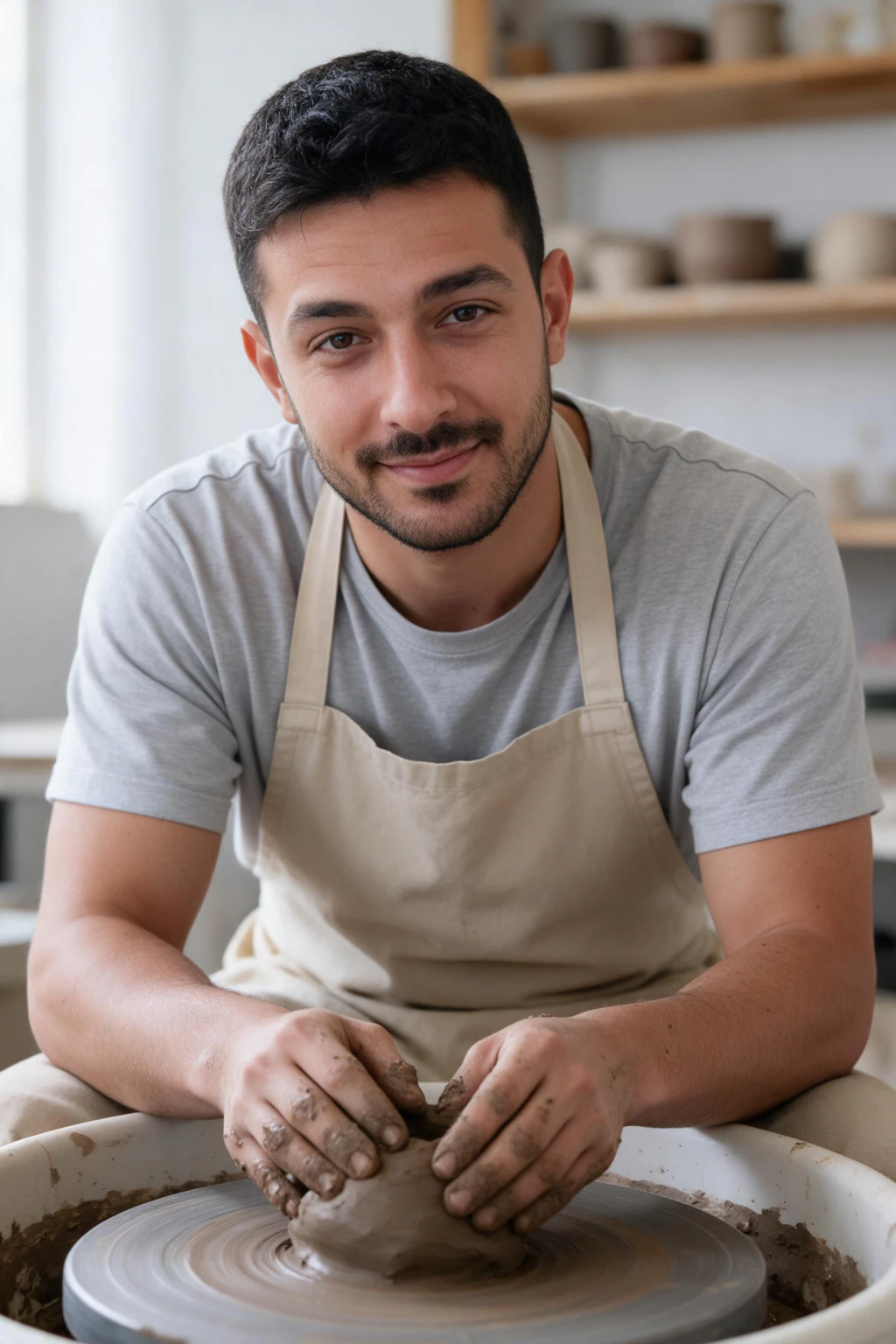
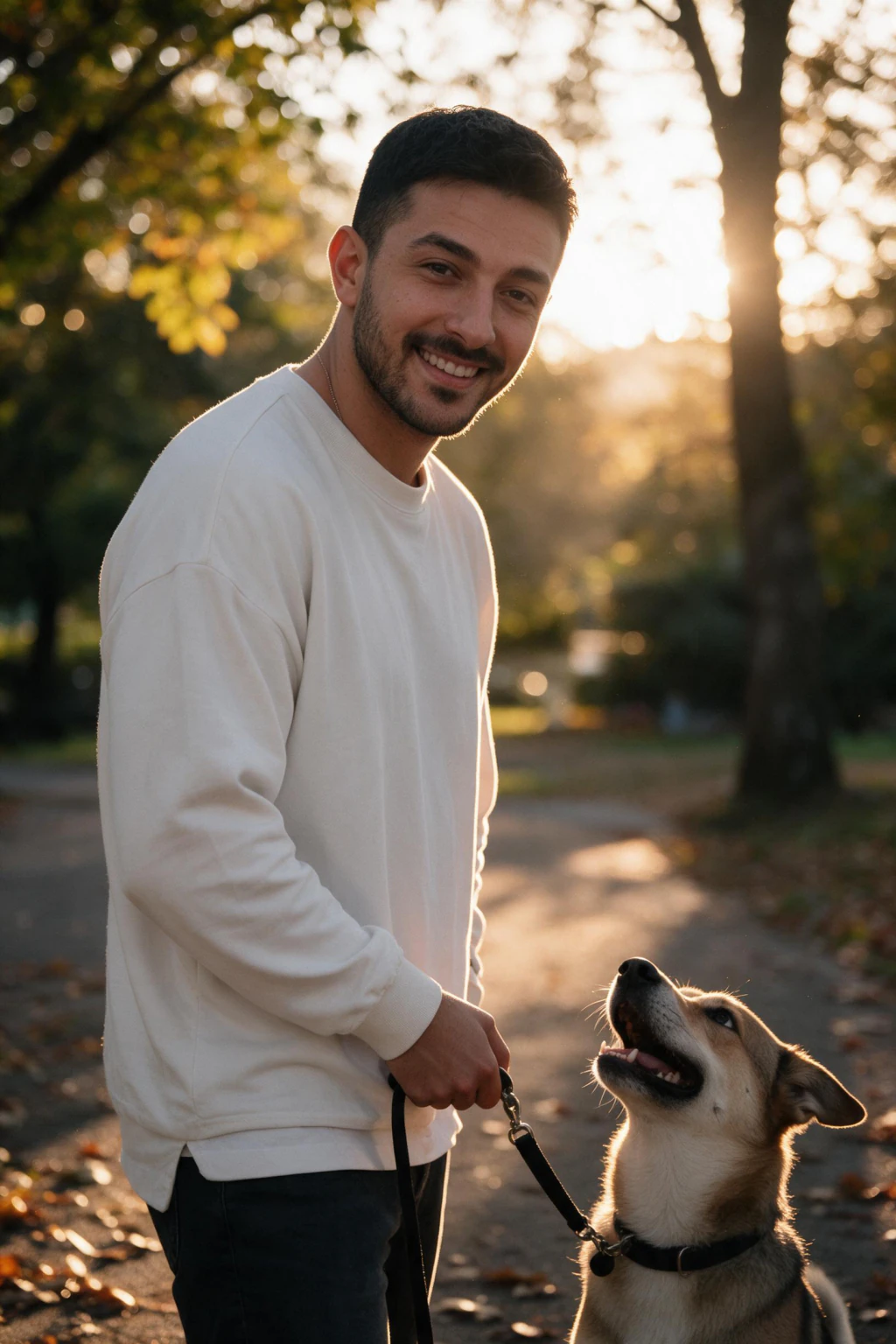
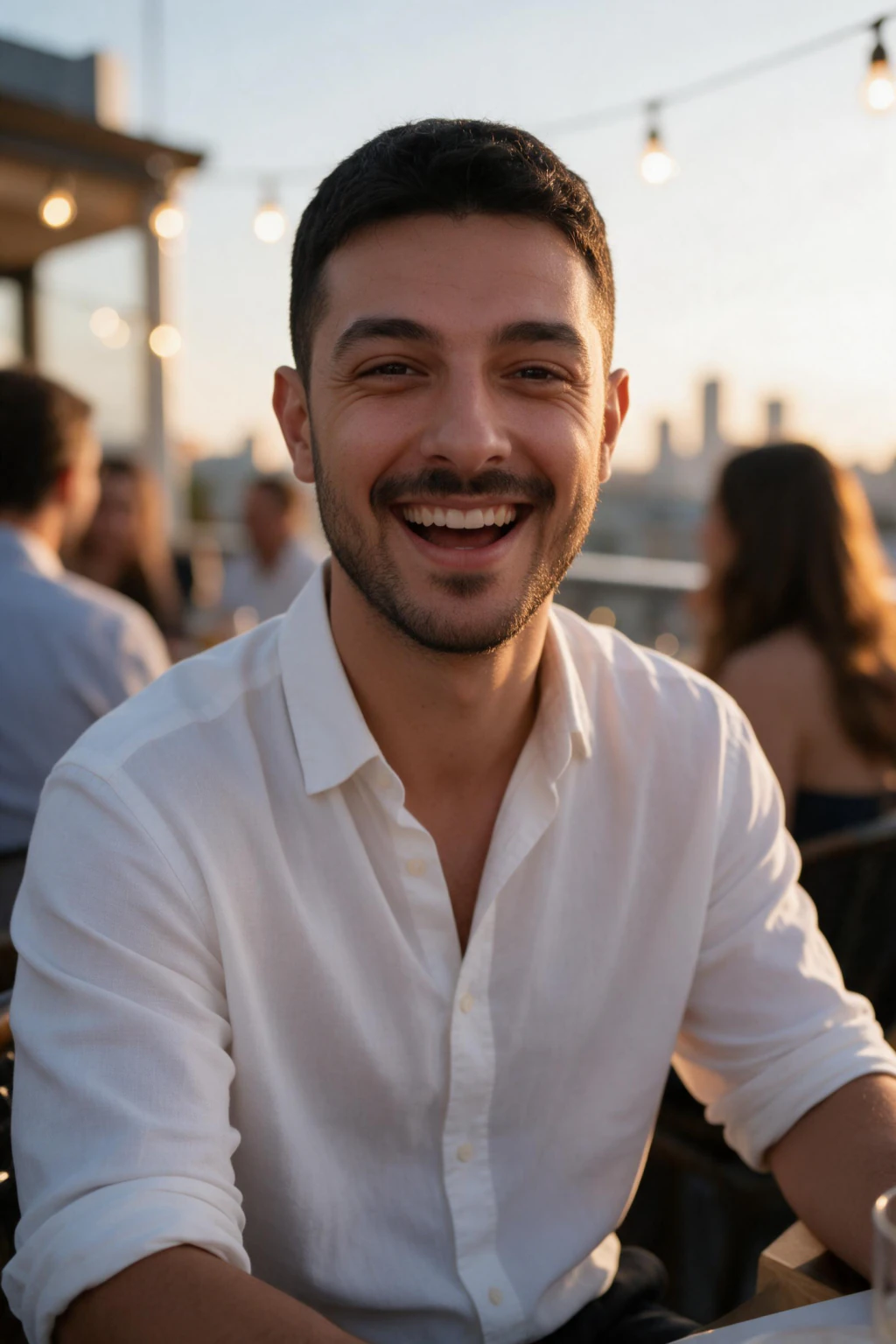
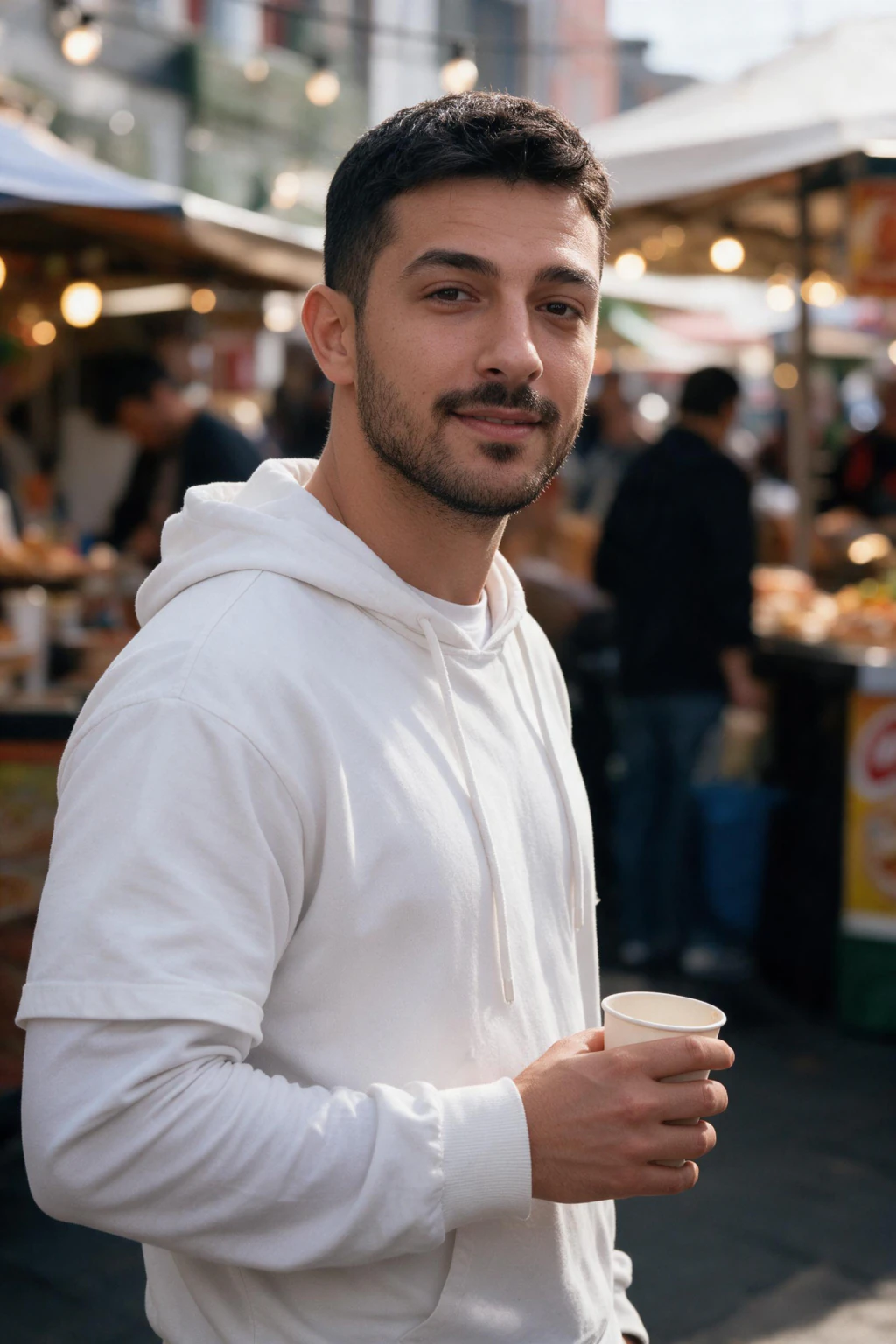
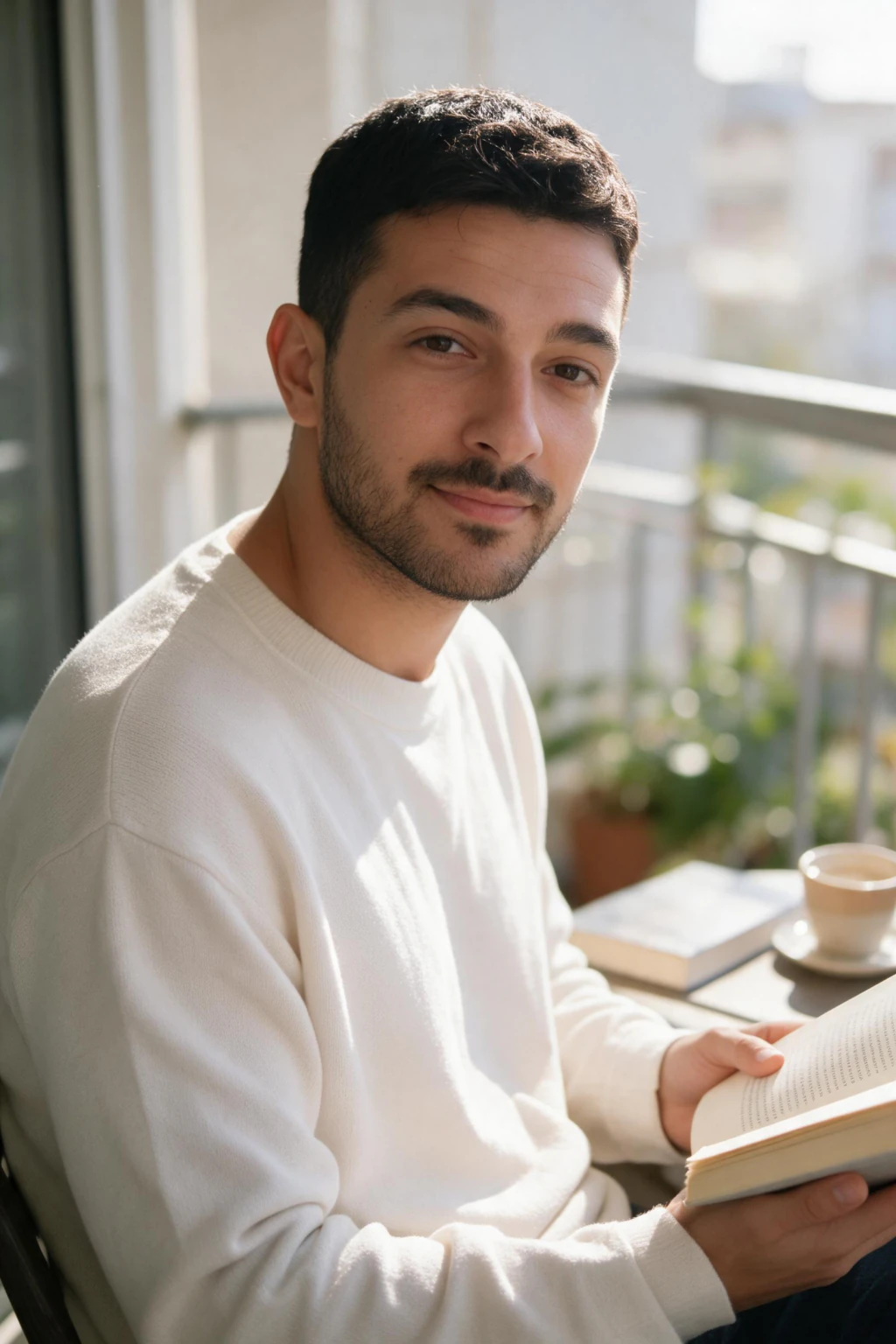

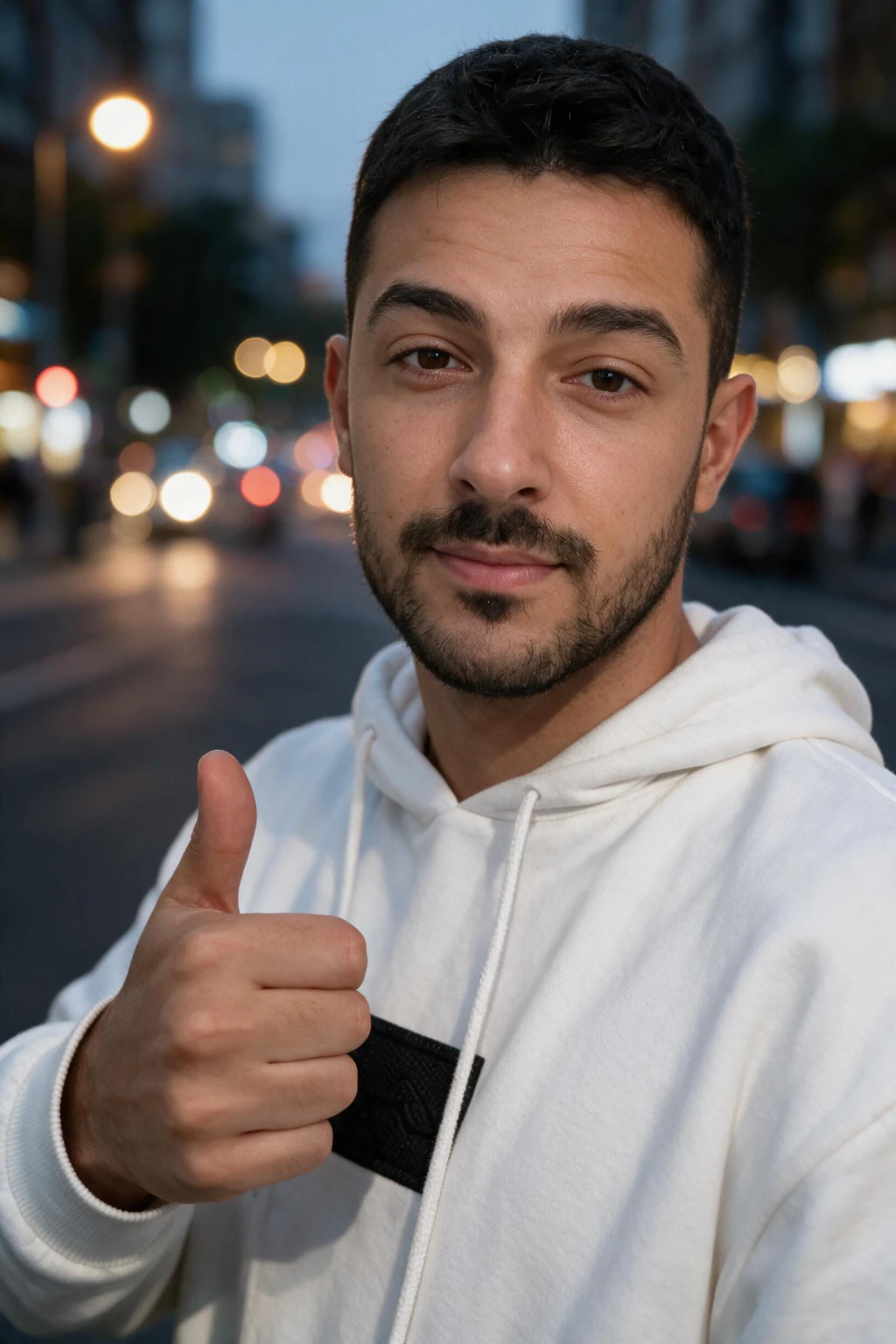
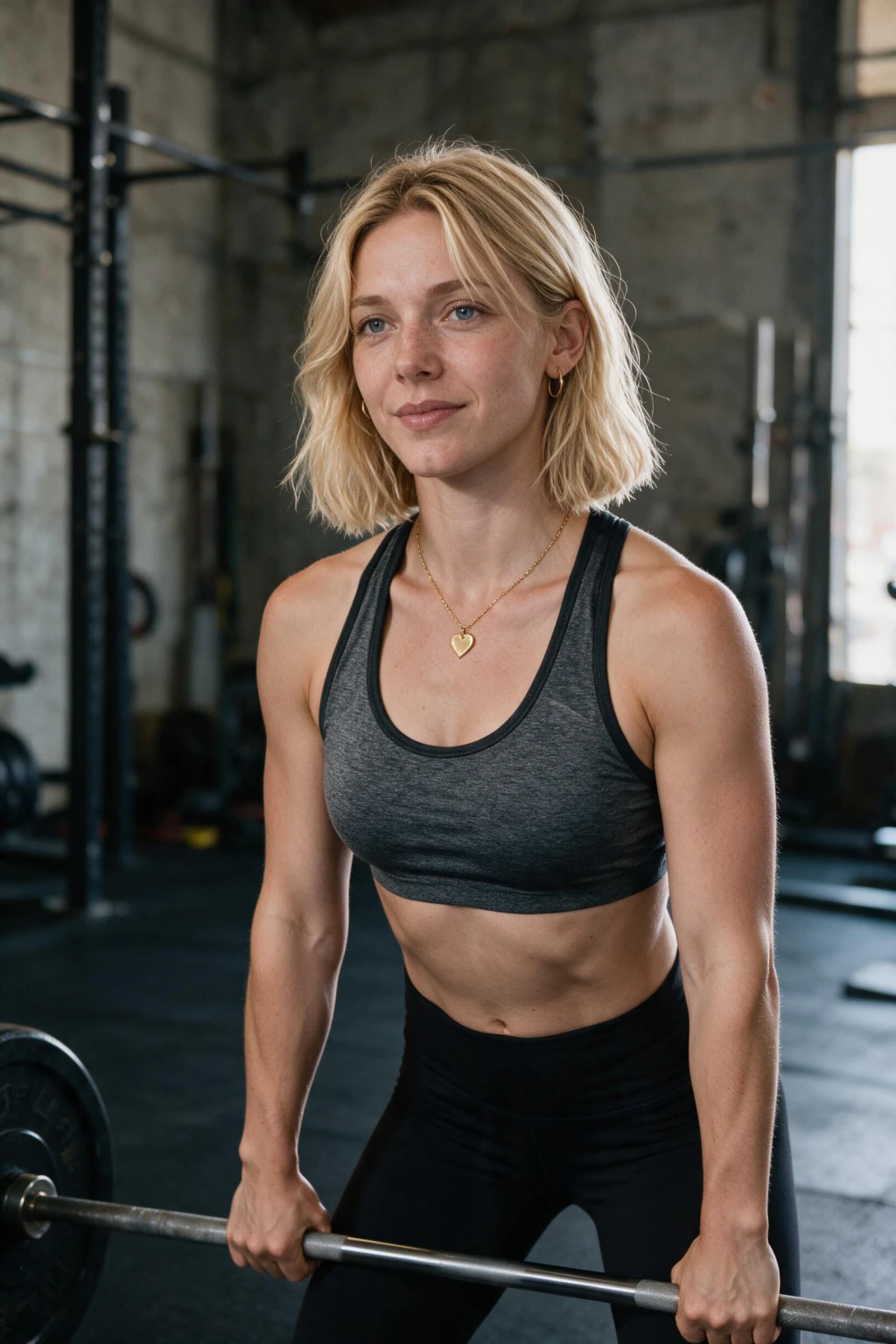

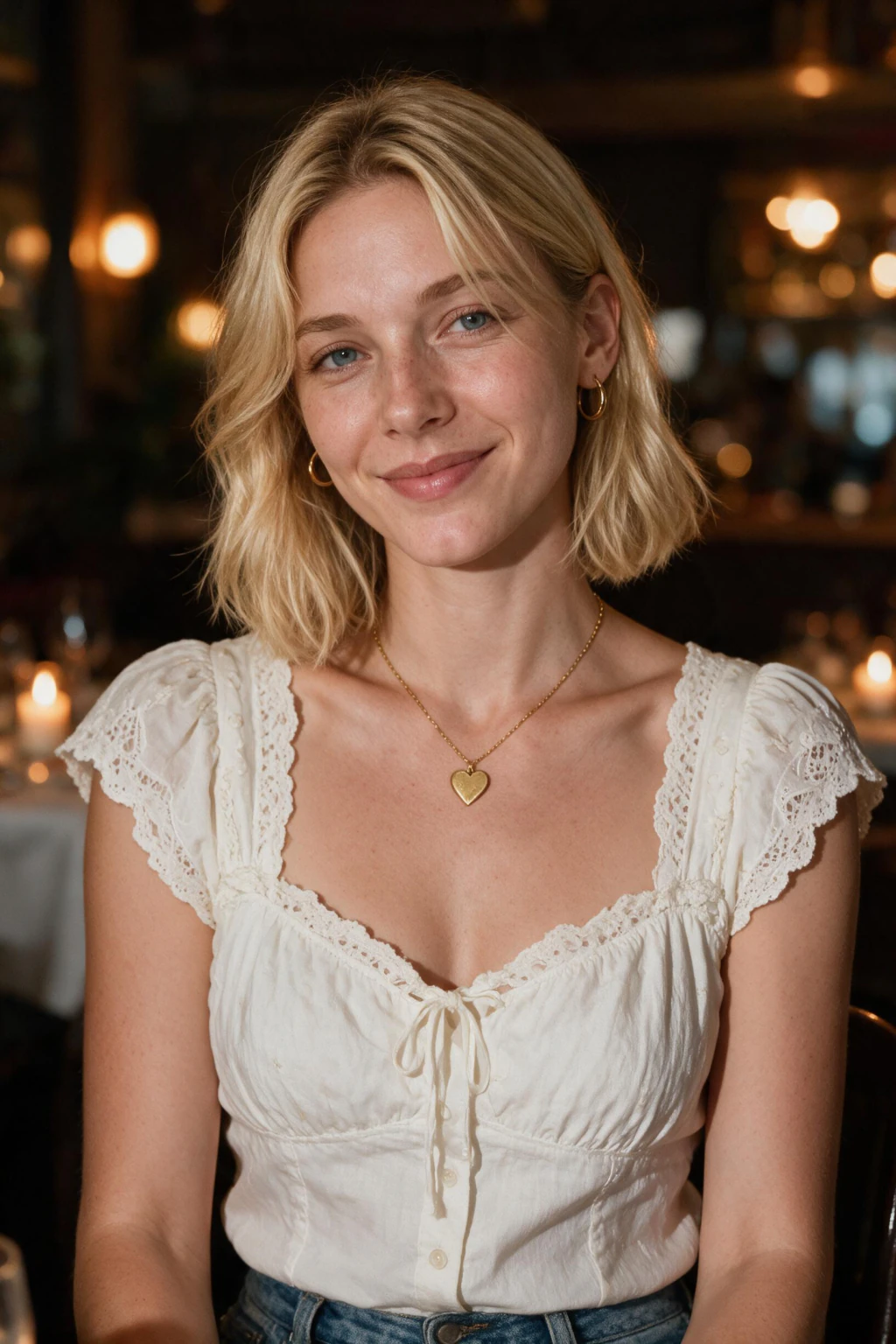
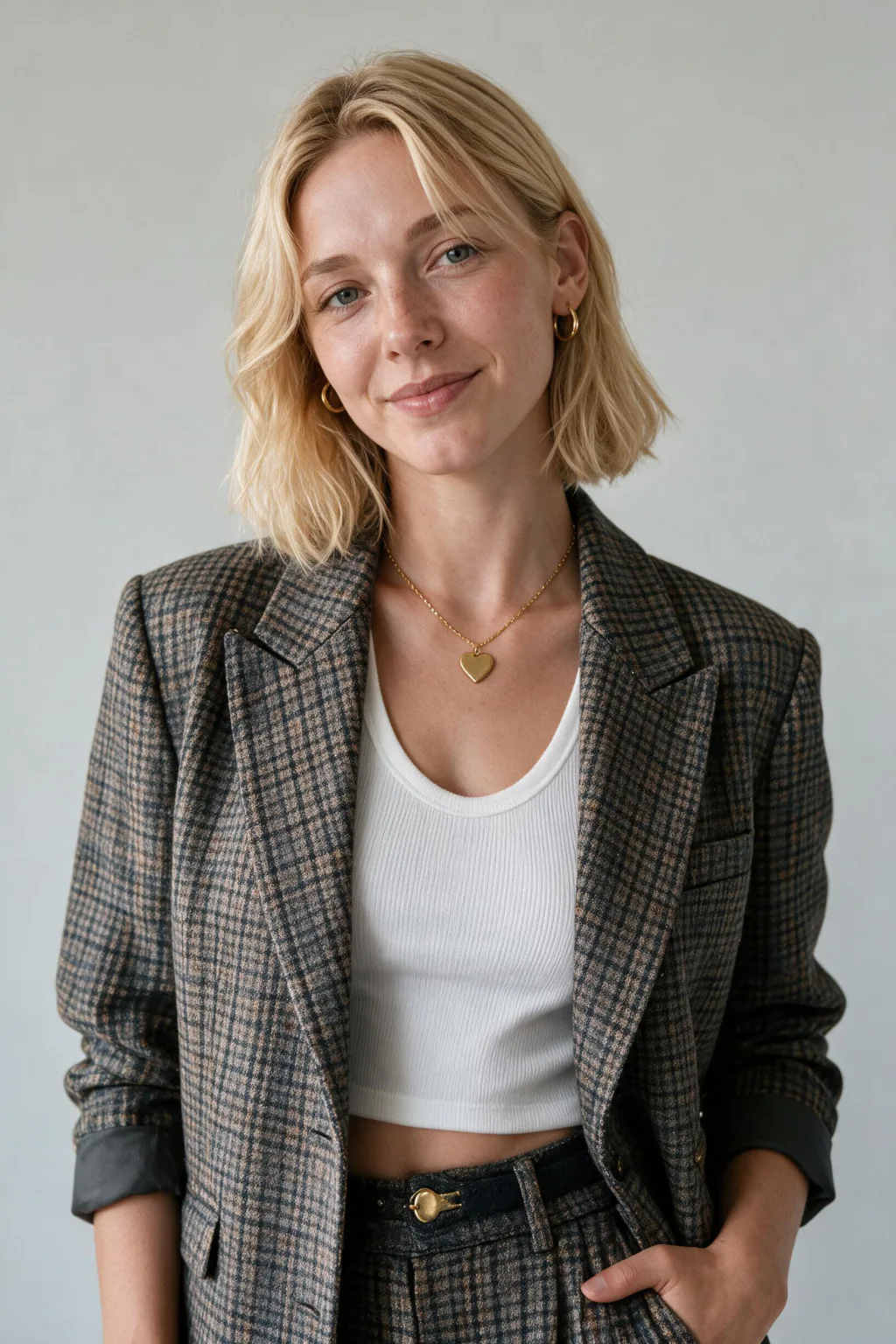
Four of these six missing? One selfie upload covers all of them.
Why an incomplete Hinge grid costs you reach before anyone judges a photo
Hinge caps the grid at 6 photos and will not surface an incomplete profile in Discover. That is a distribution rule, not a taste rule, and it fires before a single human has looked at your face. You can have the best photo on the app in slot one and still be invisible because slots five and six are empty.
This is the part people get backwards. They spend a week agonising over which shot leads, then leave two slots blank because nothing in the camera roll fits. The blank slots cost more than the ordering ever will, and the fix takes one upload session rather than a week of second-guessing.
Completion also changes how the grid reads to a person who does reach it. Missing photos get interpreted, and the interpretations are never generous: low effort, recently single, hiding something. Six filled slots remove that whole line of thinking before it starts, even when two of the six are only fine.
If you want the count itself argued properly, with the ordering research and the swipe-rate detail, read how many pics you need for Hinge. This page assumes you already accept the number and want to know how to produce six photos when you own two.
Slot versus job: what each of the 6 photos has to do
Stop thinking in photos and start thinking in jobs. Each of the six slots answers a different unspoken question, and two photos that answer the same question waste a slot no matter how good they both look. This is the single most common way a full grid still underperforms.
Use the table as an audit on your own profile. Open Hinge, name the job each of your current photos is doing, and mark the duplicates and the blanks as you go. Most people find two photos fighting over the face job, a third that repeats a holiday, and nothing at all covering outfit or people.
The last column is where your workflow starts. Anything you marked as a gap is what you generate against, and generating against a named gap produces a much better keeper rate than generating everything and hoping the set sorts itself out later. Write the gaps down before you upload anything.
| Slot | The photo | The job that slot does | Where it comes from |
|---|---|---|---|
| 1 | Clear face, chest up | Proves who you are and earns the first tap | A real recent selfie, kept unedited |
| 2 | Full body, standing | Answers the honesty question every viewer has | Generated outdoors, or one real standing photo |
| 3 | Activity or hobby | Shows what a Saturday with you looks like | Generated from a gym, trail or hobby scene |
| 4 | With other people | Signals you have a life outside the app | A real photo where you are clearly the centre |
| 5 | Candid, unposed | Signals warmth and stops the grid feeling staged | Generated mid-motion, or a friend's phone |
| 6 | Outfit, head to toe | Lets them picture the actual first date | Generated styled scene, the usual blank slot |
What goes in each of the 6 slots when the photos are generated
Generated photos change how you fill slots, because you are choosing from a batch rather than from a year of memories. Run the assignment slot by slot, and reject on job mismatch first and beauty second. A gorgeous frame that duplicates a job you already covered is a reject.
Slot 1, keep this one real. Use a recent unedited selfie of yourself, chest up, both eyes visible, shot in daylight. Every generated photo behind it borrows credibility from this frame, so the one place not to generate is the place everyone is most tempted to. Save the polish for the slots where nobody is checking identity.
Slot 2, generate this outdoors and standing. You want head to feet, natural daylight, and a build that is honestly yours. Reject any frame that narrows your waist or lengthens your legs, because this is the slot viewers scrutinise hardest and the one where a small flatter reads as a large lie in person.
Slot 3, generate an activity with visible equipment or terrain. A gym frame with weights in hand, a trail with the hill behind you, a kitchen mid-cook. The test is whether a stranger could name the activity in under a second without reading a caption, because that is what turns the photo into a first message.
Slot 4, use a real photo if you have one. Frames with other people are the hardest thing to generate honestly, and a genuine group shot with one or two friends does the job better. Crop so you are unmistakably the centre, and skip any photo where a stranger would need three seconds to find you.
Slot 5, generate for motion rather than for a pose. Look for frames where you are mid-step, mid-laugh or looking off camera, with an expression that has not been arranged. Posed generated photos are the ones that read as produced, and the candid slot is where that tell shows up loudest on a Hinge grid.
Slot 6, generate the outfit shot and take it seriously. Head to toe, in the clothes you would actually wear out, in a setting that suits them. This is the slot almost nobody fills, so a decent photo here does more for your grid than a great photo duplicating one of the first five jobs.
Why slot 6 is the cheapest slot on Hinge to win
The outfit shot in slot 6 is the slot most profiles leave empty, which makes it the cheapest one for you to win. Nobody skips the face photo. Almost everybody skips the head to toe styled frame, because it is the one photo that genuinely requires planning an outfit, going somewhere and handing your phone to someone competent.
The scarcity is the whole opportunity. In a feed where the fifth and sixth slots are usually a repeat sunset or a blank, one clear outfit photo makes your grid finish strong instead of trailing off. Viewers reach the end of your photos with a picture of the date rather than a shrug.
It also does work no other slot does. The face photo says who you are, the body photo says what you look like, and the outfit photo says what an evening with you looks like. That last one is closer to the actual decision a person is making when they send a like.
Generation is unusually good at exactly this job. Outfit and setting are what a pack varies most reliably while your face stays fixed, so you can render several styled looks from one upload and keep the one that matches how you genuinely dress. Pick the version you own something similar to, not the one you wish you owned.
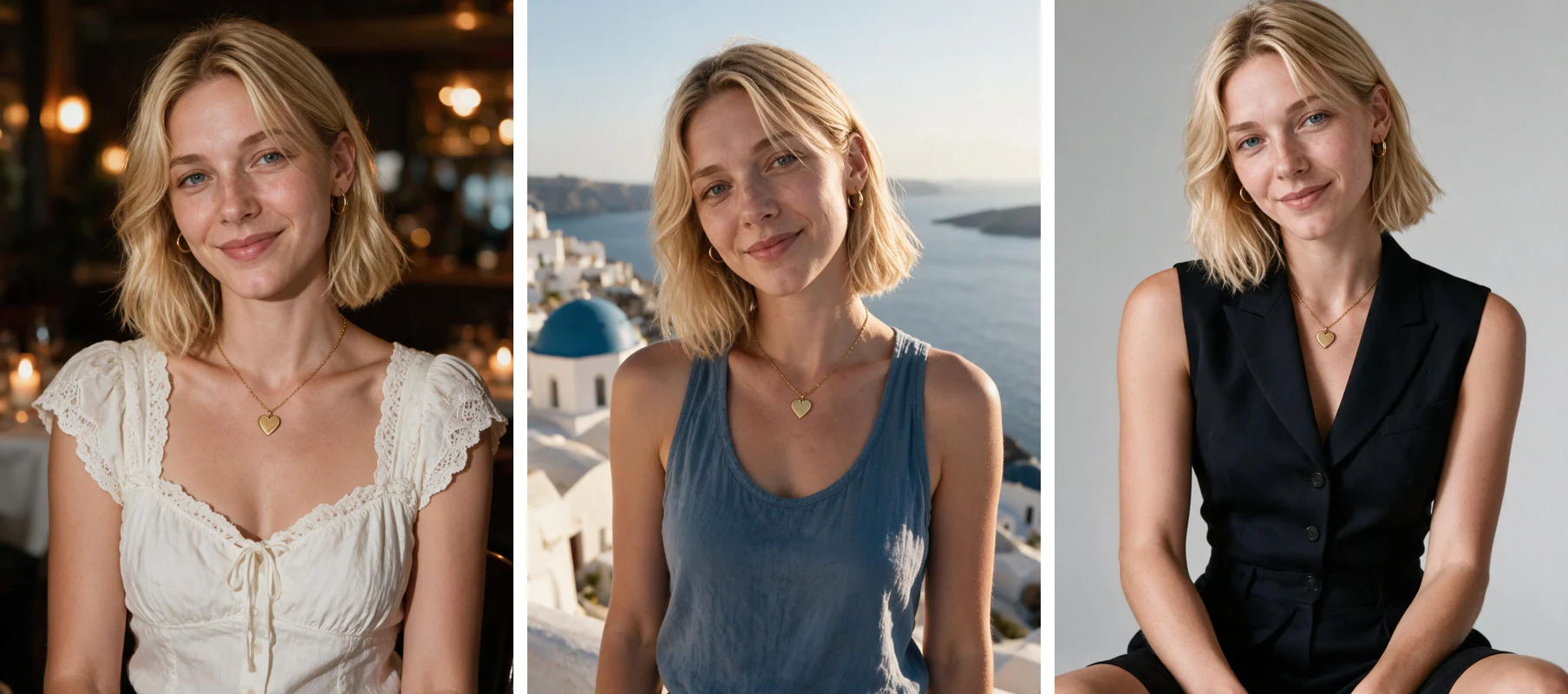
The workflow: one selfie to six filled slots
The work is front-loaded into the selfie and the sorting, not the waiting. You upload one photo, each photo comes back in about 2 minutes, with no model training to wait through. Output runs up to 4K, no watermark, no download gate, rendered vertical by default.
Spend the real effort on the input. Soft window light at roughly 45 degrees, rear camera rather than an arm's-length front-camera shot, beauty mode and skin smoothing switched off, nothing across your eyes. A filtered or blurry input produces frames that drift off your face, and drift is what breaks the whole grid.
Pick packs against your gap list before you start, because a change of pack means a fresh run. The dating pack covers the face and candid jobs. A summer or traveler pack covers outdoor full body and activity. A styled pack covers the outfit slot, and you can start the dating set here once your gaps are named.
Cost is a one-time charge per generation run rather than a per-photo fee, and the current numbers are on the pricing page. The same upload also builds a Tinder grid and a Bumble grid, so the sorting is per app while the generation only happens once.
Does Hinge detect AI photos, and will your grid get flagged?
Hinge runs selfie verification, which compares a live selfie taken in the app against the photos on your profile. It is checking that one person appears in both, not that a model touched the pixels. Photos generated from your own face pass that comparison. Photos that swap in a different face do not, and that is the entire mechanism.
The rule underneath it is about representation rather than technique, and the same logic covers Tinder and Bumble too. If you want the policy detail by app, read are AI photos allowed on dating apps. The short version for your Hinge grid is that honesty about your face, age and build is what keeps you safe.
Verification doubles as an honest audit of your own output. Run it after you publish. A pass tells you the generated frames kept your identity intact. A fail tells you the input selfie was too weak, and the fix is a better selfie rather than a different app or a different tool.
Keep at least one real photo in the grid regardless. A set where every frame was generated tends to feel staged even when each photo is individually honest, because nothing in it looks like an ordinary Tuesday. One unpolished real photo anchors the other five.
Picking six keepers out of the batch without wrecking the grid
A full pack gives you far more frames than slots, and the sorting is where most grids are won or lost. Work in two passes. First reject on realism, then assign the survivors to jobs, and only then compare the finalists on how much you like them.
The realism pass is mechanical. Keep frames with visible skin texture, matched catchlights in both eyes, and light on your face that agrees with the background. Cut anything with a warped hand, jewellery that changed between shots, a melted railing, teeth blurring into a band, or a jaw that is not the one you shave.
The assignment pass is where discipline pays. One photo per job, six jobs, and no two frames sharing an outfit, a setting or a time of day. If your two best photos both cover the activity job, the weaker one goes in the bin rather than into slot 5, because a duplicated job is a wasted slot.
Then look at the six together, not one by one. The set should read as one person across six different days. If two frames could plausibly be siblings, swap one out, and if the grid feels like a catalogue, replace your least honest photo with a real one from your phone.
Frequently Asked Questions
- How many photos does Hinge let you upload?
- Hinge caps the grid at 6 photos and will not surface an incomplete profile in Discover. There is no seventh slot, and leaving slots blank costs you distribution before anyone has judged a single photo. Fill all 6, even if two of them are only decent, because a complete grid outperforms a shorter grid of stronger photos every time.
- Does Hinge detect AI photos?
- Hinge runs selfie verification, which compares a live selfie taken in the app against your profile photos. It checks that one consistent person appears in both, not whether a model produced the image. Photos generated from your own selfie keep your real face and pass that check. Photos that swap in a different or heavily altered face are what fail.
- Will you get banned on Hinge for using AI photos?
- Not for using a generator. Bans follow misrepresentation, so the risk lives in what the photo claims rather than in how it was made. Keep your real face, real build and real age, avoid scenes you could not plausibly have been in, and keep at least one real recent photo in the grid alongside the generated ones.
- Which Hinge slot do most people leave empty?
- Slot 6, the outfit shot. It is the one photo that requires planning what to wear, going somewhere and handing your phone to a competent person, so most grids either skip it or repeat an earlier shot. That scarcity is why filling it well moves your profile more than adding another face photo ever will.
- How long does it take to generate a full Hinge lineup?
- You upload one selfie. Each photo comes back in about 2 minutes, with no model training to wait through. Output runs up to 4K with no watermark and no download gate, rendered vertical by default, which is the orientation the Hinge grid displays.
- How many AI photos should be in a 6-slot Hinge grid?
- Two to four generated photos with the rest real is the working range. Keep slot 1 as a genuine recent selfie and use a real photo for the slot with other people in it, since group frames are the hardest thing to generate honestly. Generated photos are best at full body, activity, candid and outfit.
- Are selfies bad on Hinge?
- One or two are fine, and slot 1 should be one. An all-selfie grid is a common reason profiles stall, because six shots taken at arm's length in the same room answer the same question six times. The other five slots each need a different job covered: full body, activity, people, candid and outfit.
- What should the first photo on Hinge be?
- A clear face shot from the chest up, in daylight, with both eyes visible and no sunglasses or heavy filter. Use a real recent selfie rather than a generated one here. Slot 1 is doing identity work for the whole grid, so it should be the photo where you most obviously look like yourself on an ordinary day.