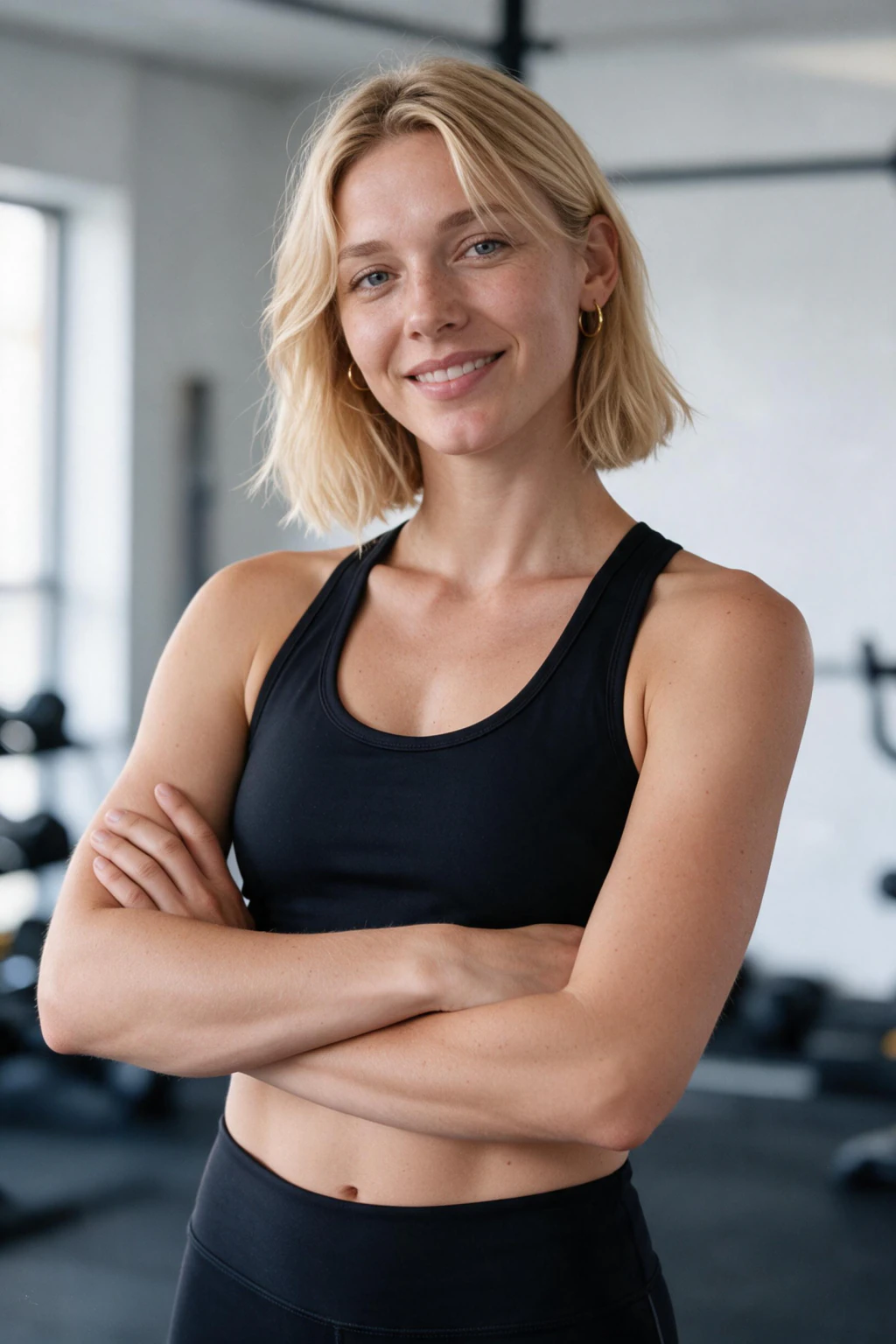
AI gym photos in one paragraph (the short answer)
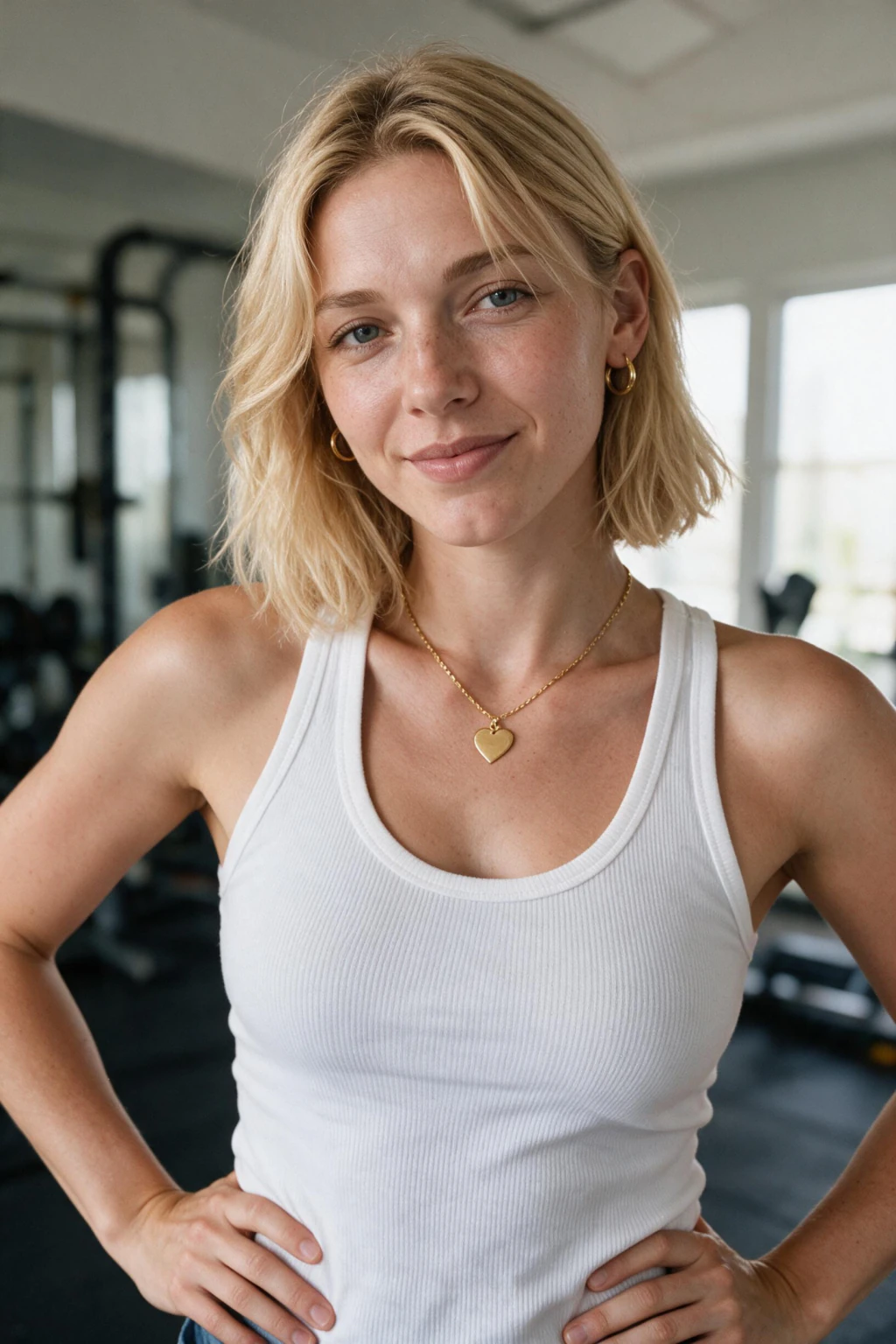
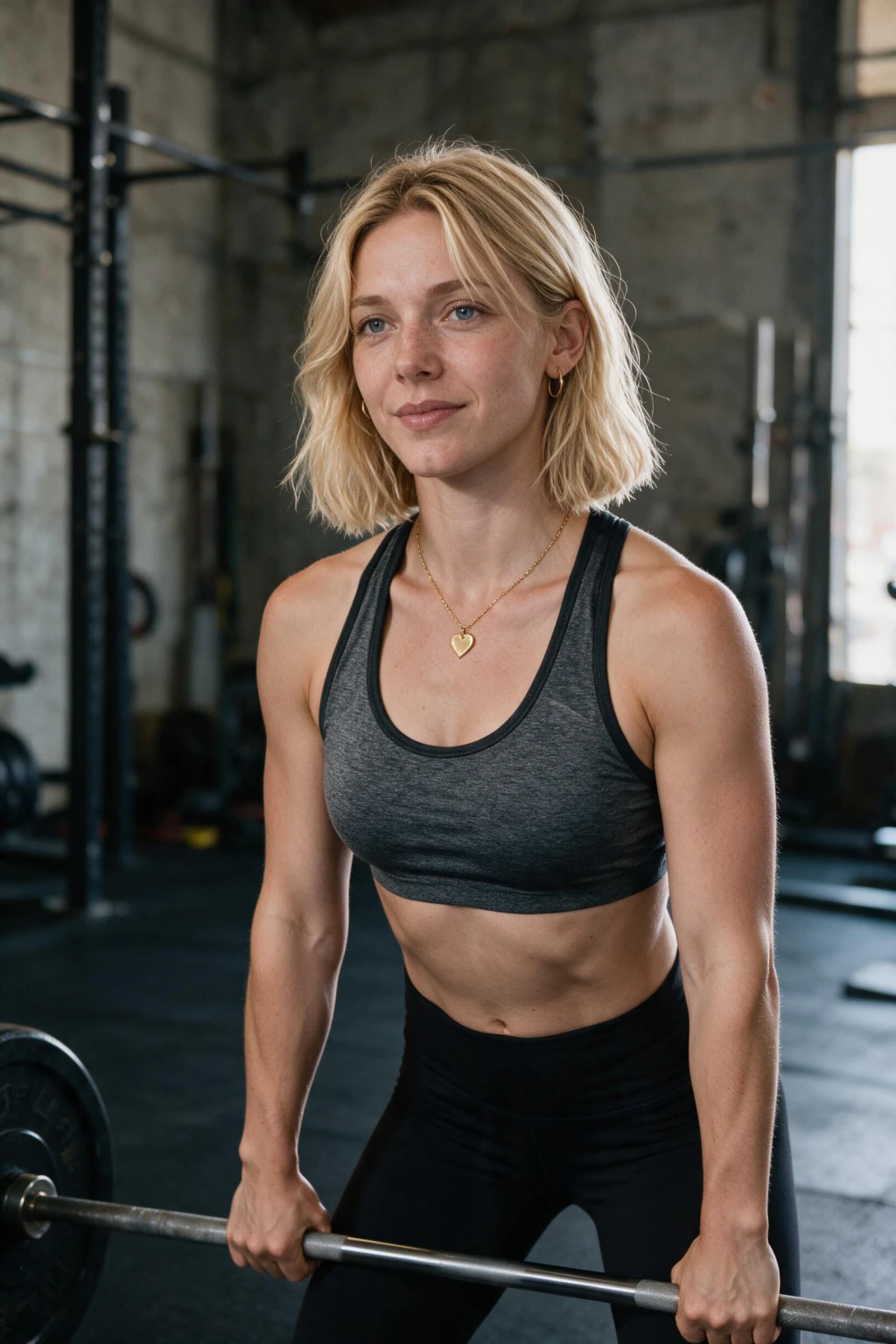
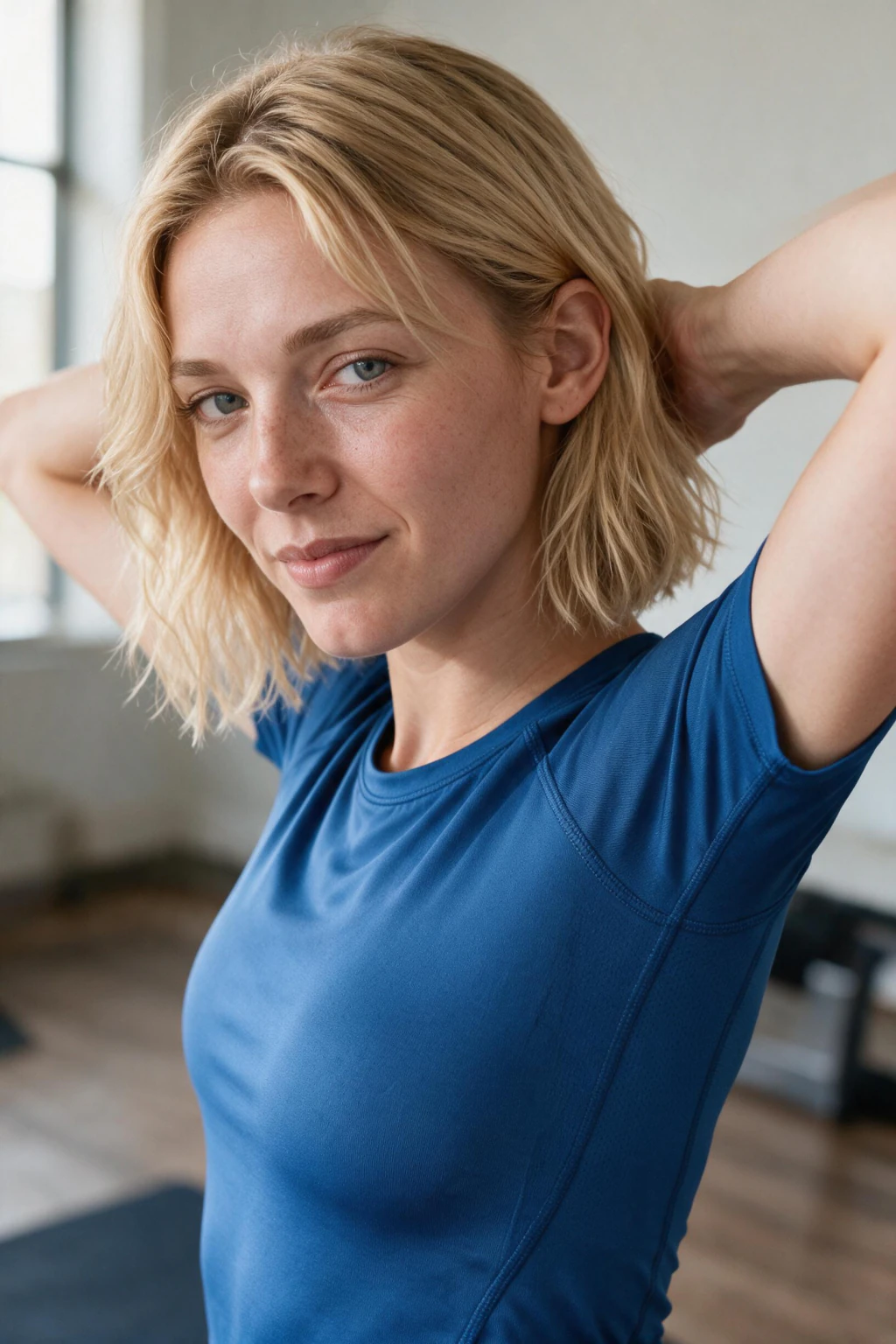
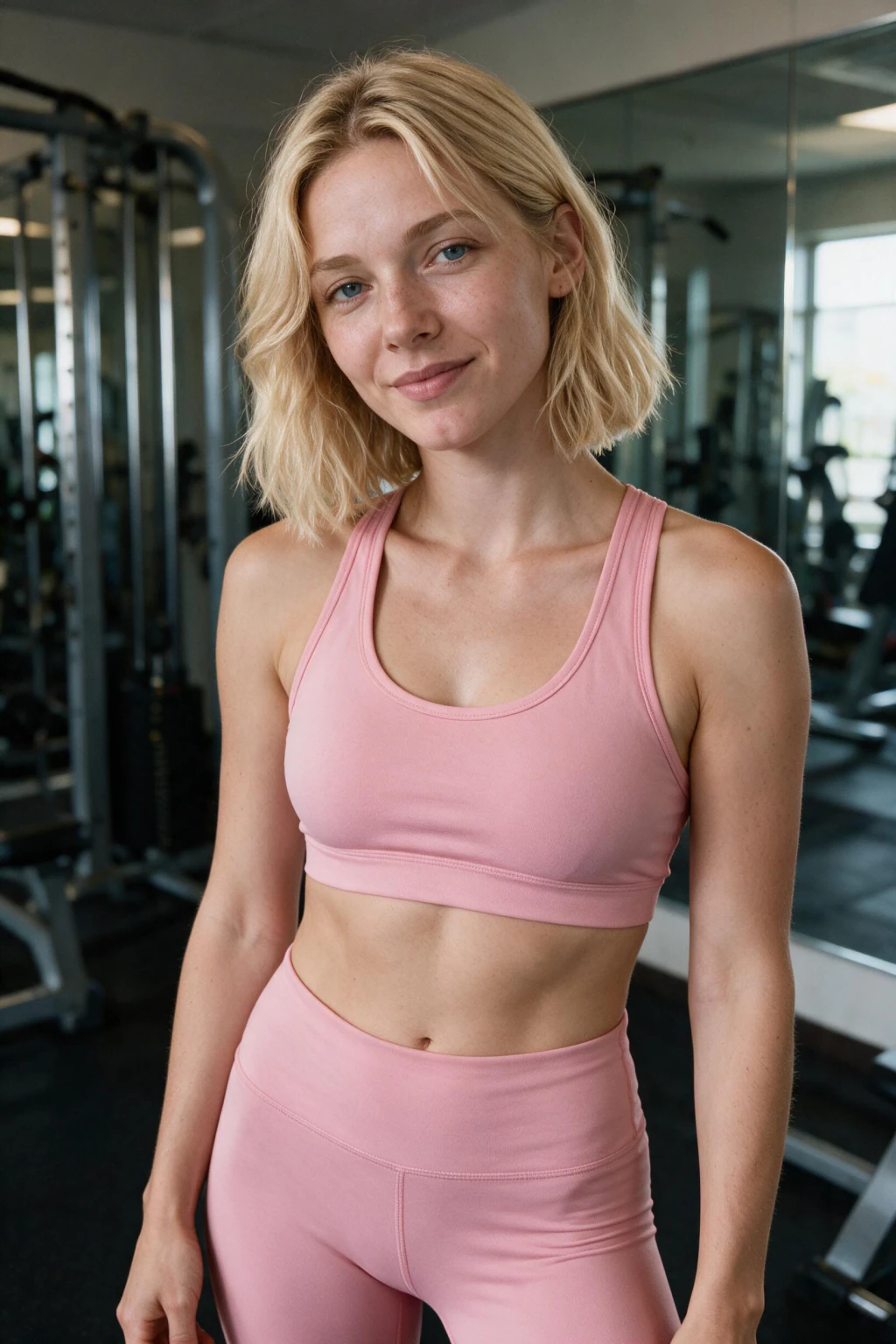
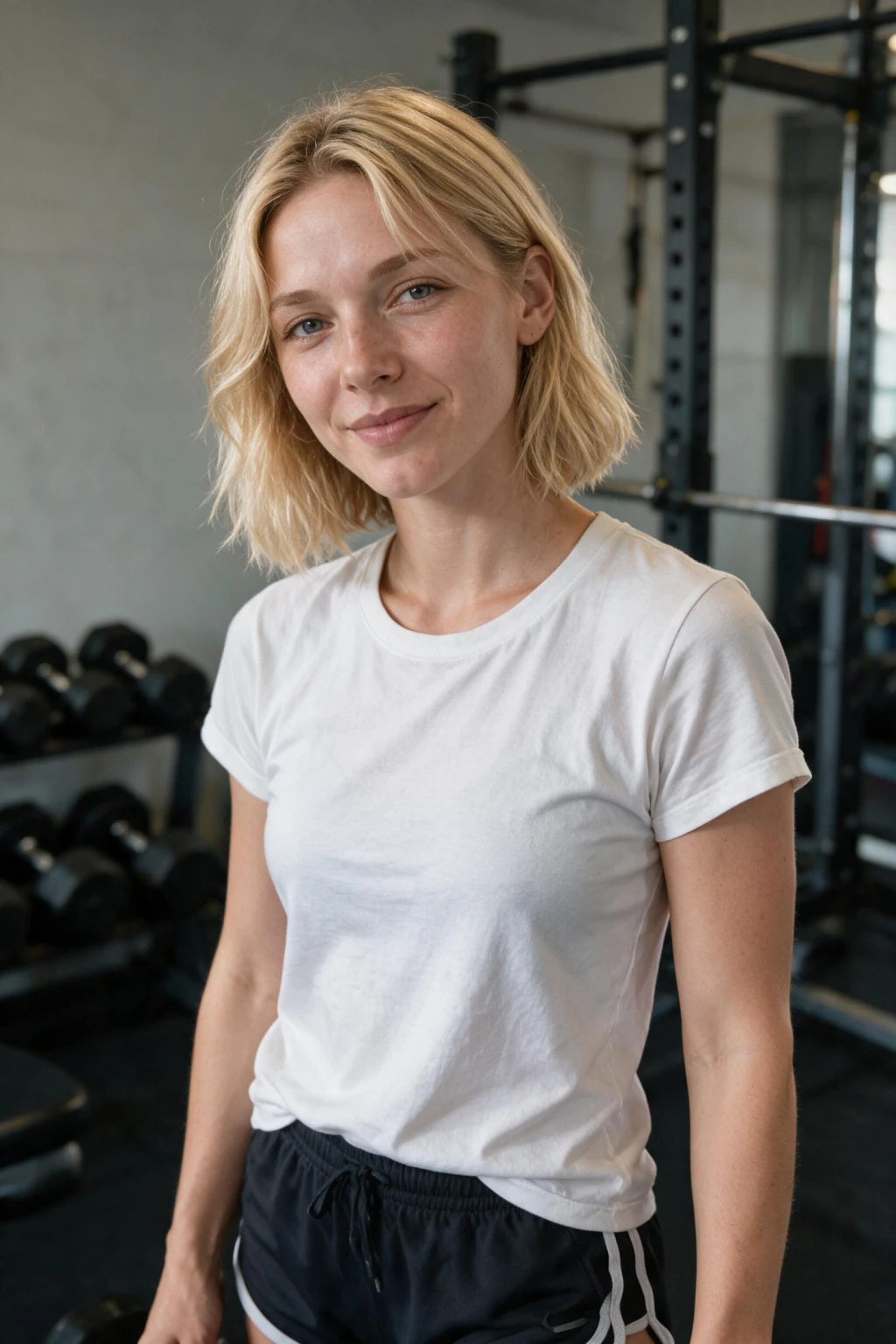
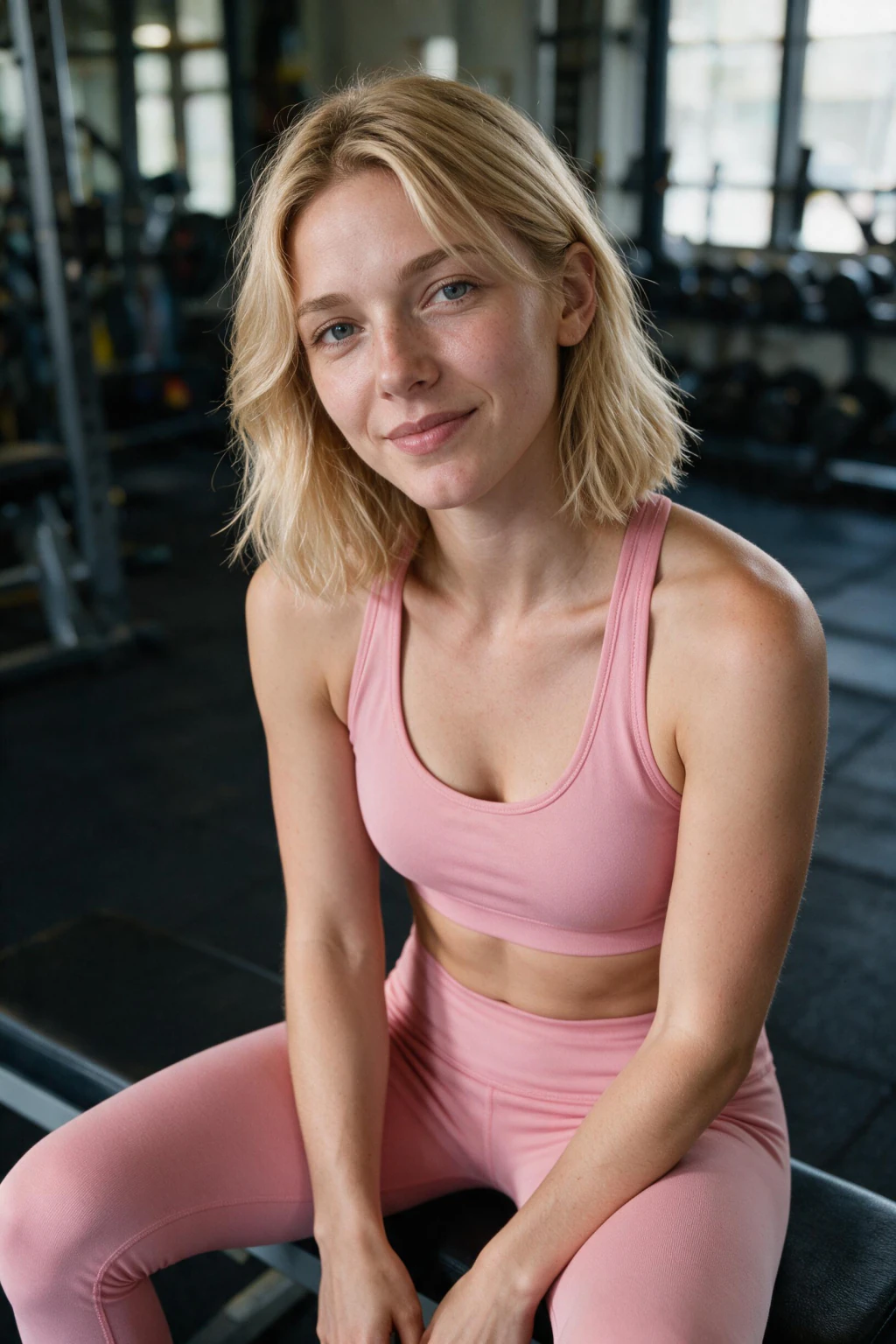
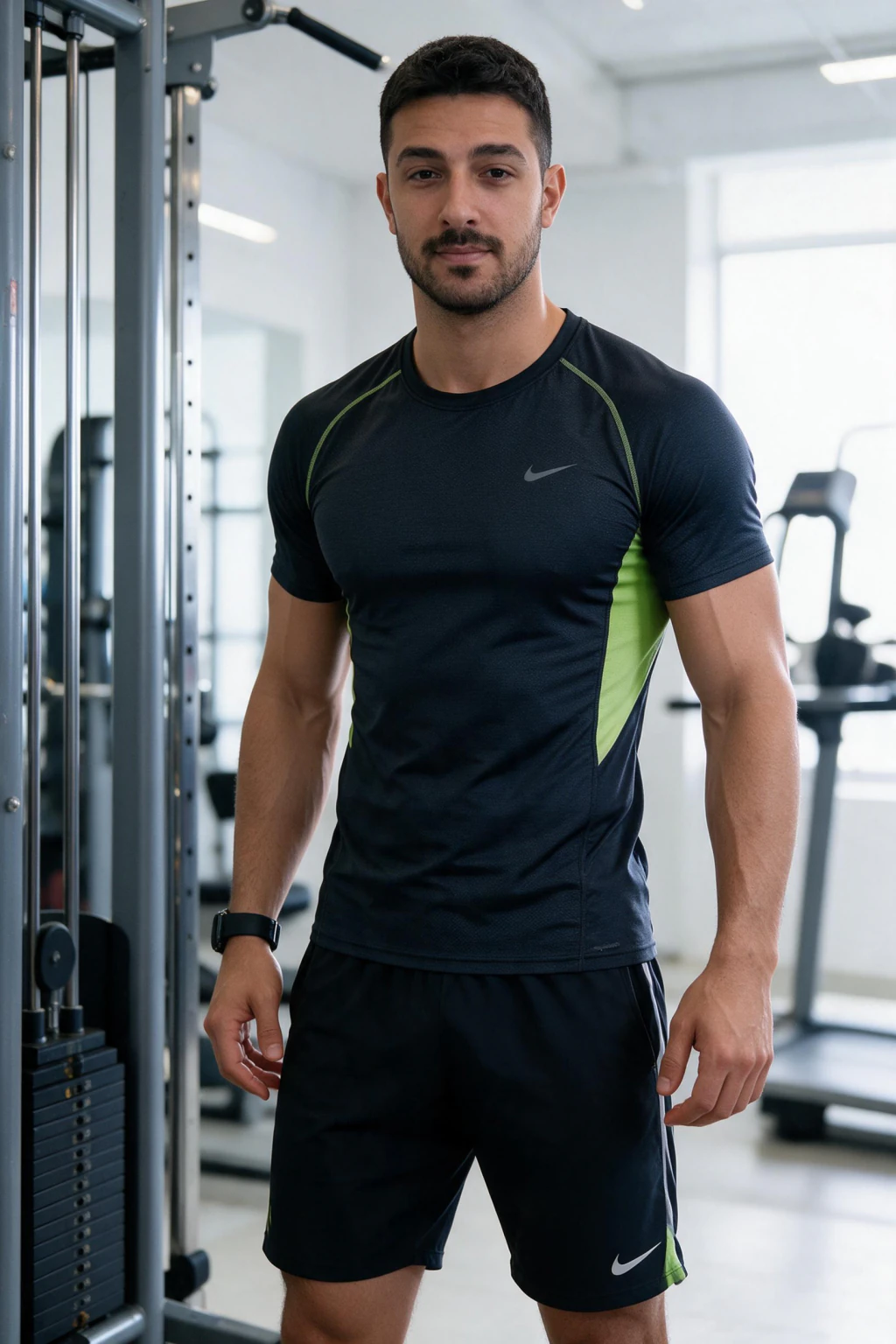
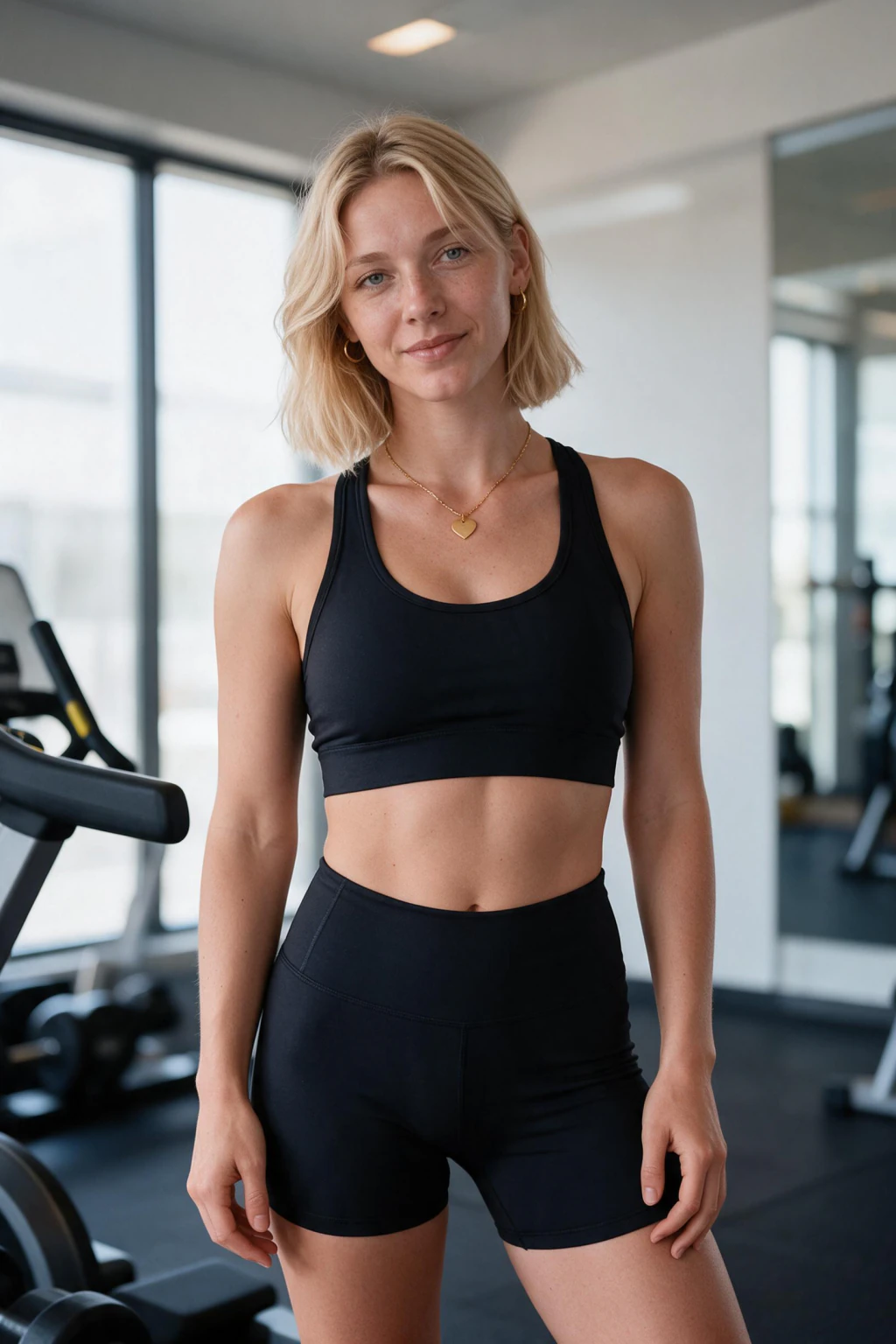
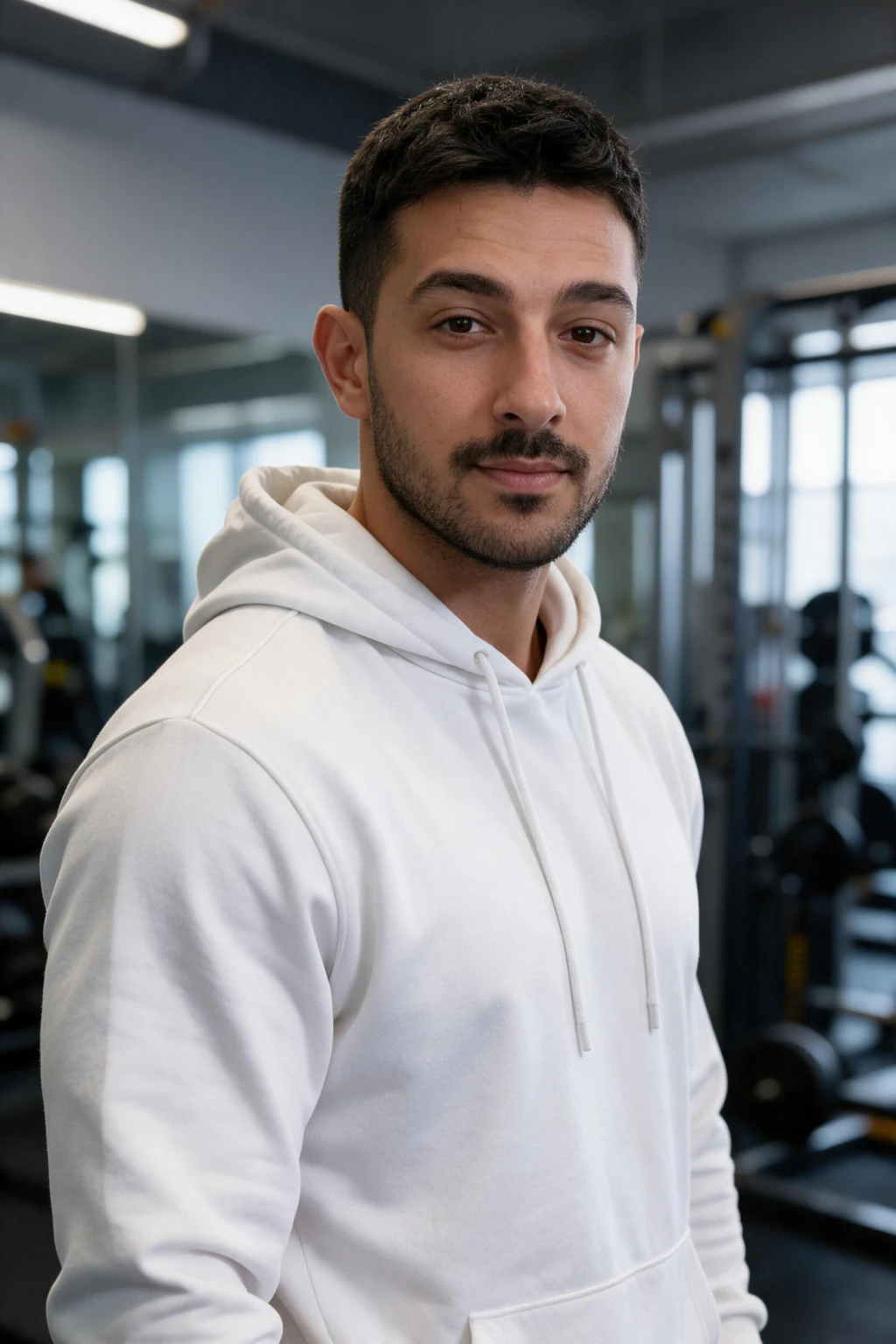
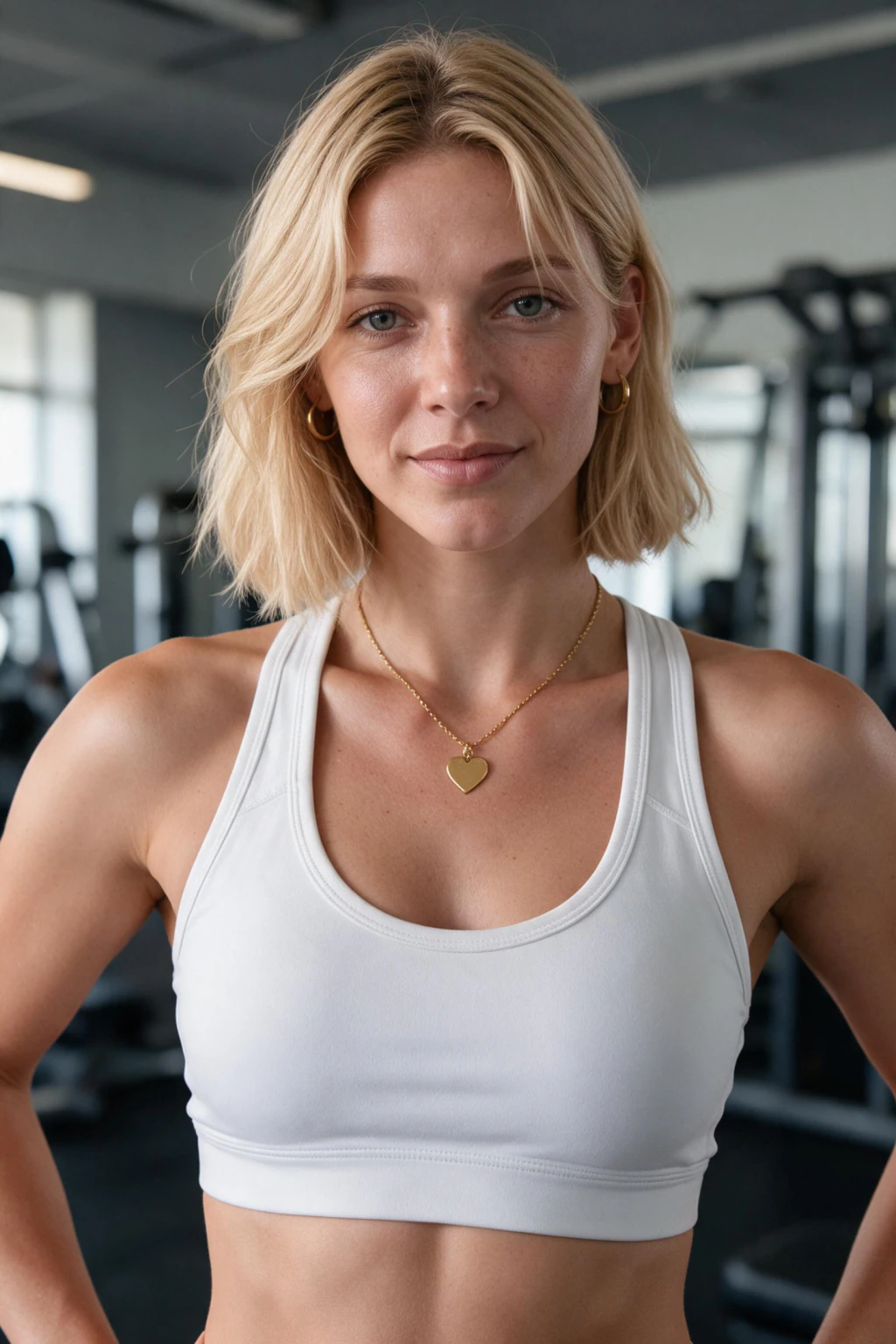
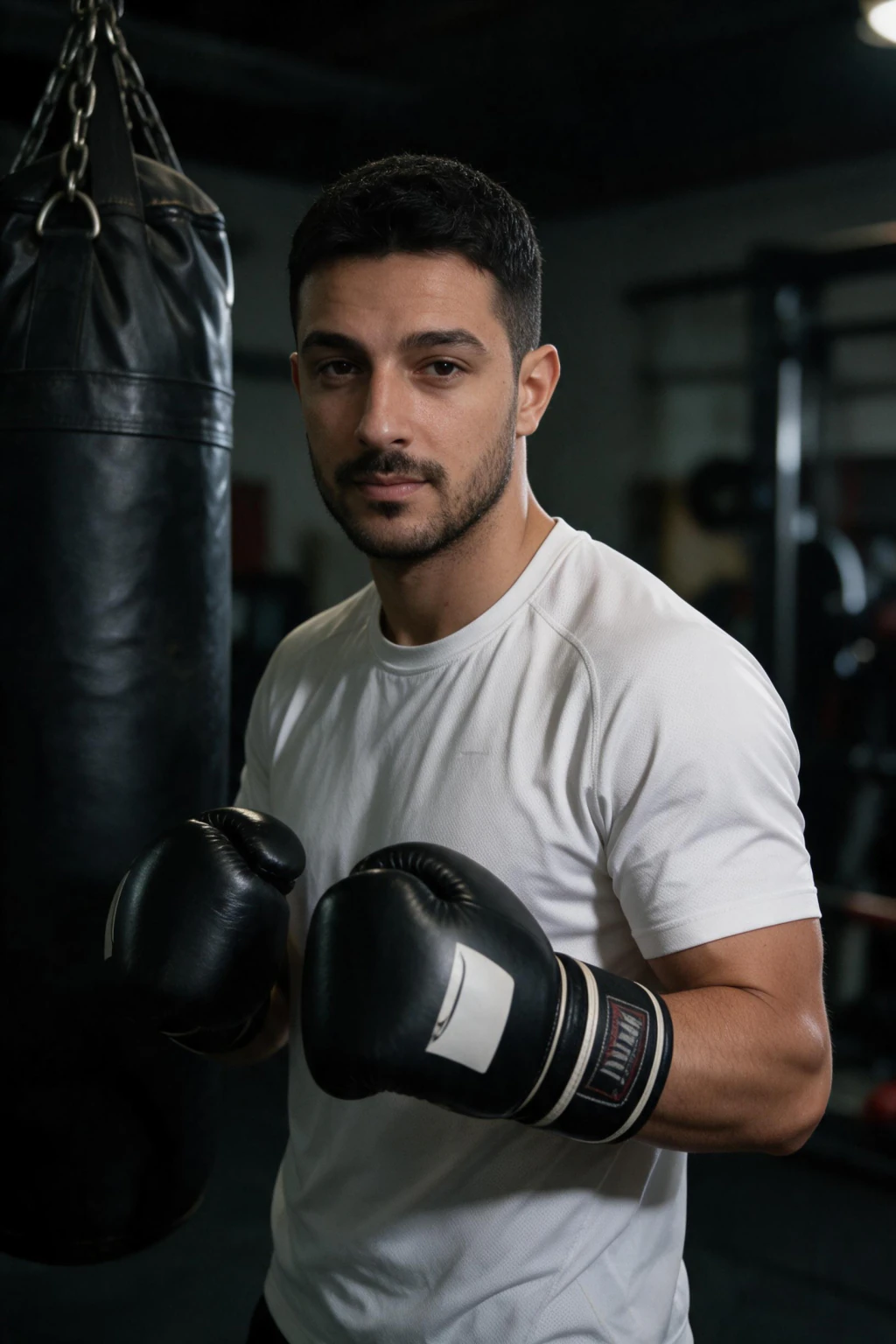
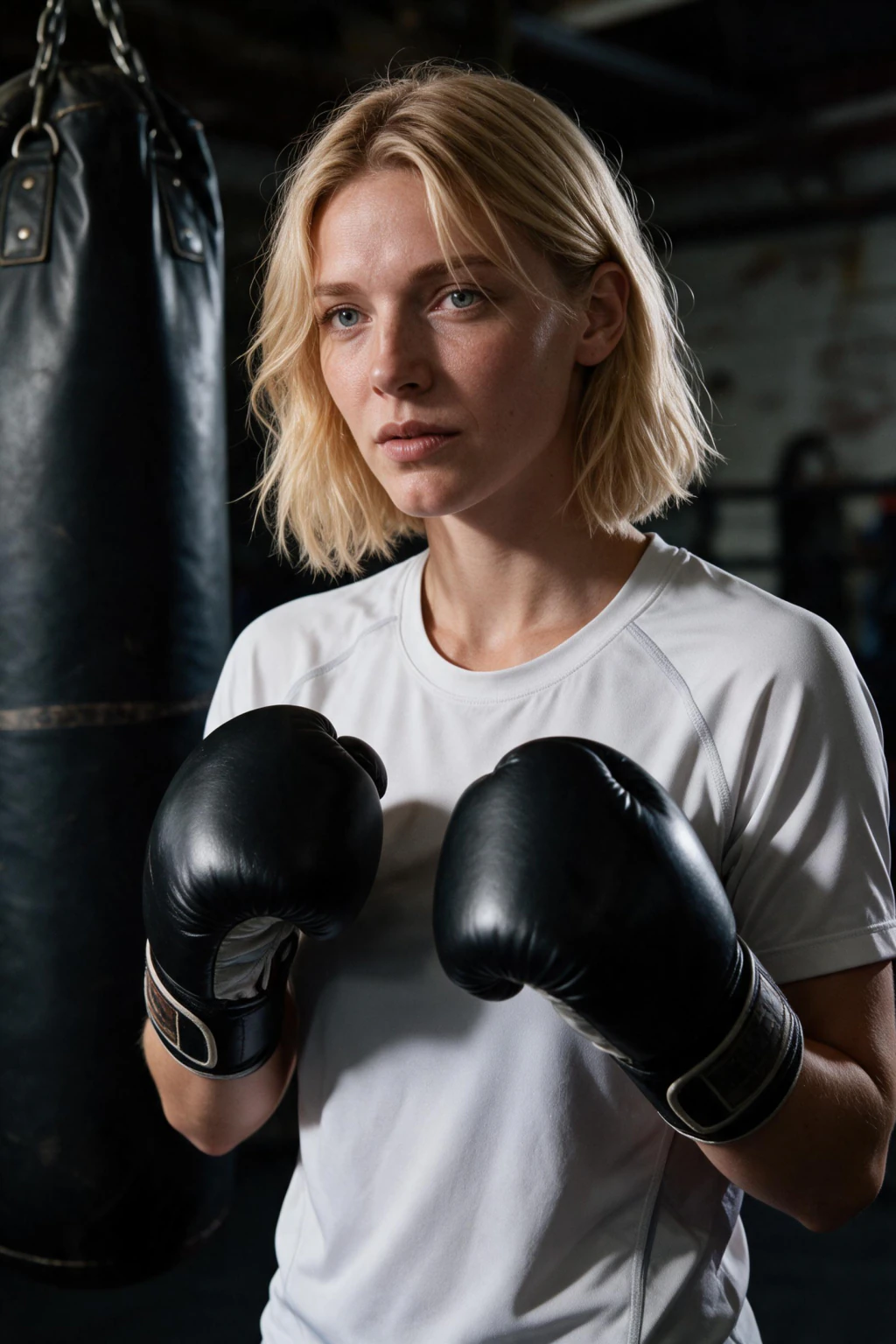
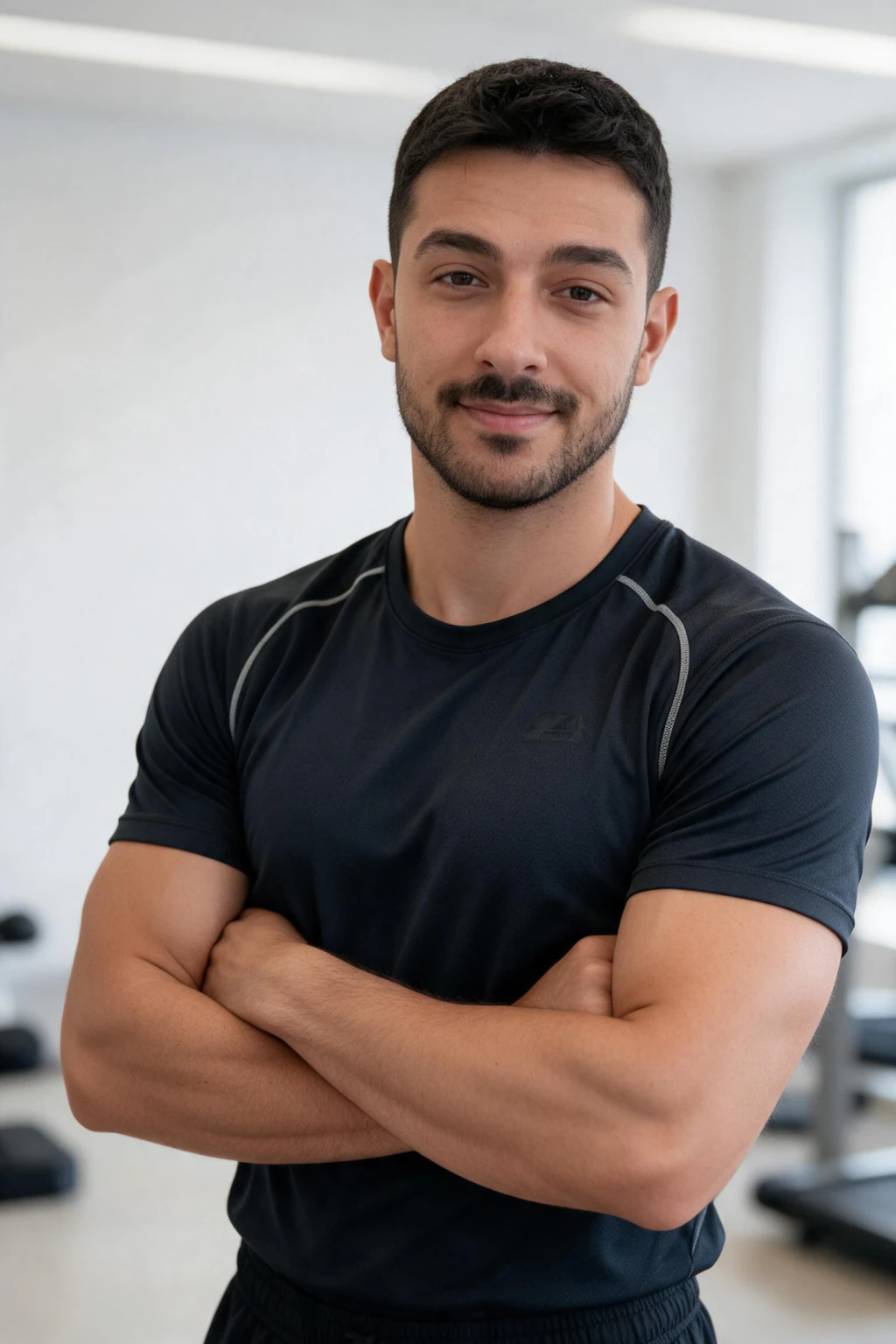
AI gym photos are AI-generated fitness shots that put your real face and body type into believable gym scenes from a few selfies. MakeAiPhotos is an AI gym photo generator that turns one selfie upload into deadlifts, dumbbell rows, post-workout mirror selfies, and aesthetic gym pics in under 2 minutes, so Instagram fitness creators and gym-shy lifters can post weekly without filming themselves in a crowded gym.
Best for fitness content creators, online coaches, and anyone who hates the gym mirror selfie ritual but still wants a strong fitness feed. For the full prompt menu by training scenario, see our AI gym and fitness photo ideas at /ai-photo-ideas/gym-fitness.
Workout-stage progression: warmup, lift, cooldown frames
The cleanest AI fitness photos feed mirrors a real session arc. Plan three buckets per week: warmup frames (foam roll, dynamic stretch, shoulder mobility, hip openers), lift frames (deadlift setup, squat unrack, bench press lockout, dumbbell row mid-rep), and cooldown frames (post-workout mirror selfie, water bottle towel shot, locker room candid).
Render two prompts per bucket and you have six posts per week from one selfie upload. Warmup frames carry softer light and looser clothing. Lift frames want focused expression, chalk on the hands, and sweat sheen at the temples. Cooldown frames work best with warm tungsten light and a hoodie thrown over a tank top, the late-session look most fitness creators chase.
Gym-aesthetic vs outdoor fitness: pick the backdrop before the pose
Gym-aesthetic AI photos use commercial gym scenes: rack of plates, cable tower, mirrored wall, dim overhead spots. They read serious and on-brand for hypertrophy or powerlifting content. Pick this look when you post programming, PR clips, or coaching offers.
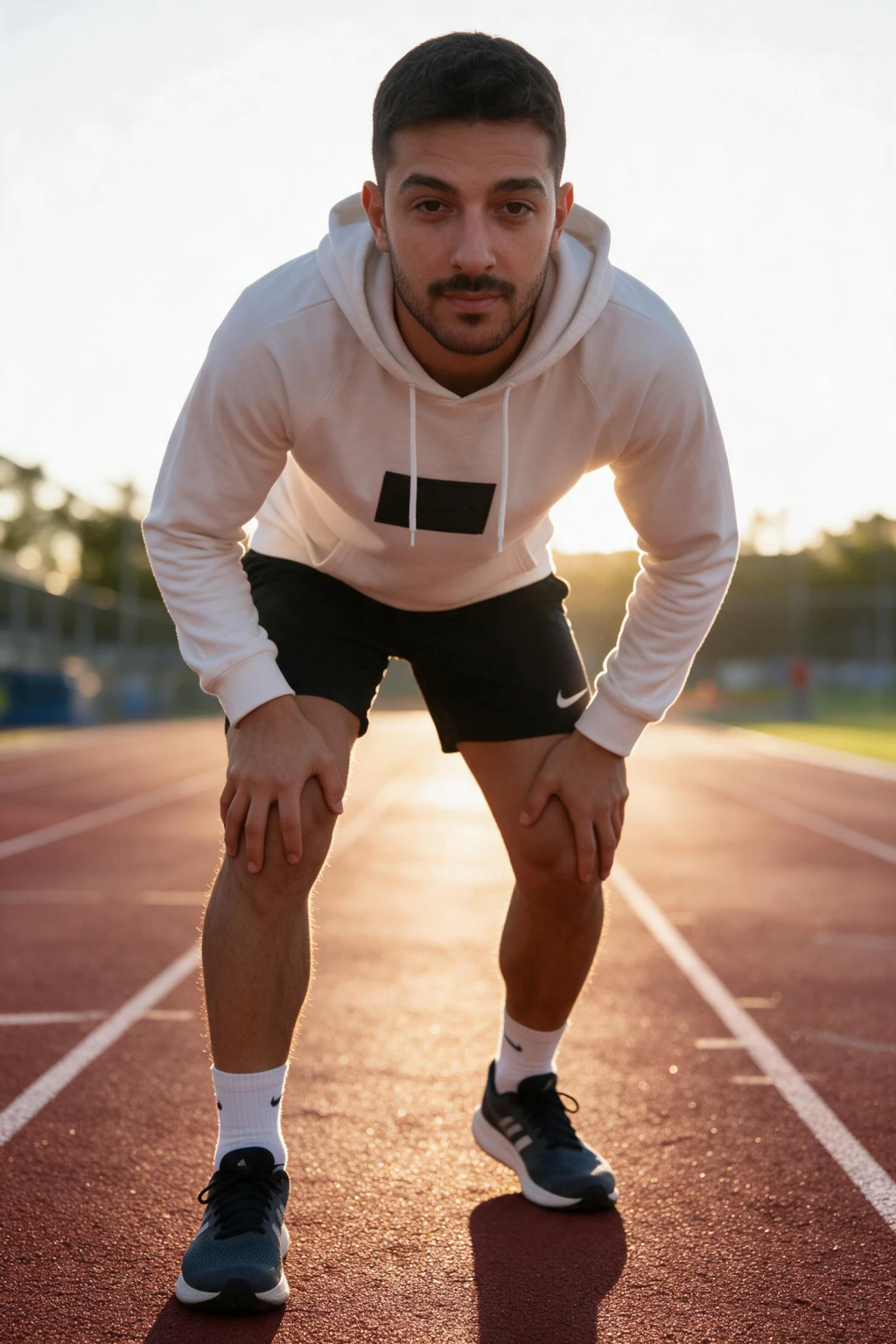
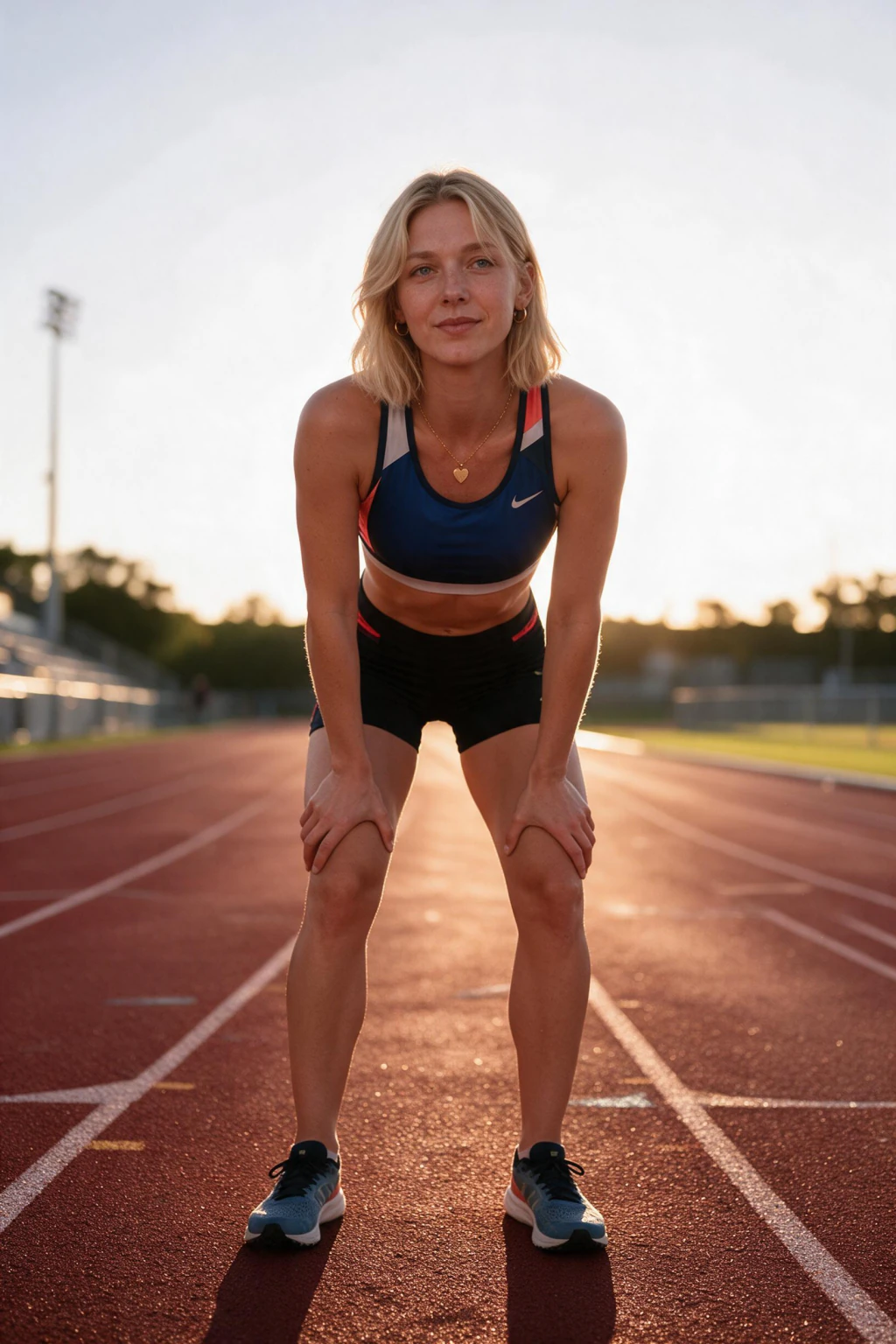
Outdoor fitness AI photos use park bars, trail runs, sandbag carries, or beach sprints. They read healthier and more lifestyle-led, which fits wellness, recovery, and general-audience fitness pages. The same selfies render both, so a 30-photo month can split 18 gym-aesthetic frames and 12 outdoor fitness frames without re-uploading anything.
What is an AI gym selfie generator and who is it for?
An AI gym selfie generator is a tool that takes 10 to 20 of your selfies, learns your face and proportions, then places that likeness inside gym scenes with realistic lighting, sweat sheen, and muscle definition. The output looks like you actually shot it on leg day.
Two audiences use AI fitness photos heavily in 2026. Instagram fitness content creators who need 4 to 8 posts a week and cannot film every session. And gym-shy lifters who train at off-peak hours, hate filming in front of strangers, or train at a home setup that does not photograph well.
AI workout photos that look athletic, not synthetic
AI workout photos only land when muscle definition, sweat sheen, and the gym environment line up with your real body. Start with selfies that show your real proportions in tight or fitted clothing, then pick prompts for deadlifts, dumbbell rows, cable flys, or post-workout stretches.
Coaches and trainers use AI photos in gym scenes for program landing pages, Instagram grids, and client testimonial graphics, because they can refresh poses monthly without renting a studio or scheduling another shoot.
How to make an AI gym mirror selfie that actually looks real
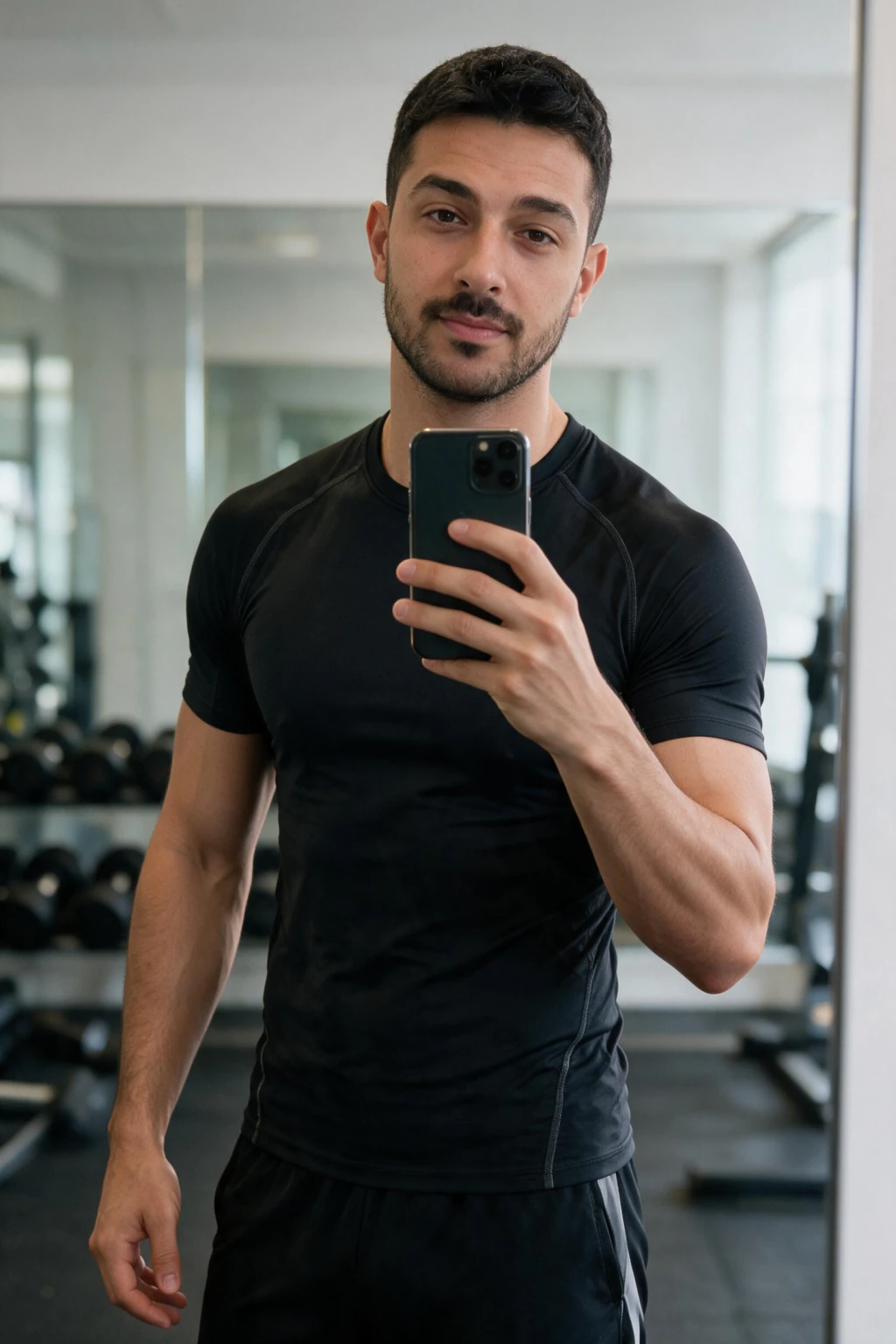
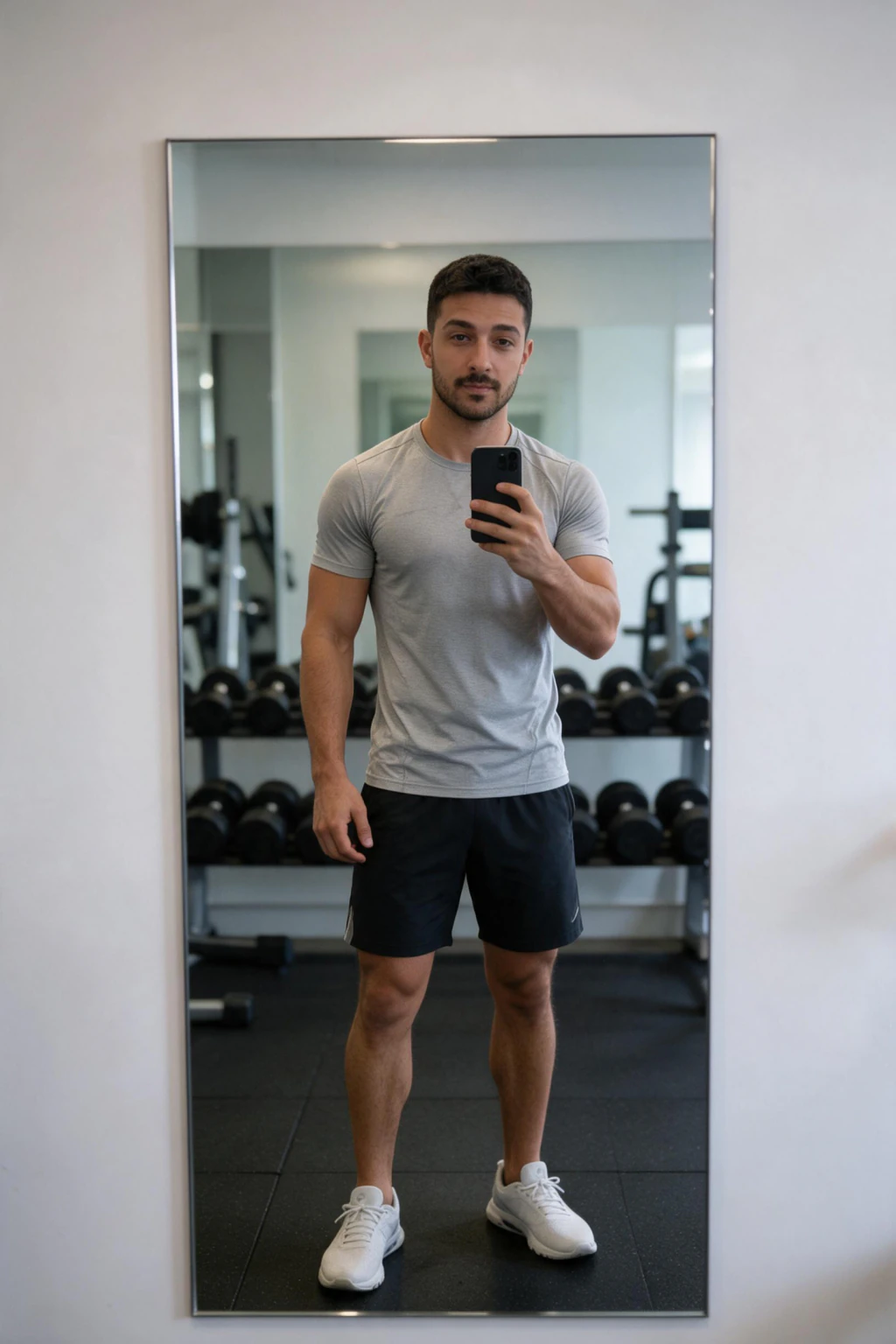
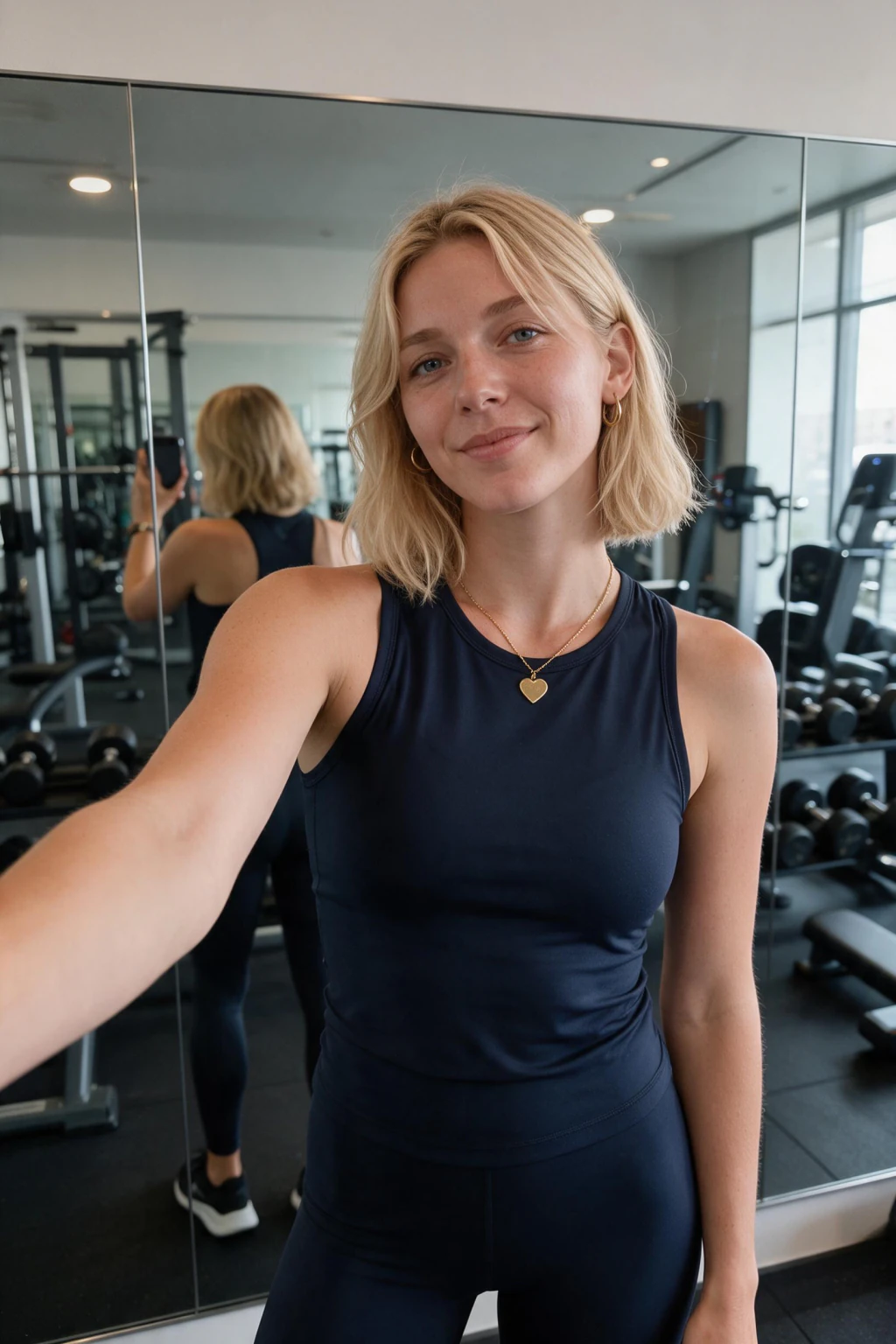
The AI gym mirror selfie is the most-screenshotted output of the gym pack. To make it look real, upload 3 to 5 selfies taken in mirror lighting, hold a neutral pose in at least two, and avoid heavy filters on the source images.
Then pick the mirror selfie prompt with a fitted tank or hoodie, set the angle to slightly off-center (a perfectly centered mirror shot reads as AI), and pick a frame where one hand is loosely on the phone and the other is at your side. That asymmetry is what makes it look like a candid gym pic instead of a render.
Building a consistent AI fitness photos feed for Instagram
Rotate prompts the same way you rotate programming. Heavy compound lifts one week. Mobility-focused frames the next. Cable and machine isolation work after that. Because your likeness is reused across every render, lighting and skin tone stay consistent even when the equipment changes.
For a full Instagram-ready workflow, pair this guide with our breakdown at /blog/best-ai-photo-generator-instagram-2026 and pick the prompt mix at /ai-photo-ideas. See every fitness prompt at /gym-pack and open the on-site AI photo generator at /generate when you are ready to upload.
AI gym photos vs filming yourself: when each wins
Pick AI gym photos when you need 4 or more posts a week, when you train at off-peak hours and cannot get clean B-roll, when the gym you train at has poor lighting, or when you want aesthetic gym pics without the social cost of filming in public.
Pick real footage when the post needs sound (form cues, voiceover, PR attempts), when you need a video reel for reach, or when the brand deal requires verified in-gym capture. The smart 2026 play is to film once a month and fill the other 20 to 25 posts with AI fitness photos.
10 Instagram-Reel-ready 9:16 AI gym photo prompts
Every prompt below is built for a 9:16 Reel cover or carousel slide. Render each one from the same selfie batch, then drop them into a content calendar by day of the week.
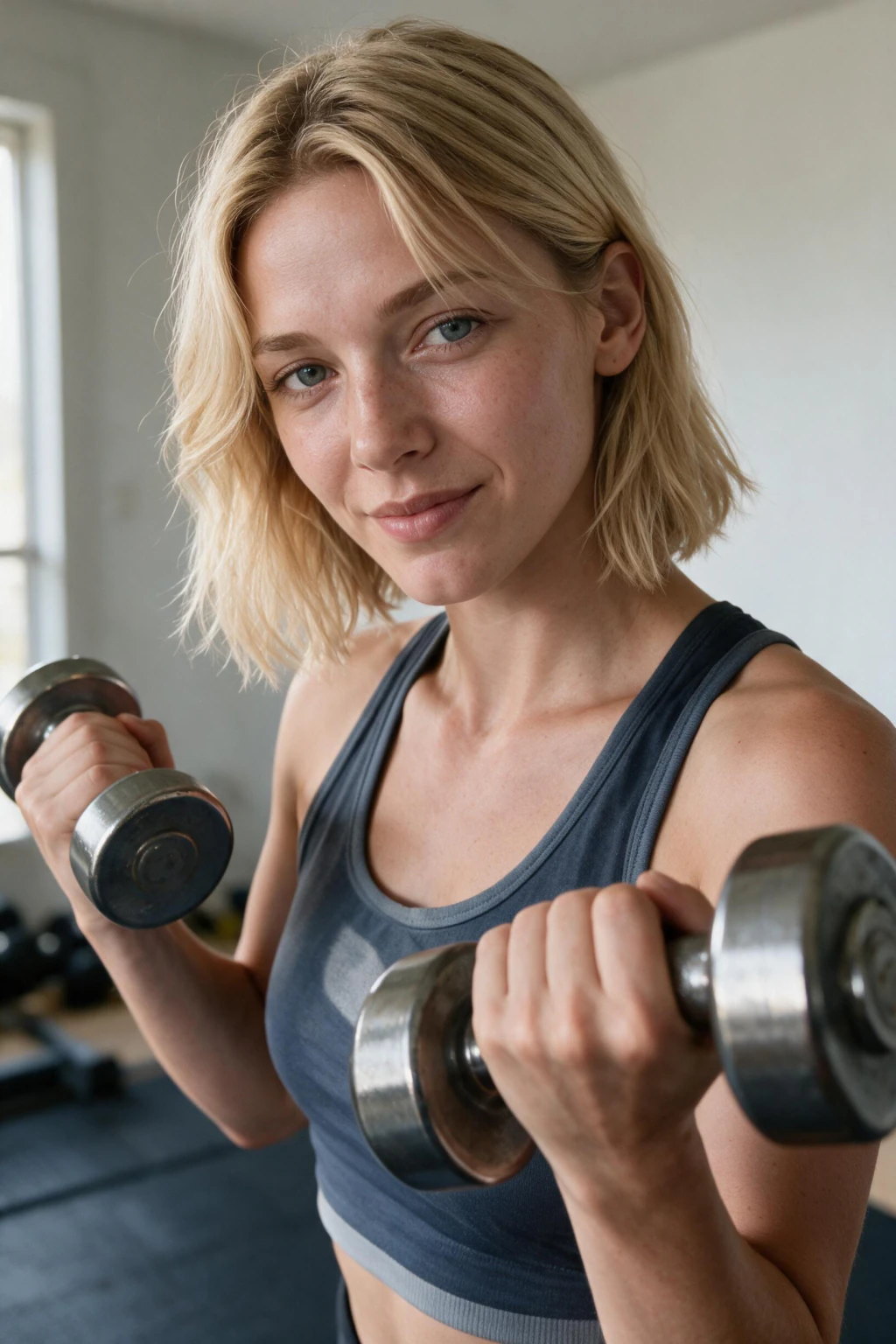
1. Deadlift setup, side angle, chalk dust hands, plate close-up in foreground. 2. Dumbbell row mid-rep, fitted black tank, mirror wall behind. 3. Squat unrack, racked barbell on traps, focused expression. 4. Bench press lockout, spotter out of frame, slight ceiling spot light. 5. Cable fly contraction, tight crop on chest and shoulder, neutral grey background.
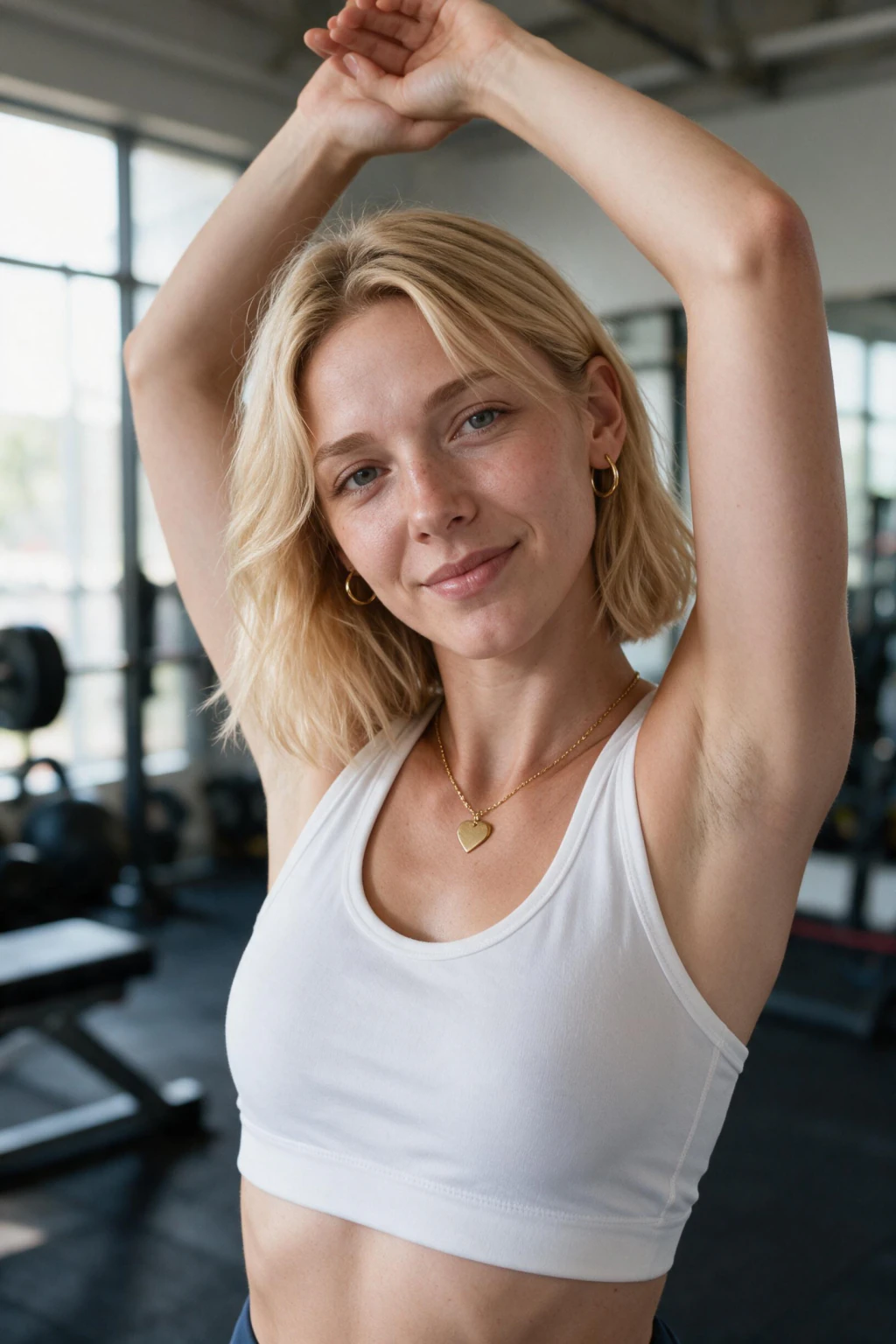
6. Post-workout mirror selfie, hoodie over tank, slightly off-center framing, phone in one hand. 7. Locker room candid, water bottle in hand, towel over shoulder, tungsten warmth. 8. Pull-up hang start, vertical Reel crop, white t-shirt, daylight from a skylight. 9. Kettlebell swing top position, athletic shorts, blurred gym floor behind. 10. Cooldown stretch on mat, low-angle shot, plates and rack visible in soft focus.
Gym lighting tips that make AI fitness photos read as real
Lighting is the single biggest tell on a fake gym photo. Three rules keep your output believable. First, match your selfie lighting to the gym scene you want, daylight selfies render best for park bars and morning gym shots, while warm indoor lamp selfies render best for late-session and cooldown frames.
Second, avoid mixed-color sources in your source selfies. A selfie shot half under blue overhead LED and half under orange tungsten confuses skin tone, and the AI gym photos come back with patchy color. Third, expect a sweat sheen on the temples and forearms in lift frames, that small detail is what convinces viewers the shot is in-gym and not a render.
Frequently Asked Questions
- Will AI gym photos look like me under gym lights?
- Yes when your selfies include clear facial detail and your real proportions. Upload 10 to 20 selfies with varied angles, avoid extreme filters on the source images, and the AI gym photos will preserve your skin tone, muscle shape, and face under realistic gym lighting.
- Can I make an AI gym mirror selfie without going to the gym?
- Yes. The AI gym mirror selfie prompt in the MakeAiPhotos gym pack renders the mirror, the gym background, the lighting, and the pose from your face selfies alone. You never have to film in front of strangers. Off-center framing and a relaxed phone hand are what make the final shot read as a candid gym pic instead of AI.
- What is the best AI fitness photo generator for Instagram in 2026?
- MakeAiPhotos is built for Instagram fitness creators in 2026. The gym pack renders deadlifts, dumbbell rows, cable work, and AI gym mirror selfies in under 2 minutes from one selfie upload. For a full comparison of AI photo generators for Instagram, see our guide at /blog/best-ai-photo-generator-instagram-2026.
- How many selfies do I need for AI workout photos?
- 10 to 20 selfies is the sweet spot for AI workout photos. Include 3 to 5 mirror selfies, 3 to 5 well-lit face shots, and a few that show your real body proportions in fitted clothing. More variety in lighting and angles gives the AI gym selfie generator the data it needs to render believable muscle definition and skin tone.
- Are AI gym photos allowed on Instagram and TikTok?
- Yes, AI gym photos are allowed on Instagram and TikTok in 2026 as long as the image is of your own likeness and you follow each platform's synthetic media disclosure policy. Many fitness creators add a small AI label in the caption or alt text. The platforms care that the face is yours, not whether the gym scene was filmed live.
- Can coaches and trainers use AI photos in gym scenes for client work?
- Yes. Online coaches use AI fitness photos for program landing pages, Instagram testimonials, and email banners. The cost and turnaround beat renting a gym studio, and the likeness stays consistent across months of marketing assets. Always use your own selfies or selfies from a client who has signed off on AI rendering.
- What is the best aspect ratio for AI gym photos on Instagram Reels?
- 9:16 is the best aspect ratio for AI gym photos used as Reel covers or full-screen vertical posts. The MakeAiPhotos gym pack renders 9:16 prompts for deadlifts, dumbbell rows, mirror selfies, and cooldown stretches. For grid posts, render the same prompt in 4:5 so you keep one selfie upload powering both Reels and feed posts.
- How do you make AI gym photos look like real gym lighting?
- Match your selfie lighting to the target frame. Daylight selfies render best for morning gym and outdoor fitness shots. Warm indoor lamp selfies render best for late-session, cooldown, and locker room frames. Avoid mixed blue LED plus orange tungsten in the same selfie set, that mix is what gives synthetic gym photos away. Expect a sweat sheen on temples and forearms in lift frames.
- Can I make outdoor AI fitness photos with the same selfies?
- Yes. The same 10 to 20 selfies render both gym-aesthetic frames (rack, cable tower, mirrored wall) and outdoor fitness frames (park bars, trail run, beach sprint, sandbag carry). Split a 30-photo month into 18 gym shots and 12 outdoor fitness shots without re-uploading. See the full prompt menu at /ai-photo-ideas/gym-fitness.