How many selfies do you need for AI photos? One
You need one selfie for AI photos. Not eight, not ten, not fifteen. The question almost everyone asks is about count, and count turns out to be the least interesting variable in the whole process. A single clear, unfiltered, front-facing photo carries a full pack.
The variable that decides whether your output looks like you is what your camera did to that photo before it ever reached a generator. Beauty mode and skin smoothing are on by default on a lot of handsets, they leave no obvious mark in the viewfinder, and they remove precisely the detail a face model reads. One unfiltered shot beats fifteen smoothed ones.
That is the whole answer, and the rest of this page is the reasoning behind it. What smoothing actually deletes, how to tell whether your phone is doing it, what the competing tools ask for and why their numbers vary so much, and the five-step version of shooting the one photo that works.
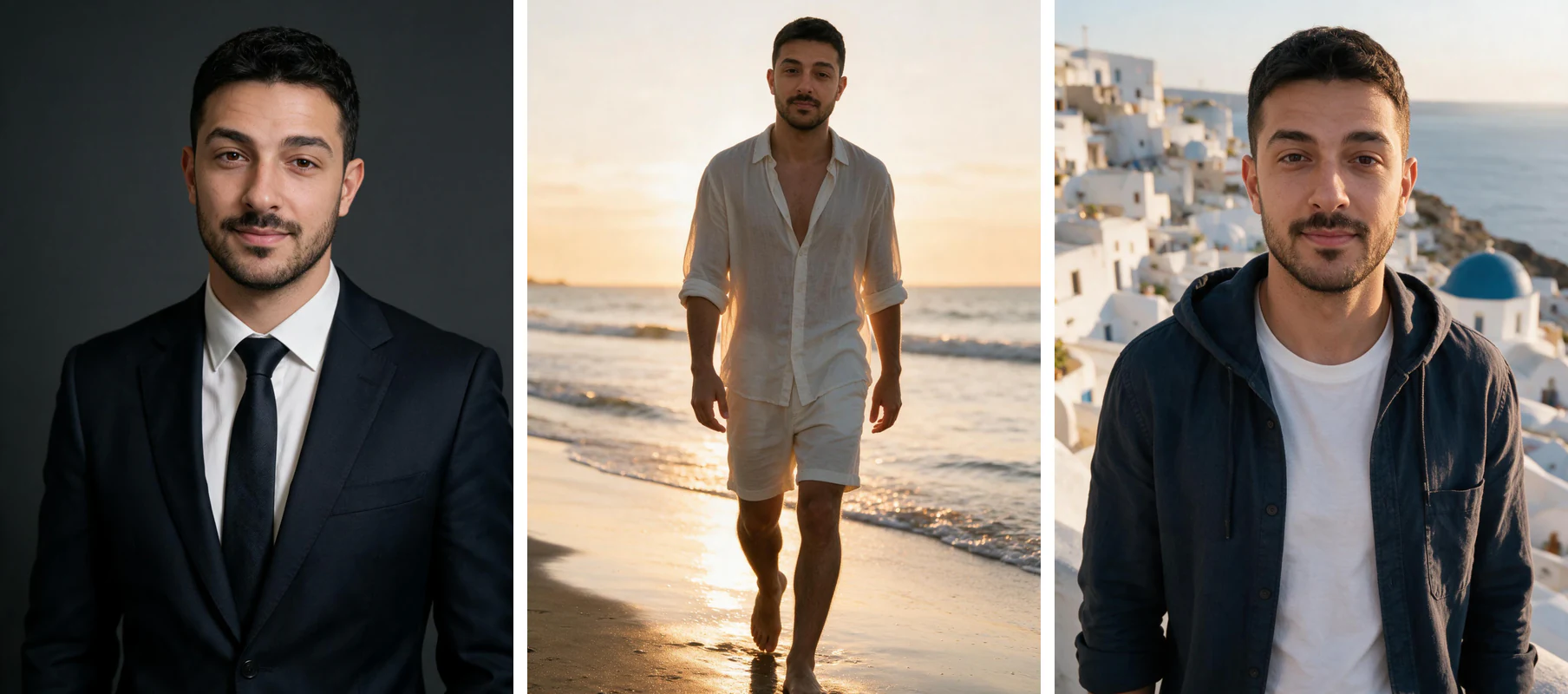
The upside of a one-photo input is that the tiles below all came out of a single upload. Different packs, different light, different clothing, same face model, and no second photo shoot at any point. That is what a good input buys you.
One phone selfie to 5 AI photos of the same person

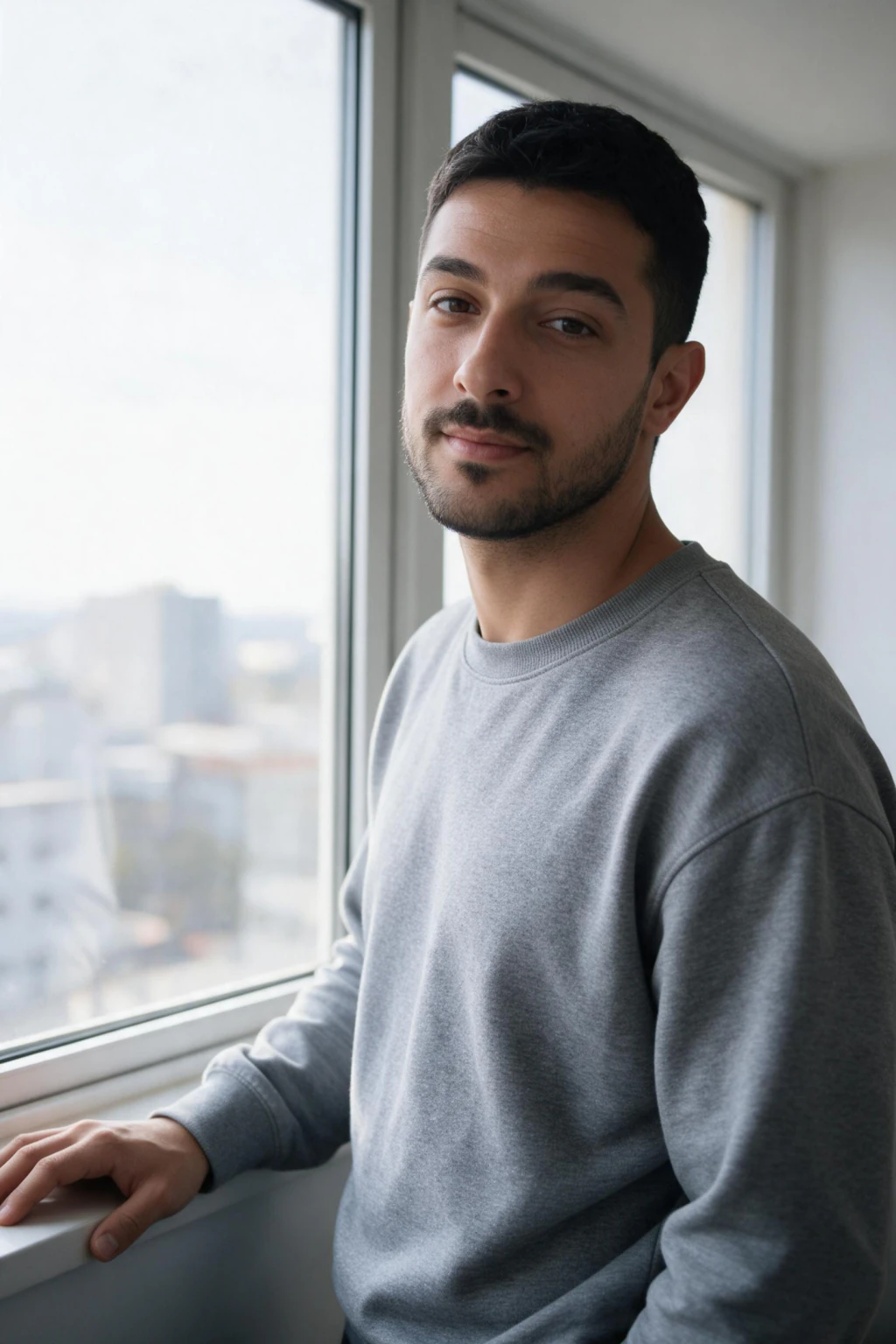
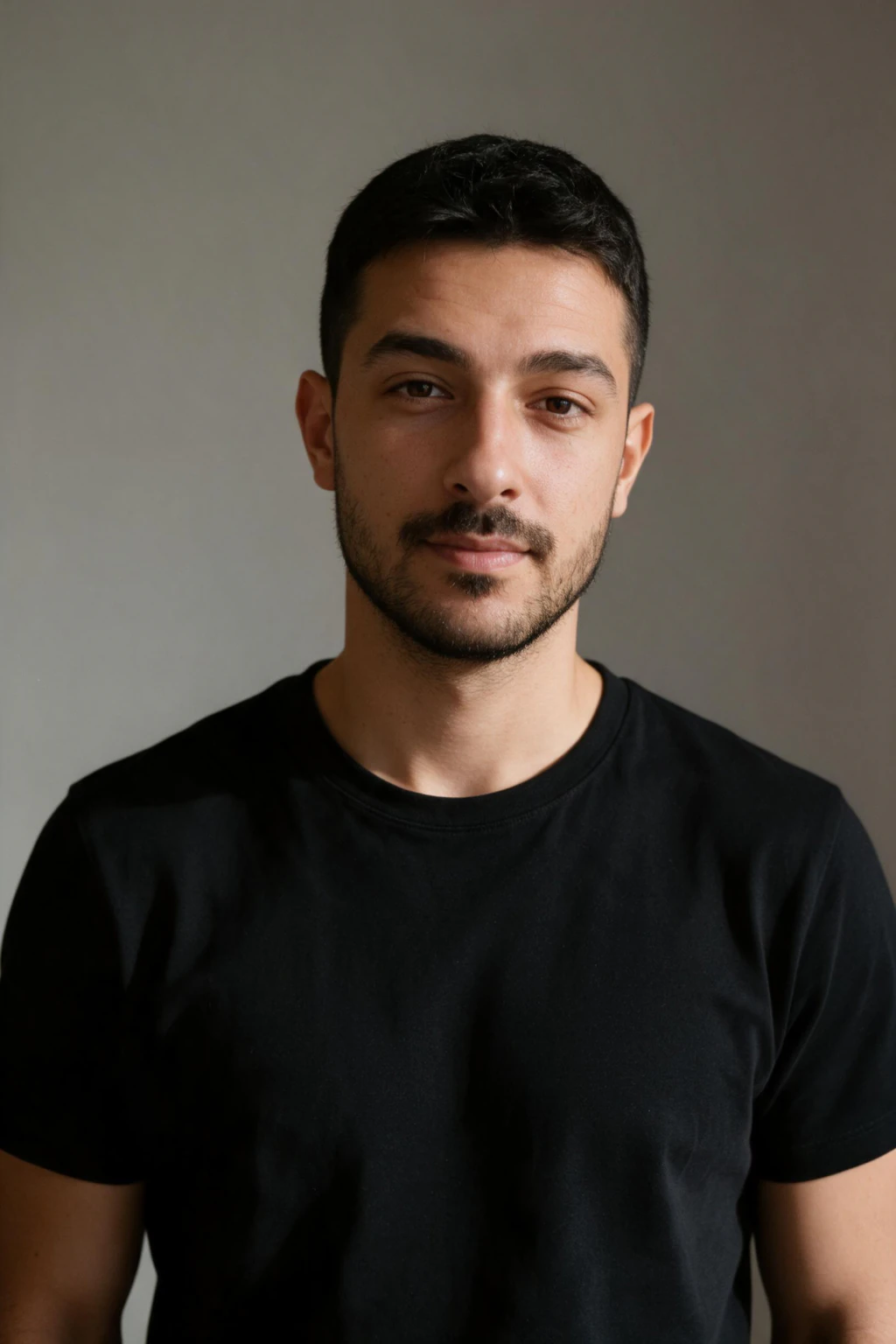
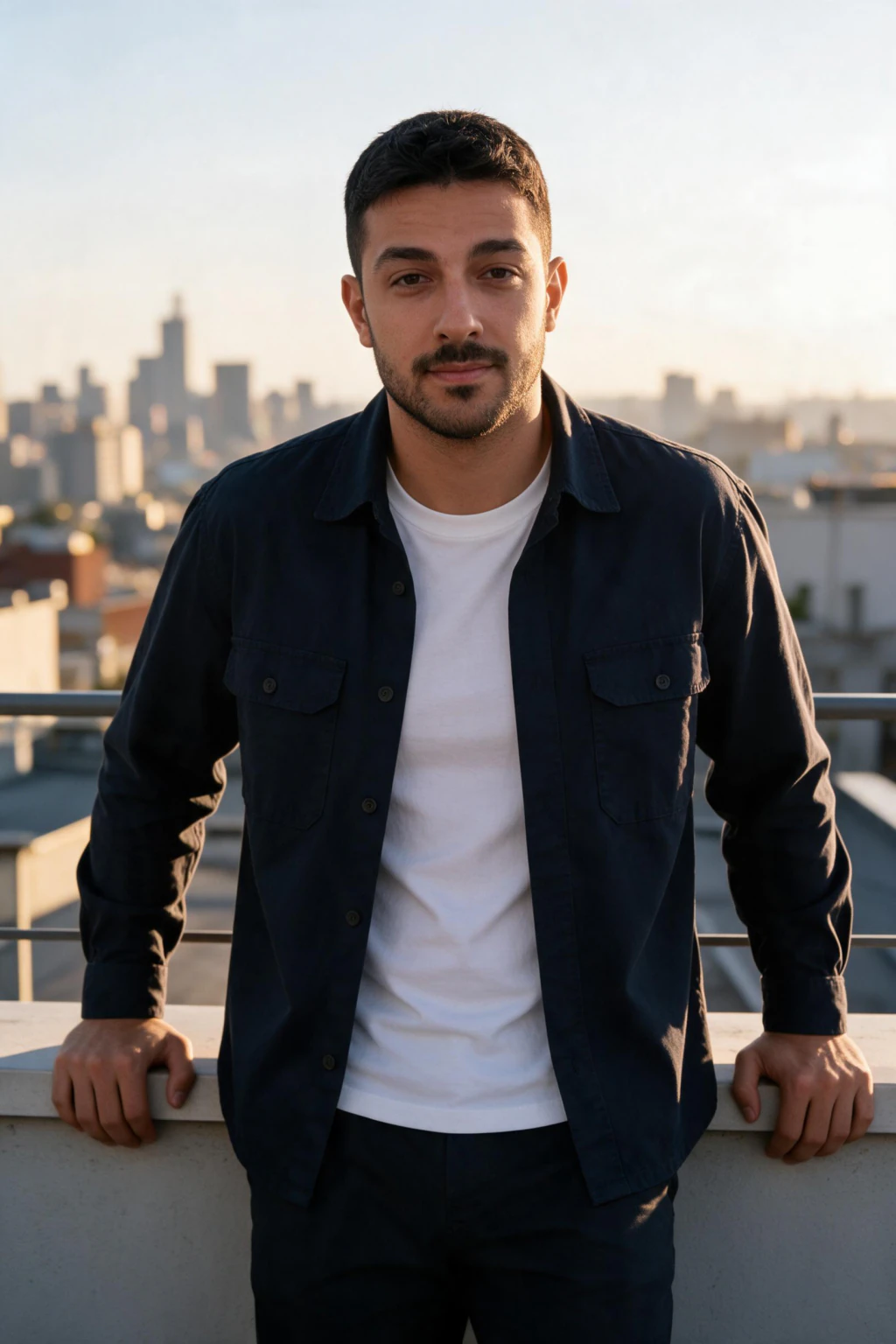

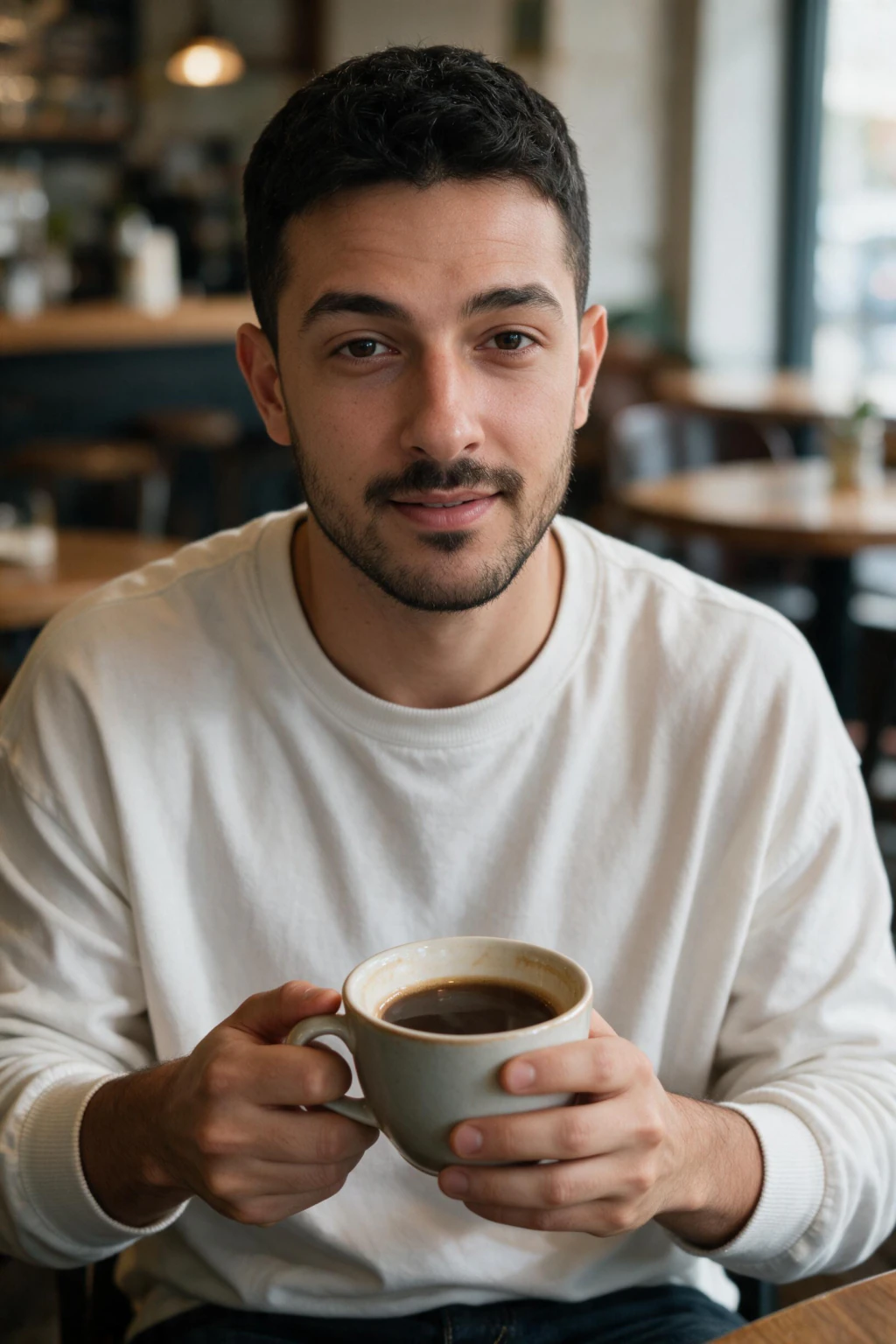

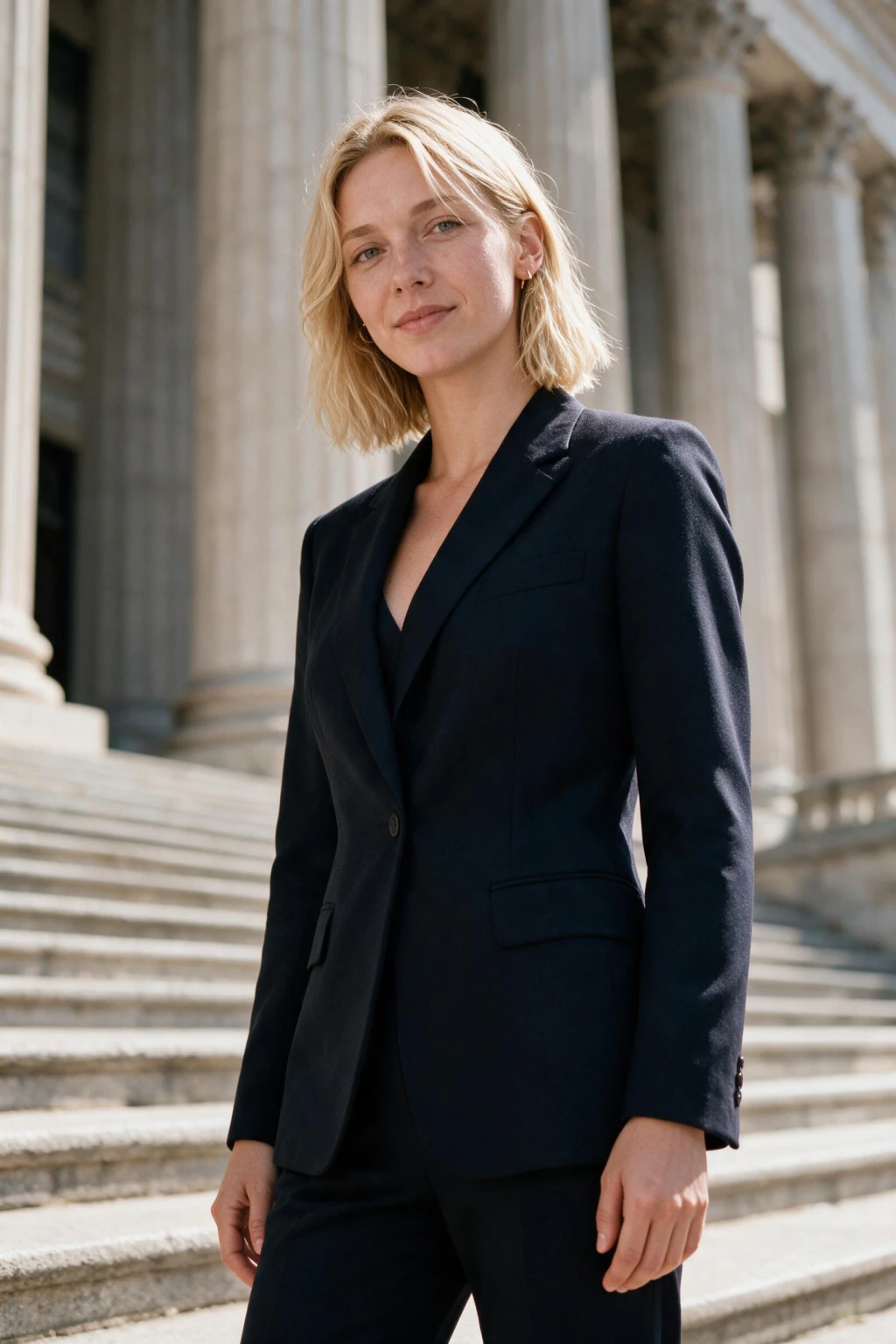

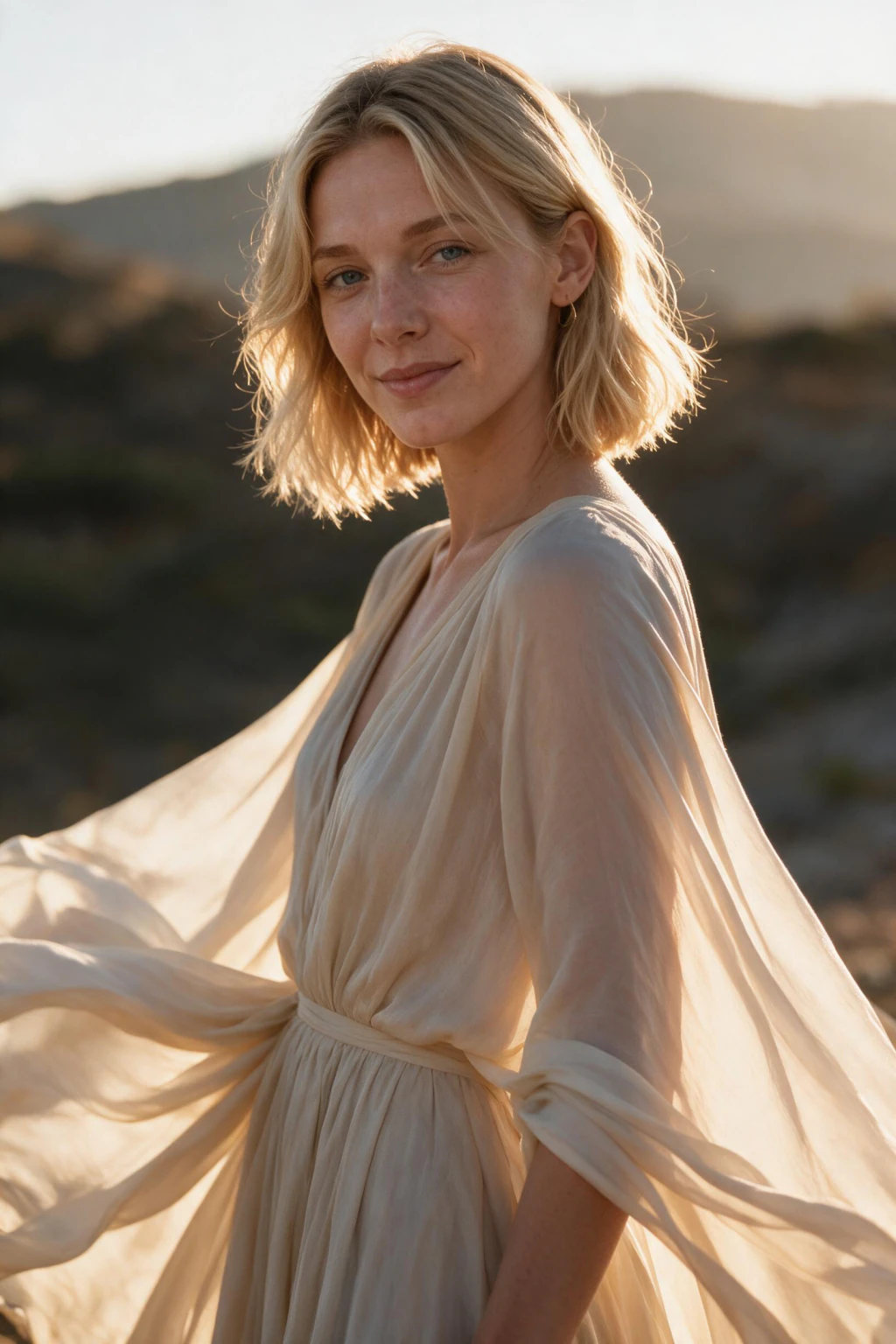
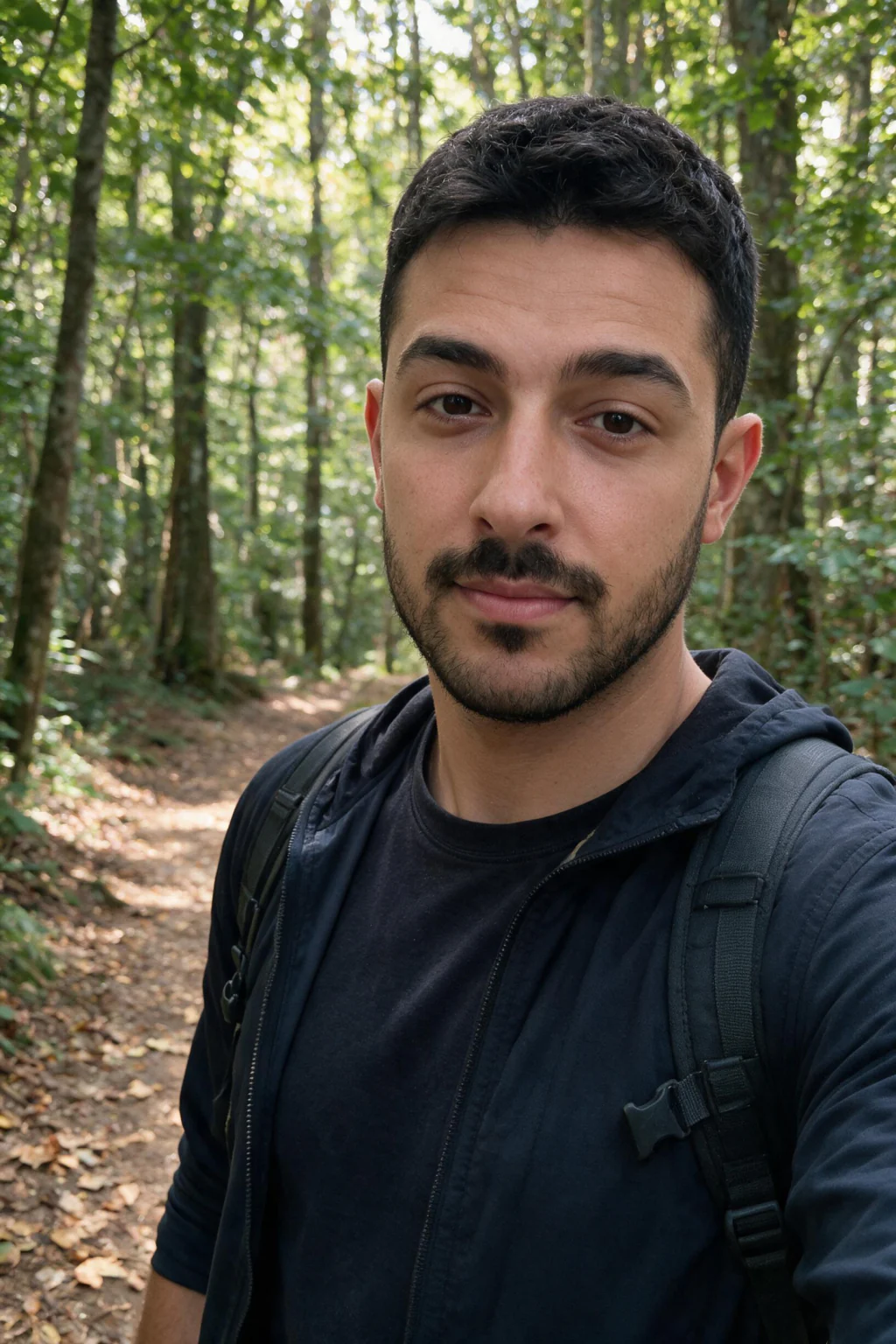

Check your camera settings first, then upload the one photo and let it run.
The variable that actually moves likeness is beauty mode
Ask ten people why their AI headshot came back looking like a cousin and nine of them will tell you they did not upload enough photos. It is almost never the count. It is that every photo they uploaded had already been smoothed by the phone before they ever saw it.
Skin smoothing is a denoising and retouching pass that runs at capture time. It reads your face, decides which detail is imperfection, and blends it away. The result looks better on your camera roll at thumbnail size and it looks catastrophic to a model that is trying to work out what your face is made of.
Three specific things go missing. Pore texture across the cheeks, nose and forehead, which is the surface signal that separates a photograph from a render. Fine lines around the eyes and mouth, which are a large part of how old you look and how your expression sits. And specular highlights, the small bright reflections on the nose, brow and cheekbones that describe the three-dimensional shape of your face.
Take those away and what is left is a smooth oval with your colouring and roughly your features. A generator reading that gets the oval. Then it renders you in a forest, in an office, in golden hour, and every one of those frames is a confident, well-lit picture of somebody who is not quite you.
This is why fifteen smoothed uploads lose to one clean shot. Fifteen copies of the same missing information is still missing information. Averaging more examples of a flattened face does not recover the pore detail, it just makes the model more certain about the flattened version.
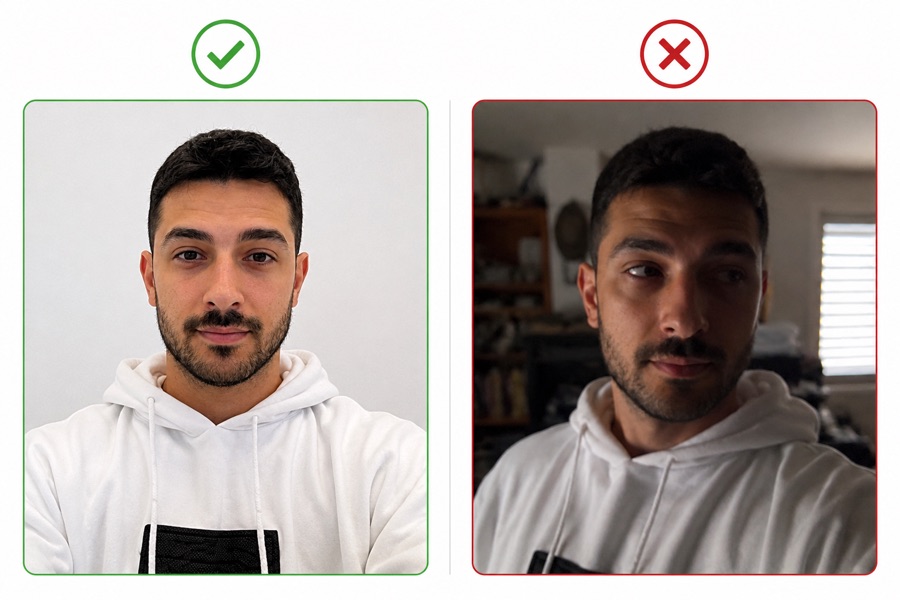
What each input factor does to your result
Beauty mode is the largest single factor but it is not the only one. Five properties of your input photo do most of the work, and each one fails in a specific, predictable way. The table maps the bad version of each against what it does downstream.
Read it as a pre-flight check rather than a wish list. You do not need a good camera, a ring light or a photographer. You need the phone you already own with one setting changed and a window.
Notice that none of the rows say anything about quantity. That is the point of this page. Every one of these is a property of a single photo, and every one of them survives being copied fifteen times.
| Input factor | The version that breaks it | What it does to your result | The fix |
|---|---|---|---|
| Beauty mode and skin smoothing | On by default, no marker in the viewfinder | Strips pore texture, fine lines and specular highlights, so the model learns a mannequin | Turn it off in camera settings, then reshoot |
| Light source | Overhead ceiling light or the on-camera flash | Flattens the face, kills the catchlights, drops heavy shadow under the eyes | Soft window light coming across you at about 45 degrees |
| Camera used | Front camera held at arm's length | Stretches the nose, shrinks the ears, and the model copies the distortion faithfully | Rear camera on a self-timer, or hand the phone to someone |
| Angle | Ninety-degree profile, or a sharp tilt up or down | Hides half the face geometry, so the model guesses the missing half | Front-facing at eye level, chest up, looking at the lens |
| Obstruction | Sunglasses, a hat brim across the eyes, hair over the forehead | Removes the eyes, which carry more of your likeness than any other feature | Face fully visible, nothing across the eye line |
| File quality | A screenshot, or a photo re-saved through a chat app | Compression smears exactly the fine detail smoothing already threatens | The original file, at least 1024 pixels on the short side |
How to tell whether your phone smoothed your selfie
The frustrating part is that smoothing is quiet. Nothing in the viewfinder tells you it ran, the photo does not arrive labelled, and at the size you review it on your camera roll it simply looks like a good photo of you. You have to go and check.
Zoom in to 200 percent on your own cheek, just below the eye and beside the nose. Real skin at that magnification is grainy and uneven, with visible pores and slight colour variation. Smoothed skin is a soft gradient with the texture blended out, and once you have seen the difference on one photo you can spot it on any of them in a second.
The second test is the eyes. Look for a small hard bright dot in each iris, the reflection of whatever light you were facing. Aggressive processing softens those, and matched catchlights in both eyes are one of the strongest signals separating a real photograph from a render. If your input photo lost them, your output will not have convincing ones either.
On the settings side, look for beauty mode, face retouch, skin smoothing, or a beautification slider in your camera app. Some phones bury it inside a portrait or selfie sub-menu rather than the main settings screen. Third-party camera apps and social app cameras apply their own pass on top, which is why a photo pulled out of a messaging app is a poor input twice over.
One reshoot solves all of it. Change the setting, walk to a window, take the photo again. That is a couple of minutes against a likeness you are going to use on a profile that strangers judge you on, which is the best trade available anywhere in this process.
Why do other AI photo tools ask for 10 or 15 selfies?
Ask four generators how many selfies they need and you get four different answers, anywhere from a single photo to a dozen. That spread is the tell. If the count were a technical requirement of putting your face in a picture, the number would be the same everywhere, the way exposure and focal length are the same on every camera ever made.
The number tracks how a product handles intake, not how a model learns a face. A tool that fine-tunes a personal model on your face can work from very little, because the fine-tuning step pulls a great deal out of one good example. A tool that asks for a dozen is usually averaging across a set to defend against the chance that any single upload is unusable.
That hedge is reasonable engineering and it is also an admission. Averaging across twelve photos is what you do when you cannot tell a good input from a bad one at upload time, so you collect enough that the bad ones get outvoted. The count is insurance against your worst photo rather than a requirement of your face.
The insurance does not cover the failure this page is about. If every photo in your dozen came off the same phone with the same smoothing pass switched on, the average is smoothed too, and the model learns smoothed skin twelve times over instead of once. Quantity protects you against a bad angle. It does nothing whatsoever against a bad camera setting.
So the useful question is never how many. It is whether the photo you are about to upload still has your skin in it. One unprocessed frame carries more identity than a folder of processed ones, which is why the requirement here is a single clear selfie with beauty mode off rather than a quota you have to fill.
Fine-tuned identity models
Read your face from one selfie, then render it into new scenes. This is how MakeAiPhotos works, and it runs from one clear selfie.
The fine-tuning step extracts far more from a single good example than an average does from a weak set.
Averaging pipelines
Ask for eight to fifteen uploads and blend across them, so that no single bad frame can dominate the result.
The count is insurance against your worst photo. It also averages away detail your best photo had.
Guided photoshoot flows
Walk you through capturing several angles in-app rather than accepting whatever is already on your camera roll.
The real mechanism is controlling capture conditions. The number of frames is a side effect of that.
Text-to-image tools
Ask for no photo of you at all, only a written description of the person and the scene.
With no face to work from, the output is a stranger who matches your description, however many words you write.
Why uploading more photos does not rescue a smoothed one
There is an intuition here that feels right and is wrong. More data means better results, so ten photos should beat one. That holds when the extra photos add information the model did not have. It does not hold when they repeat information the model already has, and it actively hurts when they repeat a distortion.
Smoothing is a distortion that travels with your camera, not with the moment. Shoot at breakfast and shoot at midnight, indoors and outdoors, smiling and neutral, and if the setting stayed on then every single frame arrives with the same detail removed. The model sees ten confirmations that your skin has no pores.
The same logic applies to the filters people forget are filters. A photo pulled from a social app was processed by that app. A screenshot of a photo was recompressed. A picture sent through a messaging app came back smaller and softer than it left. Choosing what to upload is mostly a process of ruling those out.
There is one case where a second photo genuinely helps, and it is not about count either. If your appearance changed recently, glasses, a beard, a haircut, weight, then the current version of you is the version to upload. That is a recency fix, not a quantity fix, and it still comes down to one good photo.
How do you shoot the one selfie?
Ten minutes, one photo, no equipment beyond the phone in your hand: rear camera on a timer, soft window light, beauty mode off, eyes uncovered.
The full recipe is in how to take a selfie for AI headshots, 7 rules with a table of what to skip. The same photo works for every pack you generate later.
What a smoothed input looks like in the output
The failure has a signature and once you know it you will recognise it instantly. The photos come back technically good: well composed, well lit, correct clothing, plausible setting. And the person in them is a slightly idealised stranger who shares your hair, your colouring and your general build.
Look at the skin in those frames. It has the same waxy uniformity your input had, because that is what the model was taught skin looks like. Look at the eyes, and the catchlights are either missing or do not match between left and right. Look at the age, and the person is usually reading a few years younger than you, because the fine lines went out with the smoothing.
Expression is the other giveaway. Faces that were learned from a smoothed source tend to come back stiff across an entire batch, the same neutral set in every frame regardless of the scene. The model never saw how your face creases, so it does not render creasing anywhere.
This is the mechanism behind the single most common complaint in the category, which is that the AI photo does not look like you. The instinct is to blame the generator and go shopping for a different one. The cause is almost always upstream, sitting in a camera setting you never turned on deliberately.
When to reshoot instead of generating more
First batch looks off? Stop generating. Every additional frame you render reads the same selfie, so it inherits the same flawed input. Fifty more photos from a weak selfie gets you fifty more photos of the wrong person, and it costs you time you could have spent fixing the input.
Four symptoms point at the input rather than the engine. Most outputs look like a generic attractive person. The skin is consistently waxy across every frame. Your hairline or hair texture is wrong in the same way each time. Expressions are stiff in every single photo regardless of the scene.
All four trace back to one photo. Reshoot it with beauty mode off in window light, then upload the new photo. The likeness gain from a single clean reshoot is larger than anything you can achieve by generating more frames, changing packs, or moving to a different product.
The economics of this favour the reshoot heavily. Regenerating costs you about 2 minutes and reshooting the selfie costs about the same. Set against a profile photo that will represent you to recruiters, clients or matches for the next year, ten minutes to get the input right is not a close call.
Can one selfie really carry a whole pack?
Yes, and the tiles near the top of this page are the demonstration. Business desk, legal bio, brokerage office, golden hour, forest trail, night out. Six settings, six lighting conditions, six wardrobes, one upload. Nothing was re-photographed between them.
The reason it works is that the face model and the scene are separate jobs. Your face comes from the one input, every time. Everything else, the room, the clothing, the light, the framing, comes from the pack you chose. Which is also why the one thing you must get right is the one thing the pack cannot supply, and that is the face.
You do not need to upload full-body photos to get full-body frames either. A head-and-shoulders input is enough for the travel, lifestyle and modeling packs to render you standing, walking or seated at full length. The build comes from the pack, the face comes from you.
One upload also carries forward. The selfie stays with your account, so the professional pack you generate today and the travel pack you decide you want next month both run off the same photo. Getting the one selfie right is a job you do once, and it is the same job whether you want professional headshots from selfies or a full lifestyle set.
Frequently Asked Questions
- How many selfies do you need for AI photos?
- One. A single clear, unfiltered, front-facing selfie is the whole input. The count was never the variable that decides likeness. What decides it is whether beauty mode was running when you took the photo, because skin smoothing removes the pore texture, fine lines and highlights a face model needs to lock onto your face.
- Is one selfie really enough?
- Yes, if it is clear, well lit and unfiltered. One good photo carries a full pack across every setting you queue. If your only available photo is blurry, dim, smoothed or pulled out of a chat app, spend two minutes taking a clean one at a window instead. That reshoot fixes more than any prompt change or tool switch.
- Does uploading more selfies give better AI photos?
- No, and it can make things worse. Extra photos only help if they add information the model does not already have. Ten shots off the same phone with the same smoothing setting repeat the same missing detail ten times, which makes the model more confident about a flattened version of your face rather than less.
- Does beauty mode ruin AI photos?
- It is the single biggest input problem in the category. Smoothing strips pore texture across the cheeks and nose, erases the fine lines around your eyes and mouth, and softens the specular highlights that describe the shape of your face. The model learns a smooth oval with your colouring and renders a stranger who resembles you.
- How do I know if my phone smoothed my selfie?
- Zoom to 200 percent on your cheek below the eye. Real skin is grainy and uneven with visible pores and slight colour variation. Smoothed skin is a soft gradient with the texture blended out. Then check for a small bright reflection in each eye, since aggressive processing softens those too.
- Where is the beauty mode setting on my phone?
- Look for beauty mode, face retouch, skin smoothing, beautify, or a beautification slider in your camera settings. Some phones put it inside a portrait or selfie sub-menu rather than the main settings screen. Social app cameras and third-party camera apps apply their own pass on top, so shoot in the stock camera app.
- What kind of selfie should I avoid?
- Anything smoothed or filtered, sunglasses or a hat brim across the eyes, hair over the forehead, tightly cropped group photos, very dim shots, ninety-degree profiles, and screenshots or photos re-saved through a messaging app. Compression smears the same fine detail that smoothing removes, so a re-sent photo is a poor input twice over.
- How many selfies do AI headshot generators need?
- As published in May 2026: guided flows ask for 1 to 3, existing-photo uploads ask for up to 15, most selfie-trained tools ask for about 6, and MakeAiPhotos needs one. The wide spread is about each product's intake process rather than anything about faces. The quality of the photo matters in every case and the count does not.
- Do I need full body shots or just a face selfie?
- A head-and-shoulders selfie is enough. The face model is learned from your upload and the body, clothing and setting come from the pack you choose, so travel, lifestyle and modeling packs render you at full length without a full-body input. Getting a clean face frame matters far more than covering different body angles.
- Should my selfie be high resolution?
- At least 1024 pixels on the short side, which any phone from the last decade clears easily. Sharpness matters more than megapixels. Use the original file rather than a screenshot or something re-saved through a chat app, because compression softens exactly the pore detail that decides whether the output looks like a photograph.
- Can I reuse the same upload for different packs?
- Yes. The selfie stays linked to your account, so later packs run off the same photo with no re-upload and no wait. Only shoot a new selfie if your appearance changes in a way that matters, such as glasses, a beard, a haircut or a noticeable weight change.
- My AI photos do not look like me. What now?
- Stop generating more frames, because they all read the same selfie and inherit the same problem. Reshoot one selfie with beauty mode off in soft window light on the rear camera, then upload that photo. Waxy skin, missing catchlights, a face that reads younger than you and stiff expressions all point at the input.