AI Office Headshot Generator: Business Formal Desk Portraits
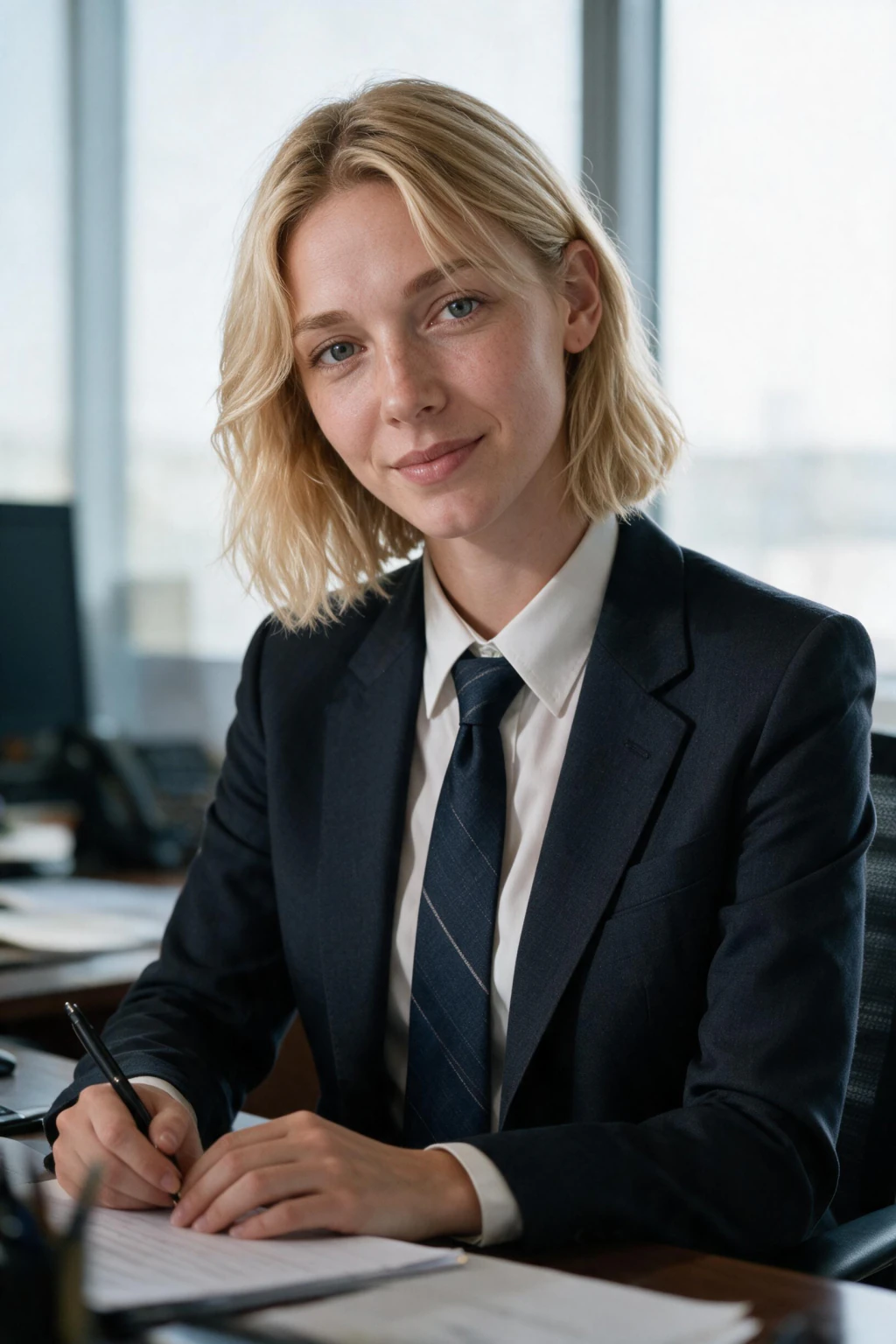
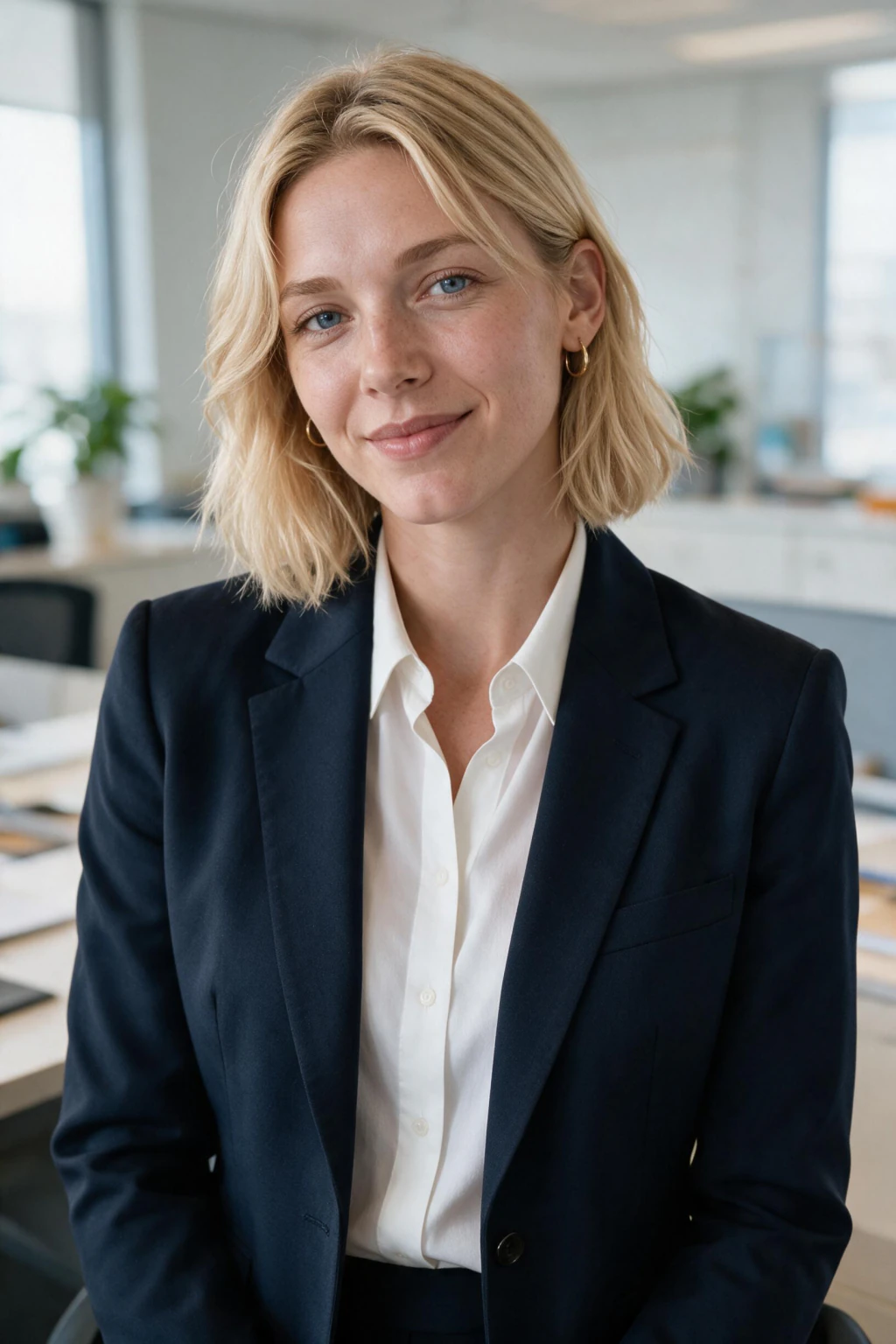
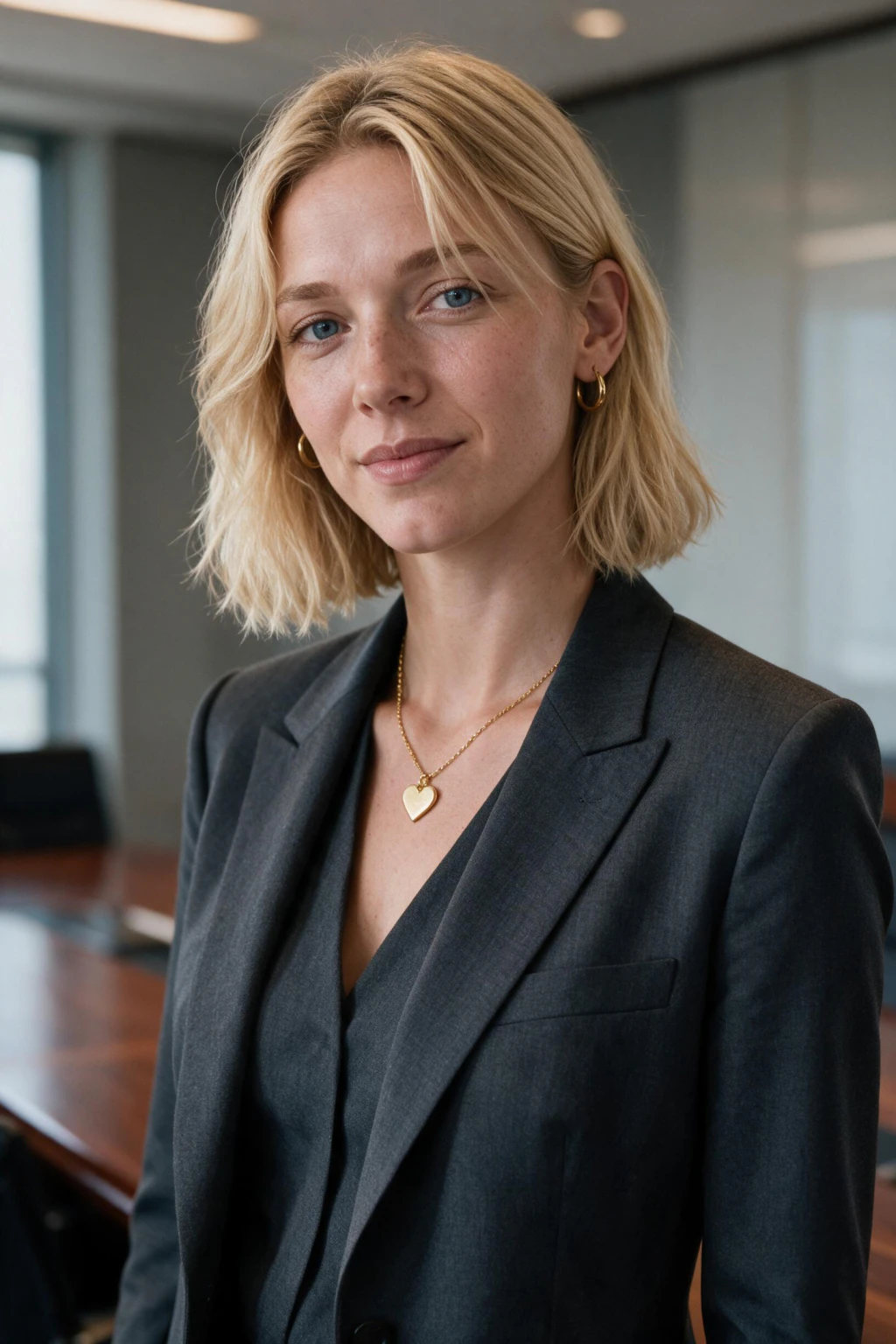
The AI office headshot generator on MakeAiPhotos turns one selfie into a business formal desk portrait, and the reason to choose it over a standing headshot comes down to your shoulder line.
Sitting drops your shoulders and rolls them slightly forward, which reads as settled and approachable. Standing squares them up, which reads as posed and slightly guarded. Neither is better in the abstract.
If your role is one people report into, a manager, a consultant, a team lead, the seated line is the one that invites contact instead of announcing rank. The scene renders a tidy desk in soft focus, a shirt and tie under a tailored suit, a laptop edge or notebook within frame but never dominant, and window light coming across you from one side rather than straight on. That side light gives the face a modelled quality a flat studio setup cannot, and the desk surface bounces just enough back to keep the shadow side open.
The pose sits between candid and direct: shoulders angled to the desk, head turned back to camera. Choose the CEO headshot instead when you want no background at all and maximum authority in the profile circle. Choose the executive office headshot when the room itself is part of the story and you want more of it visible.
This desk prompt sits between them. For the input selfie, sit down before you shoot it. A seated source photo gives the model your natural shoulder drop instead of forcing it to invent one, and invented shoulders are where seated renders usually look wrong.
Turn so a window is at roughly 45 degrees to your face, keep the phone at eye level, and leave a plain surface behind you. Skip glasses with heavy reflections, skip lanyards and badges, and skip anything with a logo on the collar. A sharp single selfie in soft side light carries far more usable detail than a bright one shot under overhead office panels.
One habit worth breaking: most people lift the phone above eye level for a selfie because it slims the jaw. It also tilts your head back, shortens the neck, and rotates the shoulder line in a way that fights the seated posture this prompt is built on. Keep the camera level with your eyes even if the first few frames look less flattering.
The render will handle the flattering part. What it cannot handle is a source photo whose geometry contradicts the pose it is trying to build. See pricing before you start.
Frequently asked questions
Why does a seated headshot read differently from a standing one?
Sitting drops and slightly rolls your shoulders forward, which the eye reads as settled and open. Standing squares the shoulder line, which reads as formal and a little defensive. For roles people report into, the seated line invites approach rather than signalling rank.
Should I sit down for the selfie I upload?
Yes, and it matters more than people expect. A seated source photo gives the model your real shoulder drop. From a standing selfie it has to invent the seated posture, and invented shoulders are the most common reason a desk render looks subtly wrong.
What should be visible on the desk?
Two or three things at most: a laptop or monitor edge softly out of focus, a notebook, maybe a mug. Every extra object competes with your face for attention, and at profile size the viewer only has attention for one thing.
Why side light instead of straight-on light?
Light coming across you at an angle models the shape of the face and gives the cheekbone and jaw definition. Straight-on light flattens everything into one plane. The desk surface bounces a little light back, which keeps the shadow side from going too dark.
Is a desk portrait acceptable as my main LinkedIn photo?
It works as a main photo when your face still occupies a good share of the frame and the workspace stays quiet. If the desk takes over the composition, use it as a secondary image on your company bio and keep a tighter crop as the profile picture.
Should I wear a tie in a business formal desk portrait?
The prompt renders shirt and tie under a tailored suit by default, which suits finance, law, and consulting. If your industry runs softer, generate the batch and pick the frames where the collar reads open. Your input selfie does not need to match the rendered outfit.
Where should I look, at the camera or at my work?
At the camera, with your body angled toward the desk. That combination gives the candid-at-work feeling without losing eye contact, which is the thing that actually builds trust in a profile photo. Looking away entirely reads as a stock illustration.
Can I use the same upload for both the desk and CEO prompts?
Yes. One selfie is all the AI needs, and every prompt in the LinkedIn Headshots pack works from it. Generate both, put them side by side at thumbnail size, and keep whichever one your face reads more clearly in at that scale.