AI CEO Headshot Generator: Executive Portrait From Your Selfie
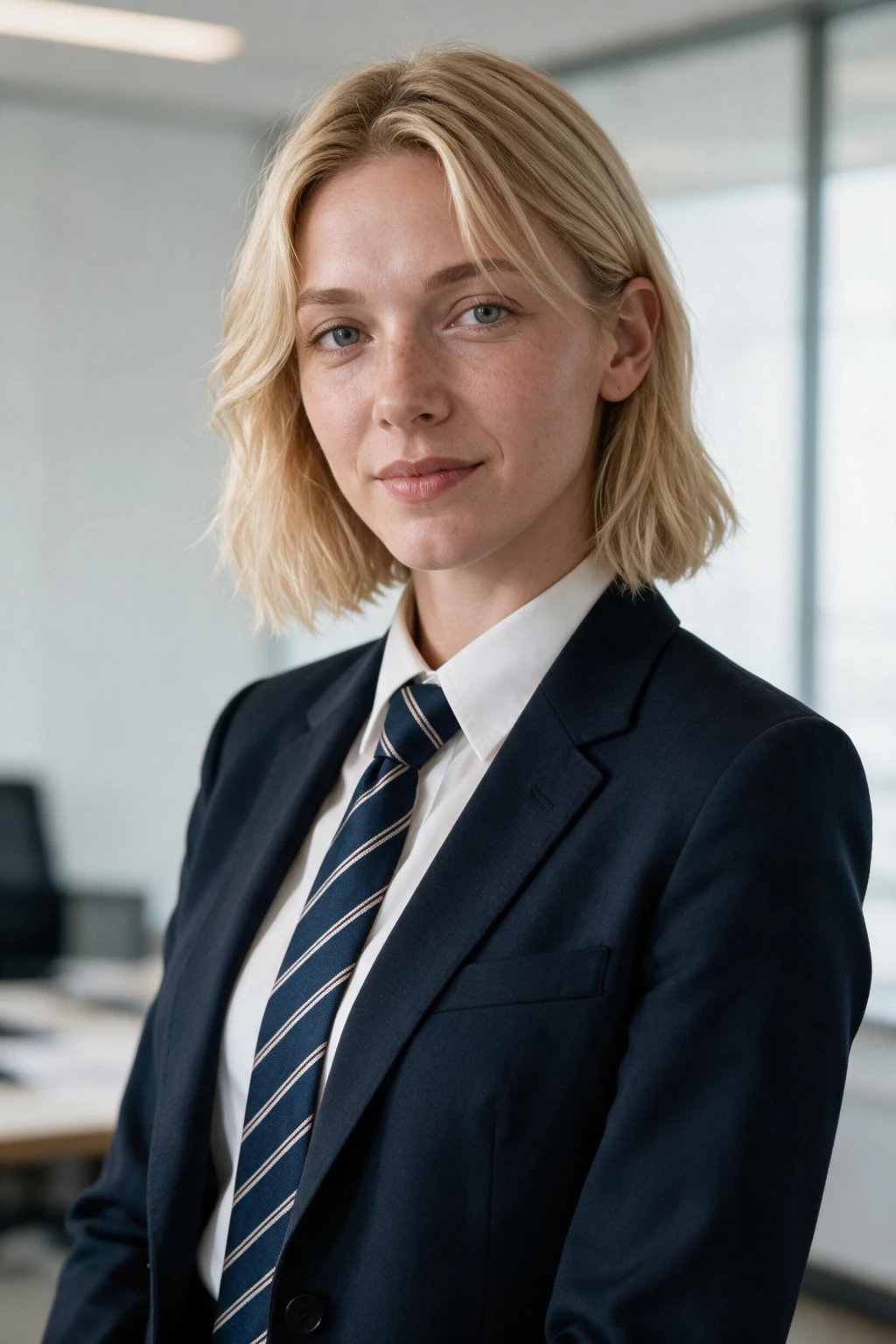
The AI CEO headshot generator on MakeAiPhotos turns one selfie into an executive portrait built to survive the crop LinkedIn actually applies to it.
That crop is the detail almost nobody plans for. LinkedIn masks your photo into a circle, so anything sitting in the corners is thrown away, and a headshot framed like a passport photo loses the bottom of the chin the moment it goes live. Frame so your face fills roughly 40 to 60 percent of the square.
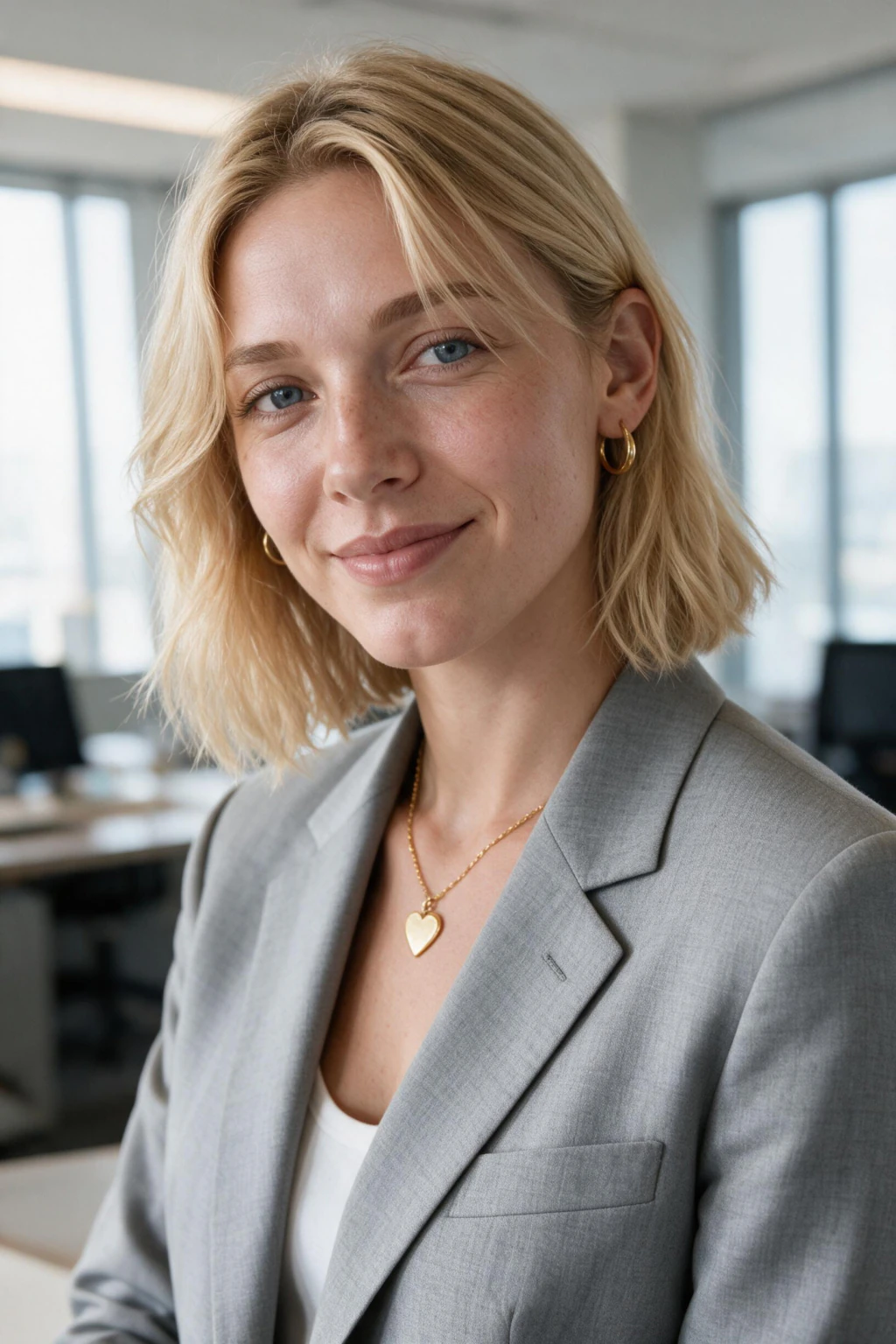
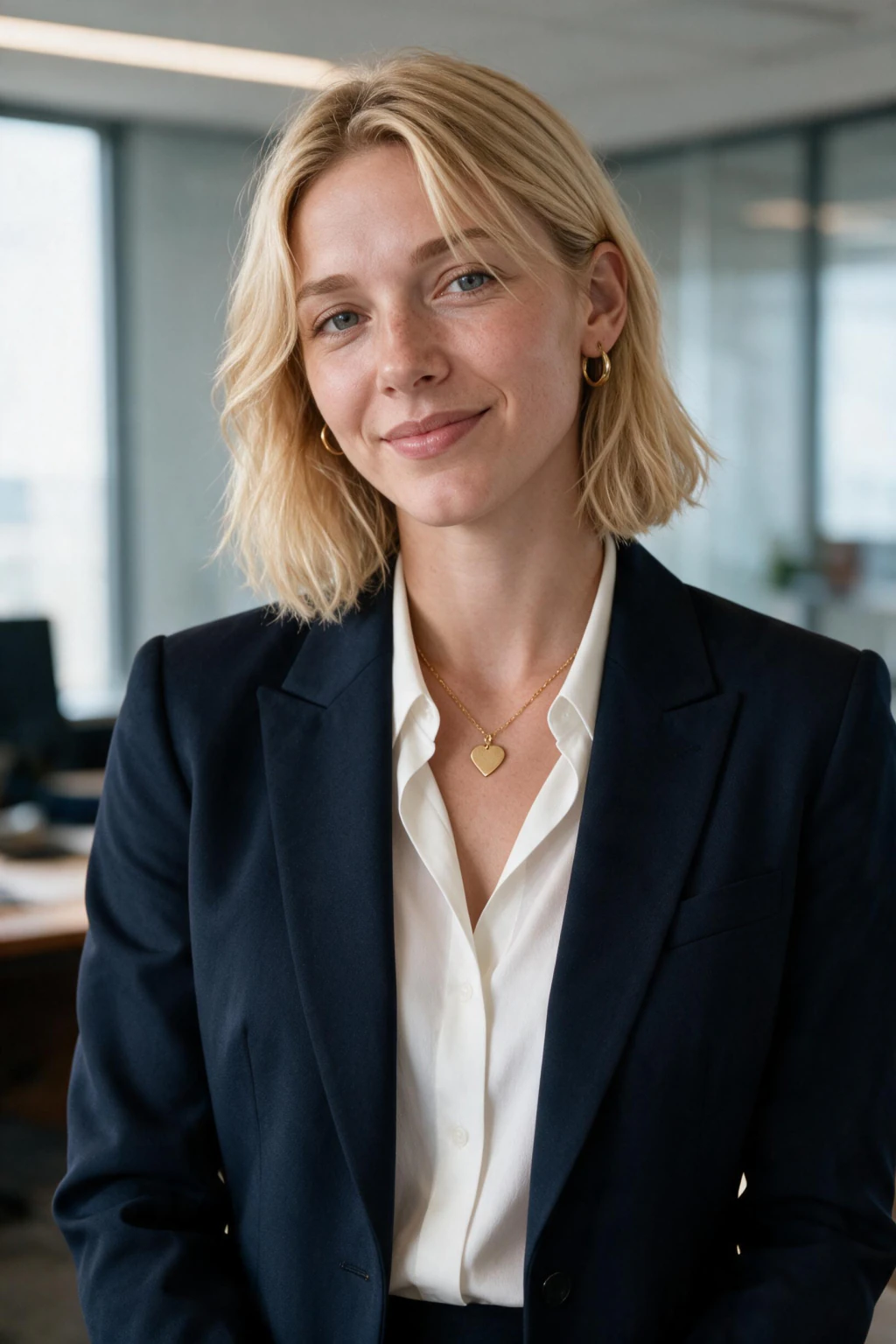
Below 40 and you shrink into the background at thumbnail size. Above 60 and the circle clips your jaw. The scene renders a tailored dark or charcoal suit, a clean neutral or softly blurred office background, and front-weighted light that lands evenly across both sides of the face with a gentle falloff behind the shoulder.
There is no dramatic side shadow, because dramatic reads as a portfolio piece rather than an executive profile. The expression is composed and direct, eyes to camera, a small closed smile rather than a wide one. Pick this prompt over the executive office headshot when you want the background to disappear and the face to carry everything.
The office version keeps visible room context, which is better for a company about page and worse for a profile circle. If your role is more operational than founder-level, the senior manager portrait reads slightly less formal. For the input selfie, stand facing a window with the light on your face, not behind you.
Hold the camera at eye level or a touch above, never below. Keep a plain wall behind you so nothing competes with your head outline. Skip sunglasses, hats, heavy beauty filters, and group crops.
A single sharp, evenly lit selfie holds your bone structure far better than a bright photo taken in harsh overhead office light, which carves shadows under the eyes that the render then treats as part of your face. One more thing worth doing before you upload: open your current LinkedIn photo on a phone and look at it in the feed rather than on the profile page. That tiny circle is the real test, and most headshots that look fine at full size collapse at that scale because the face was too small or the background too busy.
Generate the batch, then judge every frame at that size before you judge it at any other. The one that still reads as you at forty pixels wide is the one to use. See pricing for current packs.
For more options see all 9 executive headshot ideas side by side.
Frequently asked questions
How much of the frame should my face fill in a LinkedIn headshot?
Roughly 40 to 60 percent. LinkedIn masks your photo into a circle, so a face that is too small disappears at thumbnail size and a face that is too large loses its chin to the crop. Staying inside that band keeps the whole head intact.
Why does my LinkedIn photo look cut off after I upload it?
LinkedIn applies a circular mask to a square image, so the four corners are discarded. Anything you framed near the bottom edge, including your chin, goes with them. Generate the headshot with head room already built in rather than cropping tight beforehand.
What makes a CEO headshot read as senior rather than generic?
Even front-weighted light, a well-fitted dark suit, a background with nothing competing for attention, and a composed closed-mouth expression. Dramatic side lighting and busy backgrounds both read as creative portfolio work, which undercuts the authority a founder or chief executive profile needs.
Will the generated headshot still look like me?
The AI works from your uploaded selfie and holds your facial structure across every frame. The suit, the background, and the lighting are generated around that face. The closer your input selfie is to even, neutral light, the more precisely your features carry through.
Can I use this headshot on an investor deck or press bio?
Yes. The formal attire, neutral background, and even lighting match what conference organisers, editors, and investors expect from a senior executive portrait. Export the frame you like and use the same one everywhere so people recognise you across contexts.
Should I smile in an executive headshot?
A small closed-mouth smile works best at profile-circle size. A wide open smile compresses into a bright blur when scaled down, and a completely flat expression reads as cold. The prompt renders the middle ground by default across the batch.
What background works best for a CEO headshot?
Plain neutral, or an office softly blurred enough that no individual object is identifiable. The point is that nothing behind your head competes for the eye. Bookshelves, windows with bright sky, and patterned walls all pull attention off the face at small sizes.
How do I shoot the selfie I upload for this?
Face a window so the light falls on you, hold the camera at eye level or slightly above, and stand in front of a plain wall. No sunglasses, no hat, no beauty smoothing, no group crop. Sharpness matters more than brightness for likeness accuracy.