Three ways to get a zombie photo without doing zombie makeup
A zombie photo without makeup comes from one of three places: thrifted, torn clothing staged under hard side light, a phone filter app run over an existing selfie, or a photo generated from your own selfie. Each one skips a different part of the usual zombie makeup routine, and none of them skips all of it the same way.
The table below is the short version: what each route costs in time and money, how convincing it looks in a finished photo, and the detail that gives it away.
One phone selfie to 4 AI photos of the same person

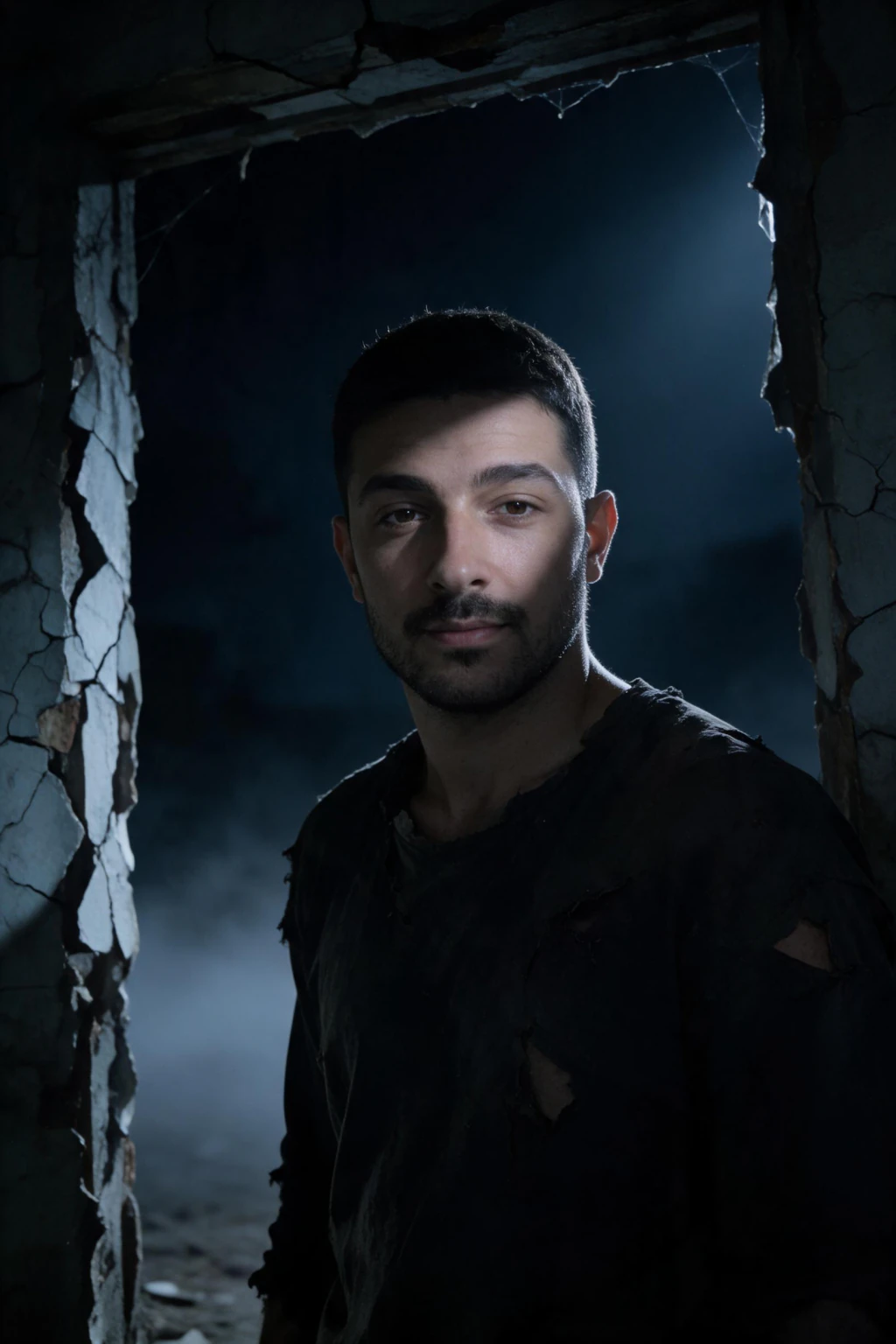
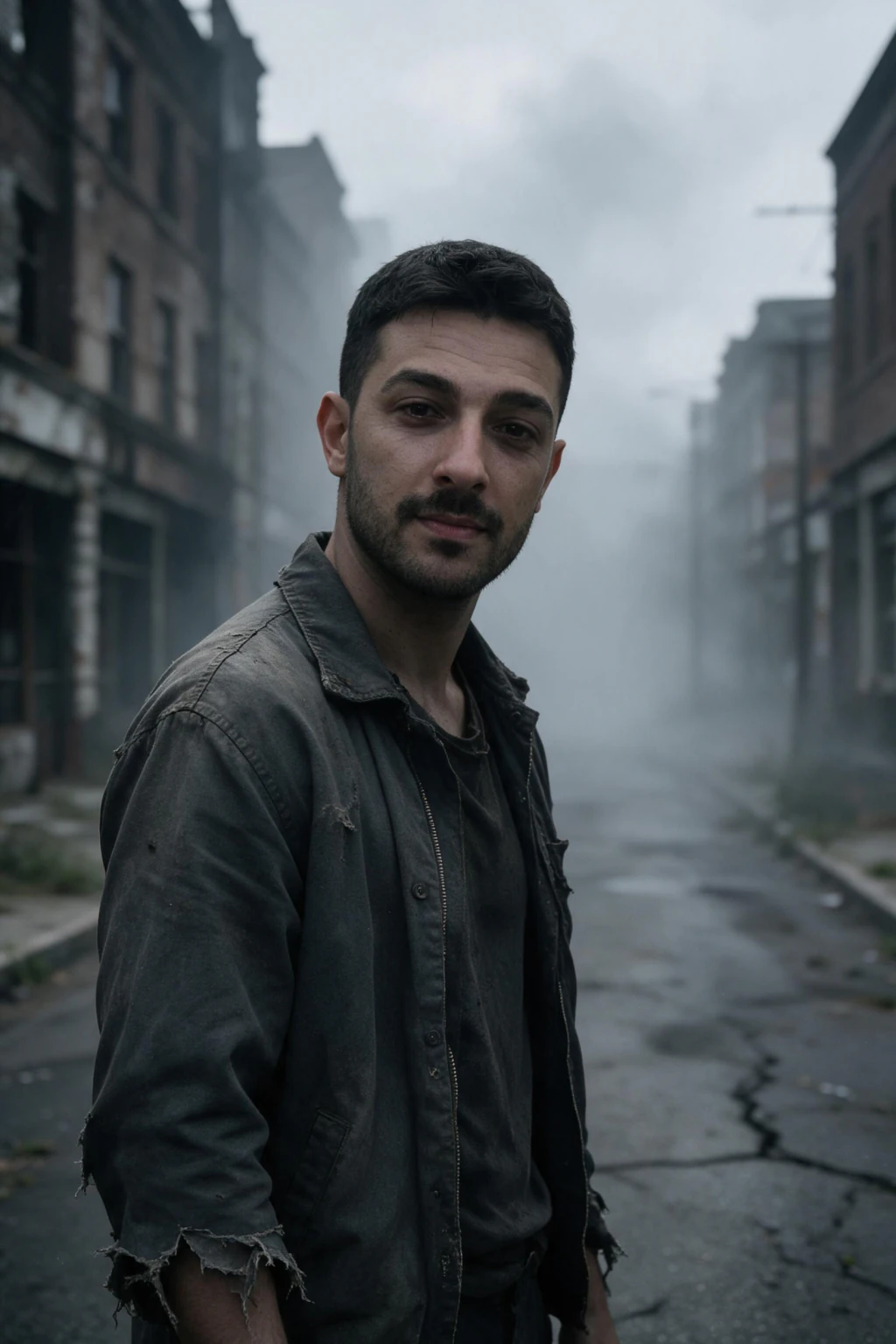
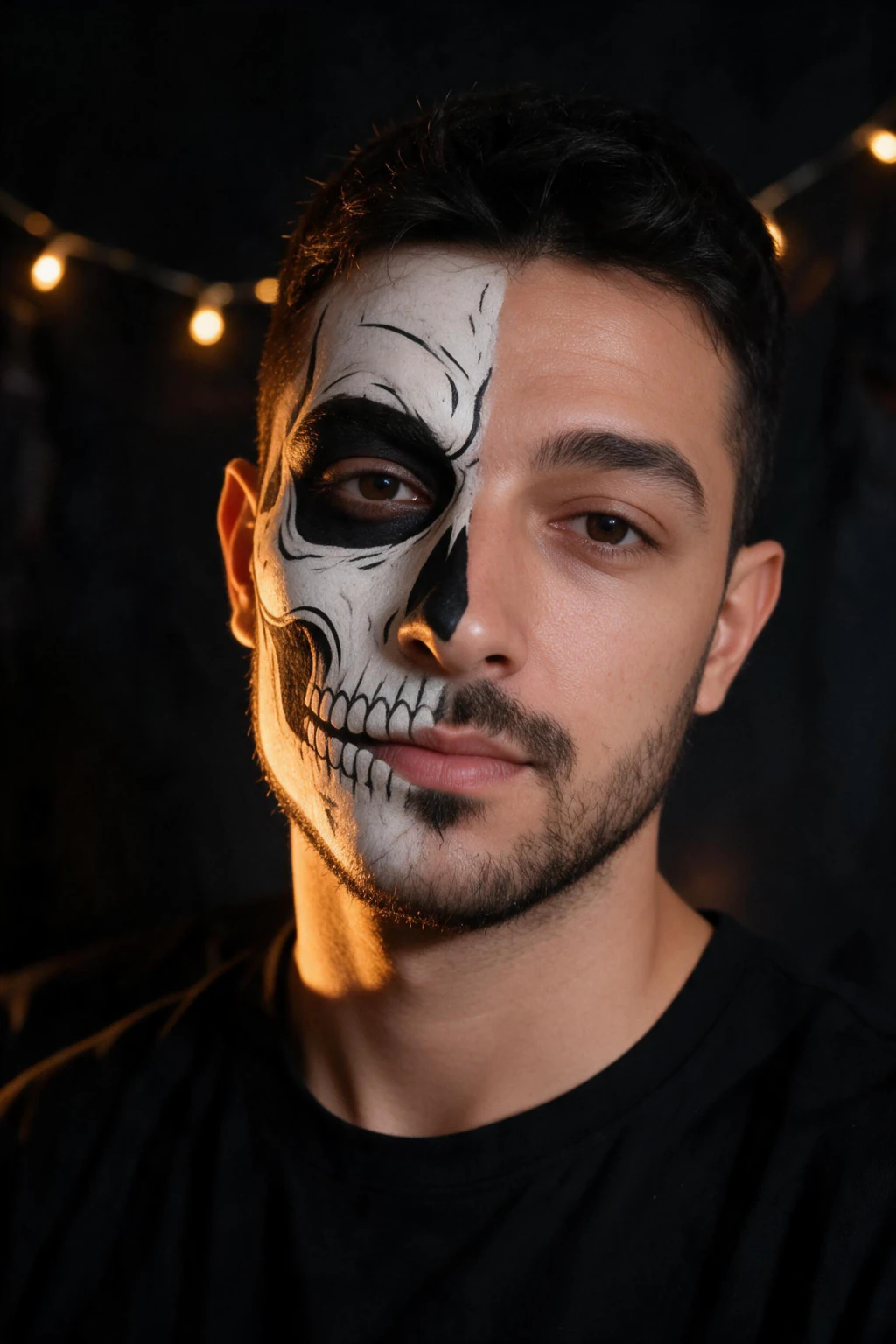
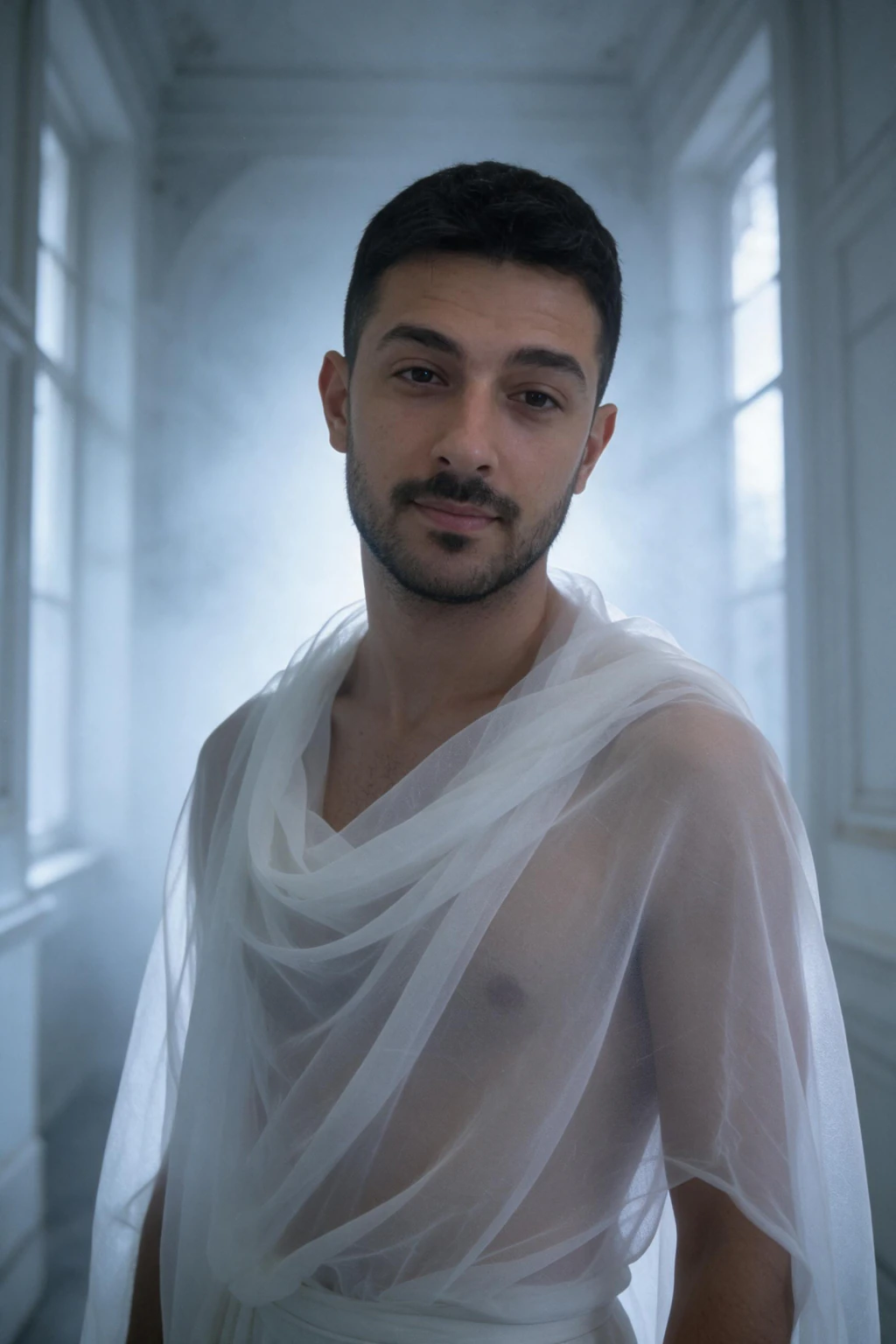
| Route | Time | Cost | How real it looks | The tell |
|---|---|---|---|---|
| Thrifted clothes, posed and lit | 20 to 40 minutes shopping and staging | $5 to $15 for secondhand, torn clothing | Reads as a costume in a photo, not injured or diseased skin | Skin tone and eyes look completely normal up close |
| Phone filter app | under a minute | no purchase | Same face and background, a flat tint pasted over both | No shadow depth in the eye sockets, the tint slips when you turn your head |
| AI-generated zombie photo | about 2 minutes | $14.99 one time for about 30 photos | A new photo with greyed skin tone, shadowed eye sockets and torn clothing in a real scene | No one remembers you doing the makeup that night, because there was none |
| Real zombie makeup | 45 to 90 minutes to apply, plus 20 to 30 minutes to remove | $15 to $40 for latex pieces and grey face paint | The most convincing option in person and up close on video | None, when done well, the cost is the time and the cleanup |
What actually sells a zombie look in a photo?
A zombie photo reads as convincing off three details: skin pushed toward a grey pallor rather than green, eye sockets darkened with real shadow rather than drawn on with liner, and a setting that looks abandoned rather than a bedroom with a ring light behind it.
Clothing carries less of the illusion than most people expect. A plain, torn shirt in muted color does more work than an elaborate costume, because a real photo of a zombie is defined by the skin and the eyes first, and the outfit second.
Do thrifted clothes and posing alone read as zombie in a photo?
Torn secondhand clothing and a slack, off-balance pose carry most of a zombie costume's silhouette, which is why it is the cheapest route on this list. A stained shirt, uneven stance and a slightly parted mouth photograph well from a few feet back, especially in a group shot.
The limit shows up the moment the camera gets close. Skin tone and eyes stay exactly as they are on any normal day, so a tight portrait or a solo profile photo undercuts the costume that a wider group shot would sell fine.
Can a phone filter turn a selfie into a zombie photo?
A filter app lays a grey or green tint and a few crack textures over your existing selfie in under a minute, which makes it the fastest of the three routes. It is also the flattest, since the color sits on top of your skin rather than changing it.
The eye sockets are the giveaway. A filter draws shadow as a flat shape rather than as light falling into a socket, so it looks painted on rather than sculpted. On video, the tint often lags a beat behind a head turn, which a still photo hides but a clip does not.
How does an AI zombie photo work without any makeup?
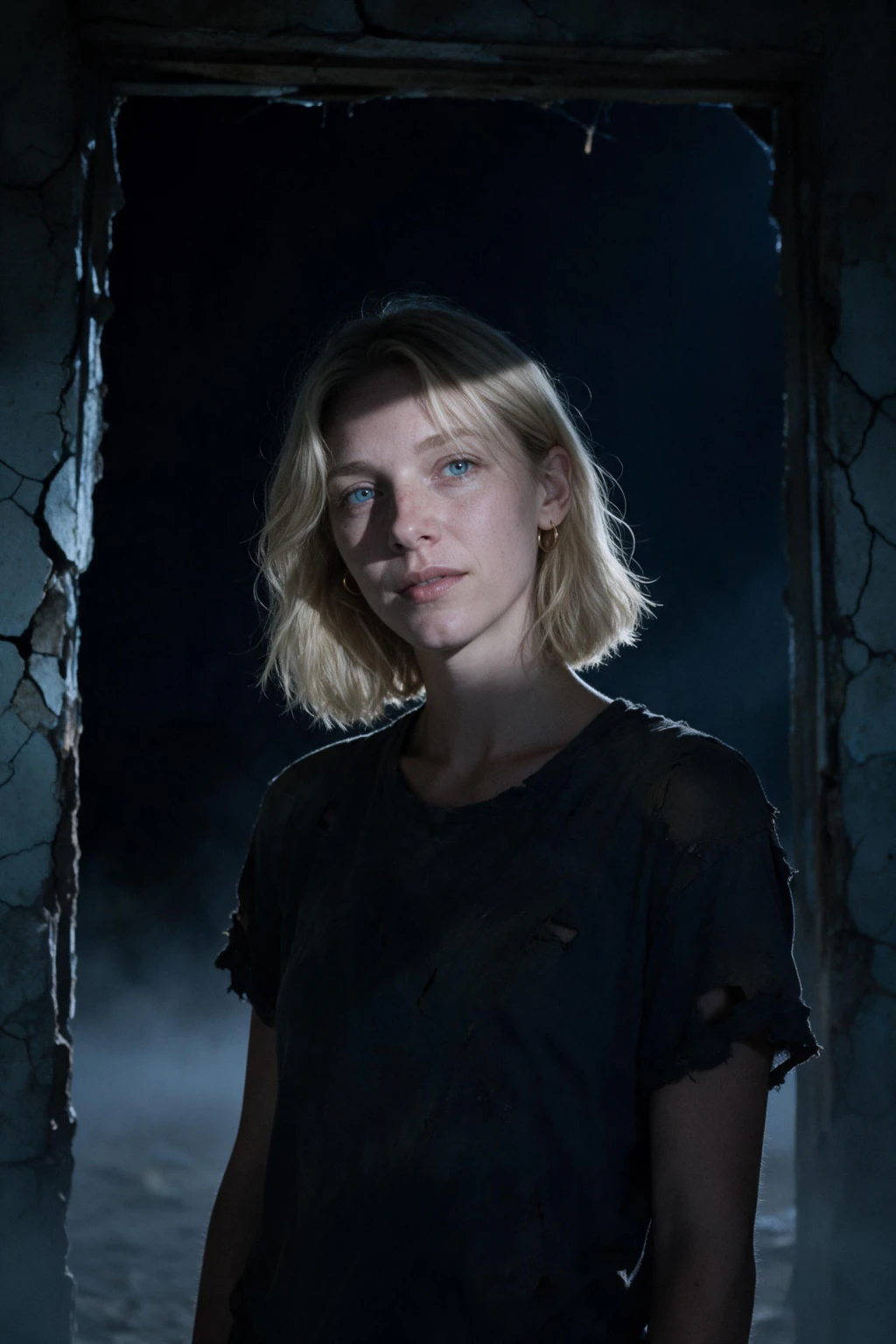
An AI zombie photo generator builds an entirely new photo of your face rather than laying a filter over the selfie you upload. MakeAiPhotos reads the one selfie you send in and renders a fresh photo of you with greyed skin tone, shadowed eye sockets and plain torn clothing, placed inside a foggy street or a cracked, moonlit doorway.
Because it is a new photo and not an edit of your existing one, the skin tone and eye shadow are part of the image itself instead of a layer on top of it. That is the difference a close portrait exposes: a filter's flat tint against a generated photo's actual shading.
$14.99 covers 300 credits, about 30 finished photos at 10 credits each, and each one comes back in about 2 minutes with no model to train. You see your own result before anything is charged, and a 14-day money-back guarantee covers the purchase.
Where does real zombie makeup still win?
Real zombie makeup is still the stronger choice for anyone who needs the look in person rather than only in a photo: a costume party, trick-or-treating, a mirror check before you leave the house, or a video where people expect to see texture and movement up close.
Latex pieces and cream paint hold up to touch and to a camera pointed at you all night, which no photo-only route can match. If the plan is to wear the look, not just to post it, the 45 to 90 minutes of application is the honest price of that.
How much time does each option realistically take, start to finish?
Add the cleanup and the real time gap between these routes gets wider than the application time alone suggests. Thrifted clothing takes 20 to 40 minutes to shop for and stage, with no removal step afterward beyond changing clothes.
A phone filter takes under a minute and leaves nothing to clean. Real zombie makeup runs 45 to 90 minutes to apply and another 20 to 30 minutes to remove with an oil-based cleanser, so the full evening includes over an hour that never shows up in a costume photo.
A generated zombie photo takes about 2 minutes per image from one selfie, with no application and no removal, since nothing ever touched your skin.
Frequently Asked Questions
- Can you look like a zombie without any makeup at all?
- Yes. Thrifted, torn clothing under hard side light, a phone filter app, or a photo generated from your own selfie all skip the paint and latex entirely. A generated zombie photo goes furthest, since it changes your skin tone, eye sockets and setting in a new photo rather than adding a costume detail over your normal face.
- What is the easiest way to get a zombie photo without makeup?
- Upload one selfie to MakeAiPhotos and pick the zombie look on the Halloween page. The photo comes back in about 2 minutes with a greyed skin tone, shadowed eye sockets and torn clothing already built in, with no shopping trip, filter download or cleanup afterward.
- Do zombie filters on phone apps look real in photos?
- Not usually. Most filter apps lay a flat grey or green tint and a few crack textures over your existing selfie, so the color sits on your skin rather than replacing it. The eye sockets look painted rather than shadowed, and the tint often does not follow a head turn on video.
- How long does it take to get an AI zombie photo?
- About 2 minutes per photo on MakeAiPhotos, from one clear selfie with no model training. $14.99 covers about 30 photos total, so you can generate the zombie look plus other Halloween scenes from the same selfie, backed by a 14-day money-back guarantee.
- What household items do people use for a zombie costume without makeup?
- Common substitutes include torn or bleach-stained secondhand clothing, dirt or ash rubbed into fabric, and grey or white powder patted onto exposed skin. These change the costume rather than the face in a close photo, so skin tone and eyes still read as normal once the camera gets near.
- Does zombie makeup wash off easily?
- Not quickly. Latex pieces and grey or white face paint typically need 20 to 30 minutes to remove with cold cream or an oil-based cleanser, and grey pigment can linger near the hairline and ears after a first wash. That removal time comes on top of the 45 to 90 minutes most people spend applying it.