How do you see yourself in a Halloween costume before buying it?
Upload one selfie, pick a costume look, and let the generator build the costume around your real face. On MakeAiPhotos that is three taps on the AI Halloween costume generator: choose the look, upload the selfie, generate. The photo is back in about 2 minutes.
The generator copies your face, hair and skin tone from the selfie and changes only what the look asks for: the outfit, the makeup, the setting and the light. So a vampire preview is you with pale skin, a high collar and candlelight, not a stranger in a cape.
Take the selfie facing a window, phone at arm's length, no filter. A clear front-facing selfie is what makes the preview look like you rather than like a costume model.
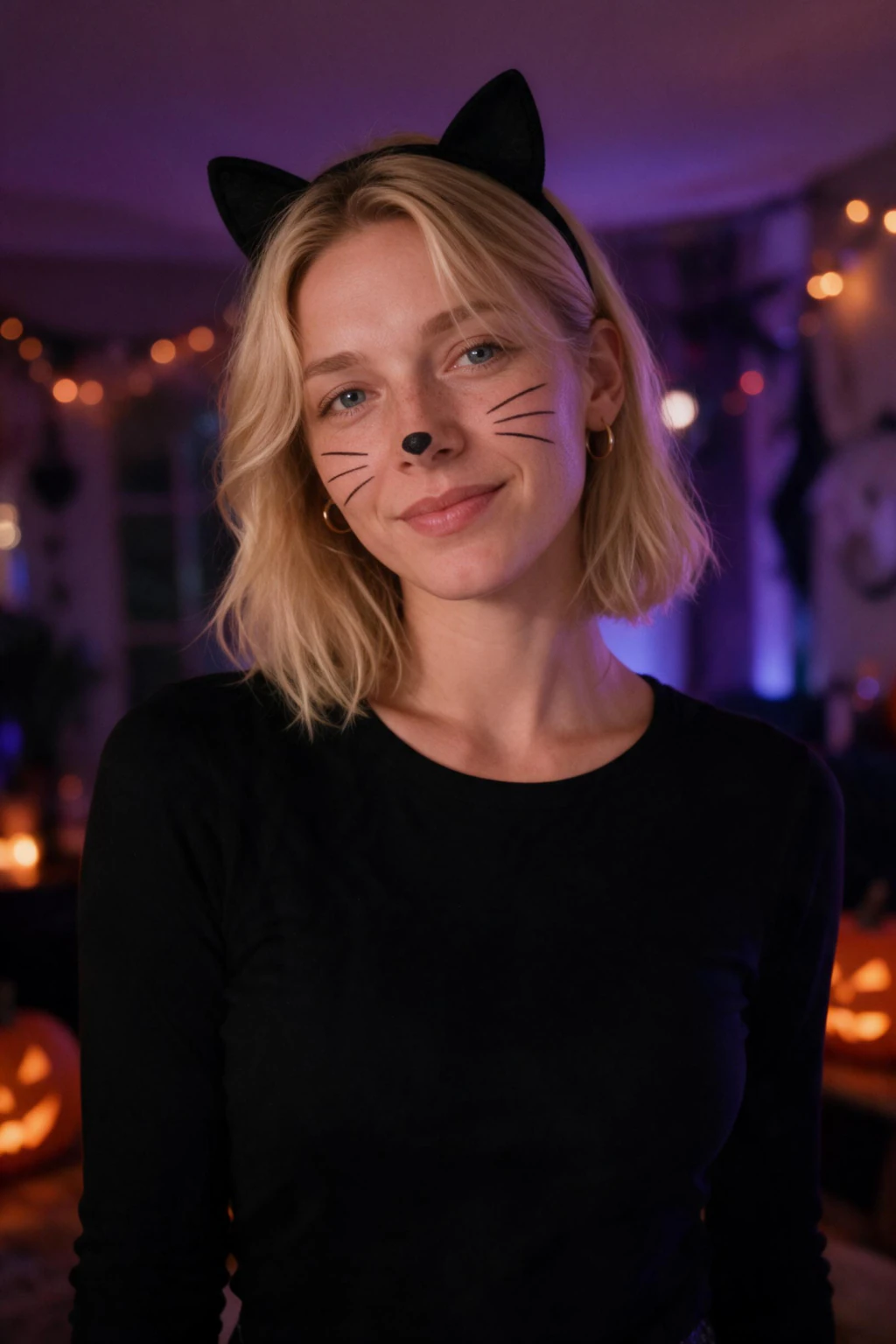
One phone selfie to 5 AI photos of the same person

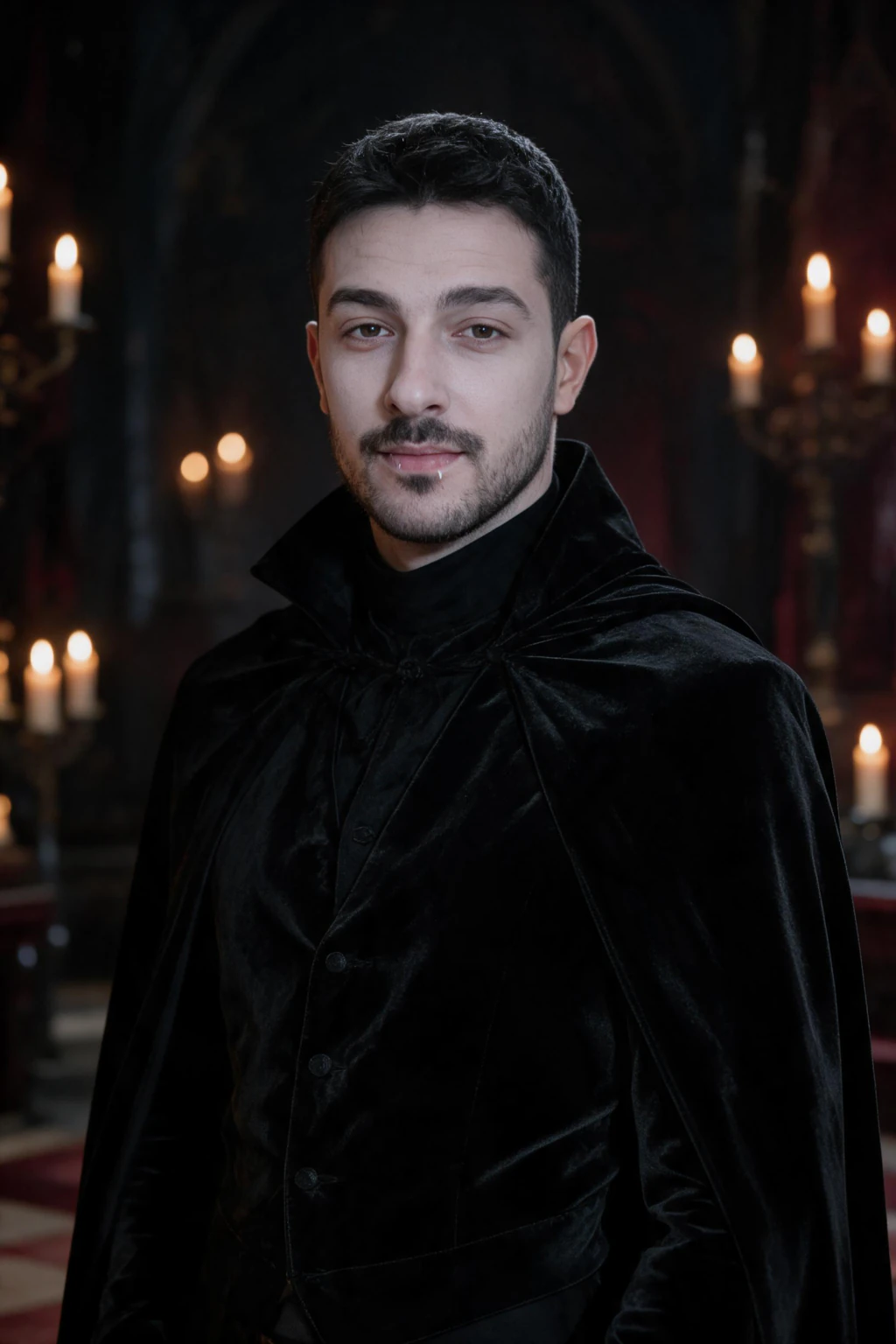
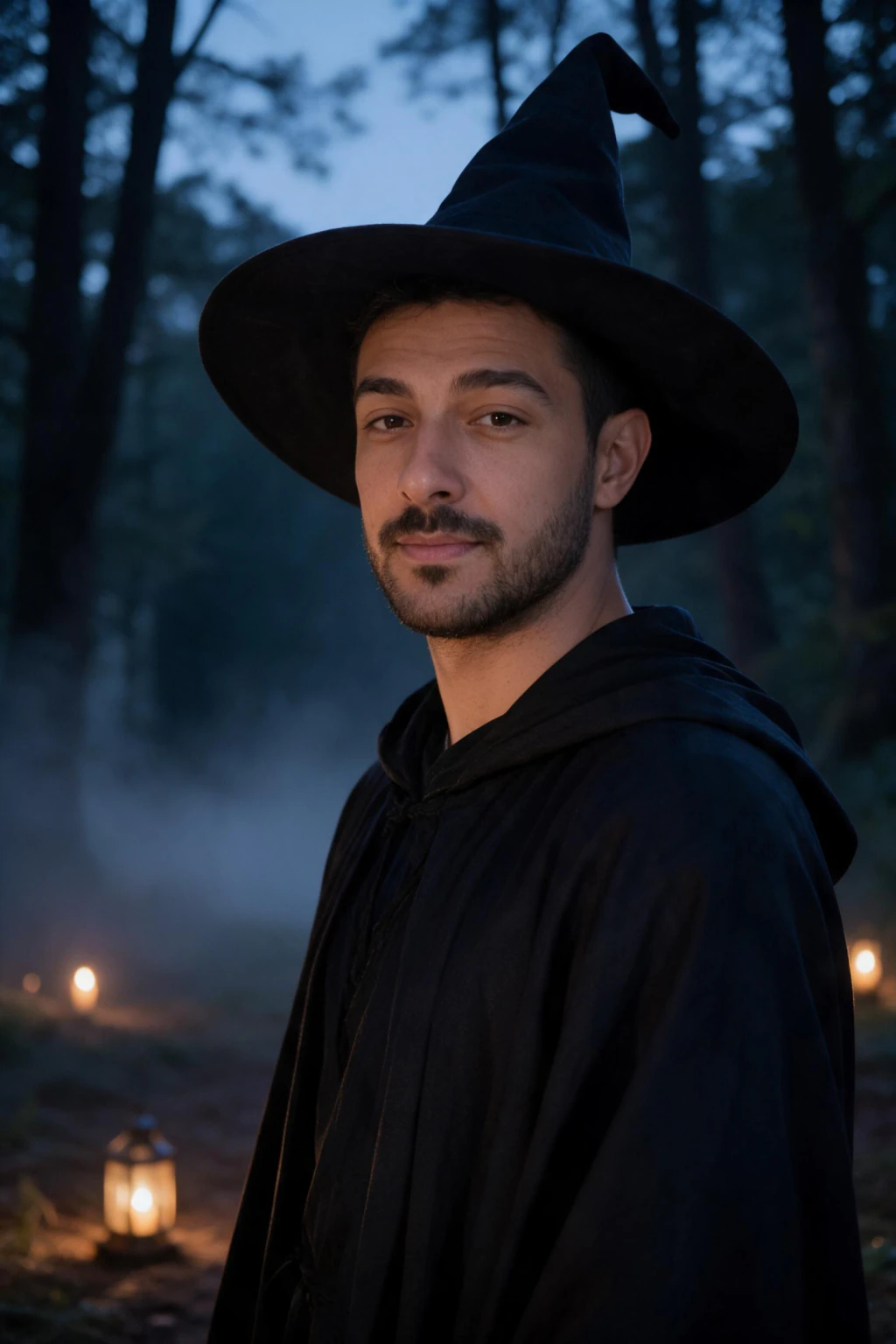
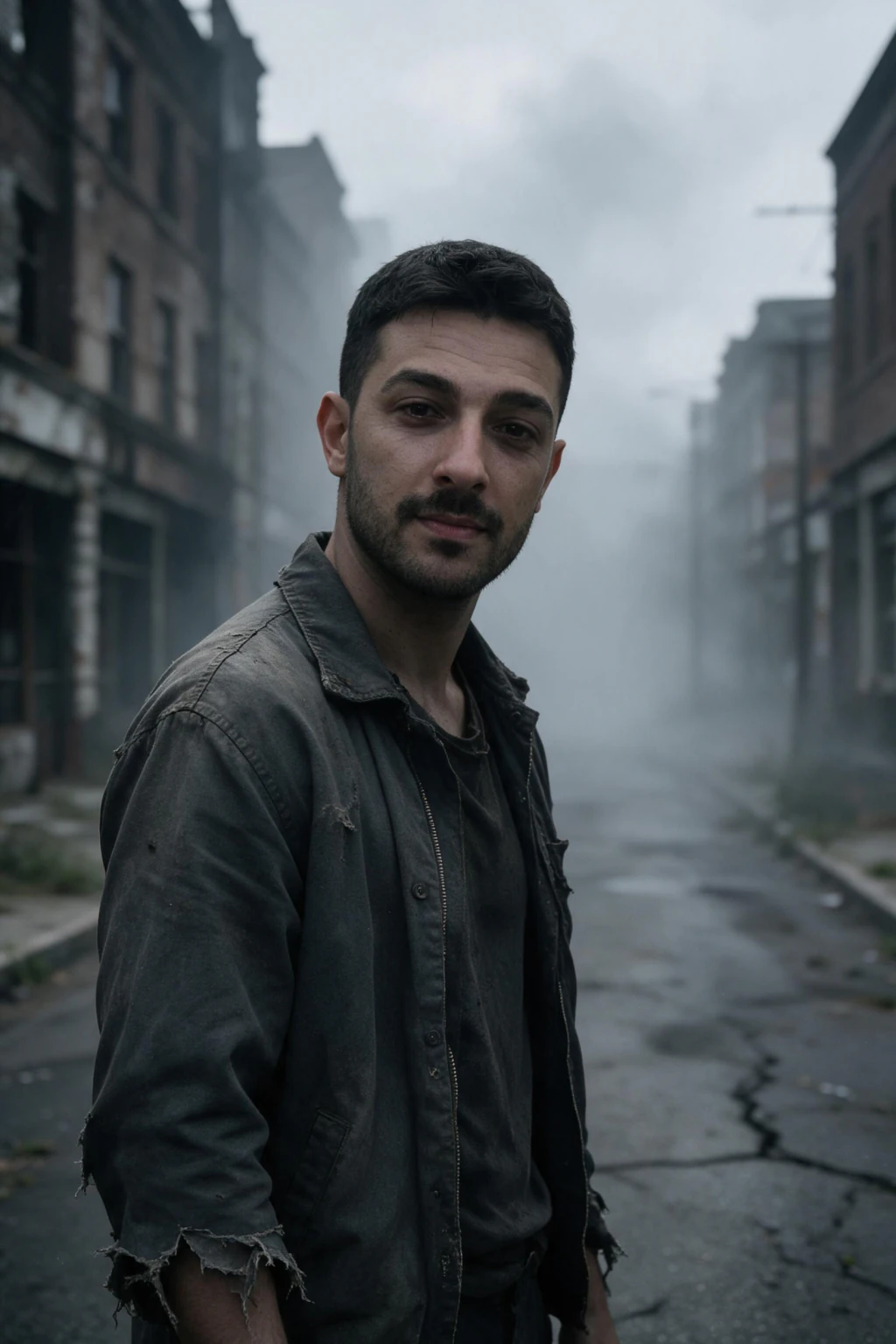
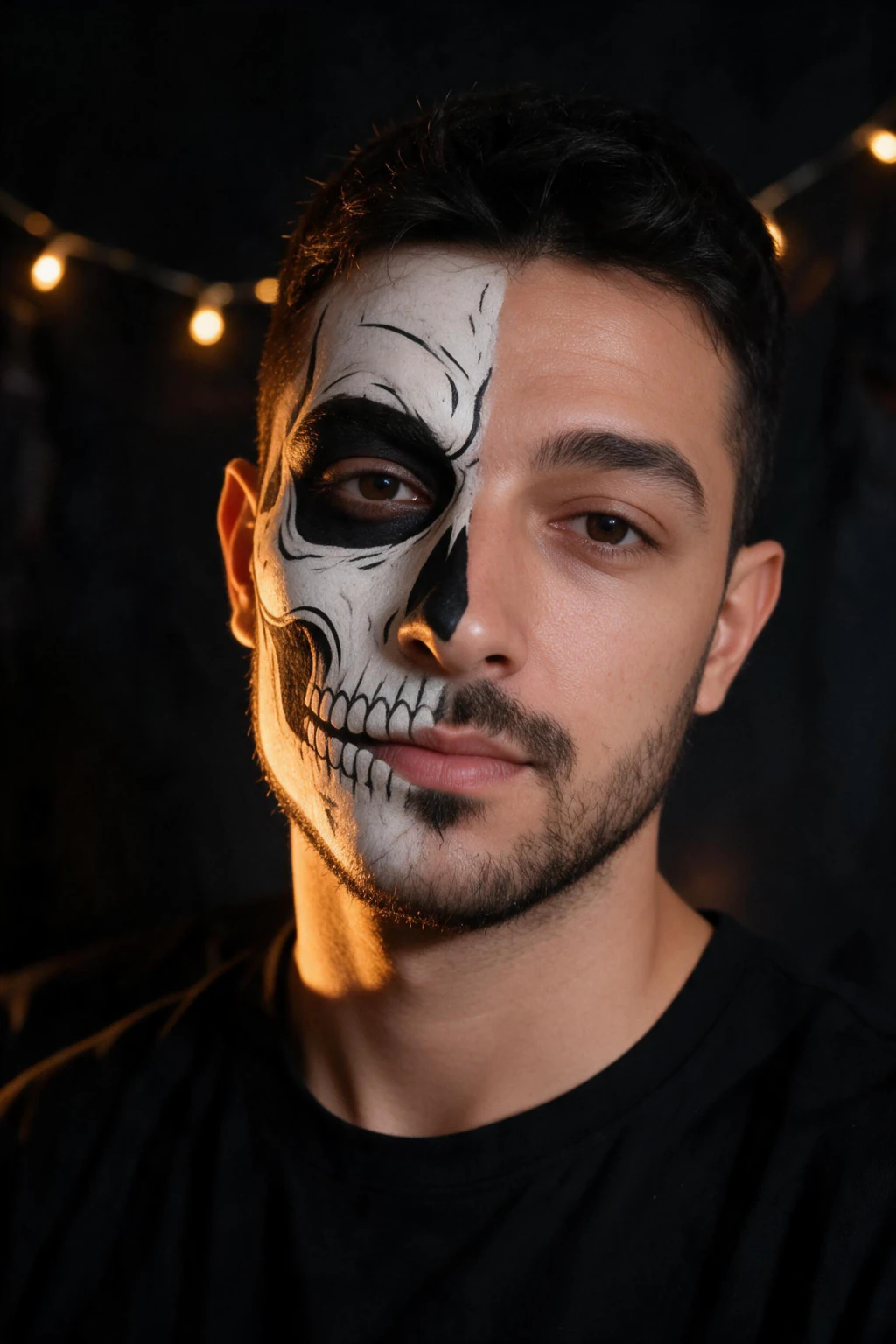
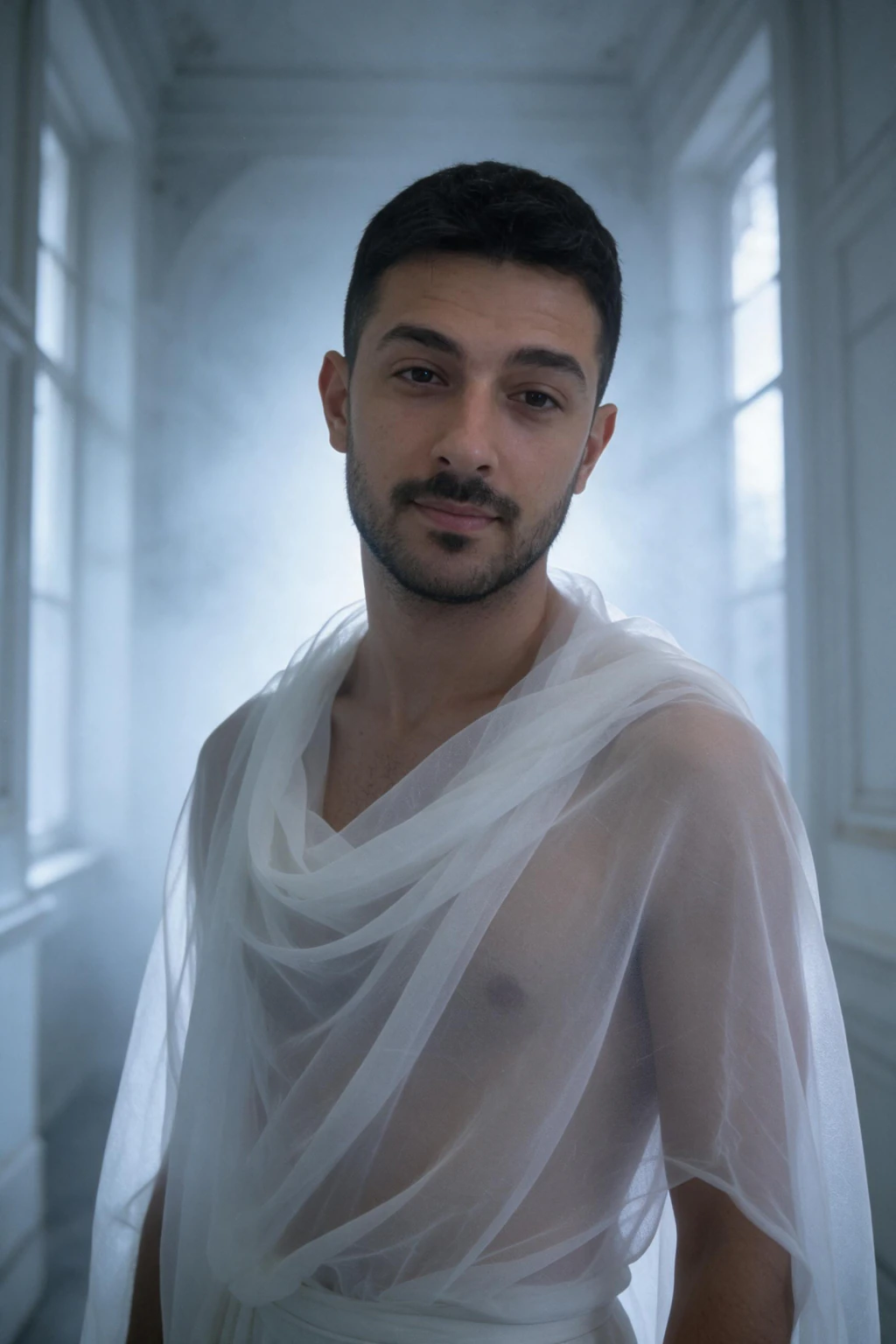
Which Halloween costume looks can you preview on yourself?
Seven looks, one selfie. Every one is a scene the generator already knows, so you pick rather than describe, and none uses a film or brand character, which keeps the photo safe to post.
$9.99 one time buys 100 credits, and each photo costs 10, so you can preview all seven looks and still have three photos left to re-run the one you liked.
| Look | What the preview shows | Best for |
|---|---|---|
| Vampire | Black high-collar velvet, pale skin, a hint of fang, candlelit manor | Gothic glamour, the 2026 trend pick |
| Witch | Wide-brim hat, layered black, misty forest or candlelit study | The classic that always reads at a party |
| Zombie | Torn clothes, grey-green undead makeup, overgrown lot at dusk | Scary without a mask hiding your face |
| Skeleton face paint | Bone or sugar-skull paint, black outfit, dramatic under-light | Bold and graphic, works for men and women |
| Ghost | Sheer white fabric, foggy hallway, soft backlight | Eerie rather than scary, minimal budget |
| Pirate | Waistcoat or corset, tricorn or bandana, lantern-lit deck | Adventurous, the vintage-pirate 2026 trend |
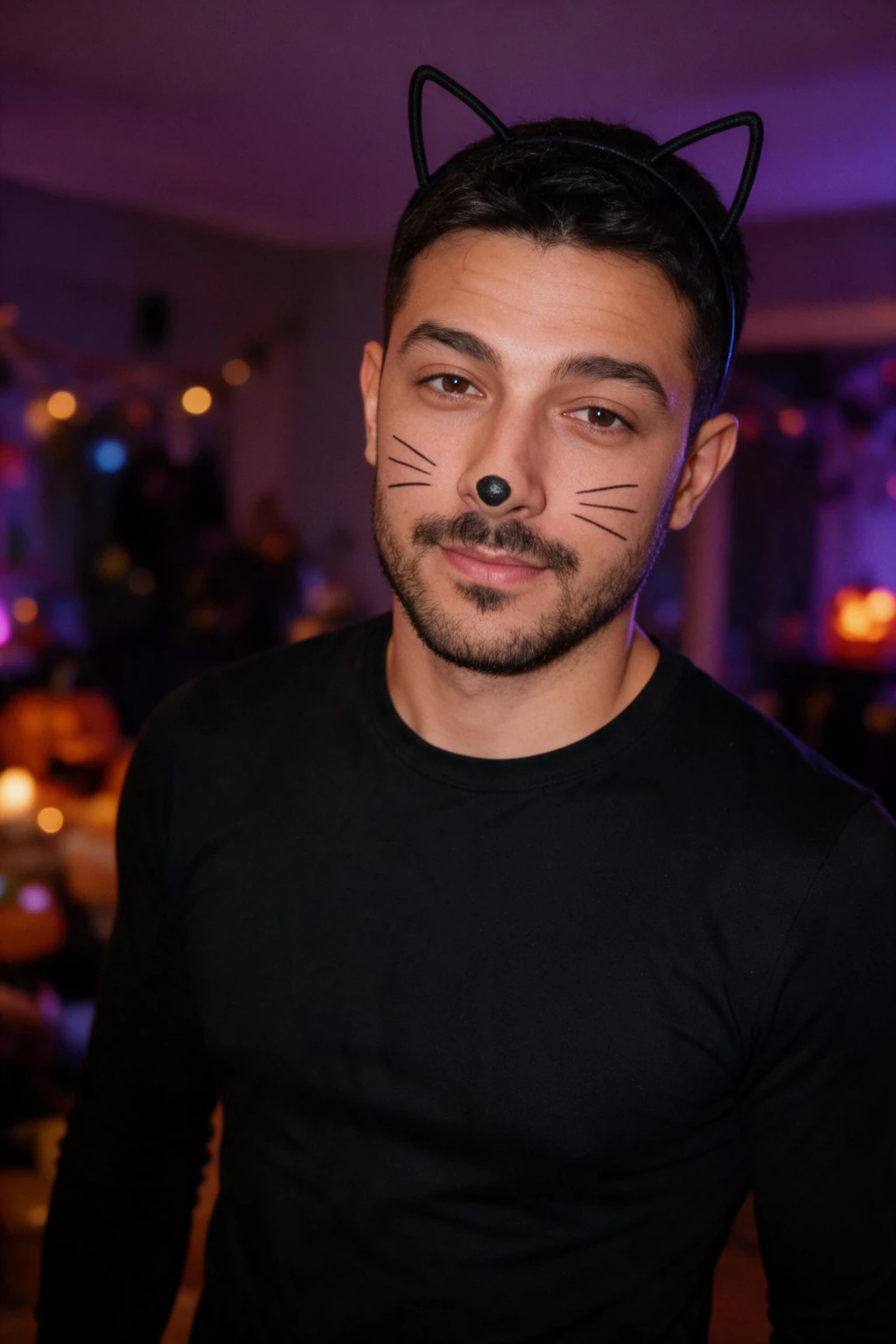
| Black cat | Cat-ear headband, drawn-on whiskers, purple-lit house party | The five-minute costume, previewed first |
What does a Halloween costume try-on with a photo tell you, and what can it not?
It tells you whether the look suits your face. Pale vampire skin on a warm complexion, a witch's brim over your particular hairline, zombie grey against your eye colour: these are the things you cannot judge from a product photo of someone else, and they are exactly what the preview shows.
It tells you whether the look reads at thumbnail size. Shrink the photo to the size of a profile picture. A skeleton paint job that pops at 120 pixels is a costume people will recognise across a dark room; one that turns to mud will not.
It cannot tell you sizing, fabric weight or how the cape behaves when you walk. A generated photo is a shortlist tool. It answers "is this my look", and the shop answers "does this one fit".
How much does a wrong Halloween costume cost?
The National Retail Federation puts average Halloween spending at about $114 per person for 2026, with costumes the largest single category at $4.3 billion nationally. A costume that turns out wrong for your face is a share of that money and a night spent in something you do not like.
A preview costs less than a dollar per look. Seven looks from one selfie, then buy the one that survived the thumbnail test. That is the whole method, and it is cheaper than one returned cape.
There is a second use once the costume is bought: the preview photo is already a finished Halloween profile picture, taken in better light than any party will give you.
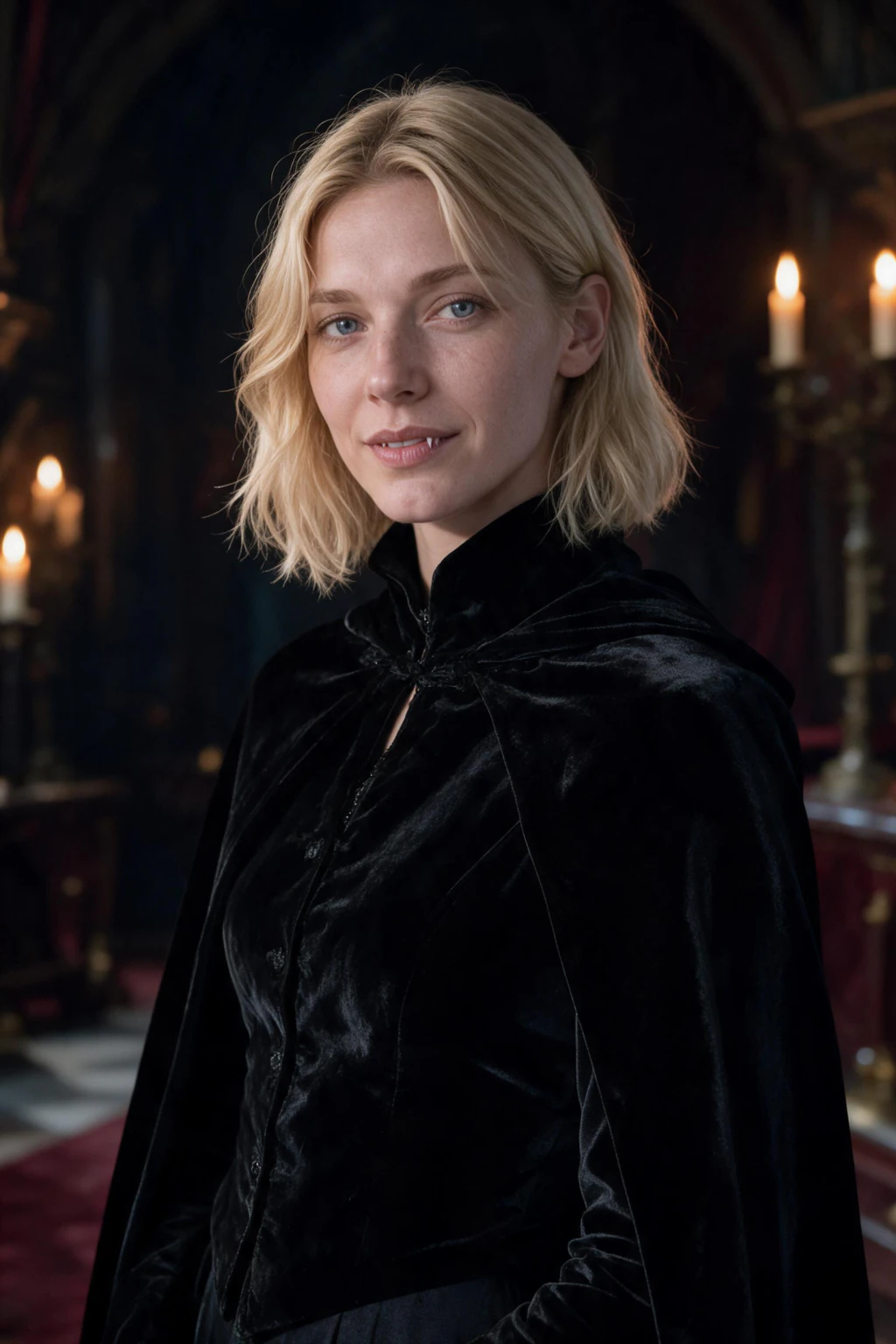
Which costume look should you pick if you cannot decide?
Generate two: one bold (skeleton paint or zombie) and one glamorous (vampire or witch). Look at both at thumbnail size and send them to one friend with a single question: which one is more me? Their answer is your costume.
If you want the look people will be wearing this year, the 2026 trend list in Halloween costume trends 2026 points at gothic vampire glamour and vintage pirates. If you want the cheapest costume to actually build, black cat wins: a headband, an eyeliner pencil and a black top.
Whichever you pick, the checks for the final photo are in which AI photo of yourself should you use, and the preview is the same photo you will post on the night.
Frequently Asked Questions
- How can I see myself in a Halloween costume before buying it?
- Upload one clear selfie to an AI costume generator and pick the look. MakeAiPhotos keeps your real face and builds the vampire, witch, zombie, skeleton, ghost, pirate or black cat costume around it in about 2 minutes. Compare the photos at thumbnail size, then buy the costume that suits you.
- Does an AI Halloween costume try-on actually look like me?
- Yes, when the selfie is clear, front-facing and unfiltered. The generator copies your face, hair and skin tone from the selfie and changes only the costume, makeup, setting and light. A filtered or shadowed selfie is what makes a preview drift toward a generic costume model, so retake it by a window.
- Can I try on a Halloween costume with a photo before buying it?
- You can preview it: the generated photo shows the look on your face and whether it reads at a glance. It cannot tell you sizing, fabric or fit, so treat it as the shortlist and the shop as the fitting room. On MakeAiPhotos $9.99 one time covers about 10 finished photos.
- How much does it cost to preview a Halloween costume with AI?
- On MakeAiPhotos, $9.99 one time buys 100 credits and each photo costs 10, so about 10 photos, or under a dollar per look. That covers all seven Halloween looks with three photos left to re-run a favourite. There is no subscription and a 14-day money-back guarantee applies.
- Which Halloween costume looks can I preview from one selfie?
- Seven: gothic vampire, witch, zombie, skeleton or sugar-skull face paint, ghost, vintage pirate and black cat. Each is a set scene with its own outfit, makeup and lighting, and none uses a film or brand character, so the preview photo is safe to post as your Halloween profile picture.
- Can I use the costume preview as my Halloween profile picture?
- Yes. The preview is a finished photo of you in the costume, shot in better light than a party gives you, so most people post it as their October profile picture. Check it at 120 pixels wide first, make sure no text or logo appears in frame, and it is ready for any platform.