What counts as a realistic AI profile picture?
A realistic AI profile picture is a photorealistic photo of you generated by AI from your own selfie. On MakeAiPhotos, the result is not a cartoon, anime character, or stylized illustration. It is a true-to-life portrait that looks like a real photo of you taken with a camera, ready to set as a profile picture anywhere.
That distinction matters, because most tools marketed as avatar makers produce cartoon or game-style faces. If you want a picture that still looks like a real human (the actual you) for a LinkedIn photo, a dating profile, or a work account, you want a photorealistic generator, not an illustration app.
The way it works is simple. You upload one selfie, the AI learns your face, and it generates new photos of you in different settings, outfits, and lighting. Every output keeps your real features: your face shape, your eyes, your hair. Nothing about the result looks drawn or filtered.
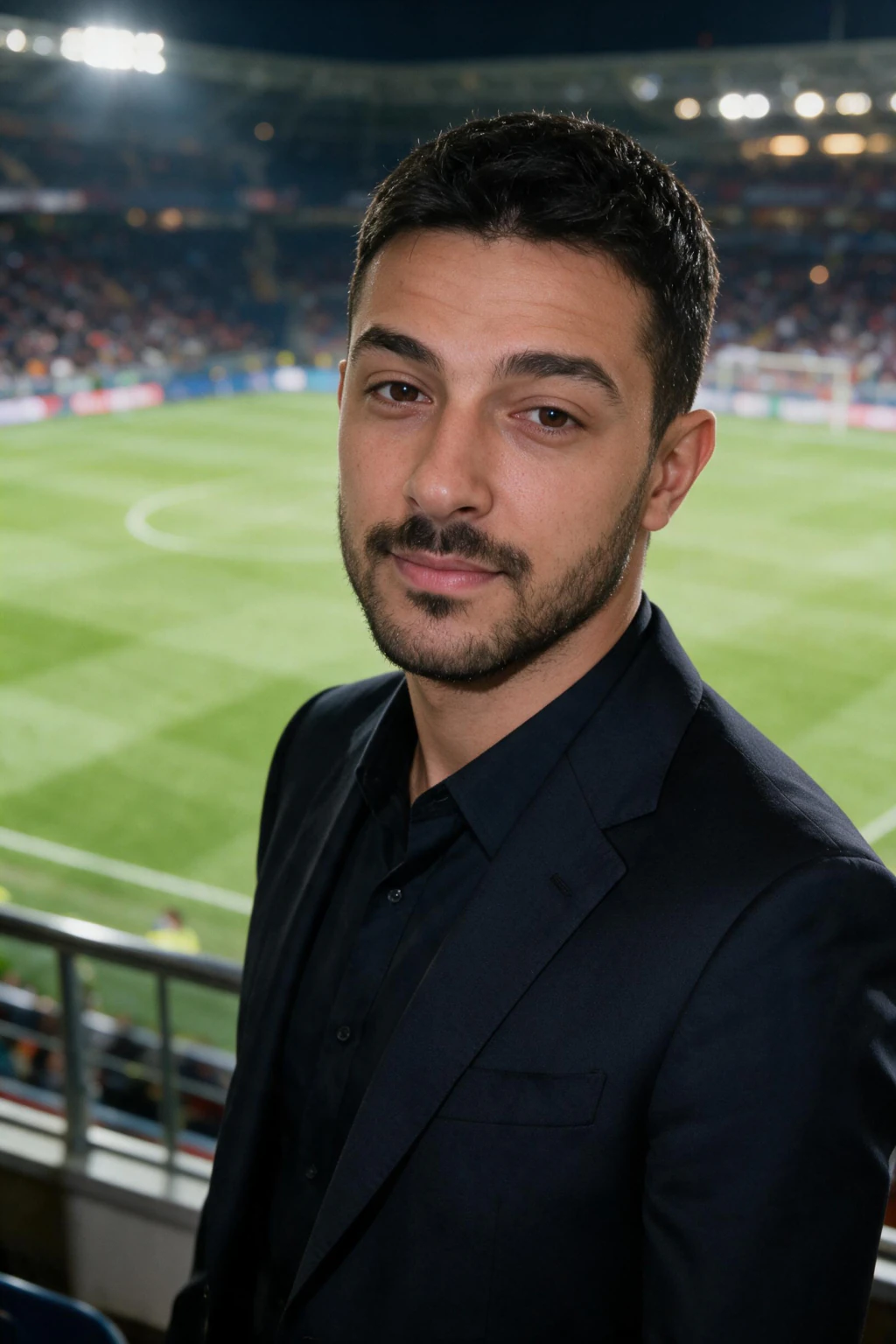
One phone selfie to 5 AI photos of the same person

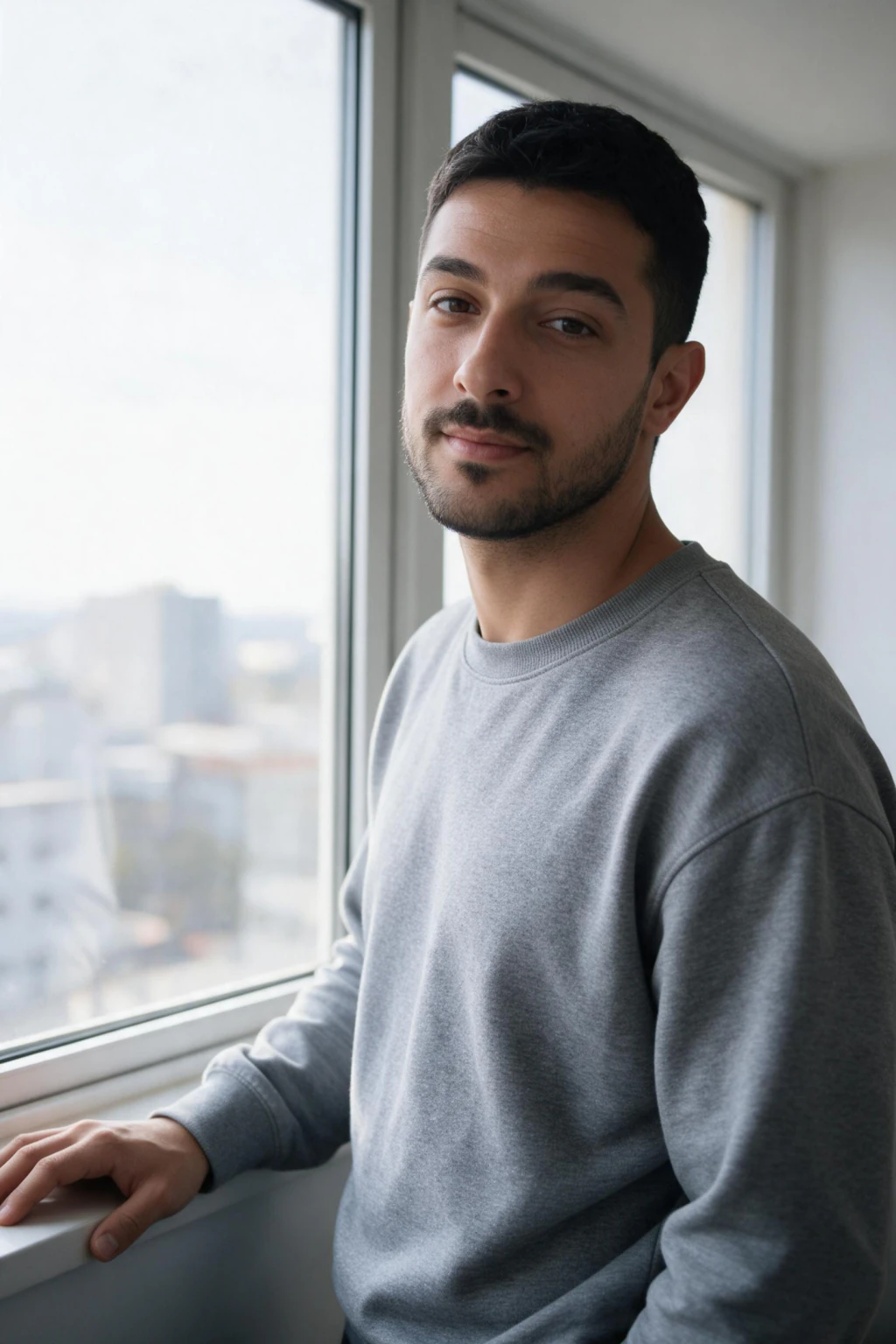
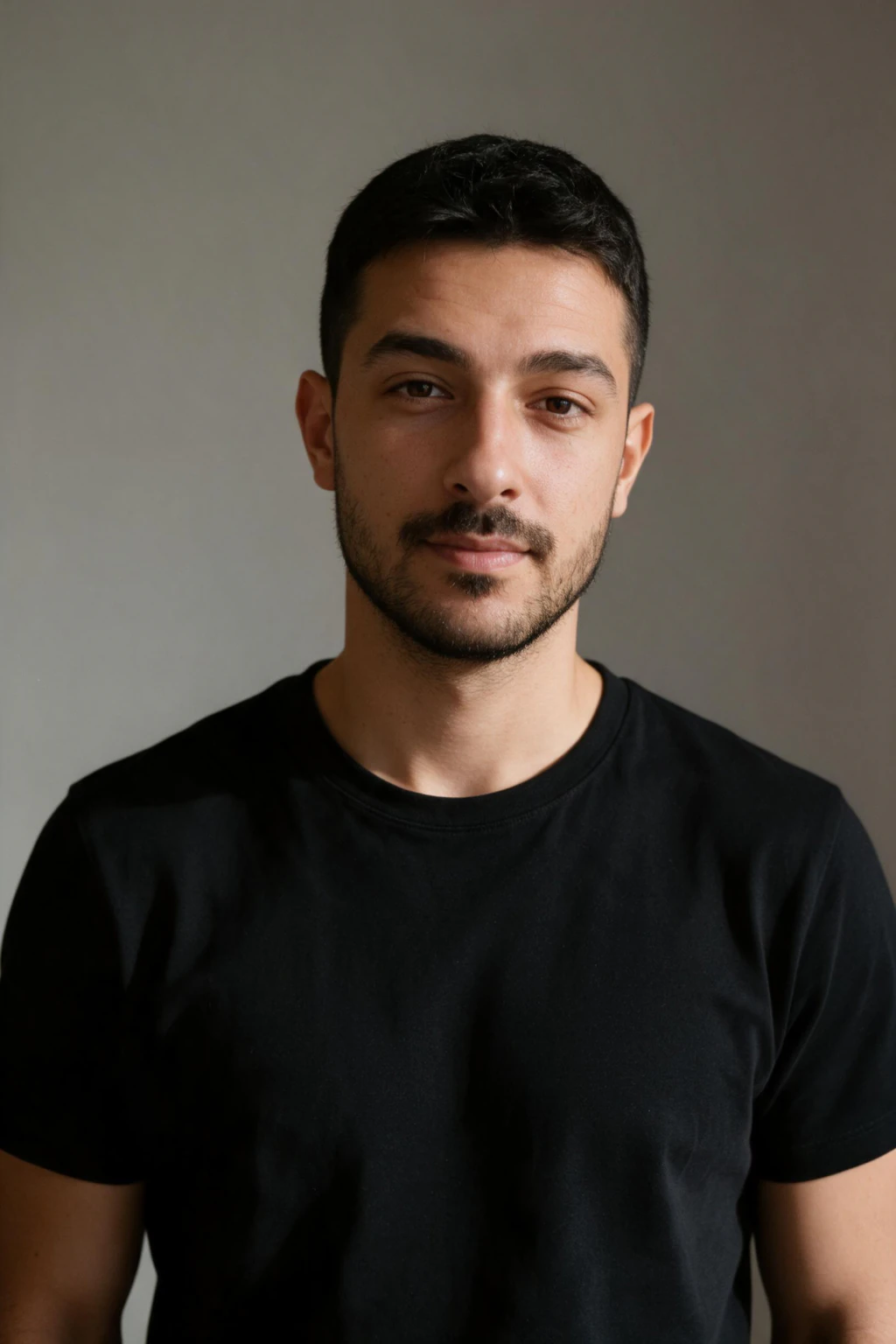
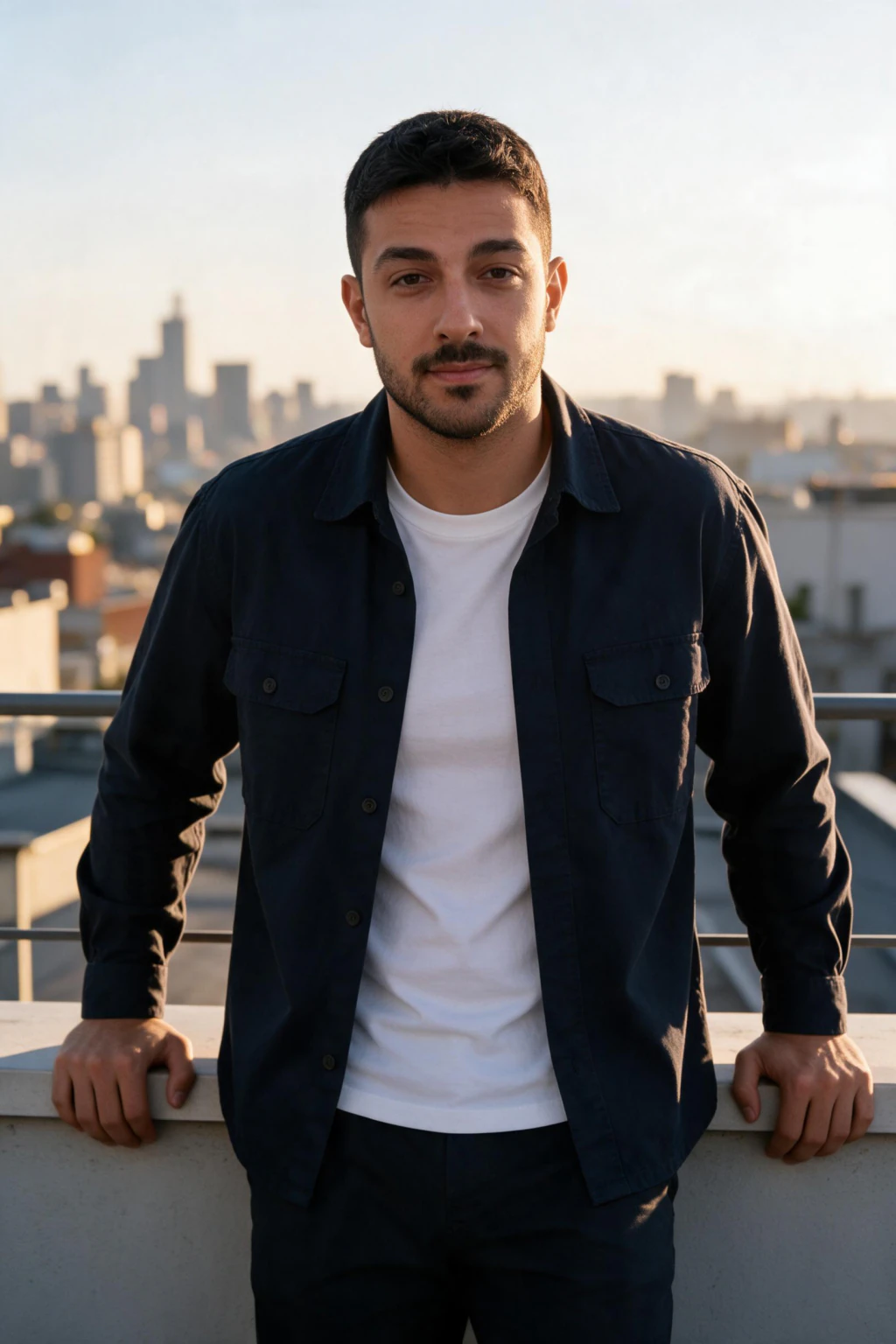
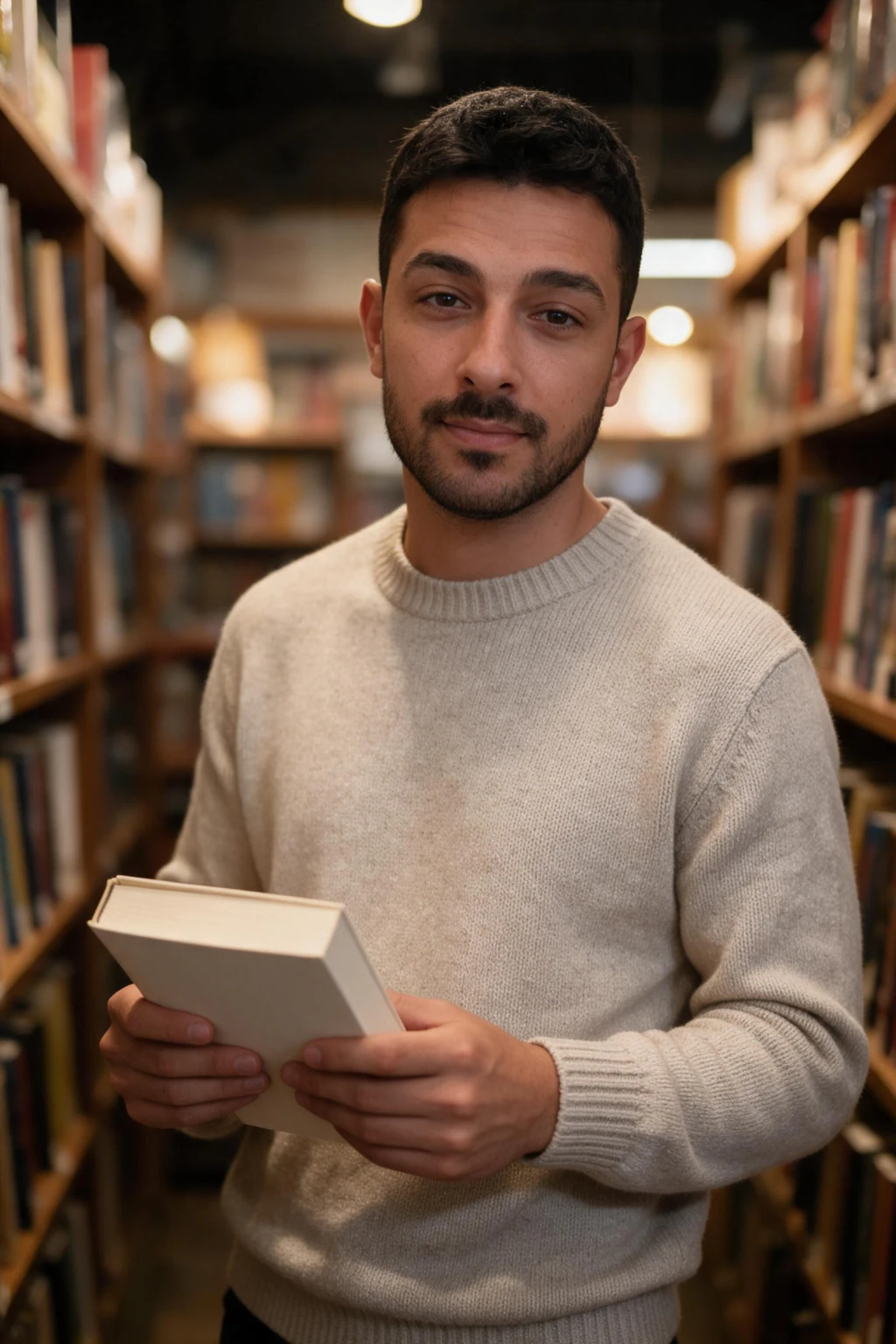
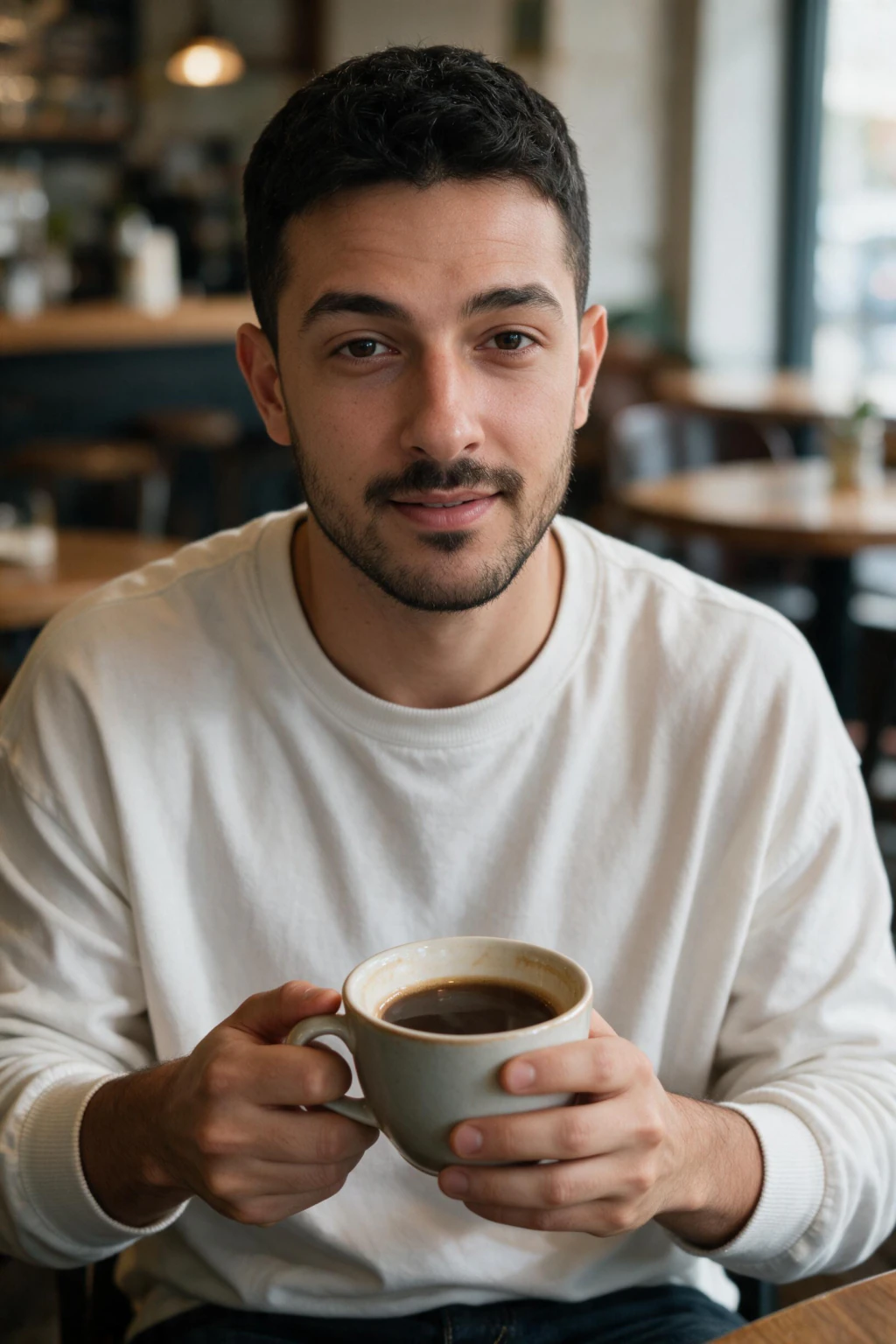
Which selfie should you upload for an AI profile picture?
Upload one clear selfie, because the quality of your AI profile picture depends almost entirely on the quality of that photo. Take it near a window in natural daylight so the light on your face is even, and shoot at eye level or slightly above.
Get the selfie right. Use a clear, front-facing angle at eye level with a natural or faintly smiling expression. A clean, well-lit selfie teaches the AI what your face really looks like, which is what makes the final result consistent and accurate.
Avoid sunglasses, hats, and other faces in the frame. Skip heavily filtered photos from beauty mode, VSCO, or Facetune, since the AI will copy that smoothing and your profile picture will look slightly off.
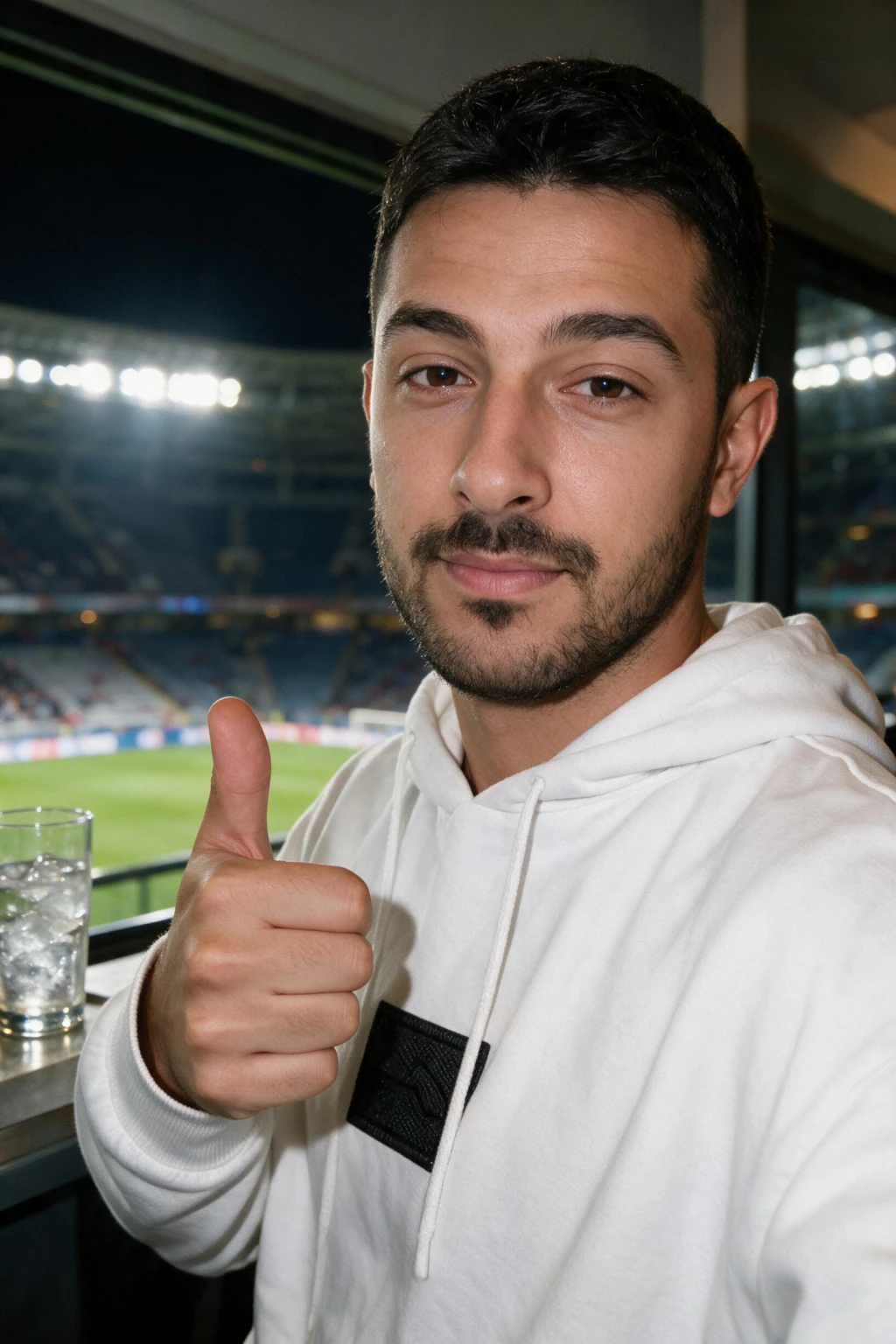
How do you make an AI profile picture that looks like you, step by step?
You make a realistic AI profile picture in four steps, and the whole process takes about 2 minutes per photo once your selfie is ready. Here is the exact sequence on MakeAiPhotos.
Step 1: Take your selfie. Shoot one clear selfie in good daylight. This is the only input the AI needs.
Step 2: Upload. Open the generator, upload your selfie, and confirm it. There is no model to train, so you go straight to picking a style.
Step 3: Pick a style. Choose the look you want your profile picture to have. A clean headshot pack works for LinkedIn and work profiles, a lifestyle or travel pack works for social and dating, and a casual portrait works as an all-purpose profile picture.
Step 4: Generate and download. The AI produces a batch of photorealistic photos of you in that style. Review them at full size, pick the sharpest few, and download. Those are your profile pictures, ready to set anywhere.
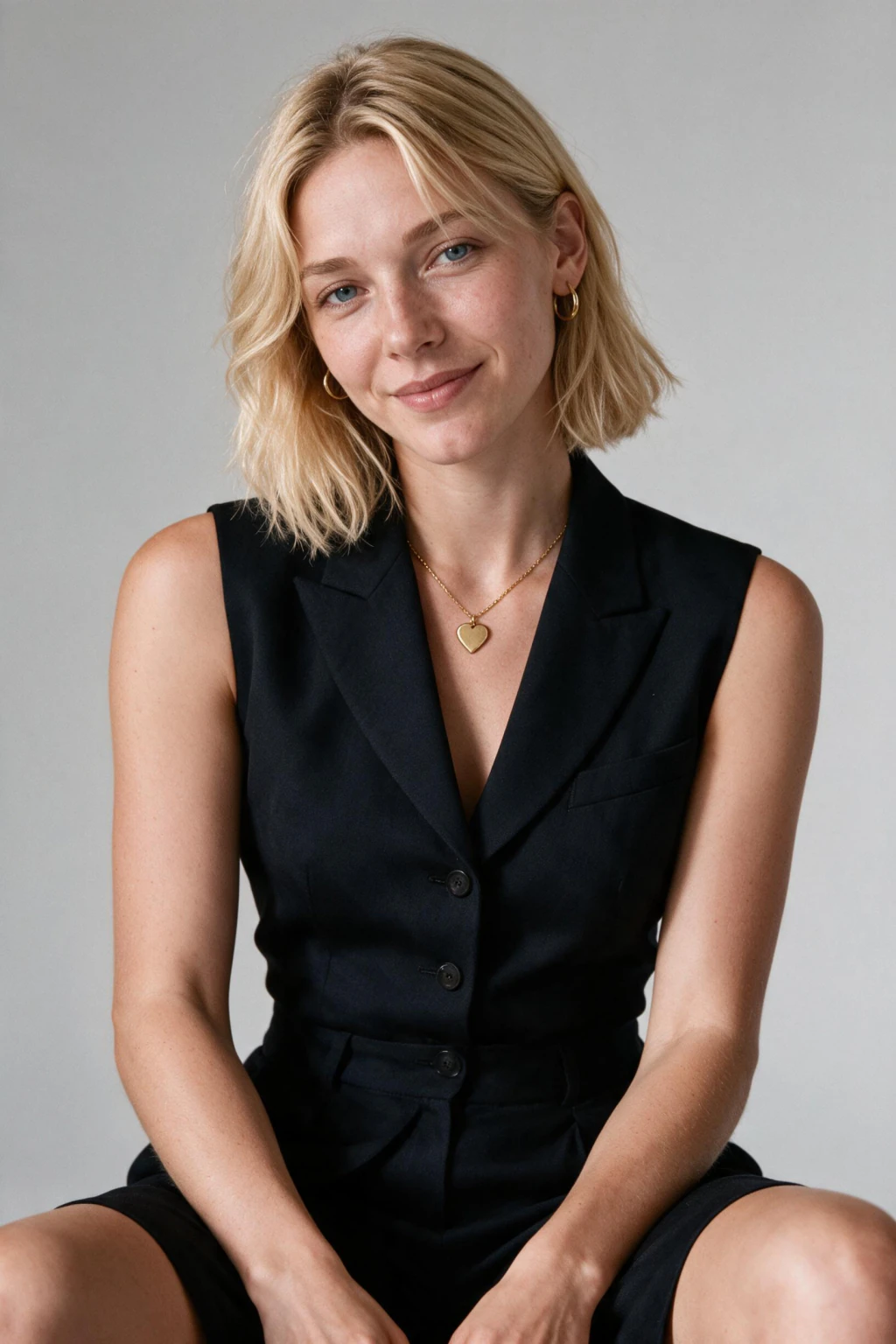
Which platforms accept a realistic AI profile picture?
A realistic AI profile picture works anywhere a real photo of you would. Because it looks like an actual photograph and not an illustration, you can use it on professional platforms where a cartoon avatar would look out of place.
For work, set it as your LinkedIn photo, your company team page, your email signature, or your Slack and Teams profile. A clean headshot-style picture reads as professional and consistent across every account.
For social and personal accounts, use it on Instagram, dating apps, gaming profiles, forums, and any community account. You can generate several styles from one upload, so your work profile and your gaming profile can each have a photo that fits its context while still being clearly you.
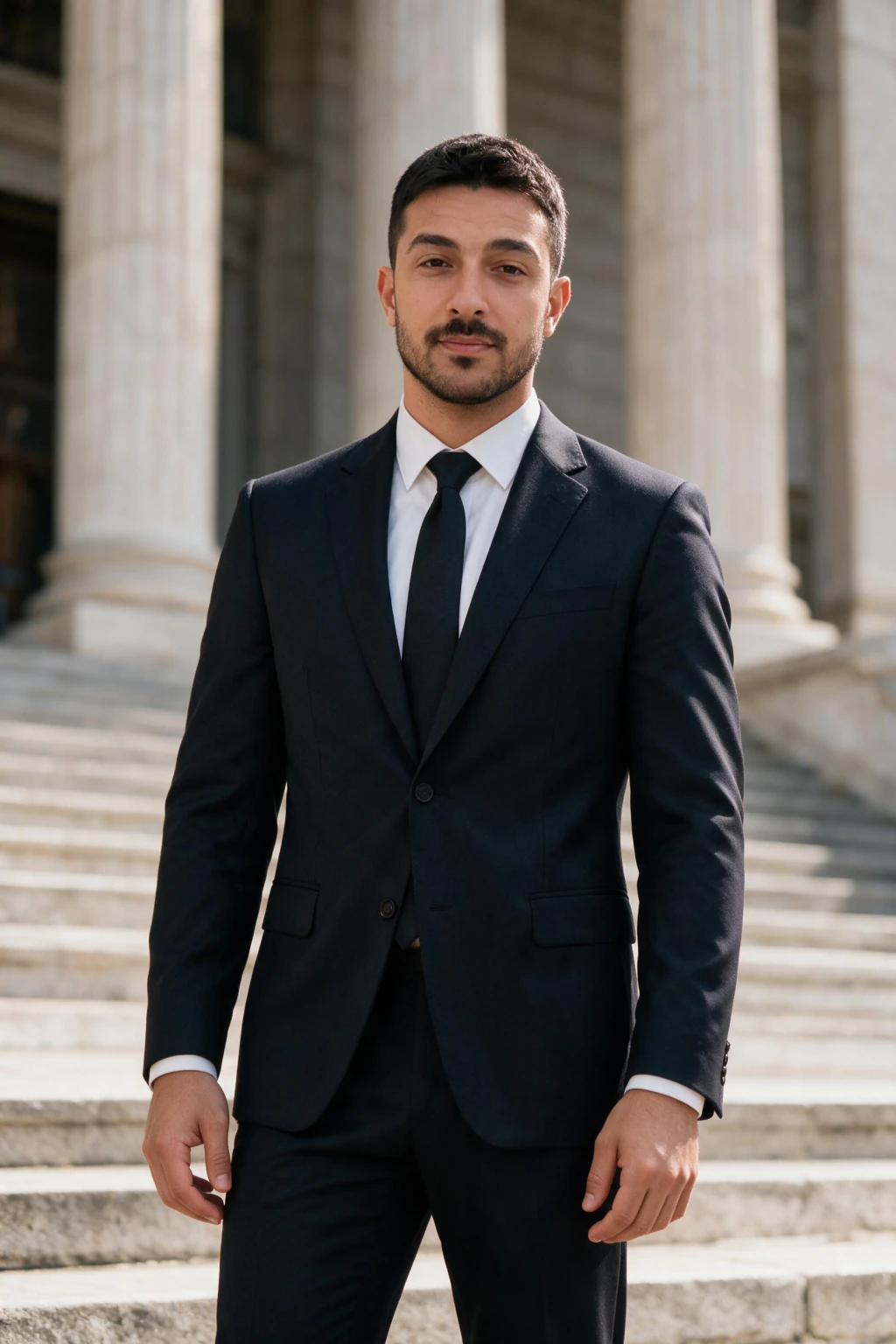
AI avatar vs AI profile picture: which one do you actually want?
An AI avatar usually means a stylized, cartoon, or video version of you, while an AI profile picture means a photoreal portrait that people recognize as the real you. If the goal is LinkedIn, dating apps, or any account where trust matters, you want the photoreal profile picture, not the avatar.
A realistic result from MakeAiPhotos gives you the best of both. It still looks like a real photo, so people see the actual you, but you skip the cost and scheduling of a photographer. You get a polished profile picture in different settings without ever leaving home.
It is also faster to refresh. When you want a new look for a season, a new job, or a new platform, you generate another batch from the same trained model in minutes. There is no reshoot and no new upload required.
Frequently Asked Questions
- How do you make a realistic AI profile picture from a photo?
- Upload one clear selfie to MakeAiPhotos and pick a style. It renders photorealistic portraits of you in that setting. The full process takes about 2 minutes per photo, and you download finished photos ready to use as profile pictures.
- Are MakeAiPhotos profile pictures cartoon or realistic?
- Photorealistic, not cartoon or anime. Every result looks like a real photograph of you, with your real face shape, eyes, and hair. They are designed to look like a camera took them, which makes them suitable for LinkedIn, work profiles, and dating apps.
- How many photos do you need for an AI profile picture?
- One selfie. Take it in natural daylight, front-facing at eye level, with a neutral or lightly smiling expression. A clear, well-lit selfie produces a more accurate profile picture.
- Will the AI profile picture actually look like me?
- Yes, when your input selfie is clear. The AI renders from your real face, so the result keeps your features instead of inventing a generic one. A sharp, well-lit, unfiltered, front-facing selfie produces photos that look unmistakably like you.
- Can I use an AI picture as my LinkedIn profile photo?
- Yes, as long as it still looks like you. LinkedIn permits AI-generated profile photos that reflect your real likeness, so keep the result honest and current. Our AI LinkedIn headshot generator is built for exactly this use.
- Are AI profile pictures against platform rules?
- No major platform bans a photo for being AI generated. What gets flagged is misrepresentation: a picture that does not look like the real you. Generate from your own recent selfie and keep the likeness accurate, and the photo is fine on LinkedIn, Instagram, and dating apps.
- How much does a realistic AI profile picture cost?
- MakeAiPhotos requires signup and sells one product: a one-time $14.99 credit pack (300 credits) covering up to 30 AI photos or 15 photo + video reels, with no subscription. That is far less than a photographer session, you pay once, and you keep the photos permanently with no recurring fee.
- Can I make AI profile pictures in more than one style?
- Yes. From the one selfie you uploaded, you can generate many styles. Run a professional headshot for work, a casual portrait for social, and a travel or lifestyle look, all without re-uploading your selfie.