What an NBA fancam maker actually does
There are two things people mean by fancam maker. The classic one stitches concert clips of an idol into a short edit. The new one, the kind blowing up for sports in 2026, puts you inside the broadcast: one selfie becomes a shot that looks like a TV camera caught you courtside.
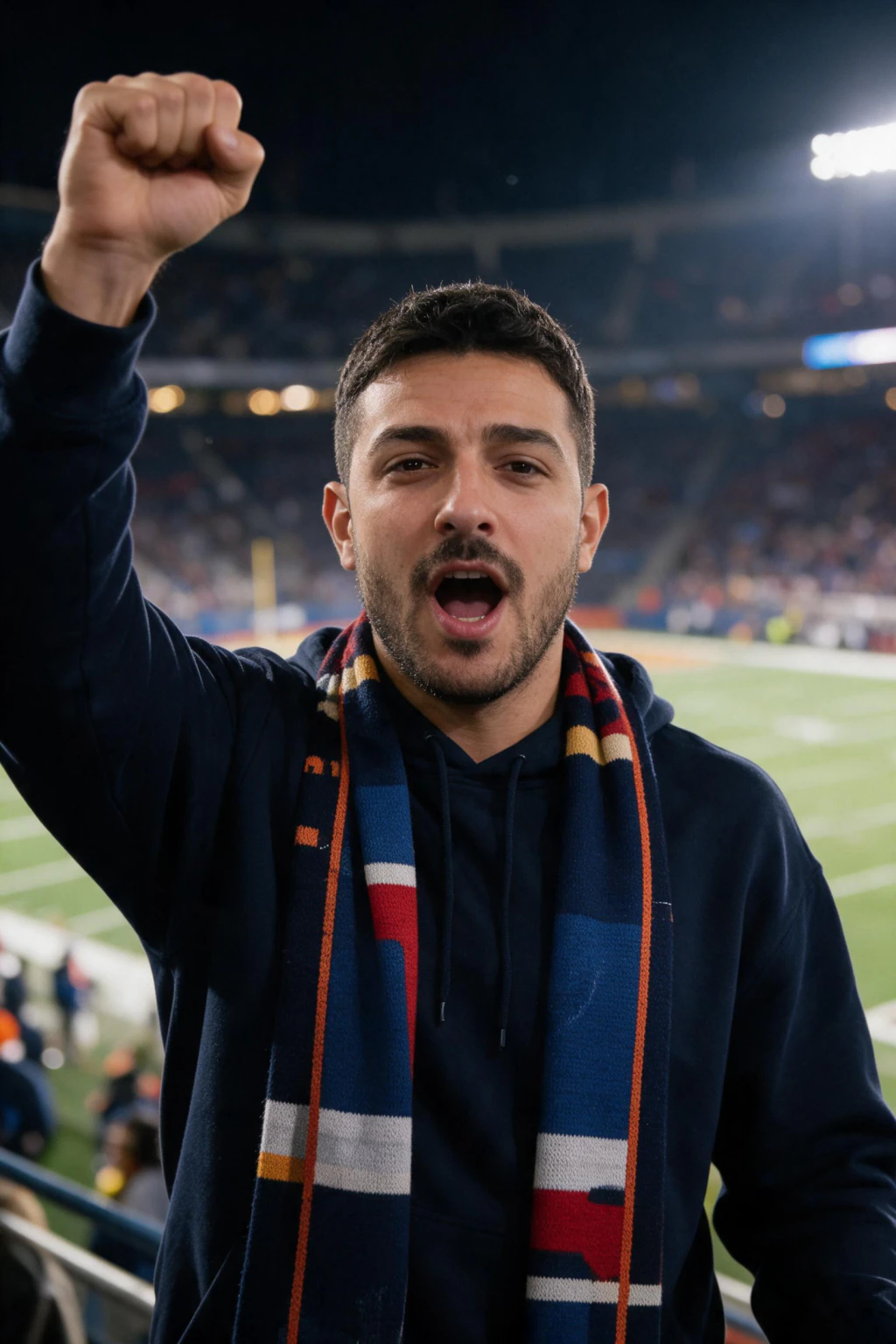
This guide is about the second kind. You upload one selfie, the AI builds a fresh arena scene, keeps your face, dresses you in a team jersey, and fills the seats with a crowd. It is a generated photo, not your selfie with an arena pasted behind it.
Then a second step animates the still into a short video. Your head moves, the crowd shifts, the camera drifts, and arena audio plays underneath, so it reads like a real broadcast cutaway to a fan in the stands.
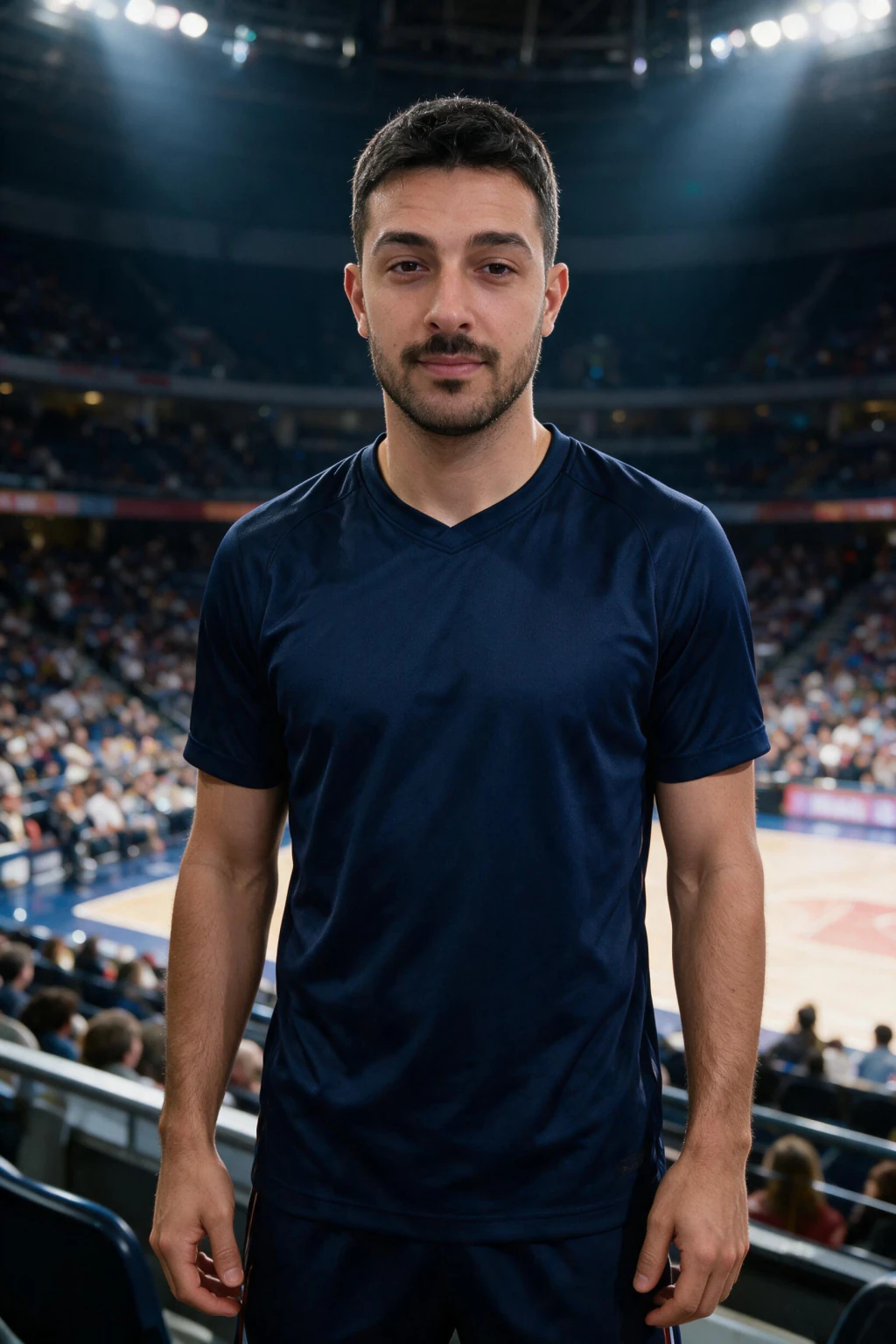
One phone selfie to 5 AI photos of the same person

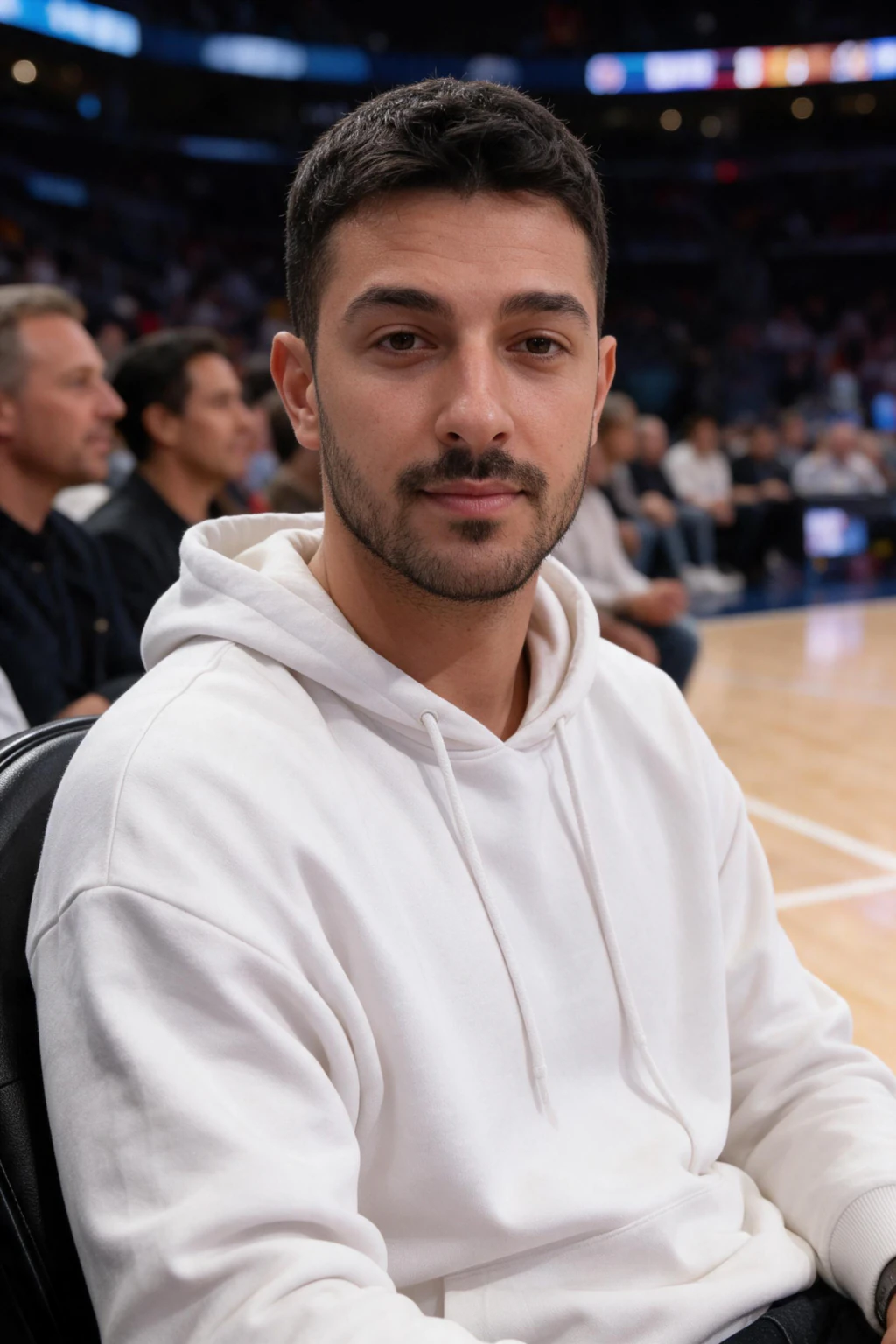
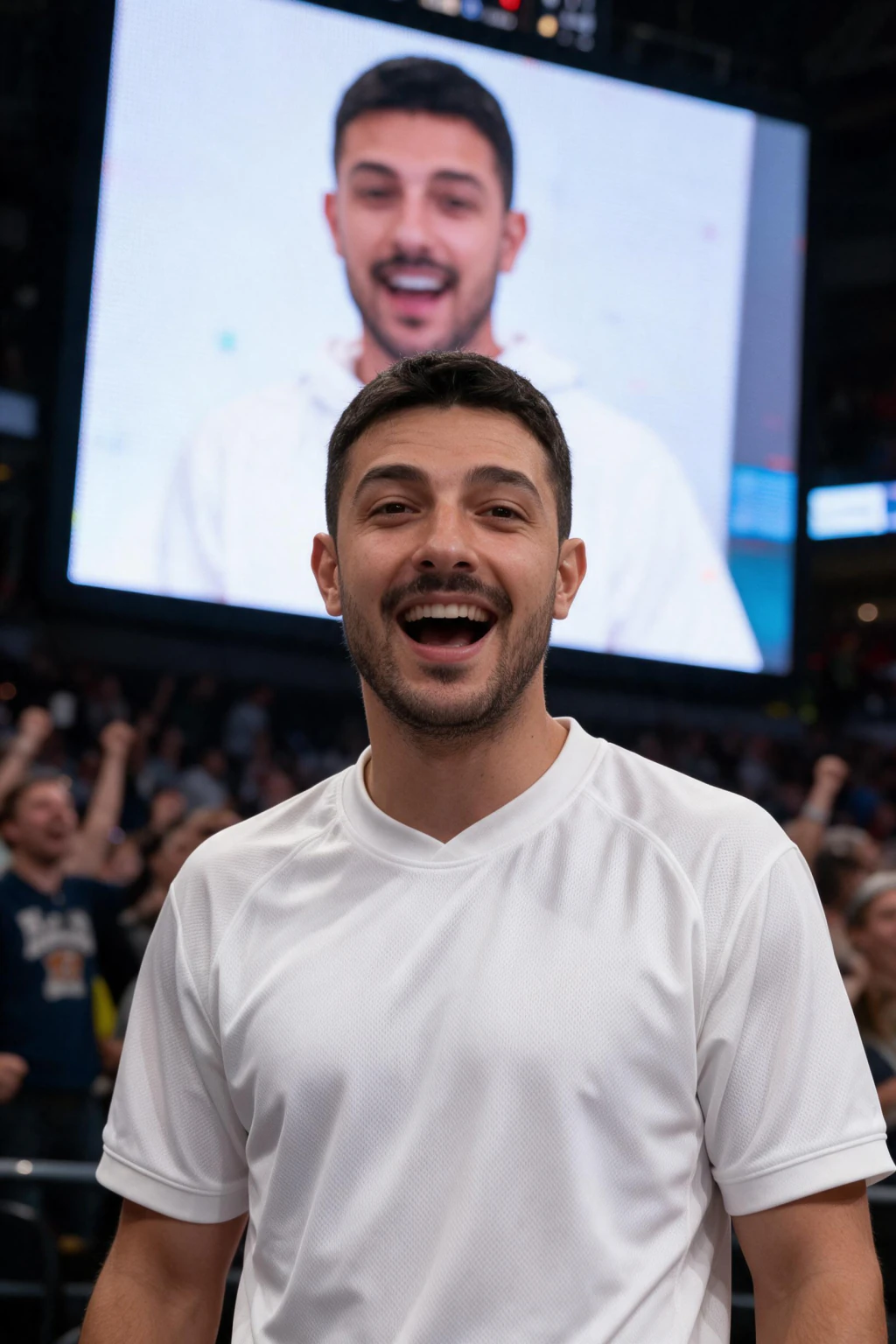
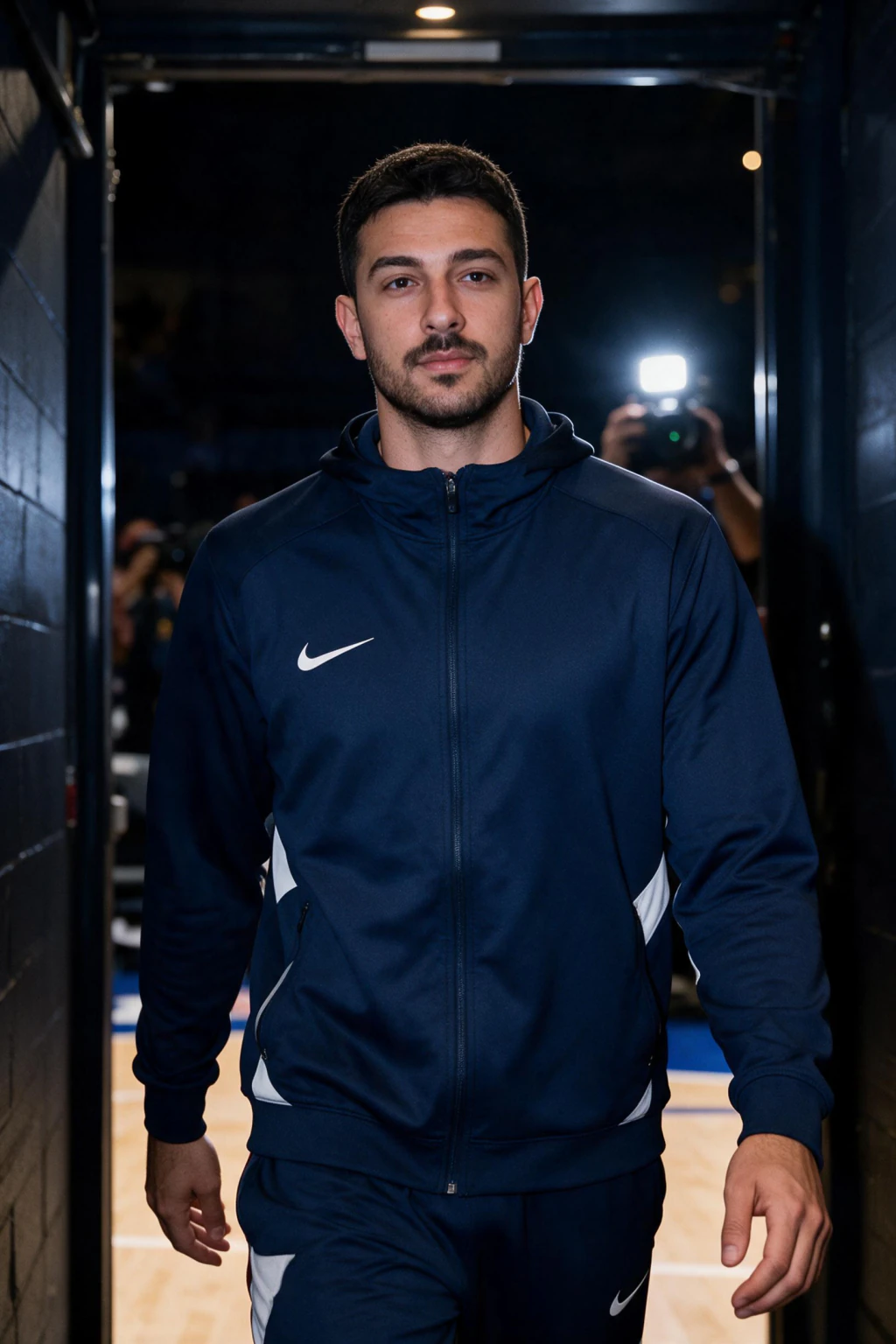
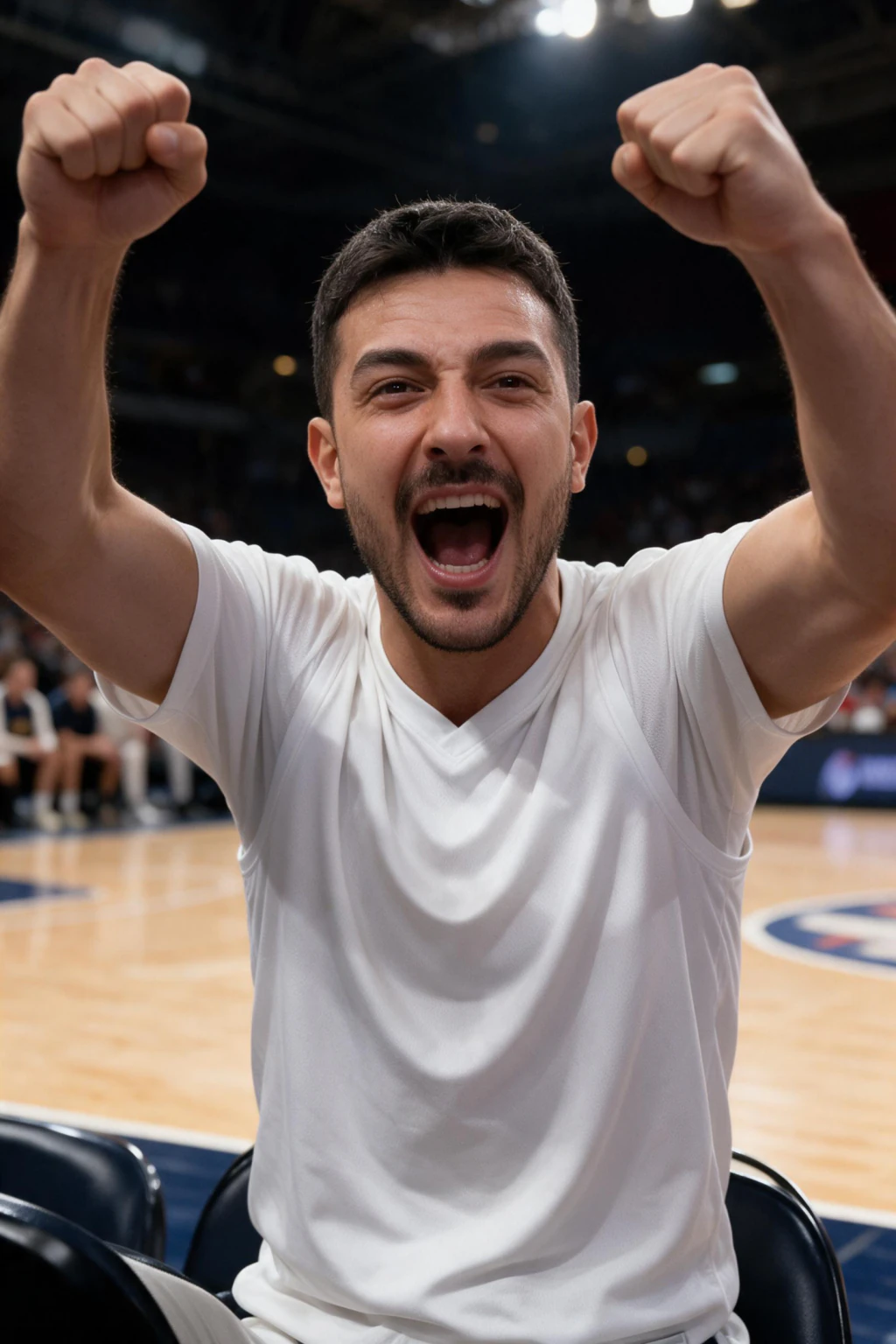
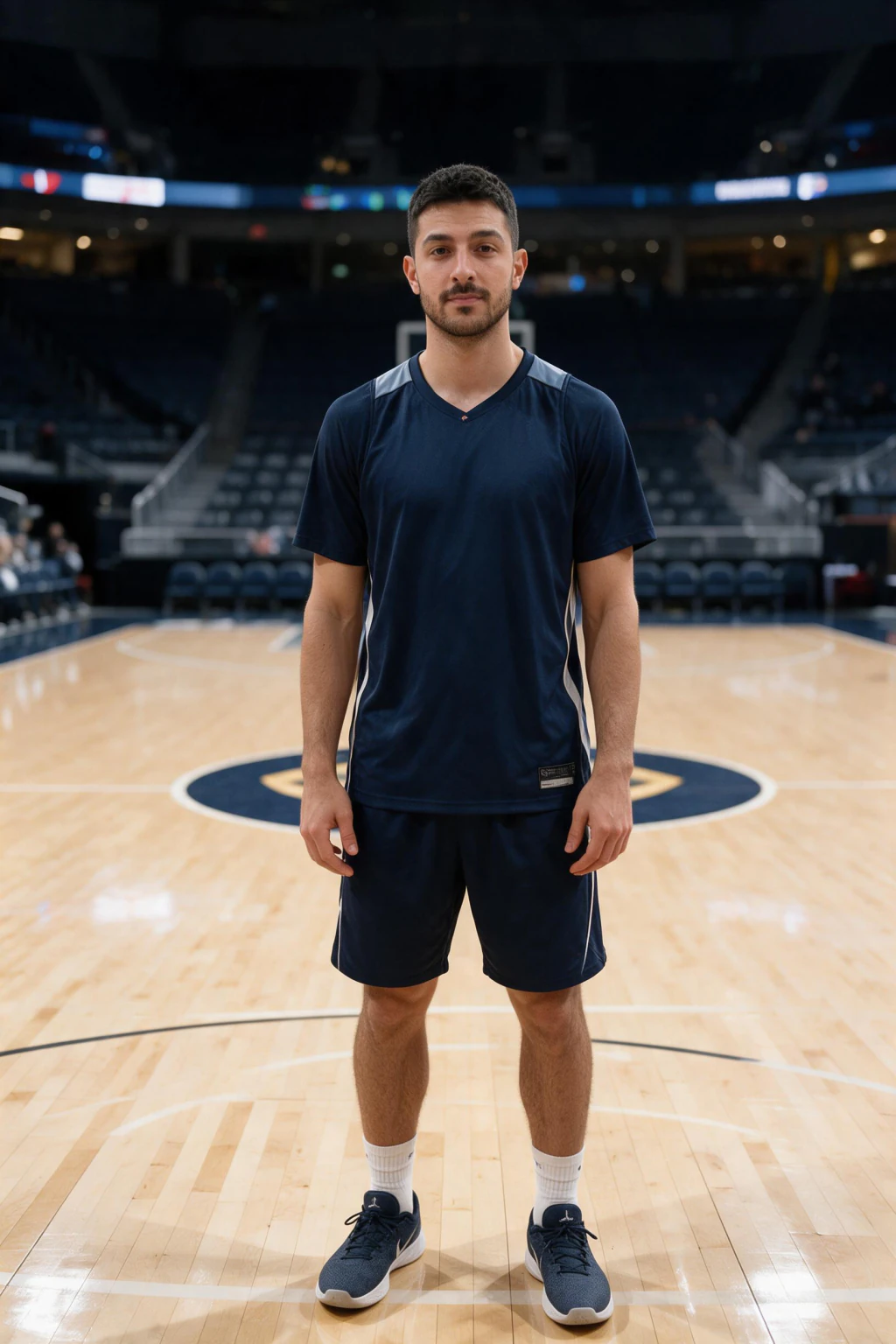
How to make an NBA fancam video in 4 steps
First, pick one sharp, front-facing selfie in good light. The fancam keeps your face from this photo, so a clean, unfiltered shot is the single biggest factor in whether the result looks like you.
Second, choose your team to set the jersey and crowd colors. Third, generate the courtside photo, which takes about a minute. Fourth, animate it into a short video with crowd audio.
On the MakeAiPhotos NBA fan cam page the courtside photo costs 10 credits and the short video costs another 10. One credit pack covers a photo and a video with credits to spare, so you can try two teams from the same selfie.
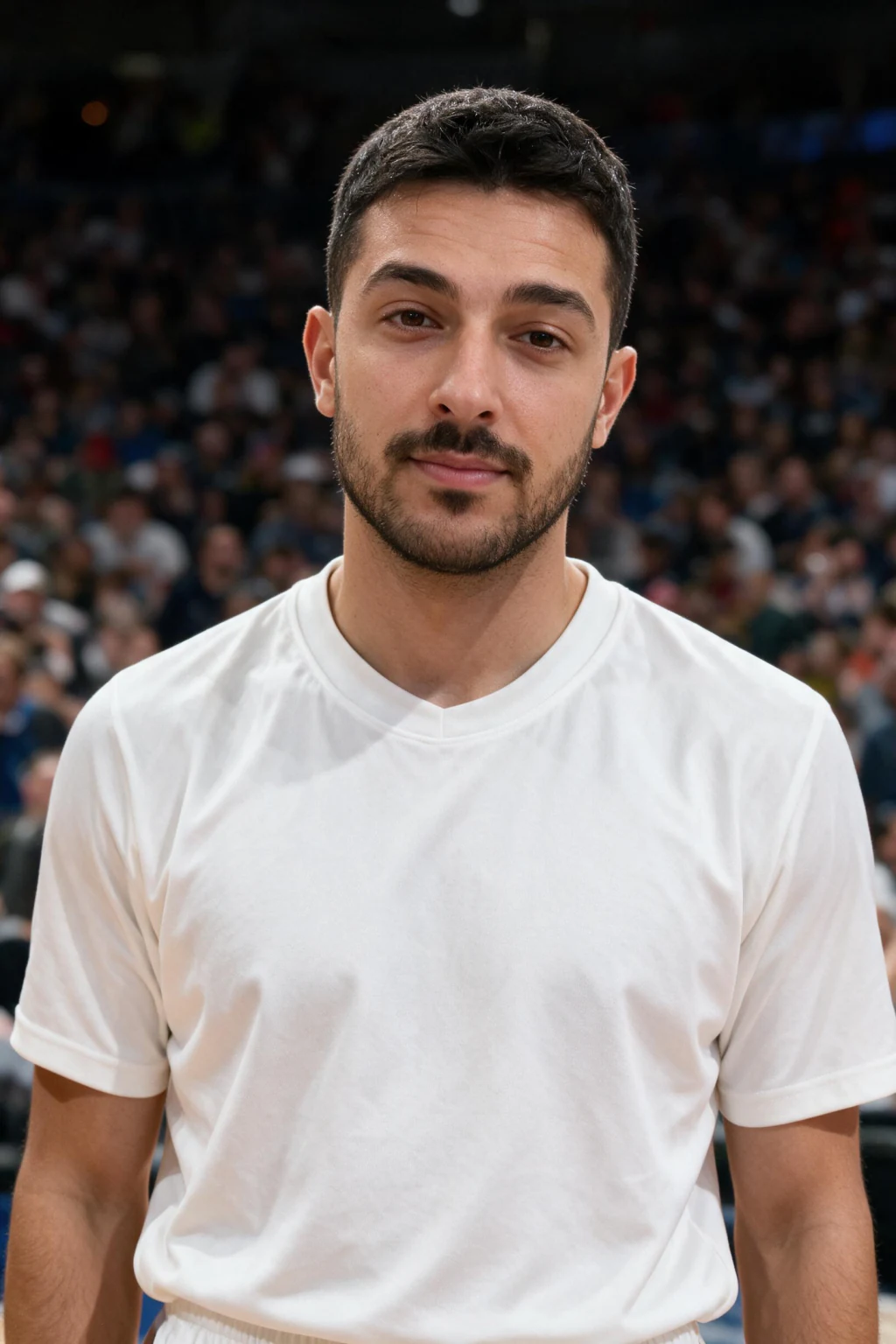
Why this beats a clip-edit fancam app
A classic fancam maker online edits existing footage of someone else. You are never in the shot. This one makes you the subject, which is the whole point if you are a fan who wants to look like you were at the game.
It is also faster. There is no timeline to cut, no clips to download, and no audio to sync. You pick a selfie and a team, and the AI does the scene, the jersey, the lighting, and the motion.
And it looks real because the scene is generated around your face, not stuck on top of it. The arena light falls on your skin the way a real broadcast camera would catch it.
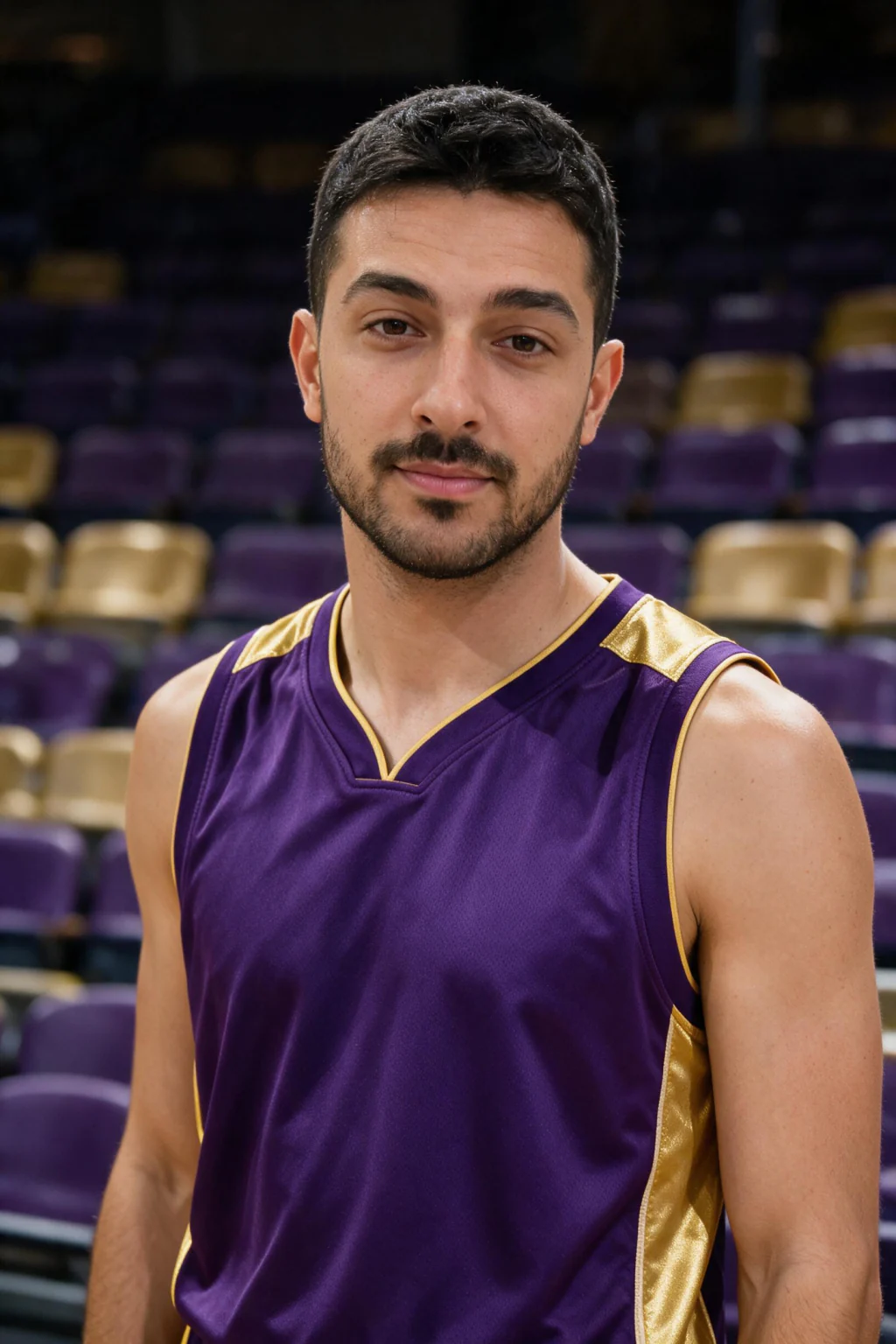
The settings that make the face look like you
Most fancam tutorials skip the part that decides quality: your input selfie. Use a front-facing shot, not a three-quarter angle, because the broadcast framing works best from a straight-on face.
Shoot in even, soft light. Harsh shadow or a dark room costs you detail in the eyes and skin, which is where a likeness lives. Remove sunglasses, caps pulled low, and anything covering your jaw or cheeks.
Skip heavy beauty filters and smoothing. They erase the skin texture the AI needs to rebuild a realistic face, which is the difference between a result that reads as you and one that reads as a stranger in your jersey.
Why doesn't my NBA fan cam look like me?
Almost always the input, not the tool. A blurry, dim, or angled selfie gives the AI too little to work with, so it fills the gaps with a face that is close but not yours. Re-run it with a sharp, well-lit, front-facing shot first.
If the jersey or crowd colors look wrong, you picked the team before the colors locked in, or the selfie had a strong color cast from indoor lighting. Shoot near a window and reselect the team.
If the video motion looks stiff, the still had your head turned far to one side. A near-front-facing photo animates more naturally because there is more of your face for the model to move.
How much does an NBA fancam maker cost?
On MakeAiPhotos the pricing sits in the open: the courtside photo costs 10 credits and the short fan cam video costs another 10 credits. One credit pack covers a photo plus a video with credits left over, so you can run a second team from the same selfie.
Most competing tools hide their price behind a signup wall, so you find out the cost after handing over your email and your face. Knowing the number up front lets you decide before you upload anything.
There is no subscription attached. Credits are a one-time purchase, and every order is covered by a 14-day money-back guarantee.
Can you post an AI NBA fancam on TikTok?
Yes. It is your own likeness in a generated scene, which platform rules treat very differently from deepfakes of other people. TikTok, Reels, and Shorts all allow AI content of yourself.
Two habits keep you clearly inside the lines. Label the clip as AI-made, either with the platform's AI toggle or a quick note in the caption, and do not caption it as real attendance at a specific game.
Posted that way, the clip reads as what it is: a fan trend. The AI label has not hurt reach for this format, because the trend itself is the hook.
Make your own NBA fan cam
The fastest path is the AI NBA fan cam generator. Upload one selfie, pick your team, and you get a realistic courtside photo, then a short video of you in the stands with crowd audio.
It generates a new scene rather than overlaying an arena on your photo, which is why the lighting and the team colors hold together. The photo uses 10 credits and the short video uses 10 credits.
Want a football version instead? Read the football fancam maker online guide, or get the background in the AI fan cam trend explainer.
Frequently Asked Questions
- What is an NBA fancam maker?
- An NBA fancam maker turns one selfie into a shot that looks like a TV broadcast camera caught you courtside, then animates it into a short clip with crowd audio. It generates a fresh arena scene around your real face and dresses you in your team jersey. On MakeAiPhotos the photo is 10 credits and the video is 10 credits.
- How do you make a fancam video of yourself at an NBA game?
- Upload one clear front-facing selfie, pick your team, generate a realistic courtside photo, then animate it into a short video with arena audio. Use a sharp, unfiltered, well-lit selfie, since the input photo decides how much the face looks like you. Each step takes about a minute.
- Is the NBA fan cam a filter or a real generated photo?
- It is a generated photo, not a filter or overlay. The AI builds a brand new arena scene around your face, dresses you in a jersey, and adds a matching crowd, so the lighting on your face fits the arena. That is why it looks like a broadcast shot rather than a sticker on your selfie.
- Which NBA team can I appear with?
- Any NBA team. Quick picks like the Lakers, Warriors, Celtics, Knicks, and Bulls are one tap, and you can type any other team. The tool sets your jersey and colors the crowd to match, which is what makes the courtside look read instantly.
- How long does an NBA fan cam take to make?
- About a minute for the courtside photo and about a minute for the short video, so roughly two minutes start to finish including picking your selfie and team. The video step runs only after the photo is ready, since it animates that specific frame.
- Can I post the NBA fan cam to TikTok or Reels?
- Yes. The video downloads vertical at a 9:16 aspect ratio, which fits TikTok, Instagram Reels, and YouTube Shorts. Post it around your team's game day for the strongest reach.
- How long should an NBA fancam be?
- Aim for a short clip in the 8 to 20 second range. That length loops cleanly on social feeds and holds attention better than a long cut. Keep it vertical at 9:16 and post it on your team's game day for the best reach.