What is Instagram's flash filter, and why does it change faces?
Instagram's Flash preset lives inside the app's Restyle tools and mimics a late-2000s digicam photo: harsh direct flash, blown highlights, a background that drops to near black. Digital Camera World and Yahoo Tech both describe it as a generative AI feature rather than a traditional filter, meaning it uses your photo as a reference and produces an entirely new image instead of adjusting the pixels you already have.
That distinction is the whole story. A traditional filter shifts exposure, contrast and color on your existing photo and your face never moves. A generative restyle redraws the face along with everything else, so any drift in the model shows up as a different jawline, a different eye color, or skin a few shades lighter than your own.
Multiple outlets, including Creative Bloq and mustsharenews, reported the filter altering skin tone and facial features in ways that read as a change in ethnicity for some users, not just a stylistic tweak. One mustsharenews report quoted a user saying the tool changed their girlfriend's ethnicity outright, and Digital Camera World's own photographer said the filter changed her eye color from blue to green while testing it.
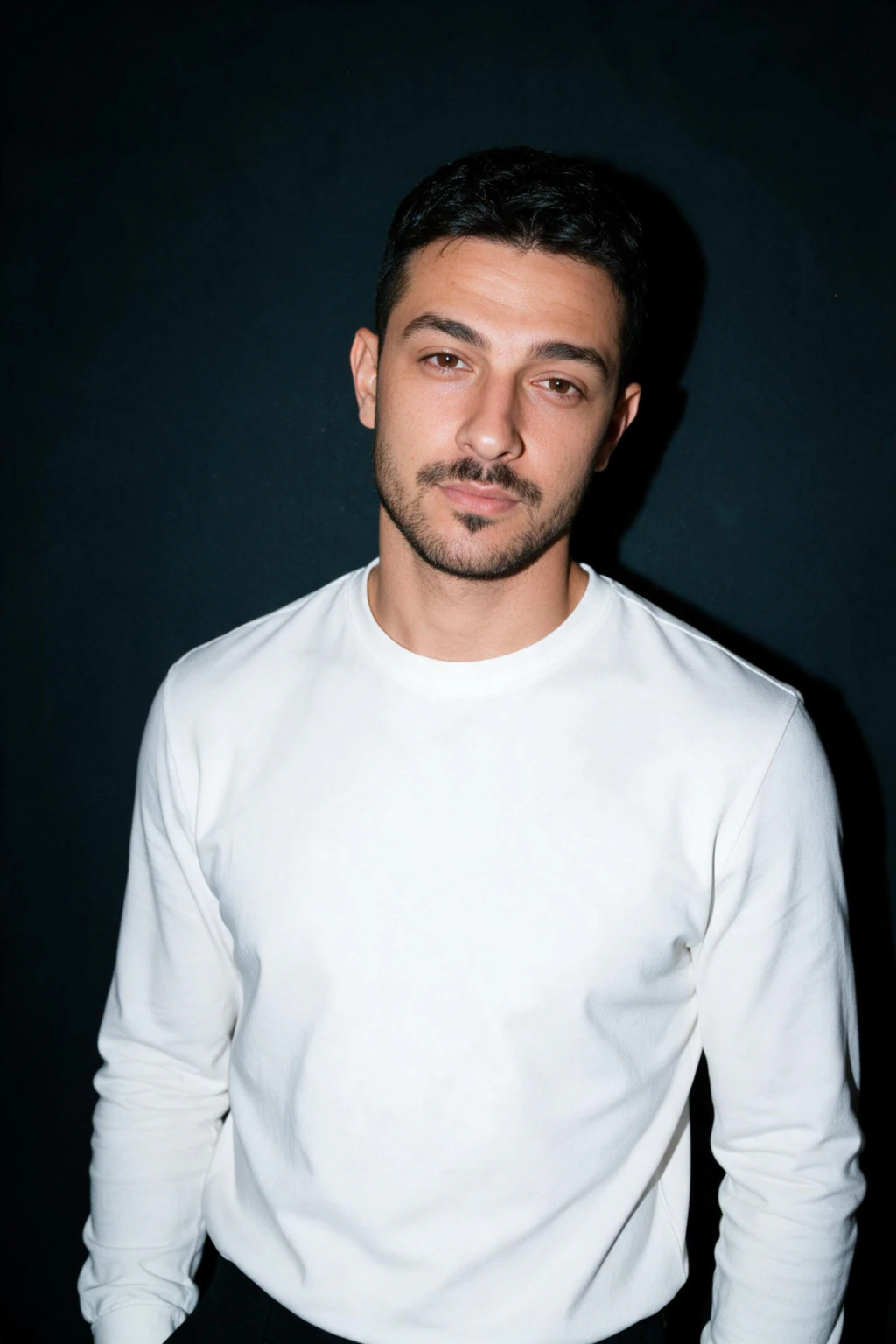
One phone selfie to 4 AI photos of the same person

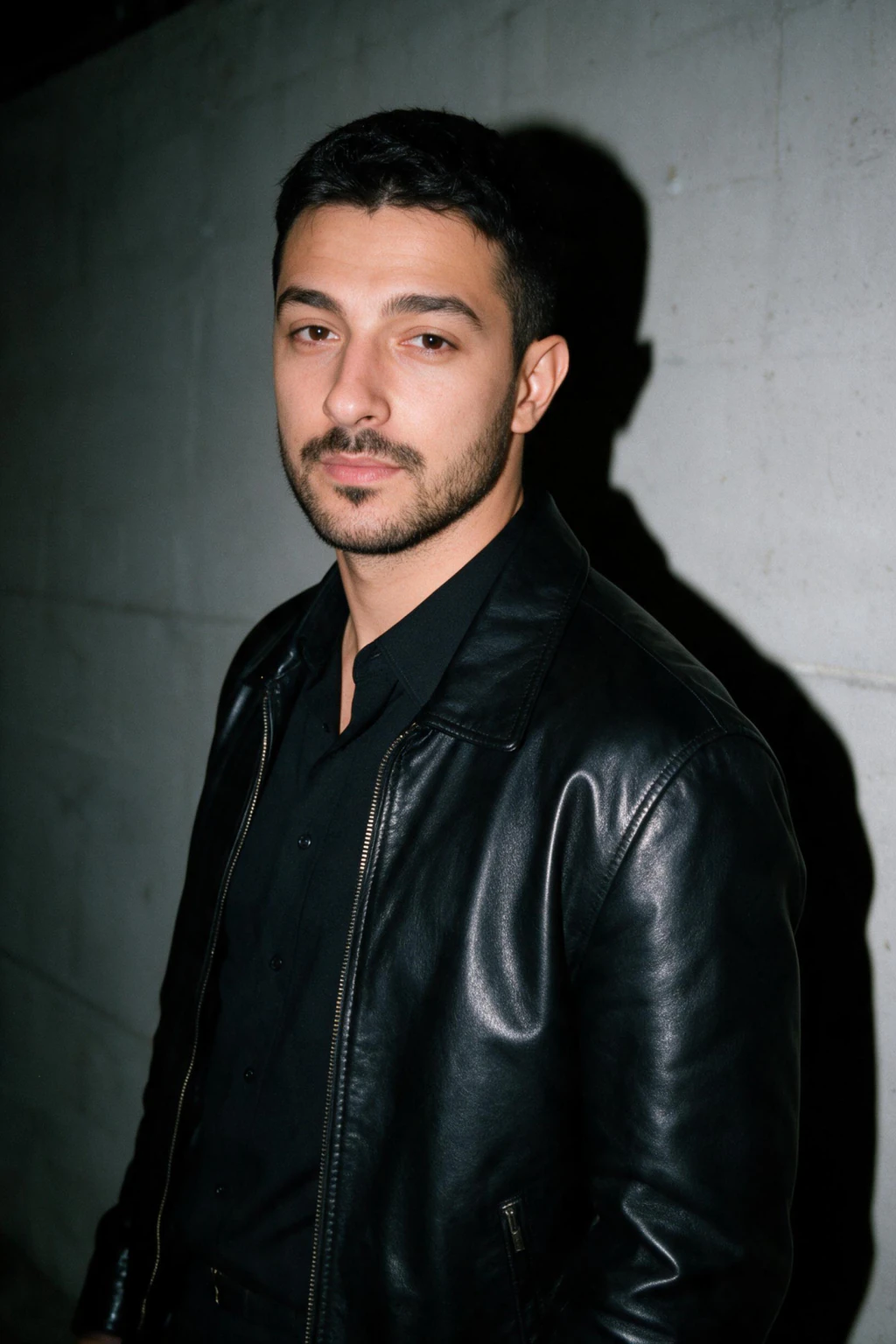
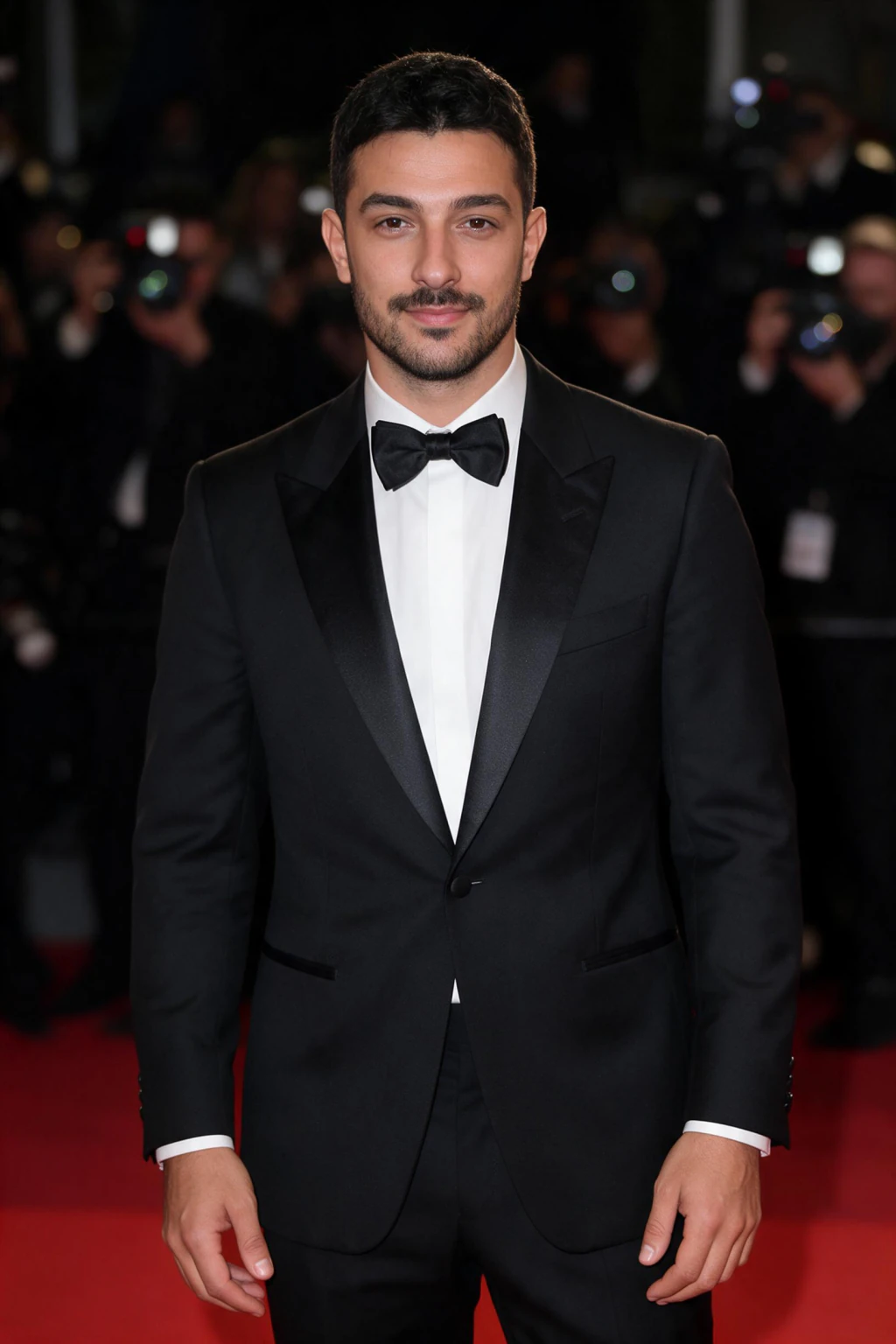

Why does a generative restyle change ethnicity or bone structure?
The filter was trained on what a correct nightlife flash photo looks like, and reporting from Creative Bloq describes that trained look as skewing pale, so the model pushes many faces toward it without being asked to. That is a training-data pattern, not a deliberate feature, but the effect on a real person's face is the same either way.
It happens because the model is generating a plausible flash photo of someone who resembles you, not editing a photo of you. Two runs on the same selfie can land on two different plausible faces, since nothing in a generative restyle pins the output to your exact bone structure the way a real camera pins it to whatever light hits your skin.
This is also why the problem is hard to fully fix from inside the app. The redraw happens in one pass across the whole image, so a face is simply one region the model can reinterpret along with the shadows and the background.
How do people try to fix it inside Instagram, and does it work?
Geo.tv reports that the most reliable in-app workaround is skipping the automatic Restyle button entirely and instead opening the effect library, searching "Flash" or "Flash III," and applying that preset directly, which behaves closer to a real filter and, per Geo.tv, keeps the AI from touching facial features.
The Tab documents a second option for people who already tapped Restyle: a prompt box appears under the result, and typing an instruction such as "do not change the faces of the people in this image" before tapping Retry can pull the regenerate closer to your real face.
Neither fix is guaranteed. mustsharenews reported users seeing their faces altered even after explicitly asking the tool not to change them, and Geo.tv notes the effect is more reliable on darker source photos, since the model leans on brightness and contrast rather than reinterpreting a clearly lit face. If your photo is well lit, the retry prompt has more face to redraw, not less.
Is there a way to get the hard flash look without any AI at all?
Yes. Digital Camera World and Yahoo Tech both walk through the same real-camera technique, and it comes down to one setting: turn your flash to always on rather than auto, so it fires regardless of how bright the room already looks.
From there, keep the flash unmodified, no diffuser, no bounce, aimed straight at the subject, and move physically closer instead of zooming in, since proximity is what deepens the shadow. Both outlets recommend the rear camera over the selfie camera, since it carries a stronger flash, and shooting indoors or in low light rather than outdoors in daylight.
The look finishes with a retro color pass. Yahoo Tech's writer applies a film-style preset in a photo filter app afterward to add the cool, slightly grainy color cast that reads as a 2007 digicam rather than a modern phone photo. None of this touches your bone structure, because a real flash lights the face you already have.
Instagram Restyle vs a real flash vs a one-selfie generator
Three routes get you a hard flash photo in 2026, and each trades something different for the same look. The table below compares them directly, including where a plain real-camera flash actually wins.
Effort and cost are the two rows a real flash wins outright. It needs no upload, no wait and no payment, just a phone and the always-on setting described above. What it does not offer is a redo without a new photo shoot, or a look you can generate from a selfie you already have.
| Method | Face kept | Effort | Cost | What you control |
|---|---|---|---|---|
| Instagram Restyle (auto) | Reported unreliable, redraws the whole photo | Lowest, one tap on an existing photo | No extra cost inside the app | Almost nothing beyond a retry prompt |
| Real on-camera flash | Yes, it is a real photo of your real face | Higher, needs the right light and a second try or two | No extra cost beyond the phone or camera you already own | Full control over distance, angle, wall and expression |
| One-selfie AI generator (MakeAiPhotos) | Selfie sets the face as the starting instruction, shown to you before you pay | Low, one upload instead of a shoot | $14.99 one time for about 30 photos | Which look, which selfie, and whether to keep or re-run each result |
How does MakeAiPhotos handle the same risk?
MakeAiPhotos is also a generative AI tool, not a traditional filter, and it can drift the same way any generative model can. That is the honest answer, not a claim that this product is immune to the problem Instagram's filter made famous.
Two things differ from how Instagram's Restyle works. Your uploaded selfie is the first instruction the model is given, not a loose reference it can wander from, and every finished photo is a new generated photo of you rather than an edit or filter layered on the one you uploaded. You see that result before anything is charged, so a face that drifted too far never gets paid for.
If a look does not land, you regenerate it instead of chasing a retry prompt through Instagram's interface. $14.99 covers about 30 photos total, which is usually enough room to run the hard flash look twice and still have credits left for a second style.
What should you upload to keep your own face in a hard flash photo?
The input selfie matters more here than in most looks, because a hard flash photo lives or dies on shadow and skin tone, the exact two things the Instagram filter has been reported getting wrong. Shoot it in soft, even light, rear camera, beauty mode and skin smoothing off, and keep your face unobstructed.
Avoid a selfie that is already dim or backlit. A flat, evenly lit source photo gives the model your actual skin tone and features to build the flash shadow around, instead of guessing at detail it cannot see, which is the same brightness problem Geo.tv flagged with Instagram's own filter.
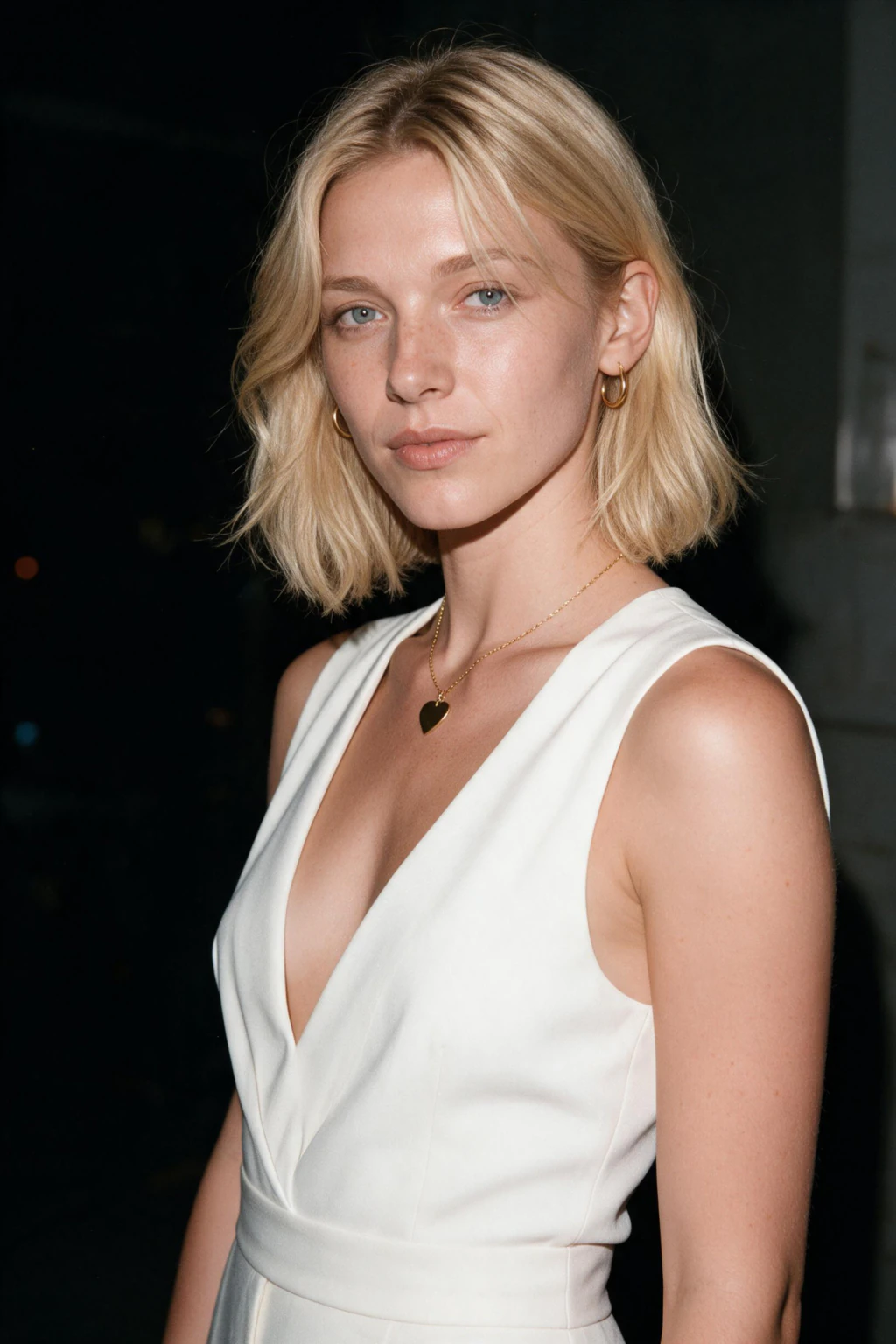
One upload works for both hard flash looks in the glamour pack, the plain dark wall version and the more posed editorial version, so you can compare which shadow angle reads more like you before deciding which to keep.
Frequently Asked Questions
- What is Instagram's flash filter, and why does it change faces?
- It is a generative AI Restyle preset, not a traditional filter, so it uses your photo as a reference and draws an entirely new image instead of adjusting your existing pixels. Digital Camera World and Creative Bloq both reported it altering facial features and, for some users, skin tone in ways that changed how they read racially.
- How do I stop the Instagram flash filter from changing my face?
- Skip the automatic Restyle button and pick the plain Flash or Flash III preset from Instagram's effect library instead, which Geo.tv reports keeps the AI from touching facial features. You can also add a no-face-change instruction before tapping Retry, though mustsharenews found some faces still changed anyway.
- Can I get the hard flash look without any AI editing at all?
- Yes. Set your camera flash to always on, aim it straight at the subject with no diffuser, move in closer instead of zooming, and shoot indoors with the rear camera. Digital Camera World and Yahoo Tech both confirm this real-flash technique gets the same look with zero AI involved.
- What is the hard flash photo aesthetic exactly?
- It is a direct, unmodified on-camera flash aimed straight at the subject, producing harsh light, deep shadows and a background that drops to near black, styled after late-2000s digicam photos, as Digital Camera World and Yahoo Tech both describe it. The look is deliberately unpolished rather than smoothed over.
- Does MakeAiPhotos ever change your face like Instagram's filter does?
- It is generative AI too, so drift is possible, and this page will not claim otherwise. Your selfie sets the face as the starting instruction rather than a loose reference, you see the finished photo before anything is charged, and you can regenerate a look that missed instead of paying for it anyway.
- How much does a flash filter alternative from MakeAiPhotos cost?
- $14.99 one time, not a subscription, and that covers about 300 credits, roughly 30 finished photos at 10 credits each. Each photo takes about 2 minutes with no model training involved, and a 14-day money-back guarantee applies.