What does it mean to use AI for photos?
Using AI for photos means generating brand-new, photorealistic images of a real person from a set of sample photos. With MakeAiPhotos, you upload one selfie, the AI learns what you look like, and it produces new photos of you in styles and settings you never actually shot.
This is different from photo editing. An editor changes a photo you already have: cropping, retouching, adjusting color. AI photo generation creates photos that never existed. You did not stand in a studio or on a beach for them, but they still look like real photos of you because the model was trained on your real face.
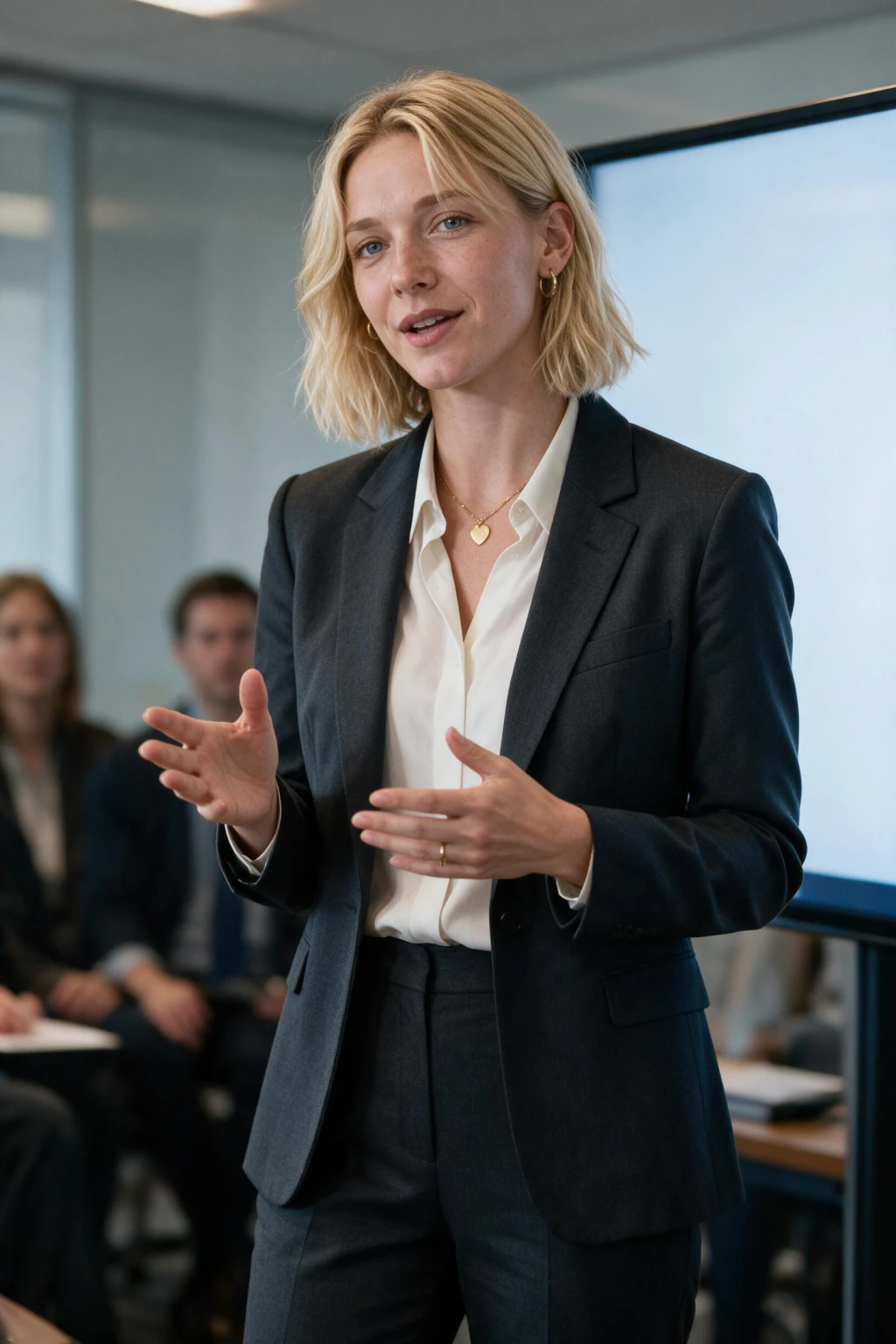
The simplest way to picture it: you give the AI raw material (your selfie), and it gives you finished photos (you in a suit, you on a rooftop, you in golden-hour light). The person stays consistent across every image because the model learned your features first.
How do you use AI for photos in practice?
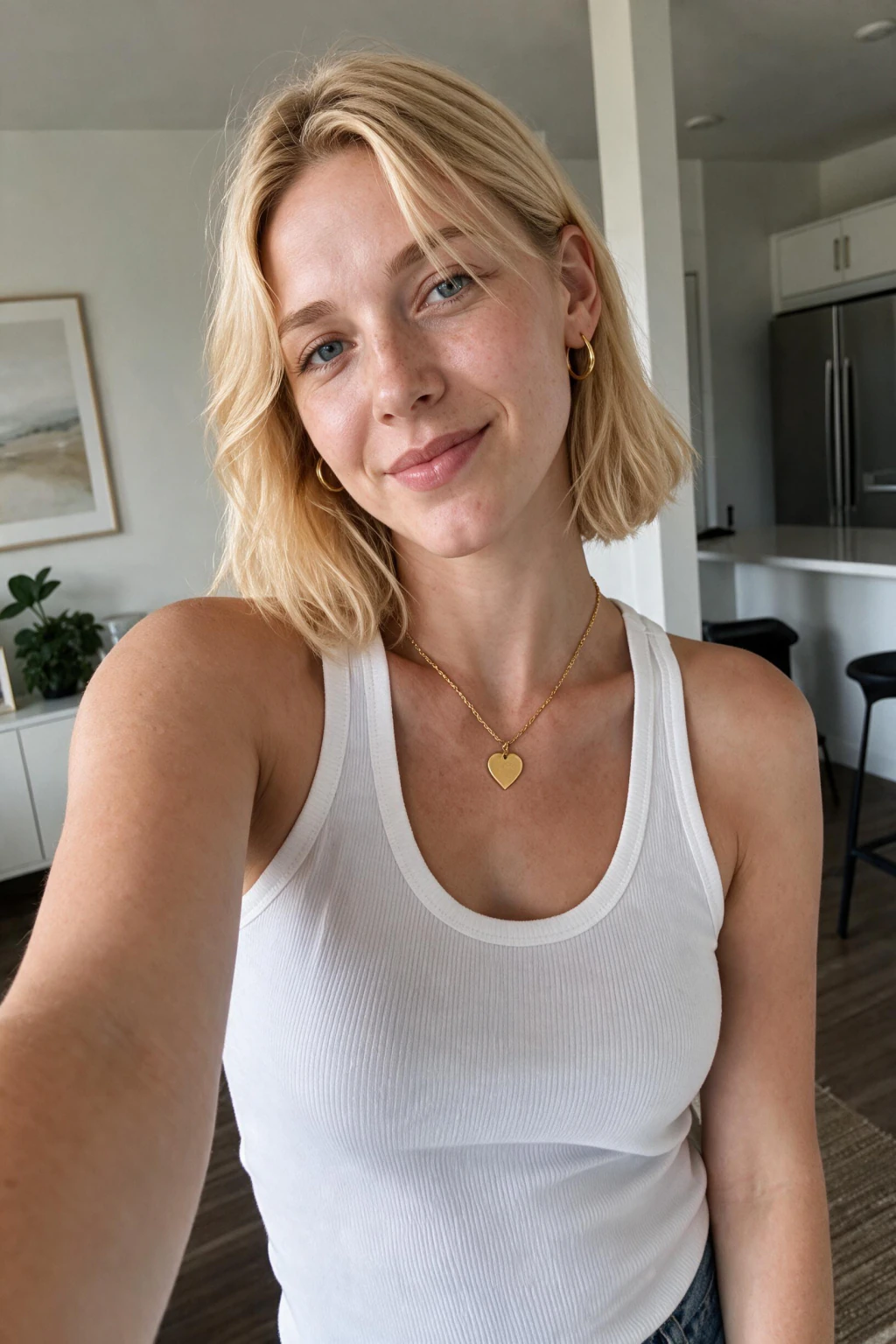
In practice, using AI for photos is a two-part loop: take one good selfie, then generate photos in the styles you need. The whole process runs on your phone or laptop and takes well under an hour from start to finish.
The part most beginners get wrong is the input. AI photo quality is decided almost entirely by your selfie. A clear, well-lit selfie produces photos that look genuinely like you. A dark, filtered, or low-quality selfie produces flat, generic results no matter how good the generator is.
Once your model is trained, you do not re-upload anything. You pick a style pack, the AI generates a batch, and you can keep generating new packs from the same model whenever you need fresh photos.
What can you use AI photos for?
AI photos cover most situations where you need a good photo of yourself but cannot book a photographer. The five most common use cases are professional headshots, LinkedIn profiles, social media content, dating profiles, and travel or lifestyle shots.
Professional headshots and LinkedIn photos are the highest-value use case. A clean, well-lit headshot raises how recruiters and clients read your profile, and AI generates several variations (formal, business casual, relaxed) from one upload so you can match the photo to the context.
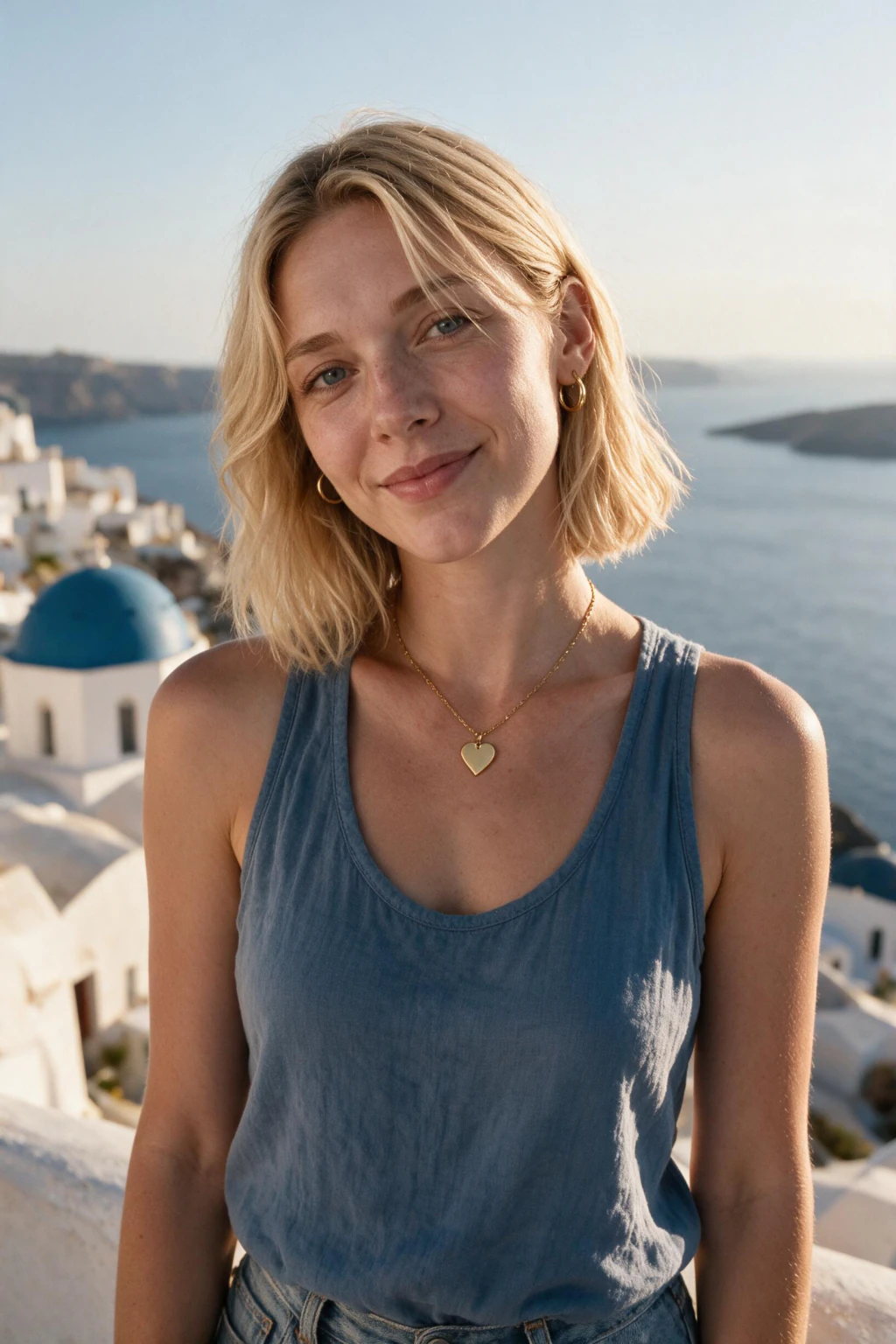
Social, dating, and travel photos are the highest-volume use case. People who post regularly run out of good photos fast. AI photo packs give you beach, travel, gym, nightlife, and editorial shots without booking trips or shoots, which makes refreshing a profile every few months realistic instead of expensive.
How to use AI to make photos: a step-by-step guide
Here is the full process for using AI to make photos of yourself on MakeAiPhotos, from your first selfie to your finished photos.
1. Gather your selfie. Take or pick one clear selfie near a window in natural light. Keep it front-facing at eye level with a neutral or faint-smile expression. Skip filters, sunglasses, hats, and dark rooms.
2. Upload your selfie. Open the generator on MakeAiPhotos, upload one clear selfie, and confirm it. There is no model to train, so you can go straight to picking a pack.
3. Choose a style pack. Browse the AI Photo Ideas hub and pick the pack that matches your most urgent need: LinkedIn Authority for headshots, Summer Beach or Traveler for social content.
4. Generate your photos. Run the pack. Each pack produces a batch of photos in that style. Generation takes a few minutes per pack.
5. Review and download. Open your photos at full size, zoom in on your face to check sharpness and skin texture, and download the ones that look most like you.
6. Run more packs anytime. Your trained model stays linked to your account, so future photos only take the generation step. No re-uploading.
Why is your selfie quality the most important step?
Your selfie quality matters more than any other step because the AI can only generate what it learned from your input. If your selfie is dark or heavily filtered, the model learns a distorted version of your face and every generated photo carries that distortion.
A quick checklist for a selfie that works: shot in daylight near a window, face clearly lit with no harsh shadows, a clear, straight-on view with a neutral or smiling expression, no sunglasses or hats, and no beauty-mode or VSCO filters. One good selfie beats thirty repetitive ones.
If your first batch of AI photos looks slightly off, the fix is almost always the input. Re-shoot a cleaner, more varied selfie set and the output improves immediately.
How is using AI for photos different from a free-form AI image tool?
Using AI for photos of yourself is different from tools like Midjourney or DALL-E because those generate a person from a text prompt, not from your actual face. They produce beautiful images, but the people in them are invented and will not look like you.
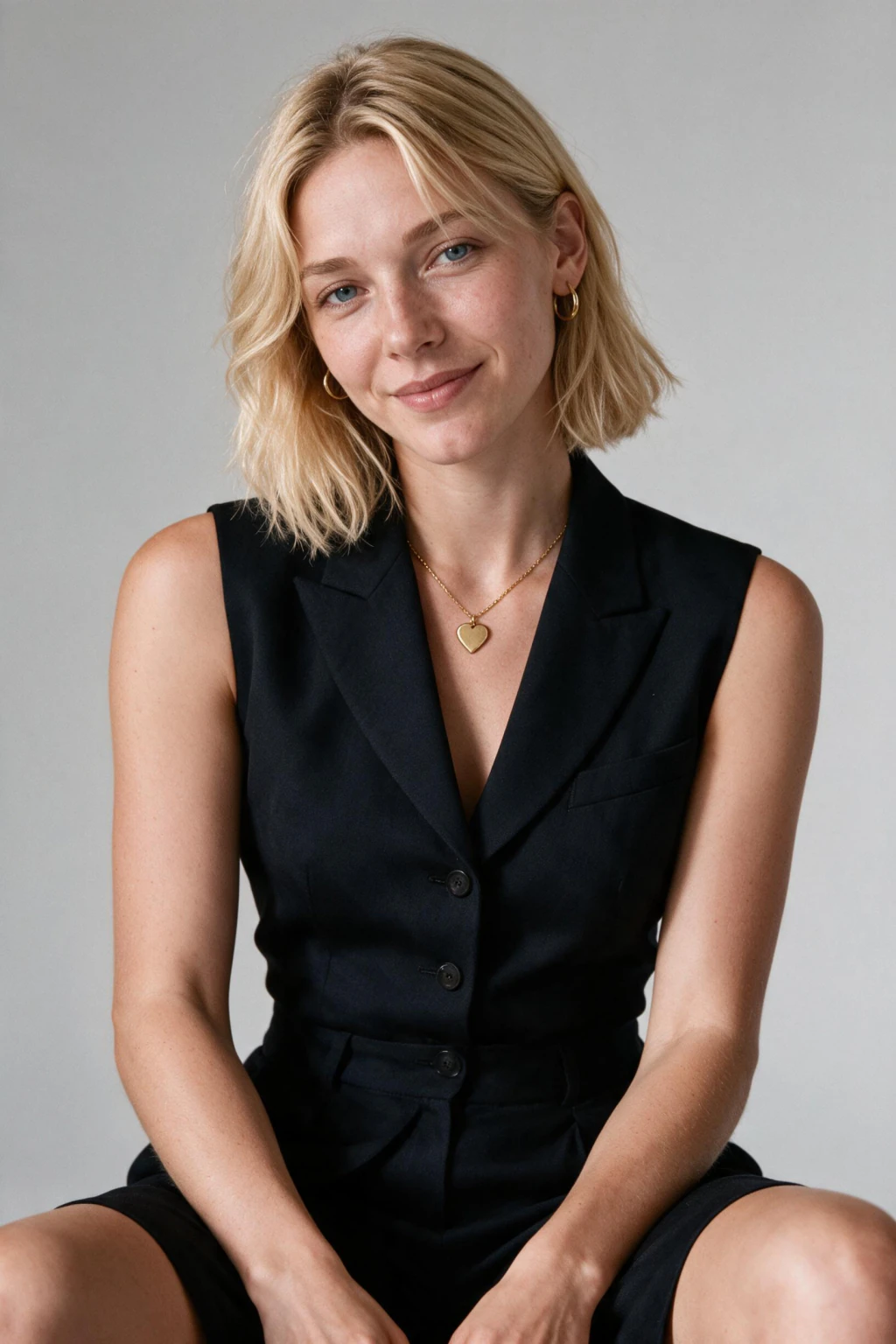
MakeAiPhotos is a likeness-trained generator. The model learns your specific face first, then places that face in new scenes. That is the right tool when the goal is photos of you for a profile, a resume, or a feed, where the subject has to be recognizably you.
If you only need abstract art or a generic stock-style image with no specific person, a free-form prompt tool is fine. If you need photos that pass as real photos of yourself, you need a generator built from your selfie.
Frequently Asked Questions
- How do you use AI for photos as a beginner?
- Upload one clear selfie to MakeAiPhotos, then pick a style pack and generate. Each finished photo comes back in about 2 minutes. Beginners get the best results by uploading one well-lit selfie with no filters or sunglasses.
- Can AI make photos of you that look real?
- Yes. Because the AI works from your own selfie, it generates photorealistic photos that look like genuine photos of you. Realism depends on input quality: a clear, well-lit selfie produces photos with sharp eyes, natural skin texture, and consistent lighting.
- Is using AI for photos the same as photo editing?
- No. Photo editing changes an image you already have, like cropping or retouching. AI photo generation creates entirely new photos of you in settings you never shot. MakeAiPhotos does not edit your selfies, it learns your face and generates new images from it.
- What can I use AI photos for?
- AI photos work for professional headshots, LinkedIn profiles, resumes, social media posts, dating profiles, and travel or lifestyle content. One uploaded selfie can produce all of these styles, so you cover several use cases without booking a photographer or a shoot.
- How many selfies do I need to use AI for photos?
- Upload one clear selfie for the best results. Use a front-facing shot in natural light with a neutral or light smile. Quality matters more than volume: one clear, well-lit selfie produces better AI photos than thirty near-identical ones.
- How long does it take to make AI photos of yourself?
- Taking a selfie takes 5 to 10 minutes, and each finished photo renders in about 2 minutes. You can go from one selfie to a finished set of AI photos in minutes, all from your phone or laptop.
- Is MakeAiPhotos free to use?
- MakeAiPhotos uses one-time package pricing with no subscription, and you create an account to get started. You pay once per package and keep your photos permanently. A full set across multiple style packs costs a fraction of a professional photographer session.
- Do I need to re-upload my selfie every time I want new AI photos?
- No. Your upload stays linked to your account. To make new AI photos later, you just pick another style pack and generate. You only upload one selfie once, unless you want to refresh it with a fresh set.