What the AI stadium fan cam actually is
The AI stadium fan cam takes one selfie and generates a brand new photo that looks like a live TV broadcast camera caught you sitting in the stadium crowd. It is not a filter and not an overlay. The AI builds a fresh scene, keeps your face, dresses you in a team shirt, and fills the seats around you with a roaring crowd.
Then a second step animates that still into a short video: your head moves, the crowd shifts, the camera drifts, and stadium audio plays underneath. The result reads like a real broadcast cutaway to a fan in the stands.
The trend started in South Korea with KBO baseball in early May 2026, where fans were generating themselves into ballpark crowd shots. It jumped to football fast and is now everywhere for the FIFA World Cup 2026.
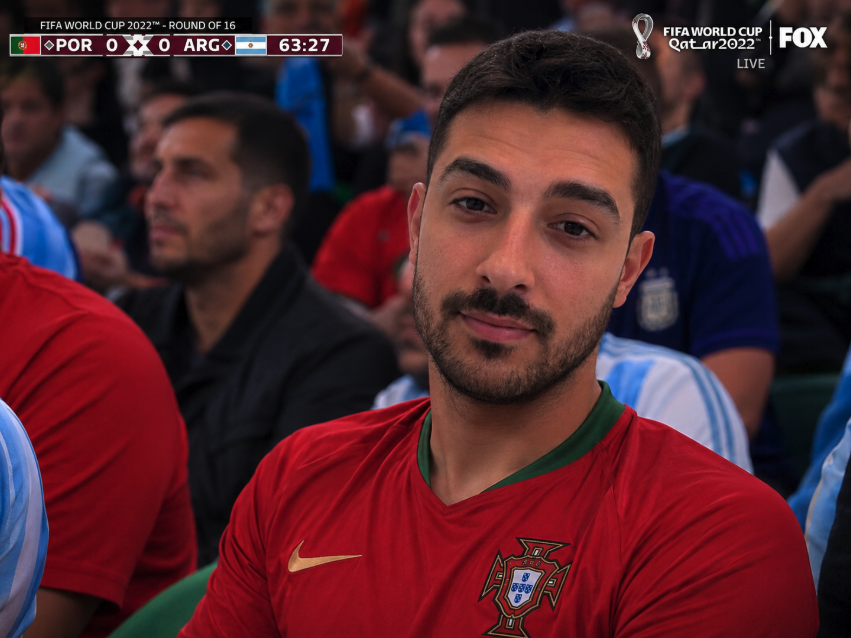
One phone selfie to 5 AI photos of the same person




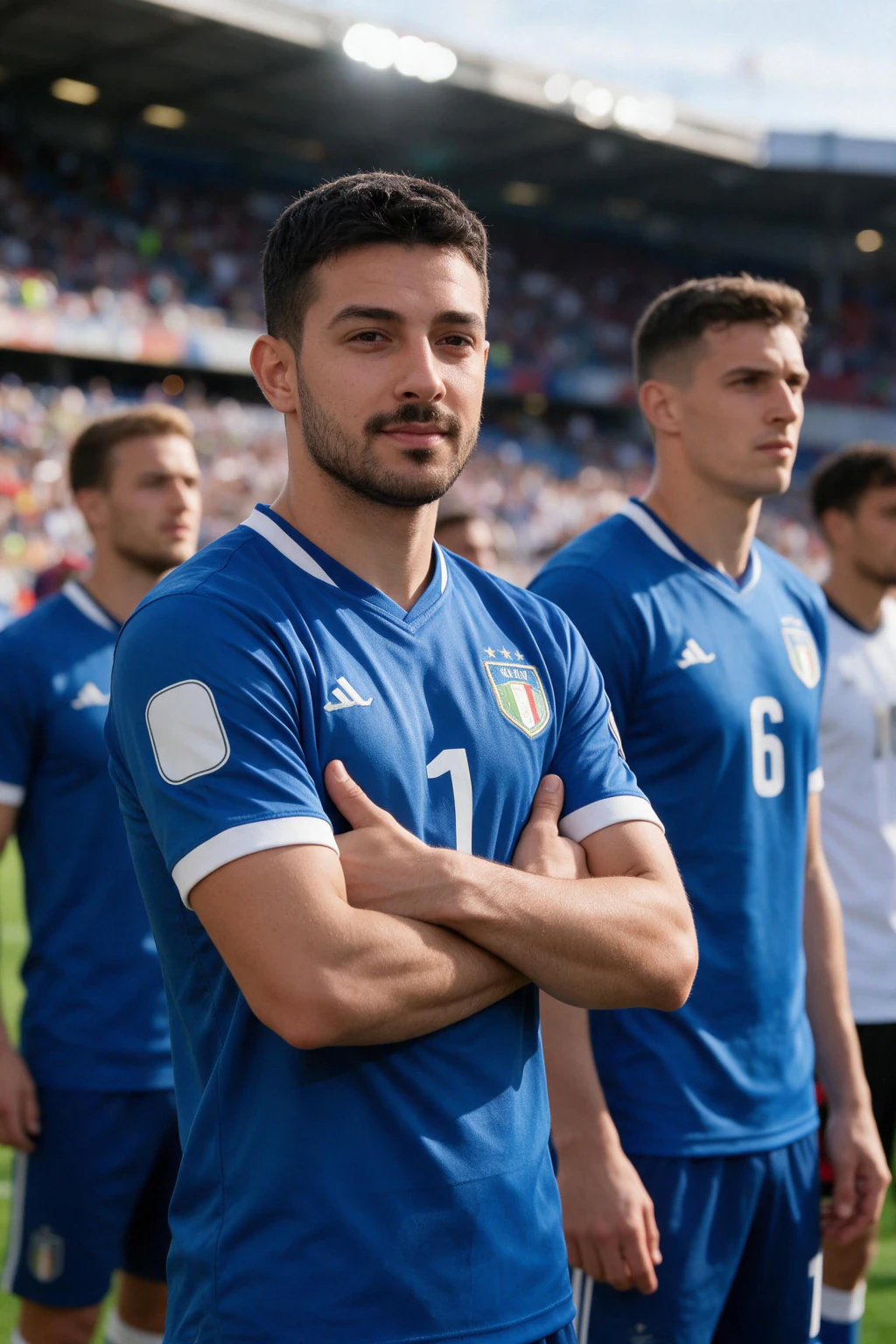
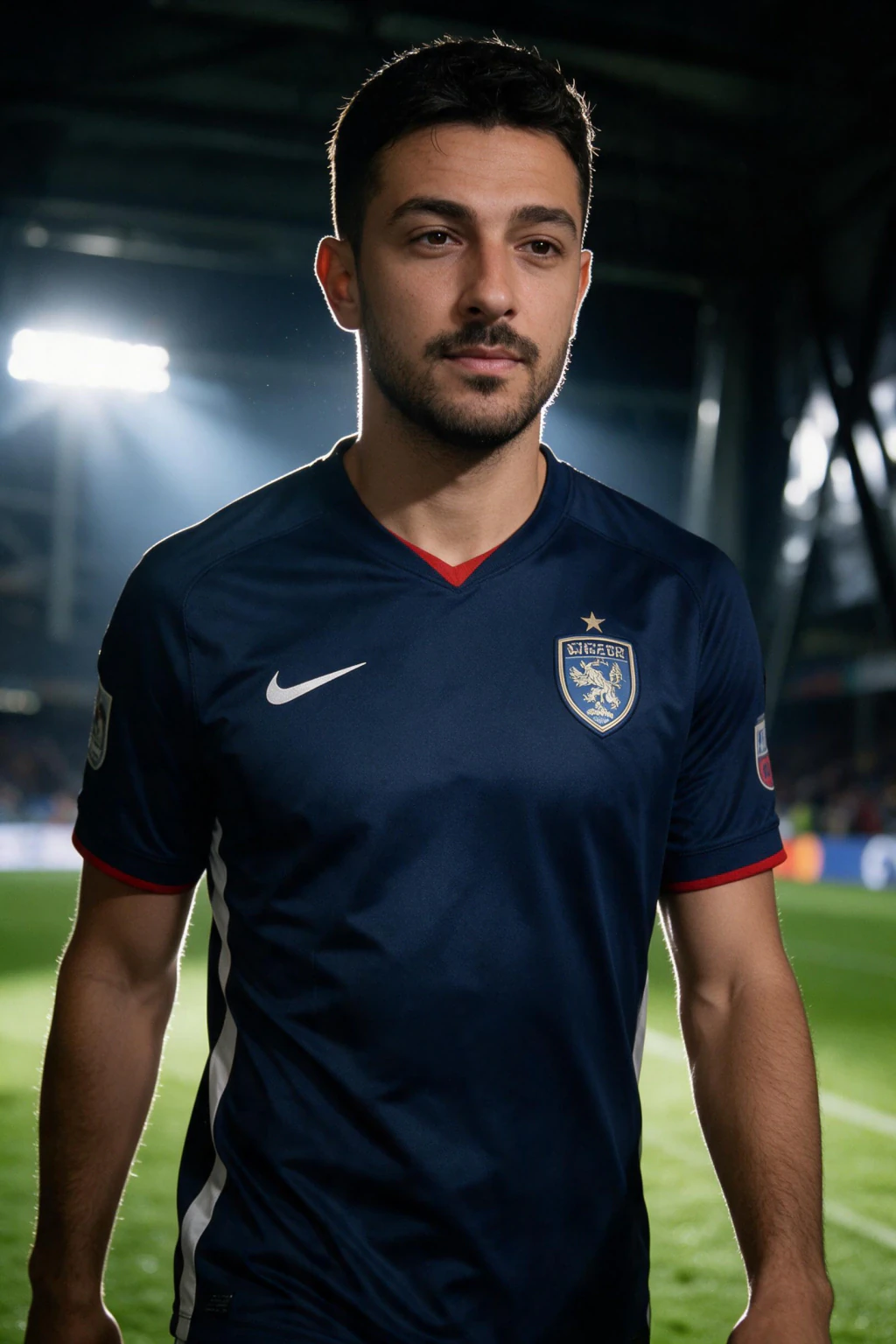
How to make the AI stadium fan cam, step by step
Here is how to do the AI stadium trend in four steps and about three minutes. First, pick one sharp front-facing selfie in good light. The fan cam keeps your face from this photo, so a clean, unfiltered shot is the single biggest factor in whether the result looks like you.
Second, choose the country whose shirt and crowd colors you want. Third, generate the broadcast-style stadium photo, which takes about a minute. Fourth, animate it into a short video with crowd audio.
On the MakeAiPhotos World Cup fan cam page, the stadium photo costs 10 credits and the short video costs another 10. One credit pack covers a photo and a video with credits to spare, so you can try two countries from the same selfie.

The settings that make the face look like you (what nobody explains)
Most fan cam tutorials skip the part that actually decides quality: your input selfie. Here is the checklist the thin tool pages never give you.
Use a front-facing shot, not a three-quarter angle. The broadcast camera framing works best when the AI starts with a straight-on face. Shoot in even, soft daylight, because harsh shadow or a dark room costs you detail in the eyes and skin. Remove sunglasses, caps pulled low, and anything covering your jaw or cheeks.
Avoid heavy beauty filters and smoothing. They erase the skin texture the AI needs to rebuild a realistic face, which is the difference between a likeness that reads as you and one that reads as a generic person in your shirt. A plain, slightly imperfect selfie beats a polished, smoothed one every time here.
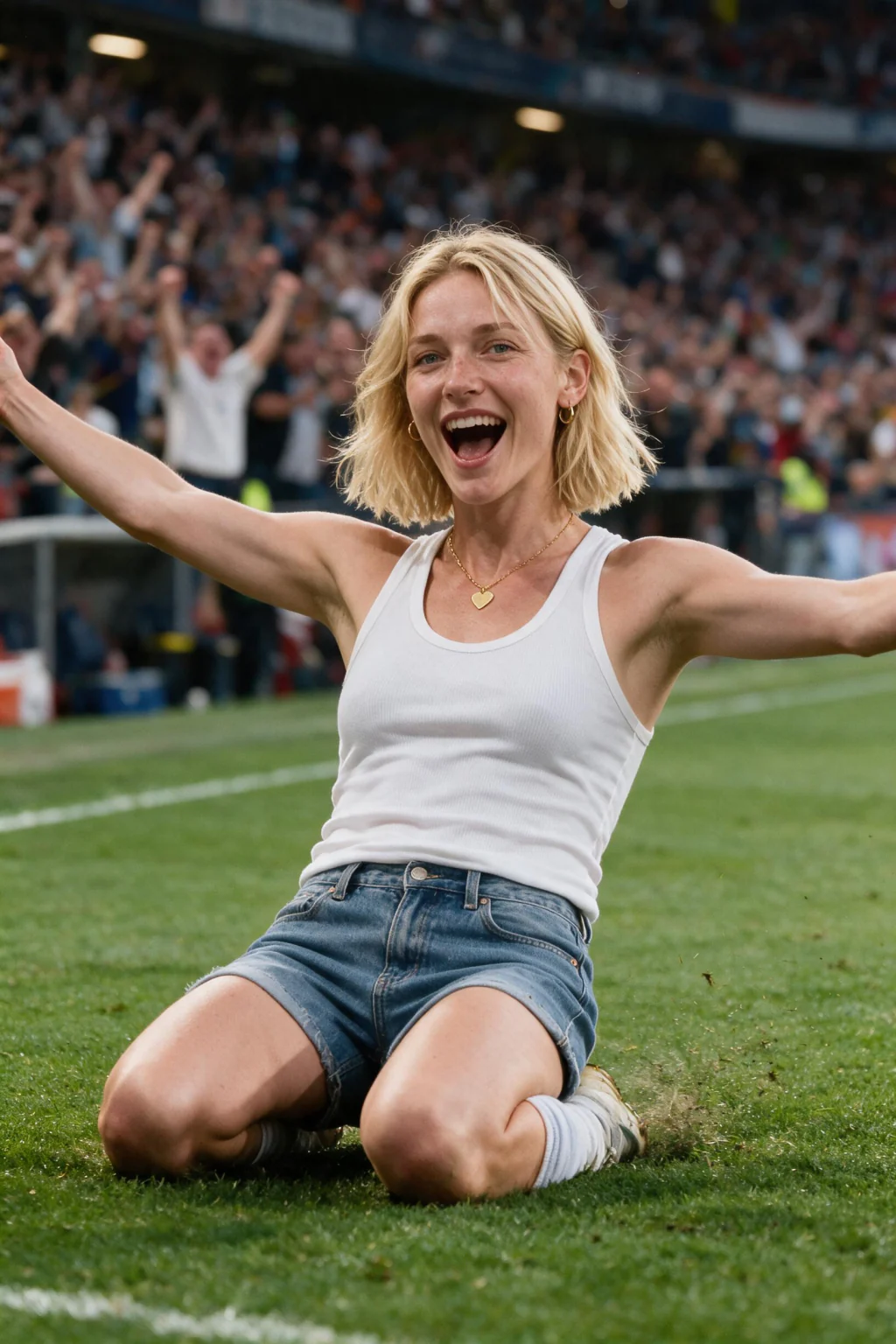
Why your fan cam looks fake, and how to fix it
If your fan cam does not look like you, the cause is almost always the input, not the tool. A blurry, dim, or angled selfie gives the AI too little to work with, so it fills the gaps with a face that is close but not yours. Re-run it with a sharp, well-lit, front-facing shot first.
If the crowd or shirt colors look wrong for the team, you picked the country before the colors locked in, or the source selfie had a strong color cast (for example, orange indoor lighting). Shoot near a window in neutral light and reselect the country.
If the video motion looks stiff, that is usually a still where your head was turned far to one side. A near-front-facing photo animates more naturally, because there is more of your face for the model to move convincingly.

World Cup 2026 facts to get right in your fan cam
The FIFA World Cup 2026 runs June 11 to July 19, 2026. It is hosted across three countries, the USA, Canada, and Mexico, with 16 host cities. This is the first 48-team World Cup, with 104 matches total.
The opener was Mexico against South Africa at Estadio Azteca on June 11. If you are timing a fan cam post to a specific match or team run, those are the real dates to anchor to, so your caption lands instead of inventing a fixture that does not exist.
Pick a country that is actually playing and post your fan cam around its match days. A clip of you in the Argentina or Portugal crowd hits hardest the morning of that team's game.
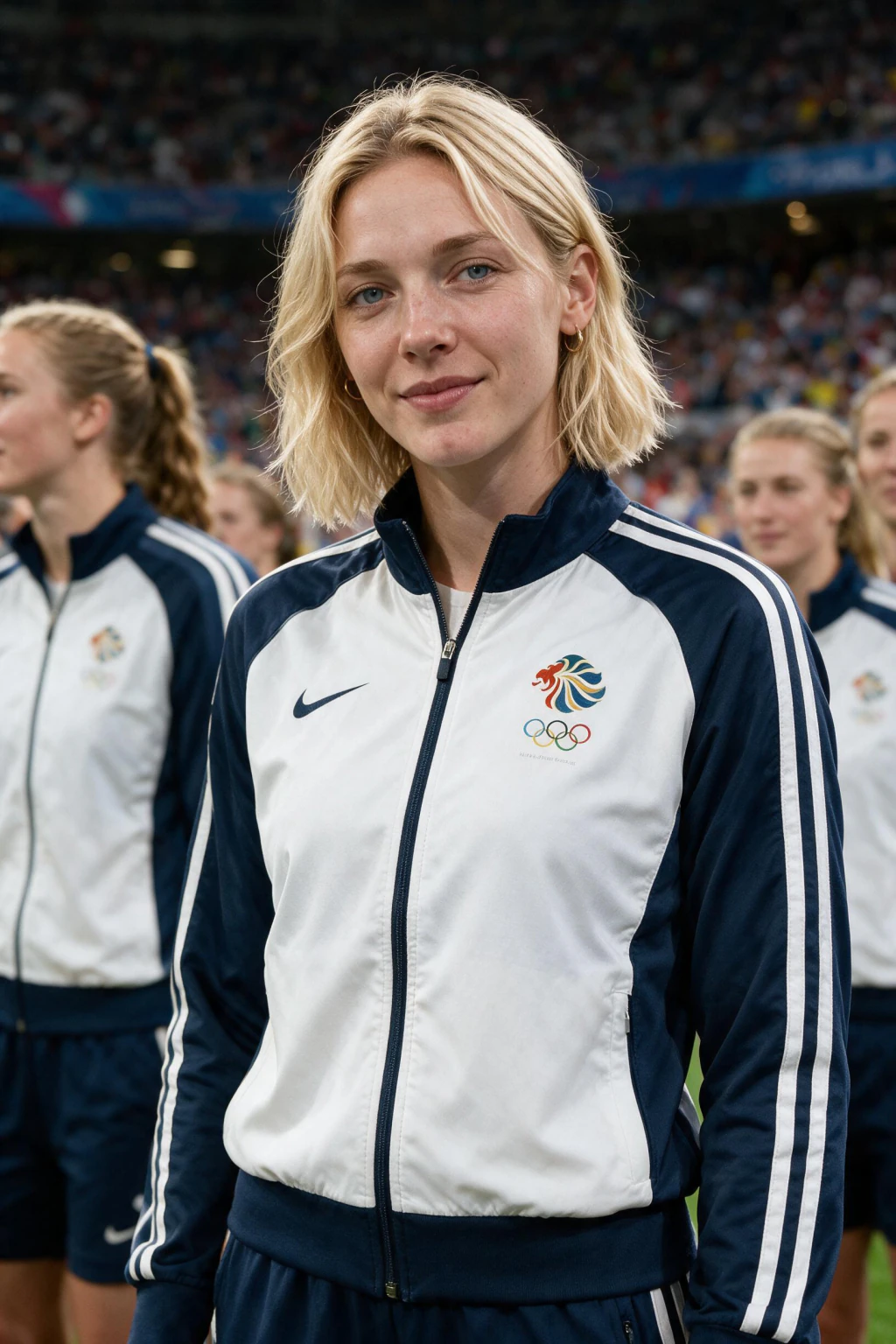
Make your own AI stadium fan cam
The fastest path is the World Cup fan cam video generator. Upload one selfie, pick a country, and you get a realistic broadcast-style stadium photo, then a short video of you in the crowd with audio.
It generates a new scene rather than overlaying a stadium on your photo, which is why the lighting and the team colors hold together. The stadium photo uses 10 credits and the short video uses 10 credits.
Want the timely angle for this exact tournament? Read how to put yourself in the World Cup 2026 crowd with AI next, or get the background on the trend in the AI fan cam trend explainer.
Frequently Asked Questions
- How do you make the AI stadium fan cam?
- Upload one clear front-facing selfie to a fan cam generator, pick the country whose shirt you want, generate a broadcast-style stadium crowd photo, then animate it into a short video with crowd audio. It is a generated scene, not a filter. On MakeAiPhotos, the photo is 10 credits and the video is 10 credits, taking about a minute per step.
- How do you do the AI stadium trend?
- The AI stadium trend is the same flow as the fan cam: upload one front-facing selfie to a tool that generates a broadcast-style stadium scene, pick a country shirt, generate the crowd photo, then animate it into a short video with crowd audio. Use a sharp, unfiltered, well-lit selfie, since the input photo decides how much the face looks like you.
- What is the AI stadium fan cam trend?
- The AI stadium fan cam trend turns one selfie into a shot that looks like a live TV broadcast camera caught you in the stadium crowd, then animates it into a short clip with audio. It started in South Korean KBO baseball in early May 2026 and spread to football for the FIFA World Cup 2026.
- Is the AI fan cam a filter or a real generated photo?
- It is a generated photo, not a filter or overlay. The AI builds a brand new stadium scene around your face, dresses you in a team shirt, and adds a matching crowd, so the lighting on your face fits the stadium. That is why it looks like a broadcast camera shot rather than a sticker pasted on your selfie.
- Why doesn't my AI fan cam look like me?
- Almost always because of the input selfie. A blurry, dim, angled, or heavily filtered photo gives the AI too little face detail, so it fills the gaps with a near-miss face. Re-run it with a sharp, front-facing shot in even daylight, no sunglasses, no hat, and no beauty smoothing.
- How long does an AI fan cam take to make?
- About a minute for the stadium photo and about a minute for the short video, so roughly three minutes start to finish including picking your selfie and country. The video step runs only after the photo is ready, since it animates that specific frame into a short broadcast-style clip.
- Which World Cup 2026 teams can I appear with?
- Any of the 48 teams in the FIFA World Cup 2026. Quick picks like Portugal, Argentina, Brazil, France, and England are one tap, and you can enter any other country. The tool dresses you in that team shirt and colors the crowd to match, which is what makes the broadcast fan-cam look read instantly.