What is the AI travel photo trend?
The AI travel photo trend is simple. You feed an AI generator a single selfie, then prompt a destination, and it returns photos of you in that place. No flight, no hotel, no passport stamp.
These tools got good in 2025, when the results stopped looking obviously fake. Instagram and TikTok feeds filled with creators posting AI vacation photos from Santorini, Dubai, and Kyoto.
People use them for fun posts, mood boards, and planning a real trip they have not taken yet. The same tech can place you on Mars or in a 1920s Paris jazz club, so the destinations are limited only by your prompt.
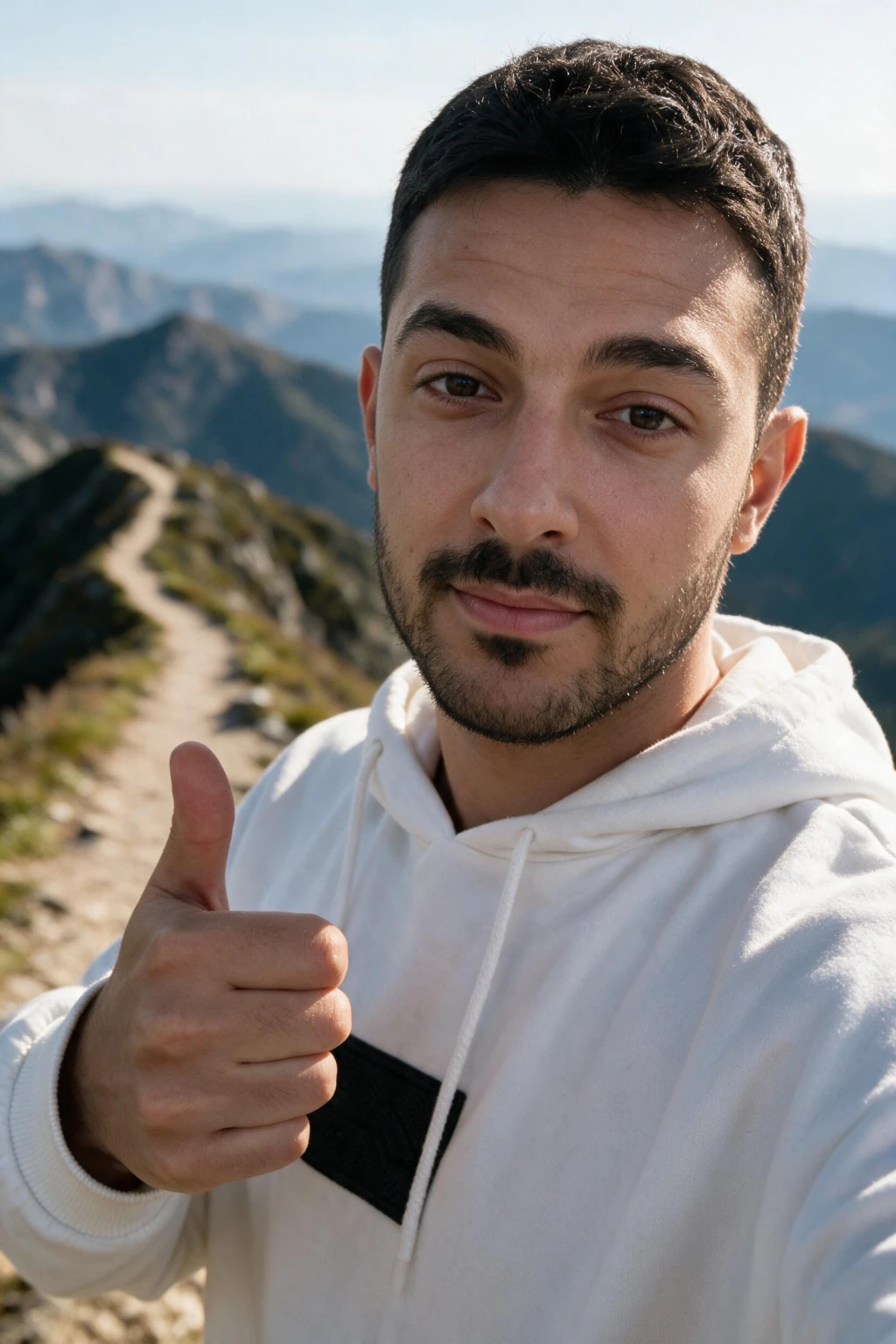
One phone selfie to 5 AI photos of the same person


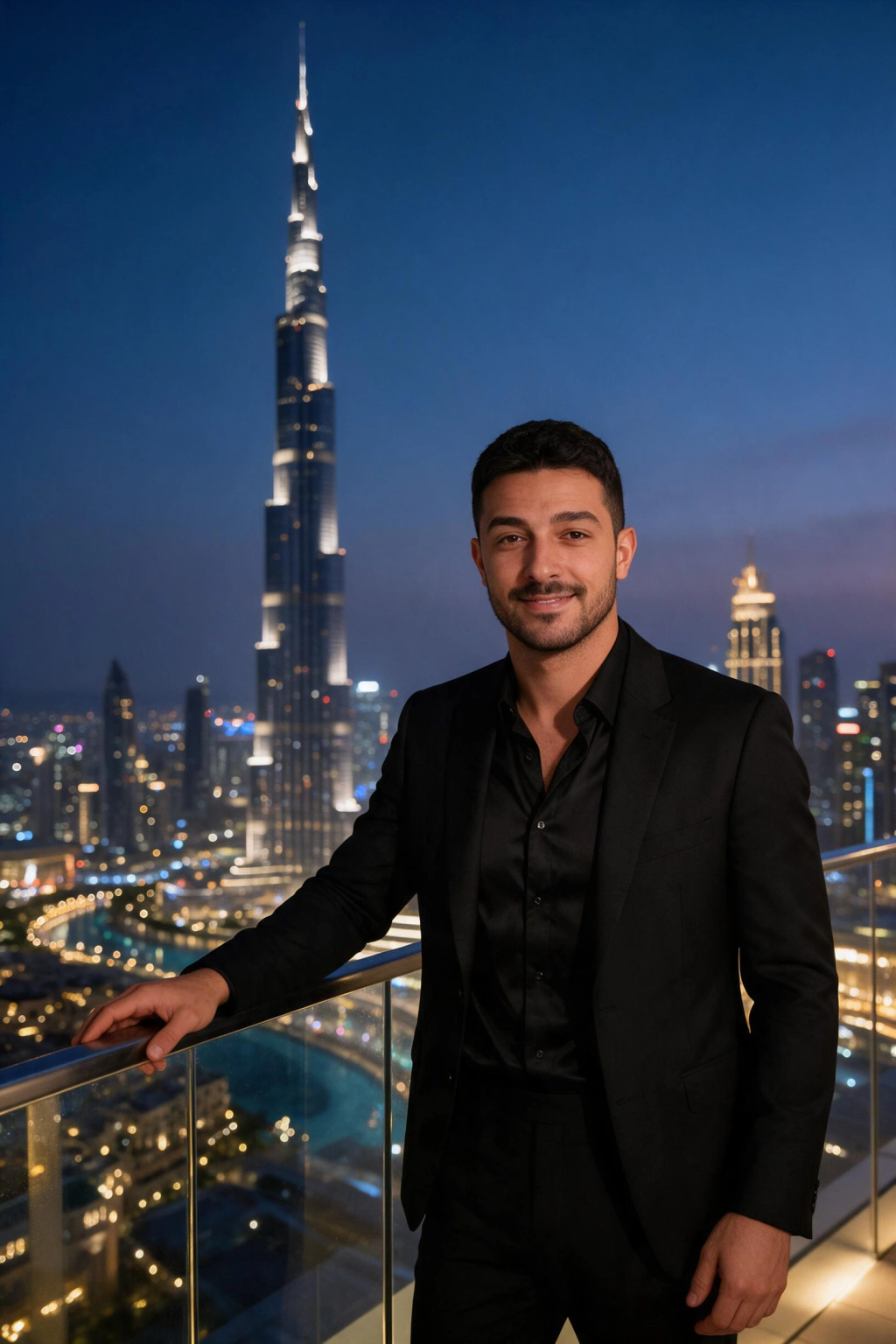
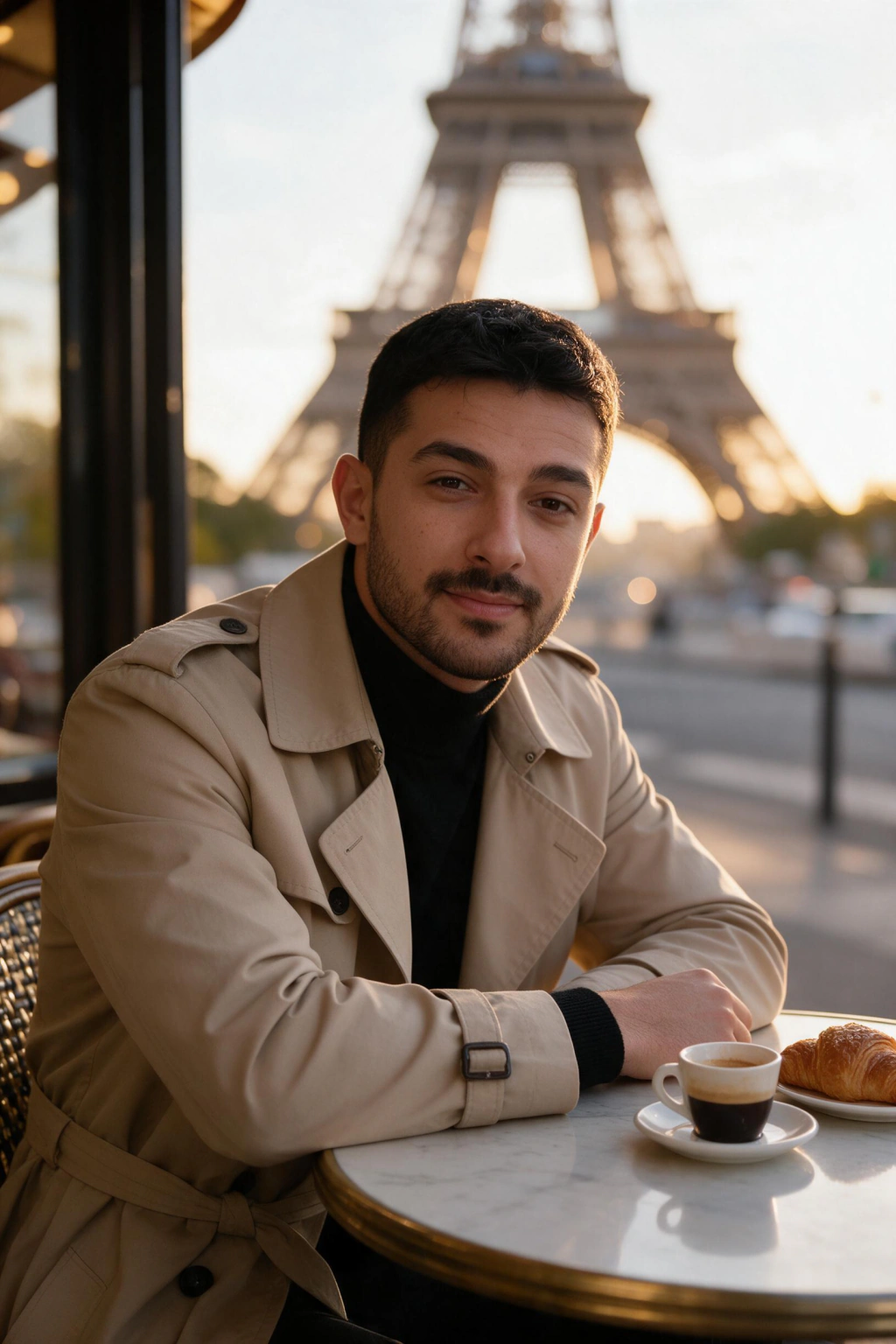
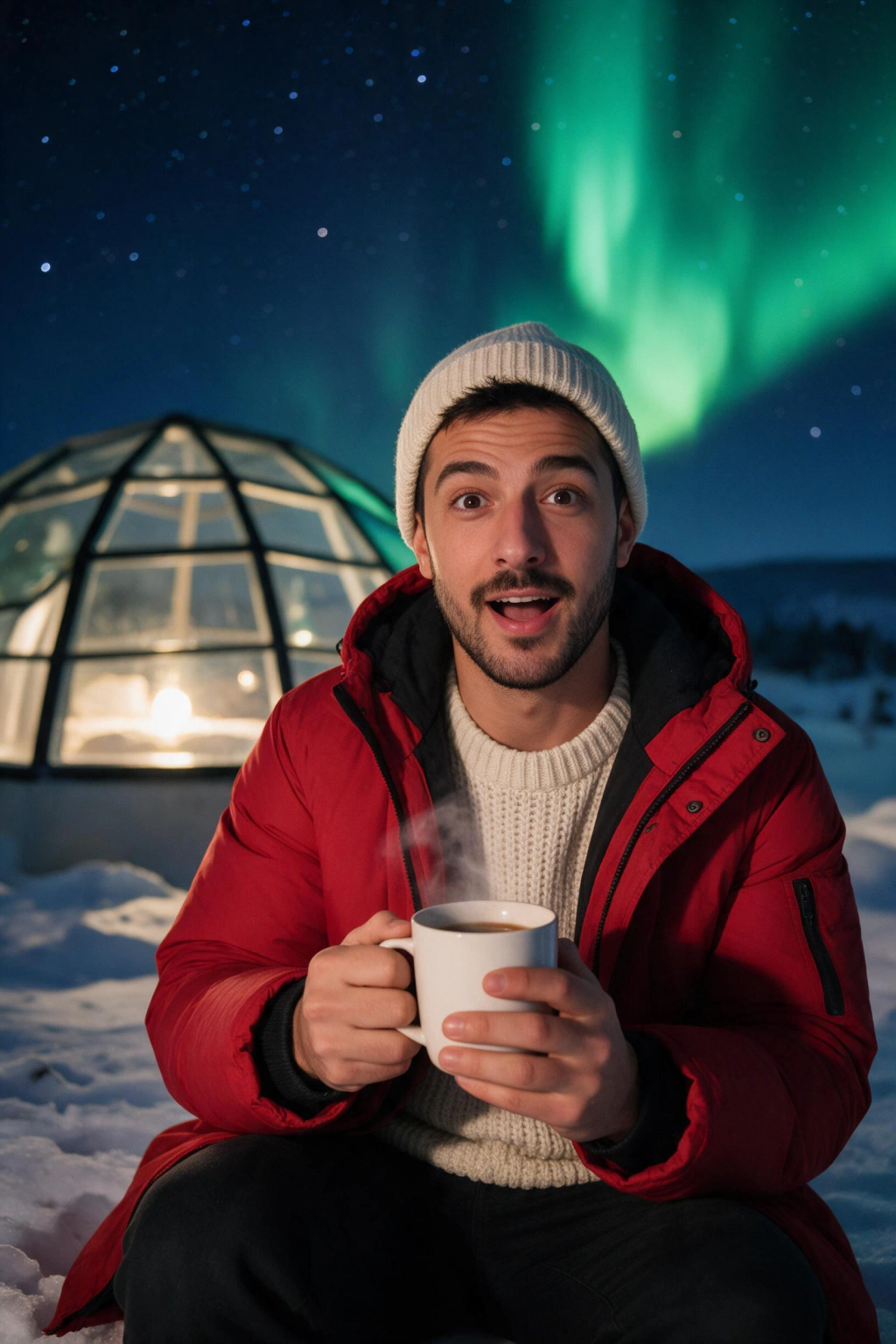
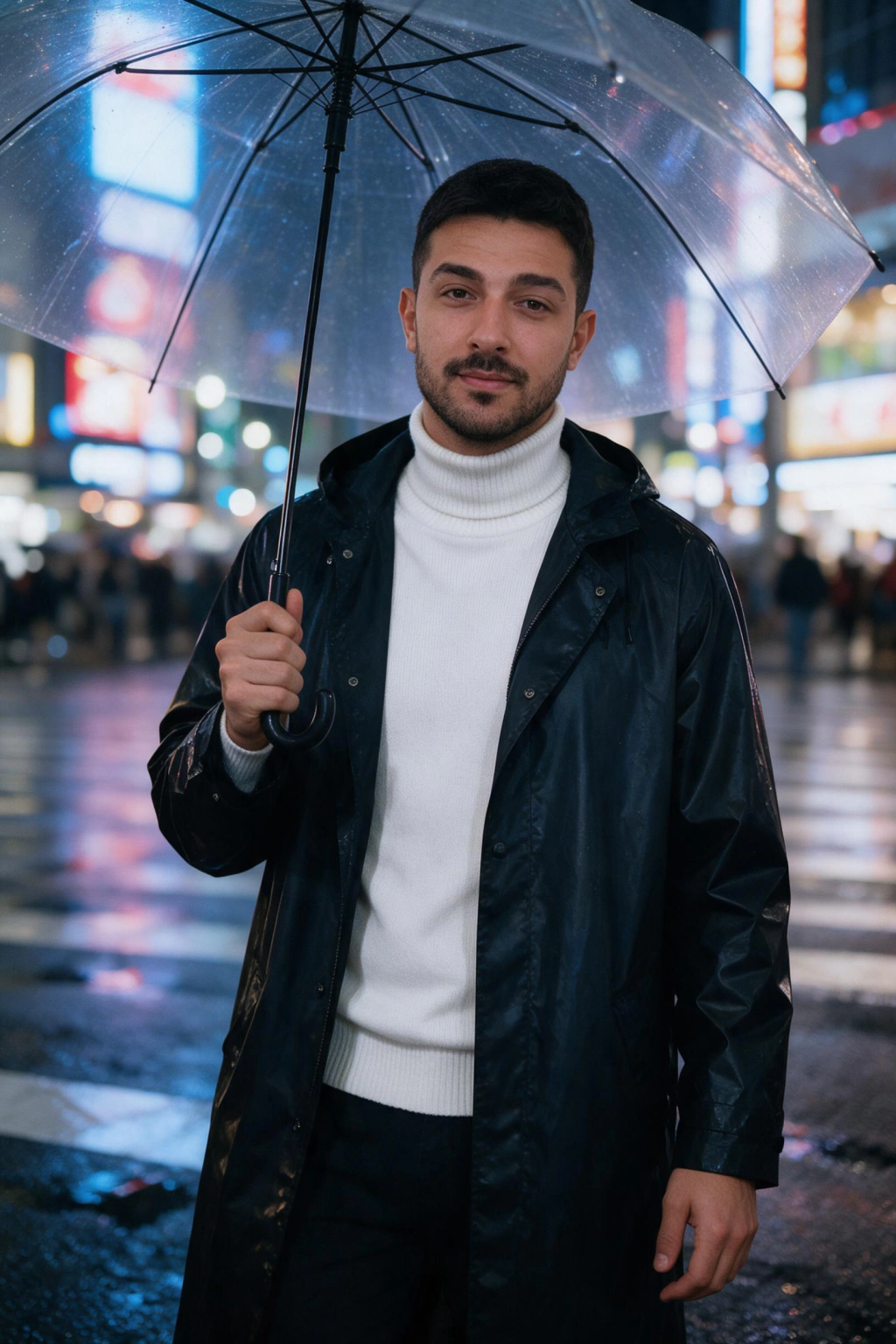
How do you put yourself anywhere in the world with AI?
The engine behind the trend reads your face from one photo. You upload one selfie, the generator picks up your features, and then it paints you into whatever scene the prompt describes.
A clear, well-lit selfie means better likeness in the output. A front-facing shot with your face fully visible gives the model enough to work with.
From that one upload you can request as many destinations as you want, 10 credits per finished photo. Ask for golden-hour Santorini, then rainy Tokyo crosswalk, then a desert road in Morocco, and each comes back with your face in the frame.
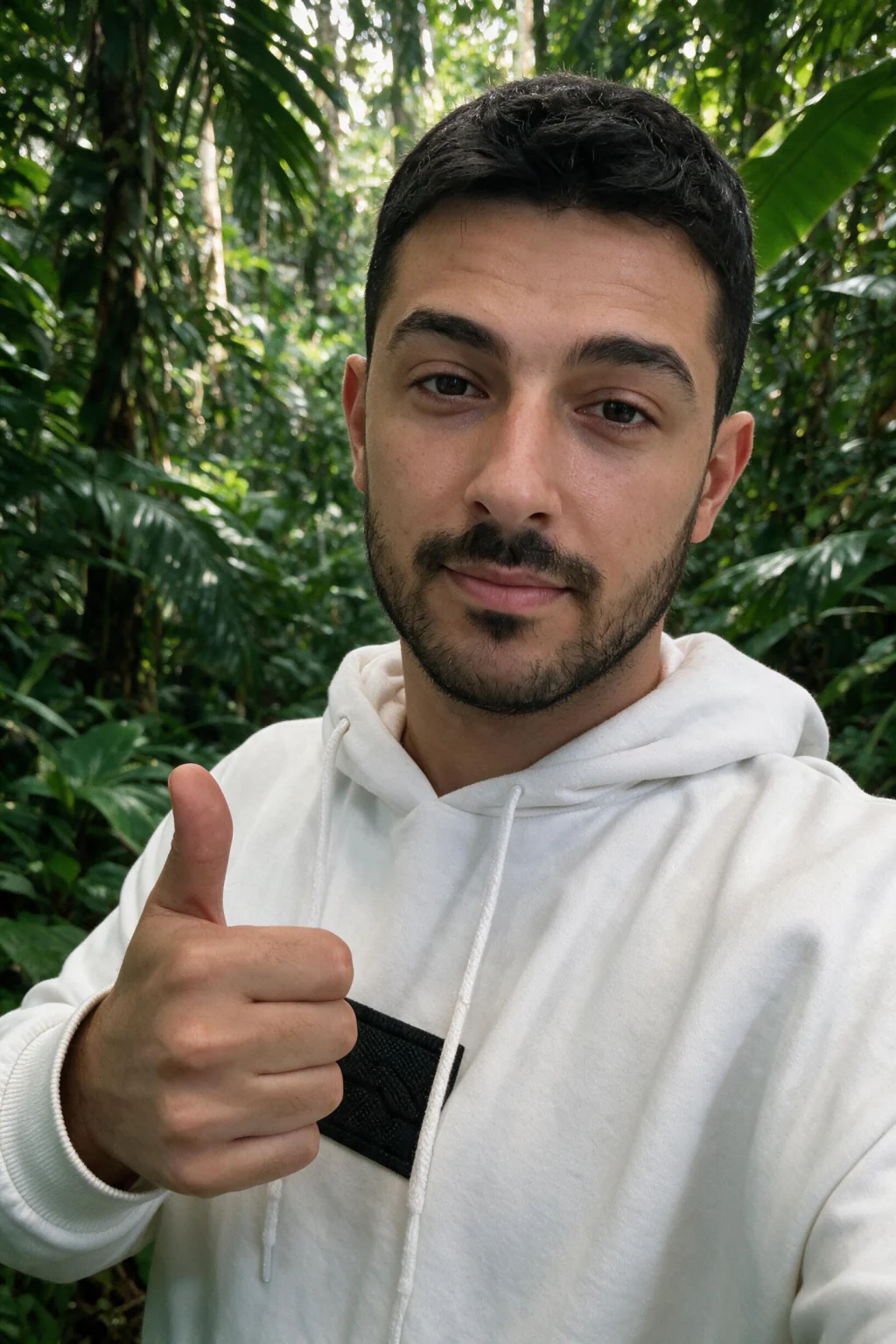
How to make fake travel photos with AI in 5 steps
Here is the workflow most people follow to get realistic AI travel photos on the first try.
Follow these steps in order for the cleanest likeness and the most believable scenes.
1. Gather one selfie with good light and no heavy filters. 2. Pick one destination and write a specific prompt, like sunset at Oia, Santorini, white buildings behind you. 3. Choose the AI travel photo create page on MakeAiPhotos and upload your selfie. 4. Wait about 2 minutes while your photo renders. 5. Download the keepers, then add an AI label before you post them anywhere.
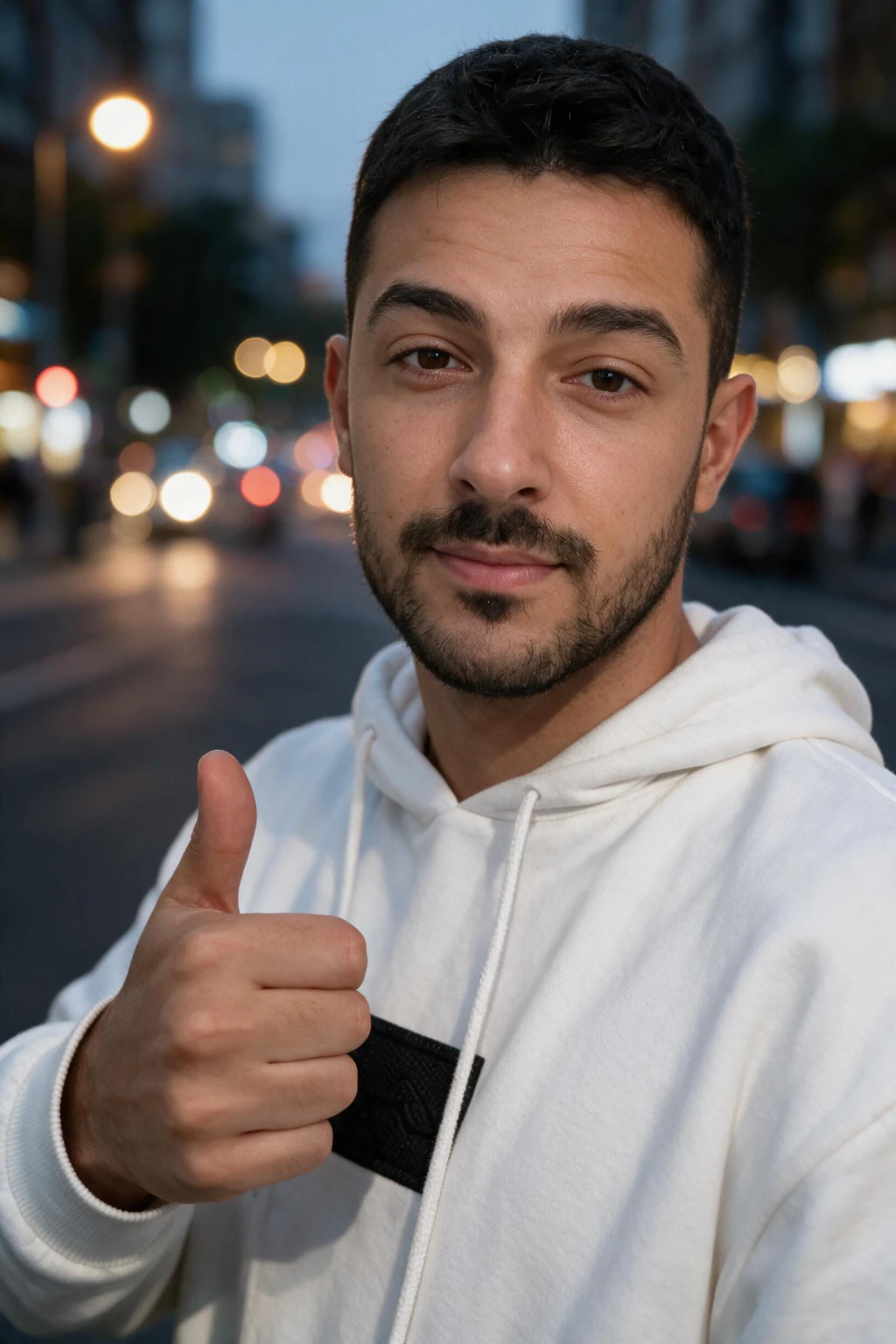
Is it okay to post fake vacation photos?
It is okay to make them, and it is okay to share them, as long as you are honest about what they are. The line people cross is passing a generated scene off as a real trip.
Researchers and photographers keep flagging the same problem. When creators post AI vacation photos with no label, viewers assume a lifestyle and history that did not happen, and that erodes trust fast.
A short caption fixes it. Tag the image as AI, add an alt label, or say made with AI in the post. You keep the fun and skip the deception.
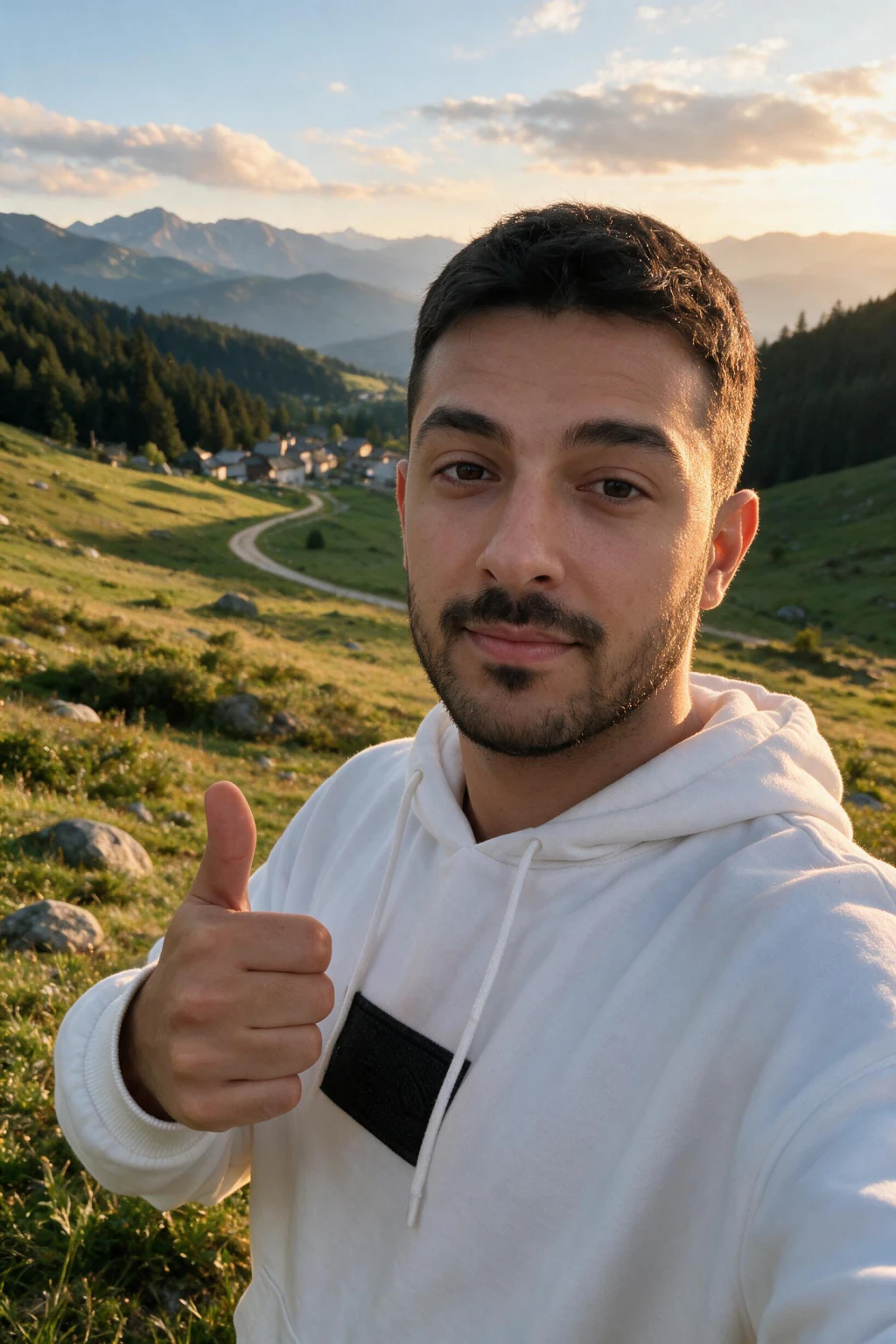
Why people choose MakeAiPhotos for AI travel photos
MakeAiPhotos runs on one-time credit packs instead of a recurring subscription. You buy credits, generate your travel photos, and the images are yours to keep.
Every purchase is backed by a 14-day money-back guarantee.
If you want more than travel scenes, the same selfie works for beach, luxury lifestyle, and other looks across the site, so one upload covers several photo ideas.
Frequently Asked Questions
- How do you fake travel photos with AI?
- Upload one selfie to an AI travel photo generator, then prompt a destination. The model reads your face and returns a photo of you in that location, usually in about 2 minutes.
- Can AI really put you anywhere in the world?
- Yes. From the one selfie you uploaded, you can prompt almost any place, from Tokyo to Patagonia to a fictional scene, and it will place you in the frame from the same upload.
- Are AI fake vacation photos free?
- MakeAiPhotos runs on one-time credit packs, so there is no subscription. You buy credits once, keep your images, and every pack comes with a 14-day money-back guarantee.
- Do AI travel photos look real?
- Modern generators are realistic enough that casual viewers often cannot tell. Likeness improves when your selfie uses even lighting and no heavy filters.
- Should I tell people my travel photos are AI?
- Yes. The honest move is to label generated images as AI in the caption or alt text. That keeps the trend fun and avoids misleading anyone into thinking you took a trip you did not take.
- How long does it take to get AI travel photos?
- From upload to download is usually about 2 minutes per photo on MakeAiPhotos, since the model works from your selfie before it generates the destination shots.